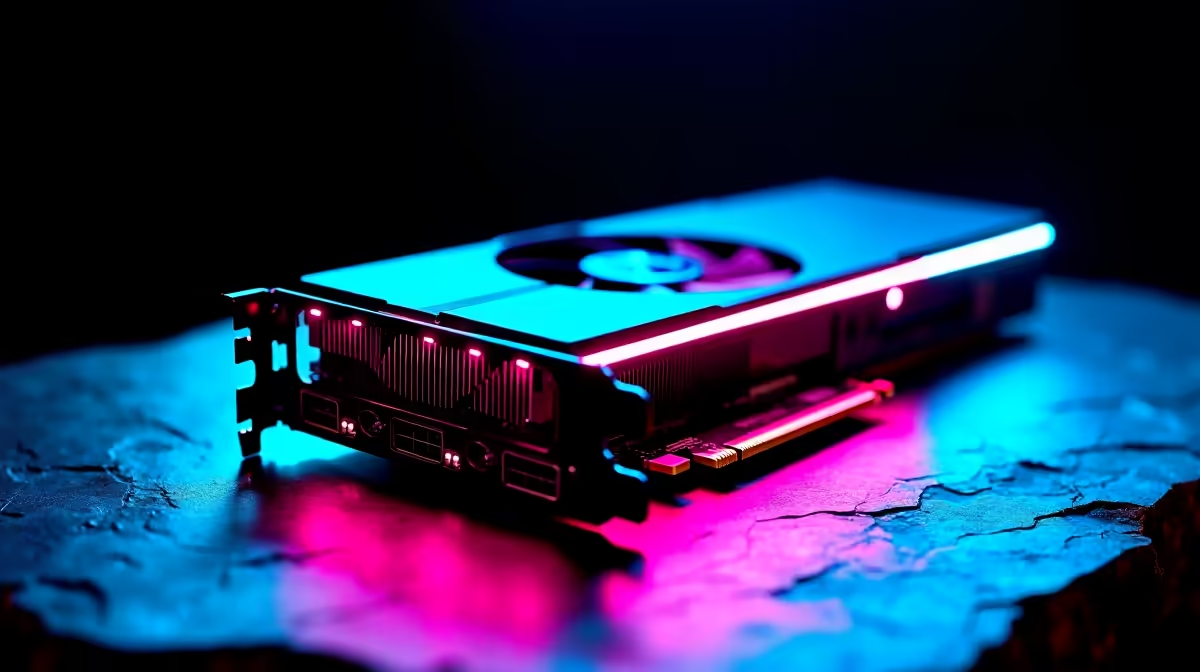
The temptation with an external graphics box is to drop in the biggest card you can afford, but that is the one move that wastes money. An eGPU link tops out at roughly PCIe 4.0 x4 of bandwidth, and the more powerful the card, the larger the slice it gives away to that bottleneck. The sweet spot for value sits in the middle of the range, where the connection barely holds the GPU back at all.
Quick Answer
The RTX 5060 Ti 16GB hits the eGPU bandwidth sweet spot in 2026, losing very little to the roughly PCIe 4.0 x4 connection and delivering the best performance per Rand for external use. High-end cards like the RTX 5070 Ti give away around 10 to 14% to overhead, so they make sense only with the fastest links or specific workloads.
Why bandwidth is the whole story
An eGPU connects over Thunderbolt 5, USB4 or OCuLink, and all of them deliver at most about PCIe 4.0 x4 to the card. A mid-range GPU does not saturate that link, so it runs close to its desktop self externally. A high-end GPU wants far more bandwidth than the link can supply, so a chunk of its power simply has nowhere to go.
The numbers back this up. A purpose-built RTX 5060 Ti 16GB eGPU runs around 5% slower than the desktop version, a margin you would struggle to feel in a game. Push up to an RTX 5070 Ti and the picture changes sharply with the interface.
The interface matters as much as the card
Not all eGPU connections are equal. OCuLink is a direct PCIe extension with no protocol controller in the path, so it loses the least. Thunderbolt 5 offers similar theoretical bandwidth but relies on controllers at both ends, and that overhead costs roughly 13 to 14% on average in gaming versus OCuLink, with heavier losses in demanding titles such as Spider-Man: Miles Morales and Red Dead Redemption 2, where Thunderbolt 5 can trail by 20 to 23%. Against a native desktop slot, Thunderbolt 5 can trail by 19 to 25%. If your laptop and enclosure support OCuLink, that is the connection to choose. The Evetech docking station and connectivity range covers the dock side of the chain.
The tier-by-tier picks
Entry level
For lighter gaming and esports titles, an entry GPU pairs well with any eGPU link because it never approaches the bandwidth ceiling. This is the budget-conscious pick where the goal is simply to add real graphics muscle to a thin laptop.
The sweet spot: RTX 5060 Ti 16GB
This is the recommendation for most people. The 5060 Ti 16GB sits right at the bandwidth sweet spot, losing only single-digit percentages externally, and its 16GB of memory matters because an eGPU is often paired with a laptop doing creative work as well as gaming. The card is built on NVIDIA's Blackwell architecture with 4608 CUDA cores and carries a 180W board power rating, which is efficient enough that a 450W enclosure PSU handles it with room to spare. Performance per Rand here is the best of any tier for external use.
High end: RTX 5070 Ti
The 5070 Ti is a strong card that gives away roughly 10 to 14% to eGPU overhead, more over Thunderbolt 5 than OCuLink. It is justified if you run an OCuLink link, target high resolutions where the GPU stays the limiting factor, or do GPU-heavy production work such as 3D rendering or video encoding. Over a Thunderbolt connection, a slower card often delivers nearly the same real-world result for less money.
Top tier: is it worth it?
Cards above the 5070 Ti surrender even more to the external link. At those price points the mismatch between raw GPU capability and what the connection can carry becomes hard to justify unless you run OCuLink with a handheld or mini PC and spend the bulk of your time in GPU-bound production work rather than gaming. For gaming over Thunderbolt, the bandwidth tax effectively caps the tier where additional spend makes sense.
The SA value calculation
The Rand premium on imported hardware sharpens the case for the mid-range. When a high-end card costs significantly more and then surrenders part of its advantage to the eGPU link, the effective cost per usable frame climbs fast. Spending the difference on a card that runs near its full potential externally, like the 5060 Ti 16GB, is usually the smarter allocation. The Evetech GPU catalogue reflects what current SA buyers are choosing and gives a realistic read on price-to-performance at each tier.
Who should bother with an eGPU at all
An eGPU makes sense if you have a capable thin-and-light laptop and want desktop-class graphics at the desk without a second machine. If you are mostly stationary, a desktop will always give more performance per Rand because it has none of the bandwidth overhead. The eGPU is a mobility play: one portable machine that becomes a serious gaming or creation rig when docked. Mini PCs with OCuLink ports are another strong case, because they get desktop GPU performance in a box that takes up almost no space.
SA buyers should also weigh the rand cost of running a desktop alongside a laptop. If budget is tight, an eGPU can defer the desktop purchase while still providing the gaming and creative performance you need at a fixed desk.
Frequently Asked Questions
Why is the RTX 5060 Ti 16GB the best eGPU pick?
It sits at the bandwidth sweet spot, losing only around 5% externally because it does not saturate the roughly PCIe 4.0 x4 link. Its 16GB of memory also suits the creative work eGPU laptops often do, and its 180W board power fits comfortably into modest enclosure PSUs, giving the best value per Rand of any tier.
How much performance does an eGPU lose?
It depends on the card and connection. A mid-range card loses single-digit percentages, while a high-end RTX 5070 Ti gives away about 10 to 14%. Over Thunderbolt 5 the loss is larger than over OCuLink, and both trail a native desktop slot.
Is OCuLink better than Thunderbolt 5 for an eGPU?
Yes, where it is available. OCuLink is a direct PCIe extension with no controller overhead, while Thunderbolt 5 uses controllers at both ends and runs roughly 13 to 14% slower on average in gaming. In bandwidth-intensive titles the gap can reach 20 to 23%. Choose OCuLink if your hardware supports it.
Should I just buy the most powerful GPU I can afford?
No. The eGPU link caps bandwidth, so a high-end card surrenders more of its potential than a mid-range one. Past a point you pay more for power the connection cannot deliver, which is why the mid-range wins on value externally.
Is an eGPU worth it over a desktop?
Only if mobility matters. A desktop always offers more performance per Rand with no bandwidth overhead. An eGPU earns its place when you want one portable laptop that becomes a powerful rig at the desk.
Match the right card to your eGPU link and skip the bandwidth tax. Browse the docking station range at Evetech and build an external graphics setup that actually delivers.