

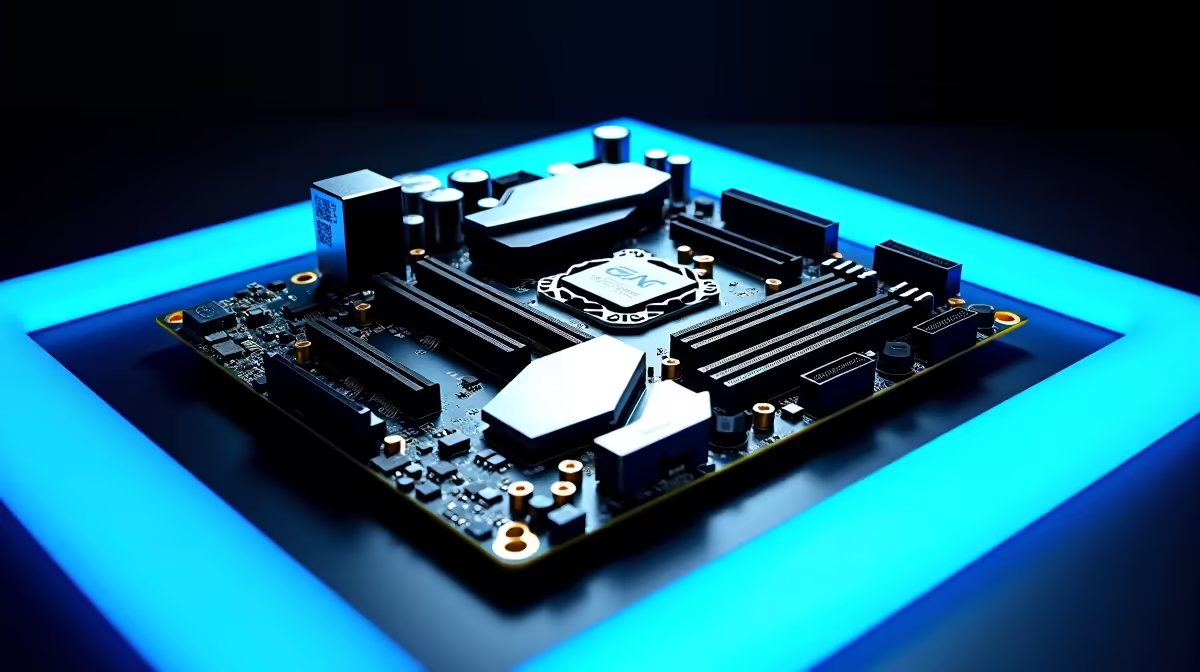
Building a Ryzen rig in South Africa means making every ZAR count. You want high frame rates, smooth Twitch streams, and fast render times... but your budget is tight. The secret to balancing performance and cost lies right at the heart of your build. So, which motherboard features matter most for Ryzen gaming, streaming, and content creation? Let us break down the essentials to help you optimise your next upgrade.
Solid Power Delivery for Ryzen Gaming
When you push a modern Ryzen CPU with heavy workloads, it demands clean and stable power. Voltage Regulator Modules (VRMs) are the unsung heroes of any build. If you are rendering a 4K video project or streaming live to your community, weak VRMs will quickly overheat. This causes thermal throttling... which ruins your frame rates and render times. Look for boards equipped with robust metal heatsinks and high power phases. If you want top-tier reliability for those marathon sessions, exploring ASUS AMD motherboards is a fantastic starting point for premium power delivery. 🔧
Fast Storage and Connectivity for Content Creation
Streamers and video editors require massive storage bandwidth and plenty of peripheral ports. High-speed PCIe Gen 4 or Gen 5 M.2 slots are absolutely vital. They allow you to load large game assets instantly and scrub through dense video timelines without any frustrating lag. Furthermore, you need enough rear USB ports for your HD webcam, professional microphone, ring light, and stream deck. When you browse the latest motherboards, always inspect the rear I/O panel specifications carefully. Ensure it has the connectivity to handle your entire broadcasting setup without needing extra dongles. 🚀
High-Speed Memory Support
Ryzen processors genuinely thrive on fast RAM. The internal architecture of the CPU syncs directly with your memory speed. For the absolute best frame rates and seamless multitasking, you need a motherboard that easily supports high frequencies and tight timings. Pairing your processor with the right high-performance memory kits ensures your system never drops frames while you are gaming and streaming simultaneously.
Ryzen RAM Pro Tip ⚡
Always enable DOCP or EXPO in your motherboard BIOS after installing new memory. This ensures your RAM runs at its advertised speeds rather than the slower default settings... giving your Ryzen CPU an instant performance boost for zero extra ZAR.
Choosing the Right Platform for Your Needs
Sometimes building a custom rig from scratch feels a bit daunting. If you want guaranteed compatibility and professional cable management out of the box, checking out the latest pre-built gaming PC deals can save you hours of time and stress. Or perhaps you are still weighing your component options between competing brands. While Ryzen is incredible for heavy multi-threaded tasks, Intel also offers fierce competition for gamers. If you ultimately decide to switch sides, you can easily find robust ASUS Intel motherboards that offer similar premium features for content creators. ✨
Ready to Build Your Ultimate Creator Rig? Choosing the right foundation is crucial for any high-end PC. Whether you are building a dedicated streaming studio or a pure gaming powerhouse, we have the hardware you need. Explore our massive range of PC components and start building your dream setup today.











