

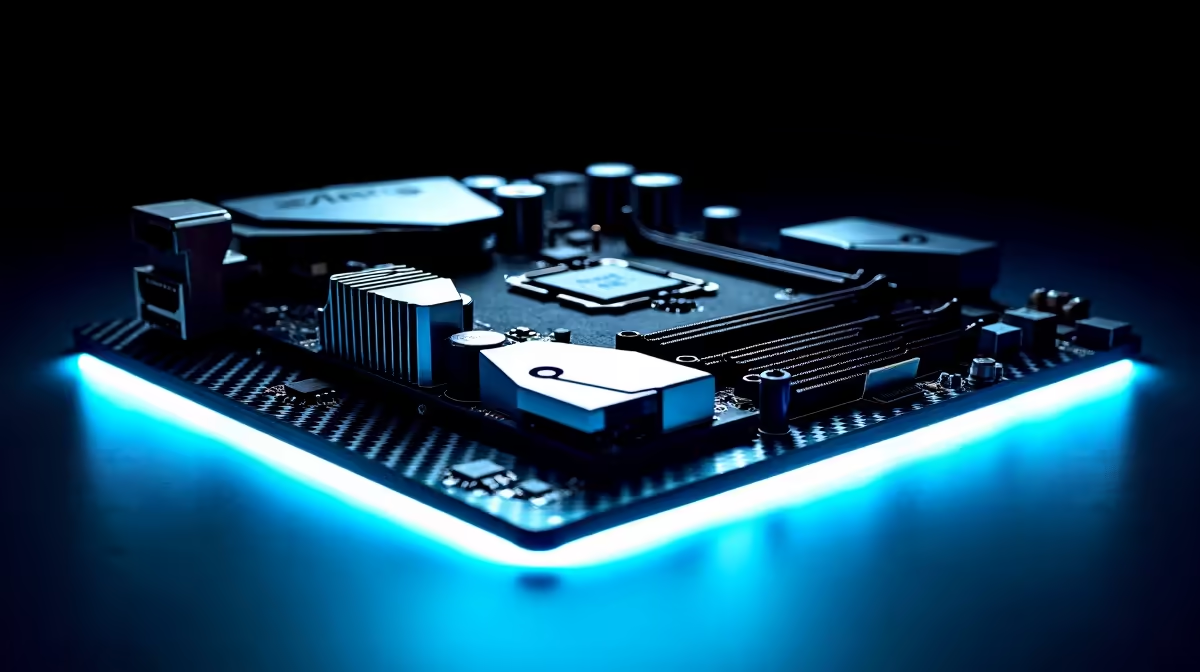
Upgrading to Intel's newest Core Ultra processors is incredibly exciting... but it also means navigating a brand-new platform. With the Rand constantly fluctuating, every cent counts. You are probably wondering which Z890 motherboard features offer the best value in ZAR. Do you really need Wi-Fi 7 and dual PCIe 5.0 slots, or are you just burning cash? Let's break down exactly where to spend and where to save.
Decoding the Z890 Chipset for Local Gamers
The Z890 platform introduces the LGA 1851 socket. This means your old board will not work with the newest chips. When browsing the latest motherboards, you will see a massive range in pricing. The secret to maximising your ZAR is ignoring marketing fluff and focusing on features you will actually use daily.
Power delivery is crucial. If you plan to push an Intel Core Ultra 9 to its absolute limits, you need robust VRMs. However, if you are buying a mid-range CPU for 1080p or 1440p gaming, a board with a 14+1+1 power phase design is more than enough. Spending thousands more on extreme overclocking features rarely translates to noticeable frame rate boosts. 🔧
High-Speed RAM... Where is the Sweet Spot?
Z890 boards support blisteringly fast DDR5 speeds. It is tempting to buy the absolute fastest RAM available. Yet, pushing past 7200MT/s offers diminishing returns for standard gaming. You are far better off allocating that budget toward a better graphics card.
Memory Buying Tip ⚡
For the best balance of price and performance on the Z890 platform, aim for DDR5-6000 or 6400 with low latency (CL30). It delivers fantastic frame rates without the premium early-adopter tax.
To get the most out of your new board, pair it with reliable DDR5 memory kits that match your specific workload and budget.
Connectivity and Future-Proofing
One major draw of the Z890 platform is the abundance of PCIe 5.0 lanes. Having a Gen 5 SSD slot is brilliant for future-proofing. However, Gen 4 NVMe drives are currently much cheaper in South Africa and load games just as fast.
If you are building a rig from scratch and feel overwhelmed by component compatibility, exploring pre-built gaming PCs can sometimes offer better overall value. System builders often bundle balanced components to save you money. 🚀
Choosing the Right Brand Ecosystem
Brand reliability matters heavily in South Africa regarding warranties and local support. ASUS remains a dominant force. Their BIOS interface is incredibly user-friendly for tweaking fan curves and memory profiles. If you are committed to Team Blue, exploring ASUS Intel motherboards is a safe bet for long-term stability.
Of course, it is always smart to weigh your options. If the Z890 platform pushes your budget too far, you might want to compare it against Team Red's offerings. Checking out ASUS AMD motherboards can help you decide which ecosystem truly offers the best performance per Rand.
Ultimately, the boards that offer the best value in ZAR skip the flashy OLED screens and focus on strong VRMs, solid heatsinks, and essential connectivity.
Ready to Build Your Next-Gen Rig? Finding the perfect foundation for your PC does not have to drain your wallet. Explore our massive range of motherboards at Evetech and find the exact features you need to dominate your favourite games.











