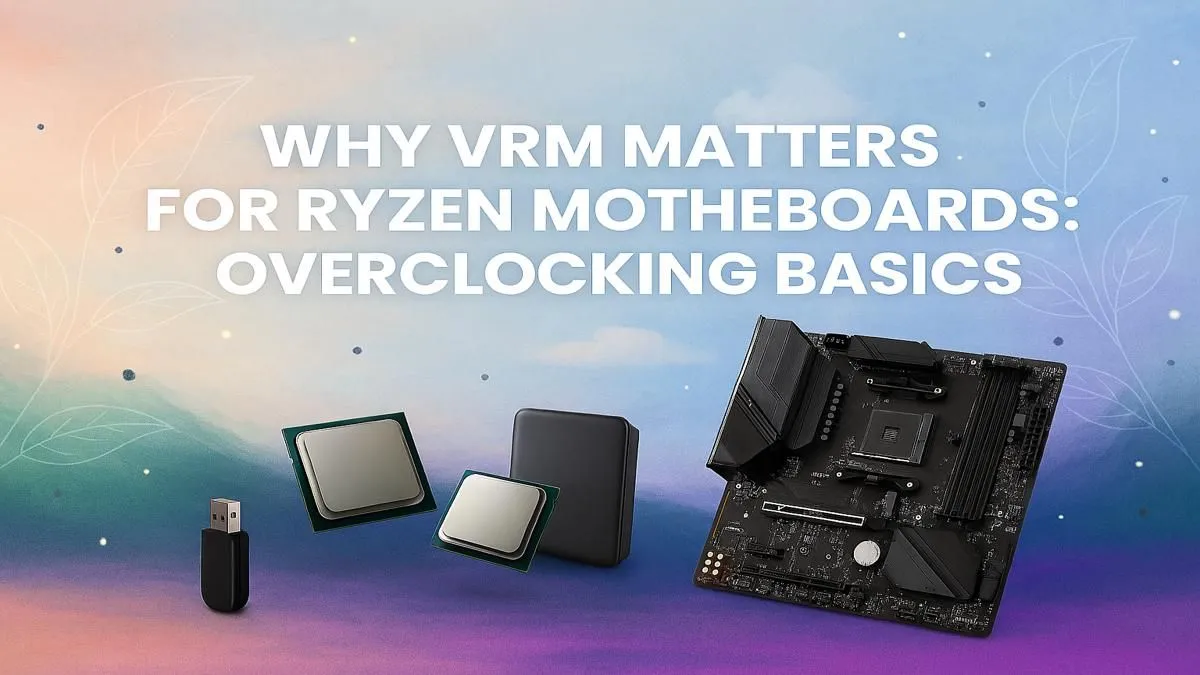
So, you’ve just unboxed a shiny new AMD Ryzen CPU. You’re dreaming of pushing those clock speeds, squeezing out every drop of performance, and seeing those benchmark scores fly. But hold on a moment. Before you dive into the BIOS, there’s a critical component that can make or break your overclocking dreams: your Ryzen motherboard’s VRM. Skimping here is a classic mistake many South African builders make, turning a potential beast into a throttled disappointment.
Understanding the Ryzen Motherboard VRM
Let's cut through the jargon. The VRM, or Voltage Regulator Module, is essentially the dedicated power supply for your CPU, located right on the motherboard. It takes the steady 12-volt power from your main PSU and converts it into the ultra-precise, low voltage (often around 1.3V) that your Ryzen processor needs to function.
Think of it like a high-tech fuel injection system for a performance engine. The better the system, the cleaner and more stable the "fuel" (power) delivery is. This becomes absolutely essential when you start demanding more power by overclocking.
Why a Good VRM is Crucial for Stable Overclocking
When you overclock your Ryzen CPU, you're asking it to run faster, which means it needs more power, and it needs it instantly. This is where the quality of your motherboard's VRM truly shows. 🚀
A weak or poorly designed VRM will struggle under this increased load. This can lead to several problems:
- Instability: The voltage supplied to the CPU might fluctuate or "droop," causing system crashes, blue screens, or failed stress tests.
- Thermal Throttling: A struggling VRM generates a lot of heat. If the heatsinks are inadequate, the VRM components can overheat and automatically reduce the power they supply to protect themselves. This throttles your CPU performance, completely defeating the purpose of your overclock.
- Reduced CPU Lifespan: Consistently feeding a CPU with "dirty" or unstable power can degrade the silicon over time.
Even on a proven platform like the range of AMD B550 motherboards, the difference between a board with a robust VRM and a basic one is night and day when you push the limits.
How to Identify a Motherboard with a Strong VRM
You don't need to be an electrical engineer to spot a good Ryzen motherboard VRM. Look for these key indicators:
Visual Cues
A strong VRM needs to dissipate heat effectively. Look for motherboards with large, chunky metal heatsinks around the CPU socket. More metal and a larger surface area generally mean better cooling and more stable performance under load. ✨
Power Phase Design
You'll often see numbers like "14+2+1" in a motherboard's specs. While complex, a higher first number generally indicates more "phases," which means the workload of supplying power is spread out. This leads to cooler operation and cleaner power for the CPU. As we look towards the future with next-gen platforms like the upcoming AMD B850 motherboards, you can expect even higher standards for power delivery.
Check Your Temps 🔧
Is your overclock unstable? Your VRM might be overheating. Use a free tool like HWiNFO64 to monitor your "VRM MOS" or "MOSFET" temperatures while running a stress test like Prime95. If temps are soaring above 95°C, your VRM is likely throttling your performance.
Matching Your VRM to Your Processor's Needs
Does every build need a top-of-the-line VRM? Not at all. The key is to match the motherboard to the CPU. A Ryzen 5 7600X has very different power requirements than a beastly Ryzen 9 7950X3D.
- For Mid-Range Builds (Ryzen 5/7): A quality B-series motherboard with a decent heatsink and a solid power phase design is more than enough for moderate overclocking.
- For High-End Builds (Ryzen 9): If you're aiming for maximum performance, don't compromise. An X-series motherboard is designed for this. For those pushing a top-tier Ryzen CPU to its absolute limits, nothing less than an enthusiast-grade board, such as the new AMD X870 motherboards, will do.
Ultimately, it’s about finding the right balance for your build and budget across our entire range of AMD motherboards. Investing a little more in a motherboard with a capable VRM is one of the smartest decisions you can make for a stable, high-performance PC.
Ready to Unleash Your Ryzen's True Potential?
A powerful CPU deserves a motherboard that can keep up. Don't let a weak VRM bottleneck your performance. Explore our massive range of AMD motherboards and find the perfect foundation for a stable, high-performance PC build.