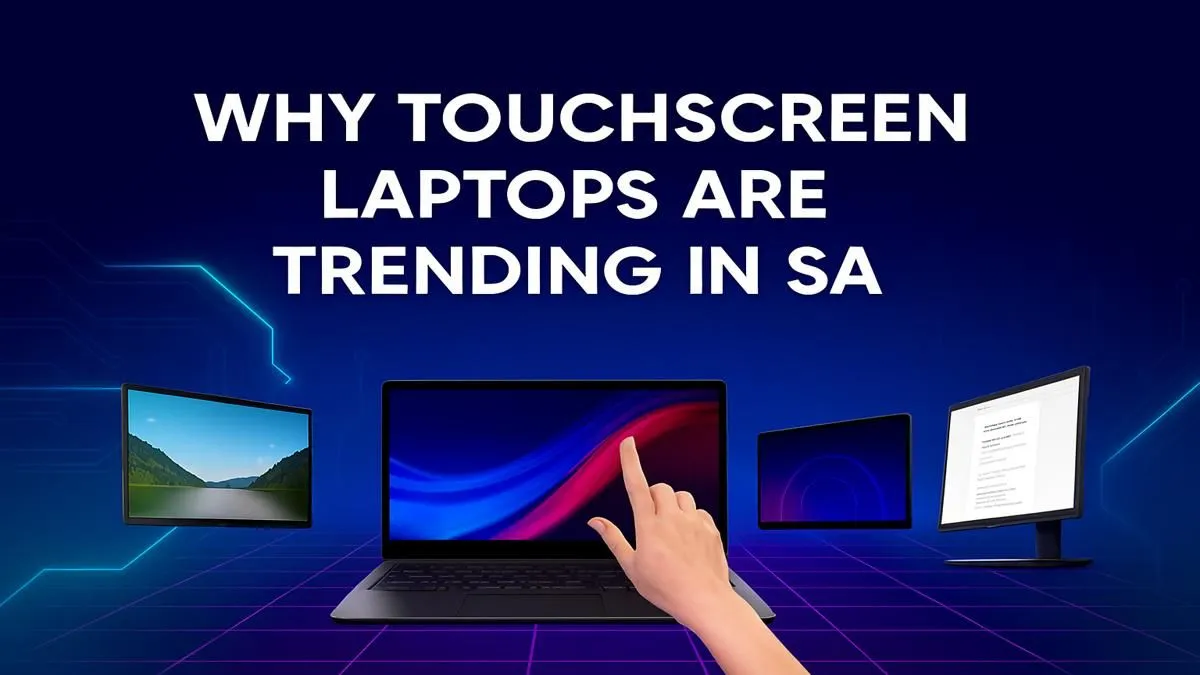
Tired of the trackpad? For years, touchscreen laptops in South Africa felt more like a gimmick than a genuine feature. We get it. Why pay extra for something you’d barely use? But the latest generation of touch-enabled notebooks has flipped the script. ⚡ They’re powerful, intuitive, and finding a home with everyone from digital artists in Cape Town to varsity students in Pretoria. They're no longer just a trend; they're a tool.
Why Touchscreen Laptops Are Gaining Traction in South Africa
The biggest shift is versatility. A single device that can be a traditional laptop for typing up a report, a tablet for sketching ideas, and a presentation screen for client meetings is incredibly valuable. This hybrid functionality is perfect for the modern South African professional who juggles multiple roles. Technology has caught up, too; today's touch displays are incredibly responsive, with vibrant colours and robust hinges that don't wobble. This means you get a tactile, hands-on experience without sacrificing performance, and you can find powerful hybrid options among our best gaming laptop deals that prove it.
Beyond the Hype: Practical Uses for Gamers and Creatives
So, where does a touchscreen laptop really shine? While you might not be playing Warzone with your fingertips, they are brilliant for other tasks.
For the Creative Professional ✨
Digital artists and designers gain a massive advantage. Paired with a stylus, a touchscreen laptop becomes a powerful graphics tablet for drawing directly in Photoshop or ZBrush. Video editors can scrub through timelines with a flick of a finger, making the editing process feel faster and more natural. It's a level of control a mouse just can't replicate.
For the Strategic Gamer & Student
For strategy games like Civilization VI or card games like Hearthstone, touch controls feel incredibly intuitive. It's also fantastic for productivity. Imagine taking notes directly on lecture slides or annotating a PDF without printing a single page. Whether you're team red or team blue, many AMD laptops on special now feature incredible touch displays perfect for this kind of multitasking.
Pro-Tip: Calibrate for Precision
Out of the box, your screen might feel slightly off. Dive into Windows Settings and search for 'Calibrate the screen for pen or touch input'. Running this quick tool maps your touch points perfectly, making every tap and swipe feel incredibly accurate. It’s a small tweak for a massive improvement.
What to Look for in a Touchscreen Laptop in SA
Ready to make the switch? Don't just focus on the touch capability. The core specs are still what count for a great experience.
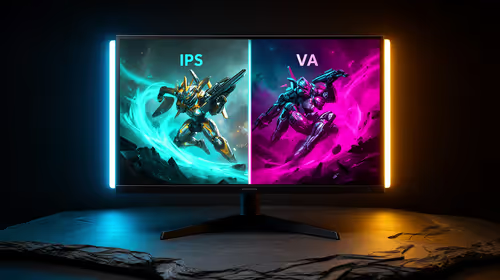
- Display Quality: Look beyond touch. A high refresh rate (120Hz+) makes scrolling and animations feel buttery smooth, while good colour accuracy (100% sRGB) is essential for creative work.
- Performance: A responsive touchscreen is useless if the laptop lags. Ensure it has a modern processor and enough RAM (16GB is a great starting point) to handle your workflow. You'll find that many of the latest Intel laptops on special balance powerful processors with stunning, responsive touchscreens.
- Build Quality: Pay attention to the hinge, especially on 2-in-1 convertible models. A sturdy, well-engineered hinge will ensure the device lasts for years, whether you're using it in laptop, tent, or tablet mode. 💻
Finding the right touchscreen laptop in South Africa is about matching this cool feature with the raw power you need.
Ready to Get Hands-On?
The best way to understand the hype is to experience it yourself. Explore our full range of laptop specials for sale in South Africa and find the perfect touch-enabled machine for your setup.