Quick Answer
Diagnose storage pressure before upgrading because the expensive fix is often the wrong first fix. Check logs, capacity, cables and component limits, then use R1,200-R5,000 as a broad SA band only after the fault is clear.
What To Measure First
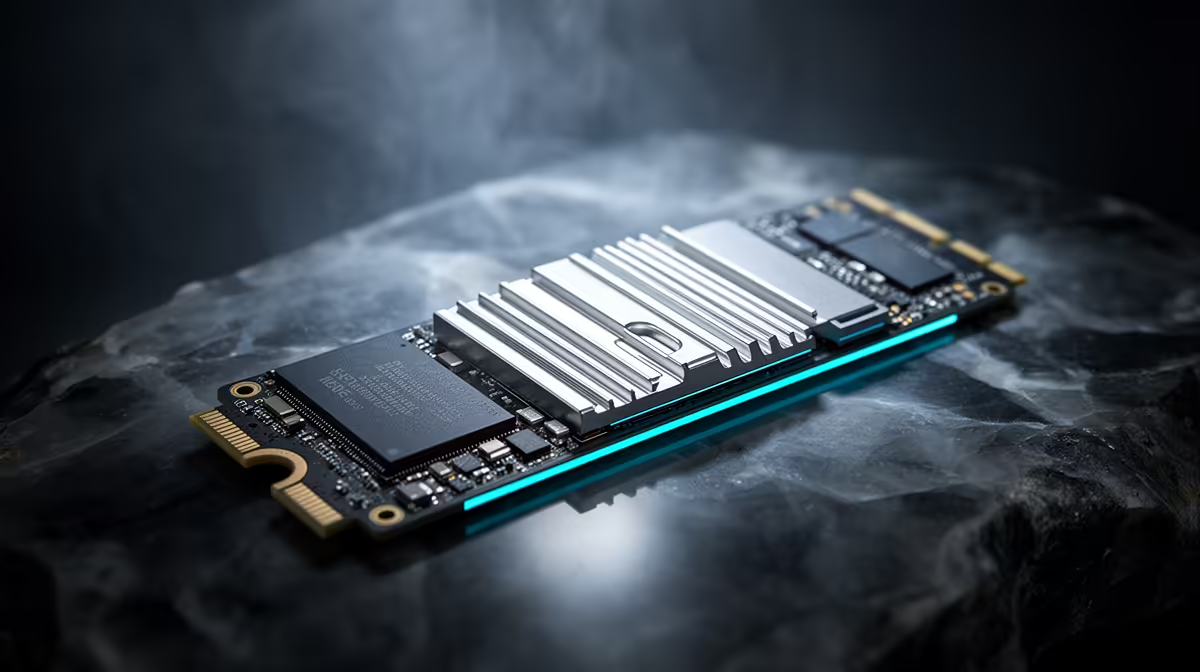
Start with free space, game-library size, project cache folders and SSD health. A 1 TB NVMe can feel full once Windows, three AAA games, OBS recordings and Adobe cache files sit on the same drive. Named drives such as Samsung 990 Pro and WD Black SN850X are useful only after you know whether the problem is capacity, speed, heat or file organisation.
When The Upgrade Solves It
Upgrade when the measured limit is clear. For storage, move up when free space regularly drops below 15-20 percent or project files exceed 200 GB; for power, move up when the system crashes under GPU load or the unit lacks the right connectors.
Broad SA bands around R1,200-R5,000 cover many sensible options. For creators, gamers and students, capacity, clean cabling and warranty support are more useful than buying the largest number on the spec sheet.
FAQ
What should I check before buying anything?
Check the symptom, timing and component limits first. For storage pressure, a clean diagnosis prevents spending on a part that does not address the real bottleneck.
Which upgrade is most often worth it?
The worthwhile upgrade is the one that removes the measured limit: more NVMe capacity for storage pressure, or a better PSU and cabling for power spikes. Exact live pricing should be confirmed at checkout.
How do SA buyers avoid repeat costs?
Choose parts with local warranty support and enough headroom for the next known upgrade. Saving R800 today is poor value if it creates another R2,000 purchase next month.
Diagnosis step
Take one screenshot of the error, capacity view or monitoring log before changing hardware. Match the upgrade to that evidence, then choose the part class that gives clean headroom.