

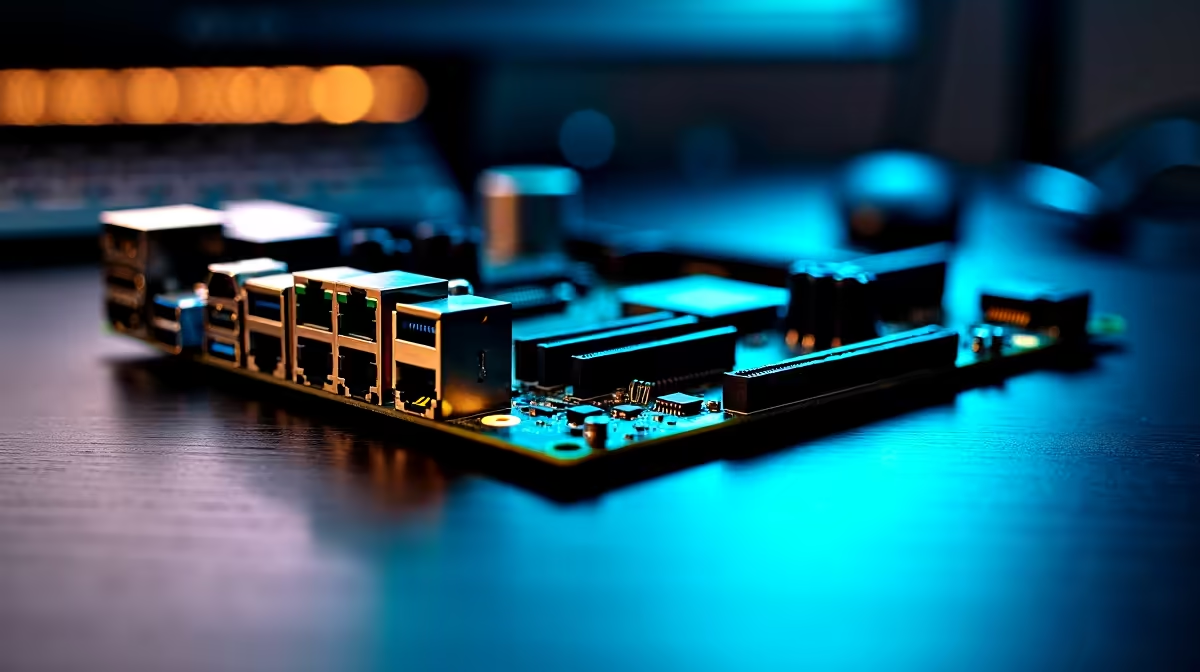
Tired of lag spikes ruining your clutch moments? South African fibre networks are finally pushing Gigabit speeds... but your local home network might be the real bottleneck. Whether you are downloading massive updates or streaming your favourite shows in crisp 4K, having Wi-Fi 7 and 2.5Gb LAN on one motherboard solves the ultimate connectivity dilemma. Let us explore what each option is best for, so you can optimise your setup perfectly.
Why Wi-Fi 7 and 2.5Gb LAN on One Motherboard Makes Sense ✨
Upgrading your gaming rig is a serious investment in ZAR. When you finally decide to upgrade your motherboard, future-proofing your system is absolutely non-negotiable. Modern boards now pack both cutting-edge wireless technology and blazing-fast wired ports right out of the box. You no longer have to choose between the convenience of wireless and the raw performance of a cable. You get the absolute best of both worlds.
2.5Gb LAN... The King of Competitive Stability ⚡
If you play competitive shooters, network latency is your absolute worst enemy. A wired 2.5 Gigabit LAN connection offers rock-solid stability and zero packet loss. When you connect to international servers from South Africa, every single millisecond matters. A wired connection guarantees your inputs register instantly without any frustrating rubber-banding.
This is exactly why the very best pre-built gaming PCs always rely on wired Ethernet. Use your LAN port for intense ranked gaming sessions and large local network file transfers. It is also perfect for streaming directly to Twitch without dropping a single frame.
Wi-Fi 7... Blazing Speeds Without the Clutter 🚀
Running a 15-metre Ethernet cable through your living room is not always practical. Enter the magic of Wi-Fi 7. This brand-new standard uses Multi-Link Operation to connect over multiple network bands simultaneously. It drastically reduces latency compared to older wireless tech.
Many top-tier Asus Intel motherboards now feature built-in Wi-Fi 7 modules. This wireless power is perfect for downloading massive game patches in the background. It also keeps your desk setup looking exceptionally clean and cable-free.
System Synergy Pro Tip 🔧
internet needs a fast system to process downloaded data. Pair your new board with premium [high-speed RAM kits](https: www.evetech.co.za PC-Components buy-memory-kits-62). This ensures your CPU unzips those massive 100GB game files quickly. Your system will easily match the speed of your new wireless connection.
Building Your Ultimate Networked Rig
Having dual connectivity options on your board gives you absolute freedom and flexibility. Use the wired connection for those sweaty competitive matches... then seamlessly switch to wireless when you move your rig for casual couch gaming.
Perhaps you prefer Team Blue. Or maybe you want the multi-core power of modern Asus AMD motherboards. Securing dual connectivity ensures your system stays incredibly relevant for years to come. Do not let old tech slow you down when victory is on the line.
Ready to Upgrade Your Connection? Don't let outdated network ports hold back your fibre speeds. Explore our massive range of motherboards at Evetech. Find the perfect foundation for your next high-performance gaming PC and conquer your lobbies.











