

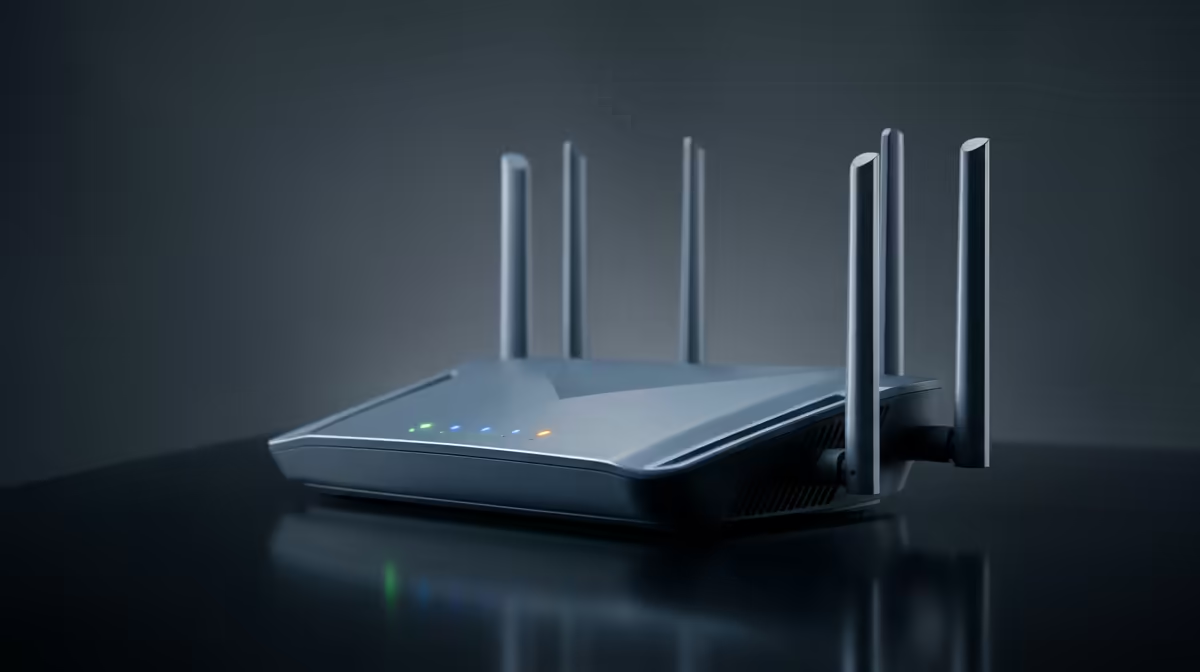
You’ve survived another round of loadshedding, the power clicks back on, and your Wi-Fi reconnects. Sweet relief! But as your PC boots up for a gaming session, have you ever wondered how secure that connection really is? An unprotected network is an open invitation for trouble, slowing your speeds and exposing your personal data. Following a few basic Wi-Fi security tips for beginners is your first line of defence in the digital world.
Why Basic Wi-Fi Security is Non-Negotiable
Think of your home Wi-Fi as your digital front door. Leaving it unlocked doesn’t just let neighbours "borrow" your bandwidth and ruin your ping… it can let malicious actors snoop on your activity. From your banking details to your game logins, everything is at risk. For serious gamers, a secure connection is paramount; the last thing you need is lag or a disconnect during a ranked match because someone is streaming 4K movies on your dime.
For the ultimate competitive edge, nothing beats the raw speed and security of a stable wired connection, but a well-managed wireless network is essential for everything else. 🔧
Your First Steps to a Secure Home Network
Locking down your network doesn't require a degree in cybersecurity. These router security tips are simple, effective, and will immediately improve your safety online.
1. Change Your Default Router Login
When your ISP installed your router, it came with a default username and password for its settings page (often "admin" and "admin" or "password"). These are publicly known! Changing them is the single most important first step. Simply log into your router's admin panel using the details on the sticker underneath it and find the option to change the administrator password.
2. Create a Strong, Unique Wi-Fi Password
Your Wi-Fi password (also called a pre-shared key or PSK) is what protects your network from unauthorised access. A weak password like "MyP@ssword123" can be cracked in minutes.
The Passphrase Pro-Tip
Instead of a complex, hard-to-remember password, use a long passphrase. Think of a random four-word sentence like "LekkerBlueBokkeRugby!". It's incredibly difficult for computers to guess but easy for you to remember.
3. Enable WPA3 Encryption 🔐
Wireless Protected Access (WPA) is the security protocol that encrypts your Wi-Fi traffic. WPA3 is the latest, strongest standard available. If your router is a few years old, it might be using the older, more vulnerable WPA2. Log into your router's settings and check the wireless security section. If WPA3 is an option, enable it. Most modern devices from leading brands like TP-Link support this standard, offering a significant security boost.
Level Up Your Wi-Fi Security Game 🚀
Once you've nailed the basics, a few more tweaks can make your network even more robust.
Keep Your Router's Firmware Updated
Router manufacturers regularly release firmware updates to patch security holes and improve performance. Most modern routers can automatically check for and install these updates. It’s a good idea to log in every few months just to make sure everything is up to date. This simple habit ensures you’re protected against the latest threats. Even affordable options from Cudy often include these crucial security and performance features.
Set Up a Guest Network
Having friends over? A guest network is a fantastic feature that creates a separate, isolated Wi-Fi network for your visitors. It gives them internet access without giving them access to your main network and all the devices on it, like your PC, smart TV, or network storage. It’s the perfect way to be a good host without compromising your core Wi-Fi security.
Ready to Upgrade Your Digital Security? If your router is old or lacks features like WPA3 and guest networks, it might be time for an upgrade. Shop our full range of modern wireless networking gear and build a faster, safer home network today.











