


Starfield Max Settings on RTX 5070: Complete Guide
Starfield Max Settings on RTX 5070. Tested & verified settings for best FPS and visual quality on SA hardware budgets.
Read more- Explain WiFi 6 for home office benefits; - Setup & router tips for South African homes; - Gear selection and optimisation. WiFi 6 for home office delivers faster, more reliable internet for South African remote work—reduce lag and improve video calls and coverage. ⚡️
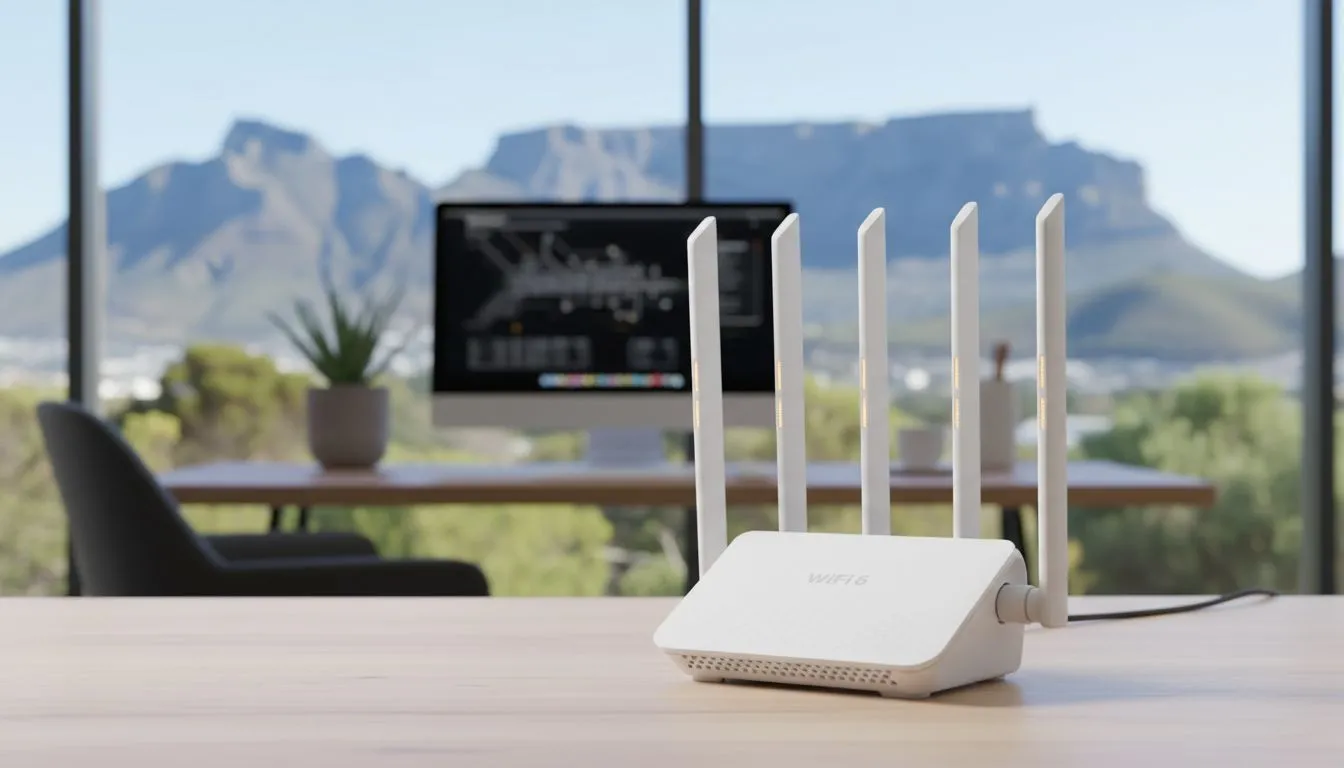
Tired of your Zoom call freezing just as you are about to close a deal? In South Africa, our home offices face unique challenges, from thick brick walls to signal interference. Upgrading to WiFi 6 for Home Office: Faster Connectivity in South Africa isn't just about speed... it is about reliability. Let's look at how this tech keeps your workflow smooth and your ping low. ⚡
Most South African homes now have fibre, but the bottleneck is often the wireless connection. Standard WiFi 5 struggles when multiple devices connect at once. WiFi 6, also known as 802.11ax, was designed to handle high-density environments. It allows your router to talk to more devices simultaneously without a drop in performance.
If you are currently using an older machine, you might be missing out on these benefits. Many of the latest Intel laptops on special come equipped with integrated WiFi 6 or 6E cards. These chips ensure that your connection remains stable even if the rest of the household is streaming 4K content in the next room.
We have all been there... the internet slows down exactly when the kids get home from school. WiFi 6 uses a technology called OFDMA. This breaks down the signal into smaller sub-channels, allowing data for different devices to travel together. It is like adding extra lanes to a highway during rush hour in Sandton.
For those looking for high performance without breaking the bank, buying gaming laptops under R20k is a smart move for a home office. These machines are built for heavy data loads and almost always feature the latest wireless standards to ensure gamers never lag... which translates perfectly to a stutter-free professional environment. 🔧
To see if your current Windows laptop supports WiFi 6, open Command Prompt and type 'netsh wlan show drivers'. Look for 'Radio types supported'. If you see '802.11ax' listed, you are ready to enjoy the fastest speeds available on a compatible router.
Upgrading your network is only half the battle. Your hardware needs to support the new standard to see any real-world improvement. Whether you prefer the efficiency of AMD or the raw power of Intel, there are plenty of options available.
Our current Ryzen laptop deals offer incredible value for multi-taskers who need to manage spreadsheets, video calls, and browser tabs all at once. The modern architecture in these units is designed to work seamlessly with WiFi 6 routers, reducing latency significantly.
Investing in modern connectivity is about more than just today... it is about the next few years of digital growth. If your work involves creative tasks like video rendering or large file transfers, you need the best possible throughput.
The best gaming laptop deals often provide the most robust cooling and networking features for South African conditions. Furthermore, our GeForce RTX gaming laptops on special provide the graphical horsepower needed for AI-assisted workflows and high-end design, all while maintaining a rock-solid connection to your home network. 🚀
WiFi 6 is no longer a luxury... it is a necessity for the modern remote worker in South Africa. By pairing a WiFi 6 router with a compatible laptop, you eliminate the frustration of dead zones and dropped calls. It is time to optimise your workspace for the speeds you actually pay for. ✨
Ready to Find Your Perfect Match? Staying connected in South Africa requires the right gear. Whether you are crushing deadlines or climbing the ranks in your favourite game, we have the hardware to keep you online. Explore our massive range of laptop specials and find the perfect machine to conquer your world.
WiFi 6 is the latest Wi‑Fi standard that boosts throughput, lowers latency and handles more devices—ideal for a wifi 6 home office with many connected gadgets.
Yes. In South African homes WiFi 6 south africa improves video calls, remote collaboration and reliability, especially on congested networks.
To get WiFi 6 benefits you need a wifi 6 home office router; older routers can't deliver the standard's higher speeds and capacity.
WiFi 6 can offer significantly higher real-world speeds and lower latency than wifi 5; see comparisons for wifi 6 vs wifi 5 home office scenarios.
Look for models with strong range, WPA3, and local support—search best wifi 6 routers south africa for current top picks and pricing.
Yes. WiFi 6 reduces congestion and latency, helping improve video calls and productivity—use improve home office wifi 6 tips for setup.
Position your router centrally, update firmware, consider a wifi 6 mesh for home and follow wifi 6 coverage tips to eliminate dead zones.
Starfield Max Settings on RTX 5070. Tested & verified settings for best FPS and visual quality on SA hardware budgets.
Read more
When Will the RTX 6090 Launch in South Africa Detailed answer with SA data, expert analysis & practical recommendations for local buyers.

Top Valorant Settings for RTX 5070: FPS Optimisation picks evaluated on performance, value & SA availability with current Rand pricing from Evetech.

RDNA 3.5 Graphics in Ryzen AI 400? Can You Game. Plain-English explanation of what it means, why it matters & how it affects your buying decisions in SA.

GPU Price Index : December Report. Current stock data & price tracking for SA buyers. See what is available and where prices are heading.

Core i5-14600K + B760 + RTX 5060 Build Under. Full parts list, Rand pricing & expected performance. Build confidently with SA-available components.

RX 7600 Apex Legends at 4K: FPS Benchmark. Real-world benchmark data, FPS numbers & performance analysis. What SA gamers can actually expect.

RX 7900 XTX GTA 6 at 4K: FPS Benchmark & Optimal. Real-world benchmark data, FPS numbers & performance analysis. What SA gamers can actually expect.

Head-to-head comparison of RTX 5070 vs RX 9070 XT: Gaming Performance for SA gamers. Performance benchmarks, Rand pricing & which delivers better value.

GPU Setup Guide Gamers. Clear setup instructions with SA-specific considerations, troubleshooting tips & recommended components.

Top RTX 5090 Under R12000 picks evaluated on performance, value & SA availability with current Rand pricing from Evetech.

Call of Duty Warzone 2 Settings on RX 7600. Real-world benchmark data, FPS numbers & performance analysis. What SA gamers can actually expect.

GTA 6 Settings on RTX 5070 Ti: Performance. Real-world benchmark data, FPS numbers & performance analysis. What SA gamers can actually expect.