

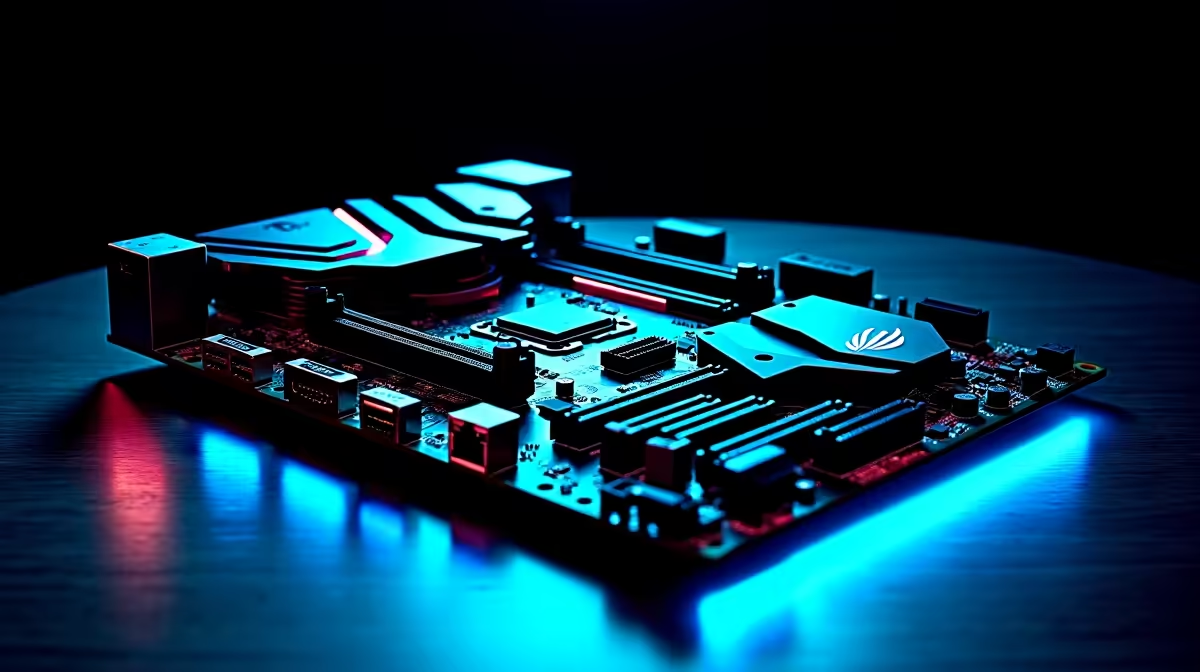
Nothing ruins a clutch moment quite like a sudden ping spike. For South African gamers dealing with fluctuating fibre speeds, a stable connection is everything. When building your next rig, you face a major network decision... WiFi 7 vs Multi-Gig Ethernet on a modern gaming motherboard. Let us break down which connection type gives you the ultimate edge. 🚀
The Case for Multi-Gig Ethernet in South Africa
Hardwired connections have always been the undisputed gold standard for PC gaming. Today, 2.5GbE and 10GbE ports are becoming the baseline standard. Multi-Gig Ethernet delivers raw, uninterrupted speed directly from your router. It completely bypasses the signal interference you get from thick brick walls common in typical South African homes.
When browsing for new motherboards, finding one with a dedicated 2.5GbE port is a smart move. It ensures you can maximise your high-speed fibre line without dropping a single packet. Wired connections also eliminate network jitter... keeping your hit registration crisp and responsive.
The Magic of WiFi 7 on a Modern Gaming Motherboard
Wireless technology has evolved massively over the last few years. WiFi 7 introduces ultra-wide 320MHz channels and Multi-Link Operation (MLO). This impressive feature means your PC can connect to multiple wireless bands simultaneously.
The end result? Network latency that finally rivals a physical copper cable. You will find this cutting-edge wireless tech natively built into premium ASUS Intel motherboards. It's perfect if your router is in the lounge but your gaming den is down the hall.
Just remember that pushing massive wireless data requires serious system bandwidth. Always pair your high-end board with fast, reliable memory kits to prevent any system bottlenecks while gaming and streaming.
Network Optimisation Pro Tip 📶
To get the absolute most out of your Multi-Gig Ethernet or WiFi 7 connection, always update your motherboard BIOS and network drivers. Outdated firmware can silently throttle your download speeds and cause random disconnects during intense ranked matches.
Making the Right Choice for Your Rig
The choice between WiFi 7 vs Multi-Gig Ethernet on a modern gaming motherboard ultimately depends on your physical space. If you play hardcore competitive shooters and sit near your fibre router... run a Cat6 cable. It costs barely R100 and is flawlessly reliable.
However, if running cables through your roof is a nightmare, WiFi 7 is the clear answer. Team Red fans can easily find this next-gen wireless feature on top-tier ASUS AMD motherboards.
Don't want to build the system yourself? You can easily grab a pre-built rig equipped with next-gen connectivity by exploring our best gaming PC deals. Both connection options offer incredible speeds that make downloading massive 100GB game files an absolute breeze. Spend less time looking at loading bars and more time dominating the leaderboards. ⚡
Ready to Upgrade Your Connection? The wired vs wireless debate is closer than ever, but having the right hardware is non-negotiable. Explore our massive range of motherboards and build a rig that never drops the ball.











