

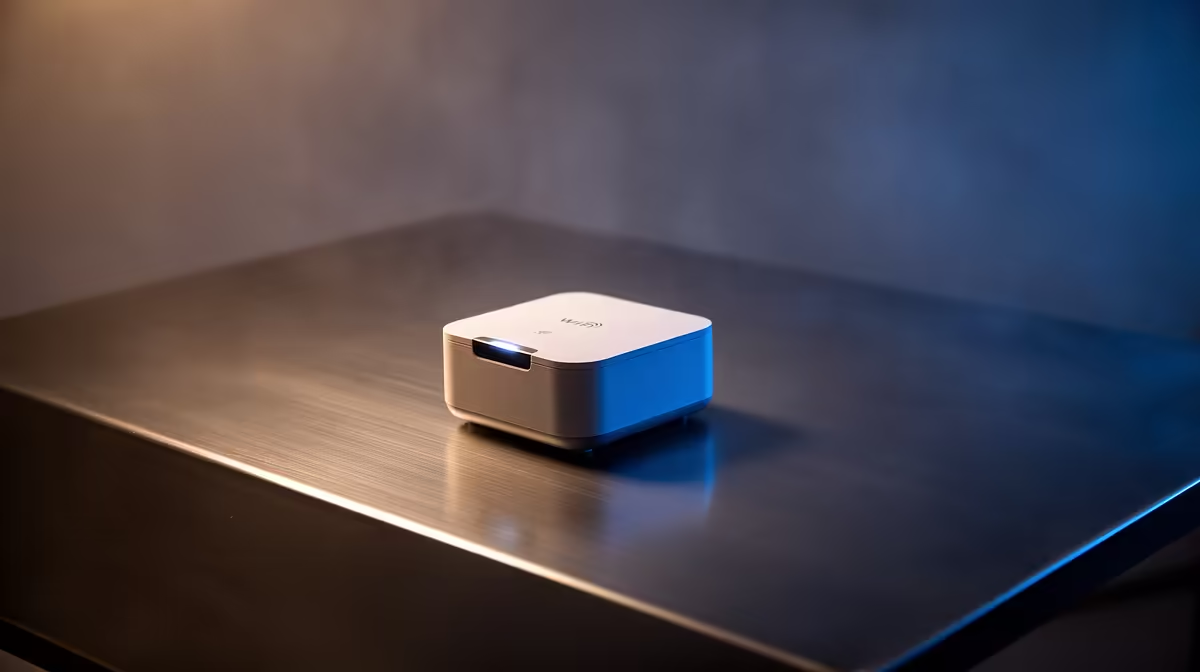
Is your WiFi signal weaker than Eskom's promises during peak hours? You've got a powerful gaming rig, but that dreaded buffering wheel still haunts you in the back room or upstairs office. It’s a classic South African problem. But what if the fix was as simple as plugging a small device into a wall socket? This guide makes WiFi extenders made simple, outlining the effortless setup that will banish dead zones for good. 🚀
Why Your WiFi Signal Fails You
Before we fix the problem, let's quickly understand it. WiFi signals are radio waves, and they don't love obstacles. In many South African homes, thick brick walls, steel beams, and even large appliances can absorb or reflect your signal, creating "dead zones" where connectivity drops to a crawl or disappears completely.
The distance from your router is also a major factor. While you might have one of the best wireless routers on the market, its signal strength will naturally decrease the further you move away. This is where a simple solution comes into play.
How WiFi Extenders Make Your Life Simpler
Think of a WiFi extender, also known as a repeater, as a relay runner for your internet signal. It catches the signal from your main router, gives it a boost, and then rebroadcasts it further into your home. This simple process extends your network's reach, covering those previously unreachable spots.
The beauty of this technology is its simplicity. You don't need to be a network engineer to get it working. For most households struggling with a dead zone in one or two rooms, a quality wireless range extender is the most direct and cost-effective way to get a stable connection for streaming, gaming, or working from home. ✨
Your Effortless Setup Guide 🔧
Forget complicated manuals and confusing software. Modern WiFi extenders are designed for an effortless setup. Here’s how easy it typically is:
- Find the Sweet Spot: Plug the extender into a power socket roughly halfway between your router and the area with the weak signal.
- Press and Sync: Press the WPS (WiFi Protected Setup) button on your router, and then within two minutes, press the WPS button on your extender.
- Wait for the Light: A status light on the extender will typically blink and then turn a solid colour (usually green or blue) to confirm it’s connected and in an optimal location.
That's it! Your devices can now connect to the extended network, giving you the strong, stable signal you need. For desktop PCs located in these new coverage zones, you can pair this boosted signal with one of our high-speed wireless adapters to ensure you're getting maximum performance.
Pro Placement Tip
Don't place the extender in the dead zone! It needs to receive a decent signal to be able to extend it. Use a smartphone's WiFi indicator to find a spot with at least two or three bars of signal—that's the perfect place for your extender.
Is an Extender Always the Right Choice?
While a WiFi extender is a fantastic and simple solution for most homes, it's good to know the alternatives. For very large, multi-story houses, a Mesh WiFi system might provide more seamless coverage, but it comes at a higher price. Powerline adapters, which use your home's electrical wiring to transmit data, are another option, but performance can vary based on your home's wiring.
For fixing one or two dead zones without breaking the bank or spending hours on setup, the WiFi extender remains the undisputed champ. To see how it fits into the broader ecosystem, you can explore our full range of wireless networking gear.
Ready to Banish Buffering for Good? Stop letting dead zones dictate where you can work or play. Grab a powerful, easy-to-use WiFi extender and enjoy seamless connectivity across your entire home. Shop our range of wireless extenders now at Evetech for performance that leaves lag in the dust.











