

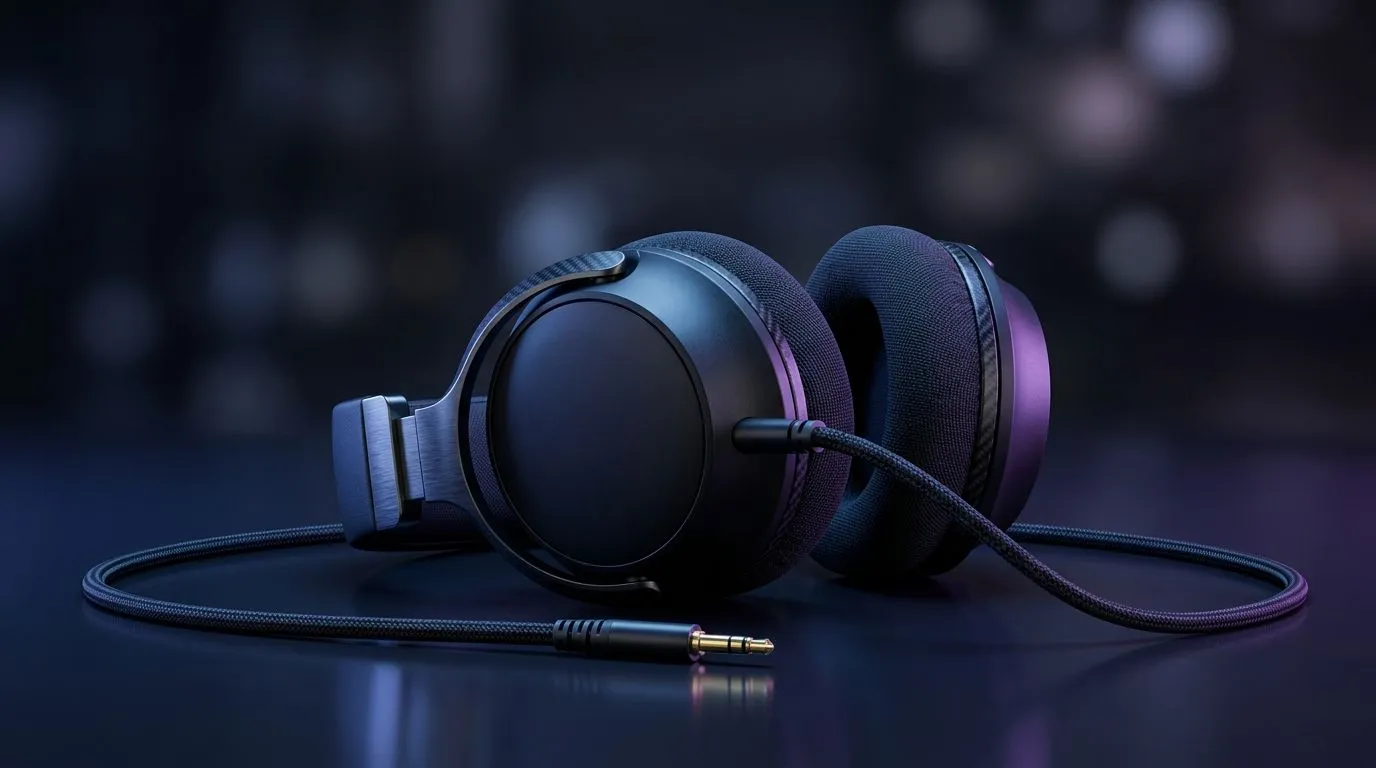
Wired Headset for Switch, PC, Console and Mobile Gaming: the “plug in and focus” advantage
If you’re gaming in South Africa, you already know the pain of battery anxiety and wireless dropouts. One minute you’re in a ranked match… next minute your audio’s buffering like your internet on a load-shedding morning. ⚡ That’s where a wired headset shines. It delivers stable sound, consistent mic quality, and instant plug-and-play across devices.
In this Deep Dives guide, we’ll help you choose a Wired Headset for Switch, PC, Console and Mobile Gaming that actually fits your setup, your budget in ZAR, and your real-life couch-to-desk routine.
Wired Headset for Switch, PC, Console and Mobile Gaming: what to check before you buy 🔧
Before you chase specs, match the headset to your device ports. Different platforms need different connections, and that’s where many buyers get caught.
3 connection basics (no guesswork)
- 3.5mm audio jack: usually the safest bet for Switch handheld/undocked and many controllers/phones.
- USB (with driver support): great for PC, but it won’t always work on consoles or some mobile setups.
- Inline mic/controls: helpful if you game on your phone or on-the-go.
If you’re browsing options, start with Evetech’s broader headset range and then filter by compatibility:
- Explore Evetech’s headphone and headset category here: Headphone & headsets at Evetech
Wired Headset for Switch, PC, Console and Mobile Gaming: comfort for long sessions ✨
Wired headsets are only “good” if you can wear them for hours. Look for:
- Adjustable headband and cushioned earcups
- Light clamping force (especially if you wear glasses)
- Breathable pads for warmer SA gaming nights
Also consider cable length. If you sit farther back from the PC or couch, too-short cables become annoying fast. Tie-wraps or clips can clean up desk setups too.
A micro-story from the SA living room
A buddy of mine bought a nice headset for his PC, then tried it on his Switch. The audio worked, but the mic didn’t feel right in party chat. He swapped to a model built for multi-device use and suddenly voice comms felt natural again. That’s the hidden value of getting compatibility right.
Productivity Pro Tip ⚡
On Windows, use the PowerToys FancyZones utility to create custom snap layouts for your windows. It's a lifesaver for managing multiple apps on an ultrawide monitor, letting you organise your timeline, preview window, and asset folders perfectly for video editing.
Wired Headset for Switch, PC, Console and Mobile Gaming: the sound you’ll actually notice
Audio isn’t just “loud”. You want clarity, positioning, and a mic that teammates can understand. Here’s a practical way to judge at home:
- Test footsteps and audio cues in one of your favourite games.
- Check voice intelligibility: speak at normal volume and listen for harshness or muffling.
- Confirm sidetone feel if your headset includes it. If not, don’t panic. Many wired sets still sound great without.
When you’re comparing models, Evetech’s deal pages and product listings are a solid starting point:
- Check the Razer Barracuda X Chroma Wireless Headset deal as a reference for how Evetech presents value (even if you stick to wired): Razer Barracuda X Chroma wireless deal
- Browse Evetech’s Razer headphones and headsets range for options across price tiers: Razer headphones and headsets
Wired Headset for Switch, PC, Console and Mobile Gaming: pick the right value in ZAR 💬
In South Africa, value is everything. If you’re buying once and using everywhere, prioritise:
- 3.5mm compatibility
- comfort for your longest gaming session
- a mic that sounds clean in party chat
Want help narrowing it down fast? Start with the Evetech range, then compare connection type first. That one choice prevents most “it works on PC but not on console” headaches.
Ready to Find Your Perfect Match? The Mac vs Windows debate is complex, but for maximum power, choice, and value in South Africa, Windows is hard to beat. Explore our massive range of laptop specials and find the perfect machine to conquer your world.











