

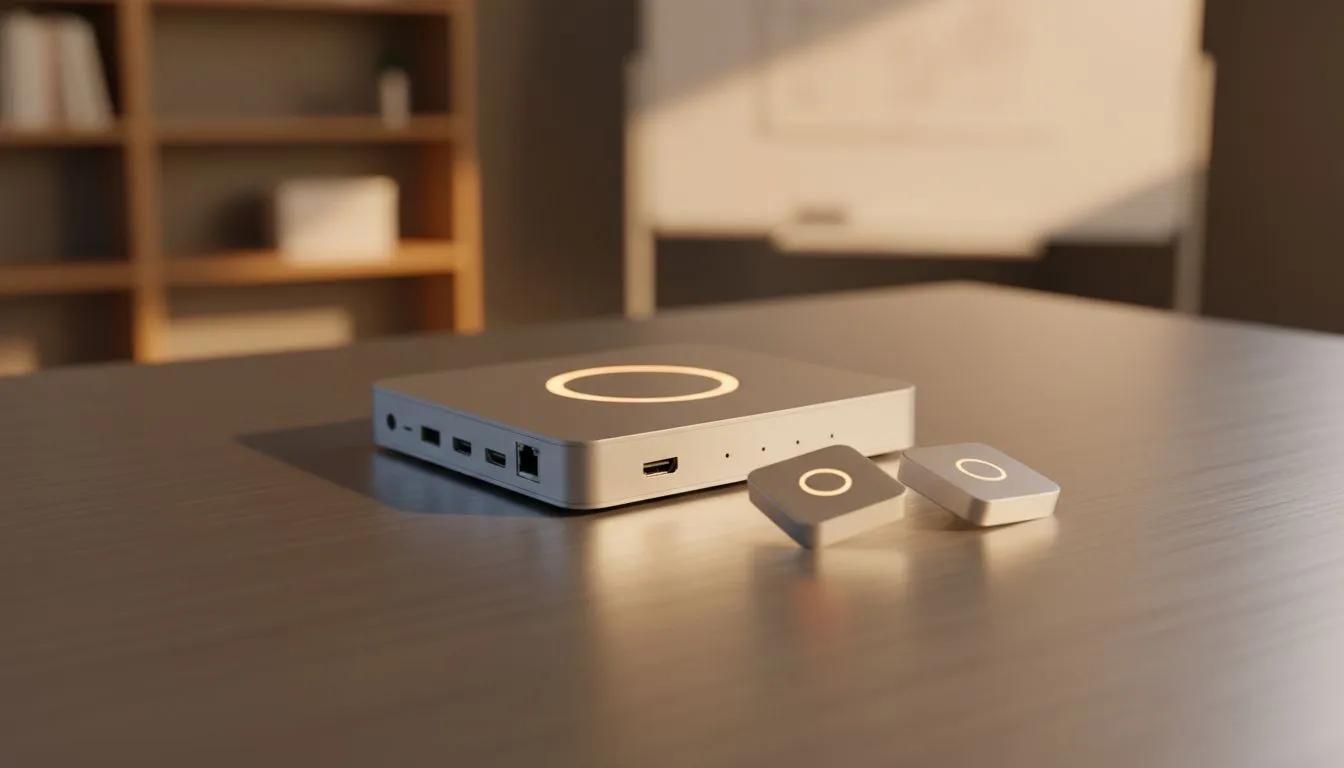
Why wireless casting kits are winning classrooms (and home setups) 🔧
South African teachers, gamers and tech buyers: want less cable chaos and more interaction in class? Wireless casting kits turn any display into a collaborative whiteboard, letting learners mirror phones, tablets or laptops with one tap. In under a minute you can swap presenters, show student work, or stream a high‑res demo without crawling under desks. Wireless Casting Kits for Dynamic Classroom Lessons deliver that freedom.
Wireless casting kits for dynamic lesson flow — setup and compatibility
A smooth lesson starts with compatibility. Most kits support AirPlay, Google Cast, and Miracast, so iPads, Android phones and Windows laptops can join the session. Check the kit’s spec page for supported protocols and maximum resolution before you buy. For local deals and specific accessory options, browse Evetech’s gaming accessories range to see pricing and stock levels in ZAR. (Specs and product listings are available on Evetech.) 🚀
Classroom Setup Tip ⚡
Place the casting receiver on the same subnet as your school Wi‑Fi, and reserve a short SSID for devices used in class. That reduces pairing issues and helps keep lesson time focused on learning, not troubleshooting.
Wireless casting kits for dynamic classroom lessons — hardware and budget advice
Budget matters. Entry kits from reliable brands will usually cost less than a new interactive display but still support 1080p streaming. If you need 4K or multiple simultaneous streams, factor that into your budget. For competitive accessories and peripheral deals to pair with your receiver, check Evetech’s accessory deals and compare ZAR prices before committing. When buying, prioritise update support and a clear warranty — schools need hardware that’s easy to maintain.
Wireless casting kits for dynamic classroom lessons — classroom strategies and micro‑stories
Try a simple rotation: five minutes of instruction, ten minutes of paired work, then a student-led cast to share results. I worked with a Cape Town teacher who cut grading time by half just by having students cast short video reflections; the whole class gave feedback live. Little workflow shifts like that make tech feel useful, not just flashy.
For tablet labs, encourage students to pre‑load media to avoid streaming lags. If you run gaming or tech clubs, casting kits are great for demos: mirror a PC build guide or show benchmark results on the big screen. For accessory add-ons like mounts, adapters and cables, Evetech has options to complete your setup—see their gaming accessories category for matching gear.
Troubleshooting and classroom network tips
Common hiccups: device not discovered, audio routed to TV, or intermittent stutter. Rule out Wi‑Fi congestion first; use a dedicated AP for AV if possible. Keep firmware updated and test the kit with the exact device models students will use. If you need low-latency mirroring for live demos, look specifically for kits that advertise low-latency modes on their product pages.
For more on compatible peripherals and to size up what’s available locally, browse Evetech’s gaming accessories listings to pick the right components in ZAR that match your classroom needs.
Final thoughts — make lessons interactive and accessible
Wireless casting kits for dynamic classroom lessons are about inclusivity and speed. They help learners present ideas confidently and let teachers switch formats without faffing with cables. Want to pair a reliable receiver with accessories that last? Check Evetech’s curated accessory deals and product pages to compare specs and prices before you buy.
- Recommended accessory hub: gaming accessories at Evetech for compatibility and pricing info.
- Browse deals and bundles to save in ZAR while equipping multiple classrooms.
Ready to Find Your Perfect Match? The Mac vs Windows debate is complex, but for maximum power, choice, and value in South Africa, Windows is hard to beat. Explore our massive range of laptop specials and find the perfect machine to conquer your world.











