

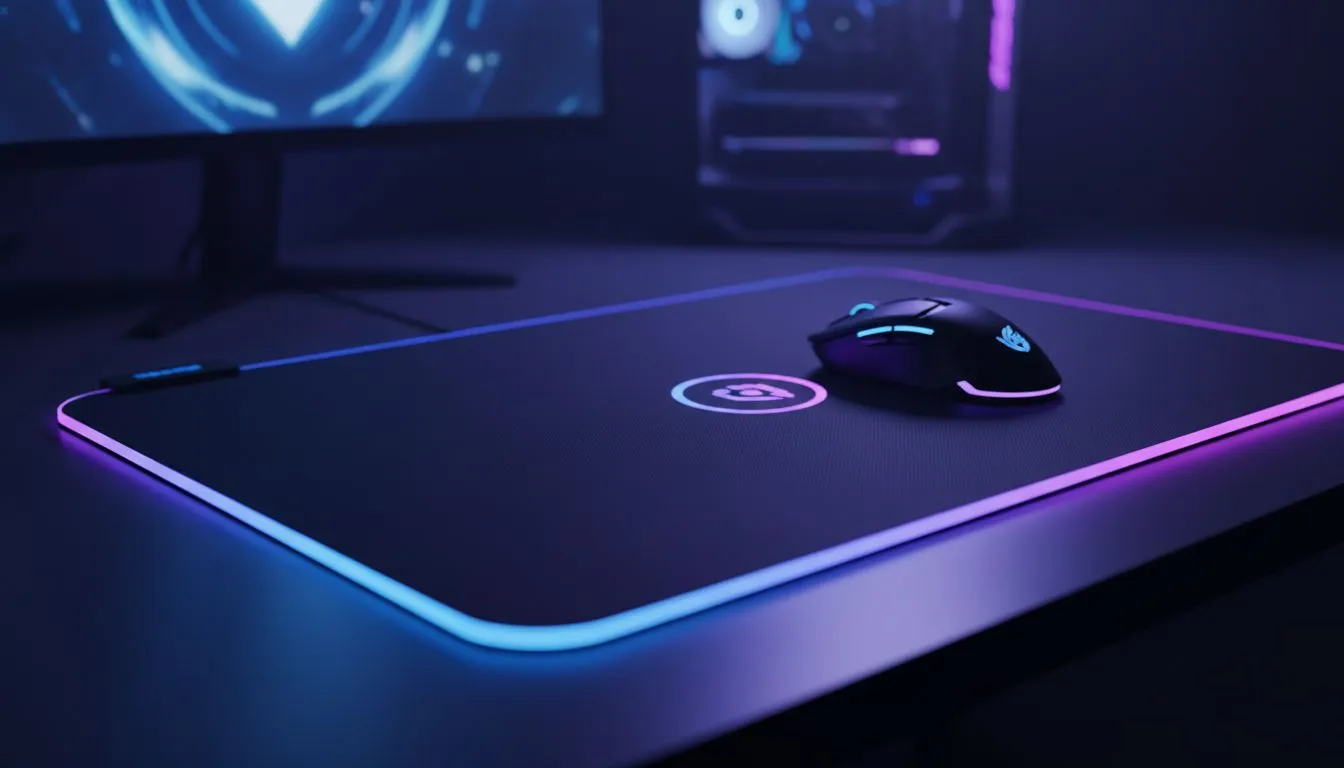
Wireless charging mousepad — quick answer ⚡
If you’re South African and tired of swapping batteries mid-match, a wireless charging mousepad sounds perfect. But does a wireless charging mousepad actually charge any gaming mouse? Short answer: not always. Compatibility depends on the mouse's charging design and the pad’s system. Read on for clear steps to check compatibility, local buying tips, and which pads to consider. For the basics on mouse surfaces and materials, start with this mouse pad basics guide: https://www.evetech.co.za/components/mouse-pads-101
Wireless charging mousepad: how the tech works 🔧
Most wireless charging mousepads transmit power through a small charging coil or puck under the surface. The mouse needs a receiver coil or a built‑in battery designed to receive that power. If the mouse lacks that hardware, the pad can't magically top up its battery. That’s why compatibility matters more than brand names.
If you want to browse Evetech’s own branded options, check the Evetech mousepad collection: https://www.evetech.co.za/components/mouse-pads-101?category=Evetech+Mousepad
Wireless charging mousepad compatibility with gaming mice
Not every wireless gaming mouse has the required receiver. Before buying, ask: does the manufacturer state pad compatibility? Look for mice that explicitly support pad charging, or proprietary ecosystems where mouse and pad are sold as a pair. If you use a SteelSeries mouse, compare with their pad lineup here: https://www.evetech.co.za/components/mouse-pads-101?category=Steelseries+Gaming+Mouse+Pads
Micro‑story: a Durban streamer I spoke with bought a charging pad thinking any wireless mouse would charge. It didn’t. He ended up switching to a mouse that listed pad support. A simple check saved him time and cash.
Wireless charging mousepad: tips for South African buyers ✨
- Check the specs on the mouse page for pad support. If it’s not listed, assume no.
- Consider pad size and your desk setup; larger pads suit desktop layouts. See Extended size pads if you need desk coverage: https://www.evetech.co.za/components/mouse-pads-101?attributes-size=Extended
- Think about RGB or a simple surface. If you prefer no lighting, explore non-RGB models: https://www.evetech.co.za/components/mouse-pads-101?attributes-lightingeffects=No
- If you like lighting, compare RGB pads here: https://www.evetech.co.za/components/mouse-pads-101?attributes-lightingeffects=Yes+%28RGB%29
- For large-mouse or low‑sensitivity setups, an XXL pad adds room for sweeping motions: https://www.evetech.co.za/components/mouse-pads-101?attributes-size=XXL
Looking for a brand with a budget‑friendly selection? Marvo offers solid value options: https://www.evetech.co.za/components/mouse-pads-101?category=Marvo+Gaming+Mousepads
Productivity Pro Tip ⚡
On Windows, use the PowerToys FancyZones utility to create custom snap layouts for your windows. It's a lifesaver for managing multiple apps on an ultrawide monitor, letting you organise your timeline, preview window, and asset folders perfectly for video editing.
Wireless charging mousepad: choosing the right setup
If you already own a wireless mouse, check the manual or product page for explicit pad charging support. If you’re buying both, opt for kits where the manufacturer certifies compatibility. Also factor in South African desk space and ZAR pricing when comparing options. Evetech’s curated mousepad pages help compare materials, sizes, and lighting so you can match a pad to your desk and playstyle.
Final tip: if a pad claims universal charging but lacks clear specs, treat that claim cautiously. Ask the retailer, or compare user reviews.
Ready to Find Your Perfect Match? The Mac vs Windows debate is complex, but for maximum power, choice, and value in South Africa, Windows is hard to beat. Explore our massive range of laptop specials and find the perfect machine to conquer your world.











