

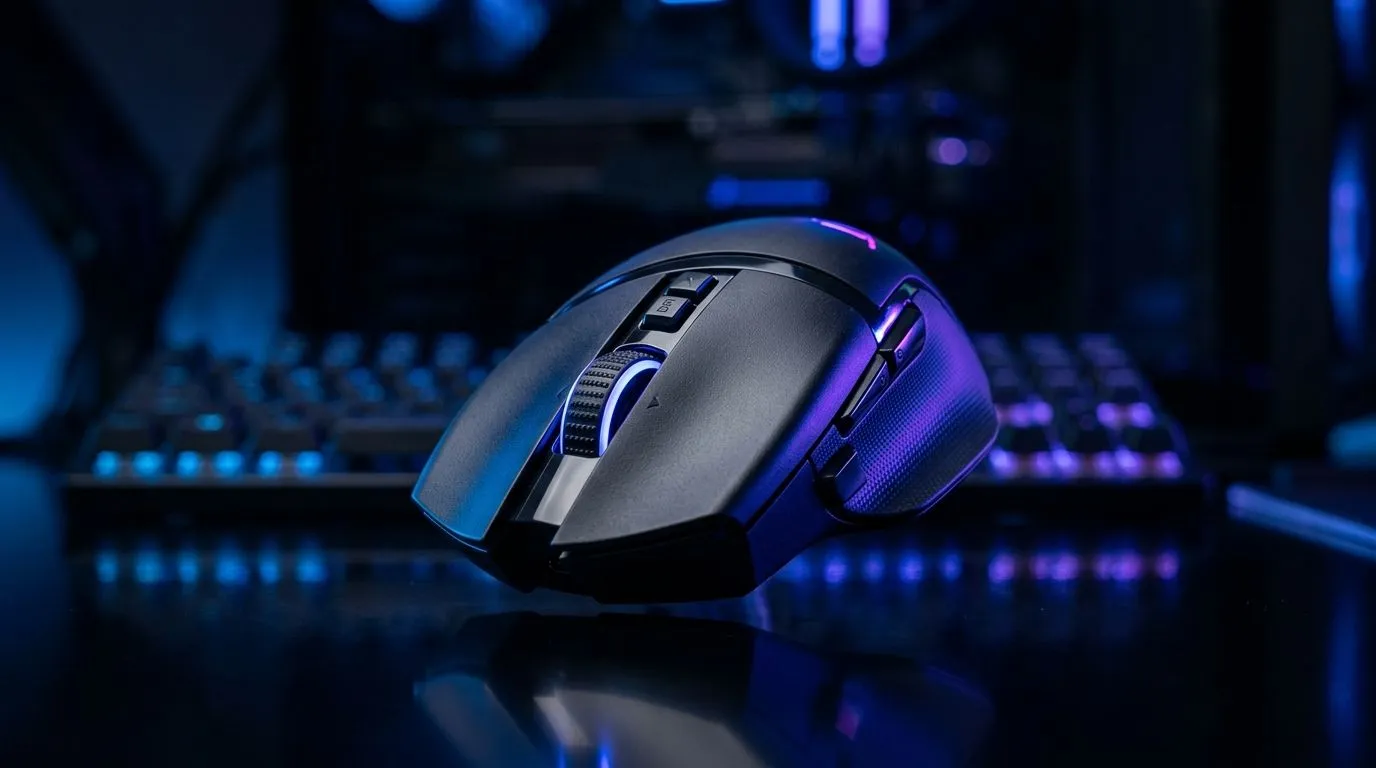
Wireless Gaming Mouse Setups for WFH Gaming Hybrids: The First 70 Words Matter
If your workday happens at the same desk as your weekend ranked grind, your mouse setup can make or break your focus. A wireless gaming mouse should feel consistent, not “mystery-laggy” after lunch. In South Africa, where loadshedding, intermittent power, and budget decisions are real, getting the right setup means choosing the right connection, charge habits, and grip comfort. 🎮
This guide covers smart wireless gaming mouse setups for WFH gaming hybrids, with practical checks you can do today.
Wireless Gaming Mouse Setup Checklist for Smooth WFH-to-Win Transitions
Start with the basics: sensor performance, battery reliability, and how your mouse connects to your PC. Many wireless models use low-latency 2.4GHz dongles, which generally perform closer to wired feel than Bluetooth. For a WFH hybrid, stability beats hype every time.
Here’s what to verify:
- Connection path: If you use a wireless dongle, try plugging it into a rear USB port for steadier signal.
- DPI discipline: Set a comfortable DPI for desktop work, then adjust in-game. Don’t constantly change DPI mid-task.
- Charging rhythm: Recharge on a schedule (for example, weekly). Don’t wait for “low battery” while you’re busy.
- Surface matching: A good mousepad matters as much as the mouse, especially for consistent tracking on desk mats.
Grip and comfort: the underrated performance stat ✨
WGAM hybrids often add hours. That means comfort becomes performance. If your wrist floats awkwardly or your thumb cramps, your aim will reflect it. Measure your comfort like you measure FPS: test, adjust, repeat.
Productivity Pro Tip 🔧
Use a dedicated mousepad for your gaming sessions, not the “desk mat” you use for everything. Even a slightly different glide can affect tracking consistency, which matters for both spreadsheet precision and aim training.
Wireless vs wired for gaming hybrids: what most South Africans actually notice
Many people ask: should you buy wireless or wired? In a WFH gaming hybrid, the real differences show up in daily friction and cable management. Wired mice are simple and consistent. Wireless mice remove desk drag and can feel cleaner when you switch between work and play. Either way, reliability is key.
If you want accessories that complement your setup (like pads, feet, or add-ons), browse Evetech’s mouse accessories here: Mouse accessories for your setup.
If you’re still leaning wired for zero battery thinking, Evetech lists options worth comparing here: Shop wired gaming mice.
And if wireless is your plan, start with this category: Buy wireless gaming mice.
Deal reality check (ZAR first, upgrades second) 💸
In South Africa, “best” often means “best price that still fits your needs.” Keep an eye on weekly pricing and bundle value. A mouse that fits your grip and sensitivity will outperform a “top spec” model you refuse to buy.
For current pricing angles, use: best gaming mouse deals at Evetech.
Build the setup: desk routing, software tweaks, and in-game habits 🚀
Wireless stability often comes down to how you route your gear.
- USB location: Move the dongle away from USB hubs and charging docks if you get inconsistent behaviour.
- Power habits: If you frequently power down during load shedding, plan a quick recharge routine after power returns.
- Profile management: Use one profile for work and one for gaming. That way, your muscle memory stays intact.
Then, make your in-game habits match your WFH routine:
- Warm up for 3 to 5 minutes after work. Aim changes when your posture changes.
- Use consistent in-game settings. If your mouse feels different, the first suspect is sensitivity, not the mouse.
If you want to compare models in a structured way, Evetech’s gaming mouse category page helps you narrow options fast: gaming mouse range.
Wireless Gaming Mouse Setups for WFH Gaming Hybrids: The final decision
Choose based on daily friction and comfort, not only spec sheets. Wireless can be excellent for WFH hybrids if you manage charging and connection habits. Wired remains hard to beat for simplicity. Either way, set your DPI once, tune your grip, and keep your surface consistent.
Ready to Find Your Perfect Match? The Mac vs Windows debate is complex, but for maximum power, choice, and value in South Africa, Windows is hard to beat. Explore our massive range of laptop specials and find the perfect machine to conquer your world.











