

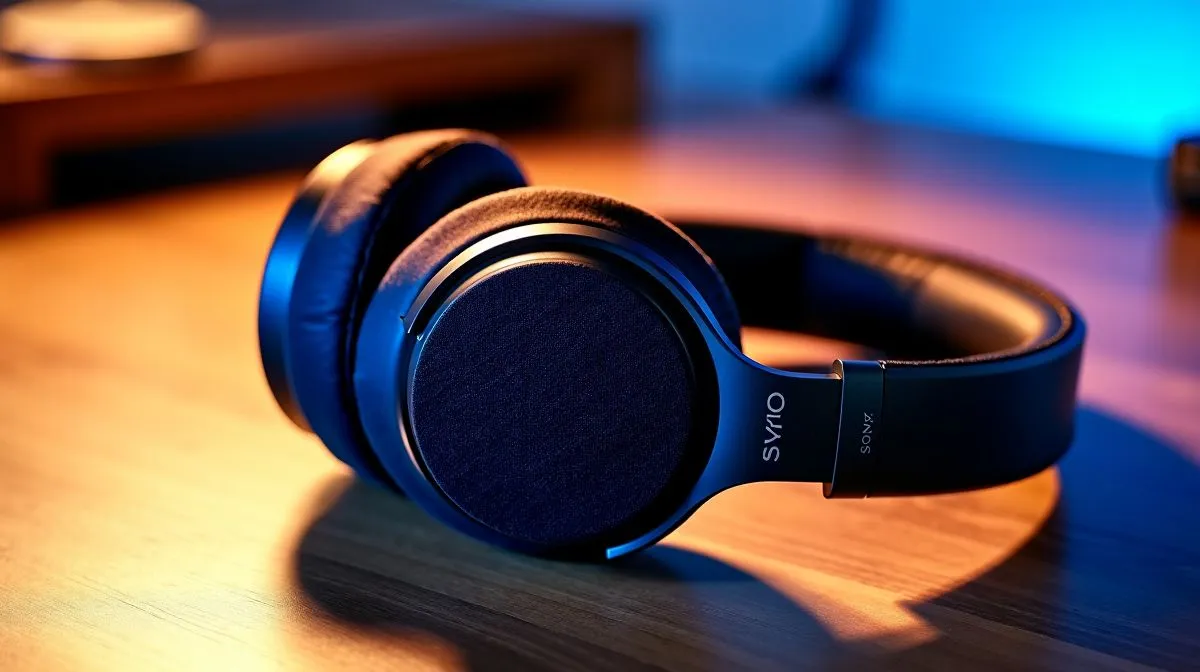
Wireless Headset Connectivity Issues: Stable Audio Across Devices
Ever had your headset audio cut out mid-raid or sound like it’s underwater during a ranked match? 🔧 In South Africa, where load shedding and Wi‑Fi congestion are real-life problems, “wireless” should still feel reliable. If your audio is stable on your PC but goes haywire on your phone or console, you’re not alone. Let’s fix the usual causes and get your headset sounding crisp, consistently, across devices.
Wireless Headset Connectivity Issues: Stable Audio Across Devices starts with the signal ⚡
Most “random” audio problems come down to one of these: Bluetooth interference, weak wireless range, or device power settings that aggressively sleep. Wireless headsets can use different wireless methods: Bluetooth, USB dongles, or proprietary 2.4GHz links. Each method behaves differently under the same conditions.
Here’s a quick, practical way to diagnose it:
- Swap devices: Test on a second laptop/PC or phone. If the problem follows the headset, it’s likely pairing or firmware. If it follows the device, it’s power or driver settings.
- Check distance: Move within 1–2 metres. Then try again at 3–5 metres. If it degrades with distance, you’ve got a range or interference issue.
- Switch networks: If you’re using Bluetooth, Wi‑Fi noise can matter. On crowded bands, interference can be worse.
Pairing and mode mistakes to avoid ✨
Many headsets can connect in multiple modes. For example, a headset might be both an “audio device” and a “headset” profile in Bluetooth. Those profiles can cause different audio quality and sometimes unstable switching. Use your device’s sound settings and ensure you’ve selected the correct output device each time.
Also, if you frequently switch between devices, clear old pairings when things get messy. Some headsets will auto-connect to the last device, even if it’s not the one you’re actively using.
Connectivity Pro Tip ⚡
On Windows, open Settings → Bluetooth & devices → Devices and remove old headset entries, then re-pair fresh. After pairing, go to Sound settings and confirm the headset is set as the correct Output device. This often stops “audio flicker” caused by the wrong profile being selected.
Wireless Headset Connectivity Issues: Stable Audio Across Devices need the right hardware choices 🚀
If you’re buying new gear for consistent audio across devices, the wireless method matters. USB dongle headsets are usually more stable than Bluetooth for gaming because they avoid many of the Bluetooth profile quirks and can deliver more consistent latency for most users. If you want a dependable, no-fuss setup, start by choosing a headset designed for gaming connectivity.
If you’re considering a specific model line, check out options like the Razer Barracuda X Chroma for a wireless experience designed around gaming practicality. You can browse it here: Razer Barracuda X Chroma Wireless Headset (Phantom White).
For broader selection and comparisons across headsets and headsets-as-a-category, it helps to look at Evetech’s collections:
Stereo vs 7.1: stability still matters 🎧
Surround audio features can be great, but they can also introduce complexity when devices switch output formats. If your headset supports both Stereo and 7.1, test both modes on each device and stick with the most stable option for daily use. You can filter similar picks here:
Wireless Headset Connectivity Issues: Stable Audio Across Devices quick fixes you can do today 🔧
Before you blame the headset, try these in order:
- Restart the audio service: Reboot your PC or restart the app you’re using (Discord, game launcher, etc.). Many “stuck output” issues resolve quickly.
- Update drivers: If your Windows PC uses Bluetooth, update chipset and Bluetooth drivers. Outdated drivers can cause connection drops.
- Disable power saving for Bluetooth: In Windows device manager, check Bluetooth adapter power settings and prevent it from turning off to save power.
- Reduce competing wireless signals: Place the dongle near the front USB port, avoid USB hubs, and keep the headset base/dongle away from thick walls and metal stands.
If you do all this and the audio still cuts out, it’s often a compatibility mismatch or a worn battery. In that case, it’s worth choosing a headset known for stable wireless gaming use.
Ready to Find Your Perfect Match? The Mac vs Windows debate is complex, but for maximum power, choice, and value in South Africa, Windows is hard to beat. Explore our massive range of laptop specials and find the perfect machine to conquer your world.











