

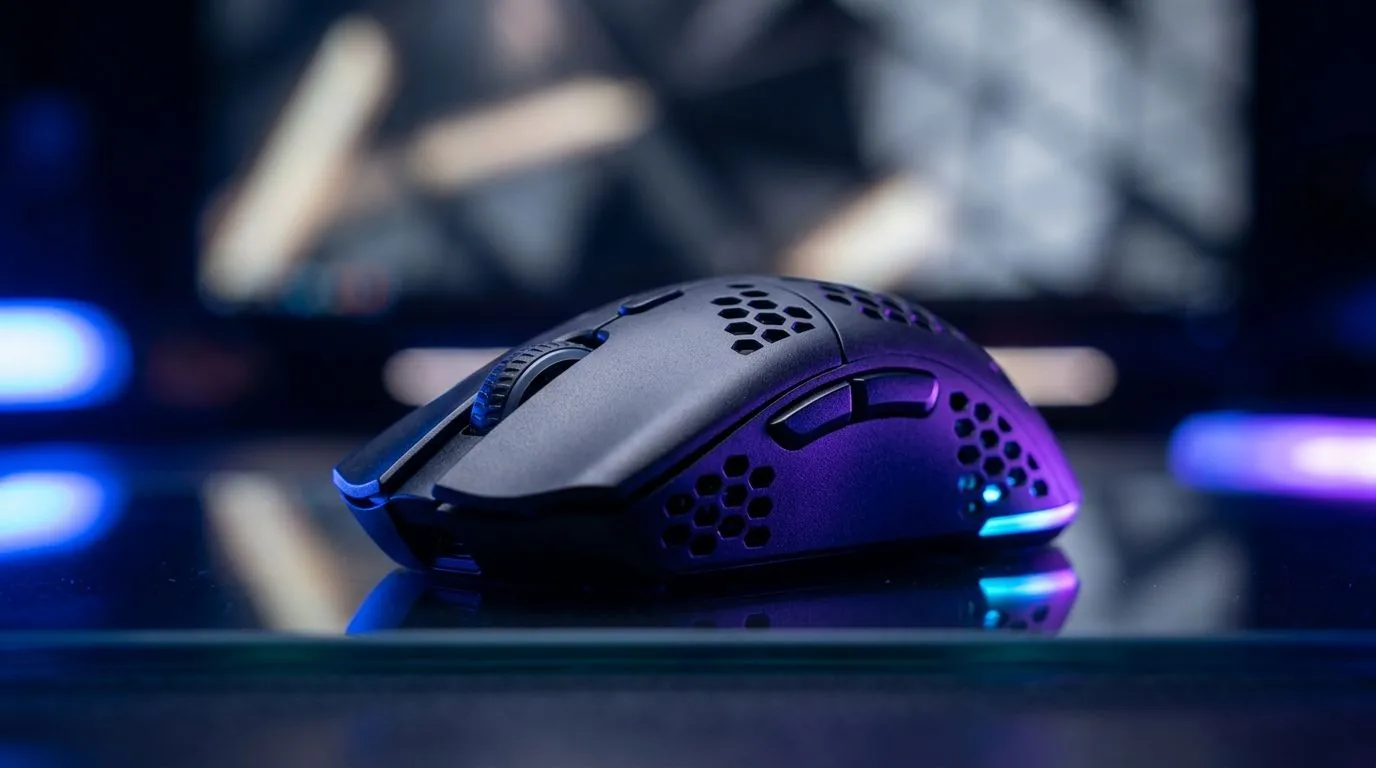
Wireless Mouse Lag: What You’re Feeling (and Why It Happens) 🎮
If your crosshair feels “sticky” or your aim stops just before a flick, you’re not imagining it. Wireless mouse lag is a real problem for competitive gaming, especially on busy Wi‑Fi channels and with older receiver setups. In South Africa, loadshedding, crowded apartment blocks, and even router placement can turn a “fine” mouse into a jittery one… fast.
The good news? Wireless Mouse Lag: How to Fix It for Competitive Gaming is usually solvable with a few targeted tweaks. Let’s get your tracking and clicks back to snappy.
Wireless Mouse Lag: Quick Fixes You Can Do in 10 Minutes 🔧
Start with the basics. They matter more than people think.
Check power and battery behaviour
Low battery can reduce performance and increase latency. If your mouse supports it, fully charge it, then test again. Also avoid “half-charged” sessions where the voltage is unstable.
Move the receiver closer (and in line-of-sight)
If you use a USB receiver, don’t bury it behind your PC or under a desk. Latency drops when the receiver has a stronger signal. A small USB extension cable can help you place it better.
Re-seat your USB and try a different port
Some front-panel USB ports on desktops can be noisier. Try a back port and avoid hubs if you can.
Fix Wi‑Fi interference
2.4GHz wireless devices compete with your mouse if they share the same space. Try changing your router’s channel, or switch the router to a less congested channel. If your mouse uses a dedicated wireless tech (often marketed as “low latency”), it still benefits from less clutter around the receiver.
Productivity Pro Tip ⚡
On Windows, open Device Manager and temporarily disable and re-enable your mouse device to force a clean reconnection. Then test in a training map for 60 seconds. If lag returns, it’s often a power state or USB handshake issue, not your aim settings.
Wireless Mouse Lag: Settings That Actually Reduce Jitter ⚙️
Even when the signal is clean, settings can create “feels bad” moments.
Match polling rate to your use case
If your mouse supports adjustable polling rate, test 1000Hz first (common for gaming). If your PC struggles, try 500Hz for stability and consistency. Consistency beats peak numbers.
Keep firmware and drivers updated
Firmware updates can improve sensor behaviour and wireless stability. Always update from the manufacturer’s official support page, then retest.
Lower friction between mouse and surface
A mousepad matters. Try a smooth, large pad. Also wipe the sensor and check for dust. If your surface is inconsistent, your movement will be too.
Wireless Mouse Lag: When It’s Time to Switch (Wired vs Wireless) 🚀
If you’ve tried everything and the lag keeps showing up during important duels, it may be time to change approach.
For many competitive players, wired is still the simplest path because there’s no wireless link to interfere. If you’re shopping, compare options on Evetech:
- Explore wireless mouse accessories that can help with receiver placement and stability: https://www.evetech.co.za/buy-mouse-accessories/x/1595.aspx
- If you want the lowest-latency baseline, consider a wired mouse: https://www.evetech.co.za/buy-wired-mouse/x/1596.aspx
- Prefer wireless? Start with a selection built for gaming use: https://www.evetech.co.za/buy-wireless-mouse/x/1597.aspx
- Looking for value in South Africa? Check current gaming mouse deals in ZAR: https://www.evetech.co.za/best-gaming-mouse-deals/x/054.aspx
- Want to compare sensor, switches, and ergonomics across models? Browse the gaming mouse range here: https://www.evetech.co.za/components/gaming-mouse-117.aspx
In practice, the “best” fix is the one that removes variables. When wireless gets consistent, your aim comes back online.
Wireless Mouse Lag: Test Like a Pro Before You Buy 🔍
Before you spend money, run a quick before-and-after check:
- Use the same game mode and same sensitivity.
- Test in short bursts: 60 seconds moving left-right, then 20 flicks.
- Change only one variable at a time (receiver position, USB port, polling rate).
That’s how you’ll know what actually helped.
Ready to Find Your Perfect Match? The Mac vs Windows debate is complex, but for maximum power, choice, and value in South Africa, Windows is hard to beat. Explore our massive range of laptop specials and find the perfect machine to conquer your world.











