

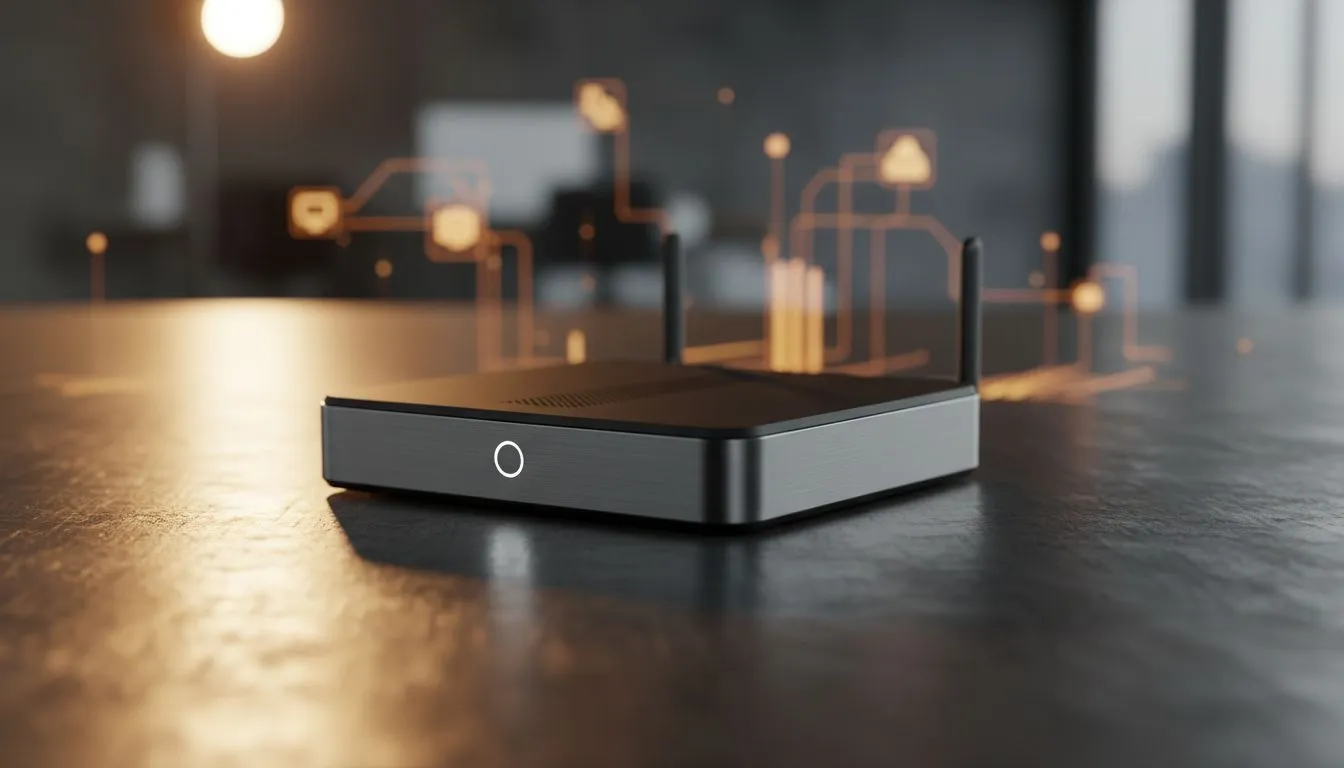
Wireless Screen Sharing for Business Teams: Why it matters now ⚡
Screen sharing used to mean cables, adapters and guessing which laptop has the right port. Today, wireless screen sharing for business teams saves time, keeps meetings flowing and makes hybrid collaboration feel natural. In under a minute you can mirror a presenter’s laptop to the room display, share a tablet wirelessly, or send a design draft to every participant’s device. That ease matters in South Africa’s fast-moving offices.
Wireless Screen Sharing for Business Teams: Compatibility and software
Pick the right protocol first. Miracast works across many Windows devices. AirPlay is best for Apple ecosystems. Chromecast is widely supported for Chrome-based workflows. For consistent performance, check that your meeting room display or endpoint supports the protocol your team uses. If multiple people present, consider a hub that accepts AirPlay, Miracast and Chromecast.
When choosing the room display, think beyond size. Adaptive sync can reduce tearing during video demos, which keeps motion smooth when sharing media—see Adaptive Sync options to compare models. If presenters use AMD laptops, look for FreeSync monitors for broader compatibility. For Windows and Nvidia users, a G-Sync ready display is a strong match.
- FreeSync monitors: https://www.evetech.co.za/PC-Components/pc-monitors-89?attributes-adaptivesync=FreeSync+%28AMD%29
- All monitors overview: https://www.evetech.co.za/PC-Components/pc-monitors-89
- Adaptive Sync options: https://www.evetech.co.za/PC-Components/pc-monitors-89?attributes-adaptivesync=Adaptive+Sync
- G-Sync compatible displays: https://www.evetech.co.za/PC-Components/pc-monitors-89?attributes-adaptivesync=G-Sync+%28NVIDIA%29
Wireless Screen Sharing for Business Teams: Room hardware, layout and display type 🔧
Choose a display that matches how you meet. Flat screens suit standard boardrooms and make text easy to read. Curved monitors provide immersion for design review or smaller huddle spaces. If colour accuracy matters, IPS panels deliver wider viewing angles and truer colour for shared creative work.
- Flat monitor choices: https://www.evetech.co.za/PC-Components/pc-monitors-89?attributes-curved%2Fflatscreen=Flat
- Curved monitor choices: https://www.evetech.co.za/PC-Components/pc-monitors-89?attributes-curved%2Fflatscreen=Curved
- IPS panel displays: https://www.evetech.co.za/PC-Components/pc-monitors-89?attributes-paneltype=IPS
Wireless Screen Sharing for Business Teams: Practical tips and troubleshooting
Small adjustments make meetings smoother. Keep Wi-Fi on a dedicated SSID for conferencing gear. Use a wired connection for the room’s hub if possible; that halves wireless headaches. When mirroring fails, restart the presenting device first, then the receiver. For persistent lag, check network congestion and try a 5 GHz band.
Productivity Pro Tip ⚡
Use a compact wireless presentation receiver in rooms with mixed OS devices. Configure a Guest SSID for visiting presenters and pre-pair common devices to speed handovers.
Use short test runs before client demos. Label HDMI fallback inputs so any presenter can switch to wired mode without a technician.
Wireless Screen Sharing for Business Teams: Final notes
Wireless screen sharing reduces friction and speeds decisions. It also means your team can focus on content, not cables. Want to outfit multiple meeting rooms or test displays before you buy? We can help match hardware to your workflow and budget.
Ready to Find Your Perfect Match? The Mac vs Windows debate is complex, but for maximum power, choice, and value in South Africa, Windows is hard to beat. Explore our massive range of laptop specials and find the perfect machine to conquer your world.











