


GTA 6 Max Settings on RTX 5070: Complete Guide
GTA 6 Max Settings on RTX 5070. Tested & verified settings for best FPS and visual quality on SA hardware budgets.
Read morewolverine hdr calibration: Learn how to measure and set peak brightness for accurate HDR highlights, stop clipping, and optimize tone mapping for gaming and video. ⚙️📺
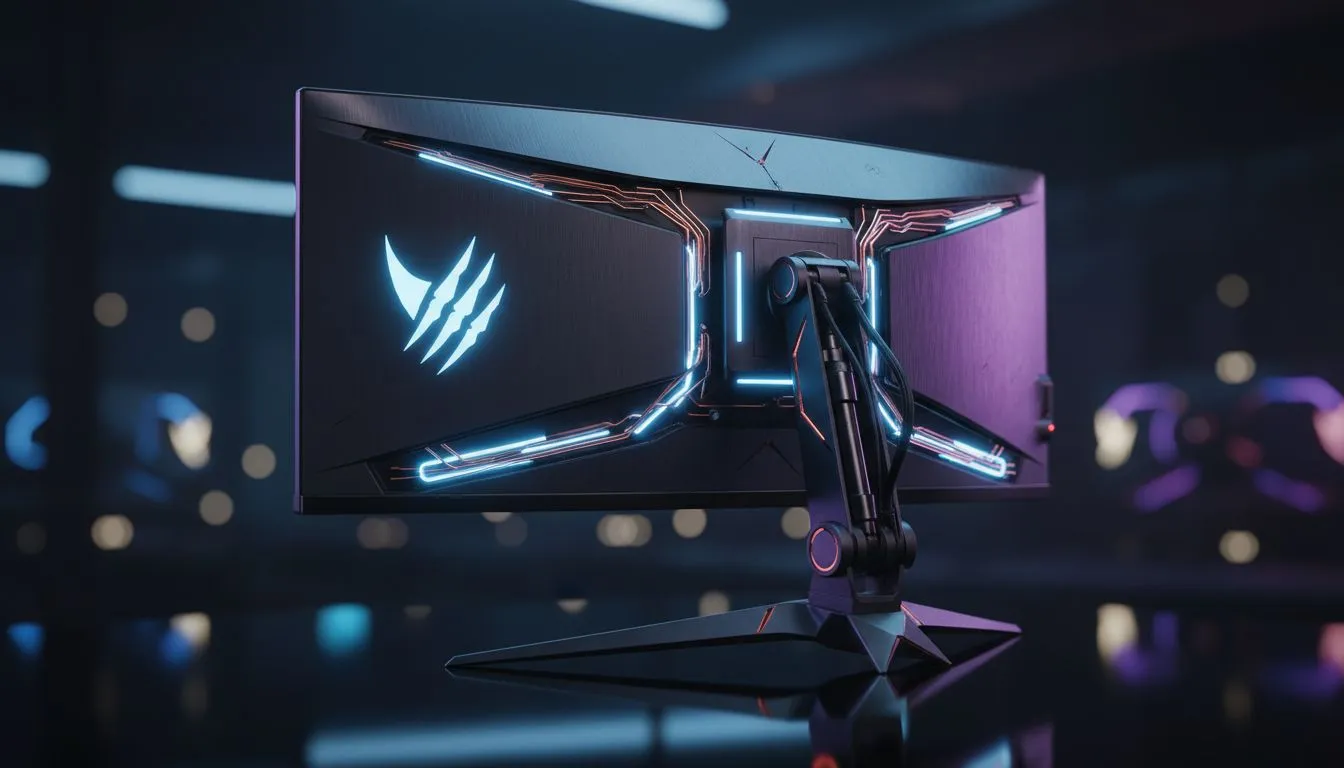
You’ve just loaded into the gritty world of Logan. The claws are out... but the sun looks like a flat white blob. Proper Wolverine HDR calibration is the difference between a washed-out mess and a cinematic masterpiece. South African gamers deserve better than default settings. Let’s dial in your peak brightness and make those adamantium reflections truly pop. ⚡
High Dynamic Range transforms how we see digital worlds. In a title like Wolverine... shadows should feel oppressive while highlights sting with intensity. To get this right... you need to understand your screen’s limits. If you are looking to upgrade your visual experience... checking out the best PC monitor deals is a great first step to finding high-nit hardware.
Peak brightness is measured in nits. Most entry-level HDR screens hit 400 nits... while high-end panels reach 1000 or more. Setting your Wolverine HDR calibration too high causes "clipping"... where detail in the brightest areas disappears into a white void.
Start by enabling HDR in Windows. Use the Windows HDR Calibration app to set your black floor and peak luminance. This ensures your PC monitors communicate correctly with the game engine before you even touch the in-game sliders.
Always calibrate in a dark room. Ambient light can trick your eyes into thinking the screen is dimmer than it actually is. For the best Wolverine HDR calibration... turn off the overhead lights and let the panel do the work. This ensures your eyes perceive the true contrast ratio of the game.
Inside the game menu... look for the Peak Brightness slider. Adjust it until the brightest symbol just barely vanishes. This creates a realistic balance between the dark alleys of Madripoor and the glint of steel. 🚀
Not all screens handle HDR equally. If you want the most immersive experience... the all gaming monitors category offers various levels of HDR certification. For those who love a wrap-around view that pulls you into the action... you might buy curved monitors to fill your peripheral vision. ✨
If you are a gamer on the move... you can buy portable monitors that still offer decent HDR peaks for gaming on a laptop. However... for the ultimate visual fidelity... nothing beats the clarity when you buy 5K & 4K monitors. This provides the pixel density needed to see every detail in Logan's suit.
Don't forget the physical connection. A standard HDMI cable might not have the bandwidth for 4K at high refresh rates with full HDR. Ensure you buy monitor accessories like high-speed DisplayPort or HDMI 2.1 cables to avoid flickering or signal loss during intense combat. 🔧
Ready to See Every Detail? Getting your Wolverine HDR calibration right is only half the battle... the other half is having the right panel. For the best visual experience and unbeatable value in South Africa... Explore our massive range of gaming monitors and find the perfect screen to make your games shine.
Wolverine HDR calibration aligns the display's HDR peaks to standard luminance so highlights render accurately; peak brightness prevents blown-out highlights and preserves detail.
Use a colorimeter or HDR-capable luminance meter with test patterns; measure max nits on APL windows to evaluate peak brightness and tone mapping.
You can improve results using HDR test patterns, built-in monitor modes, and calibration software, but a colorimeter gives more precise peak brightness control.
Adjust peak brightness, tone mapping or HDR clipping controls, reduce peak luminance and enable local dimming or dynamic tone mapping to recover highlights.
Aim for manufacturer-recommended nits (often 400–1000 depending on model); calibrate to match content and avoid clipping for bright game highlights.
Use Calman, DisplayCAL, or manufacturer tools; they support measuring HDR peak luminance and refining tone mapping for accurate Wolverine HDR calibration.
Recalibrate every 3–6 months or after firmware updates, major lighting changes, or if you notice highlight clipping or washed-out HDR performance.
GTA 6 Max Settings on RTX 5070. Tested & verified settings for best FPS and visual quality on SA hardware budgets.
Read more
Cyberpunk 2077 Max Settings on RTX 5080. Tested & verified settings for best FPS and visual quality on SA hardware budgets.
Read more
Starfield Max Settings on RTX 5070 Ti. Tested & verified settings for best FPS and visual quality on SA hardware budgets.
Read more
Can RTX 4080 Super Run AI Workloads for SA Developers Detailed answer with SA data, expert analysis & practical recommendations for local buyers.

Can RTX 4090 Run AI Workloads for SA Developers Detailed answer with SA data, expert analysis & practical recommendations for local buyers.

Top Settings for Intel Arc B580 at Ultrawide 1440p picks evaluated on performance, value & SA availability with current Rand pricing from Evetech.

RX 7600 Overclocking Guide: Safe OC Settings for. Real-world benchmark data, FPS numbers & performance analysis. What SA gamers can actually expect.

RTX 4060 CS2 Low Settings at 1080p: FPS Results. Real-world benchmark data, FPS numbers & performance analysis. What SA gamers can actually expect.

Visual Artifacts: Possible GPU Issue Issue #1. Diagnosis steps, proven fixes & when to seek professional help. SA-specific support info included.

Can the RTX 4090 Handle 1440p 144Hz Gaming. Performance testing verdict with real data & practical recommendations for SA buyers.

Top ASUS GPU Under R15000 picks evaluated on performance, value & SA availability with current Rand pricing from Evetech.
GTA 6 Max Settings on RTX 5070. Tested & verified settings for best FPS and visual quality on SA hardware budgets.
Cyberpunk 2077 Max Settings on RTX 5080. Tested & verified settings for best FPS and visual quality on SA hardware budgets.
Starfield Max Settings on RTX 5070 Ti. Tested & verified settings for best FPS and visual quality on SA hardware budgets.

Top RTX 5090 Under R5000 picks evaluated on performance, value & SA availability with current Rand pricing from Evetech.