

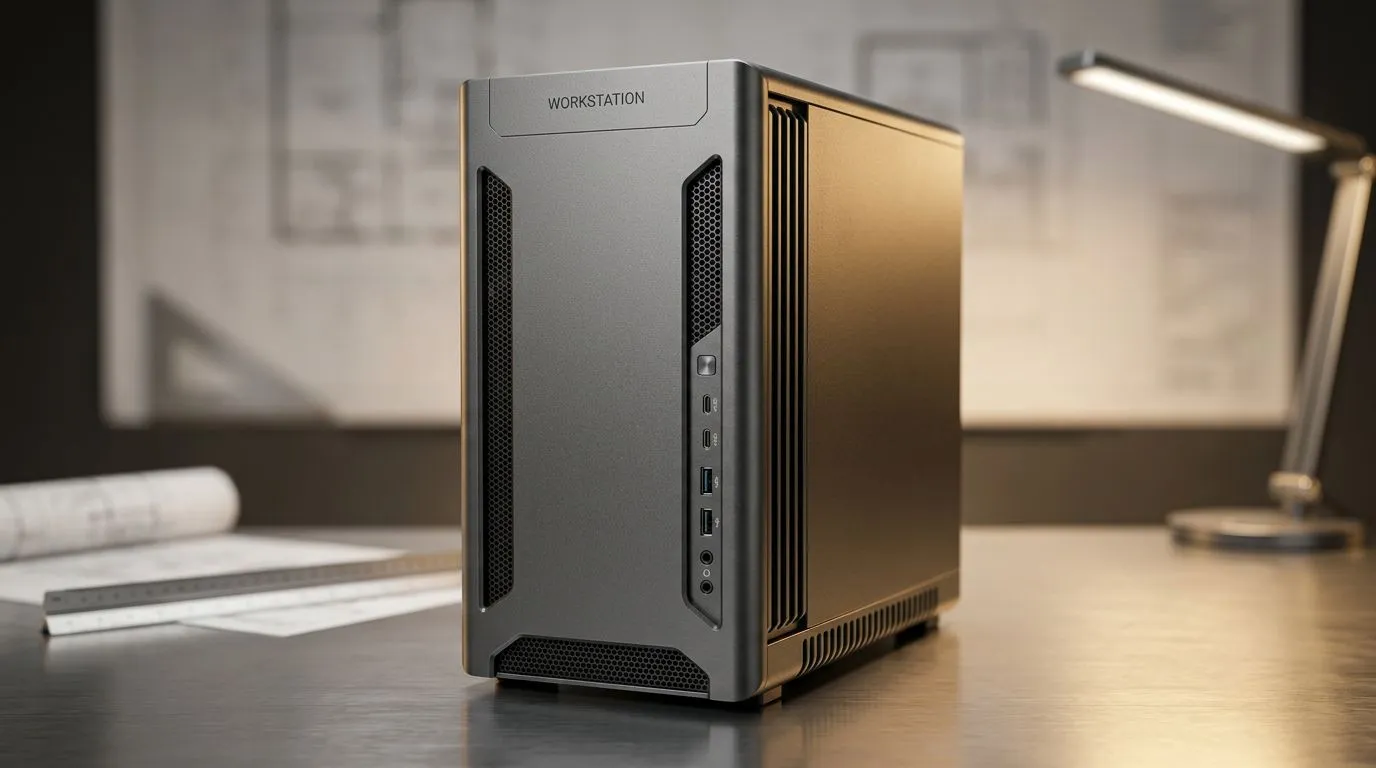
The Foundation of Your Design Workflow
When you are staring down a complex Revit model or rendering a high-fidelity Lumion walkthrough, the last thing you need is a spinning cursor. For architects in South Africa, a workstation PC isn't just a luxury; it is the engine that drives your productivity. Whether you are working from a studio in Cape Town or a home office in Sandton, you need a machine that balances raw processing power with rock-solid stability to keep your projects on track. 🔧
Choosing the Right Processor and GPU
The heart of any professional build is the CPU. If you are handling massive CAD files, you should look at all-intel-pc-deals for high clock speeds that excel in single-threaded tasks like 2D drafting. Conversely, if your workflow relies heavily on multi-core rendering, all-amd-ryzen-pc-deals offer incredible efficiency for heavy multitasking.
Graphics are equally vital. While many assume gaming hardware is overkill, the architecture of modern cards is perfect for viewport performance. You can find excellent nvidia-geforce-gaming-pcs that handle ray tracing in real-time, drastically reducing your render times compared to entry-level hardware. For those experimenting with new tech, all-intel-arc-gaming-pcs are also making waves with their impressive encoding capabilities. ⚡
Why Pre-Built Workstations Win
Building from scratch is rewarding, but for a busy professional, time is money. Opting for pre-built-pc-deals ensures that your components are stress-tested and compatible out of the box. Evetech provides a specialised range of workstation-pcs specifically curated for heavy-duty professional software, ensuring you get the best performance for your budget in ZAR. 🚀
="Productivity Pro Tip ⚡" , On Windows, use the PowerToys FancyZones utility to create custom snap layouts for your windows. It's a lifesaver for managing multiple apps on an ultrawide monitor, letting you organise your timeline, preview window, and asset folders perfectly for video editing.
Maximising Your Investment
When selecting a workstation PC for architects in South Africa, always prioritise RAM. 32GB is the current baseline for professional architectural software, but 64GB is recommended if you are working with large point clouds or complex 3D scenes. Investing in a high-quality NVMe SSD will also ensure your software loads in seconds, not minutes. ✨
Ready to Find Your Perfect Match? The Mac vs Windows debate is complex, but for maximum power, choice, and value in South Africa, Windows is hard to beat. Explore our massive range of laptop specials and find the perfect machine to conquer your world.











