


Complete Guide: Setting Up Monitor Light
Setting Up Monitor Light. Tested & verified settings for best FPS and visual quality on SA hardware budgets.
Read moreXinput controller is the standard behind modern PC gamepad compatibility; learn how Xinput affects mapping, vibration and latency to pick the right controller. 🎮⚡
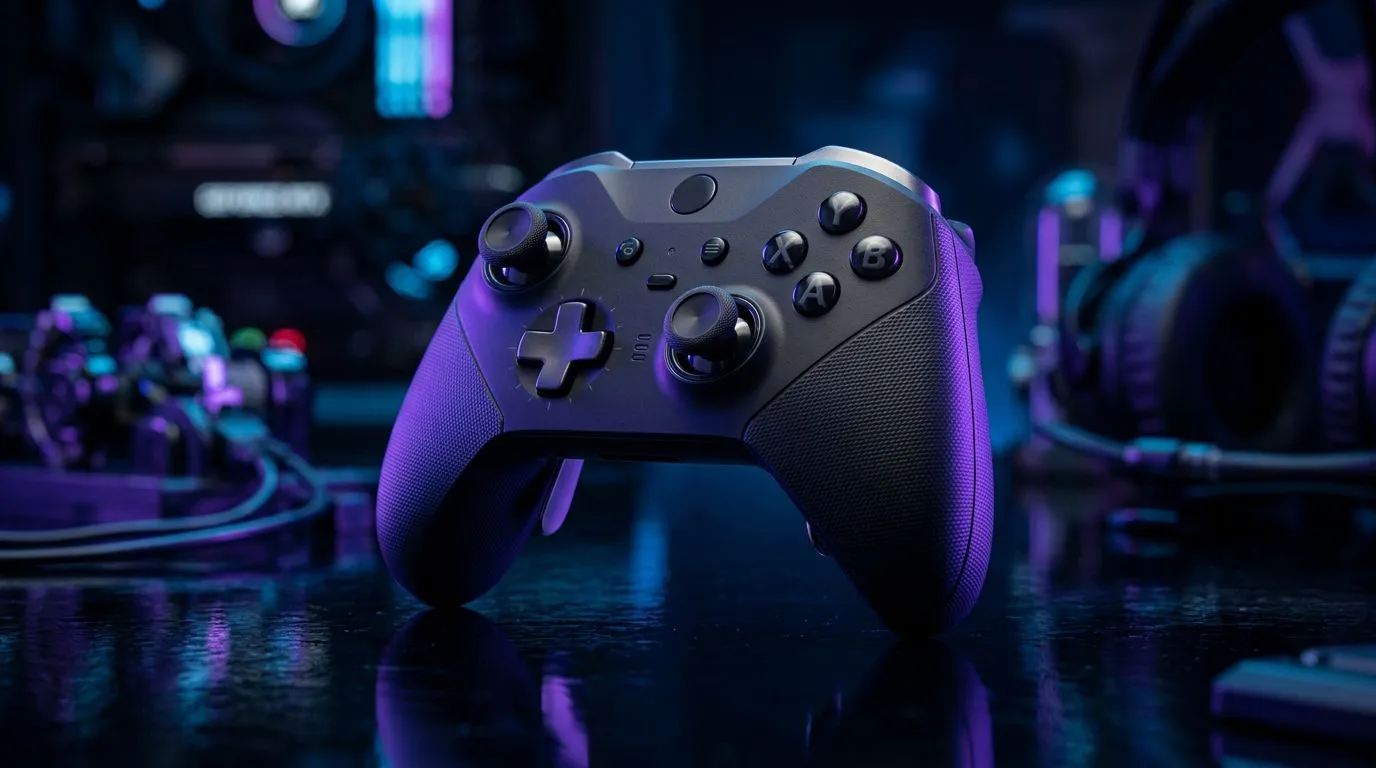
If you've ever plugged an Xbox pad into a Windows PC and it "just works", you're already using an XInput controller. South African gamers, from Pretoria lan nights to Cape Town single-player marathons, rely on that compatibility to get straight into the action. This guide explains XInput controllers, why developers favour them, and how to pick or tweak one for the best experience.
XInput is Microsoft’s API that standardises how controllers speak to Windows games. That standardisation means fewer compatibility headaches for devs and players alike. Most modern PC titles ship with native XInput support, so button mappings and vibration behave predictably. If you want a quick test, plug an Xbox-style pad into Windows and let Steam or a modern title detect it automatically.
If you prefer premium, tournament-grade hardware, consider the Razer Wolverine V3 Tournament Edition—Evetech lists it with current ZAR pricing and deals on the product page for local buyers. It’s built around Xbox-style compatibility and pro-level switches. https://www.evetech.co.za/razer-wolverine-v3-tournament-edition-8k/best-deal/24274
XInput handles Xbox-style controllers. Other APIs and standards like DirectInput or Switch/PS controllers need translation layers or remapping software. That doesn’t mean non-XInput pads are unusable... it means you may need extra setup. Steam Input and third-party tools can bridge differences, but native XInput remains the simplest path for Windows gaming.
If you’re shopping and want a no-fuss controller that will work immediately on most PC games, browse our full controller range to see models tested and available in ZAR. https://www.evetech.co.za/PC-Components/buy-gaming-controllers-365
Small tweaks improve responsiveness and comfort. Calibrate sticks, adjust deadzones in-game, and update firmware where available. For Razer fans wanting brand-specific options, check Evetech’s Razer controllers page for local stock and offers. https://www.evetech.co.za/PC-Components/buy-gaming-controllers-365?brands=Razer
Use Windows' Devices & Printers or Steam's controller settings to confirm your XInput controller is detected as an Xbox device. If buttons feel off, recalibrate sticks and set deadzones in-game. For advanced mapping, Steam Input can remap triggers and bumpers per game.
At a recent Cape Town LAN, a mismatched controller caused five minutes of scrambling before the host swapped to an XInput controller. The rest of the group jumped straight into the match. That’s the practical value: fewer barriers, more play. Choosing an XInput-friendly pad saves time during setups and keeps the vibe focused on gameplay.
Ready to Find Your Perfect Match? The Mac vs Windows debate is complex, but for maximum power, choice, and value in South Africa, Windows is hard to beat. Explore our massive range of laptop specials and find the perfect machine to conquer your world.
Xinput is Microsoft's API for Xbox-style controllers on Windows, managing input, vibration and standard button mapping for modern PC gamepads.
Xinput standardizes Xbox-layout controllers for consistent mapping; DirectInput supports older or complex devices. See xinput vs directinput for details.
No. Only Xbox-style or specifically designed controllers use Xinput natively; others rely on DirectInput or need drivers/wrappers to emulate Xinput.
Xinput ensures plug-and-play compatibility, predictable button mapping and native vibration in many Windows games—ideal for a hassle-free controller choice.
You can often use wrappers like x360ce or custom drivers to emulate Xinput, but compatibility and button mapping may vary by device and game.
Official Xbox controllers and many modern third-party pads are top picks for best xinput controllers for pc thanks to native support and firmware.
Xinput itself is low-latency; performance differences usually stem from controller firmware, wireless vs wired connection, drivers and game support.
Setting Up Monitor Light. Tested & verified settings for best FPS and visual quality on SA hardware budgets.
Read more
Assassins Creed Shadows Ultrawide Support: 21:9. Clear setup instructions with SA-specific considerations, troubleshooting tips & recommended components.
Read more
Complete Gaming Setup Guide for the Collector. Clear setup instructions with SA-specific considerations, troubleshooting tips & recommended components.
Read more
Will the Steam Deck 2 Have an OLED Screen? Leaked. Plain-English explanation of what it means, why it matters & how it affects your buying decisions in SA.
Read more
Setting Up Ultrawide 144Hz. Tested & verified settings for best FPS and visual quality on SA hardware budgets.
Read more
Kingdom Come: Deliverance 2 Ultrawide Support. Clear setup instructions with SA-specific considerations, troubleshooting tips & recommended components.
Read more
When Will the RTX 6090 Launch in South Africa Detailed answer with SA data, expert analysis & practical recommendations for local buyers.

Top Valorant Settings for RTX 5070: FPS Optimisation picks evaluated on performance, value & SA availability with current Rand pricing from Evetech.

RDNA 3.5 Graphics in Ryzen AI 400? Can You Game. Plain-English explanation of what it means, why it matters & how it affects your buying decisions in SA.

GPU Price Index : December Report. Current stock data & price tracking for SA buyers. See what is available and where prices are heading.

Core i5-14600K + B760 + RTX 5060 Build Under. Full parts list, Rand pricing & expected performance. Build confidently with SA-available components.

RX 7600 Apex Legends at 4K: FPS Benchmark. Real-world benchmark data, FPS numbers & performance analysis. What SA gamers can actually expect.

RX 7900 XTX GTA 6 at 4K: FPS Benchmark & Optimal. Real-world benchmark data, FPS numbers & performance analysis. What SA gamers can actually expect.

Head-to-head comparison of RTX 5070 vs RX 9070 XT: Gaming Performance for SA gamers. Performance benchmarks, Rand pricing & which delivers better value.

Starfield Max Settings on RTX 5070. Tested & verified settings for best FPS and visual quality on SA hardware budgets.

Top RX 7800 XT Model Under R8,000 picks evaluated on performance, value & SA availability with current Rand pricing from Evetech.

RTX 5070 Valorant Optimised Settings: Graphics. Real-world benchmark data, FPS numbers & performance analysis. What SA gamers can actually expect.

Top Laptop with Core i7 + RX 7700S: Picks picks evaluated on performance, value & SA availability with current Rand pricing from Evetech.