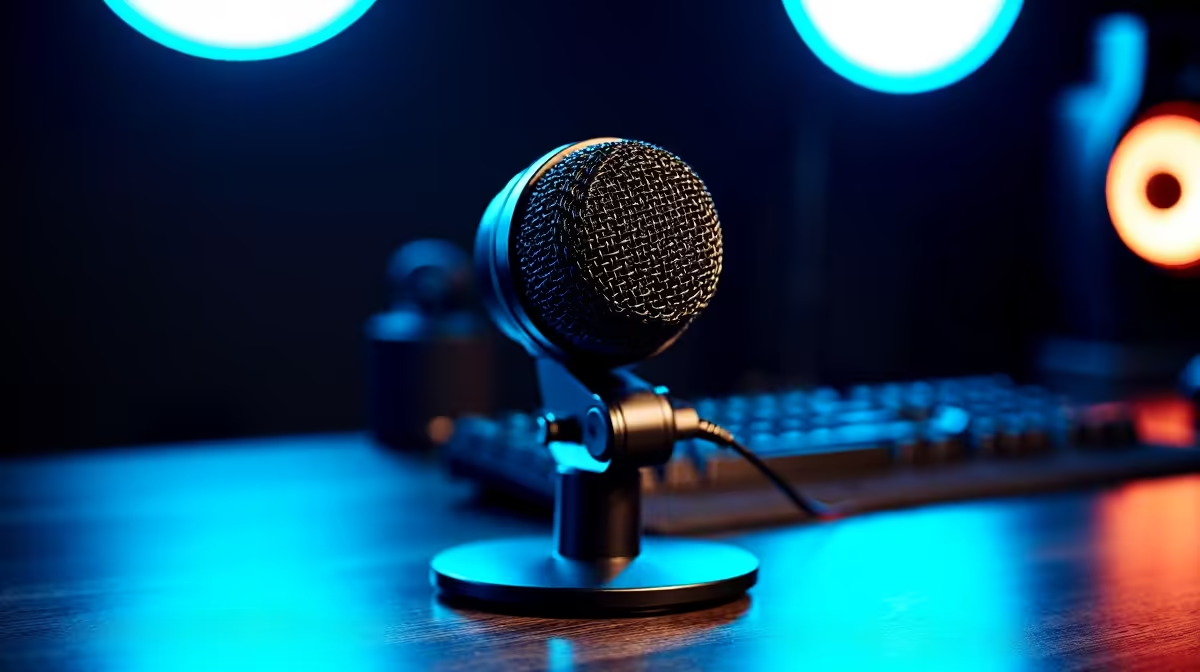
Diving into XLR vs USB Mics
In the bustling world of South African streaming and podcasting, creators from Johannesburg to Cape Town are choosing between XLR and USB mics to elevate their audio game. Whether you're a gamer going live on Twitch or a podcaster discussing local esports, understanding these options is key—especially with the rise of home setups post-2020 lockdowns. Let's break it down in this Q&A. 🚀
Q&A: Unpacking XLR and USB Microphones
Q: What’s the main difference between XLR and USB mics?
A: XLR mics connect via a three-pin cable to an audio interface or mixer, offering professional-grade sound quality often used in studios. USB mics plug directly into your PC or laptop, making them plug-and-play for beginners. According to Audio-Technica's official specs, XLR setups can handle higher dynamic ranges, ideal for nuanced recordings.
Q: Which is better for streaming in South Africa?
A: It depends on your setup. USB mics are convenient for quick streams, while XLR shines in dedicated rigs. For local gamers, a USB option like those in our streaming essentials under R6000 can get you started affordably.
Q: Do XLR mics require extra gear?
A: Yes, you'll need an audio interface or preamp, which adds to the cost—think R2000–R5000 in ZAR for a solid one. USB mics skip this, connecting straight to your device. Shure's product pages confirm XLR needs phantom power for condensers, unlike self-powered USB models.
Q: How does sound quality compare?
A: XLR often delivers warmer, more detailed audio with less latency, perfect for pro podcasts. USB mics have improved, but they might pick up more noise in untreated rooms. Based on Rode's comparisons, XLR can achieve up to 24-bit/192kHz resolution with the right interface.
Q: Are USB mics good enough for beginners?
A: Absolutely, they're user-friendly and budget-friendly. Many South African streamers start here before upgrading. Check out Corsair streaming gear for reliable USB options that won't break the bank.
Q: What about portability and setup time?
A: USB wins for portability—just plug in and go, great for mobile setups at LAN parties in Durban. XLR requires more components, taking longer to set up but offering scalability. Sennheiser's guides note USB's simplicity for on-the-go creators.
Q: Can I use both in one setup?
A: Sure, hybrid setups are common. Start with USB for ease, then add XLR for quality. Enhance your space with Cololight streaming essentials to make your streams visually pop too. ✨
Q: What's the price range in ZAR?
A: Entry-level USB mics start at R500, while XLR can go from R1000 upwards, plus interfaces. For value, explore our full range of streaming essentials to find deals tailored for South African budgets.
Pro Tip for Mic Setup
Test your room's acoustics first... place foam panels to reduce echo and boost clarity without spending a fortune.
Key Takeaways
- Choose based on needs: USB for simplicity, XLR for pro audio. 🔧
- Budget wisely: Factor in extras for XLR; USB keeps it affordable in ZAR.
- Quality matters: Both can sound great, but XLR edges out for detail.
- Hybrid options: Mix them for versatile South African streaming setups.
- Shop smart: Look for local deals to optimise your gear.
Ready to Mic Up?
Elevate your streams with the right microphone today... discover unbeatable options in our streaming essentials for crystal-clear audio that captivates your audience.