

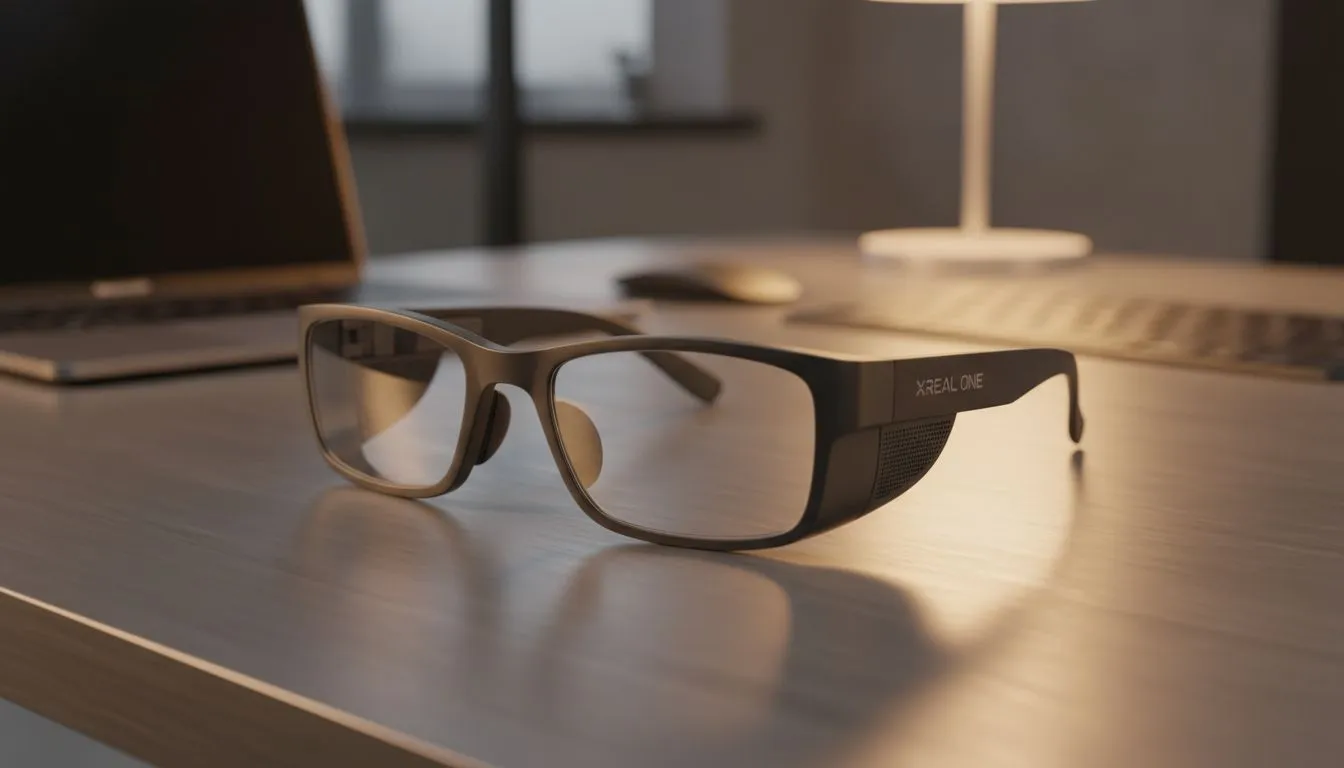
Expanding Your Digital Horizon
Tired of the coffee shop struggle where your 13-inch laptop screen feels like looking through a keyhole? Working from home in South Africa often requires creative solutions... especially when space is at a premium. The XREAL One for Remote Work offers a massive virtual workspace that fits in your pocket. It is the ultimate tool for staying productive while keeping your setup minimal and mobile. 🔧
Traditional monitors are heavy... they take up desk space... and they are hard to move during load shedding. By browsing our AR glasses category, you can replace physical hardware with high-definition virtual pixels. This technology allows you to project a massive screen anywhere. Whether you are at a desk or on a couch... your office follows you.
5 Ways to Master Your Virtual Office
1. The Triple-Monitor Virtual Array
Using the Nebula software, you can pin multiple virtual windows in space. Imagine having your email on the left... your main project in the middle... and Slack on the right. You can simply turn your head to switch focus. This level of multitasking usually costs thousands of Rands in physical screens. You can view all AR glasses on our site to find the right kit for this setup.
2. Privacy in Public Spaces
Working on sensitive client data at a cafe? With the XREAL One, your screen is invisible to everyone else. Only you see the virtual projection. This "private cinema" for work ensures that "shoulder surfers" see nothing but you wearing stylish glasses.
3. Ergonomic Alignment
Looking down at a laptop for eight hours is a recipe for neck pain. With AR, you can position your virtual screen at eye level. This encourages better posture and reduces the strain on your spine. It is a health-first approach to remote work. 🚀
4. Deep Work Immersion
Distractions are the enemy of productivity. The XREAL One allows you to "dim" the real world using its electrochromic lenses. This creates a focused environment where only your work exists. If you are looking for high-end AR gear, these features are essential for high-output professionals. ⚡
5. Low-Power Productivity
During load shedding, every Watt counts. Running a large 4K monitor off a power station drains the battery quickly. The XREAL One draws minimal power from your laptop or phone. This extends your working hours significantly when the lights go out. ✨
Productivity Pro Tip ⚡
On Windows, use the Nebula software to lock your virtual screens in place. This prevents the display from moving when you turn your head, creating a "spatial" workspace that feels exactly like having physical monitors bolted to your desk.
Ready to Upgrade Your Remote Office? The XREAL One for Remote Work is more than just a gadget... it is a professional-grade productivity tool. Explore our massive range of AR glasses and find the perfect display solution to conquer your workday from anywhere in South Africa.











