

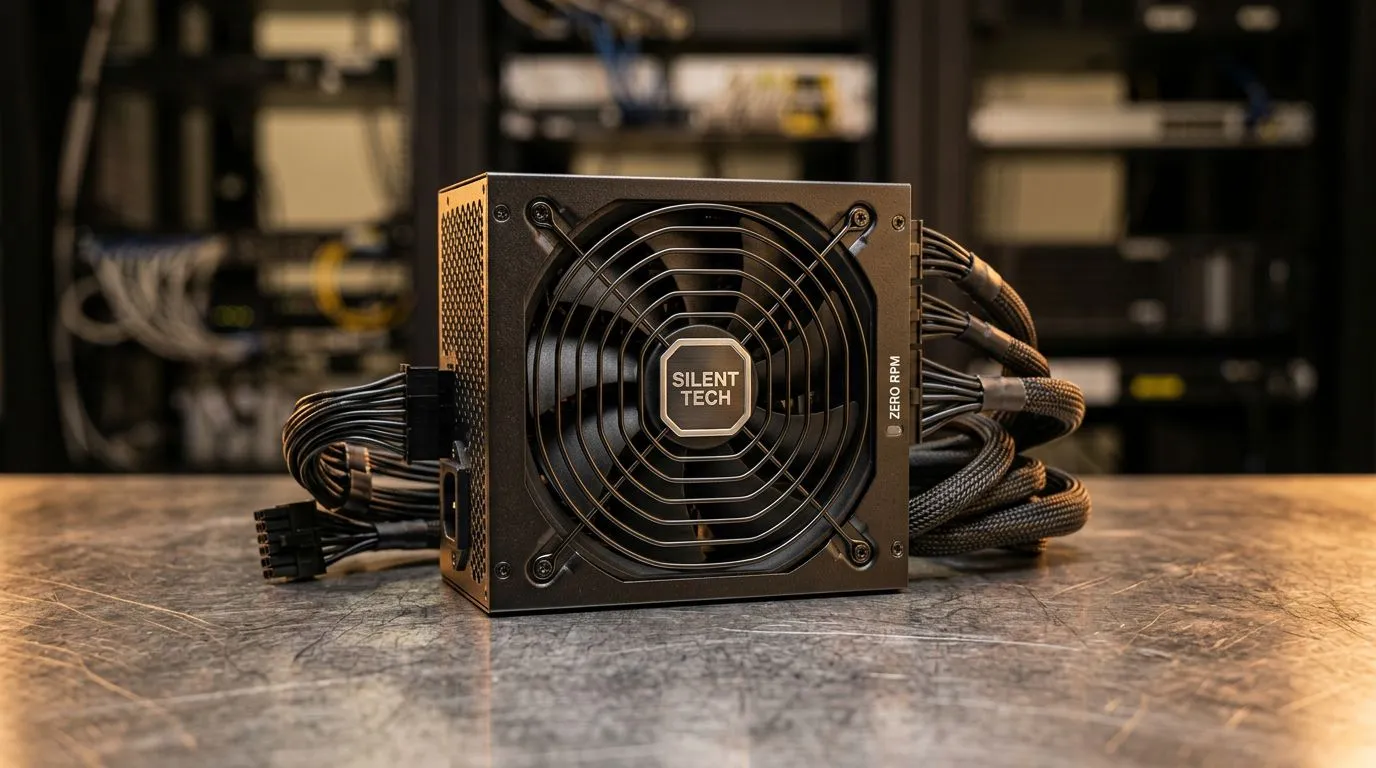
Silence is Golden: Mastering Your PC Acoustics
There is nothing worse than being locked into a high-stakes competitive match, only for your PC to sound like a jet engine preparing for takeoff. We have all been there... the fan whine builds up, distracting you from the game, and suddenly your focus is shattered. Achieving a truly silent PC experience isn't just about premium parts; it is about smart thermal management and utilizing features like Zero RPM fan mode to keep your rig whisper-quiet when you are just browsing the web or handling emails.
Understanding the Zero RPM Advantage
At its core, Zero RPM fan mode is a brilliant piece of engineering. When your system is under a light load, the fans on your GPU or power supply unit remain completely stationary. This eliminates mechanical noise entirely. It is only when your temperatures climb—usually during intense gaming sessions—that the fans kick in to dissipate heat.
To take full advantage of this, you need a high-quality backbone for your system. If you are looking to upgrade, check out our premium Corsair power supply range to ensure you have the stable, efficient power required to support these advanced thermal profiles.
Pro Tip: Thermal Awareness 🔧
Always monitor your idle temperatures after enabling Zero RPM mode. If your ambient room temperature in South Africa hits those sweltering summer highs, you might want to adjust your fan curve slightly in your BIOS or GPU software to prevent heat soak.
Choosing the Right Hardware for Silence
Not all components are created equal. If you are building a silent-focused machine, your choice of brand matters. For those who want reliable performance paired with quiet operation, browsing Gamdias power supplies is a great place to start your search. These units are designed to handle the ebb and flow of power demands without unnecessary acoustic output.
Furthermore, ensure you are investing in efficiency. A power supply with an 80 PLUS rating is essential because less wasted energy means less heat generated, which in turn means your fans don't have to work as hard—or at all—to keep things cool. It is the smartest way to keep your desk setup peaceful while maintaining top-tier performance. ⚡
Fine-Tuning Your Acoustic Profile
Once you have your hardware sorted, it is time to dive into the software. Most modern GPUs come with proprietary software that allows you to toggle the Zero RPM mode on or off. Take a moment to test your system under load. If your temperatures stay within safe limits while the fans are off, you have successfully achieved a near-silent desktop environment. ✨
Ready to Find Your Perfect Match? Building a silent PC requires the right components and a bit of patience. Whether you are upgrading your PSU or building from scratch, we have the stock to help you succeed. Explore our massive range of power supply specials and find the perfect hardware to build your ultimate silent rig.











