



24GB VRAM for Deep Learning: Is It Enough for AI Training?
Wondering if 24GB VRAM for deep learning is sufficient? 🤖 We analyze the limits of cards like the RTX 4090 for LLMs and generative AI. Discover if 24GB is the sweet spot for your local AI workstation or if you need to scale up! 🚀
|
Loading tags...

The AI wave is crashing over South Africa, and you’re ready to ride it. From Johannesburg to Cape Town, developers and data scientists are building the future. But there’s a critical question: is your hardware up to the task? Specifically, when it comes to the demanding world of AI model training, is having 24GB VRAM for deep learning the golden ticket, or just the entry fee? Let’s dive in and find out. 🧠

Palit GeForce RTX 5080 GamingPro 16GB GDDR7 / 30Gbps Memory Speed / PCI Express® Gen 5 / NE75080019T2-GB2031A
R24199.00In Stock

MSI GeForce RTX 5060 Ti 8G VENTUS 2X OC Plus Graphics Card / 4608 Cuda Cores / 8GB GDDR7 / 128-Bit Memory Bus / 2602MHz Boost Core Clocks / 912-V536-024
R8999.00In Stock

PNY GeForce RTX 5070 EPIC-X 12GB OC Graphics Card / 12GB GDDR7 / 6144 Cuda Cores / 192-bit Memory Interface / Base Clock: 2160 MHz / 28 Gbps Memory Speed / DisplayPort 2.1b (x3), HDMI® 2.1b / VCG507012TFXXPB1-O
R13299.00In Stock

MSI GeForce RTX 5070 12G Gaming Trio OC Graphics Card / 12GB GDDR7 / 6144 Cuda Cores / 192-bit Memory Interface / Boost Clock : 2610 MHz / NVIDIA Blackwell & DLSS 4 / TRI FROZR 4 Thermal Design / Metal with Airflow Vents / 912-V532-019
R15199.00In Stock

MSI GeForce RTX 5080 16G VENTUS 3X OC / PCI Express Gen 5 / 10752 Cuda Cores / 16GB GDDR7 / DirectX 12 Ultimate / 912-V531-262
R26999.00In Stock
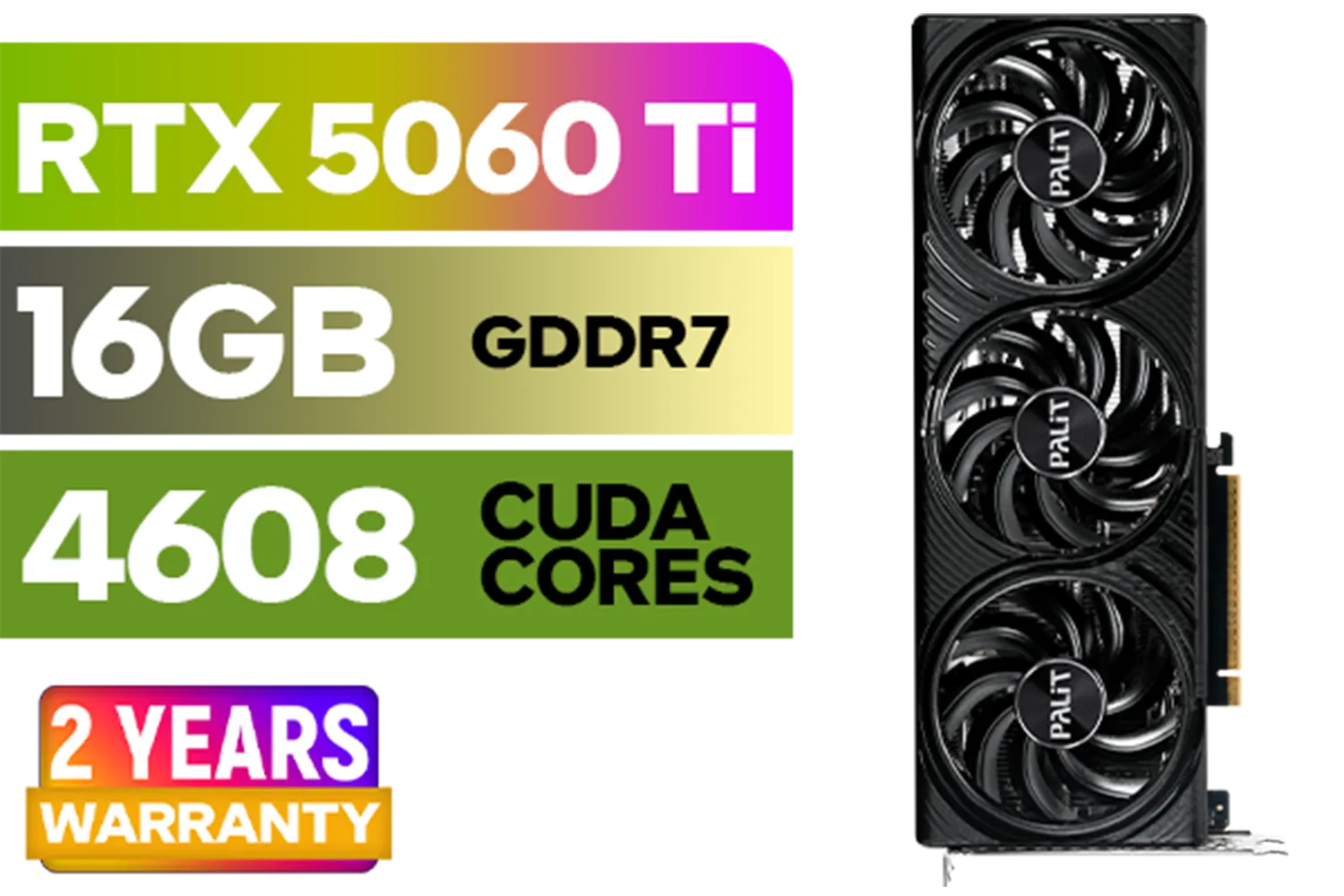
Palit GeForce RTX 5060 Ti Infinity 16GB Graphics Card / 16GB GDDR7 / 4608 Cuda Cores / 128-bit Memory Interface / Boost Clock : 2572 MHz / 28Gbps Memory Speed / PCI Express® Gen 5 / NE7506T019T1-GB2061S
R9799.00In Stock
Understanding Why VRAM is Crucial for AI Training
Before we can judge if 24GB is enough, we need to understand what VRAM (Video Random Access Memory) actually does in an AI context. Think of it as your GPU's dedicated, ultra-fast workbench. When you're training a neural network, this workbench needs to hold three critical things at once:
- The Model's Parameters: The "brain" of your AI, which can be millions or even billions of numbers.
- The Training Data: The batches of images, text, or other data you're feeding the model.
- The Gradients: The intermediate calculations used to update the model's parameters during training.
If any of these components are too large for your workbench, the process grinds to a halt. You can't just "add more later" like system RAM. You either fit, or you fail. This is why VRAM capacity is arguably the single most important spec for an AI training GPU.
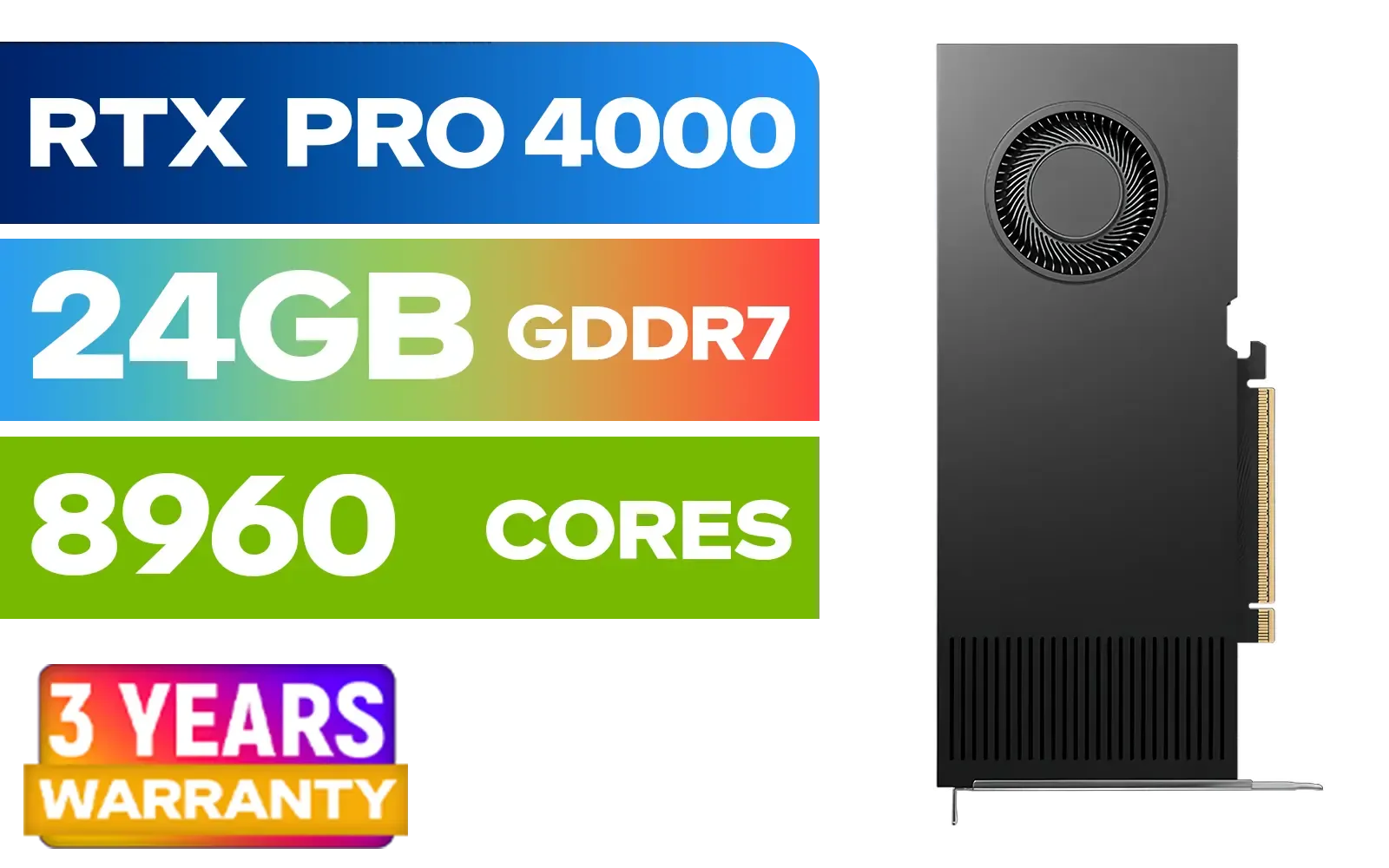
PNY RTX PRO 4000 Blackwell 24GB Graphics Card / 8960 CUDA CORES / 24GB GDDR7 with ECC / 192-bit Memory / VCNRTXPRO4000-PB
R31999.00In Stock

Palit GeForce RTX 5090 GameRock 32GB GDDR7 512-Bit PCIe 5.0 Desktop Graphics Card / NE75090019R5-GB2020G
R47999.00In Stock
MSI GeForce RTX 5060 Ti 8G VENTUS 2X OC Plus Graphics Card / 4608 Cuda Cores / 8GB GDDR7 / 128-Bit Memory Bus / 2602MHz Boost Core Clocks / 912-V536-024
R8999.00In Stock

MSI GeForce RTX 5070 Ti 16G Gaming Trio OC Graphics Card / 16GB GDDR7 / 8960 Cuda Cores / 256-bit Memory Interface / Boost Clock : 2572 MHz / PCI Express® Gen 5 / 912-V531-272
R21199.00In Stock
Palit GeForce RTX 5080 GamingPro 16GB GDDR7 / 30Gbps Memory Speed / PCI Express® Gen 5 / NE75080019T2-GB2031A
R24199.00In Stock
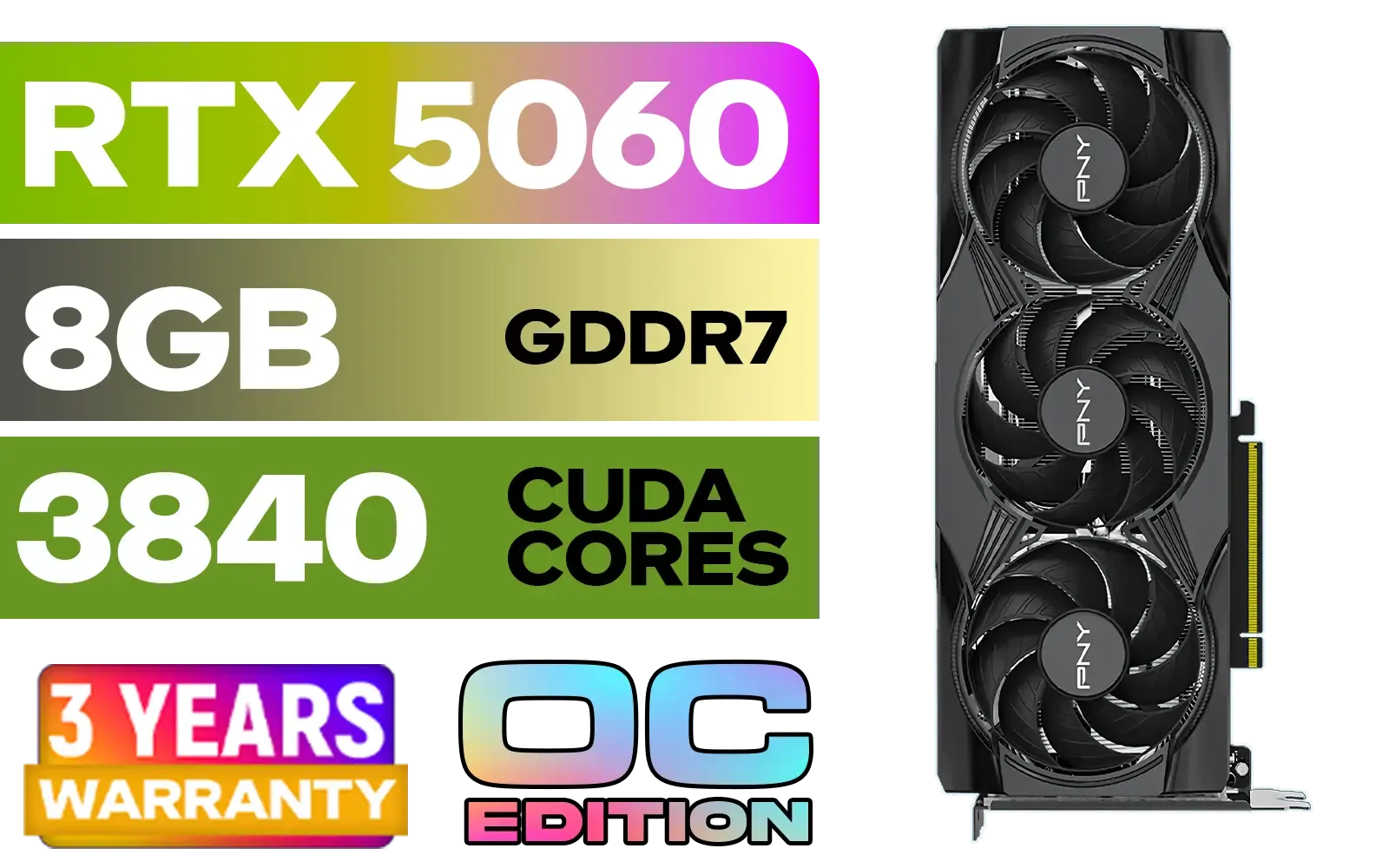
PNY GeForce RTX 5060 EPIC-X 8GB OC Graphics Card / 8GB GDDR7 / 3840 Cuda Cores / 128-bit Memory Interface / Boost Clock: 2580 MHz / 28 Gbps Memory Speed / DisplayPort 2.1b (x3), HDMI® 2.1b / PCI-Express 5.0 x8 / 9VCG50608TFXXPB1-O
R7499.00In Stock
The Power of 24GB VRAM: What Can You Actually Do?
So, what does a 24GB workbench get you? For a huge range of AI tasks, it's a fantastic sweet spot. Having 24GB VRAM for AI training unlocks the ability to tackle serious, high-impact projects without needing a cloud-computing budget.
You can comfortably:
- Fine-tune large language models (LLMs) like Llama 2 or Mistral 7B on your own custom datasets.
- Train complex computer vision models with high-resolution images.
- Experiment with generative AI like Stable Diffusion, creating high-quality images and even custom models (checkpoints).
- Process significant batches of data, which speeds up training times dramatically compared to cards with less VRAM.
For students, researchers, and many professionals in South Africa, a GPU with 24GB of VRAM represents the perfect balance of power and accessibility, making it a sound investment for building cutting-edge AI. It's the go-to choice for many powerful NVIDIA GeForce graphics cards for a reason. ✨
TIP FOR YOU
Monitor Your VRAM Usage 🔧
On Windows with an NVIDIA GPU, open Command Prompt and type nvidia-smi -l 1. This command will refresh your GPU stats every second, showing you exactly how much VRAM your training process is using. It's the best way to see if you're approaching your limit or if you can afford to increase your batch size for faster training.
When Does 24GB VRAM Hit Its Limit?
While 24GB is incredibly capable, it's not infinite. There are scenarios where you'll push past its limits. The primary bottleneck becomes training truly massive, foundational models from scratch—think models with hundreds of billions of parameters. These tasks are typically the domain of large corporations or research labs with multi-GPU servers.
If your work involves extremely high-resolution 3D rendering, medical imaging analysis, or scientific simulations with colossal datasets, you might also find 24GB to be a constraint. In these top-tier professional cases, stepping up to dedicated workstation graphics cards with 48GB or more becomes necessary. But for 95% of users, 24GB is more than enough power.
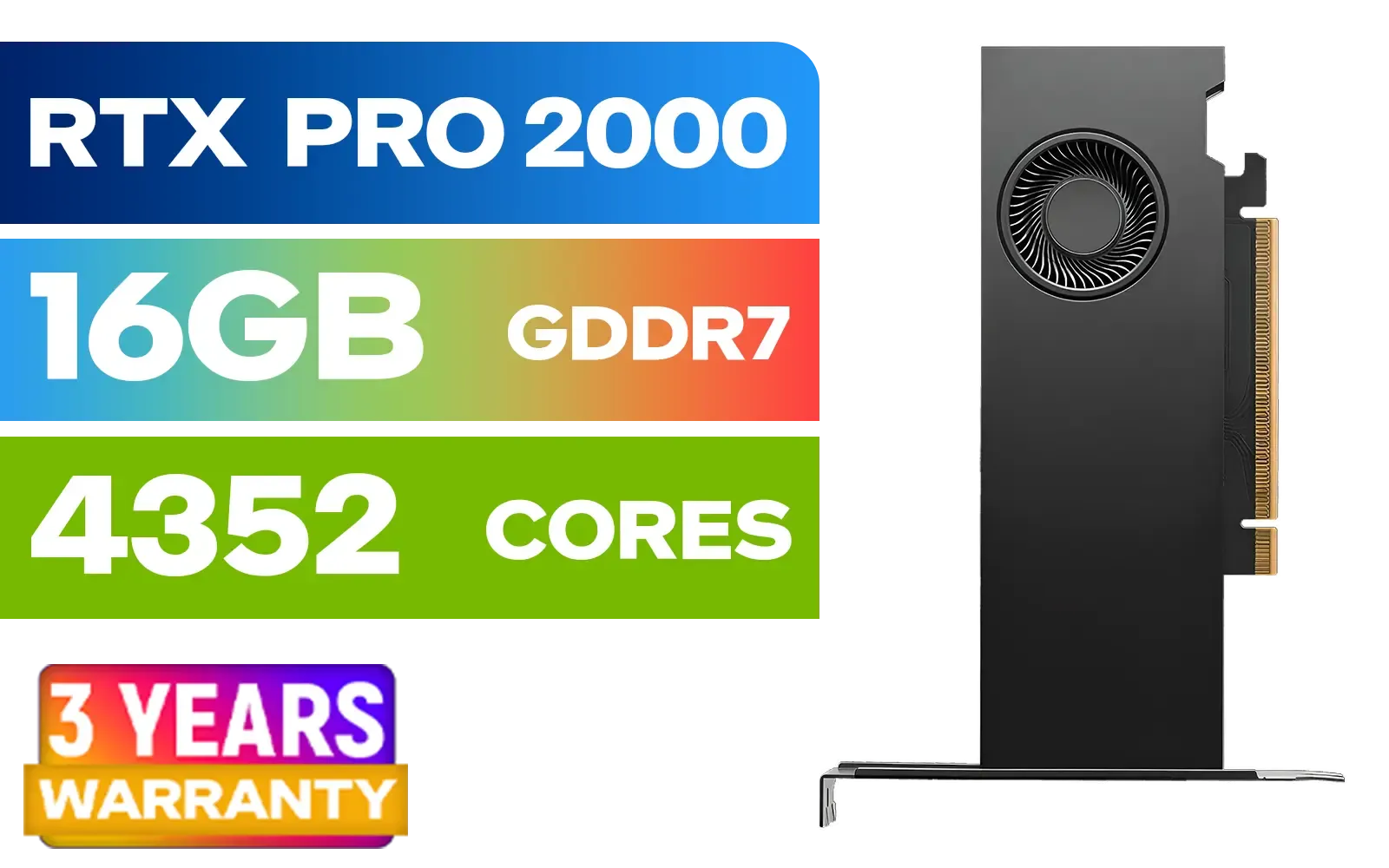
PNY RTX PRO 2000 Blackwell 16GB Graphics Card / 4352 CUDA CORES / 16GB GDDR7 with ECC / 128-bit Memory / NVIDIA Blackwell Architecture / VCNRTXPRO2000-PB
R15399.00In Stock
MSI GeForce RTX 5080 16G VENTUS 3X OC / PCI Express Gen 5 / 10752 Cuda Cores / 16GB GDDR7 / DirectX 12 Ultimate / 912-V531-262
R26999.00In Stock
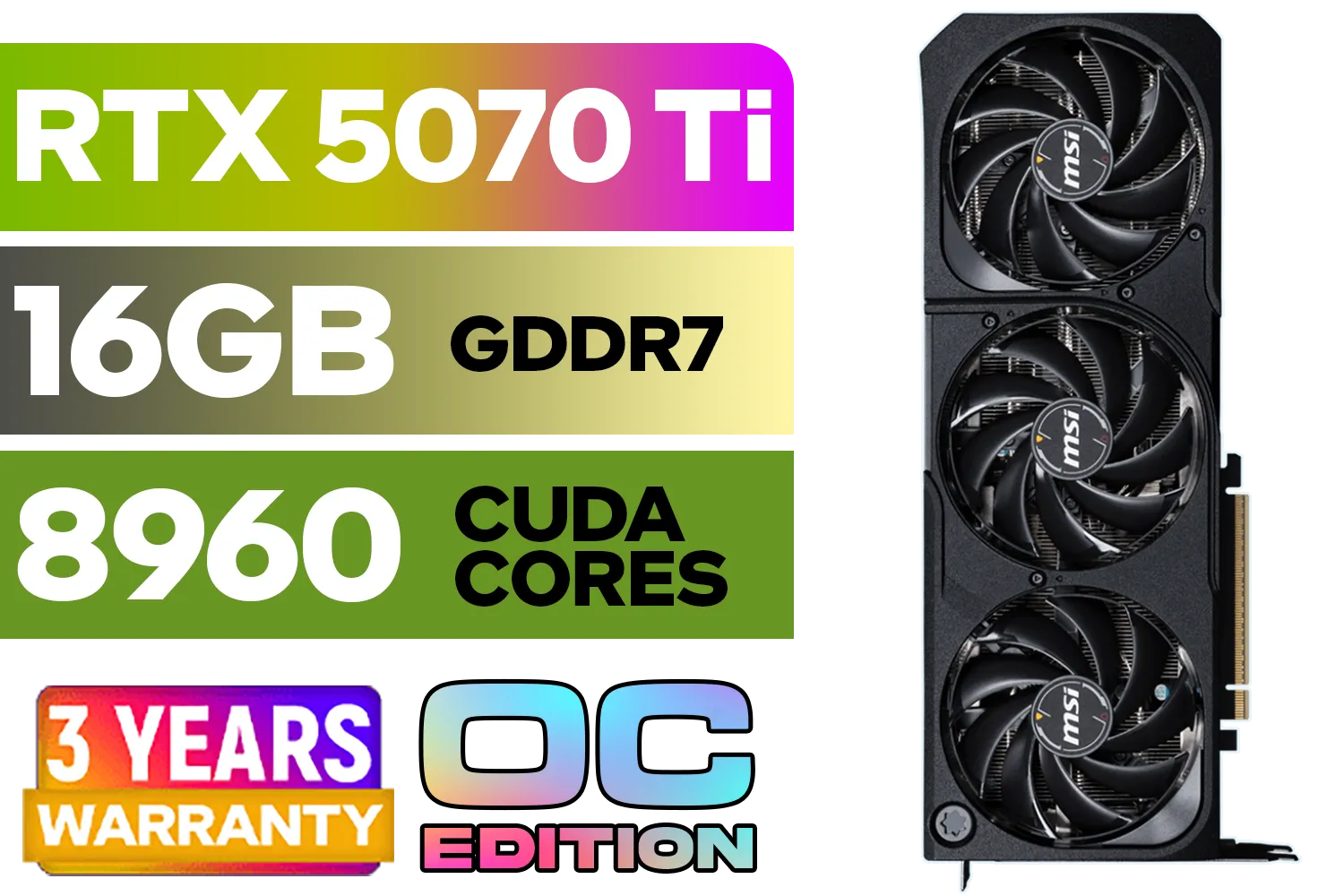
GeForce RTX™ 5070 Ti 16G SHADOW 3X OC Graphics Card / 8960 Cuda Cores / 256-bit Memory Interface / Boost Clock : 2482 MHz / NVIDIA Blackwell & DLSS 4 / TORX Fan 5.0 / Nickel-Plated Copper Baseplate / 912-V531-465
R19499.00In Stock
MSI GeForce RTX 5060 Ti 8G VENTUS 2X OC Plus Graphics Card / 4608 Cuda Cores / 8GB GDDR7 / 128-Bit Memory Bus / 2602MHz Boost Core Clocks / 912-V536-024
R8999.00In Stock

MSI Geforce RTX 5060 Ventus 2X 8G OC Graphics Card - White / 8GB GDDR7 / 3840 Cuda Cores / 128-bit Memory Interface / Boost Clock : 2527 MHz / PCI Express® Gen 5 / 912-V537-018
R7999.00In Stock
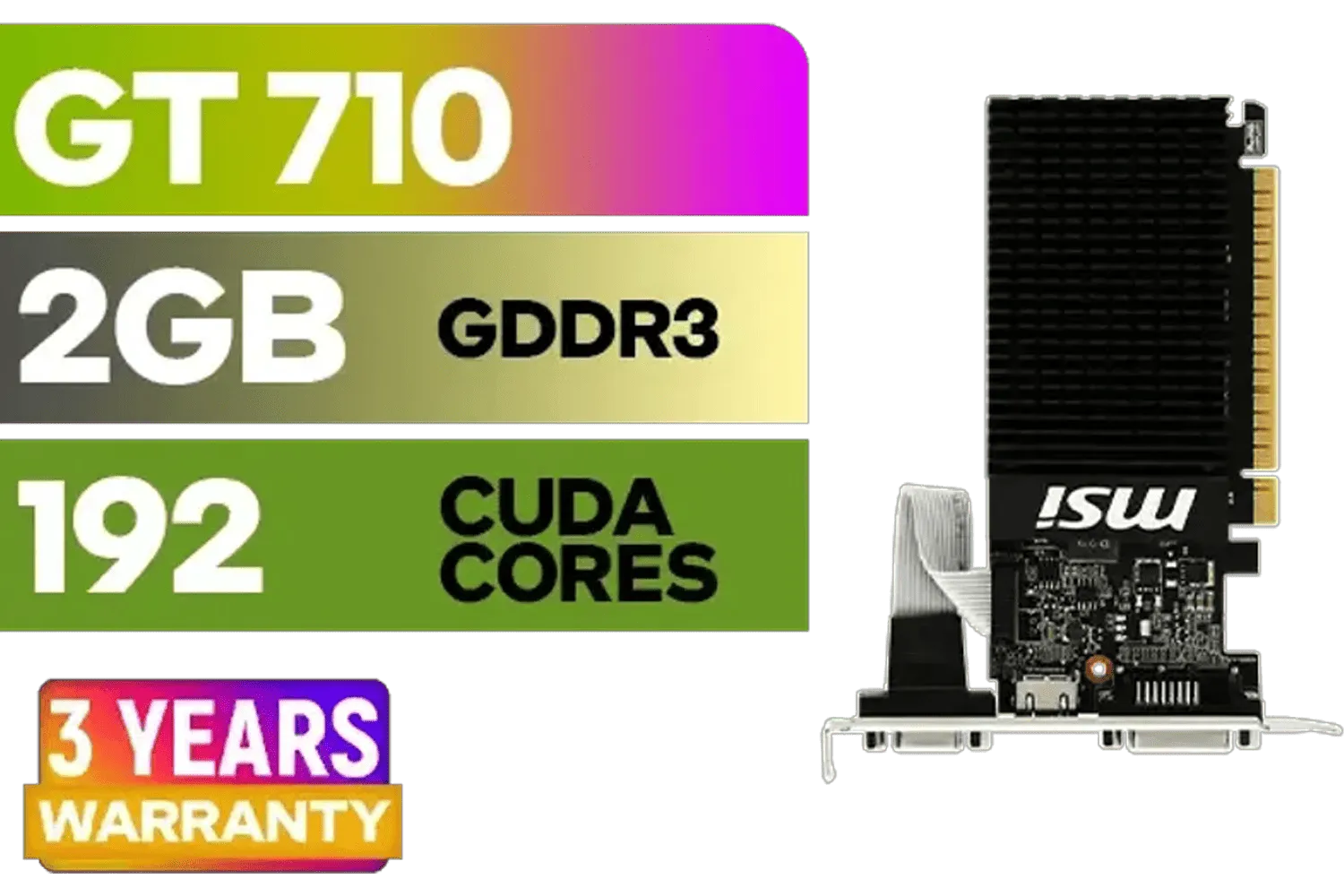
MSI GeForce GT 710 2GD3H LP 2GB DDR3 Graphics Card / 192 CUDA CORES / 64-bit Memory / 1x HDMI / 1x Dual-link DVI-D / 1x D-Sub / 912-V809-4217
R1099.00In Stock
Picking Your Ideal GPU for AI in South Africa
Ready to gear up? The RTX 4090 is the current king when it comes to consumer cards offering 24GB VRAM for deep learning. However, the specific brand you choose can also make a difference in cooling, aesthetics, and software. Brands like MSI are known for their robust cooling solutions, while options from Palit often provide excellent value.
Looking ahead is also smart. While nothing is confirmed, keeping an eye on the horizon for what the next-generation RTX 5070 series or the more mainstream RTX 5060 series might offer in terms of VRAM per rand is a savvy move for any tech buyer in SA. 🚀
The verdict? For the vast majority of AI enthusiasts, developers, and researchers, a GPU with 24GB of VRAM is not just enough—it's a powerhouse that unlocks a massive world of AI training possibilities right on your desktop.
Ready to Build Your AI Powerhouse? Whether you're a seasoned data scientist or just starting your AI journey, the right GPU is your most important tool. Explore our massive range of NVIDIA GPUs and find the perfect graphics card to bring your models to life.
Related Products
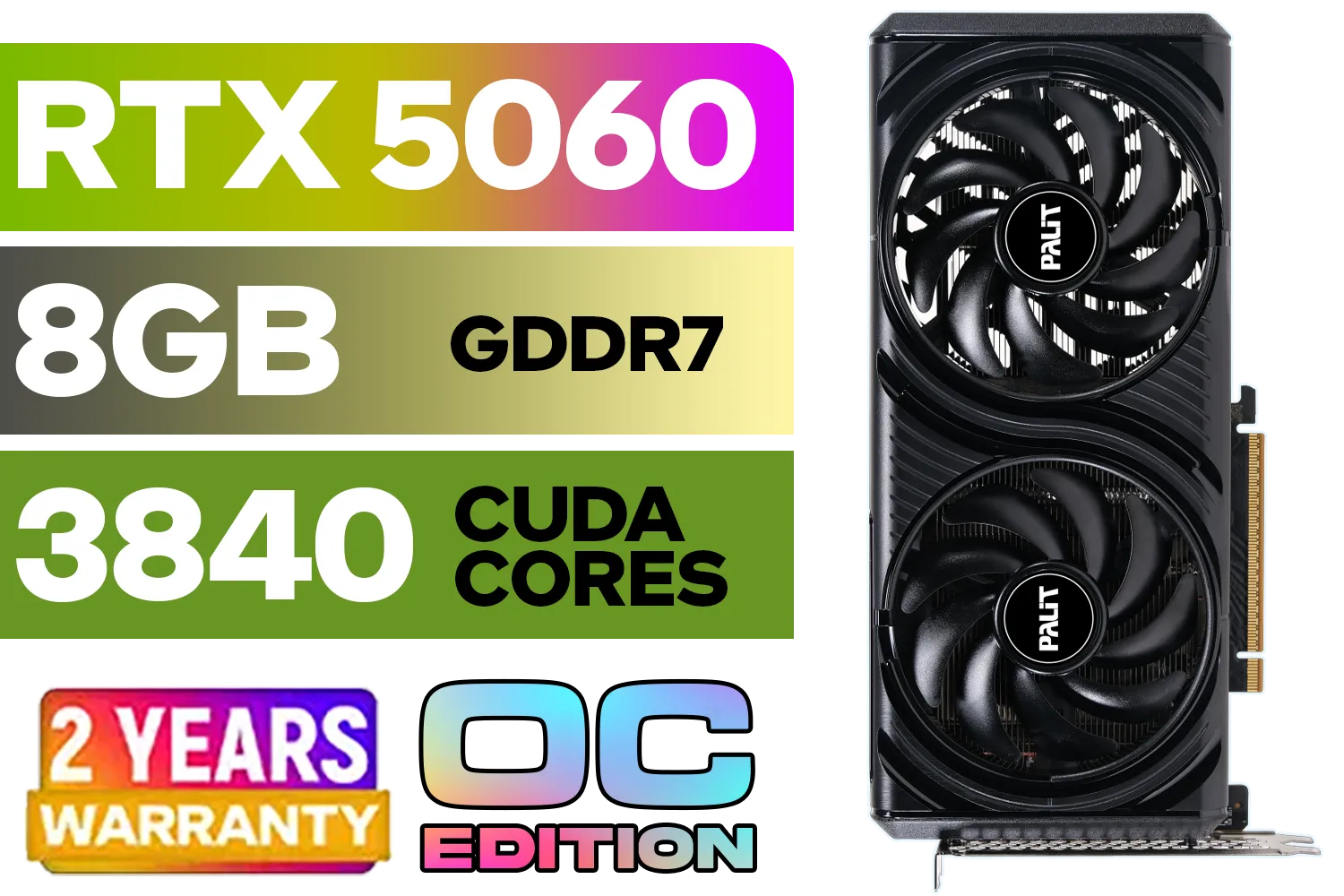
Palit GeForce RTX 5060 Infinity 2 OC 8GB GDDR7 / 28Gbps Memory Speed / PCI Express® Gen 5 / NE75060V19P1-GB2063L
R7999.00In Stock

Palit GeForce RTX 5070 Ti GameRock 16G / 16GB GDDR7 / 28Gbps Memory Speed / PCI Express® Gen 5 / NE7507T019T2-GB2030G
R17999.00In Stock
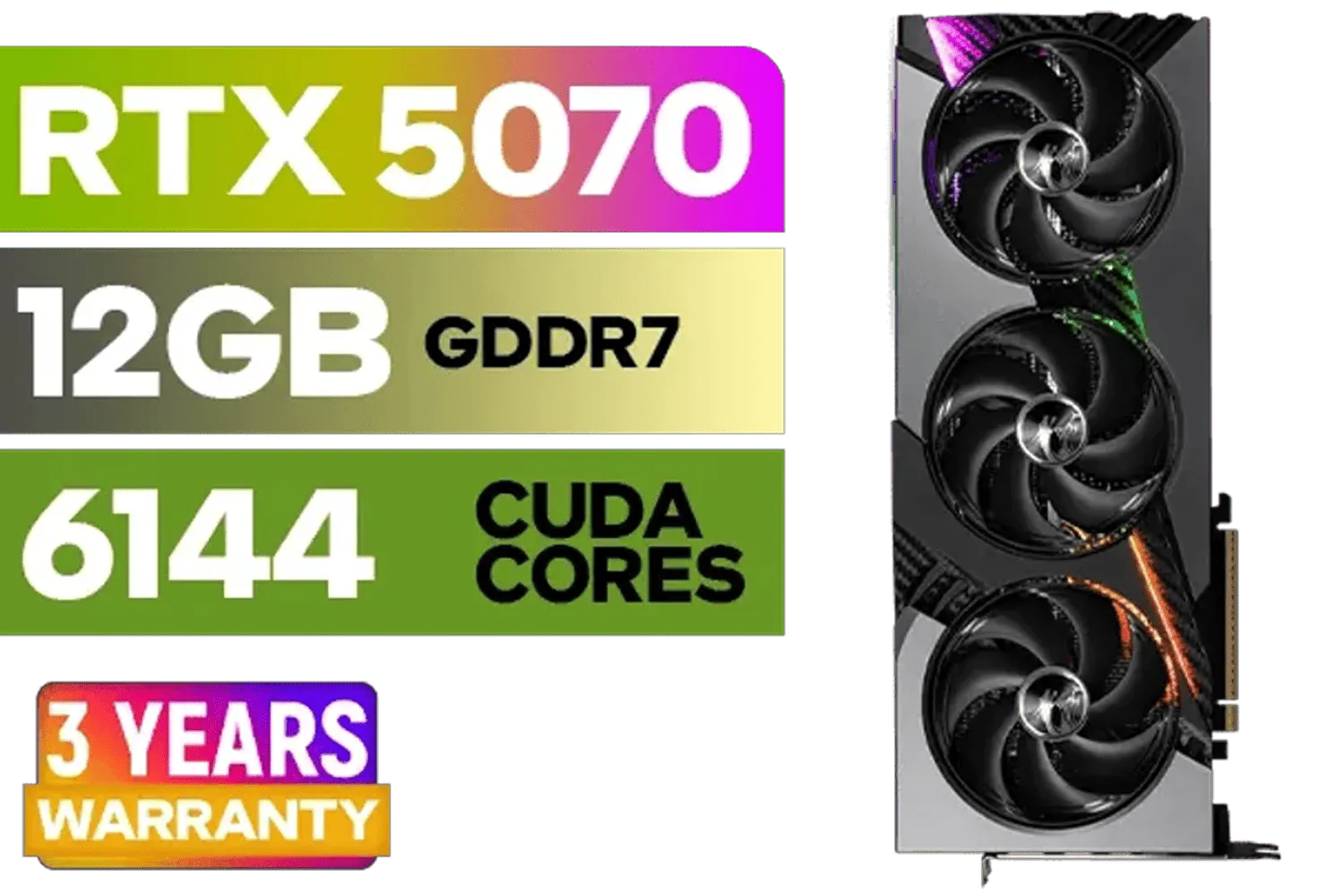
MSI GeForce RTX 5070 12GB VANGUARD SOC Launch Edition / 12GB GDDR7 / 6144 Cuda Cores / Boost: 2640 MHz / 28Gbps Memory Speed / PCI Express® Gen 5 / 912-V532-050
R15299.00In Stock

MSI GeForce RTX 5060 Ti 8G GAMING OC Graphics Card / 4608 Cuda Cores / 28Gbps Memory Speed / 8GB GDDR7 / 128-bit Memory Bus / 912-V536-026
R9499.00In Stock
Palit GeForce RTX 5060 Ti Infinity 16GB Graphics Card / 16GB GDDR7 / 4608 Cuda Cores / 128-bit Memory Interface / Boost Clock : 2572 MHz / 28Gbps Memory Speed / PCI Express® Gen 5 / NE7506T019T1-GB2061S
R9799.00In Stock
GeForce RTX™ 5070 Ti 16G SHADOW 3X OC Graphics Card / 8960 Cuda Cores / 256-bit Memory Interface / Boost Clock : 2482 MHz / NVIDIA Blackwell & DLSS 4 / TORX Fan 5.0 / Nickel-Plated Copper Baseplate / 912-V531-465
R19499.00In Stock
Yes, 24GB VRAM handles 7B and 13B parameter models comfortably. With 4-bit quantization, you can even run 30B or larger models on a single 24GB card.
Absolutely. 24GB VRAM is excellent for Stable Diffusion training (Dreambooth, LoRA) and allows for higher batch sizes and resolutions compared to 12GB cards.
The most popular consumer choices are the NVIDIA GeForce RTX 3090, RTX 3090 Ti, and the RTX 4090, which offer high memory bandwidth crucial for AI workloads.
Not necessarily. While professional cards offer more VRAM (48GB+), a consumer 24GB VRAM GPU is the most cost-effective entry point for enthusiasts and researchers.
Larger batch sizes require significantly more memory. 24GB VRAM allows for decent batch sizes, speeding up training epochs compared to cards with 10GB or 16GB.
Yes, using two GPUs (like dual RTX 3090s via NVLink or PCIe) allows you to split model layers, effectively utilizing 48GB for larger deep learning tasks.











