



Adjustable Armrests for Gaming: Improve Posture & Comfort
Adjustable armrests for gaming improve posture and comfort by supporting your arms, reducing shoulder and wrist strain, and aligning your spine during long sessions 🎮💺 Learn quick adjustments and benefits.
|
Loading tags...

That nagging shoulder pain after a long session? Or the wrist ache that creeps in during a marathon grind? We've all been there. Most South African gamers focus on the GPU or CPU but often overlook a crucial component for performance and health: their chair. Specifically, the armrests. Getting the adjustable armrests for gaming right is key to unlocking superior comfort and maintaining good posture for years to come.
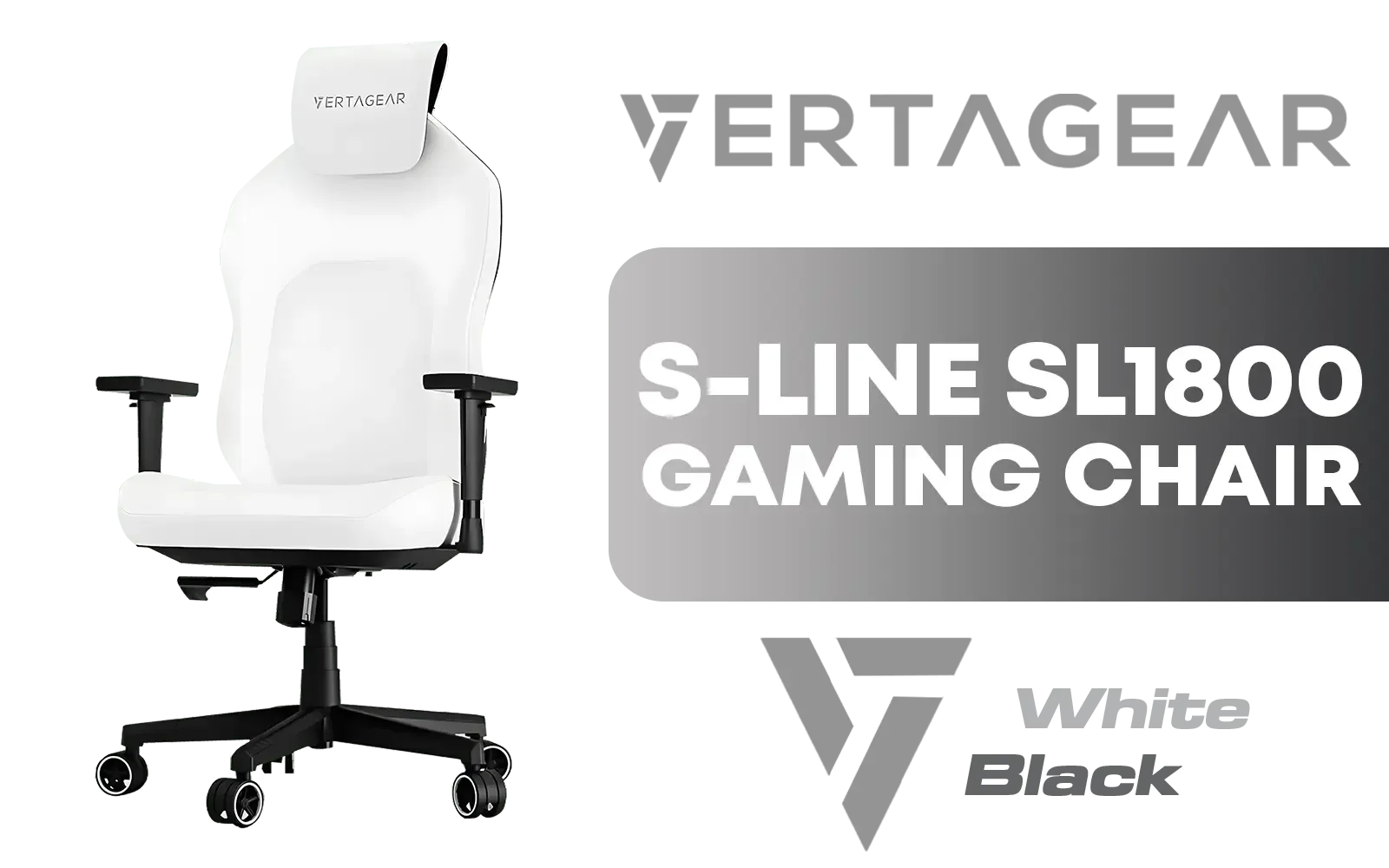
Vertagear Racing Series S-Line SL1800 Office Gaming Chair - White/Black / VG-SL1800_WT
R4599.00In Stock

Gamdias ZELUS M4 Weave Gaming Chair - Grey/Black / Adjustable Headrest / Full Backrest Recline / Microfiber and Fabric Weave / 2D Adjustable Armrests / 5 Star Steel Base / ZELUS-M4-Weave
R4299.00In Stock
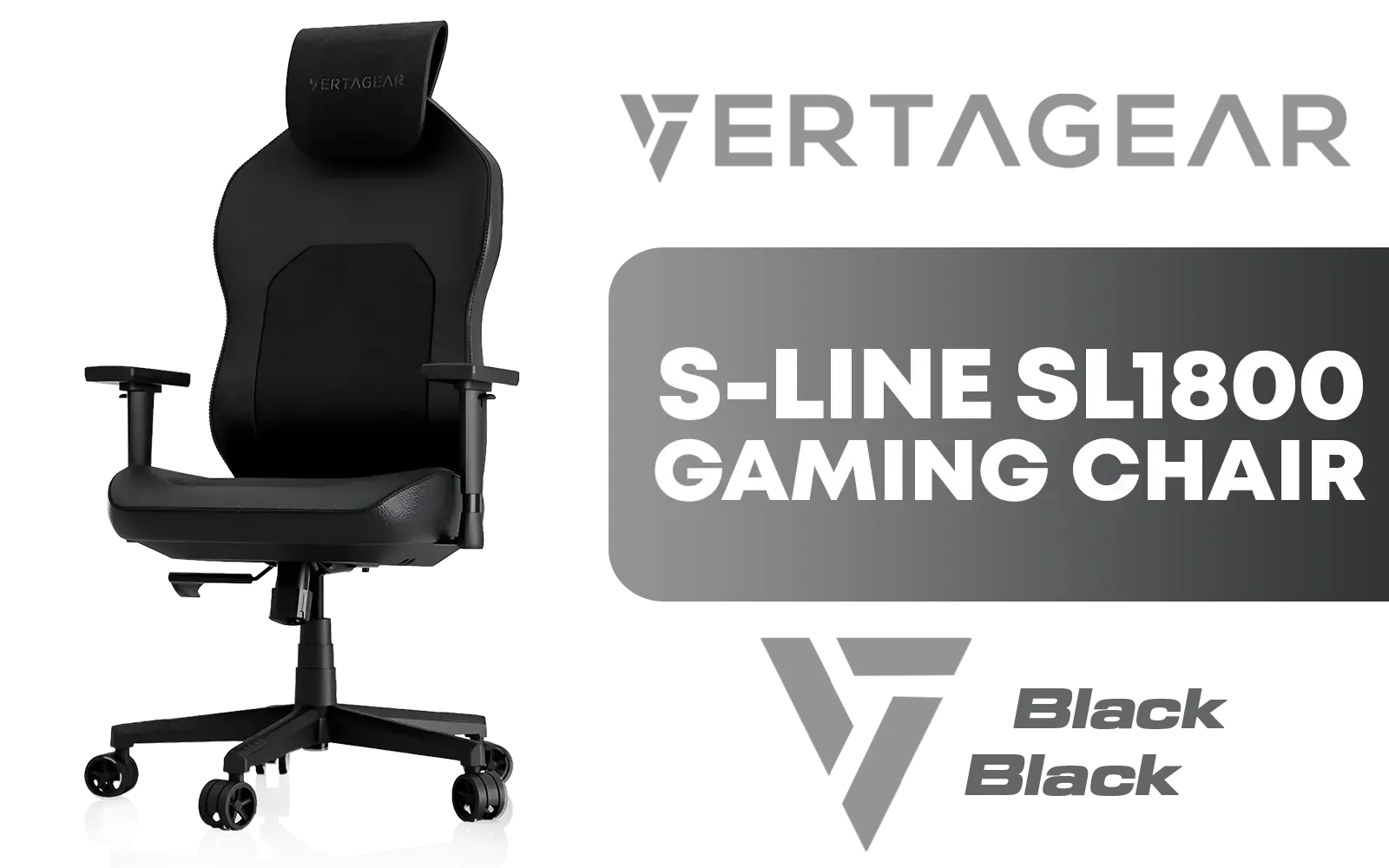
Vertagear Racing Series S-Line SL1800 Office Gaming Chair - Black / VG-SL1800_BK
R4499.00In Stock
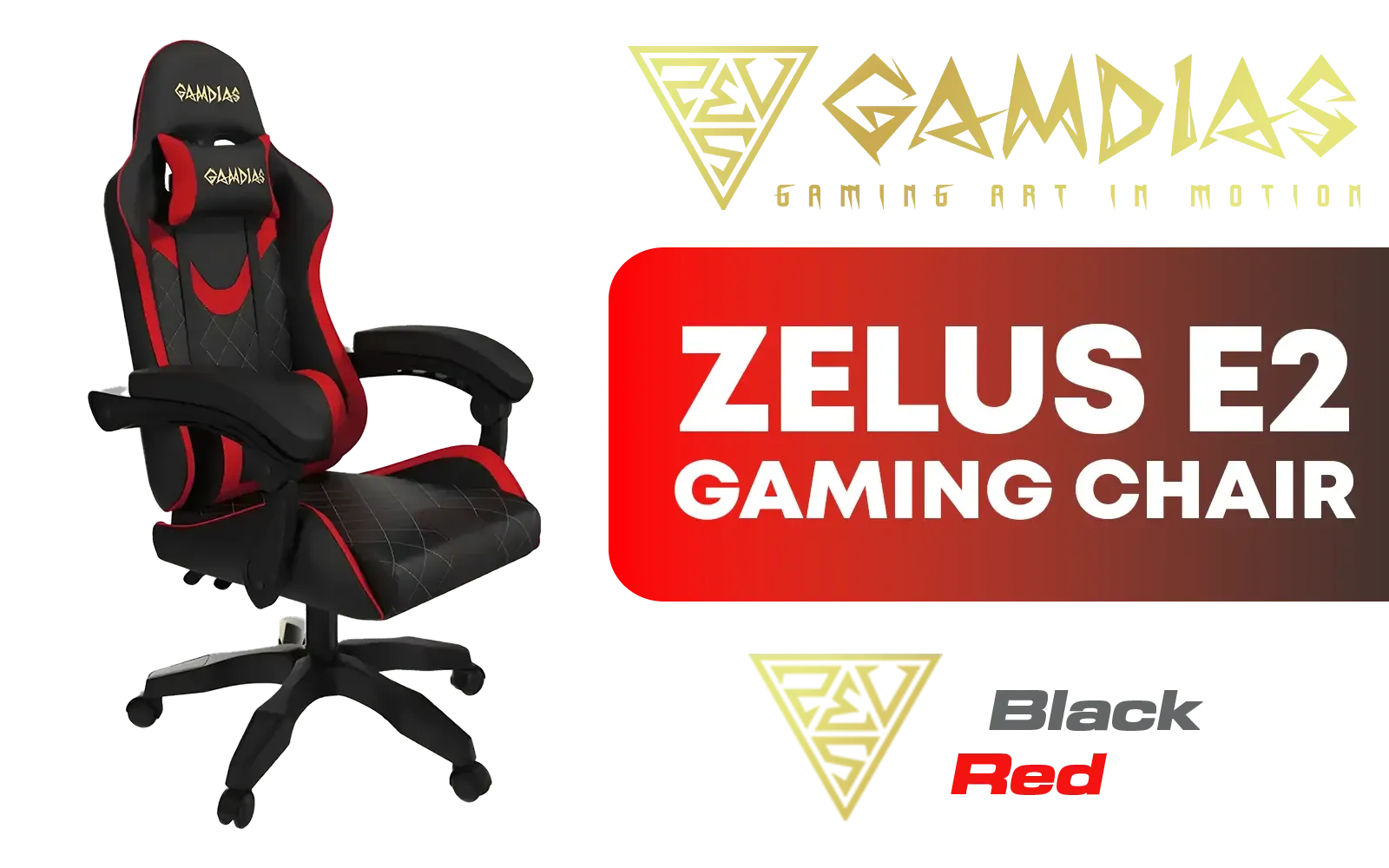
Gamdias Zelus E2 Gaming Chair - Black-Red / Premium PU Leather / Adjustable Back to 126 Degree / Adjustable Backrest / Gas Lift Base / Max Load up to 130kg / ZELUS E2 L BR
R2999.00In Stock
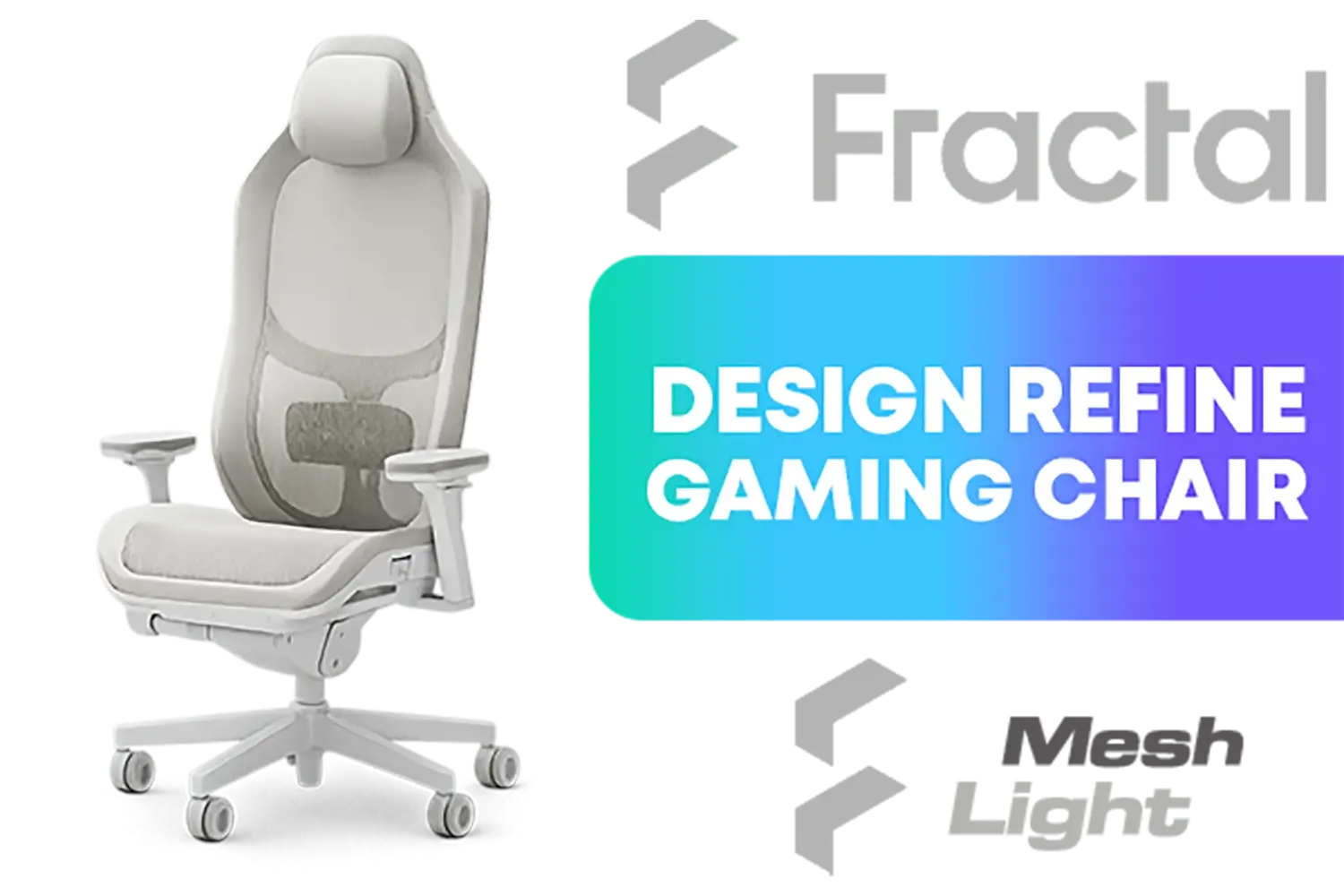
Fractal Design Refine Mesh Light Gaming Chair - Ergonomic Office Desk Chair Functionality with 4D Adjustable Armrests, High-Back Support, Lumbar Cushion, and Breathable Mesh / FD-CH-RE1M-02
R9599.00In Stock
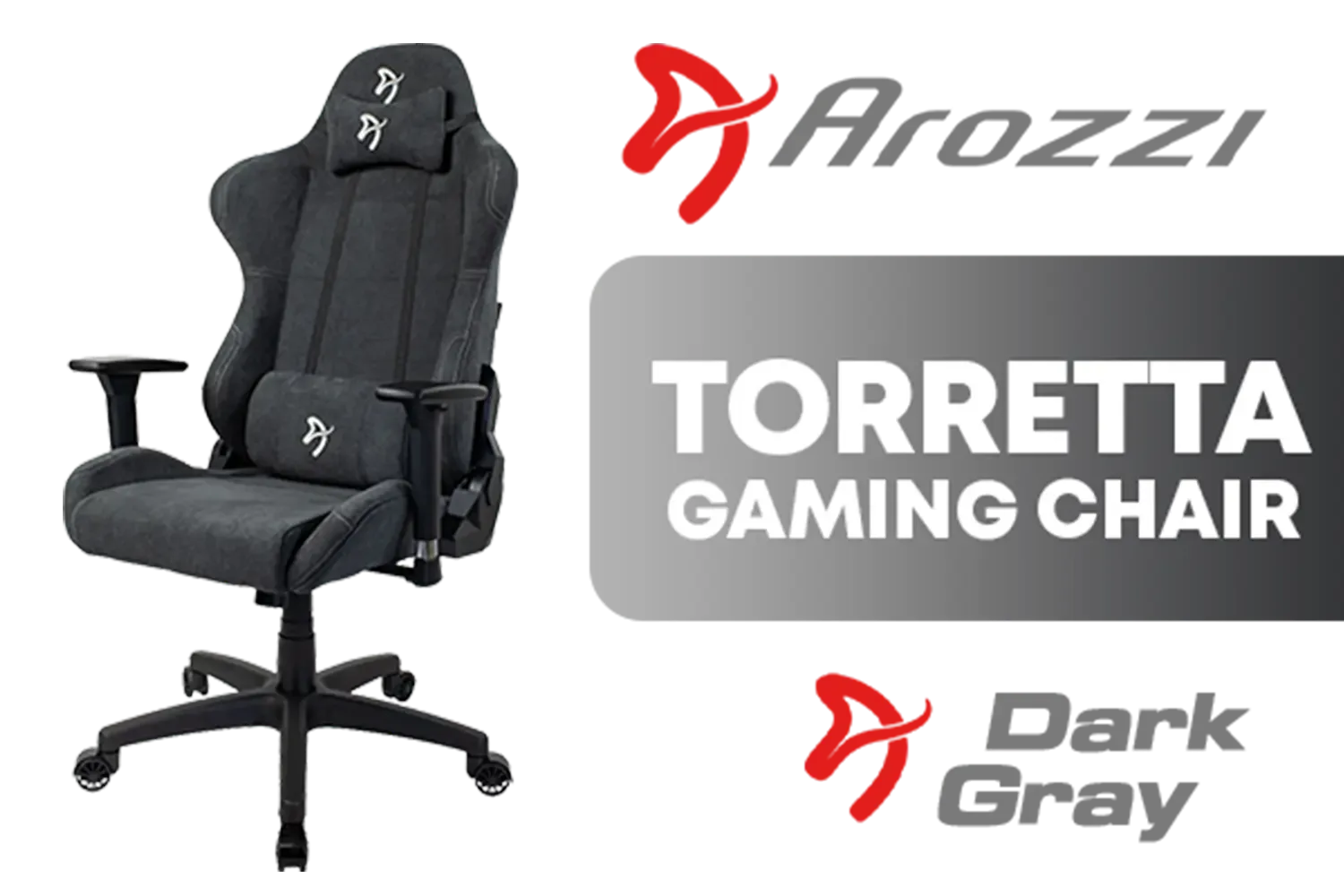
Arozzi Torretta Soft Fabric Gaming Chair - Dark Grey / Soft PU Leather / 3D Adjustable Armrests / Max Load up to 100kg / Durable Upholstery Furniture Fabric / Multidimensional Armrests / Seat and Backrest up to 12° / Tough Metal Frame / TORRETTA-SFB-DG
R4099.00In Stock
Why Your Gaming Chair Armrests Are So Important
It's more than just a place to rest your elbows. Properly positioned armrests support the weight of your arms, taking a significant load off your neck, shoulders, and upper back. Think about it… your arms weigh a few kilograms each! Leaving them unsupported for hours forces your muscles to work overtime. This is where high-quality adjustable armrests for gaming make a massive difference, helping you find the perfect ergonomic fit. When you're comfortable, you're more focused and play better. It's that simple. In the long run, investing in one of the best gaming chairs South Africa has to offer is an investment in your health.
Decoding the "D": What 1D, 2D, 3D, and 4D Really Mean
Ever seen "4D Armrests" on a spec sheet and wondered what it meant? It's not a marketing gimmick; it's a measure of adjustability. Understanding this system helps you choose a chair that truly fits your body and desk setup. Let's break it down. 💪
1D (Height)
The most basic level of adjustment. Allows you to move the armrests up and down to match your desk height.
2D (Height + Pivot)
Adds the ability to angle the armrests inwards or outwards. Great for finding a natural resting position for your wrists.
3D (Height + Pivot + Depth)
Includes all of the above, plus you can slide the armrests forwards and backwards. This is ideal for switching between relaxed controller play and intense keyboard-and-mouse action.
Vertagear Racing Series S-Line SL1800 Office Gaming Chair - Black / VG-SL1800_BK
R4499.00In Stock

noblechairs HERO Series Gaming Chair - Black / Premium Design / Finest Design / Solid Steel Frame / Plenty of Adjustment / Easy Assembly / Max Load 150kg / NBL-HRO-PU-BLA
R7499.00In Stock
![[BLACK/WHITE] Vertagear Racing Series S-Line SL3800 Gaming Chairs / 100KG Weight Limit / Easy Assembly / Adjustable Seat Height / VG-SL3800SE_WT](https://img.evetech.co.za/repository/ProductImages/vertagear-sl3800-gaming-chair-black-white-1800px-v2.webp)
[BLACK/WHITE] Vertagear Racing Series S-Line SL3800 Gaming Chairs / 100KG Weight Limit / Easy Assembly / Adjustable Seat Height / VG-SL3800SE_WT
R5599.00In Stock
Noblechairs HERO PU JAVA Edition Gaming Chair / Memory Headrest for Increased Comfort / Enlarged 4D Armrests / Comfortable Cold-Foam / Premium Stainless-steel Levers / Max Load 180kg / NBL-HRO-PU-JED
R8599.00In Stock
![[BLACK/GREEN] Vertagear Racing Series P-Line PL6800 Gaming Chairs / 181KG Weight Limit / Easy Assembly / Adjustable Seat Height / VG-PL6800SE_MG](https://img.evetech.co.za/repository/ProductImages/vertagear-pl6800-gaming-chair-black-green-1800px-v2.webp)
[BLACK/GREEN] Vertagear Racing Series P-Line PL6800 Gaming Chairs / 181KG Weight Limit / Easy Assembly / Adjustable Seat Height / VG-PL6800SE_MG
R7799.00In Stock
![[BLACK/RED] Vertagear Racing Series S-Line SL5800 Gaming Chairs / 113KG Weight Limit / Easy Assembly / Adjustable Seat Height / VG-SL5800SE_BR](https://img.evetech.co.za/repository/ProductImages/vertagear-sl5800-gaming-chair-black-red-1800px-v2.webp)
[BLACK/RED] Vertagear Racing Series S-Line SL5800 Gaming Chairs / 113KG Weight Limit / Easy Assembly / Adjustable Seat Height / VG-SL5800SE_BR
R6999.00In Stock
4D (Height + Pivot + Depth + Width)
The ultimate in customisation. 4D armrests can also slide side-to-side (wider or narrower). This ensures perfect support no matter your body shape. Many premium Arozzi gaming chairs offer this level of control.
TIP FOR YOU
Ergonomic Pro Tip 🔧
To find the perfect armrest height, sit up straight with your shoulders relaxed. Adjust the height until your forearms are parallel to the floor when your hands are on your keyboard or mouse. Your elbows should be at a comfortable 90-degree angle. This simple tweak drastically reduces shoulder strain!
The Long-Term Benefits: Better Posture, Better Performance
Using adjustable armrests to improve posture and comfort isn't just about feeling good today. It's about preventing long-term issues like Repetitive Strain Injury (RSI) and chronic back pain. Imagine finishing a four-hour raid feeling refreshed, not sore. That's the goal. By providing consistent support, your body stays in a healthier, more neutral alignment, allowing you to maintain focus for longer. Top-tier options from brands like Vertagear are built with this long-term ergonomic health in mind. ✨
![[BLACK/PURPLE] Vertagear Racing Series P-Line PL4800 Gaming Chairs / 163KG Weight Limit / Easy Assembly / Adjustable Seat Height / VG-PL4800SE_MP](https://img.evetech.co.za/repository/ProductImages/vertagear-pl4800-gaming-chair-black-purple-1800px-v2.webp)
[BLACK/PURPLE] Vertagear Racing Series P-Line PL4800 Gaming Chairs / 163KG Weight Limit / Easy Assembly / Adjustable Seat Height / VG-PL4800SE_MP
R8199.00In Stock
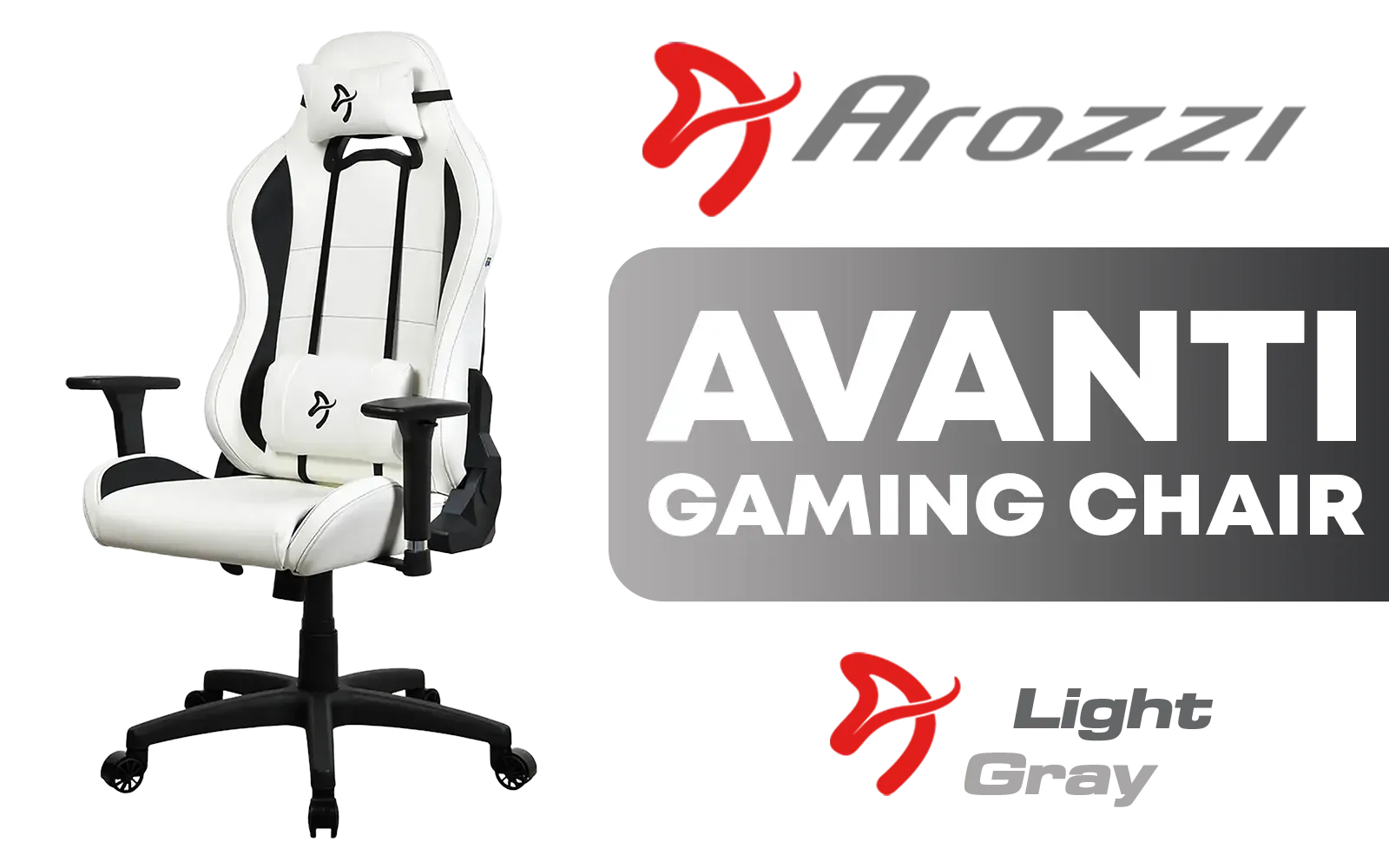
Arozzi Torretta Soft PU Gaming Chair - White / Adjustable backrest tilts up to 165° / Reinforced nylon wheelbase / Sturdy metal frame supports 120 kg / 3D adjustable armrests / TORRETTA-SPU-WT
R3999.00In Stock
Noblechairs HERO PU JAVA Edition Gaming Chair / Memory Headrest for Increased Comfort / Enlarged 4D Armrests / Comfortable Cold-Foam / Premium Stainless-steel Levers / Max Load 180kg / NBL-HRO-PU-JED
R8599.00In Stock

Vertagear Racing Series P-Line PL6800 Gaming Chairs - Black/Purple / 181KG Weight Limit / Easy Assembly / Adjustable Seat Height / VG-PL6800SE_MP
R7799.00In Stock
noblechairs HERO Series Real Leather Gaming Chair - Black/Red / Premium Design / Finest Design / Solid Steel Frame / Plenty of Adjustment / Easy Assembly / Max Load 150kg / NBL-HRO-RL-BRD
R11799.00In Stock
[BLACK/RED] Vertagear Racing Series S-Line SL5800 Gaming Chairs / 113KG Weight Limit / Easy Assembly / Adjustable Seat Height / VG-SL5800SE_BR
R6999.00In Stock
Finding the Right Fit for Your Setup
The best chair for you depends on your unique setup. Consider your desk height, your primary gaming input (controller or M&K), and your own body dimensions. A chair with at least 2D armrests is a great starting point for most gamers, but if you spend serious hours at your desk, investing in 4D adjustability can be a revelation for your comfort. Whether you're looking at Cooler Master gaming chairs or another top brand, paying attention to the armrests is crucial.
Ready to Upgrade Your Comfort? Don't let a bad chair hold your K/D ratio hostage. The right support makes all the difference. Explore our massive range of gaming chairs and find the perfect throne to conquer your game.
Related Products
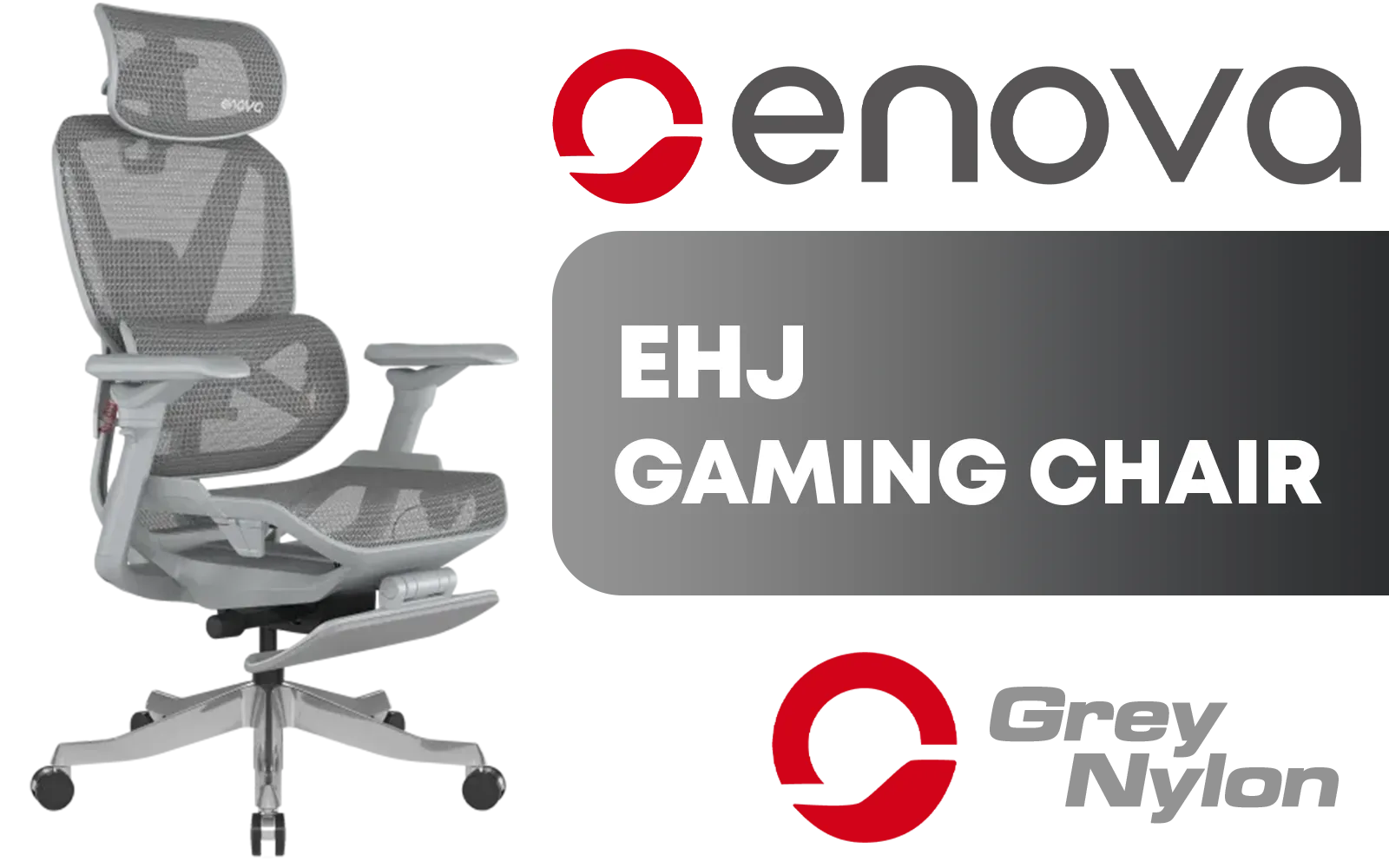
Enova EHJ Gaming Chair - Gray Nylon Frame / 4D Lumbar Support / 360° Dual-Axis 5D PU Armrest / Multi-Functional Mechanism / Korean Class 4 Gaslift / Polished aluminium Base / 60mm PU Casters / Foot rest included (<span style="color:#ff0000; font-size: 20px; ">Not Covered in Warranty</span>) / EHJ-006A-Nylon frame+footrest
R5299.00In Stock
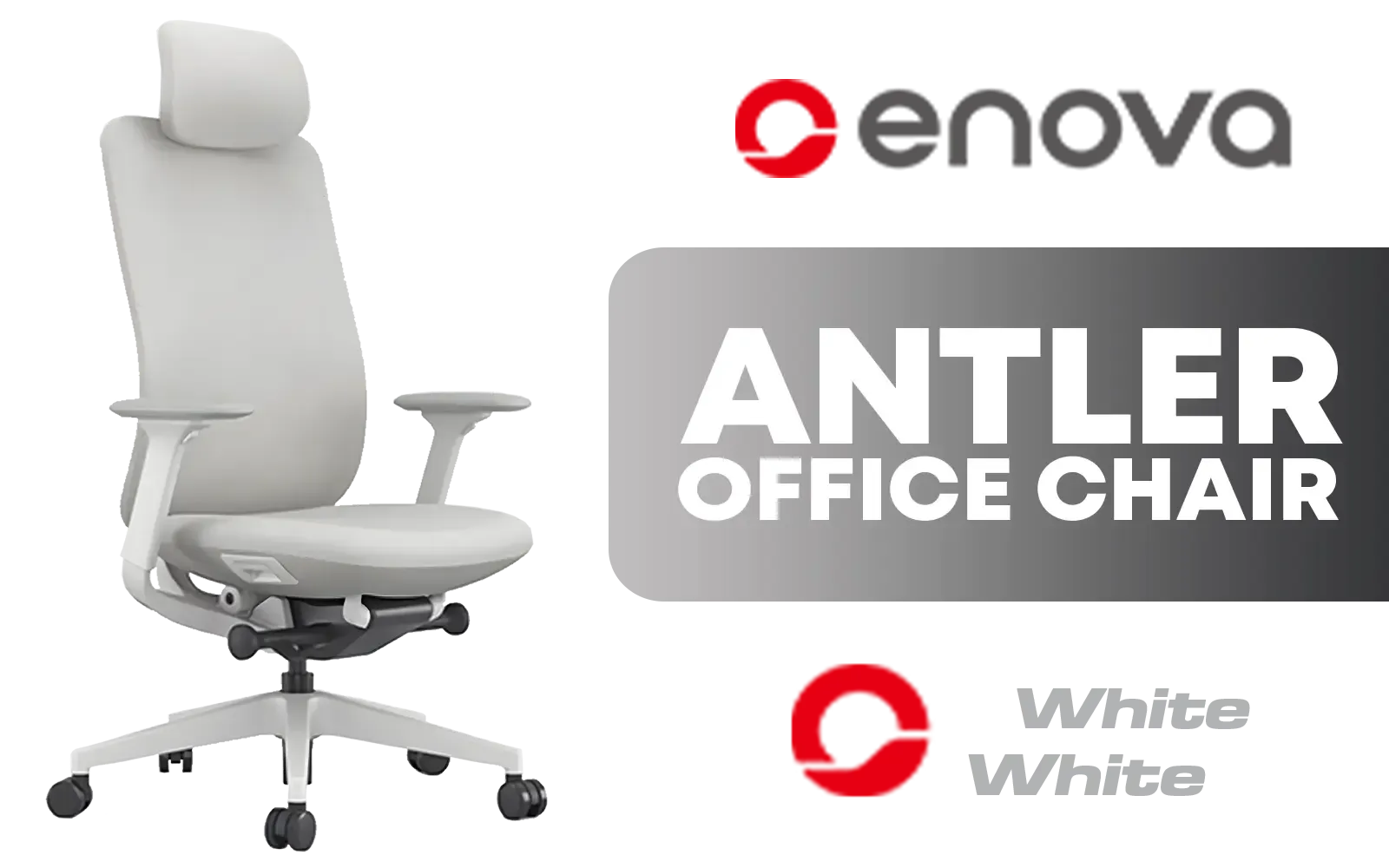
Enova ANTLER Office Chair - White Frame / High Quality, Stretched Flannelette Fabric / Six-Level Tilt Adjustability / High Quality Stitching / Max Weight Load 136kg / EAN-001A-White-Frame
R4699.00In Stock
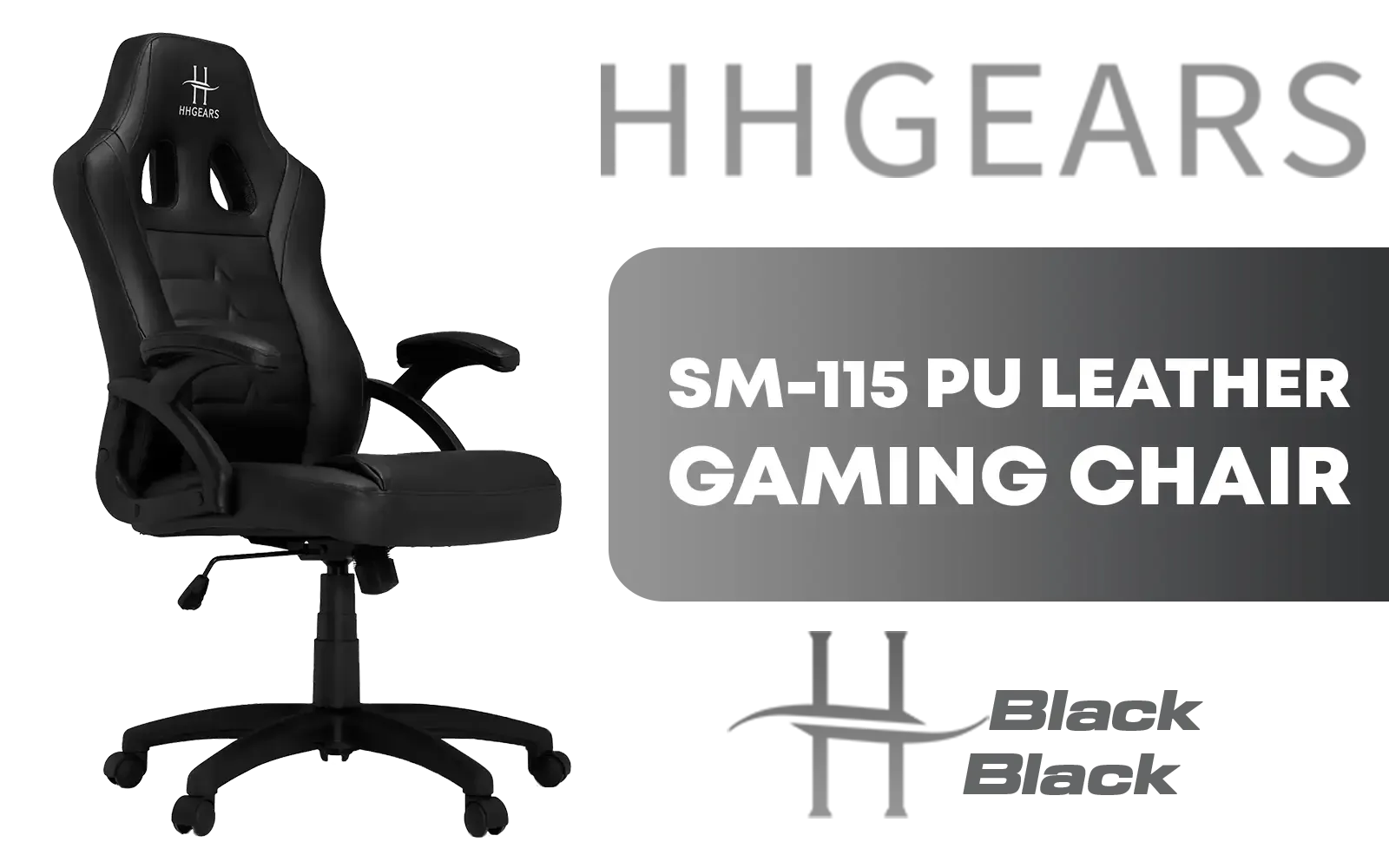
HHGears SM-115 PU Leather Gaming Chair - Black / High Quality PU Leather / Height Adjustability / High Quality Stitching / Max Weight Load 90kg / Net Weight 17kg / SM115_BK
R2499.00In Stock
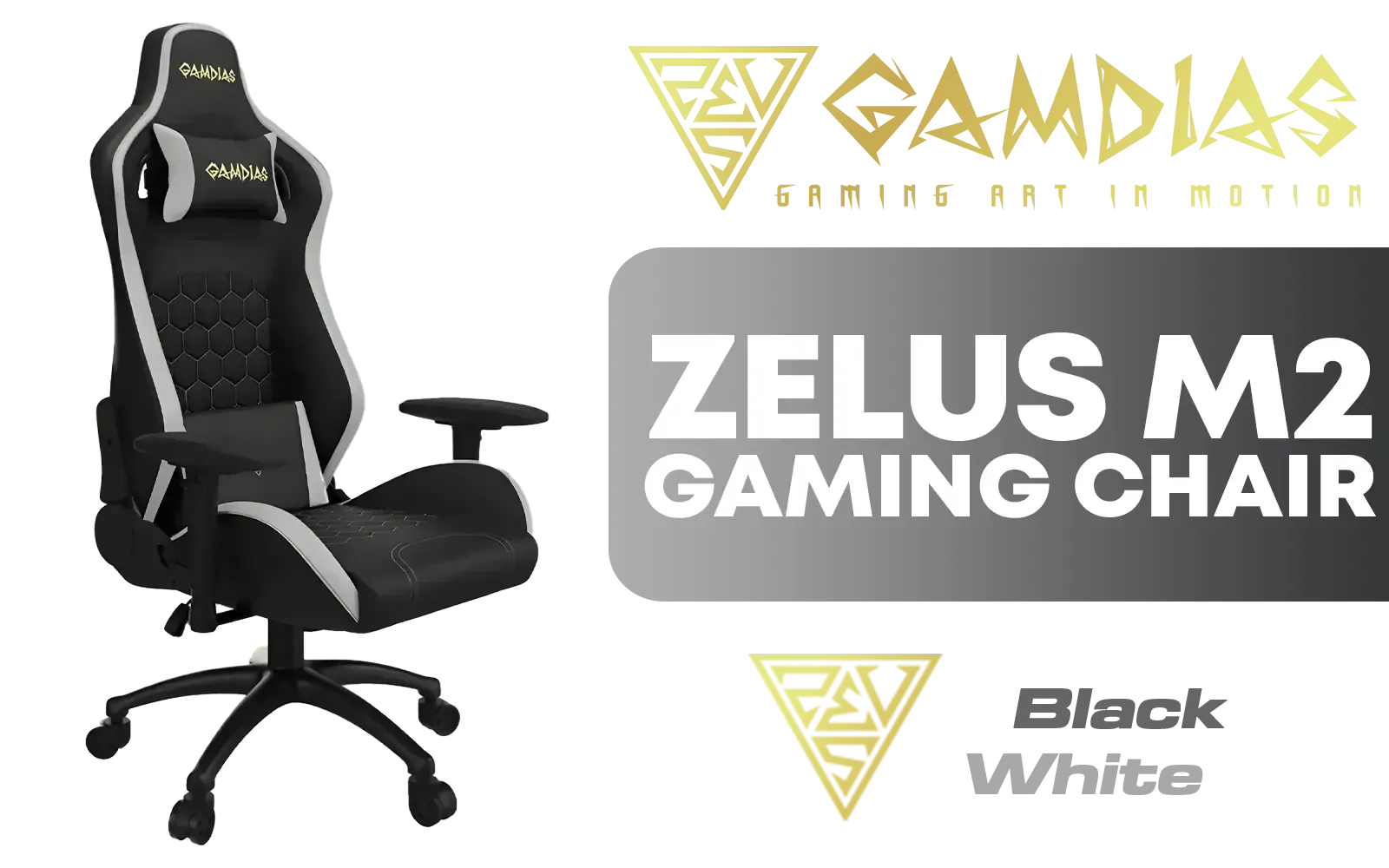
Gamdias Zelus M2 Gaming Chair - Black/White / Leather Style Vinyl Material / Adjustable Back to 150 Degree / 2D Adjustable Armrests / Class 4 Gas Lift / Max Load up to 150kg / ZELUS-M2-BW
R3999.00In Stock
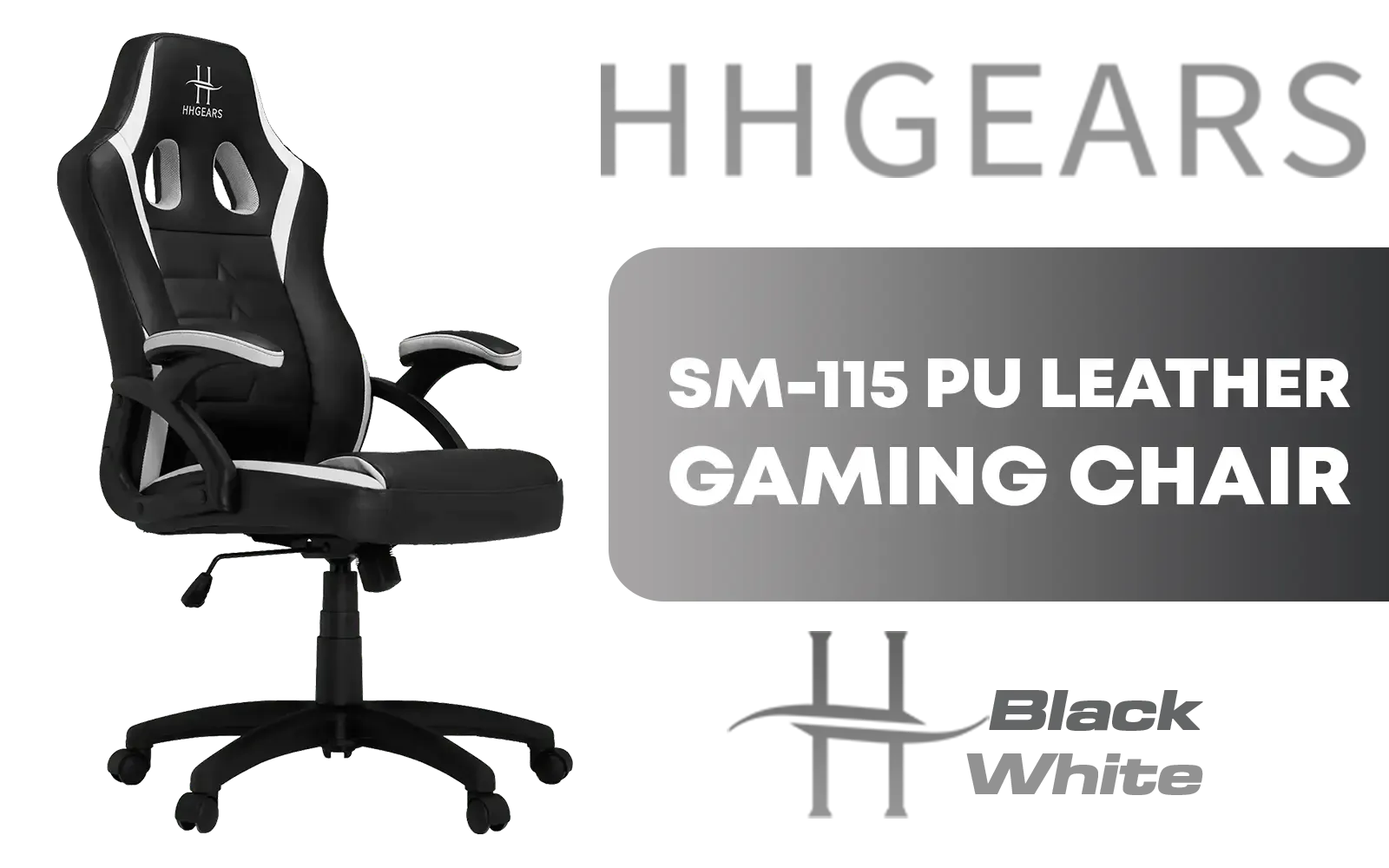
HHGears SM-115 PU Leather Gaming Chair - Black/White / High Quality PU Leather / Height Adjustability / High Quality Stitching / Max Weight Load 90kg / Net Weight 17kg / SM115_BW
R2499.00In Stock
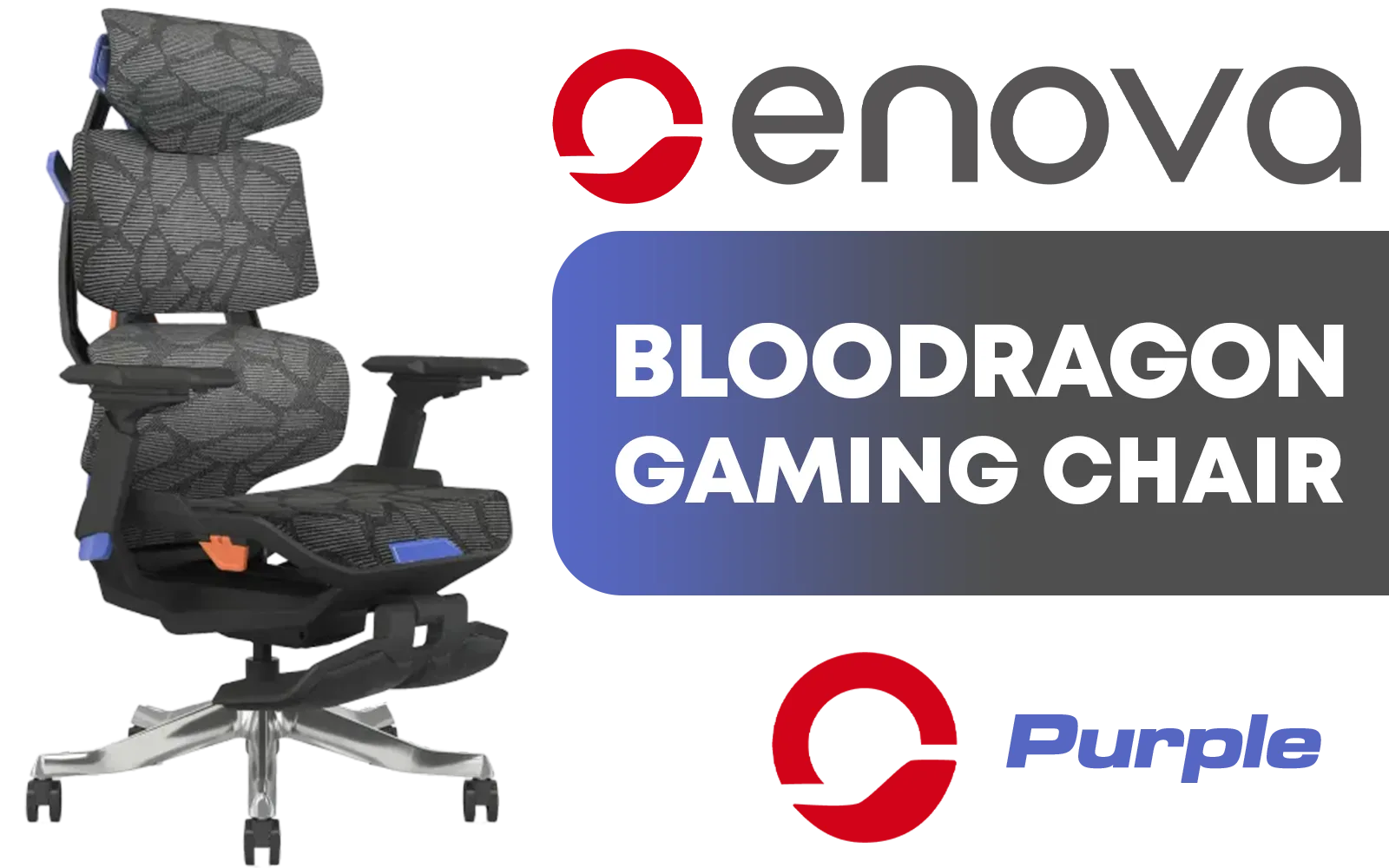
Enova Bloodragon BXZ Gaming Chair - Purple / Load Capacity 136kg / 60mm PU Casters / Foot rest included (<span style="color:#ff0000; font-size: 20px; ">Not Covered in Warranty</span>) / BXZ-002A-ZS-Purple
R5599.00In Stock
Adjustable armrests for gaming support forearms, align shoulders, and help maintain a neutral spine, reducing fatigue during long sessions.
4D armrests offer height, depth, width and angle adjustments. For ergonomic armrests for gaming they give precise support, ideal for extended play.
Set armrest height so elbows form about 90 degrees and wrists stay neutral. Proper adjustable armrest height for PC gaming prevents wrist strain.
Yes. Properly positioned adjustable armrests reduce shoulder tension and wrist strain by supporting arms and promoting better posture.
Some gaming desks and attachments include adjustable armrests or mounts. Look for gaming desk with adjustable armrests when comparing setups.
Choose 4D movement, firm padding, durable materials and easy adjustments. The best adjustable armrests for gamers balance support and range.
Yes—tuning armrests for FPS gaming stabilizes your forearms, reduces micro-adjustments, and helps maintain steady aim during long matches.











