



Affordable GPU Temperatures: How Cool Do They Stay in South Africa?
Worried about affordable GPU temperatures in South Africa's heat? We tested popular budget cards to see how they handle intense gaming loads. Discover which GPUs stay cool, prevent thermal throttling, and deliver peak performance without breaking the bank. 🌡️ Get the real data before you buy! 💻
|
Loading tags...
We’ve all been there. It’s a sweltering summer afternoon in Jozi, the windows are open, but there’s no breeze. You’re deep into a Warzone match when you hear it... the distinct whir of your PC fans spinning up to max. You start wondering about your affordable GPU temperatures and if your budget card is about to cook itself. The good news? It probably isn't. Let's dive into how modern budget GPUs handle the South African heat. 🇿🇦
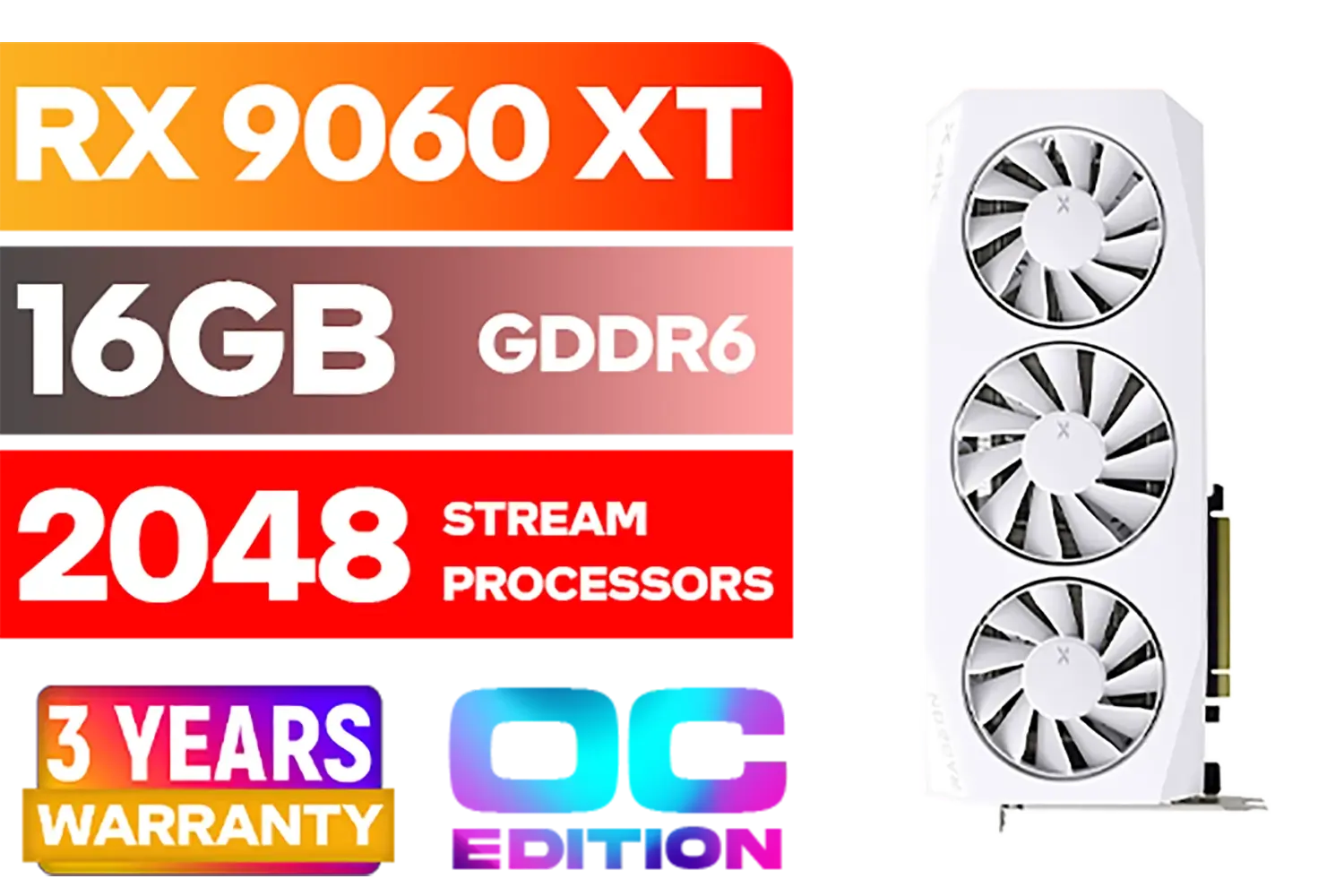
XFX Mercury AMD Radeon RX 9060XT OC White Gaming Edition with 16GB GDDR6 HDMI 2xDP, AMD RDNA 4 / RX-96TMERCW9
R9199.00In Stock

MSI GeForce RTX 5070 12G Gaming Trio OC Graphics Card / 12GB GDDR7 / 6144 Cuda Cores / 192-bit Memory Interface / Boost Clock : 2610 MHz / NVIDIA Blackwell & DLSS 4 / TRI FROZR 4 Thermal Design / Metal with Airflow Vents / 912-V532-019
R15199.00In Stock
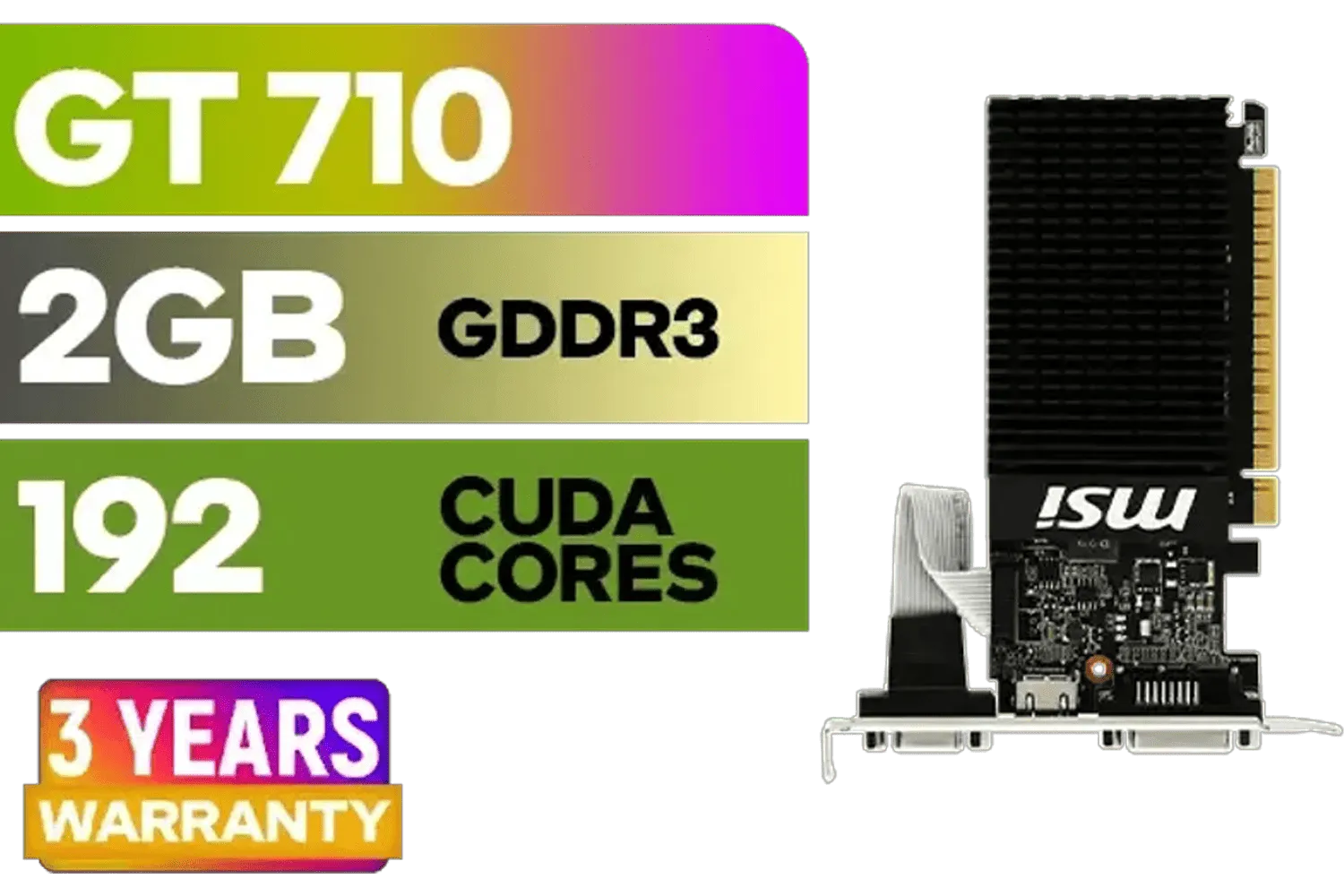
MSI GeForce GT 710 2GD3H LP 2GB DDR3 Graphics Card / 192 CUDA CORES / 64-bit Memory / 1x HDMI / 1x Dual-link DVI-D / 1x D-Sub / 912-V809-4217
R1099.00In Stock
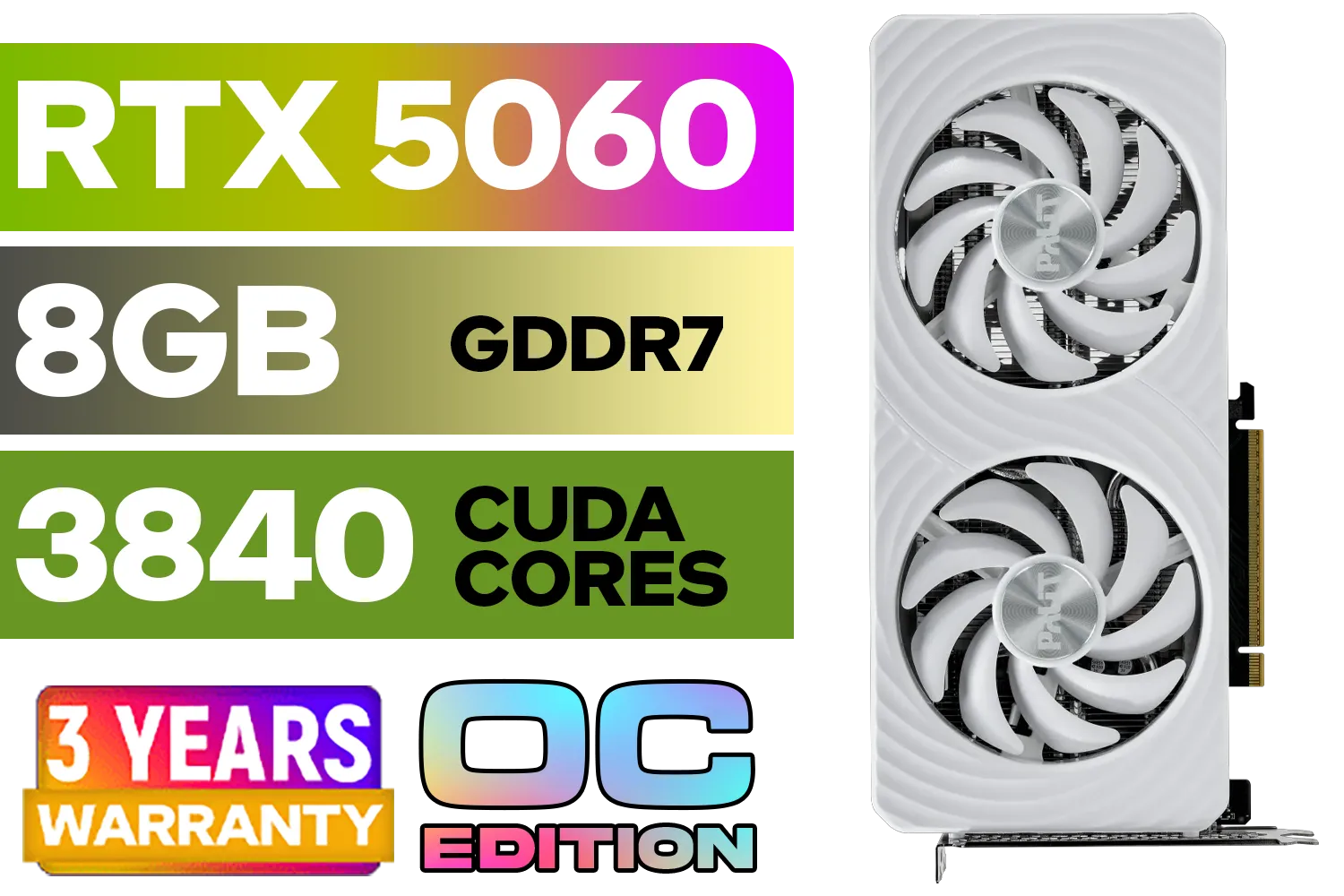
Palit GeForce RTX 5060 OC Graphics Card - White / 8GB GDDR7 / 3840 Cuda Cores / 128-bit Memory Interface / Boost Clock : 2497 MHz / PCI Express® Gen 5 / NE75060U19P1-GB2063M
R6999.00In Stock

Palit GeForce RTX 5080 GamingPro 16GB GDDR7 / 30Gbps Memory Speed / PCI Express® Gen 5 / NE75080019T2-GB2031A
R24199.00In Stock
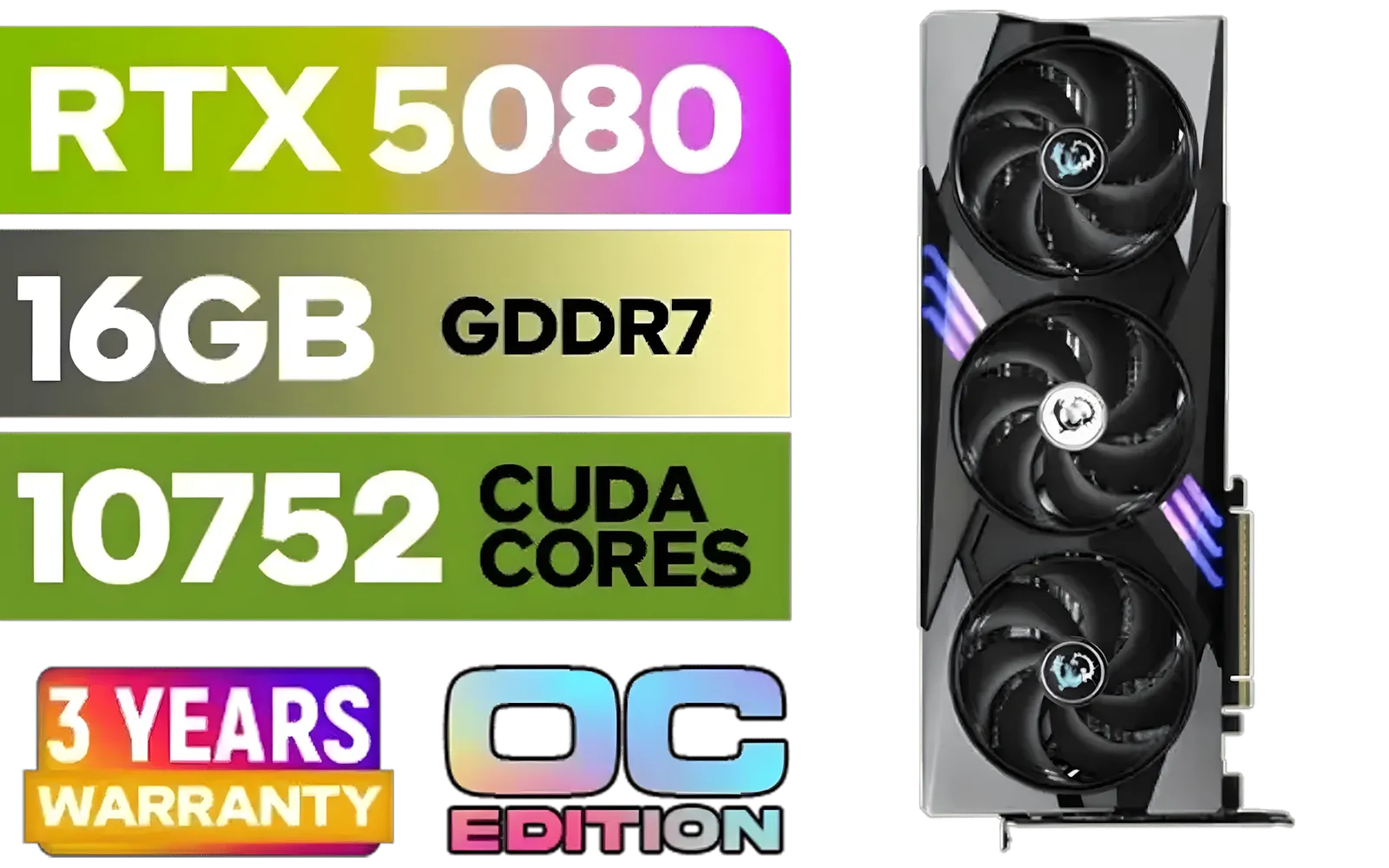
MSI GeForce RTX 5080 16G Gaming Trio OC Graphics Card - Precision Airflow Control - Nickel-Plated Copper Base - Metal Backplate - 16GB GDDR7 - 30Gbps Memory Speed - PCI Express® Gen 5 / 912-V531-026
R29499.00In Stock
Why South African Heat Puts Your GPU to the Test 🌡️
It's no secret that our climate can be tough on electronics. The ambient temperature of your room directly impacts your PC's ability to cool itself. If your room is already 30°C, your components have a much higher starting point. This means your GPU's cooler has to work harder to keep temperatures within a safe operating range, which is typically between 65°C and 85°C under heavy gaming load.
A higher baseline temperature means fans spin faster, which can create more noise. For gamers seeking immersion, a quiet PC is just as important as a powerful one. Understanding and managing your affordable GPU temperatures is the first step to a balanced and reliable rig.
Analysing Affordable GPU Temperatures: What to Expect
Gone are the days when "budget" meant a single, noisy fan slapped onto a hot-running chip. Today, even entry-level and mid-range cards come with surprisingly sophisticated cooling solutions. Manufacturers know that thermal performance is key to unlocking a card's full potential. You'll often find dual-fan designs, chunky heatsinks, and even copper heat pipes on cards that won't break the bank.
Take, for example, the latest offerings from NVIDIA and AMD. Cards in the GeForce RTX 4060 or Radeon RX 7700 XT class are designed to deliver fantastic 1080p and 1440p performance without thermal throttling. This focus on efficiency means you get more frames for every watt of power used, which in turn generates less heat. You can find a great balance of power and cooling across our entire range of NVIDIA and ATI graphics cards. For Team Red loyalists, the cooling on modern AMD Radeon graphics cards is equally impressive.
Brands That Master Affordable GPU Cooling
While the chip itself (made by NVIDIA, AMD, or Intel) is the heart of the card, the cooling solution is designed by board partners like MSI, ASUS, Gigabyte, and others. This is where you can find a real difference in performance and noise levels. Some brands have built a reputation on their excellent thermal designs.
For instance, many gamers specifically look for cards from MSI, who are famous for their cooling solutions like the Twin Frozr and Ventus series, which often keep GPUs running cool and quiet even under pressure. It's also exciting to see newcomers like Intel Arc graphics cards entering the market with competitive thermal performance, giving South African gamers more choice than ever.

MSI GeForce RTX 5070 Ti 16G Gaming Trio OC Graphics Card / 16GB GDDR7 / 8960 Cuda Cores / 256-bit Memory Interface / Boost Clock : 2572 MHz / PCI Express® Gen 5 / 912-V531-272
R21199.00In Stock

SAPPHIRE NITRO+ RX 9070 Gaming OC 16GB Graphics Card / 16GB GDDR6 Memory / 3584 Stream Processors / 256-bit Memory Interface / Boost Clock : 2700 MHz / AMD RDNA™ 4 Architecture / 56 Ray Accelerators / 11349-01-20G
R13599.00In Stock

MSI GeForce RTX 5080 16G VENTUS 3X OC / PCI Express Gen 5 / 10752 Cuda Cores / 16GB GDDR7 / DirectX 12 Ultimate / 912-V531-262
R26999.00In Stock

MSI Geforce RTX 5070 Ventus 2X 12G OC Graphics Card / 12GB GDDR7 / 6144 Cuda Cores / 192-bit Memory Interface / Boost Clock : 2542 MHz / NVIDIA Blackwell & DLSS 4 / 28Gbps Memory Speed / PCI Express® Gen 5 / 912-V532-009
R13999.00In Stock

MSI GeForce RTX 5070 12G Inspire 3X OC Graphics Card / 12GB GDDR7 / 6144 Cuda Cores / 192-bit Memory Interface / Boost Clock : 2542 MHz / NVIDIA Blackwell & DLSS 4 / 28Gbps Memory Speed / PCI Express® Gen 5 / 912-V532-017
R14499.00In Stock
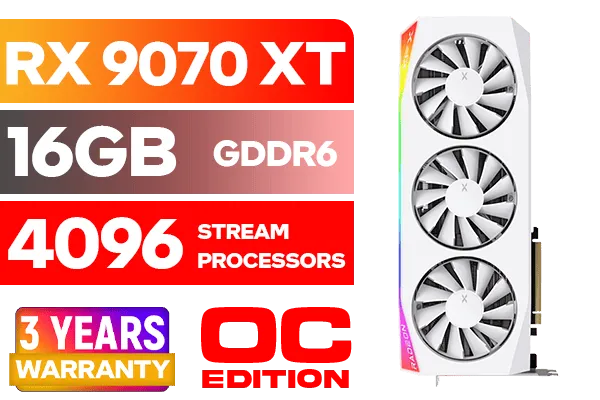
XFX Mercury AMD Radeon RX 9070 XT OC Magnetic Air Edition Graphics Card - White / 4096 Stream Processors / 256-bit Memory Interface / Boost Clock : 3100 MHz / AMD RDNA™ 4 Architecture / RX-97TMARGW9
R16299.00In Stock
TIP FOR YOU
Check Your Airflow! ❄️
The best GPU cooler in the world can't work properly in a hotbox. Ensure your PC case has at least two intake fans at the front and one exhaust fan at the back. A case with a mesh front panel is ideal for our warm climate, as it allows for maximum fresh air to reach your components.
Practical Tips to Lower Your GPU Temps
Even with a great card, you can take simple steps to improve your GPU temperatures. A little bit of maintenance goes a long way, especially in dusty South African environments.
Keep It Clean and Unobstructed
Dust is the enemy of cooling. Every few months, take a can of compressed air and clean out your PC's dust filters and the GPU's heatsink fins. Also, ensure there's good clearance around your PC tower; don't shove it into a tight cabinet where hot air gets trapped.

XFX SWIFT AMD Radeon RX 9070 XT Triple Fan 16GB GDDR6 GPU - White / AMD RDNA 4 Architecture / 3rd Gen Radeon Raytracing Accelerators/ AMD Fidelity FX Super Resolution 4.0 Upscaling Technology / RX-97TSWF3W9
R14799.00In Stock
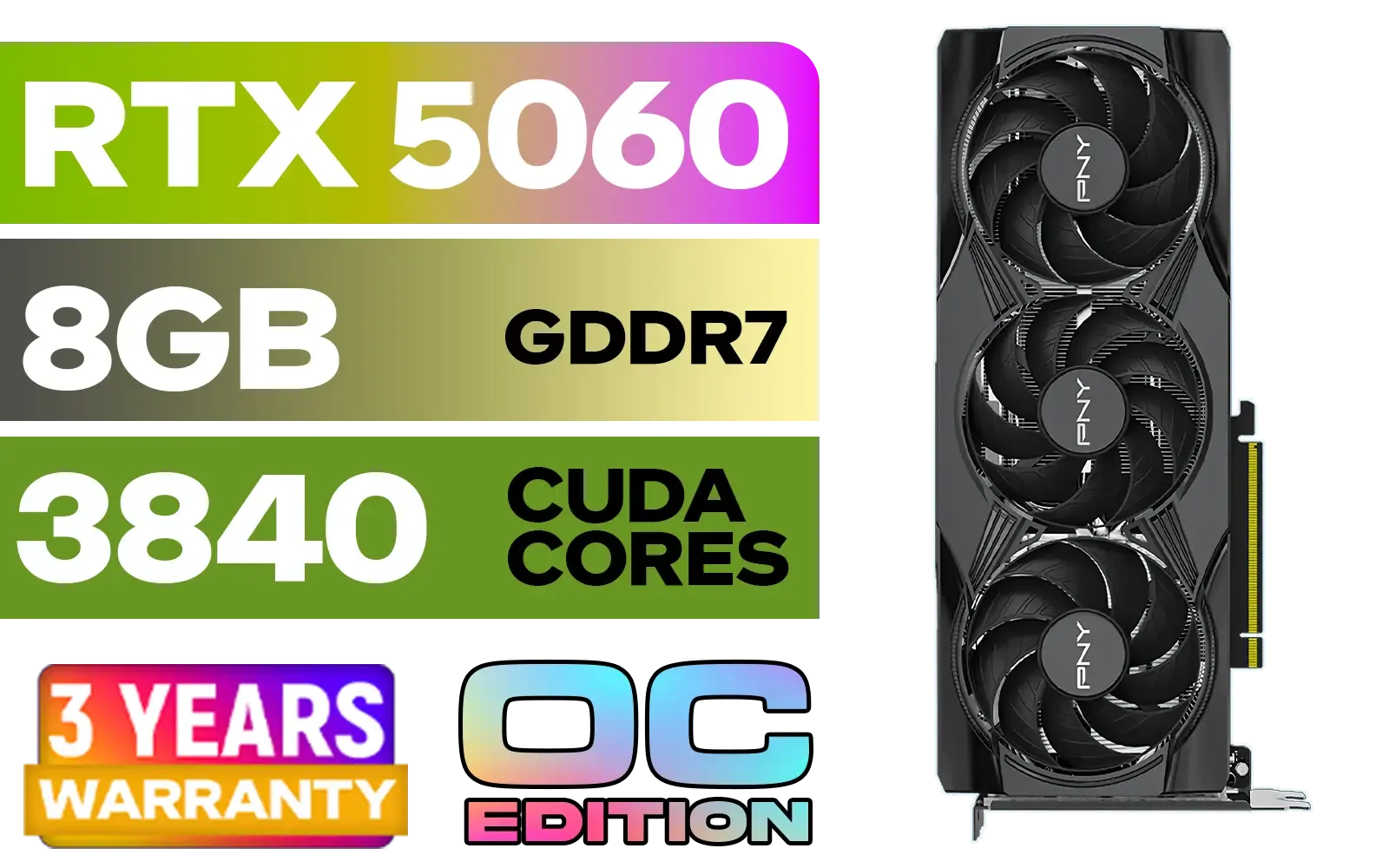
PNY GeForce RTX 5060 EPIC-X 8GB OC Graphics Card / 8GB GDDR7 / 3840 Cuda Cores / 128-bit Memory Interface / Boost Clock: 2580 MHz / 28 Gbps Memory Speed / DisplayPort 2.1b (x3), HDMI® 2.1b / PCI-Express 5.0 x8 / 9VCG50608TFXXPB1-O
R7499.00In Stock
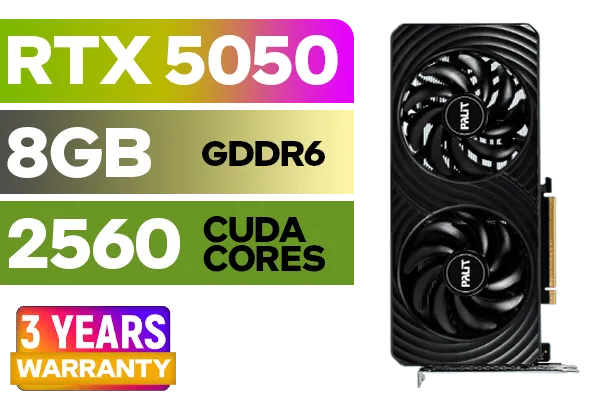
Palit GeForce RTX™ 5050 DUAL Graphics Card / 8GB GDDR6 / 2560 Cuda Cores / 128-bit Memory Interface / Boost Clock : 2572 MHz / PCI Express® Gen 5 / NE65050019P1-GB2070D
R5699.00In Stock

Leadtek NVIDIA RTX A400 4GB GDDR6 Workstation Graphics Card / 768 Nvidia CUDA Cores / 96GB/s Memory Bandwidth / Nvidia Ampere Architecture / 126W7000100
R3699.00In Stock
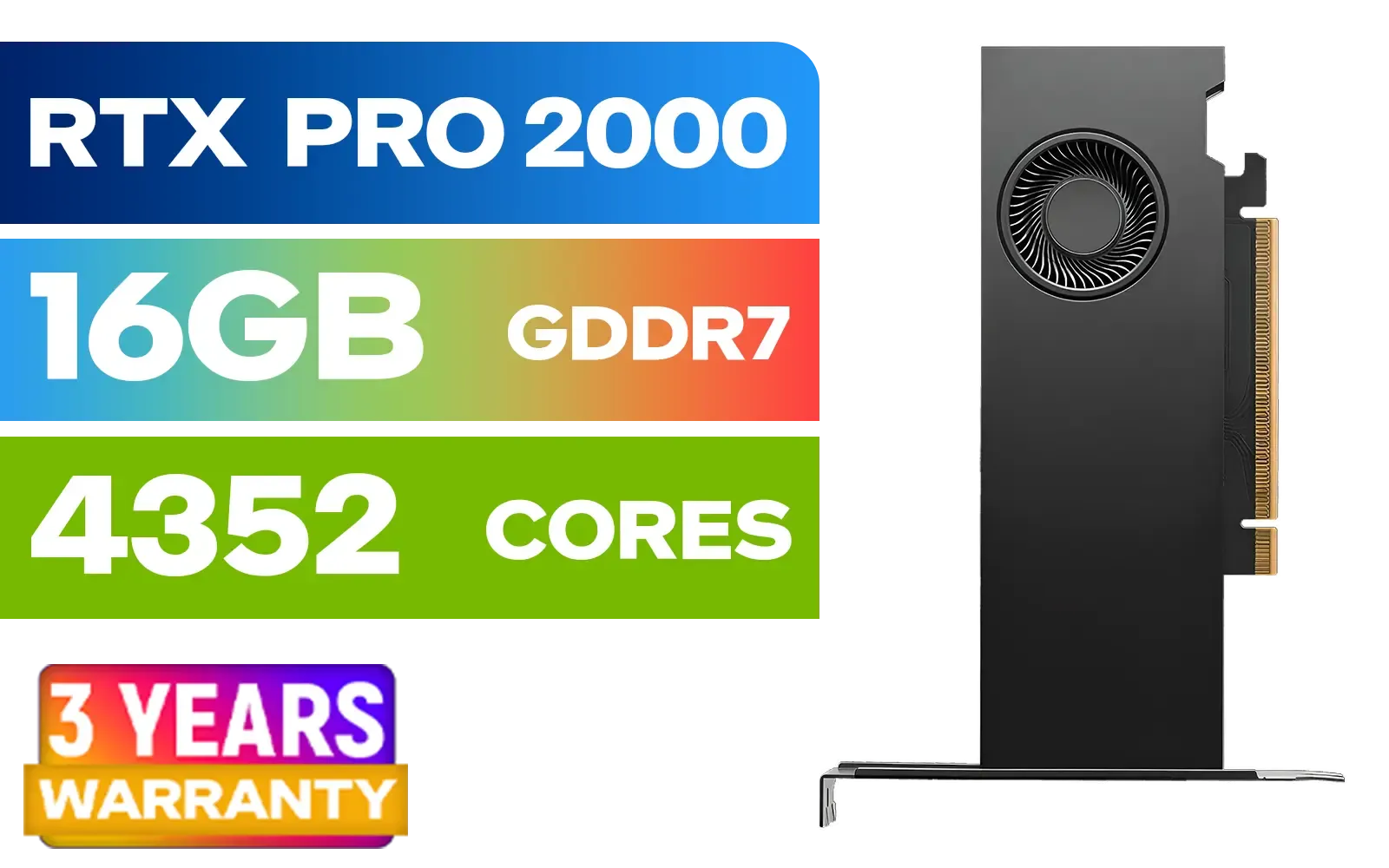
PNY RTX PRO 2000 Blackwell 16GB Graphics Card / 4352 CUDA CORES / 16GB GDDR7 with ECC / 128-bit Memory / NVIDIA Blackwell Architecture / VCNRTXPRO2000-PB
R15399.00In Stock
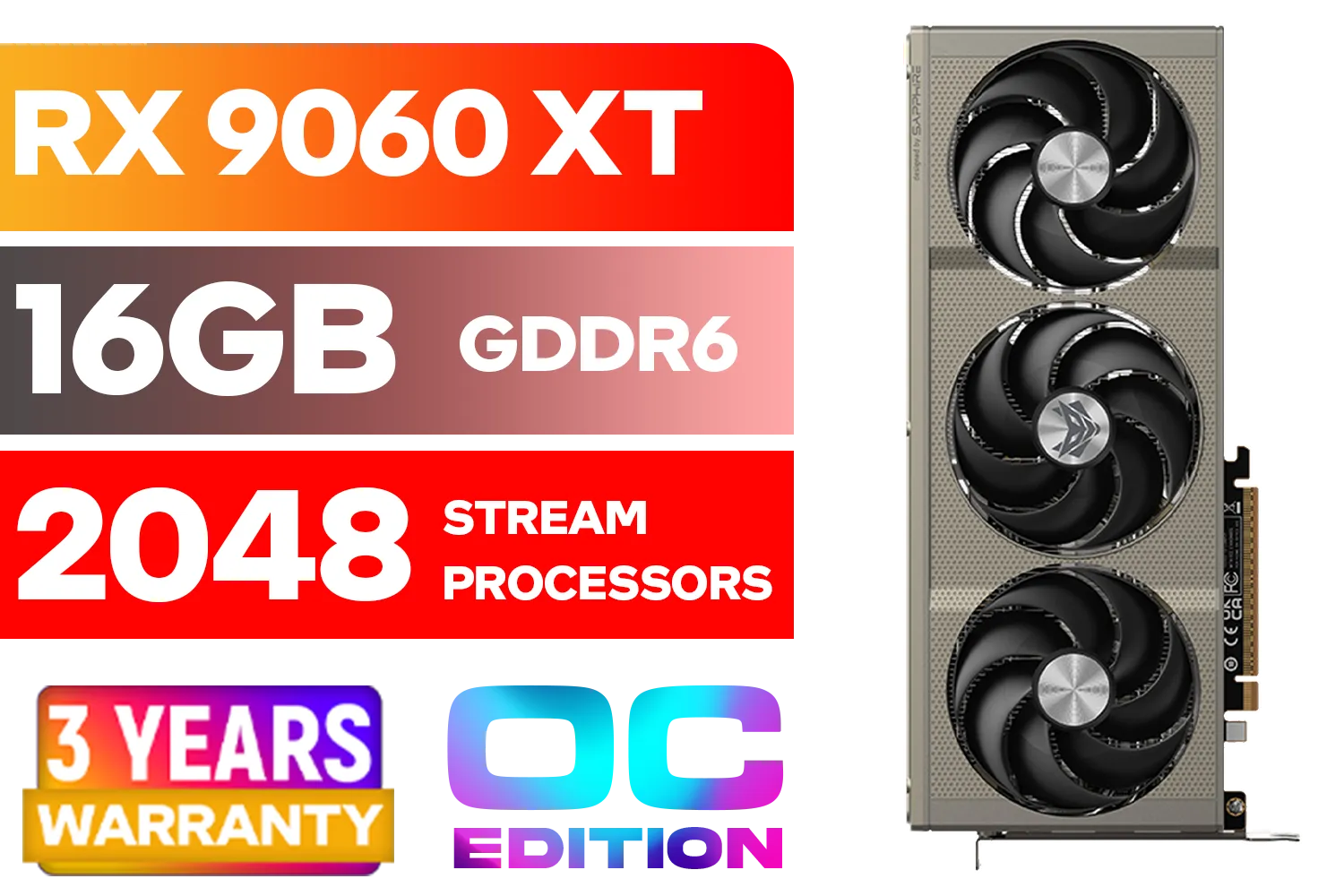
SAPPHIRE NITRO+ RX 9060 XT OC 16GB Graphics Card / 16GB GDDR6 Memory / 2048 Stream Processors / 128-bit Memory Interface / Boost Clock : 3320 MHz / AMD RDNA™ 4 Architecture / 32 Ray Accelerators / 11350-01-20G
R8899.00In Stock
Create a Custom Fan Curve
Using free software like MSI Afterburner, you can set a custom fan curve. This tells your GPU fans to spin up a bit earlier as temperatures rise, preventing heat from building up in the first place. It’s a simple tweak that can lower peak temps by several degrees. While these tips are great for gaming, the cooling principles differ for cards designed for 24/7 rendering, like those in our range of workstation graphics cards, which prioritise stability over raw clock speeds. ✨
The verdict is clear: you don't need to fear for your GPU during a South African heatwave. Thanks to modern engineering and smart design, the current generation of affordable graphics cards offers fantastic cooling. By choosing a model with a solid cooler and ensuring your PC has decent airflow, you can enjoy stable, cool, and quiet gaming sessions all year round. Keeping an eye on affordable GPU temperatures is simply part of being a savvy PC owner.
Ready to Upgrade Without the Meltdown? Finding the perfect balance of price, performance, and cooling is key to a great gaming experience. Explore our massive range of graphics cards and find the perfect GPU to keep your rig cool and your framerates high.
Related Products

MSI GeForce RTX 5070 Ti 16G Ventus 3X OC / 16GB GDDR7 / 28Gbps Memory Speed / PCI Express® Gen 5 / 912-V531-092
R19999.00In Stock
MSI Geforce RTX 5070 Ventus 2X 12G OC Graphics Card / 12GB GDDR7 / 6144 Cuda Cores / 192-bit Memory Interface / Boost Clock : 2542 MHz / NVIDIA Blackwell & DLSS 4 / 28Gbps Memory Speed / PCI Express® Gen 5 / 912-V532-009
R13999.00In Stock

XFX Quicksilver AMD Radeon RX 9070 XT Graphics Card / 4096 Stream Processors / 256-bit Memory Interface / Boost Clock : 2970 MHz / AMD RDNA™ 4 Architecture / RX-97TQICKB9
R14999.00In Stock
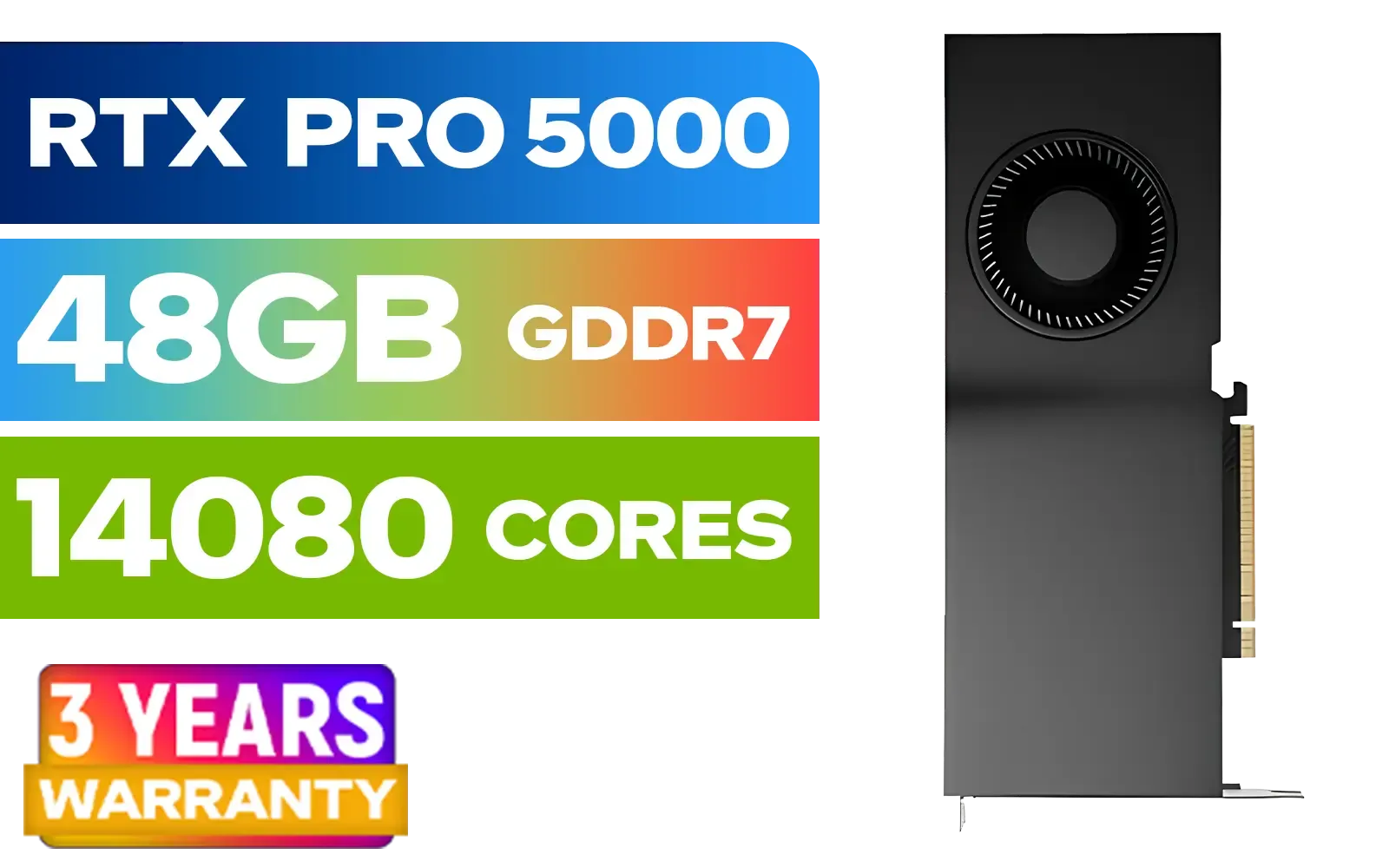
LEADTEK NVIDIA RTX PRO 5000 Blackwell 48GB GDDR7 Workstation Graphics Card / 14,080 Nvidia CUDA Cores / 1,344GB/s Memory Bandwidth / NVIDIA Blackwell Architecture / 126X2000100
R93999.00In Stock
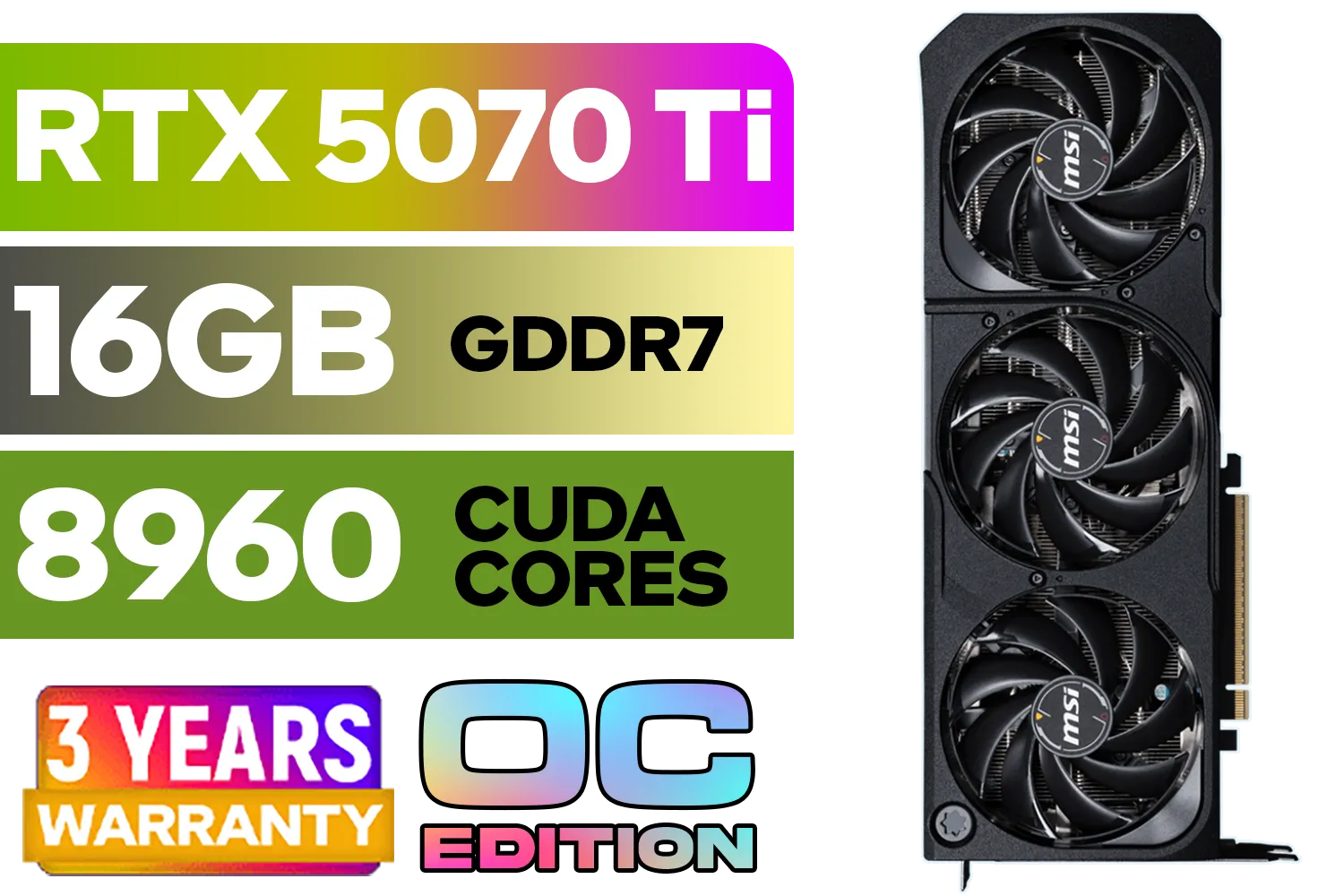
GeForce RTX™ 5070 Ti 16G SHADOW 3X OC Graphics Card / 8960 Cuda Cores / 256-bit Memory Interface / Boost Clock : 2482 MHz / NVIDIA Blackwell & DLSS 4 / TORX Fan 5.0 / Nickel-Plated Copper Baseplate / 912-V531-465
R19499.00In Stock
XFX SWIFT AMD Radeon RX 9070 XT Triple Fan 16GB GDDR6 GPU - White / AMD RDNA 4 Architecture / 3rd Gen Radeon Raytracing Accelerators/ AMD Fidelity FX Super Resolution 4.0 Upscaling Technology / RX-97TSWF3W9
R14799.00In Stock
Most affordable GPUs are safe operating between 70-85°C under full load. Consistently exceeding 90°C can lead to thermal throttling, reducing performance to prevent damage.
South Africa's warmer ambient temperatures can directly increase GPU operating temps. Good case airflow and a GPU with a robust cooling solution are crucial for performance.
The RTX 3050 generally features excellent cooling and stays well within safe limits, typically below 75°C under load, making it a reliable choice for budget PC builds.
Models like the RX 6600 and certain RTX 3050 variants are known for efficient cooling. Look for cards with dual-fan designs and large heatsinks for better thermal performance.
You can improve GPU cooling by enhancing your PC case's airflow with more fans, cleaning dust from heatsinks, and reapplying quality thermal paste for better heat transfer.
Yes, undervolting is a very effective method. It lowers power consumption and heat output on a budget GPU without a significant performance loss, leading to cooler operation.











