



Benefits of a Gaming Monitor Arm: Elevate Your Setup
Discover the game-changing benefits of a gaming monitor arm for your battle station. Improve ergonomics, reclaim desk space, and achieve a cleaner aesthetic. 🖥️✨ Unlock the full potential of your display today.
|
Loading tags...
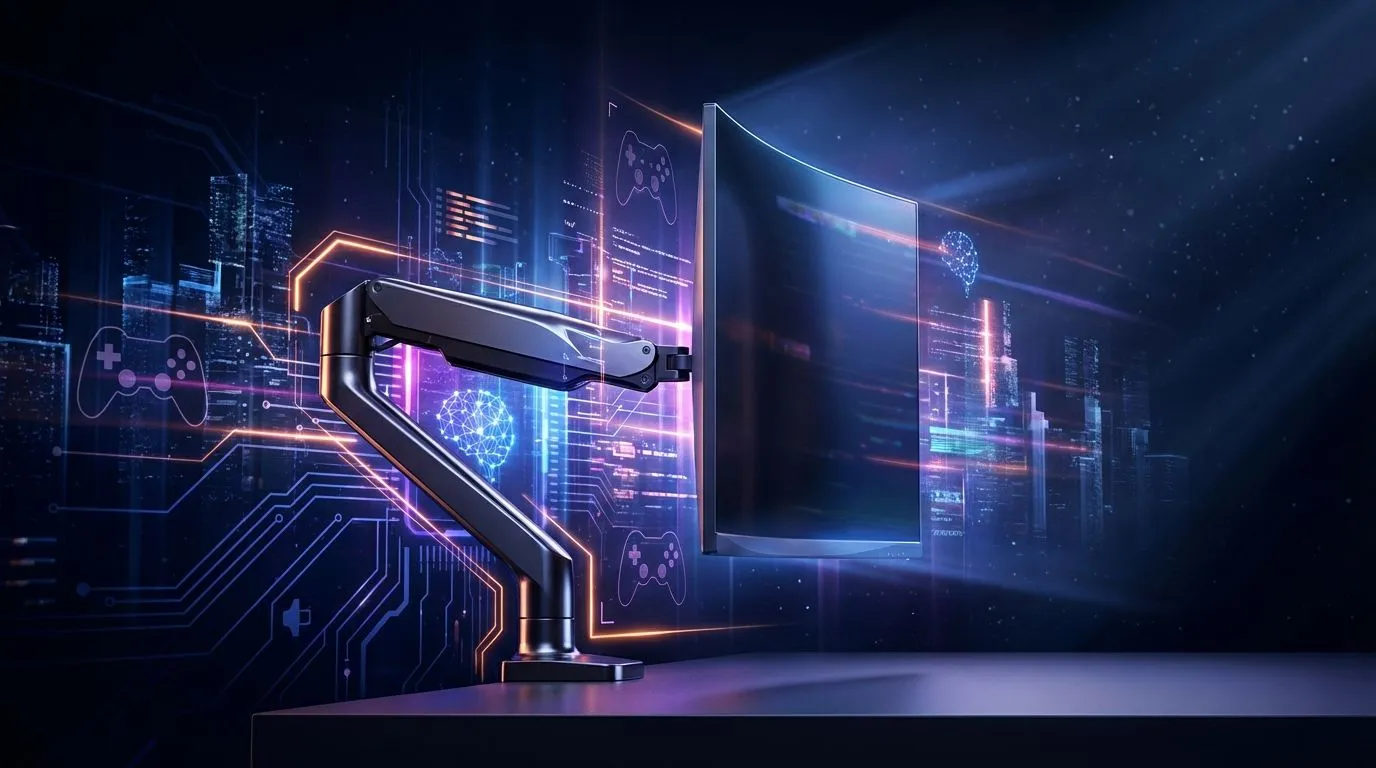
Is your gaming desk feeling a bit... cramped? If you're battling for mouse space and craning your neck during intense sessions, you're not alone. That bulky monitor stand is eating up precious real estate. But what if you could make your screen float, unlocking a cleaner, more comfortable, and more strategic setup? A gaming monitor arm isn't just a fancy accessory; it's a fundamental upgrade for any serious South African gamer looking to optimise their battle station.
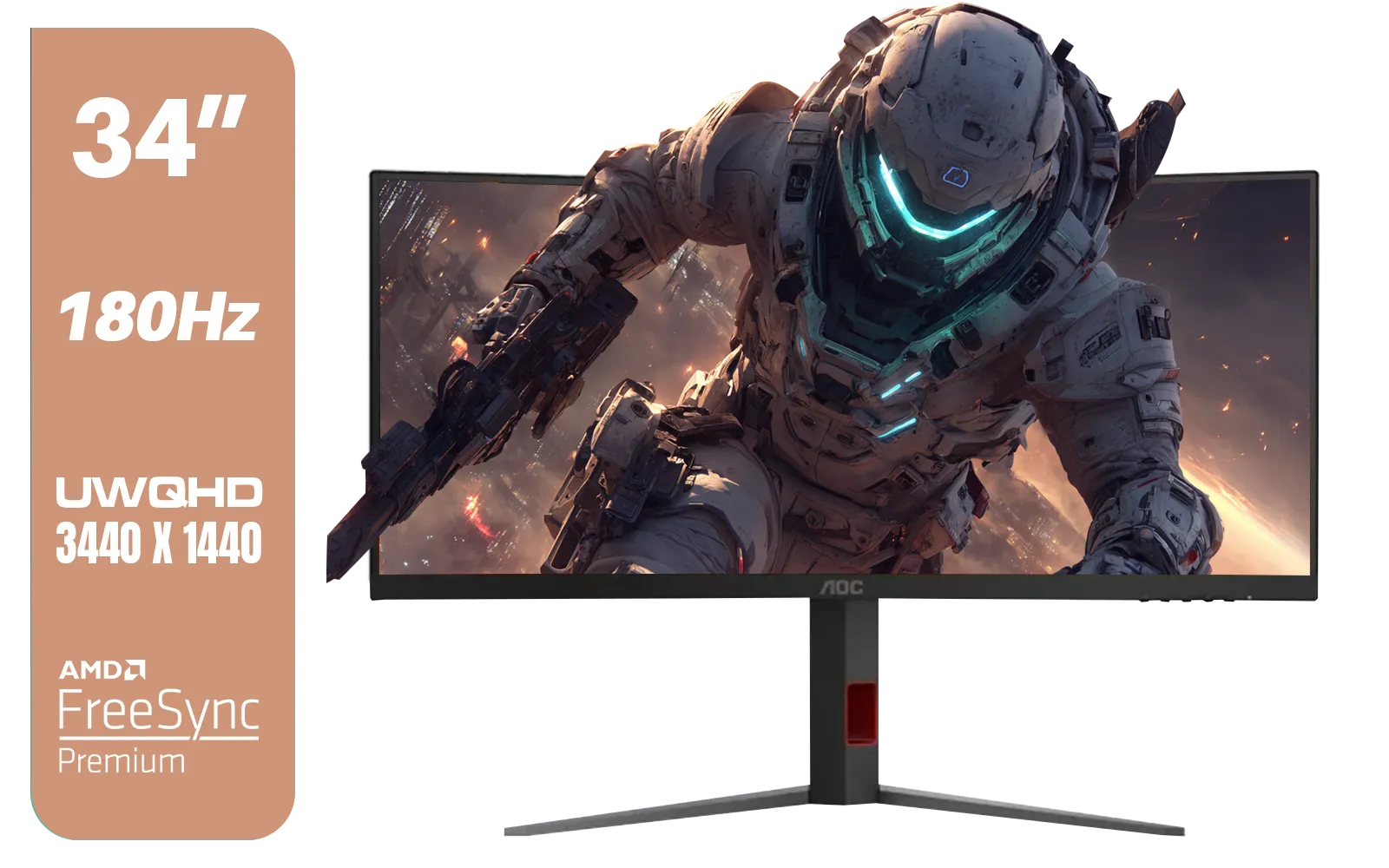
AOC CU34G4 34" Curved Gaming Monitor / UWQHD (3440x1440) / 180Hz Refresh Rate / 1ms Response Time (MPRT) / HDR10 / Adaptive Sync / CU34G4
R6999.00In Stock
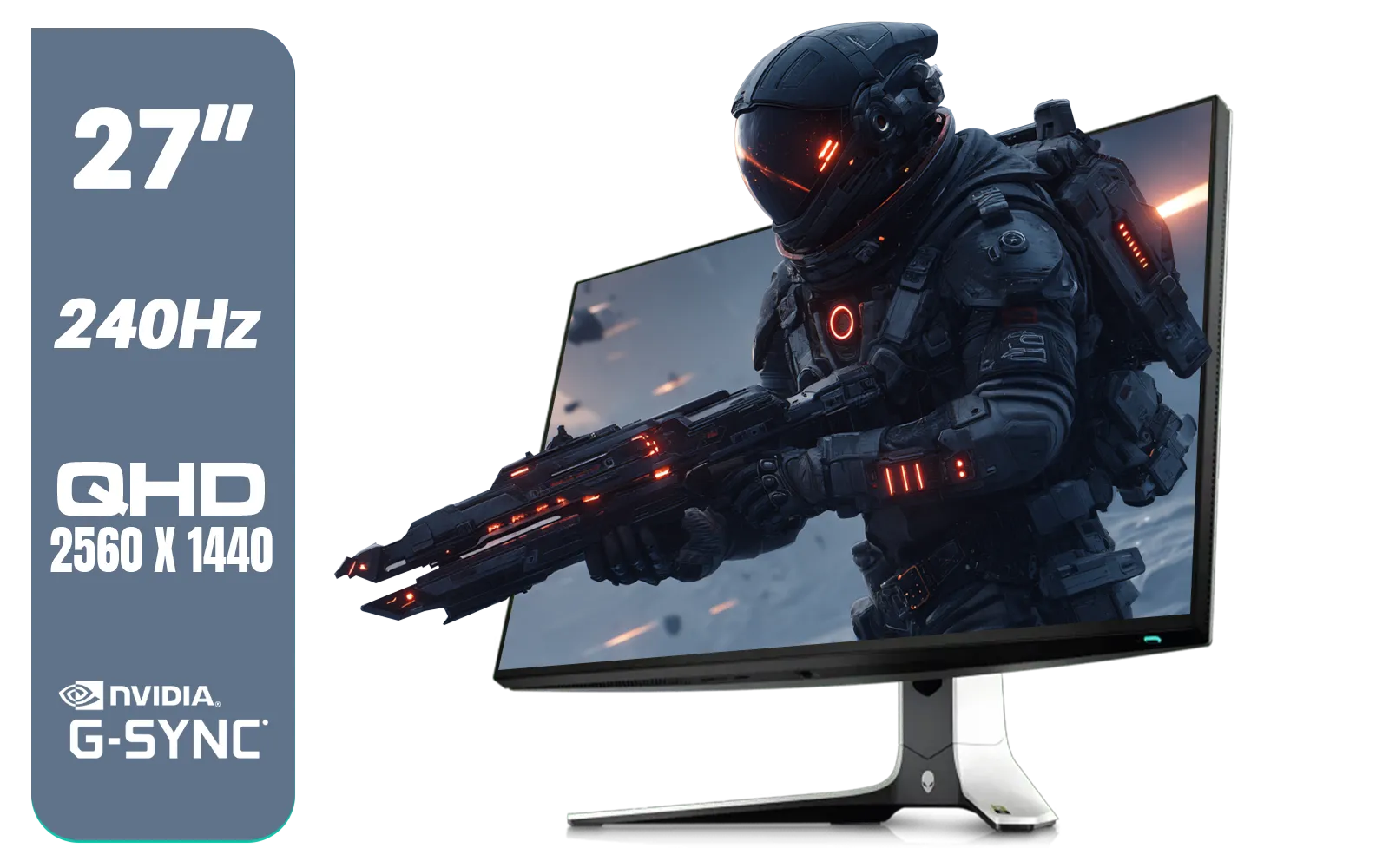
Alienware AW2723DF Gaming Monitor - 27-inch (2560 x 1440) 240Hz Display (DP 1.4), 1ms Response Time, NVIDIA G-Sync, Preset OSD Modes, Height/Tilt/Swivel/Pivot Adjustability - Lunar Light / AW2723DF
R8699.00In Stock

ViewSonic TD1655 15.6" Full HD (1920 x 1080) Portable Touchscreen Monitor / Ultra-portable Design / Advanced in-cell Capacitive Touchscreen / 2-Way Power With USB Type-C / Frameless Design / Portrait and Landscape Modes / dual integrated speakers / TD1655
R5199.00In Stock
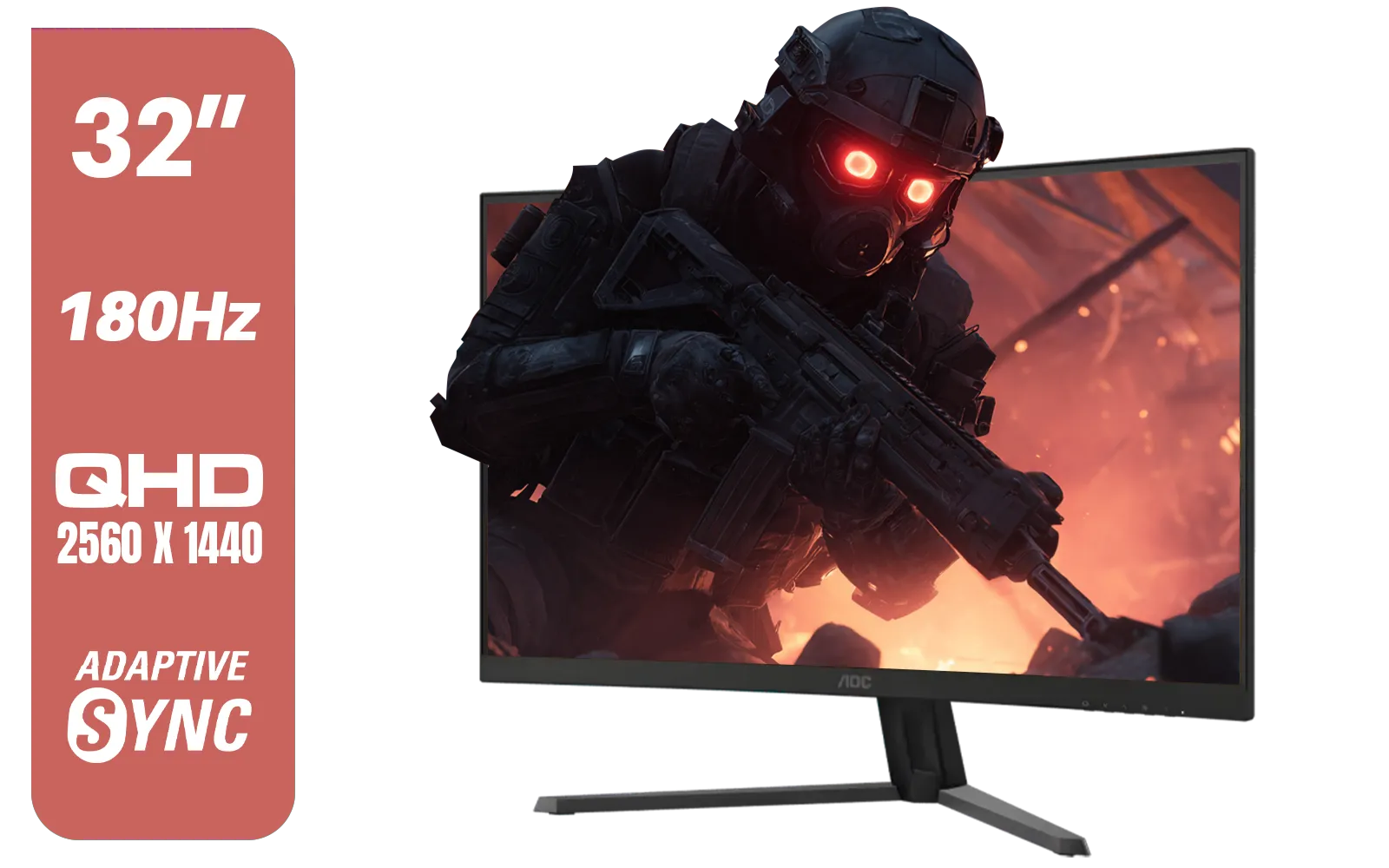
AOC CQ32G4E 32" Curved Gaming Monitor / QHD (2560x1440) / 180Hz Refresh Rate / 0.5ms Response Time (MPRT) / HDR10 / Adaptive Sync / CQ32G4E
R5999.00In Stock
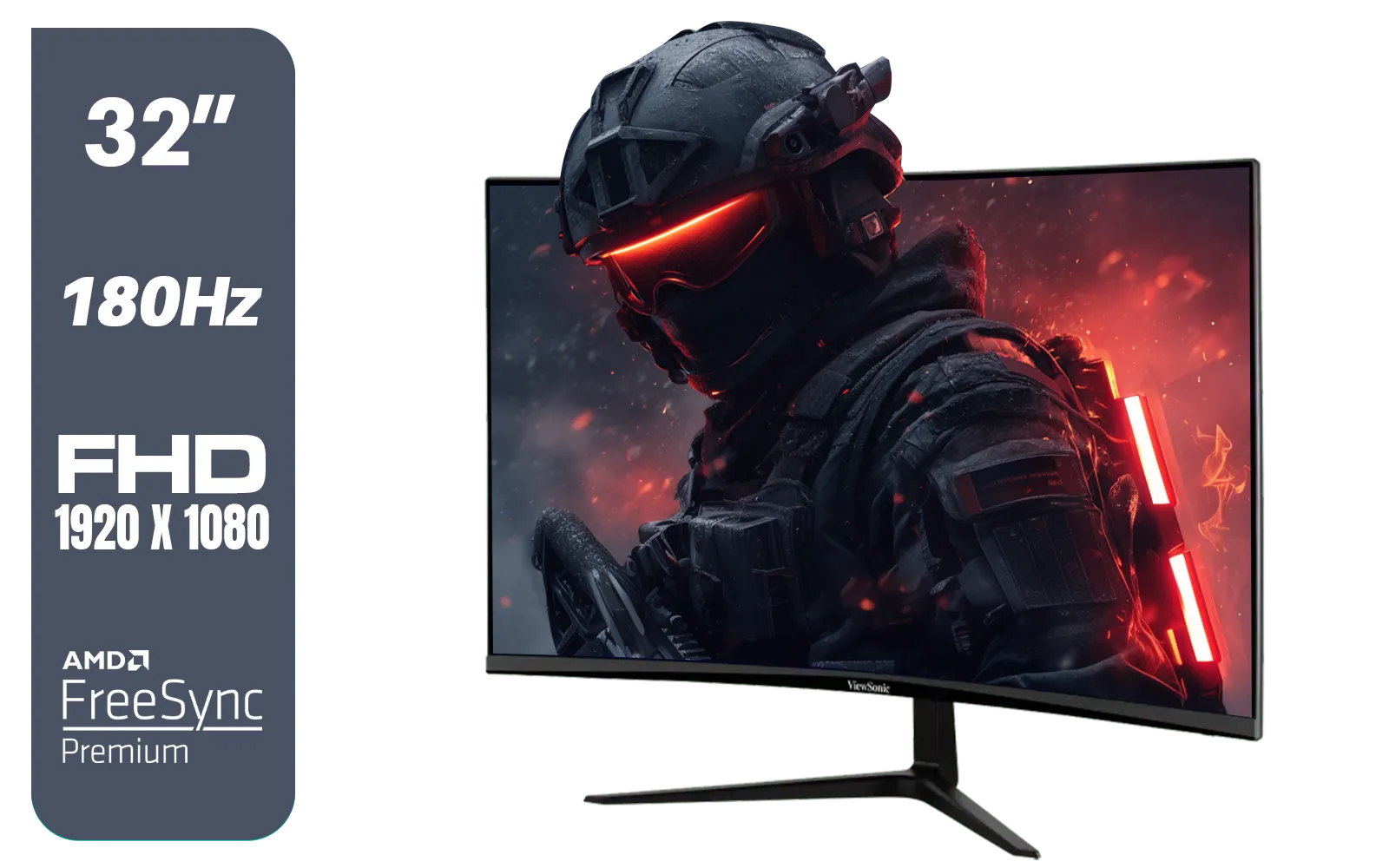
ViewSonic VX3218-PC-MHD 32" Full HD (1920 x 1080) 180Hz Curved Gaming Monitor / 180Hz Refresh Rate / 1ms MPRT Response Time / AMD Adaptive Sync Prevents Screen Tearing / 1500R Curve Ultimate Immersion / VX3218PCMHD
R3499.00In Stock
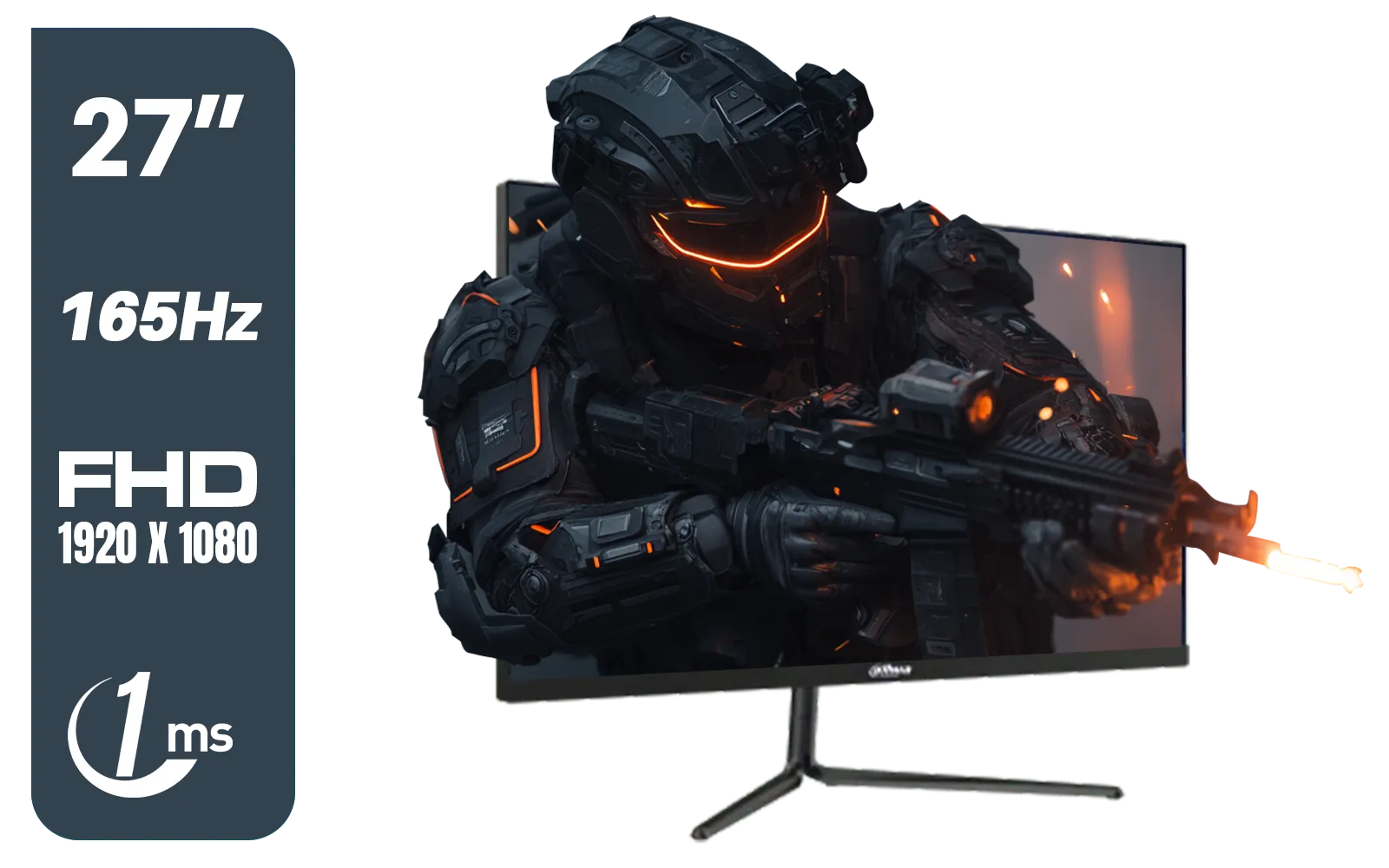
Dahua LM27-E231 27inch Gaming Monitor, 165Hz, 1ms, Adjustable stand, 100% sRGB, FPS/RTS Gaming Modes / DHI-LM27-E231
R3199.00In Stock
The Core Benefits of a Gaming Monitor Arm
Let's get straight to it. Why should you ditch the stand that came in the box? The answer lies in ergonomics, space, and pure flexibility. Investing in a monitor arm is one of the most impactful changes you can make to your gaming environment, directly affecting your comfort and performance.
Banish Neck and Back Pain for Good
The number one benefit of a gaming monitor arm is ergonomics. Standard stands offer limited, if any, height adjustment, forcing you to slouch or look down. A good arm lets you position your screen at the perfect eye level, height, and distance. This means less strain on your neck and back, allowing for longer, pain-free gaming marathons. Getting the ergonomics right is crucial whether you're using a standard screen or one of the latest immersive curved monitors that wrap you in the action.
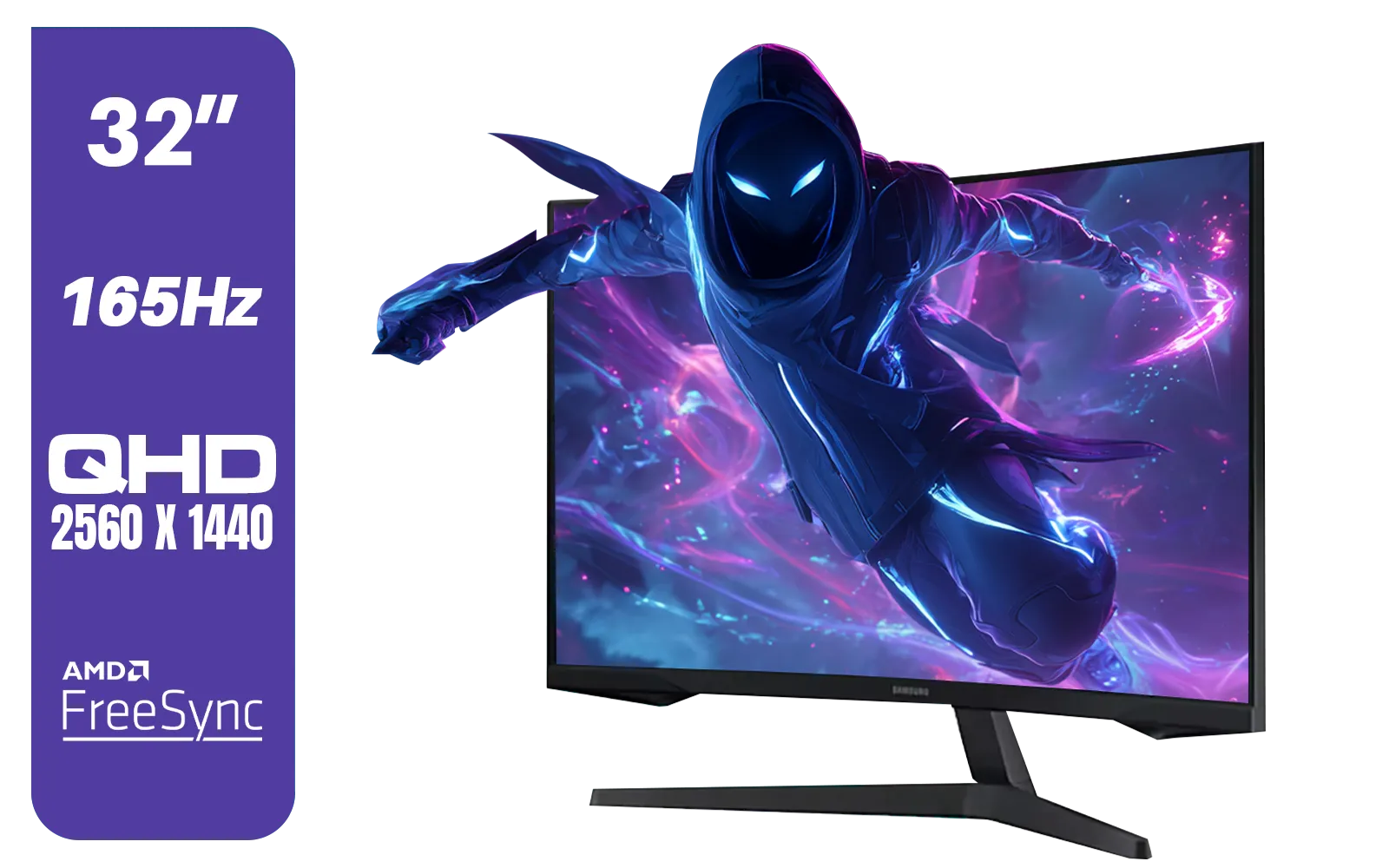
Samsung 32" Odyssey G55C QHD (2560 x 1440) Curved Gaming Monitor / 165Hz refresh rate & 1ms response time (MPRT) / 1000R Curved Screen / AMD FreeSync / LS32CG552EAXXA
R5999.00In Stock
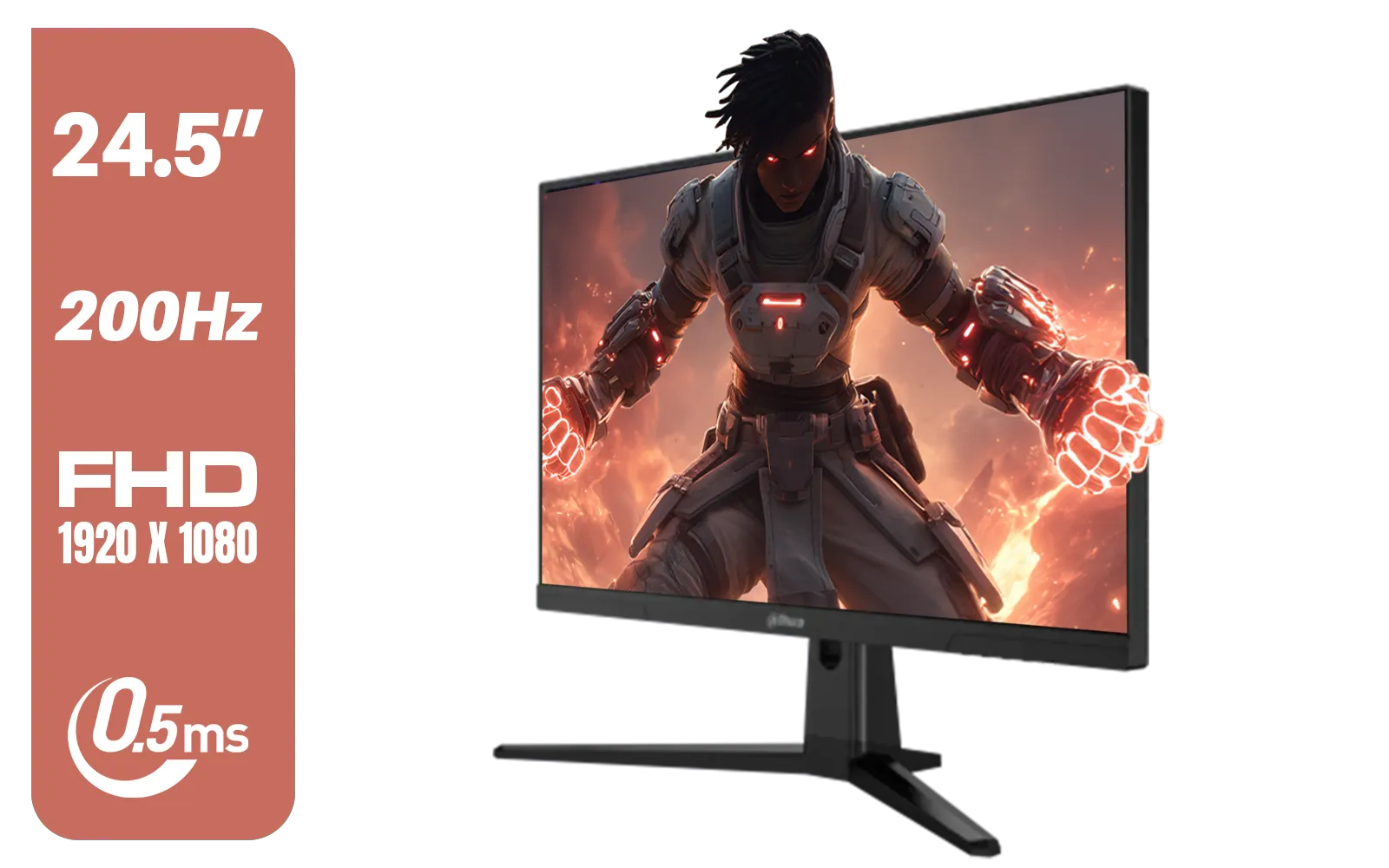
Dahua LM25-E231BN 24.5" Monitor / FHD 1920 x 1080 / 200Hz Refresh Rate / 0.5ms Response Time / DHI-LM25-E231BN
R2199.00In Stock

Dell SE2425HM Monitor 210-BQZT / FHD (1920 x 1080) Resolution / 5ms Response Time / IPS level Display / 178° Horizontal and Vertical Viewing Angles / SE2425HM
R1899.00In Stock
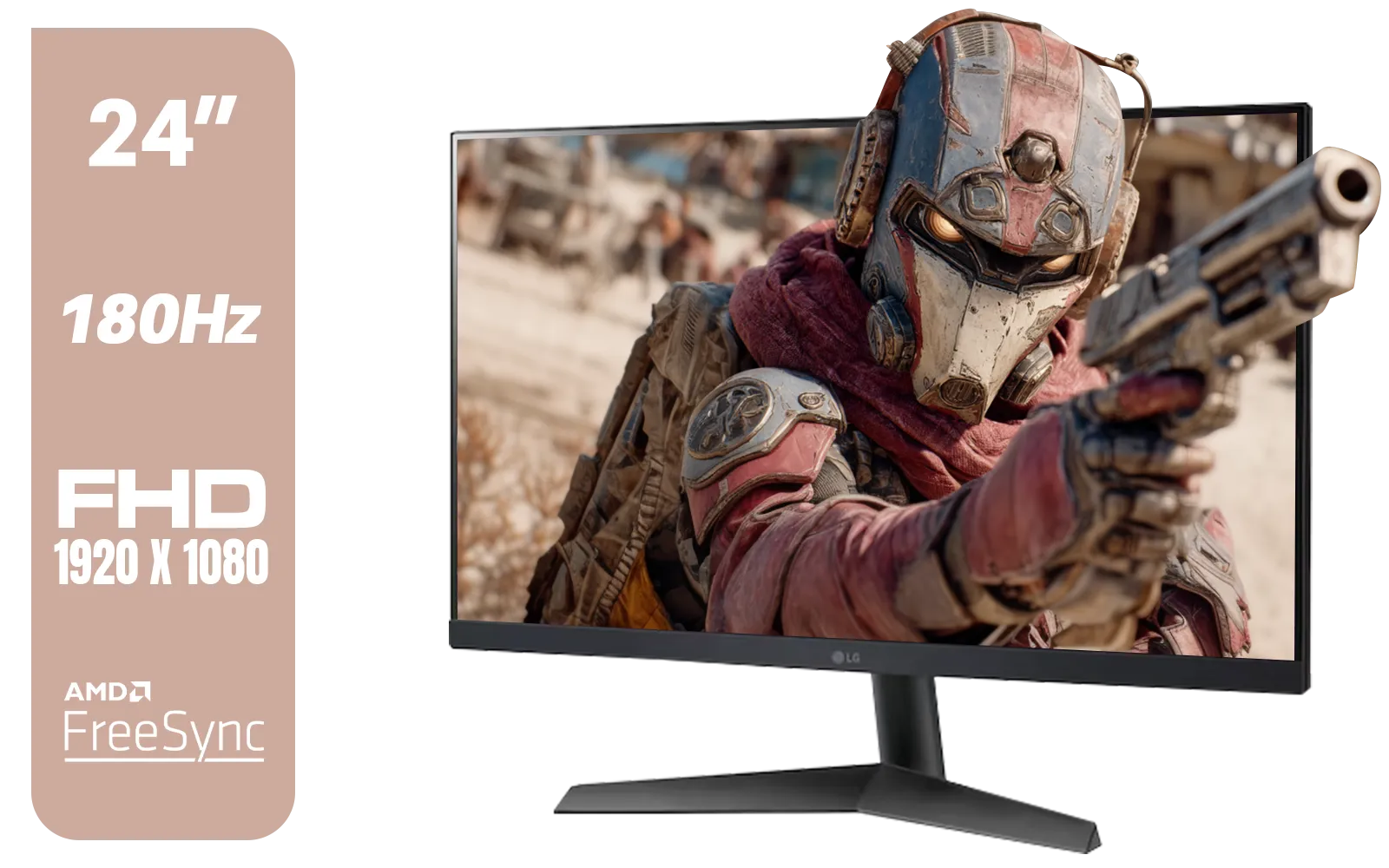
LG UltraGear 24GS60F 24" FHD IPS Gaming Monitor / FHD (1920x1080) IPS Panel / 180Hz Refresh Rate / 1ms Response Time / AMD FreeSync & NVIDIA G-SYNC / FPS Counter / HDMI & DisplayPort Connectivity / 24GS60F
R3299.00In Stock
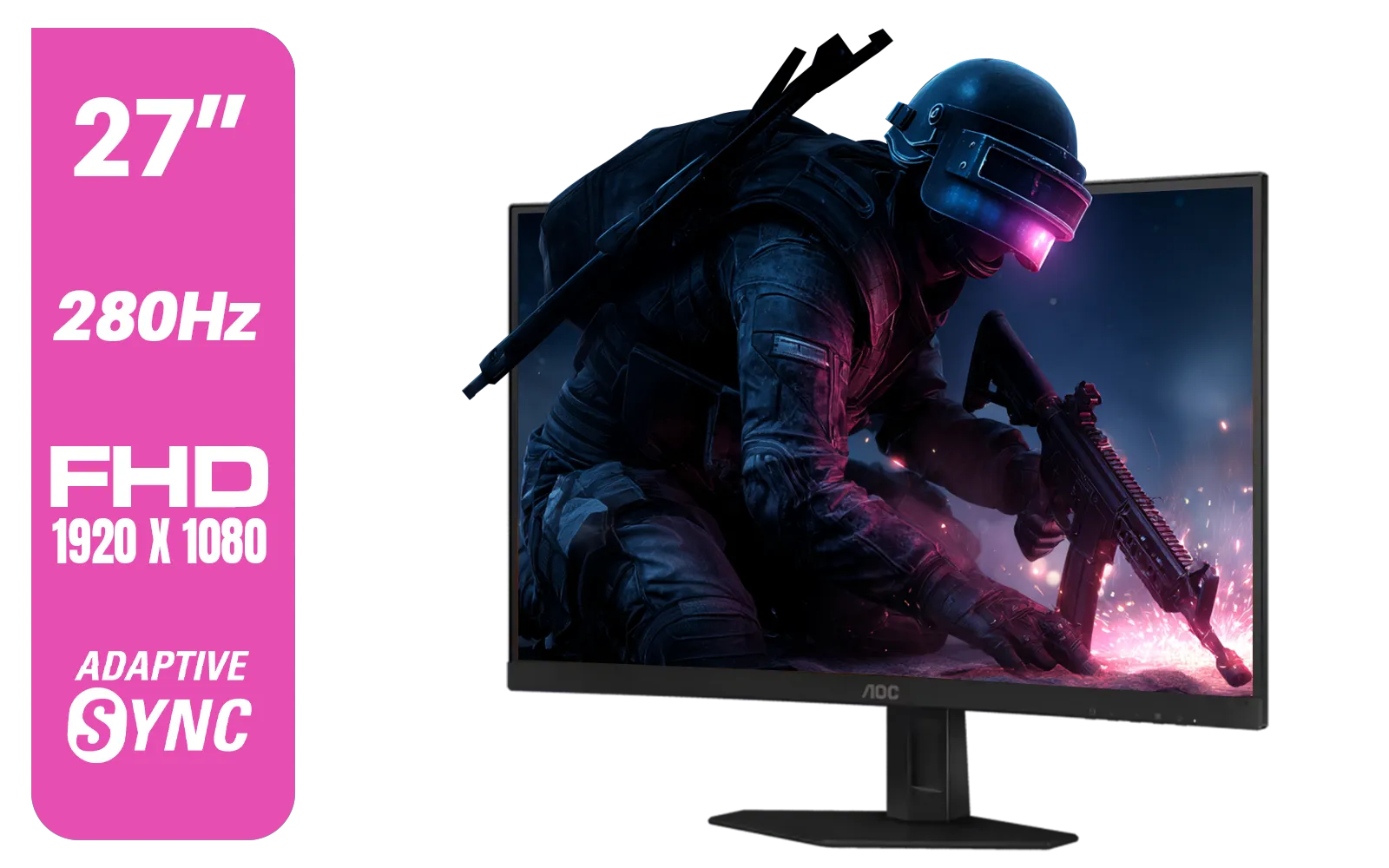
AOC C27G4ZE 27" 280Hz Curved Ultra-Fast Gaming Monitor, 1920 × 1080 (FHD), 0.3ms, Fast VA, 1500R, Adaptive Sync, Three-sided frameless design, Black / C27G4ZE
R4999.00In Stock
ViewSonic VX3218-PC-MHD 32" Full HD (1920 x 1080) 180Hz Curved Gaming Monitor / 180Hz Refresh Rate / 1ms MPRT Response Time / AMD Adaptive Sync Prevents Screen Tearing / 1500R Curve Ultimate Immersion / VX3218PCMHD
R3499.00In Stock
Reclaim Your Precious Desk Space 🚀
Think about the massive footprint of a typical monitor base, especially for larger screens. It's a dead zone right in the middle of your desk. By mounting your screen on an arm, you instantly free up that entire area. Suddenly you have more room for your mouse to flick across a massive mousepad, a better position for your keyboard, or space for a stream deck. This simple change can make a small desk feel enormous and a large desk feel truly epic, especially when you're looking for the perfect PC monitor to be the centrepiece.
TIP FOR YOU
Check Your VESA Mount 🔧
Before you buy an arm, flip your monitor around and look for four screw holes in a square pattern on the back. This is the VESA mount. The most common sizes are 75x75mm and 100x100mm. Nearly all modern gaming monitors and arms use this standard, but it's always best to double-check your screen's specs to ensure compatibility!
Unlock Next-Level Flexibility
A monitor arm gives you the freedom to move your screen in ways a standard base just can't.

AOC 24B20JH2 IPS Panel Monitor, FHD 1920x1080, 100Hz, 106% sRGB, for Home and Office, HDMI x1, VGA ×1, Low Blue Mode, Black / AOC-24B20JH2
R2299.00In Stock

AOC AGON AG275QXR 27" QHD 2K 170Hz Gaming Monitor - Pink - 2022 Edition ,IPS, Flicker-free technology, AMD FreeSync Premium, G-SYNC Compatible / AOC-AG275QXR
R6999.00In Stock
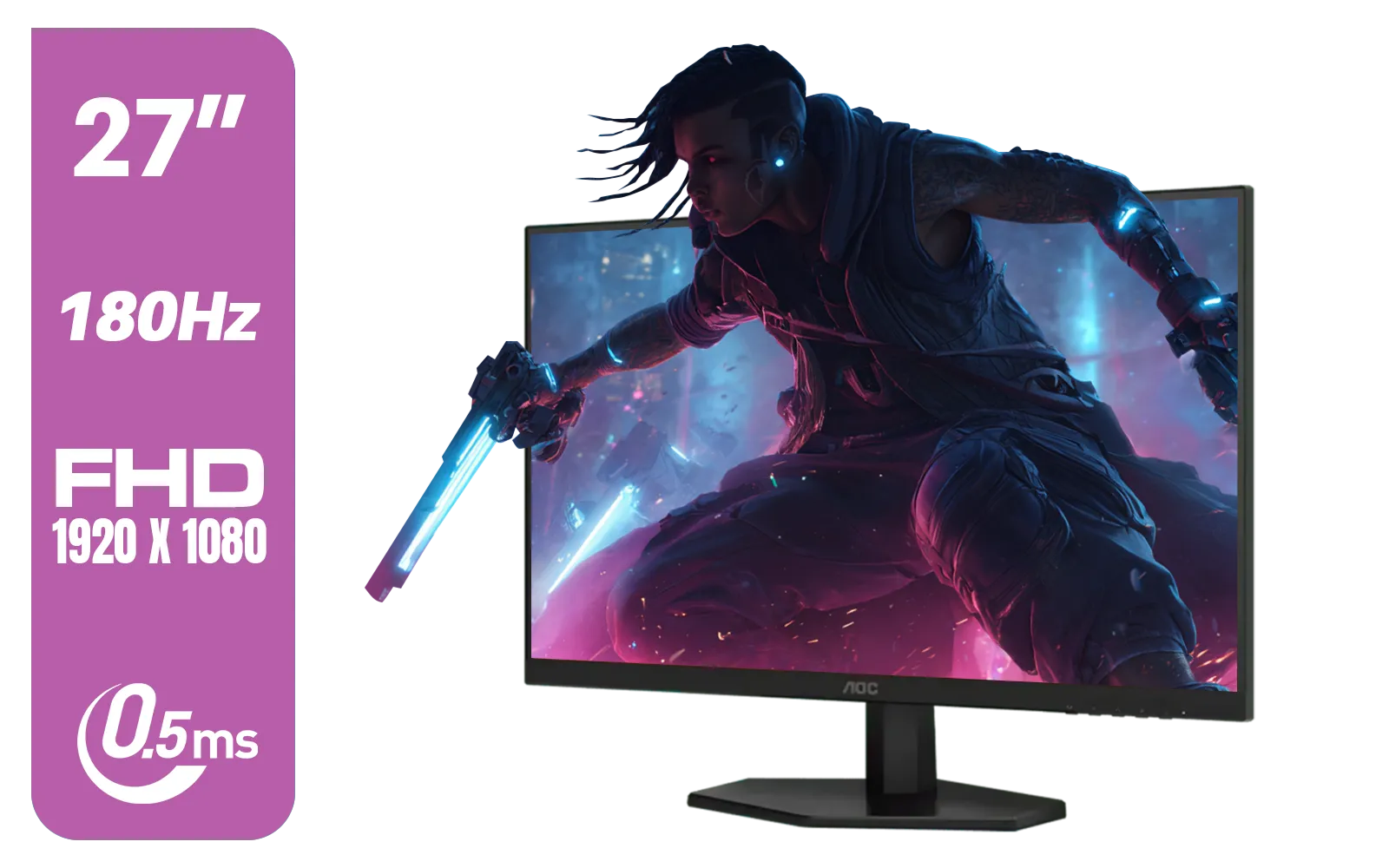
AOC 27G42E 27" 180Hz Ultra-Fast Gaming Monitor, 1920 × 1080 (FHD), 0.5ms, Fast IPS, Adaptive Sync, 3-Sided Frameless Design, Black / 27G42E
R3199.00In Stock
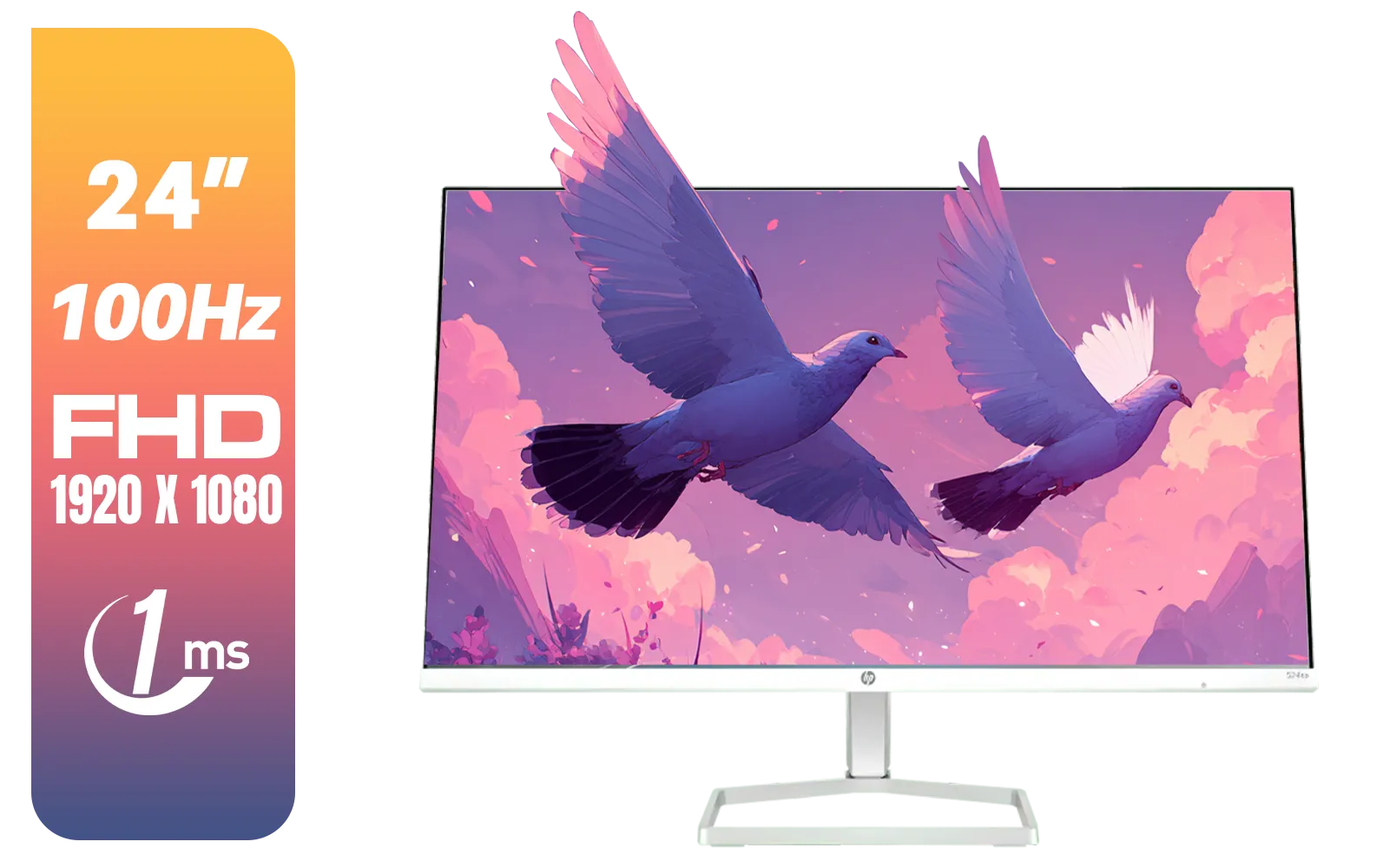
HP 527SA G5 FHD Gaming Monitor - White/Silver / 27" FHD (1920 x 1080) / IPS Panel / 1x HDMI 1.4, 1x VGA / Eye Ease with Eyesafe Certification / 94F48AS
R4999.00In Stock

HP OMEN 27 FHD 165Hz Gaming Monitor / AMD FreeSync™ Premium / Eyesafe® certified / Height adjustable for personalized comfort / Pivot rotation for flexible viewing angles / 780F9AS
R5999.00In Stock
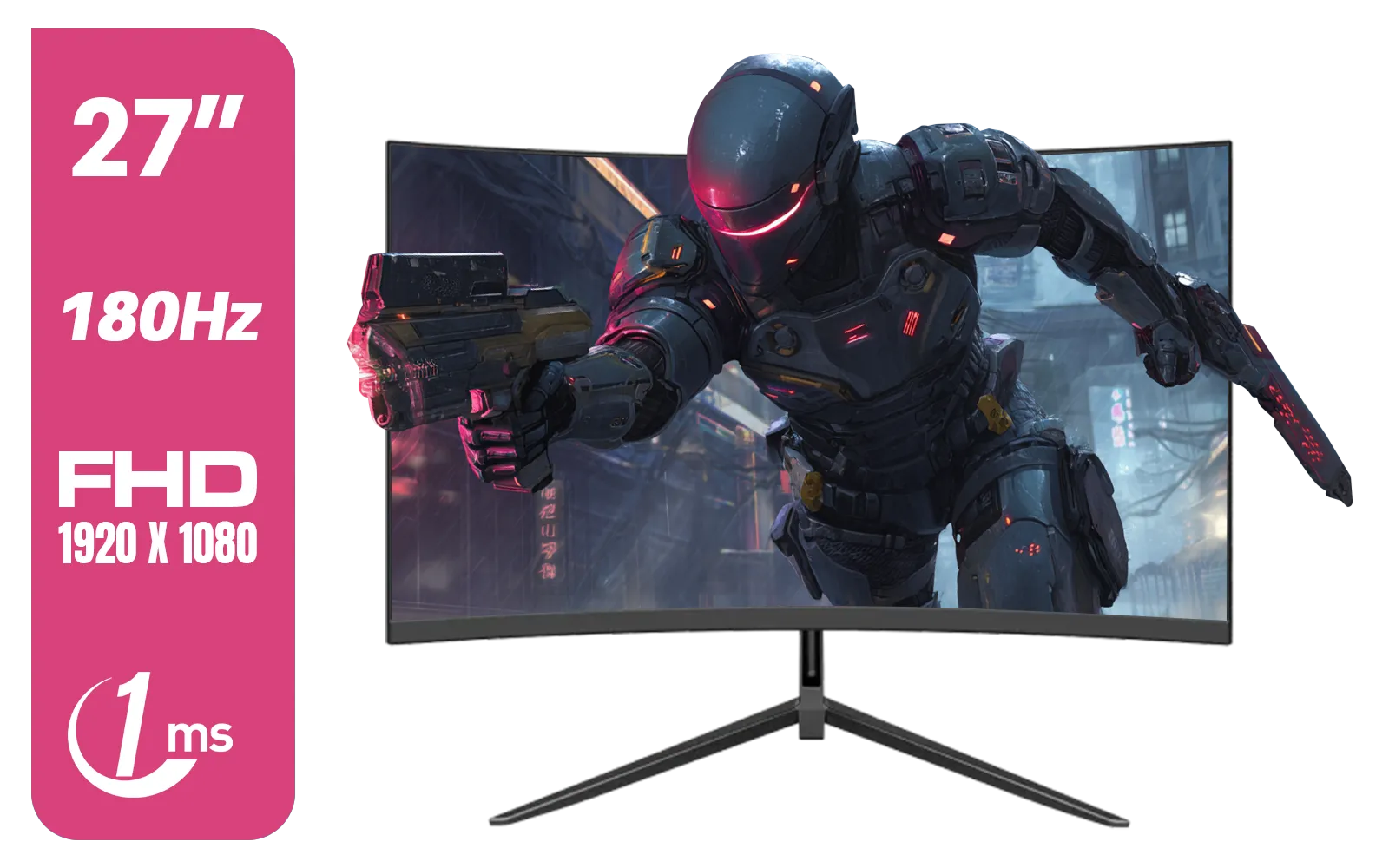
Dahua LM27-E230CN 27inch Gaming Monitor/ Ultra-narrow Bezel / 180Hz / VA Panel / DHI-LM27-E230CN
R2999.00In Stock
Find Your Perfect View
Need to pull the monitor closer for an intense Apex Legends match? Easy. Want to push it back to watch a movie? Done in a second. You can also tilt it to eliminate glare from a window or swivel it to show a teammate something. This level of control is something you won't want to live without once you've experienced it. It’s this adaptability that makes even the most advanced, crisp 4K monitors more usable in different scenarios.
Go Vertical for Productivity
For many gamers, their rig is also their work or study station. With a quick rotation, you can switch your monitor to a vertical (portrait) orientation. This is fantastic for reading long Discord chats, coding, or browsing websites without endless scrolling. While your main screen is locked in, you could even add one of our versatile portable monitors to your setup for extra screen real estate on the go.
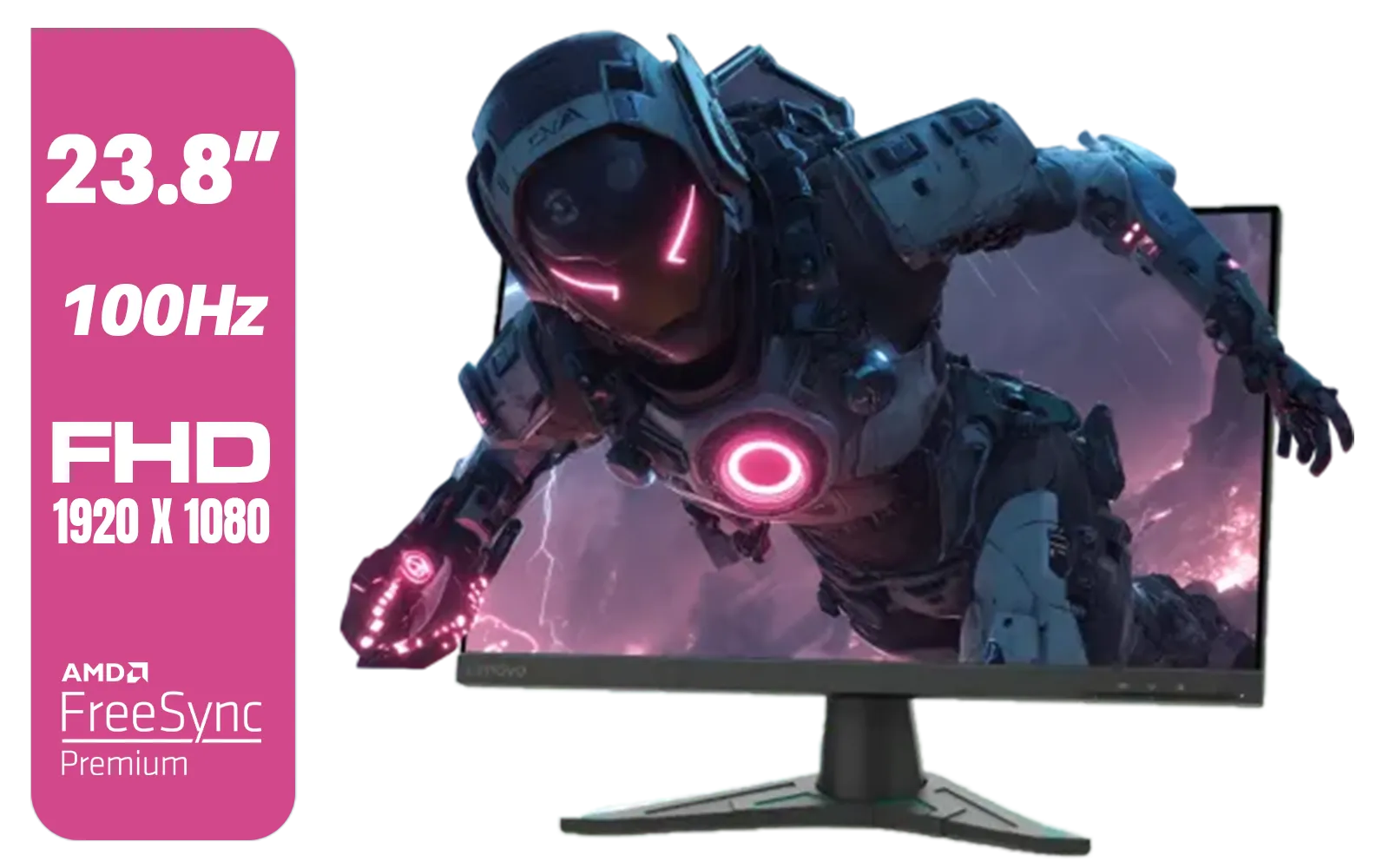
Lenovo G24e-20 23.8" 100Hz FHD WLED Gaming LCD Monitor - 16:9 - Black / 66D7GAR1SA
R1999.00In Stock
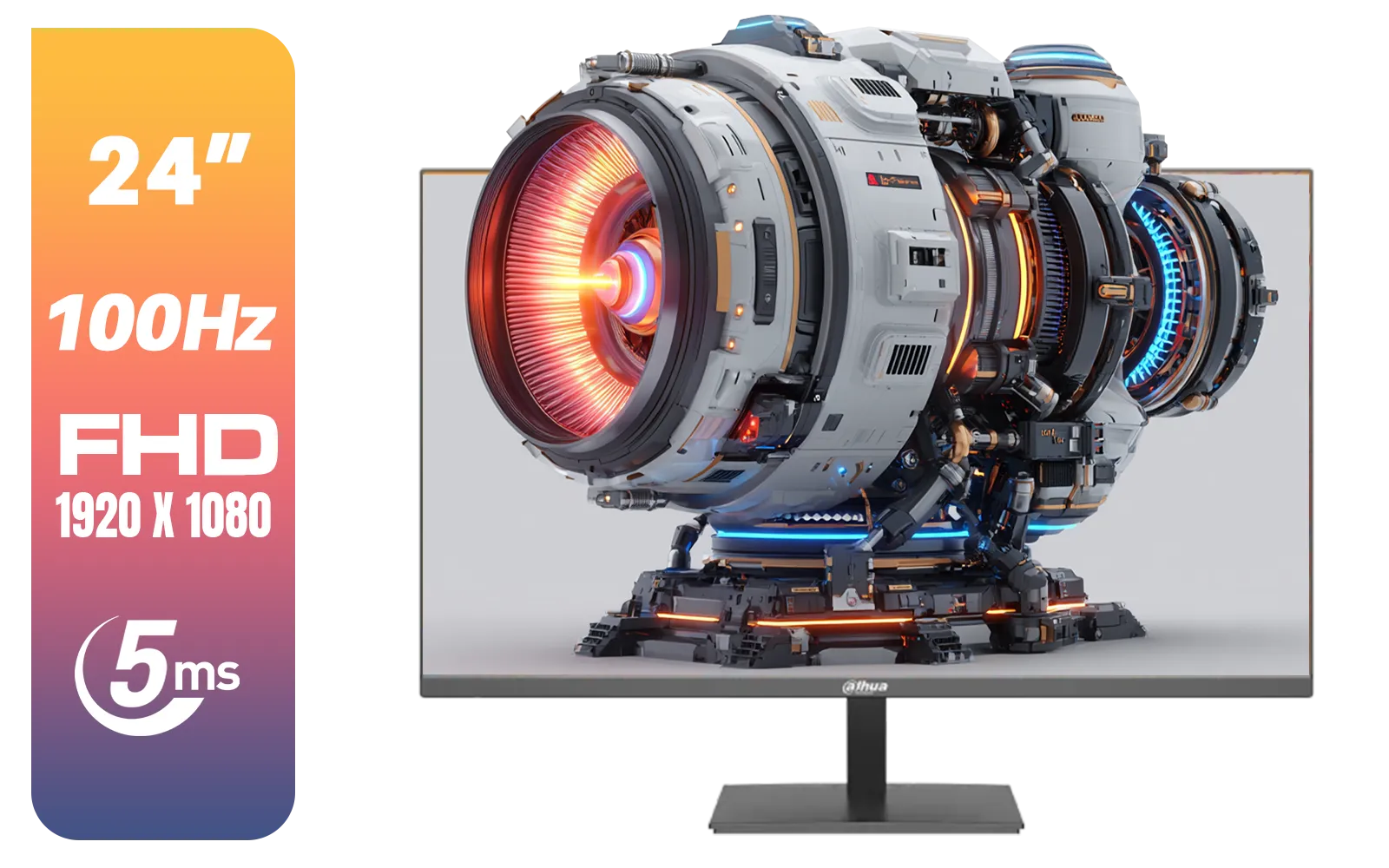
Dahua LM24-A201X 24" 100Hz LED Monitor / IP-Level Display / Ultra Narrow Bezel Design / 5ms Response Time / FHD 1920x1080 / 100Hz Refresh Rate / DHI-LM24-A201X
R1699.00In Stock

Targus 24-inch USB-C Docking Computer Monitor w/ 100W PD, Adjustable Height Mac PC Monitor 360 Degree Rotating 24 inch Monitor Gaming Monitor w/Dock, Dual Monitor Compatible / DM4240PUSZ
R1699.00In Stock
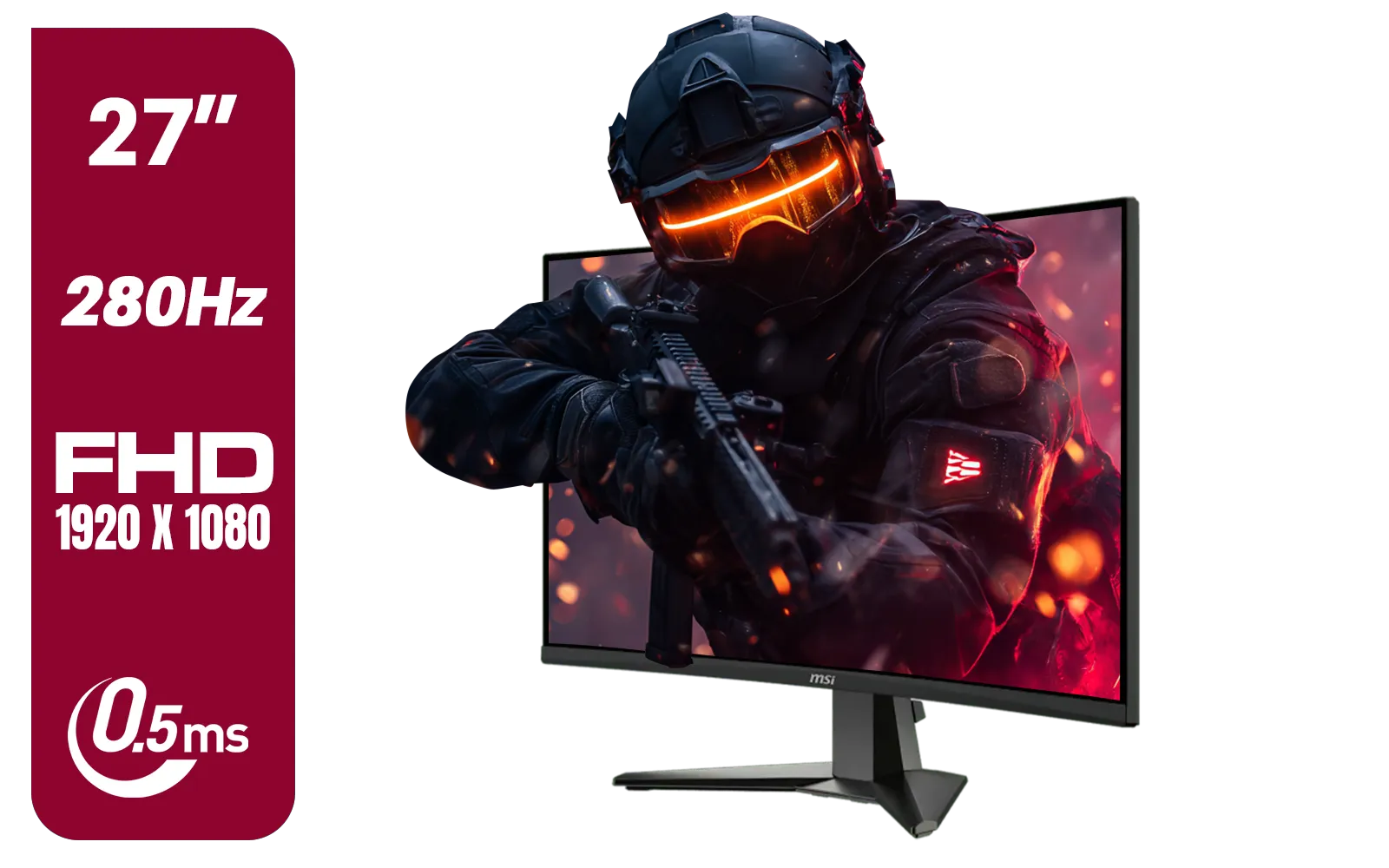
MSI MAG 276CXF 27-inch 1920 x 1080 (FHD) Curved Monitor, 280Hz, HDMI, DisplayPort, VGA Port, VESA Mountable, Tilt, Slim Bezel, 0.5ms, Black / 9S6-3CE01M-037
R4799.00In Stock
Alienware AW2723DF Gaming Monitor - 27-inch (2560 x 1440) 240Hz Display (DP 1.4), 1ms Response Time, NVIDIA G-Sync, Preset OSD Modes, Height/Tilt/Swivel/Pivot Adjustability - Lunar Light / AW2723DF
R8699.00In Stock
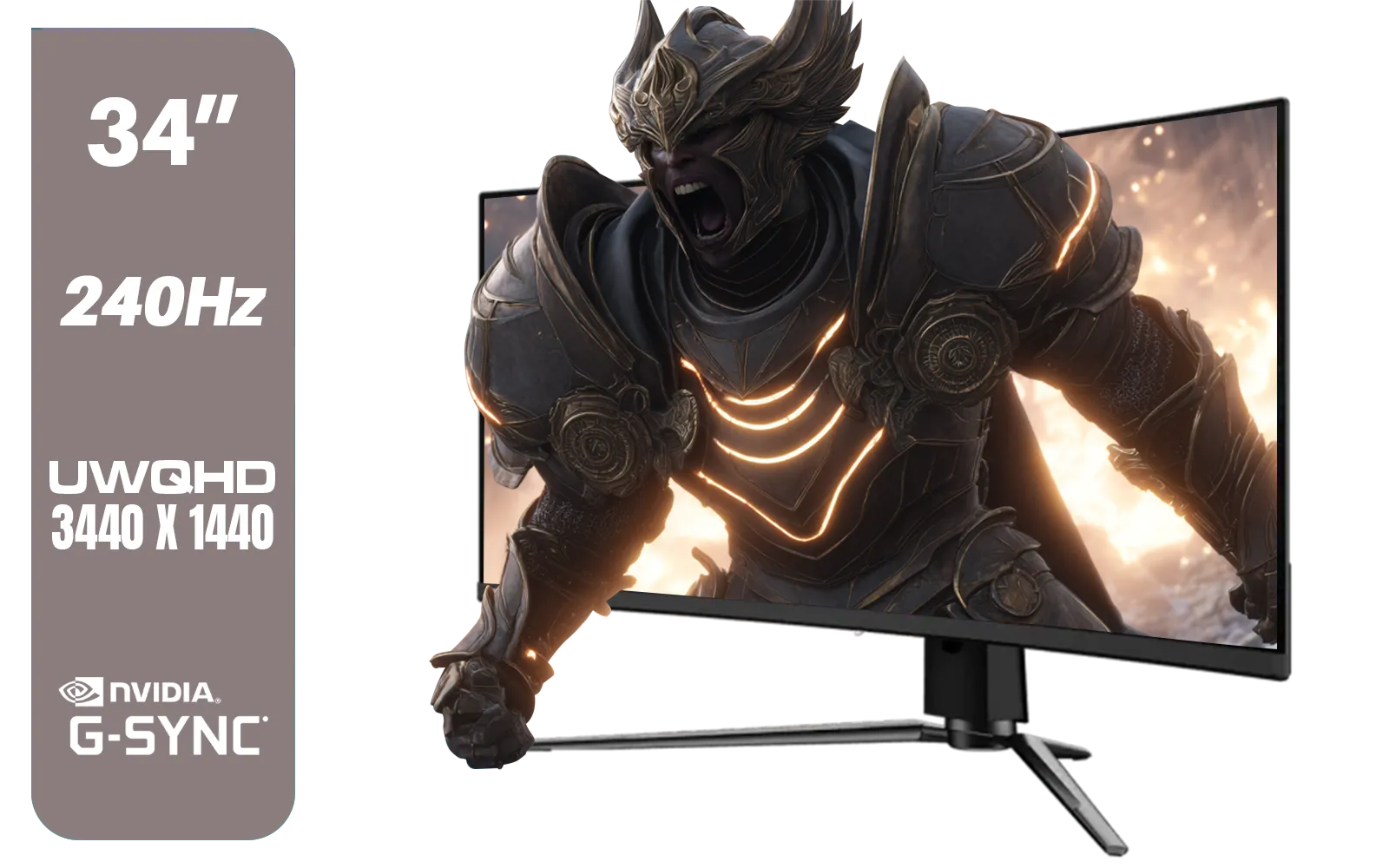
MSI MPG 341CQPX 34" 3440 x 1440 (UWQHD) Gaming Monitor / 240Hz Refresh Rate / 0.03ms Response Time / QD-OLED Panel / G-Sync Compatible / HDR True Black 400 / 9S6-3DD04T-041
R19999.00In Stock
A Cleaner Setup for a Sharper Mind ✨
There's a psychological advantage to a tidy space. A monitor arm contributes to a minimalist, clean aesthetic by lifting your screen off the desk for a "floating" look. Most arms also come with built-in cable management channels, letting you route your display and power cables along the arm for a nearly invisible connection. Less clutter on your desk means fewer distractions, helping you stay focused on the win. A clean setup is the best way to showcase any of our full range of gaming monitors.
For a relatively small investment in ZAR, the benefits of a gaming monitor arm are massive. It’s an upgrade to your health, your available space, and the overall look and feel of your setup. It's the finishing touch that pulls everything together.
Ready to Elevate Your Setup? A monitor arm is the unsung hero of the ultimate gaming station. It's time to reclaim your desk and perfect your posture. Explore our range of monitor accessories and find the perfect arm to complete your battle station today.
Related Products

MSI PRO MP275W E2 27-inch IPS 1920 x 1080 (FHD) Gaming Office Monitor, 120Hz, Free-Synch, HDMI, DisplayPort, VGA Port, VESA Mountable, Tilt, Speaker, 4-Side Slim Bezel 1ms, White / 9S6-3PD3CM-030
R3199.00In Stock
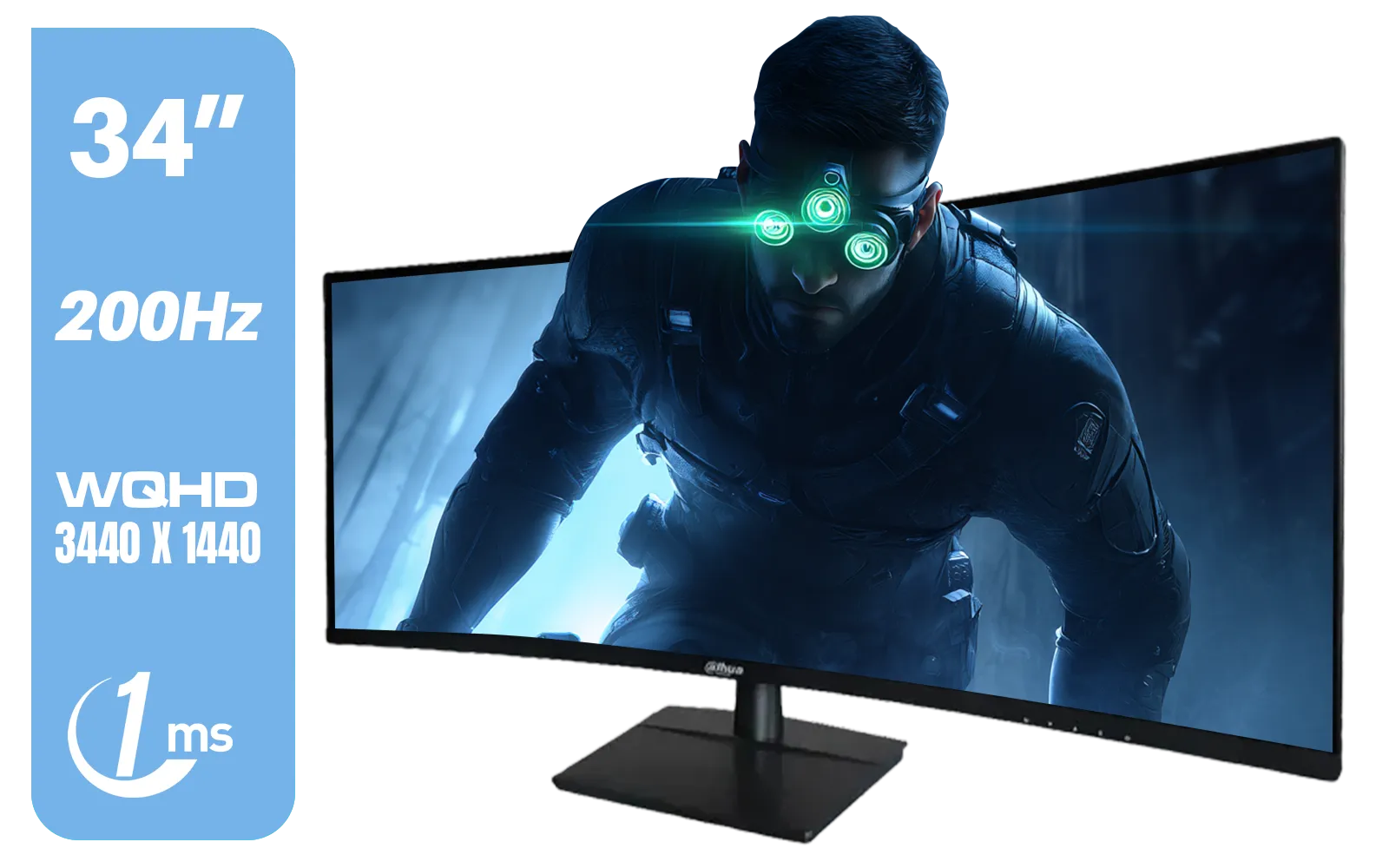
Dahua LM34-E330CN 34" LED Monitor / Adaptive-Sync Technology / 1ms Response Time / WQHD 3440x1440 / 200Hz Refresh Rate / HDR400 ready / 1500R Curvature / DHI-LM34-E330CN
R4699.00In Stock
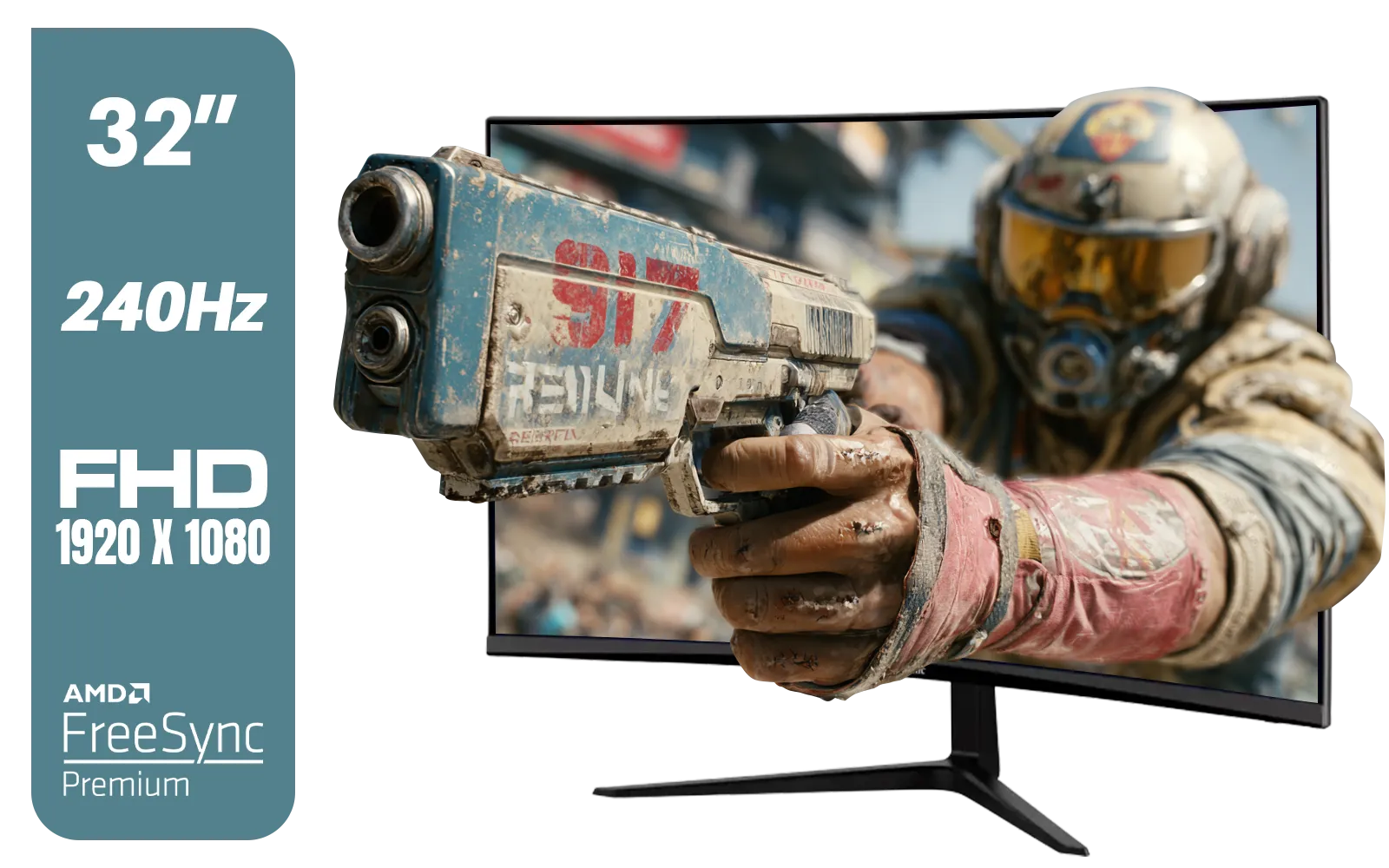
ViewSonic VX3219 32" Curved Gaming Monitor / Full HD (1920 x 1080) / 240Hz Refresh Rate / 1ms MPRT Response Time / Adaptive Sync Prevents Screen Tearing / 1500R Curve Ultimate Immersion / VX3219-PC-MHD-SN
R4899.00In Stock
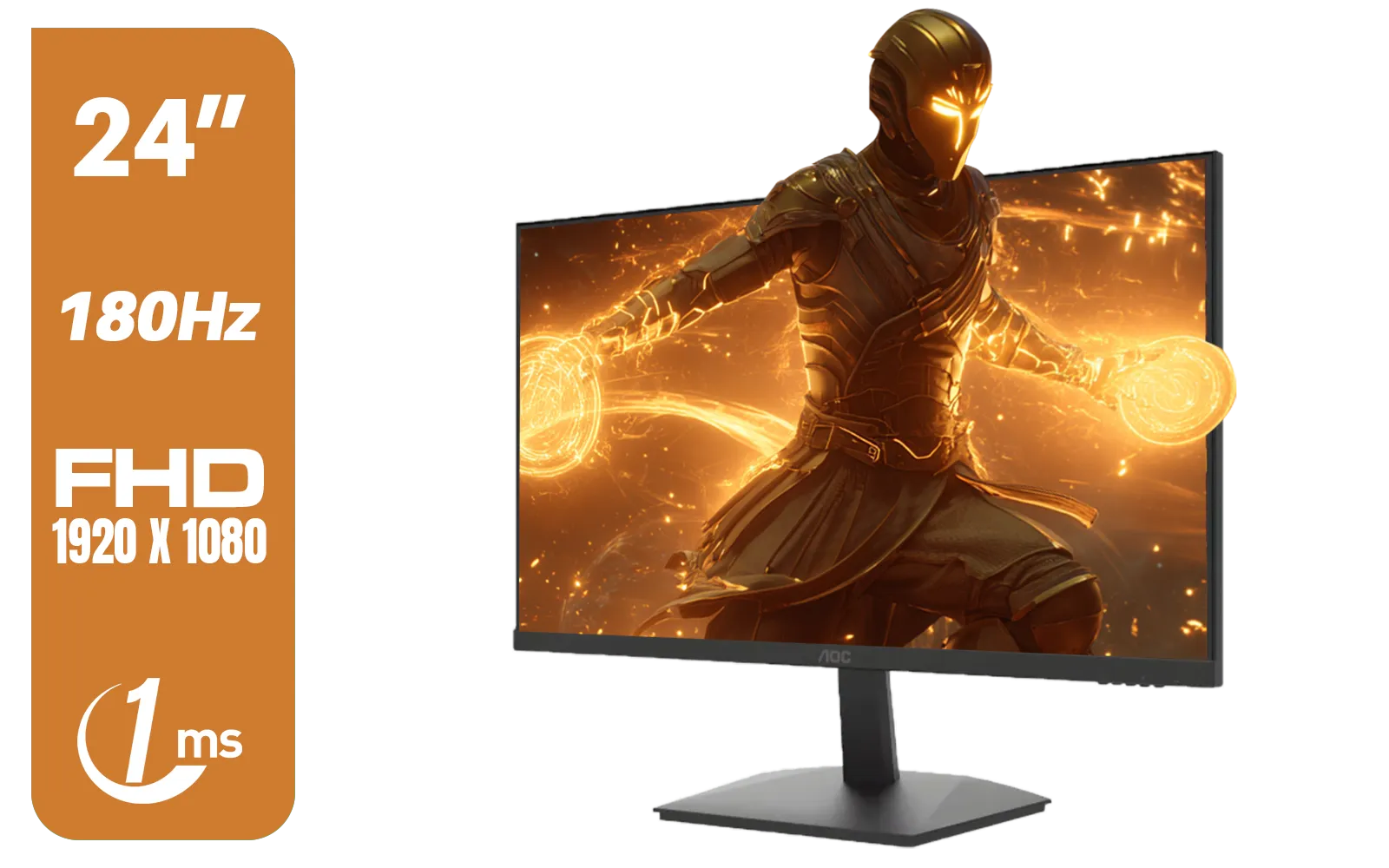
AOC 24G15N Gaming Monitor / 24" / VA FHD 1920x1080 / 180hz / 1ms / HDMI DP|VESA / Flicker Fee / Low Blue Mode / Adaptive Sync/ AOC-24G15N
R2299.00In Stock

AOC 22B2HN, 21.5 Inch (54.6 cm) LED 1920 x 1080 Pixels Ultra Slim Monitor with 3 Sided Frameless Design, Va Panel, Hdmi/Vga Port, Full Hd, 7 Ms Response Time, 75 Hz Refresh Rate, Flicker Free, Black / AOC-22B2HN
R2099.00In Stock
Samsung 32" Odyssey G55C QHD (2560 x 1440) Curved Gaming Monitor / 165Hz refresh rate & 1ms response time (MPRT) / 1000R Curved Screen / AMD FreeSync / LS32CG552EAXXA
R5999.00In Stock
Most modern screens are VESA compatible, usually with 75x75mm or 100x100mm patterns. Always check your monitor's specs for VESA compliance before upgrading.
It allows precise height, tilt, and depth adjustments, helping you position the screen at eye level to reduce neck strain and improve gaming posture.
Yes. By replacing a bulky stock stand with a sleek clamp or grommet mount, you free up massive surface area for your mouse pad, keyboard, and accessories.
It is generally unsafe as the clamp pressure can shatter glass. If necessary, use a reinforcement plate to distribute the weight, but wood or metal is safer.
Limits vary by model. Always check the arm's maximum load capacity and ensure it exceeds your monitor's weight (excluding the stock stand).
Absolutely. Most arms feature integrated channels to hide wires, creating a clean, clutter-free look that enhances the aesthetics of your gaming setup.











