



IPS Monitor Benefits for Gaming: Eye Comfort & Performance
Discover the top benefits of IPS monitors for gaming and how they reduce eye strain during marathons. 🎮 Learn why superior color accuracy and wide viewing angles make IPS the best choice for visual comfort and immersive gameplay. 👀 Upgrade your setup today!
|
Loading tags...

Staring at your screen after a marathon Apex Legends session, are your eyes feeling the strain? You’re not alone. Many South African gamers accept eye fatigue as part of the deal. But what if your monitor was the problem... and the solution? The benefits of an IPS monitor for gaming go far beyond pretty pictures; they’re about playing longer, seeing clearer, and gaining a real competitive edge. Let's dive in. ✨
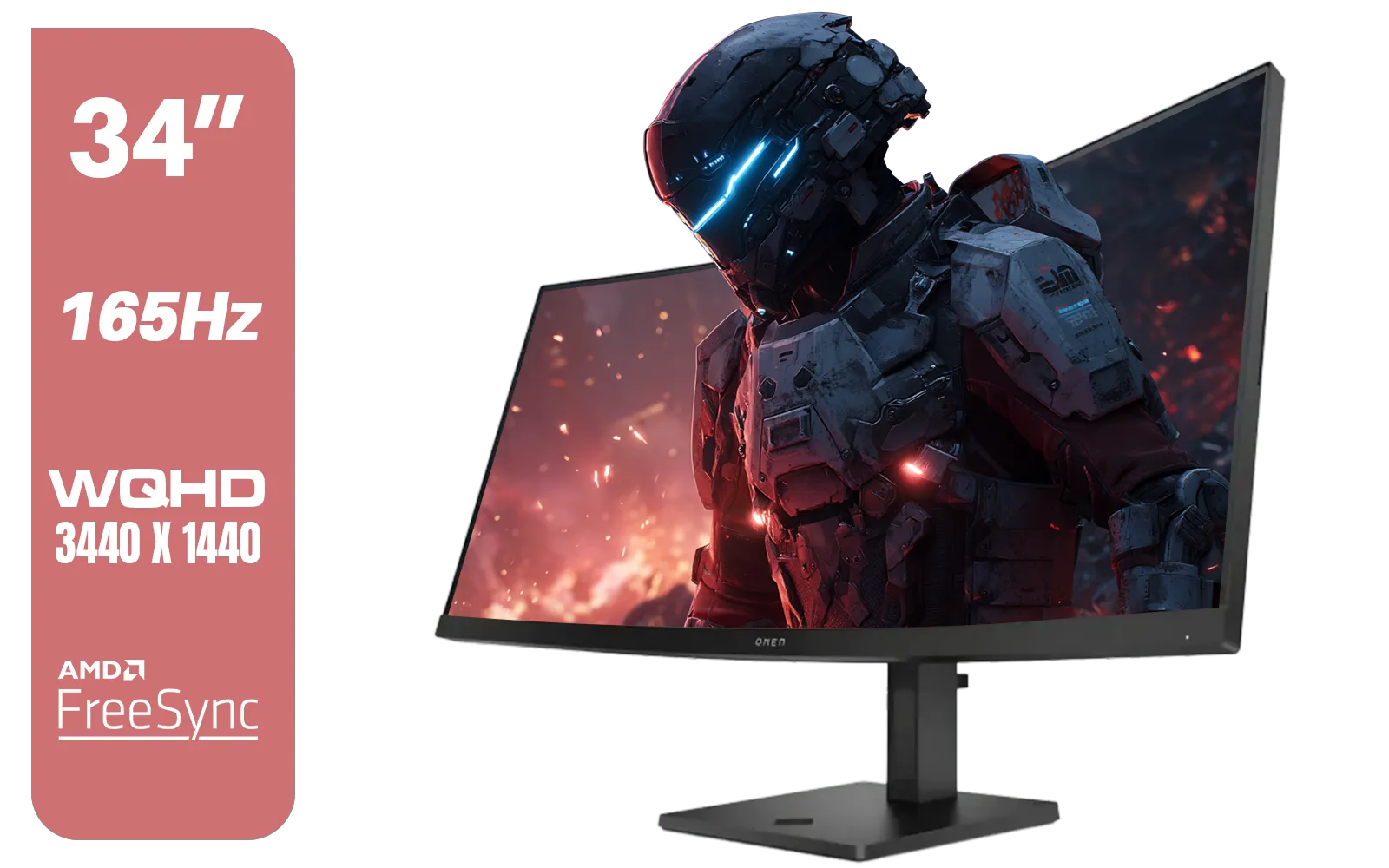
HP OMEN 34c Curved Monitor — 34' WQHD VA 165hz — Gaming Console Compatible — 2x HDMI 2.0 — 1x DisplayPort 1.4 — AMD FreeSync Premium — Dual Speakers — Tilt & height adjustments — VESA Mountable - Black / 780K8AS
R12999.00In Stock
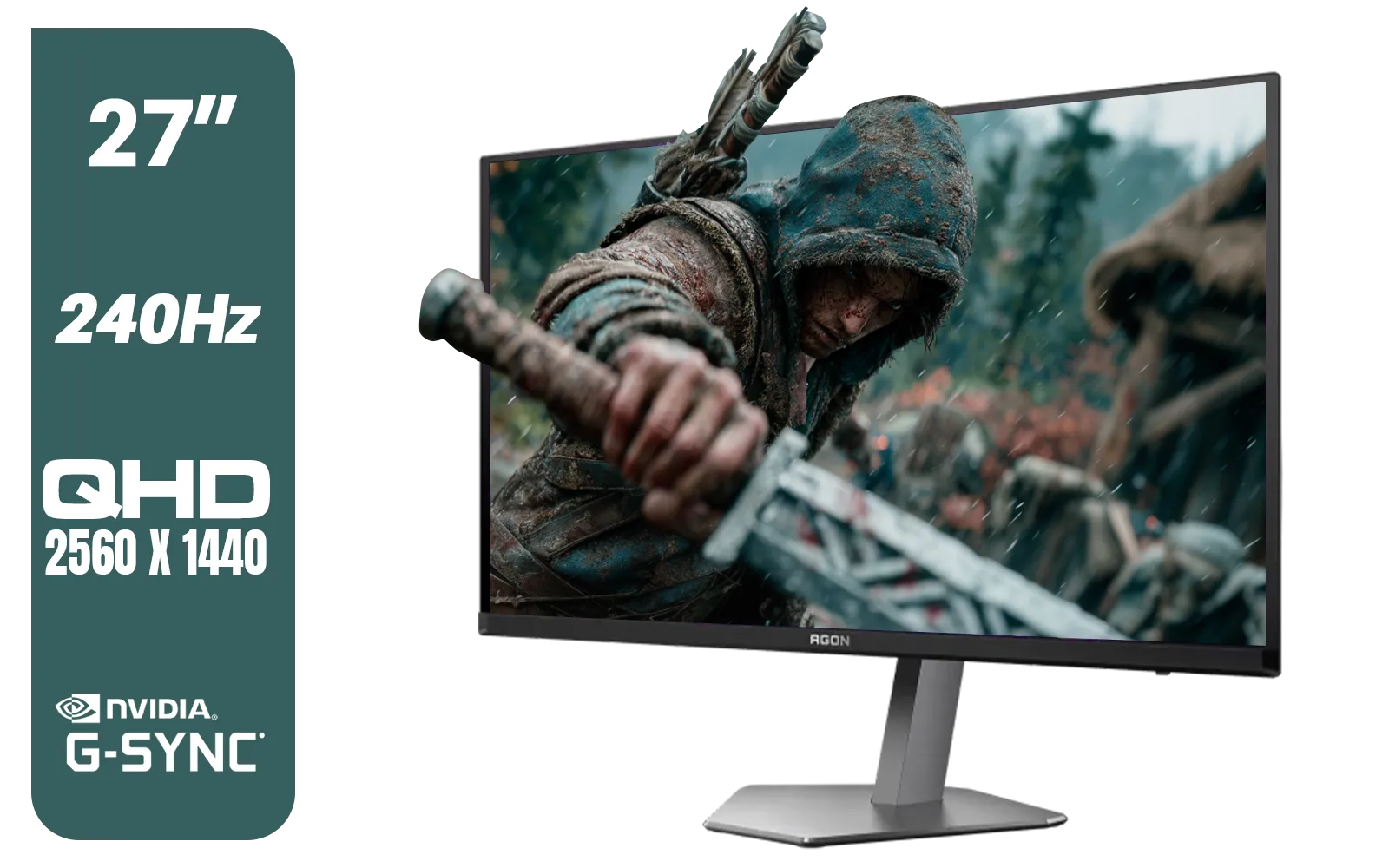
AOC Agon Pro AG276QZD2 27" 240Hz Gaming Monitor / QHD (2560x1440) OLED Display / 0.03 ms Response Time / G-SYNC Compatible / USB 3.2 Gen 1, USB Hub, USB Downstream / AG276QZD2
R15499.00In Stock

ViewSonic VA240A-H 24" Monitor / FHD (1920 x 1080) Display resolution / 1ms Response Time / HDMI and VGA inputs / 120Hz Variable refresh rate / VA240A-H - UK Adapter Included
R1949.00In Stock
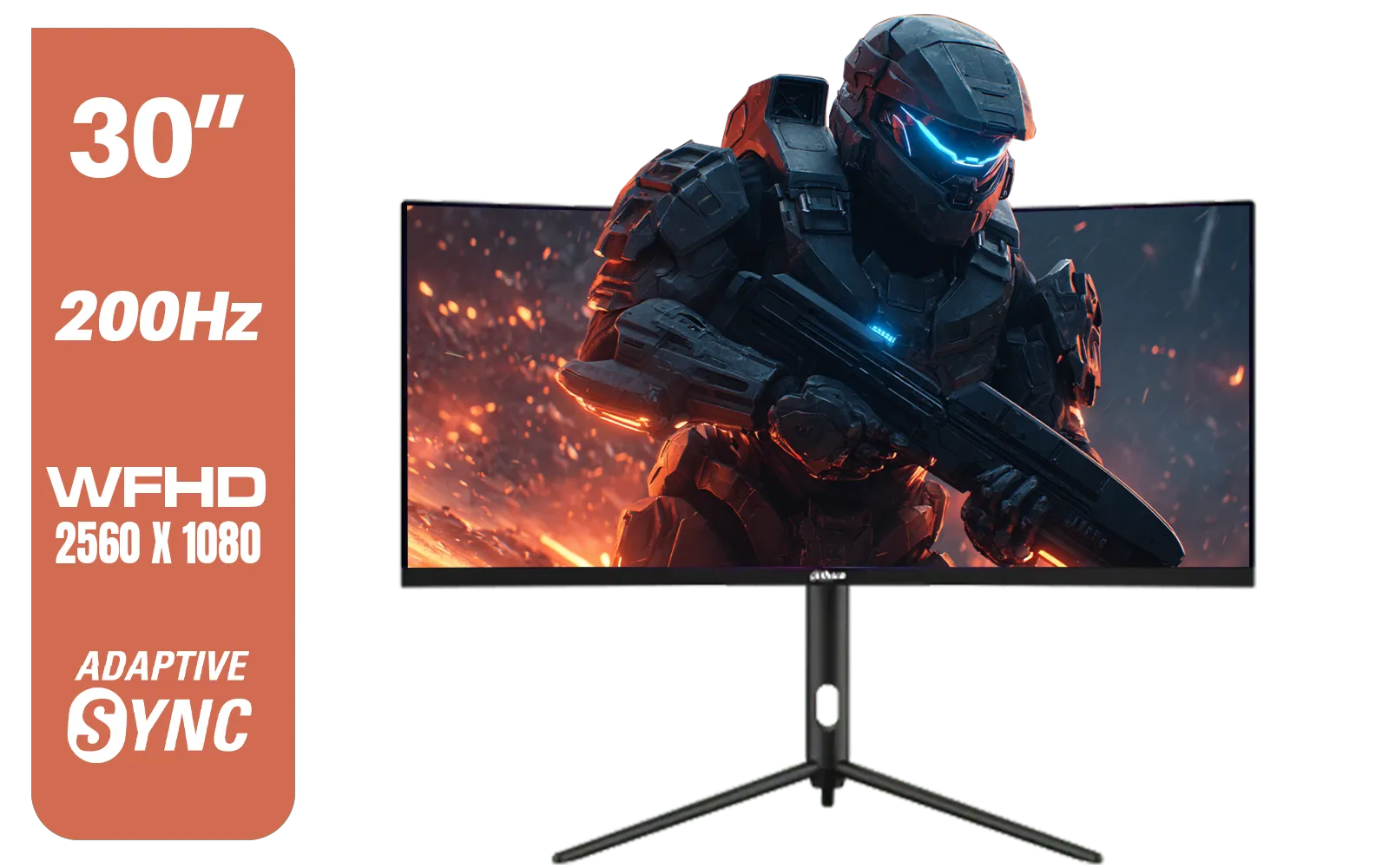
Dahua 30" Ultrawide WFHD 200Hz 1MS DCR Intelligent Adaptive-Sync HDMI DP VA Gaming Monitor Black / DHI-LM30-E330CA
R3999.00In Stock
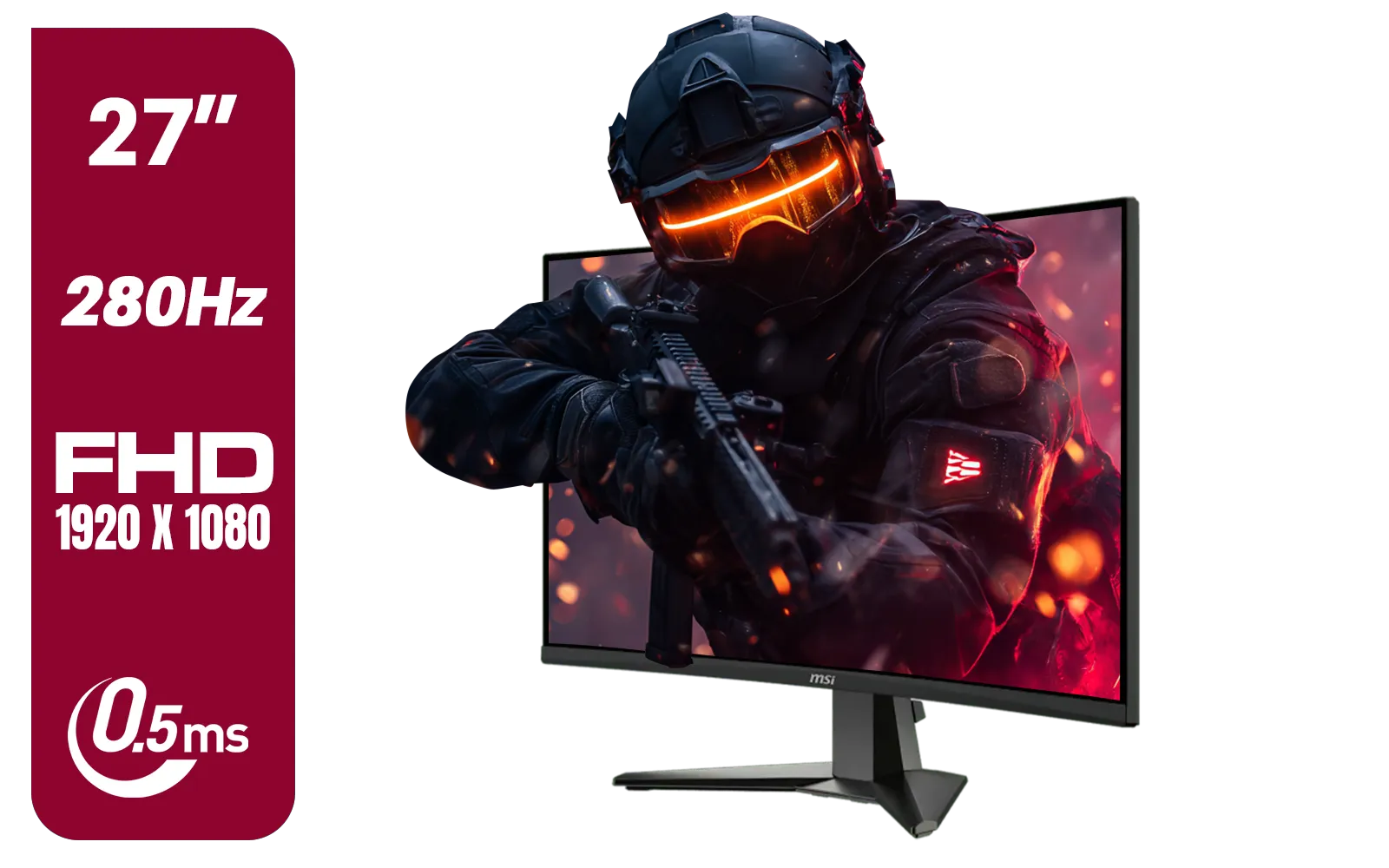
MSI MAG 276CXF 27-inch 1920 x 1080 (FHD) Curved Monitor, 280Hz, HDMI, DisplayPort, VGA Port, VESA Mountable, Tilt, Slim Bezel, 0.5ms, Black / 9S6-3CE01M-037
R4799.00In Stock
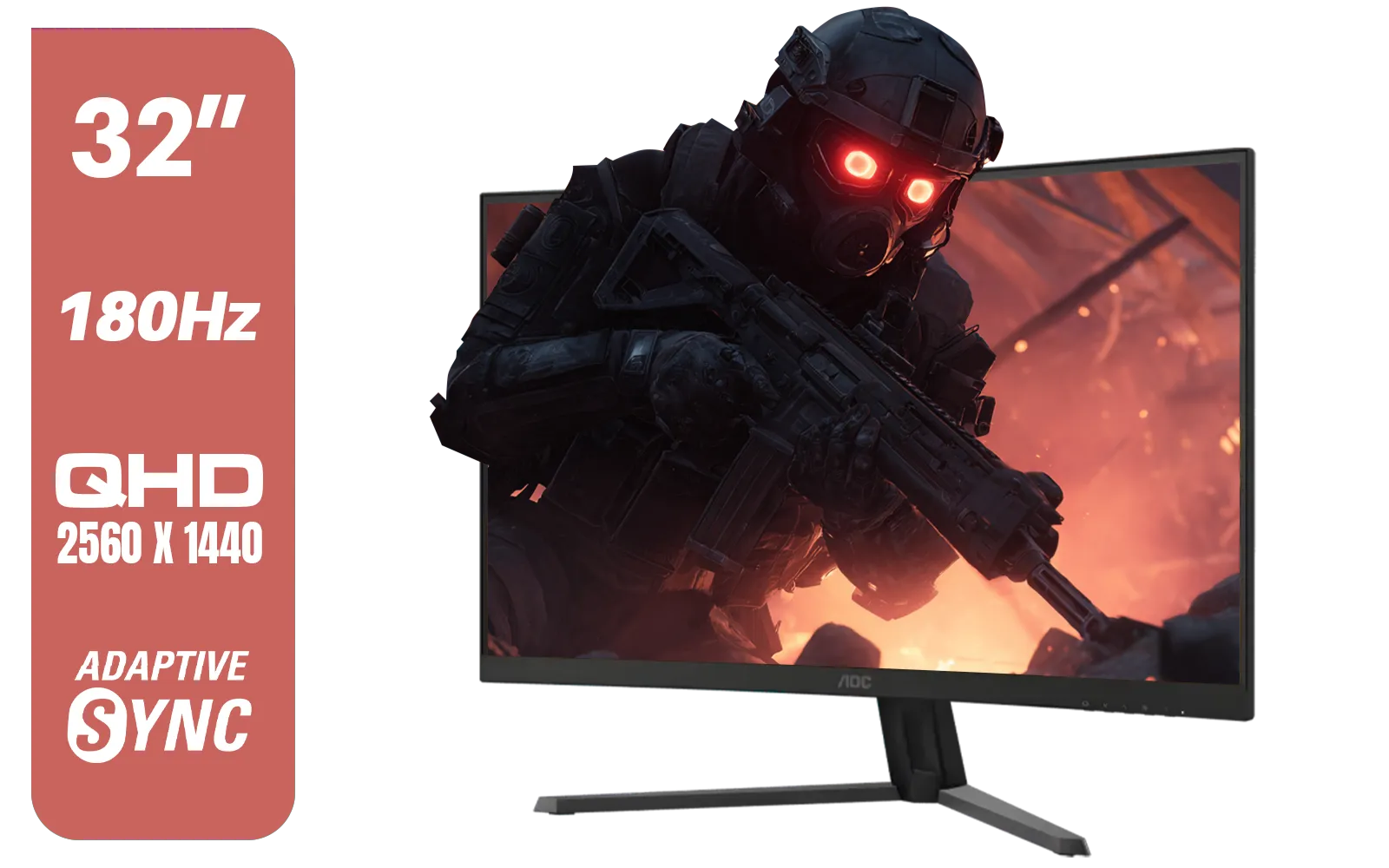
AOC CQ32G4E 32" Curved Gaming Monitor / QHD (2560x1440) / 180Hz Refresh Rate / 0.5ms Response Time (MPRT) / HDR10 / Adaptive Sync / CQ32G4E
R5999.00In Stock
What is an IPS Monitor, Anyway?
Before we talk benefits, let's quickly demystify the tech. IPS stands for "In-Plane Switching." Think of it as a specific type of LCD panel technology that controls the liquid crystals inside your screen. Unlike older TN (Twisted Nematic) panels, IPS crystals are aligned horizontally. This small change has a massive impact on what you see, making it a popular choice across the huge selection of PC monitors on the market today.
For gamers, this isn't just jargon. It's the science behind better visuals and comfort.
The Core IPS Monitor Benefits for Gaming
So, why should your next upgrade be an IPS panel? The advantages are clear, especially when the action heats up. The primary IPS monitor benefits for gaming boil down to two key areas: visual fidelity and player endurance.
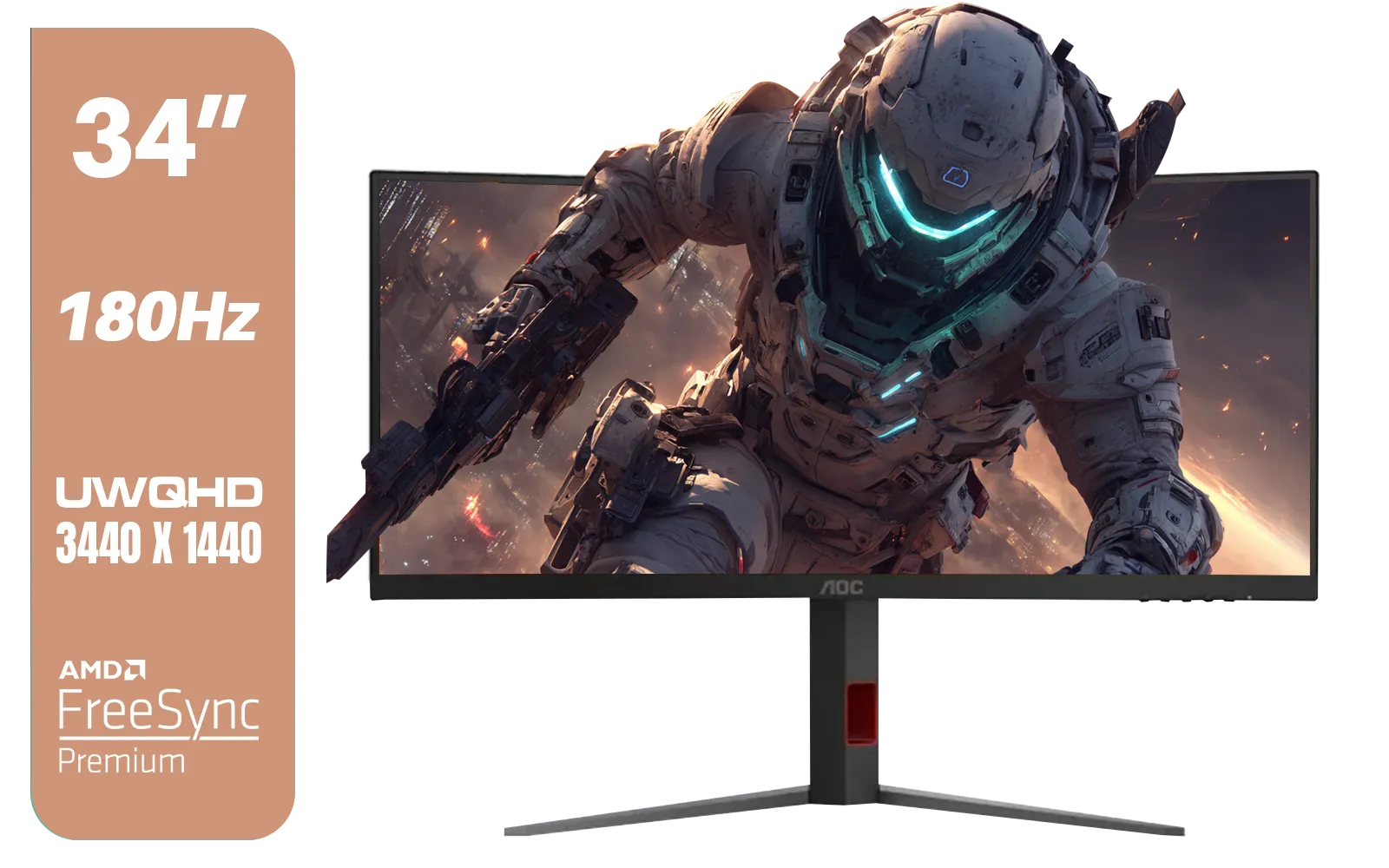
AOC CU34G4 34" Curved Gaming Monitor / UWQHD (3440x1440) / 180Hz Refresh Rate / 1ms Response Time (MPRT) / HDR10 / Adaptive Sync / CU34G4
R6999.00In Stock

Samsung M70D 32″ Smart Monitor / UHD (3840 x 2160) Resolution / 60Hz refresh rate / 4ms response time / LS32DM702UAXXA
R7799.00In Stock
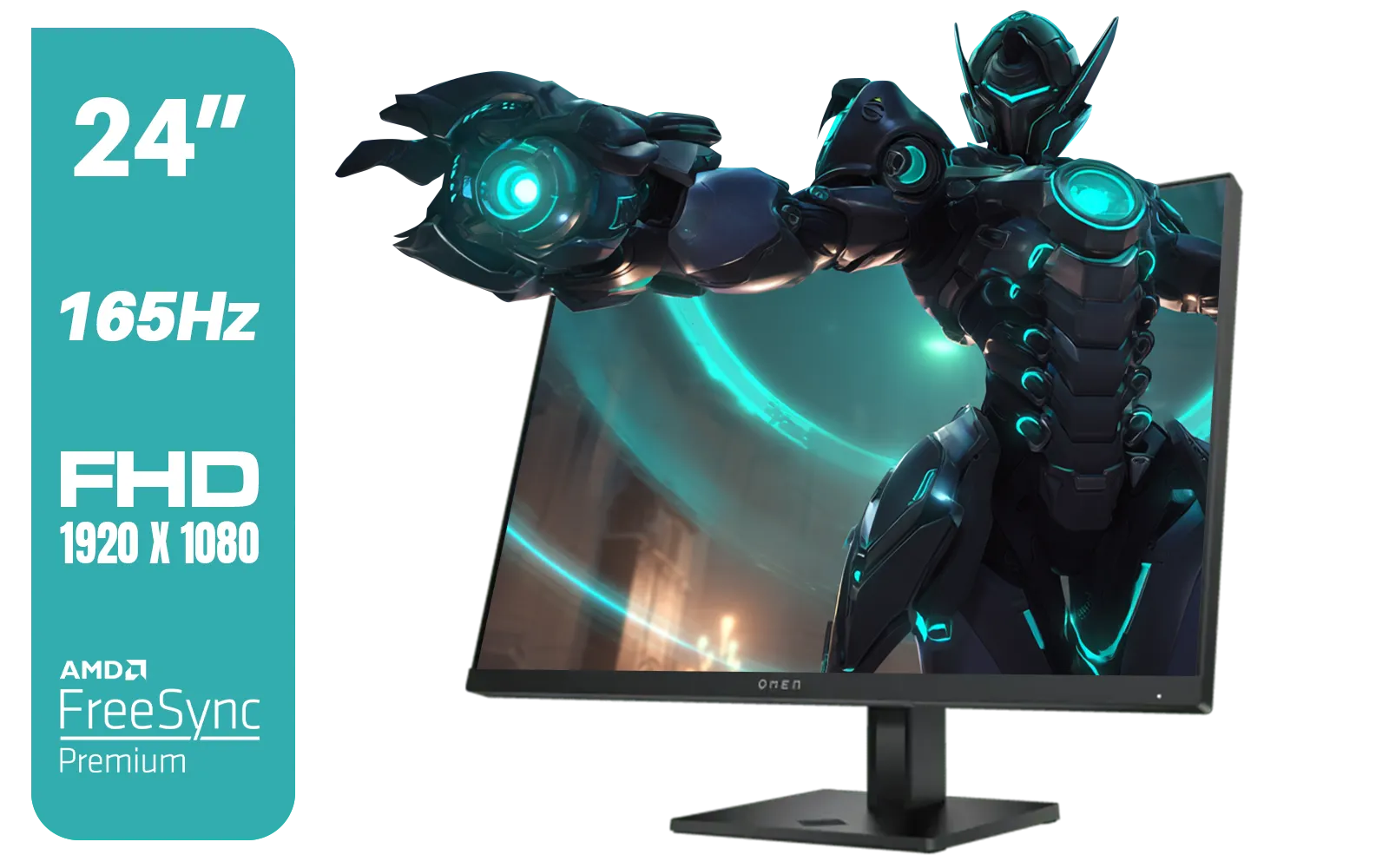
HP OMEN 24 FHD 165Hz Gaming Monitor - Black / 24" FHD (1920 x 1080) Anti-glare Display / AMD FreeSync Premium / Pivot Rotation and Height Adjustable / 780D9AS
R5199.00In Stock
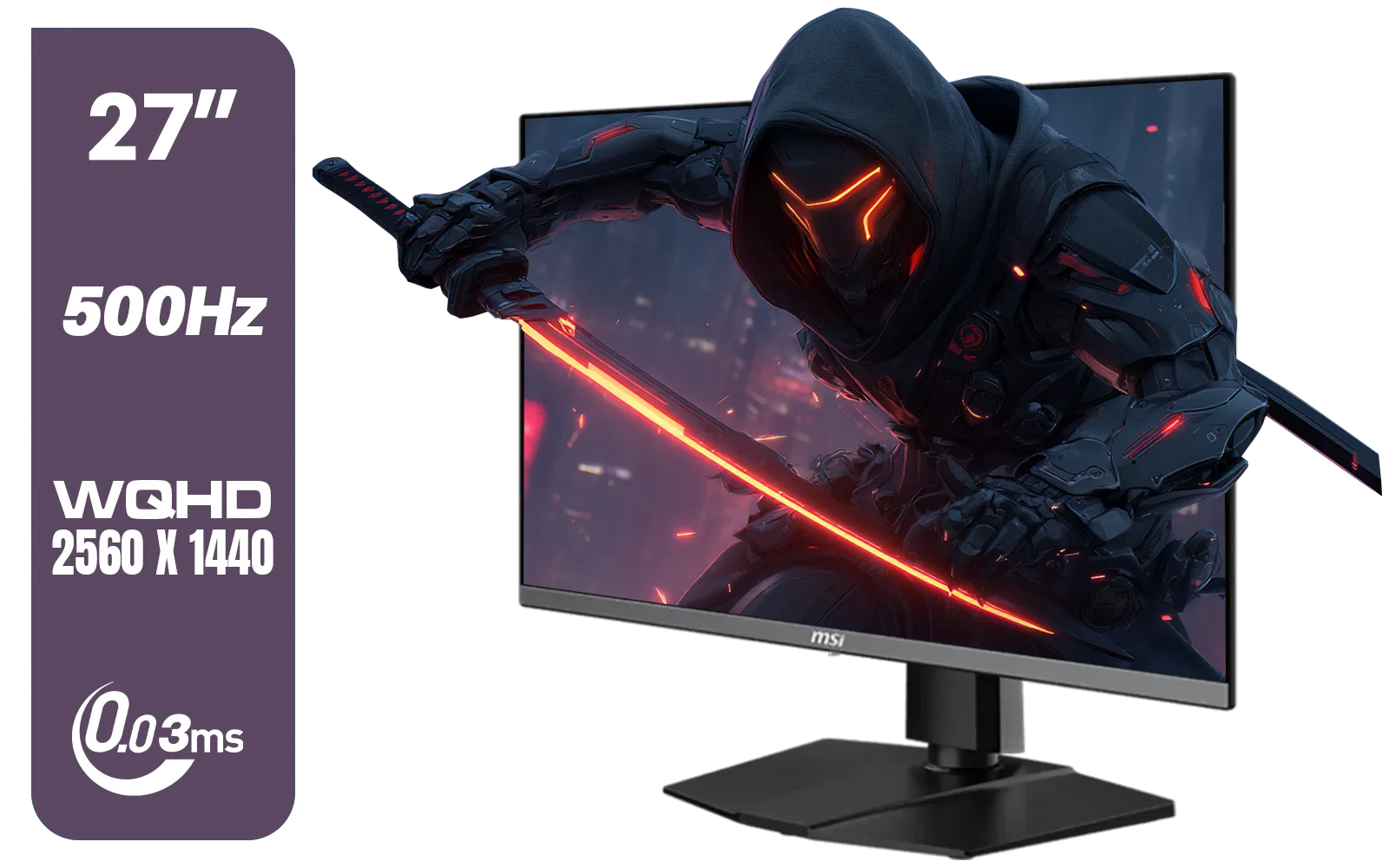
MSI MAG 272QP 27" 2560 x 1440 (WQHD) QD-OLED Monitor / 0.03ms GtG Response Time / 500Hz Refresh Rate / VESA DisplayHDR True Black 500 / Optimized for PS5 & Xbox / 9S6-3CD79A-071
R18999.00In Stock
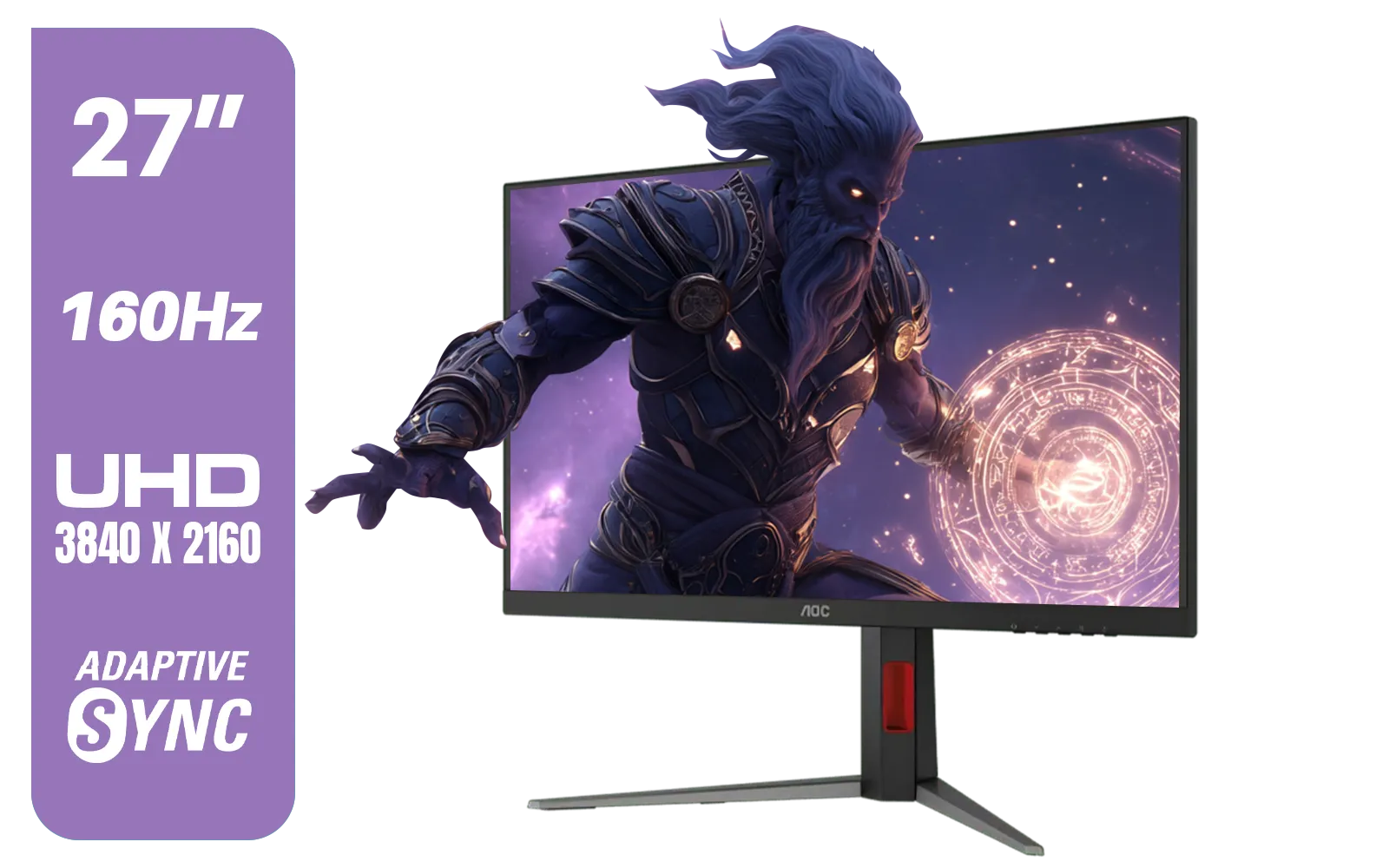
AOC U27G42 27" 160Hz Ultra-Fast Gaming Monitor, 3840 x 2160 (UHD), 0.5ms, Fast IPS, Adaptive Sync, 3-Sided Frameless Design, Black / U27G42
R9599.00In Stock

Samsung Odyssey G55T 34" Ultra WQHD (3440 x 1440) 165Hz Curved Gaming Monitor / AMD FreeSync Premium / 165Hz Refresh Rate / 1ms Response Time / 1000R Curved Display / Futuristic Design / LC34G55TWWRXEN
R9999.00In Stock
Unmatched Colour Accuracy & Vibrancy
This is the most famous IPS advantage. IPS panels can display a much wider range of colours more accurately than their TN or VA counterparts.
- What it means for you: Games look how developers intended. The lush jungles of Tsushima feel more alive, the neon-drenched streets of Night City are more vibrant, and enemy player skins stand out instead of blending into a muddy background. This superior colour reproduction makes for a far more immersive experience across all of our gaming monitors.
Superior Viewing Angles for Every Situation
Ever noticed how your screen colours wash out when you view it from the side? That’s a common issue with TN panels. IPS monitors solve this completely, offering consistent, brilliant colour from almost any angle (typically up to 178 degrees).
- What it means for you: Whether you’re leaning back in your chair, have a friend watching over your shoulder, or are using one of the latest curved monitors for ultimate immersion, the picture remains perfect. No more shifting around to find that visual "sweet spot."
TIP FOR YOU
Calibrate for Perfection 🎨
Most gaming monitors come with decent factory settings, but a quick calibration can unlock their true potential. Use Windows' built-in "Calibrate display color" tool (just search for it in the Start Menu) to walk through a simple wizard that adjusts gamma, brightness, contrast, and colour balance. It only takes five minutes and ensures you're getting the best picture possible.
A Clear Advantage in Eye Comfort
This is a massive, often overlooked benefit. Staring at a screen for hours causes eye strain. The stable liquid crystal structure in IPS panels results in less flicker and more consistent brightness, which is gentler on your eyes. This is particularly noticeable on high-resolution 5K and 4K monitors where clarity is king. Many IPS gaming monitors also include low blue light modes to further reduce fatigue during those late-night sessions.

HP 524SH G5 FHD Gaming Monitor - Black/Silver / 24" FHD (1920 x 1080) / IPS Panel / 1x HDMI 1.4, 1x VGA / Eye Ease with Eyesafe Certification / 94C19AS
R4299.00In Stock
AOC CU34G4 34" Curved Gaming Monitor / UWQHD (3440x1440) / 180Hz Refresh Rate / 1ms Response Time (MPRT) / HDR10 / Adaptive Sync / CU34G4
R6999.00In Stock
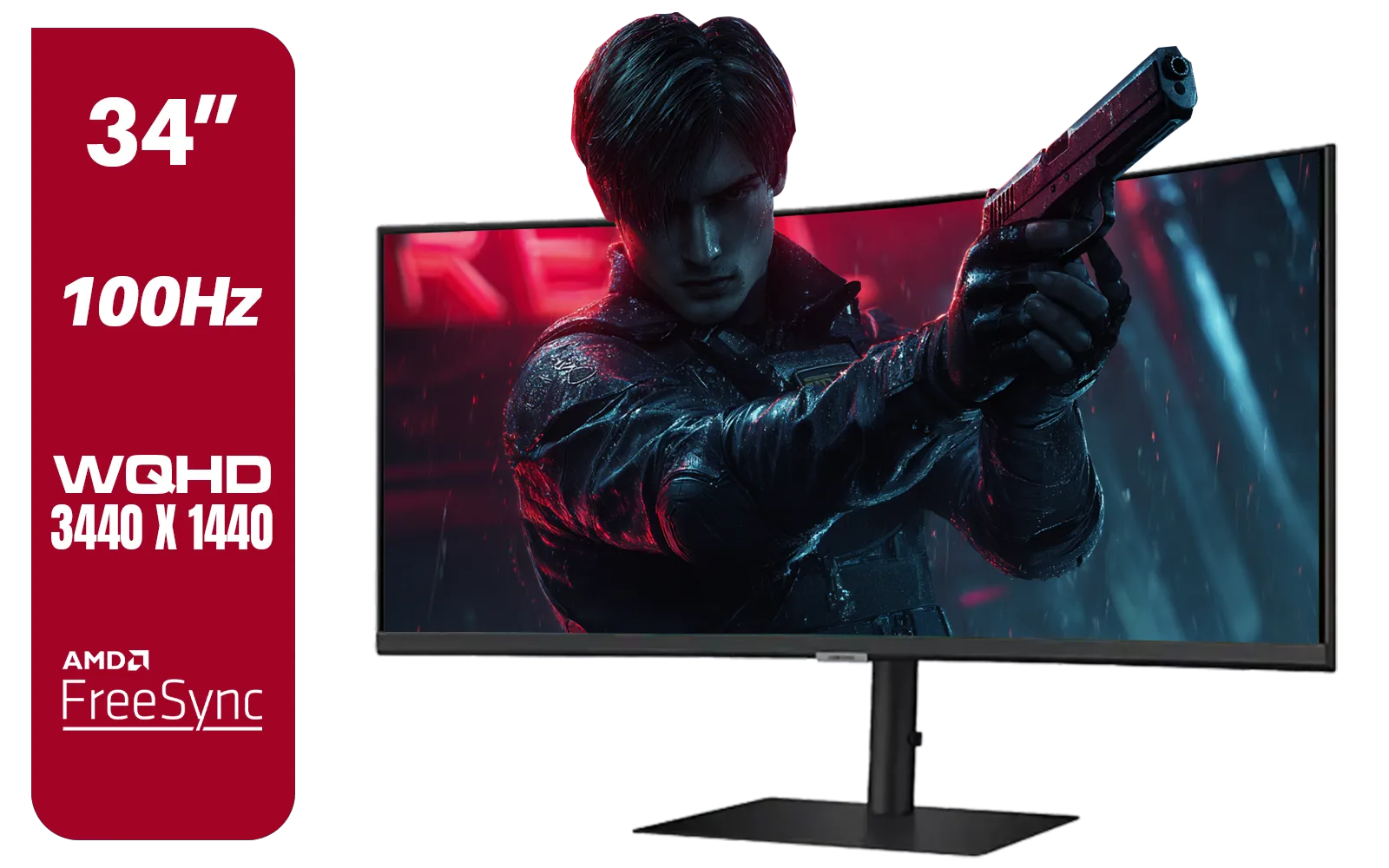
Samsung ViewFinity S6 S65UC 34″ Curved Monitor / Ultra WQHD (3440x1440) Resolution / 100Hz refresh rate / 5ms response time / AMD FreeSync™ / LS34C652UAUXEN
R11999.00In Stock
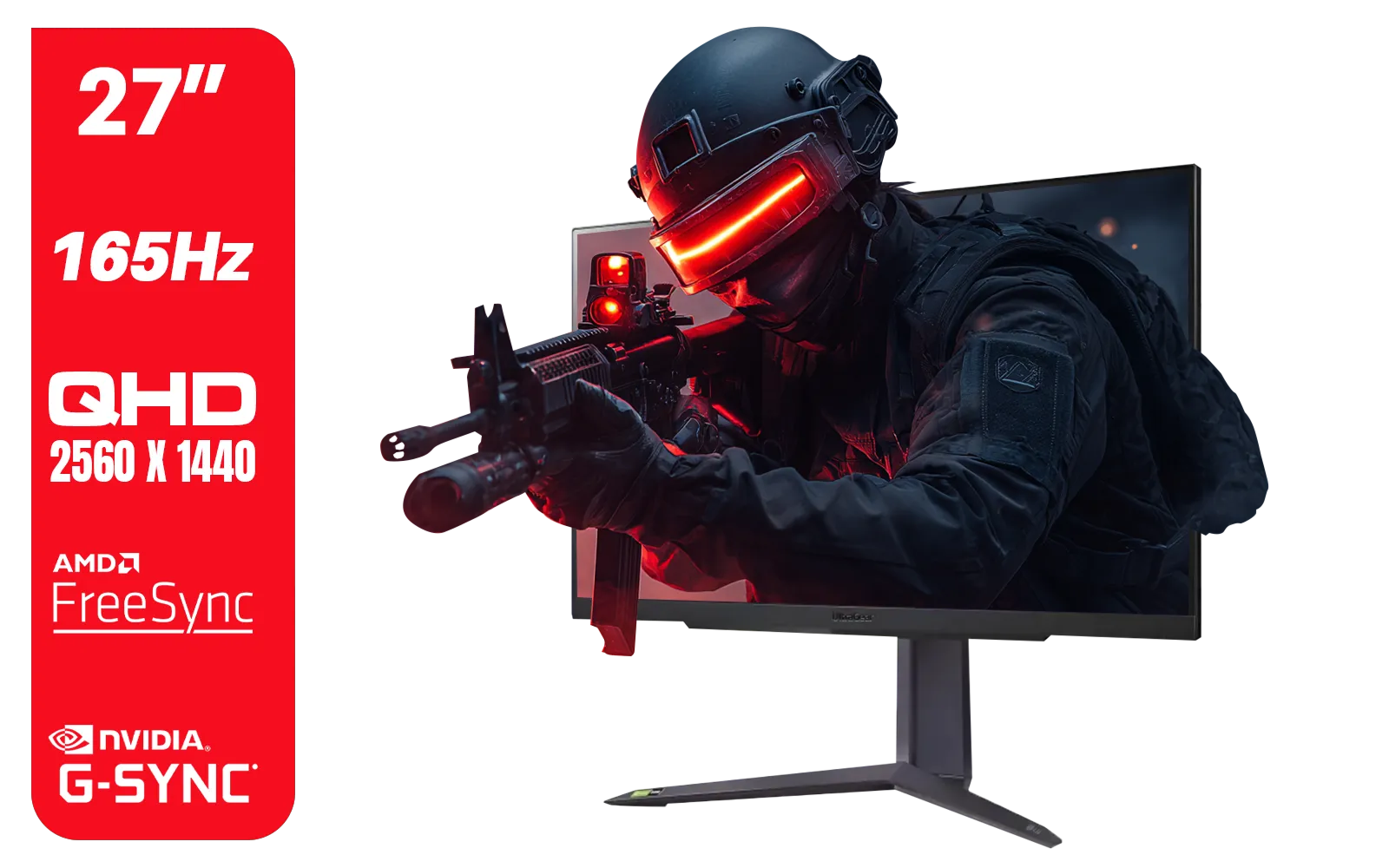
LG UltraGear Gaming Monitor 27GR75Q, 27 inch, 1440p, 165Hz, 1ms GtG, IPS Display, HDR 10, NVIDIA G-Sync & AMD FreeSync compatible, Smart Energy Saving, Displayport, HDMI / 27GR75Q
R5499.00In Stock

AOC 24B20JH2 IPS Panel Monitor, FHD 1920x1080, 100Hz, 106% sRGB, for Home and Office, HDMI x1, VGA ×1, Low Blue Mode, Black / AOC-24B20JH2
R2299.00In Stock
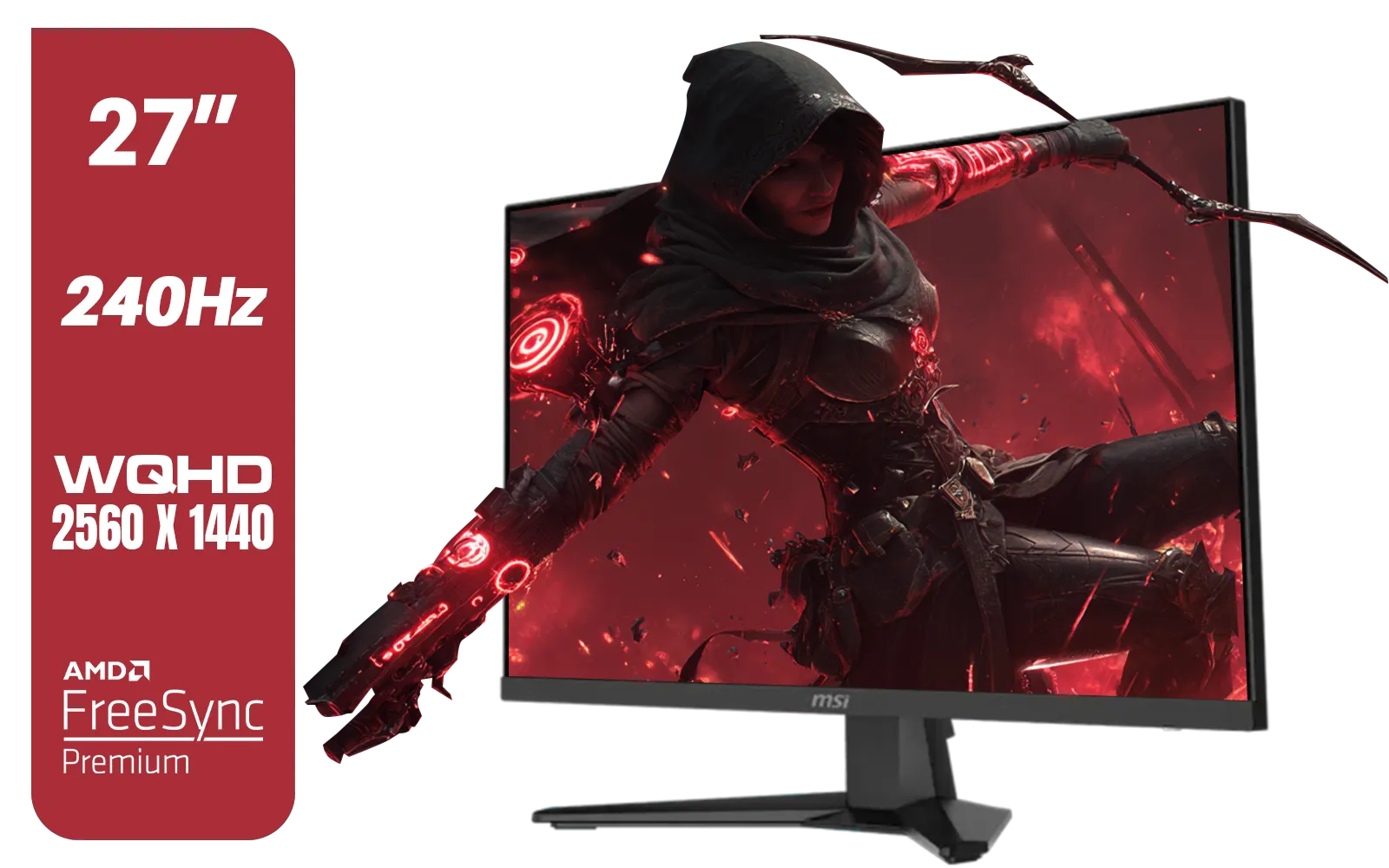
MSI MAG 274QF X24 27" 2560 x 1440 (WQHD) Gaming Monitor / 240Hz Refresh Rate / 0.5ms Response Time / Rapid IPS Panel / AMD FreeSync™ Premium / HDR Ready / 9S6-3CE41H-063
R5999.00In Stock
Busting the Myth: Aren't IPS Monitors Slow?
Years ago, this was true. Gamers chasing the fastest response times had to choose TN panels and sacrifice colour quality. Not anymore. 🚀 Modern gaming IPS panels have caught up, with many models now offering lightning-fast 1ms (GTG) response times and high refresh rates of 144Hz, 240Hz, or even higher.
This technology has even made its way into high-performance portable monitors, giving you top-tier performance on the go. You no longer have to choose between speed and beauty; you can have both.
Finding the Right IPS Monitor for You
The benefits of an IPS monitor for gaming are clear: stunning colours, wide viewing angles, and crucial eye comfort without sacrificing speed. When you're ready to upgrade, think about your whole setup. Don't forget the right monitor accessories like a VESA mount or a quality DisplayPort cable to get the most out of your new screen. It's an investment that pays off every single time you boot up a game.
Ready to See the Difference for Yourself? Choosing the right panel can feel complex, but the IPS monitor benefits for gaming are undeniable. For incredible colours, comfort, and performance, an IPS display is a top-tier investment. Explore our massive range of gaming monitors and find the perfect screen to level up your game.
Related Products

AOC AGON AG275QXR 27" QHD 2K 170Hz Gaming Monitor - Pink - 2022 Edition ,IPS, Flicker-free technology, AMD FreeSync Premium, G-SYNC Compatible / AOC-AG275QXR
R6999.00In Stock
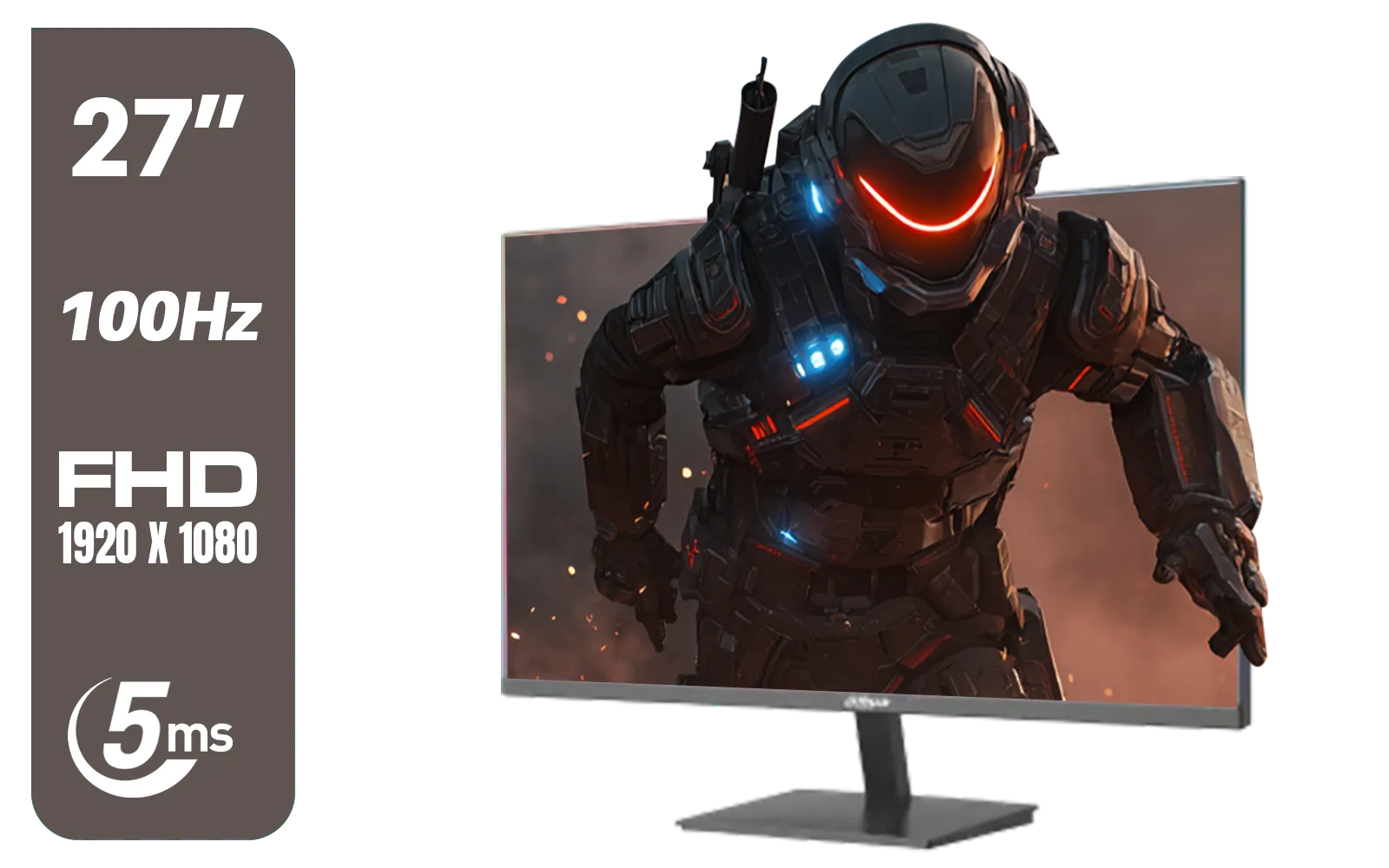
DAHUA DHI-LM27-A201X 27" LED Monitor / Ultra-narrow bezel / IPS Level-Display / 5ms Response Time / FHD 1920x1080 / 100Hz Refresh Rate / Low Blue Light / DHI-LM27-A201X
R2399.00In Stock

Dahua LM27-A200V 27" Monitor / FHD 1920 x 1080 / 100Hz Refresh Rate / 5ms Response Time / DHI-LM27-A200V
R2499.00In Stock

LG UltraGear Gaming Monitor 27GS75Q, 27 inch, 1440p, 200Hz, 1ms GtG, IPS Display, HDR 10, NVIDIA G-Sync & AMD FreeSync compatible / 27GS75Q
R5999.00In Stock
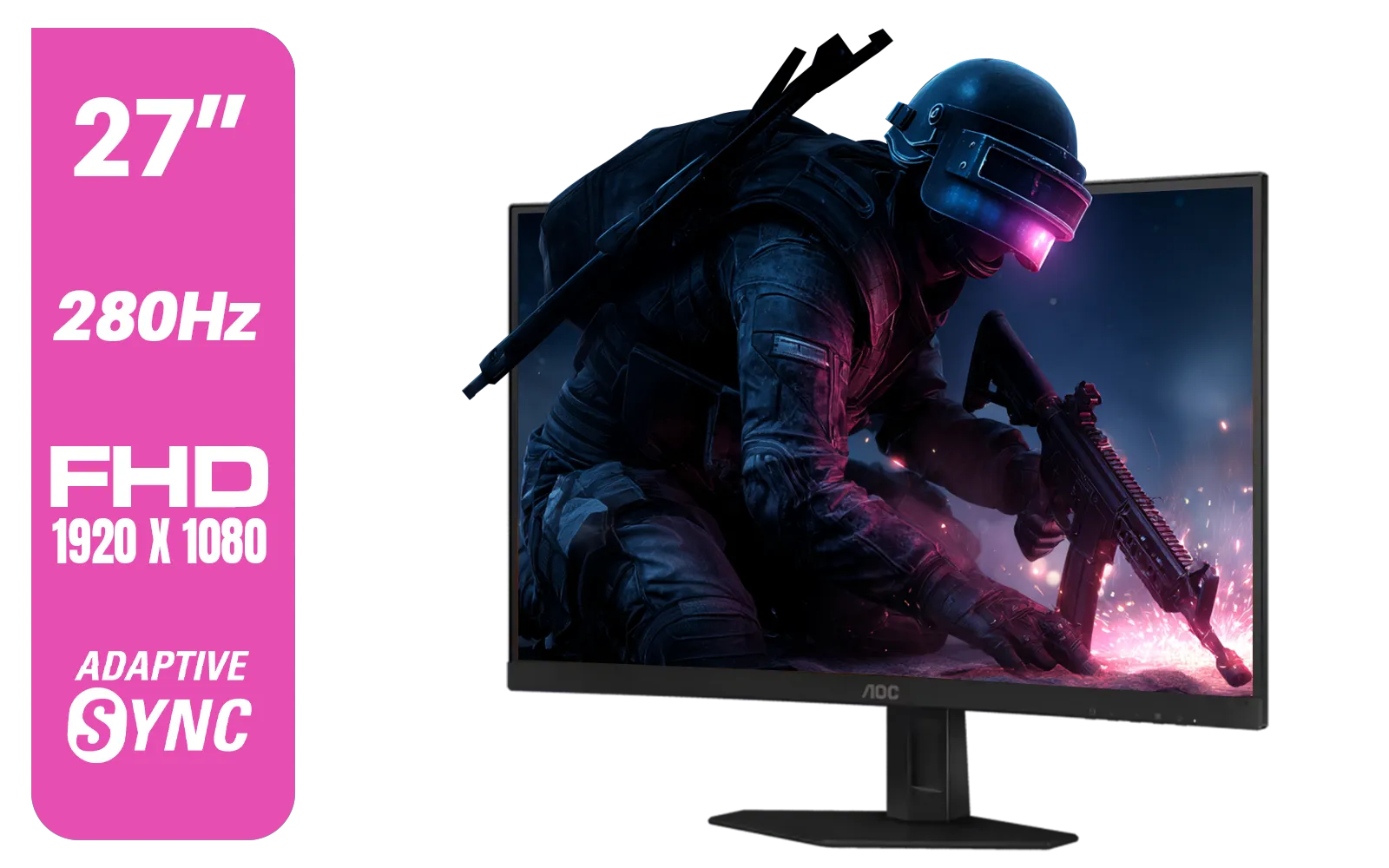
AOC C27G4ZE 27" 280Hz Curved Ultra-Fast Gaming Monitor, 1920 × 1080 (FHD), 0.3ms, Fast VA, 1500R, Adaptive Sync, Three-sided frameless design, Black / C27G4ZE
R4999.00In Stock
AOC CU34G4 34" Curved Gaming Monitor / UWQHD (3440x1440) / 180Hz Refresh Rate / 1ms Response Time (MPRT) / HDR10 / Adaptive Sync / CU34G4
R6999.00In Stock
IPS panels offer superior color consistency and wider viewing angles, reducing the need for your eyes to constantly refocus, which minimizes strain during long sessions.
Yes, modern IPS monitors often include flicker-free technology and low blue light filters specifically designed to prevent digital eye strain and fatigue.
IPS is generally better than TN for eye health due to better color reproduction and viewing angles, whereas TN panels can look washed out, causing more visual fatigue.
Wide viewing angles on IPS screens ensure colors stay accurate from any position, preventing you from squinting or shifting posture to see details clearly.
Yes, a high refresh rate on an IPS monitor provides smoother motion, reducing motion blur and making it easier for your eyes to track fast-moving objects.
Absolutely. The combination of accurate colors and ergonomic features like blue light reduction makes IPS panels ideal for extended gaming marathons.











