



Best Gaming Motherboards South Africa: Next-Gen Guide
Discover the best gaming motherboards South Africa has to offer for next-gen builds. 🇿🇦 From Z790 to X670E, we rank top picks for performance, stability, and value. Upgrade your rig with the latest tech today! 🚀
|
Loading tags...

Building a new gaming PC in South Africa? It’s a proper mission. Between navigating loadshedding and hunting for parts that won't break the bank, choosing the right components feels like a final boss battle. The motherboard, often overlooked, is your rig’s true hero. Picking one of the best gaming motherboards in South Africa is the first step to unlocking next-gen performance, ensuring your PC doesn’t just survive... it thrives.
This guide cuts through the noise to help you find the perfect mobo for your needs.

MSI MEG Z890 ACE Intel Motherboard / LGA 1851 Socket / Supports Intel® Core™ Ultra Processors (Series 2) / 4x DDR5 UDIMM Slots / ATX Form Factor / 911-7E22-001
R14199.00In Stock
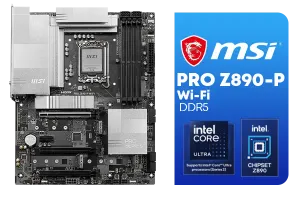
MSI PRO Z890-P Wi-Fi Intel Motherboard / ATX Form Factor / Supports Intel® Core™ Ultra Processors (Series 2) / LGA 1851 CPU Socket / 4x DDR5 UDIMM Supporting up to 256GB / 911-7E34-001
R5999.00In Stock
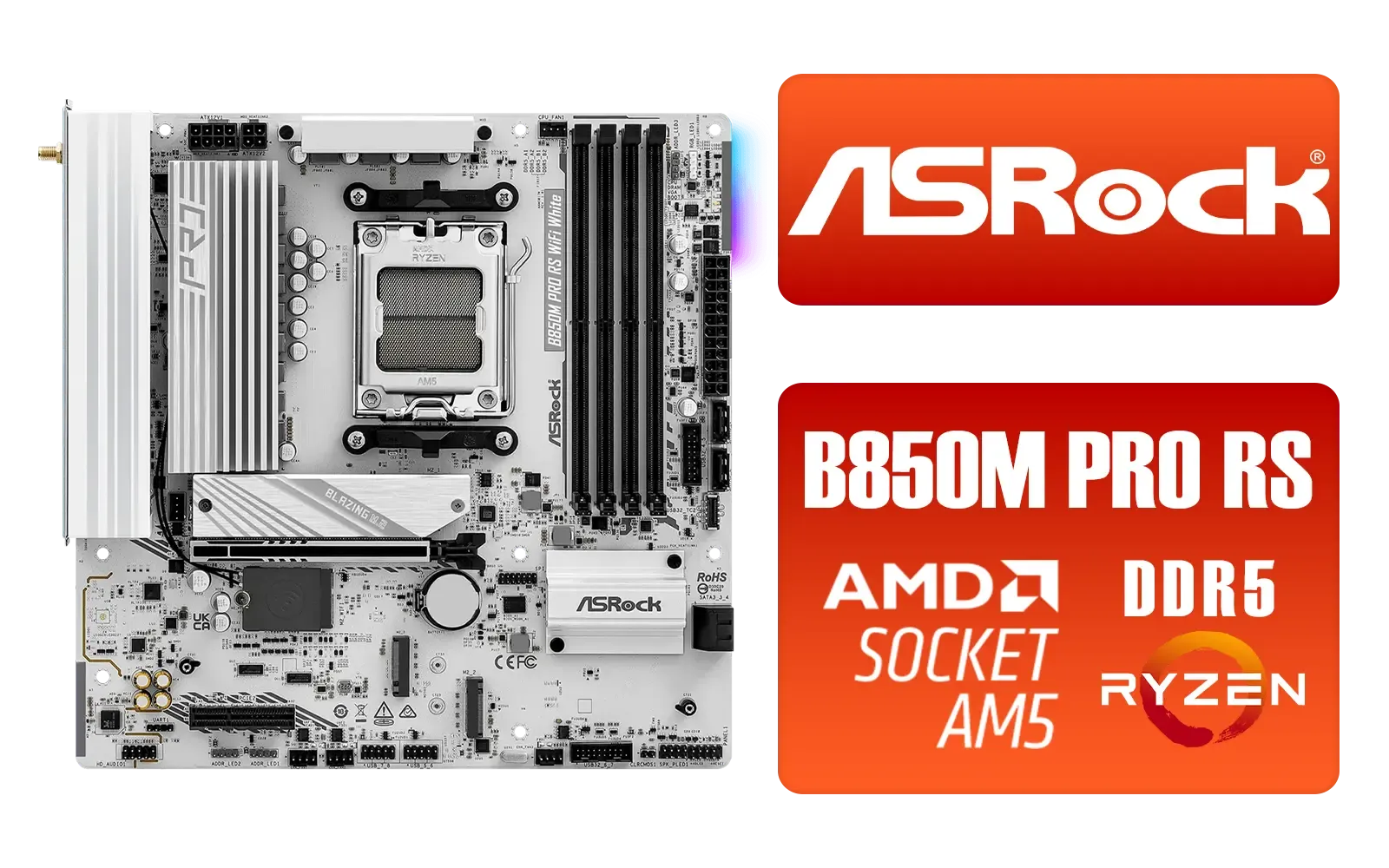
ASRock B850M Pro RS WiFi AMD Motherboard - White / Supports AMD Socket AM5 Ryzen™ 9000, 8000 and 7000 Series Processors / AMD B850 Chipset / PCIe Gen5 (Graphics, M.2) / Dual Channel DDR5 / 8+2+1 Power Phase Dr.MOS for VCore+SOC+MISC / 2.5G LAN & Wi-Fi 6E / 90-MXBT30-A0UAYZ
R3499.00In Stock
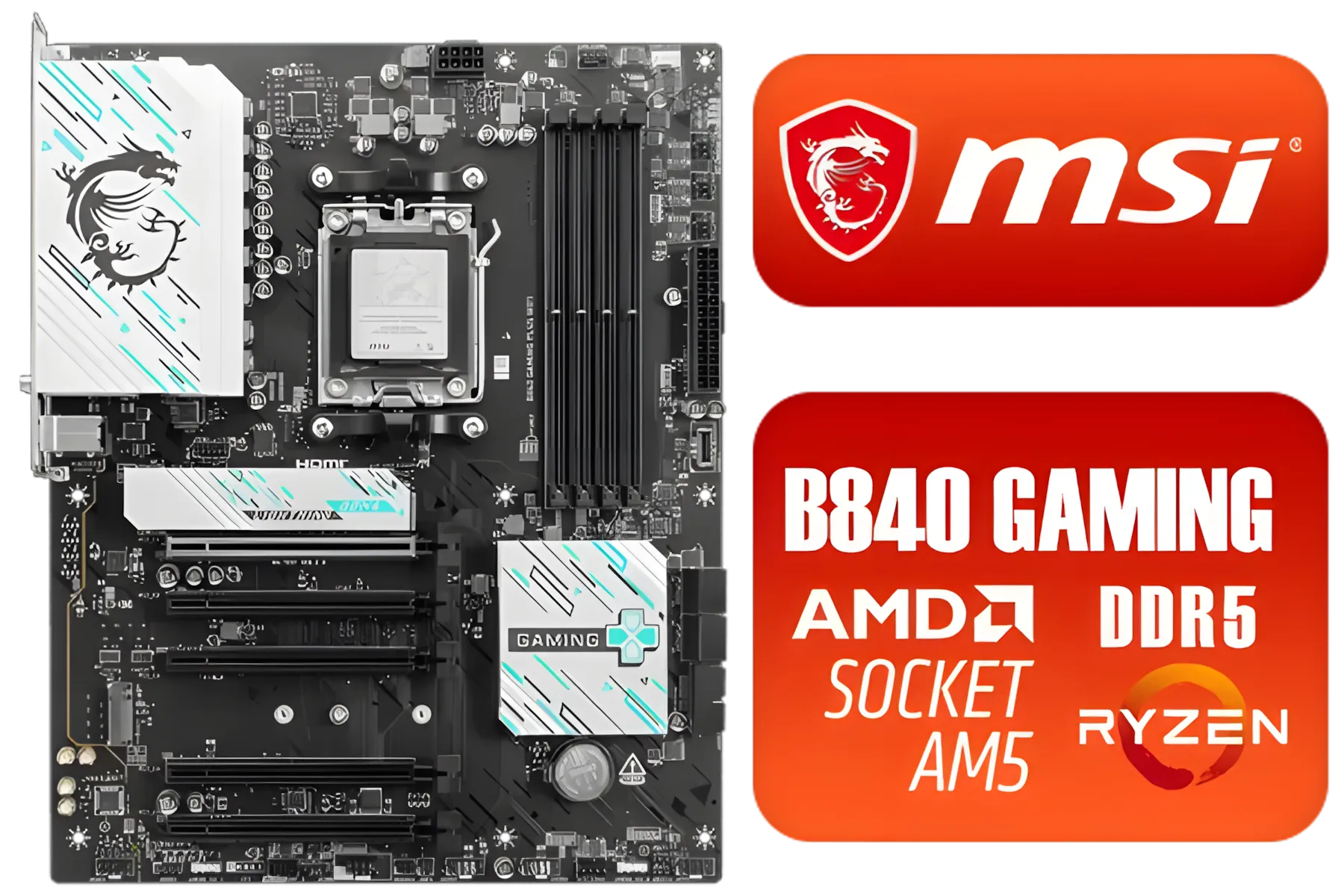
MSI B840 GAMING PLUS WIFI AMD Motherboard / AM5 Socket / ATX For Factor / 4x DDR5 DIMM Slots / Supports AMD Ryzen™ 9000/ 8000/ 7000 Series Desktop Processors / 911-7E57-002
R4899.00In Stock

MSI MPG X870E Edge TI WiFi Motherboard, ATX - Supports AMD Ryzen 9000/8000 / 7000 Processors, AM5-80A SPS VRM, DDR5 Memory Boost 8400+MT/s (OC), PCIe 5.0 x16, M.2 Gen5, Wi-Fi 7, 5G LAN / 911-7E59-001
R8999.00In Stock
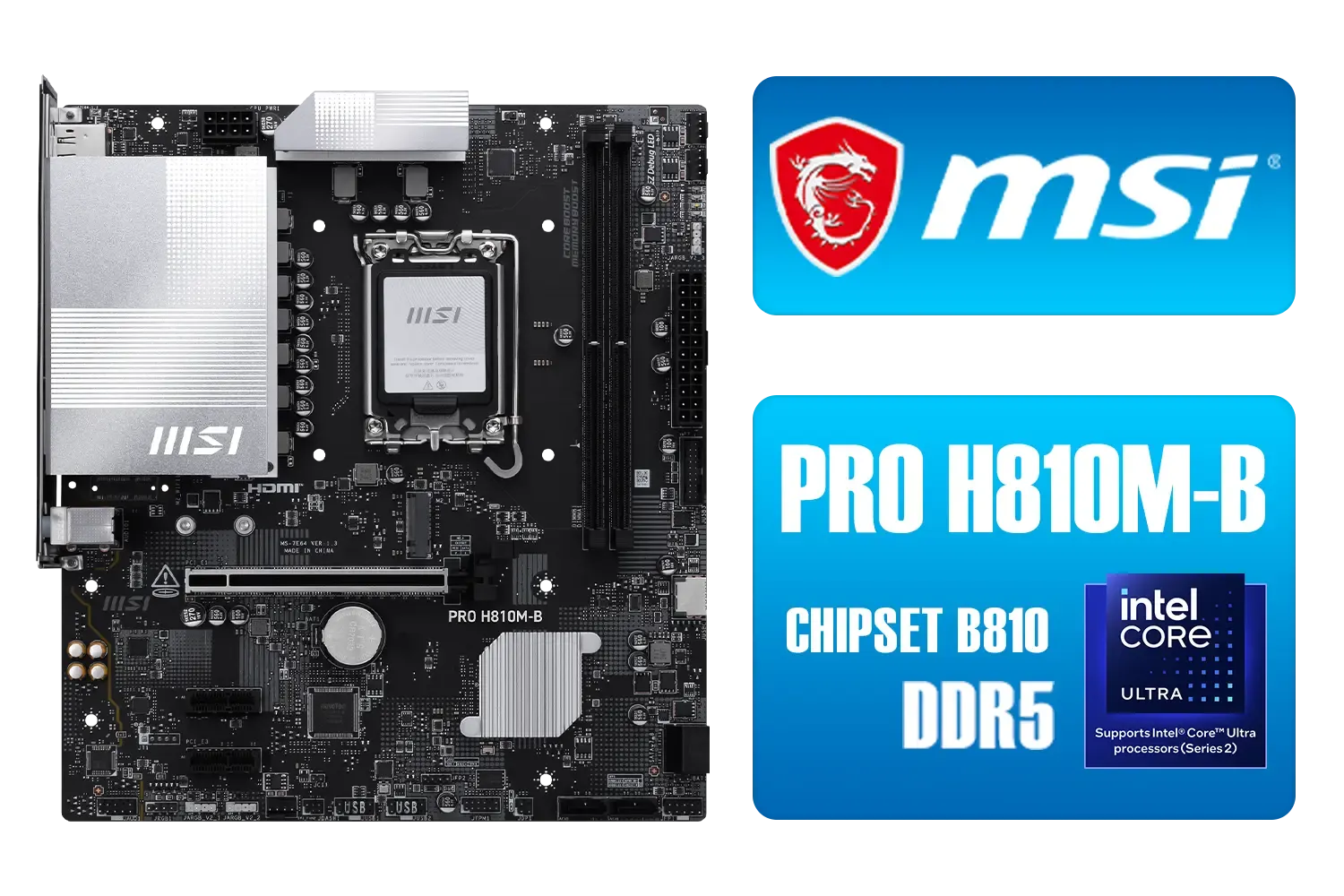
MSI PRO H810M-B DDR5 Micro ATX Motherboard (Supports Intel® Core™ Ultra Processors (Series 2) for LGA 1851, DDR5, 5.0, M.2, 2.5G LAN, mATX) / 911-7E64-001
R2699.00In Stock
The Foundation of Your Gaming PC
Think of your motherboard as the central nervous system of your entire rig. It’s the high-tech foundation where every single component—your CPU, GPU, RAM, and storage—plugs in and communicates. A cheap, low-quality board can bottleneck your expensive processor or graphics card, leading to poor performance, instability, and limited upgrade options down the line.
Investing in a solid motherboard is investing in your PC's future. It determines how well you can overclock, how many high-speed drives you can install, and what new CPUs you can drop in a few years from now. It’s the unsung hero that ensures every part of your machine works together in perfect harmony. 🚀
Choosing Your Platform: Intel vs. AMD Motherboards
The first major choice you'll make is your team: Intel or AMD? Your CPU selection dictates your motherboard options, as they use different sockets and chipsets. There's no single "best" choice, only what's best for your build and budget.

ASRock B860 Pro RS WiFi Intel Motherboard / ATX Form Factor / Supports Intel® Core™ Ultra Processors (Series 2) / LGA 1851 CPU Socket / 4x DDR5 DIMM Supporting up to 256GB / 90-MXBRK0-A0UAYZ
R3899.00In Stock

ASRock Phantom Gaming B850 Riptide WIFI AMD Ryzen Motherboard / Supports AMD Socket AM5 Ryzen™ 9000, 8000 and 7000 Series Processors / AMD B850 Chipset / USB4 Type-C (10Gbps) Connectivity / 90-MXBQT0-A0UAYZ
R4999.00In Stock
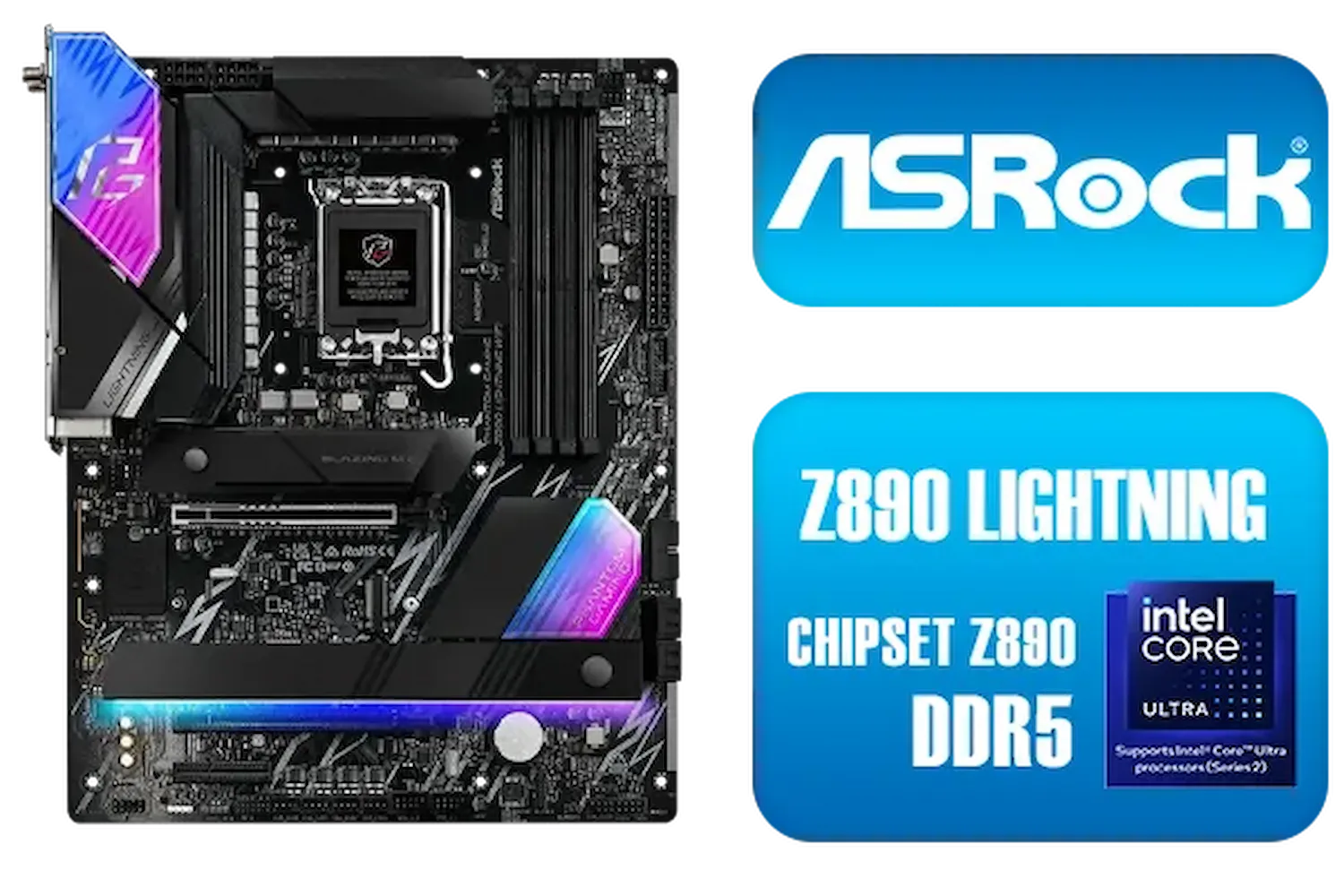
ASRock Phantom Gaming Z890 Lightning WiFi Intel Motherboard / ATX Form Factor / Supports Intel® Core™ Ultra Processors (Series 2) / LGA 1851 CPU Socket / 4x DDR5 DIMM Supporting up to 256GB / 90-MXBPG0-A0UAYZ
R6999.00In Stock

MSI Z890 Gaming Plus Wi-Fi Intel Motherboard / ATX Form Factor / Supports Intel® Core™ Ultra Processors (Series 2) / LGA 1851 CPU Socket / 4x DDR5 UDIMM Supporting up to 256GB / 911-7E34-002
R6699.00In Stock
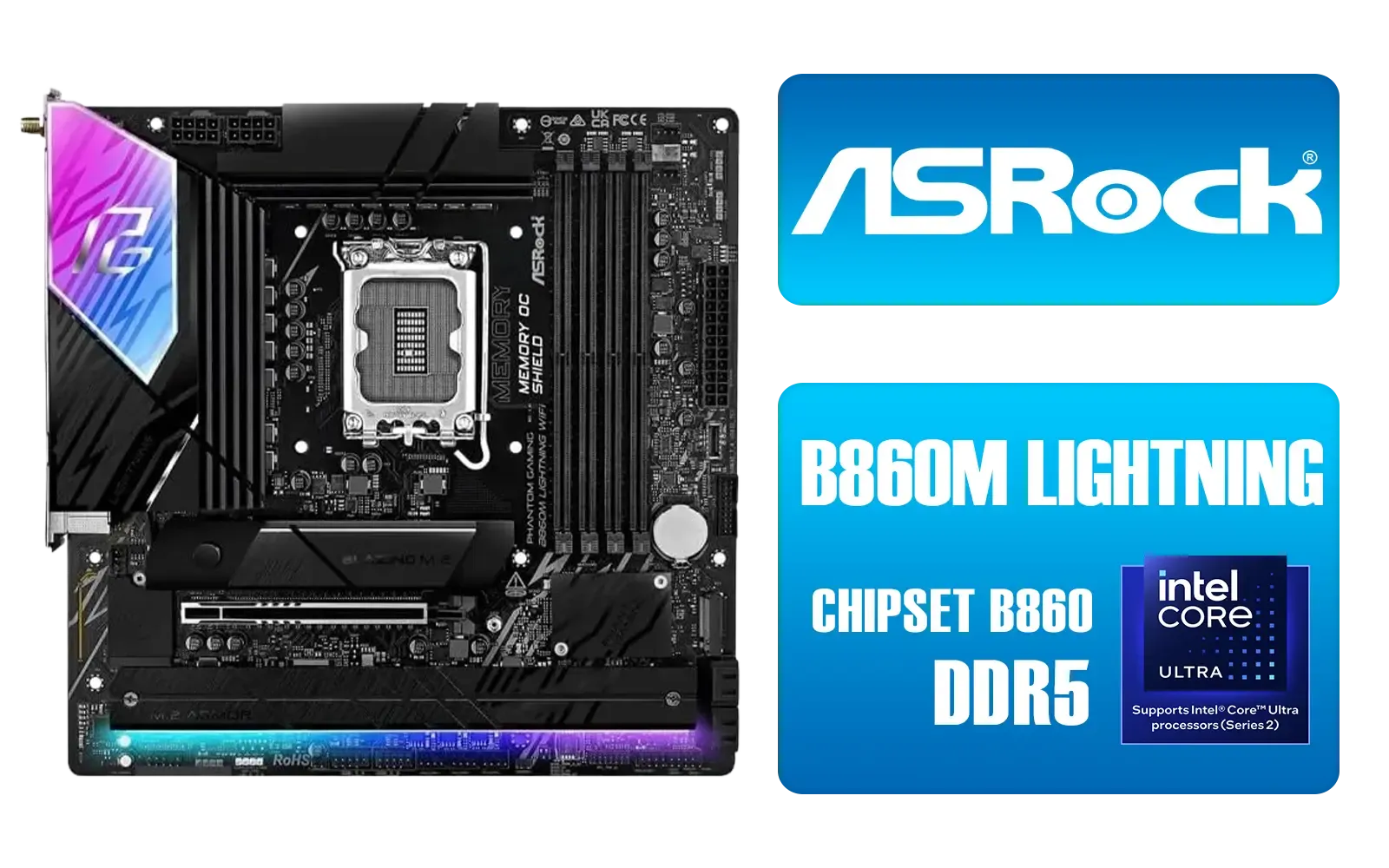
ASRock Phantom Gaming B860M Lightning WiFi Intel Motherboard / Micro-ATX Form Factor / Supports Intel® Core™ Ultra Processors (Series 2) / LGA 1851 CPU Socket / 4x PCIe Gen5 / Dual Channel DDR5 / Thunderbolt™ 4/USB4 Type-C (40 Gb/s) / Killer 2.5G LAN & Wi-Fi 6E / 90-MXBQG0-A0UAYZ
R4399.00In Stock

ASRock X870 Steel Legend WIFI AMD Ryzen Motherboard / Supports AMD Socket AM5 Ryzen™ 9000, 8000 and 7000 Series Processors / AMD X870 Chipset / USB4 Type-C (10Gbps) Connectivity / 90-MXBPJ0-A0UAYZ
R5999.00In Stock
Team Blue: Intel's Powerhouses
Intel platforms, like those using the Z790 or B760 chipsets, are renowned for their strong single-core performance, which is fantastic for high-framerate gaming. They often offer robust support for both DDR5 and the more budget-friendly DDR4 RAM, giving builders flexibility. If you're aiming for pure gaming horsepower and love to tweak your settings, exploring the latest Intel motherboards is a great place to start.
Team Red: AMD's Ryzen Revolution
AMD has made huge strides with its AM5 platform, offering incredible multi-core performance that excels in both gaming and creative workloads like streaming or video editing. Motherboards with X670E or B650 chipsets are built for the future, with PCIe 5.0 support becoming standard. For those who want a versatile rig that can handle anything you throw at it, checking out the range of powerful AMD motherboards is a must.
TIP FOR YOU
Build-Saver Pro Tip 🔧
Look for a motherboard with a 'BIOS Flashback' or 'Q-Flash Plus' button. This lets you update the motherboard's BIOS with just a USB stick and power supply... no CPU or RAM needed! It's a lifesaver if you buy a new CPU that isn't supported by the board's factory BIOS, saving you a massive headache and a trip back to the store.
Must-Have Features for the Best Gaming Motherboards
Beyond the Intel vs. AMD debate, certain features separate a good motherboard from a great one. Here’s what to look for when choosing one of the best gaming motherboards available today.
VRMs and Power Delivery
Voltage Regulator Modules (VRMs) are crucial for delivering clean, stable power to your CPU. Better VRMs with good cooling (look for chunky heatsinks) mean better system stability, especially if you plan on overclocking your high-end processor. Don't skimp here if you're buying a power-hungry chip.
RAM: DDR5 is Here
While DDR4 is still a viable budget option, DDR5 is the new standard. It offers much higher speeds, which can provide a noticeable performance boost in the latest games. Most new AMD and Intel motherboards support it, making it a smart choice for future-proofing your build. ✨
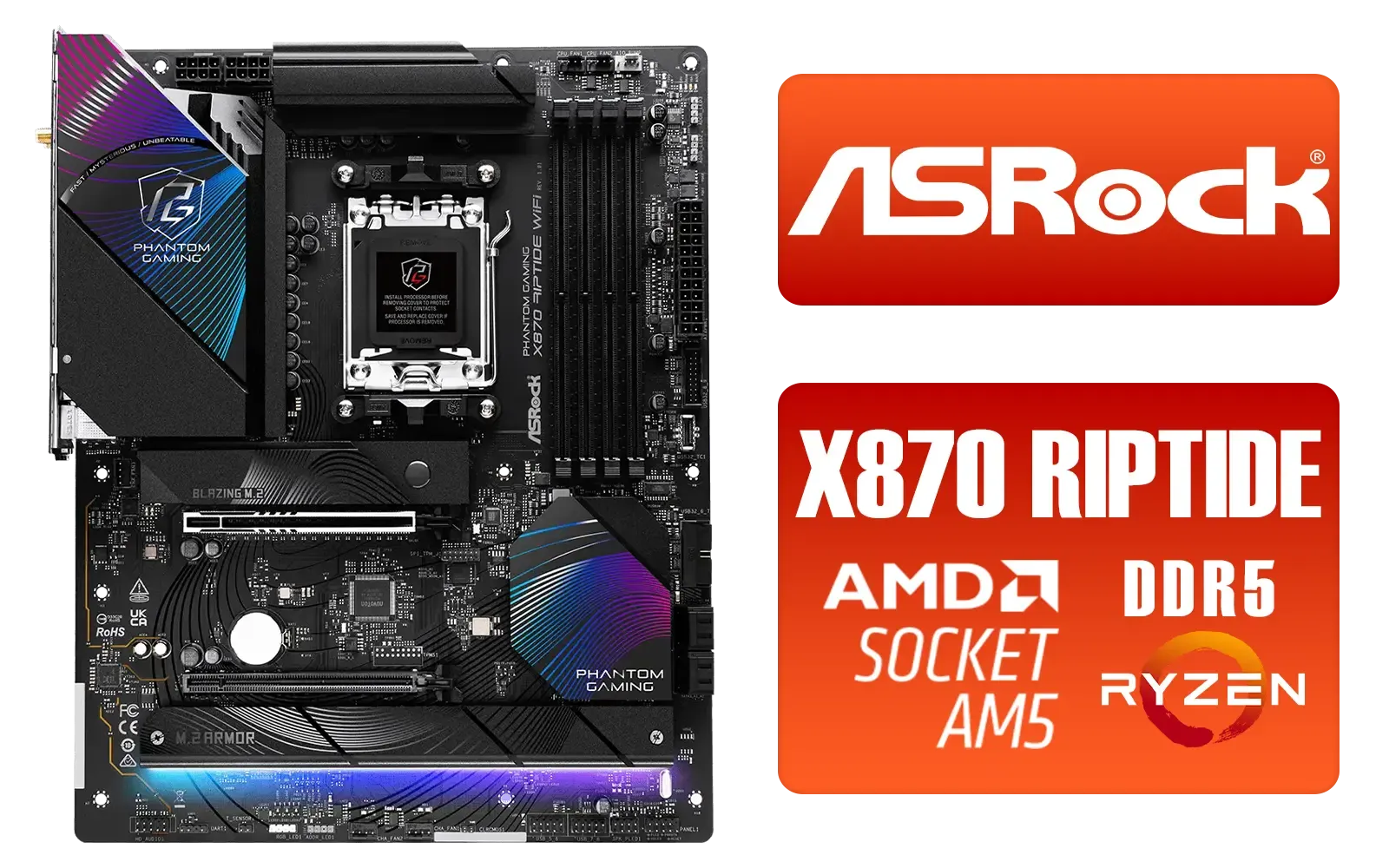
ASRock Phantom Gaming X870 Riptide WiFi AMD Motherboard / Supports AMD Socket AM5 Ryzen™ 9000, 8000 and 7000 Series Processors / AMD B850 Chipset / PCIe Gen5 (Graphics, M.2) / Dual Channel DDR5 / USB4 Type-C Ports (40 Gb/s) / Killer 2.5G LAN & 802.11be Wi-Fi 7 / 90-MXBPP0-A0UAYZ
R6399.00In Stock

ASRock Phantom Gaming X870E Nova WIFI AMD Ryzen Motherboard / Supports AMD Socket AM5 Ryzen™ 9000, 8000 and 7000 Series Processors / AMD X870 Chipset / USB4 Type-C (40Gbps) Connectivity / 90-MXBPX0-A0UAYZ
R8599.00In Stock

ASRock Phantom Gaming Z890 Nova WiFi Intel Motherboard / ATX Form Factor / Supports Intel® Core™ Ultra Processors (Series 2) / LGA 1851 CPU Socket / 4x DDR5 DIMM Supporting up to 256GB / 90-MXBPS0-A0UAYZ
R8999.00In Stock
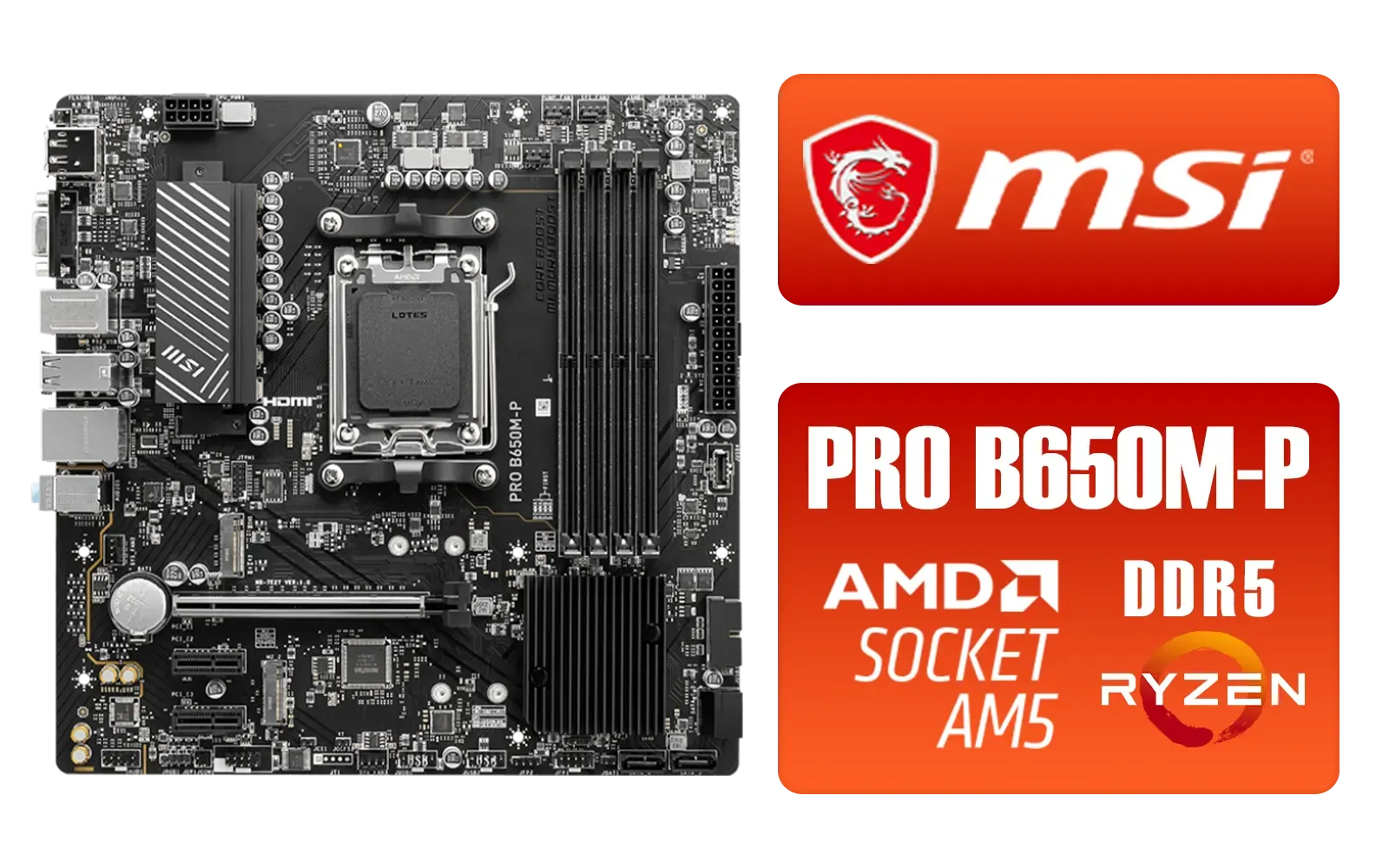
MSI PRO B650M-P PRO Series Motherboard (AMD AM5, mATX, DDR5, PCIe 4.0, M.2, SATA 6Gb/s, USB 3.2 Gen 2, HDMI/DP, AMD Ryzen 7000 Series Desktop Processors) - 911-7E27-001
R2499.00In Stock

MSI PRO B760M-E DDR4 mATX Motherboard (Supports 12th/13th Gen Intel Processors, LGA 1700, DDR4, 4.0, M.2, Gigabit LAN, USB 3.2 Gen1, mATX) - 911-7D48-013
R2199.00In Stock
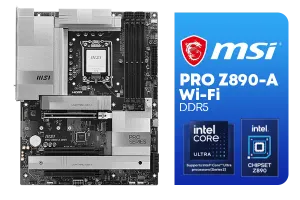
MSI PRO Z890-A Wi-Fi Intel Motherboard / ATX Motherboard / Supports Intel® Core™ Ultra Processors (Series 2) / LGA 1851 Socket / 4x DDR5 UDIMM Up to 256GB / Intel® Wi-Fi 7 / 911-7E32-004
R7899.00In Stock
Connectivity is Key
Your motherboard is your I/O hub. Ensure it has all the ports you need:
- Fast Networking: 2.5Gbps LAN is becoming standard and is excellent for fast downloads and lag-free online gaming. Wi-Fi 6E is a bonus for a clean, wireless setup.
- USB Ports: Count them! Think about your keyboard, mouse, headset, webcam, and any other peripherals. A mix of USB 3.2 Gen 2 and USB-C ports provides speed and versatility.
- M.2 Slots: For your super-fast NVMe SSDs. Aim for at least two, preferably with heatsinks to prevent thermal throttling.
Finding the Best Gaming Motherboard for Your Budget
In South Africa, getting the best bang for your buck is everything. You don't always need the most expensive motherboard to build a fantastic gaming PC. The key is to match the board's features to your chosen CPU and overall budget. A top-tier Z790 board is overkill for a Core i5, just as a basic A620 board will hold back a Ryzen 9.
By focusing on the features that matter most to you—like robust VRMs for a K-series Intel CPU or multiple PCIe 5.0 M.2 slots for a high-end AMD build—you can find some great value on motherboards without compromising on the performance you need. This smart approach ensures your ZAR goes further, letting you allocate more budget to your GPU... where it really counts for gaming.
Ready to Build Your Ultimate Rig? Choosing the right motherboard is the key to unlocking your PC's full potential. Whether you're Team Red or Team Blue, we've got the hardware to power your next victory. Explore our massive range of gaming motherboards and find the perfect foundation for your dream build today.
Related Products
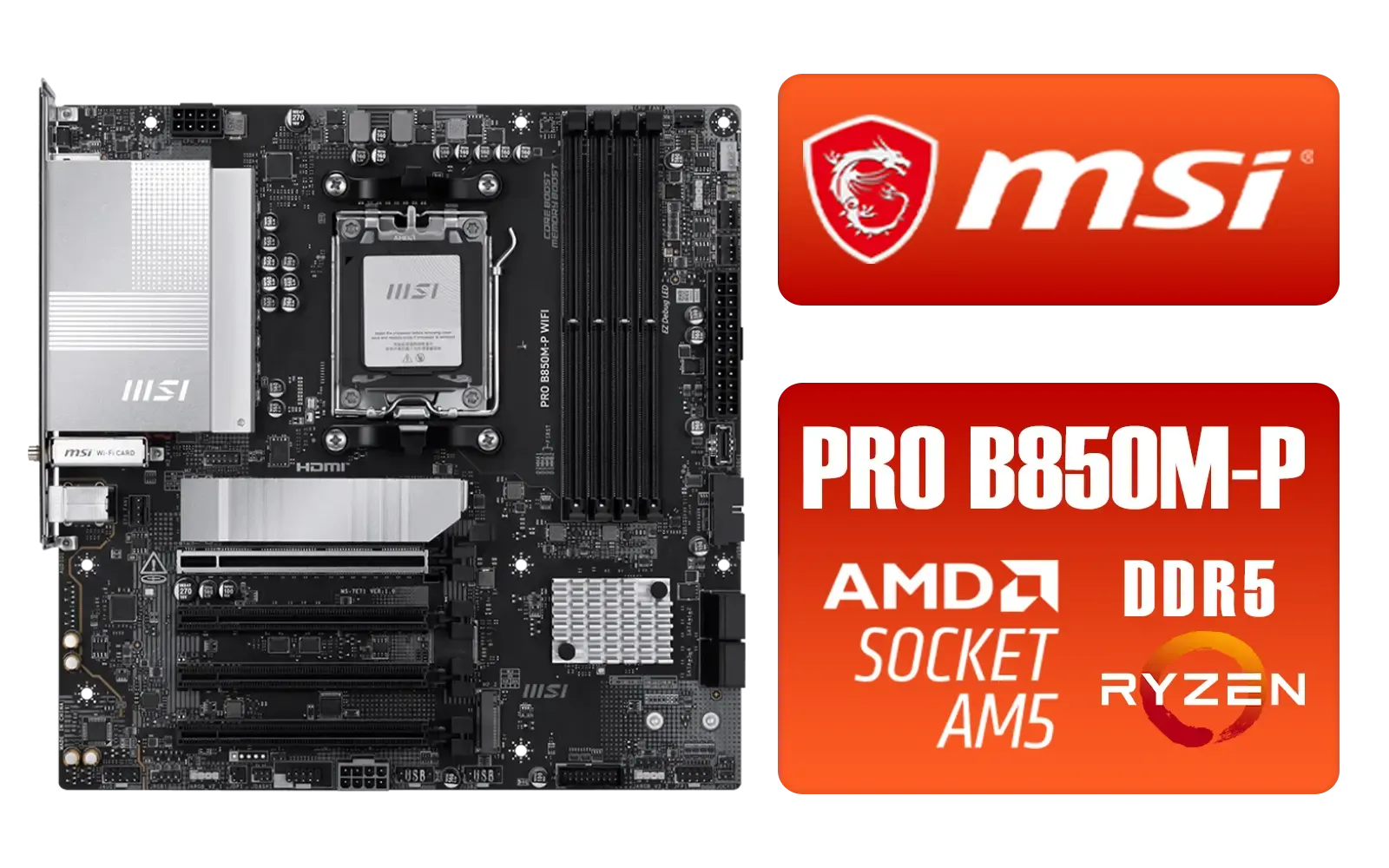
MSI PRO B850M-P WIFI AMD Motherboard / Supports AMD Ryzen™ 9000 / 8000 / 7000 Series / Dual Channel DDR5-8200+ (OC) / Direct 7+2+1 Power System (P-PAK) / 8-pin CPU Power Connector / PCIe 5.0 Slot & Lightning Gen 5 x4 M.2 / 5G LAN & Wi-Fi 7 / 911-7E71-001
R4199.00In Stock
ASRock Phantom Gaming X870E Nova WIFI AMD Ryzen Motherboard / Supports AMD Socket AM5 Ryzen™ 9000, 8000 and 7000 Series Processors / AMD X870 Chipset / USB4 Type-C (40Gbps) Connectivity / 90-MXBPX0-A0UAYZ
R8599.00In Stock
MSI PRO Z890-A Wi-Fi Intel Motherboard / ATX Motherboard / Supports Intel® Core™ Ultra Processors (Series 2) / LGA 1851 Socket / 4x DDR5 UDIMM Up to 256GB / Intel® Wi-Fi 7 / 911-7E32-004
R7899.00In Stock

ASRock Z890 Taichi WiFi Intel Motherboard / ATX Form Factor / Supports Intel® Core™ Ultra Processors (Series 2) / LGA 1851 CPU Socket / 4x DDR5 DIMM Supporting up to 256GB / 90-MXBPR0-A0UAYZ
R9999.00In Stock
ASRock Phantom Gaming Z890 Nova WiFi Intel Motherboard / ATX Form Factor / Supports Intel® Core™ Ultra Processors (Series 2) / LGA 1851 CPU Socket / 4x DDR5 DIMM Supporting up to 256GB / 90-MXBPS0-A0UAYZ
R8999.00In Stock
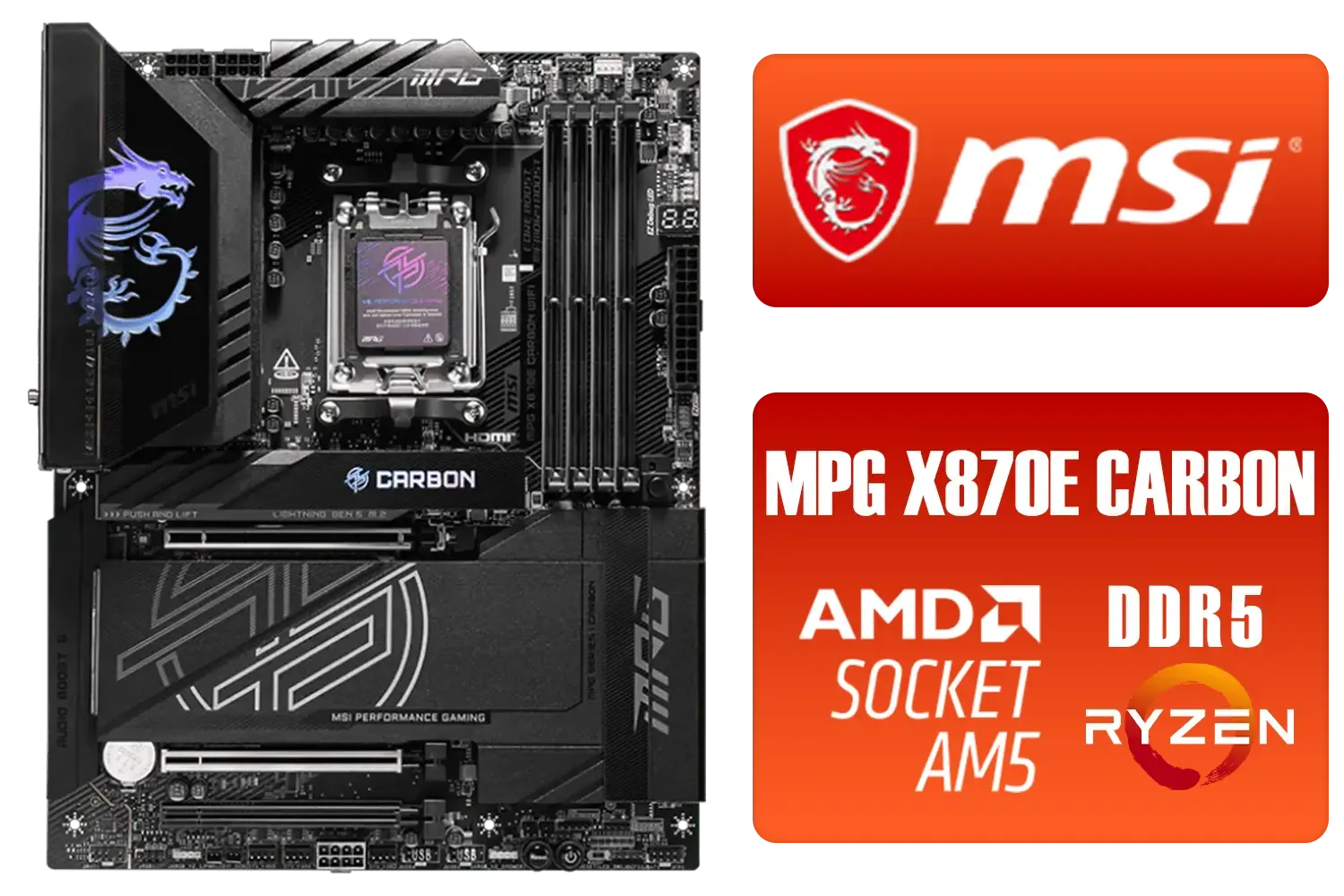
MSI MPG X870E Carbon Wi-Fi AMD Motherboard / ATX Motherboard / AMD X870 Chipset / Supports AMD Ryzen™ 9000/ 8000/ 7000 Series Desktop Processors / Socket AM5 / Lightning Gen 5 / DDR5 MEMORY SUPPORT / 3x PCI-E x16 slot / 4x M.2 Slots / Wi-Fi 7 / Supports Bluetooth® 5.4 / 911-7E49-001
R9399.00In Stock
The best choice depends on your CPU. For Intel, the Z790 chipset is top-tier, while AMD users should look at X670E boards for peak performance and longevity.
DDR5 offers faster speeds and future-proofing for next-gen gaming, though high-end DDR4 boards remain a viable budget option for specific Intel builds.
ASUS, MSI, and Gigabyte are consistently rated high for reliability, BIOS updates, and VRM quality, all of which are stocked at Evetech.
Z790 allows for CPU overclocking and offers more PCIe lanes for connectivity, whereas B760 is a locked chipset ideal for gamers who do not plan to overclock.
High-end boards offer better VRM cooling and connectivity, which is crucial for high-performance i9 or Ryzen 9 CPUs to prevent thermal throttling.
Indirectly, yes. A quality motherboard ensures your CPU and RAM run at their advertised boost clocks without throttling, maintaining stable FPS during gaming.











