



Best Graphics Card for Architecture: Mastering Complex BIM
Selecting the **best graphics card for architecture** is vital for handling massive datasets. 🏗️ We analyze top workstation GPUs that crush complex BIM models in Revit and ArchiCAD, delivering seamless performance and ultra-fast renders. 🚀
|
Loading tags...

Staring at a lagging Revit viewport while your client is on a Zoom call... we’ve all been there. That frustrating stutter when you orbit a complex 3D model is more than just an annoyance; it’s a workflow killer. Finding the best graphics card for architecture isn’t about gaming performance. It’s about precision, stability, and speed for demanding BIM (Building Information Modelling) software. Let's build a blueprint for your next GPU upgrade. 🏗️
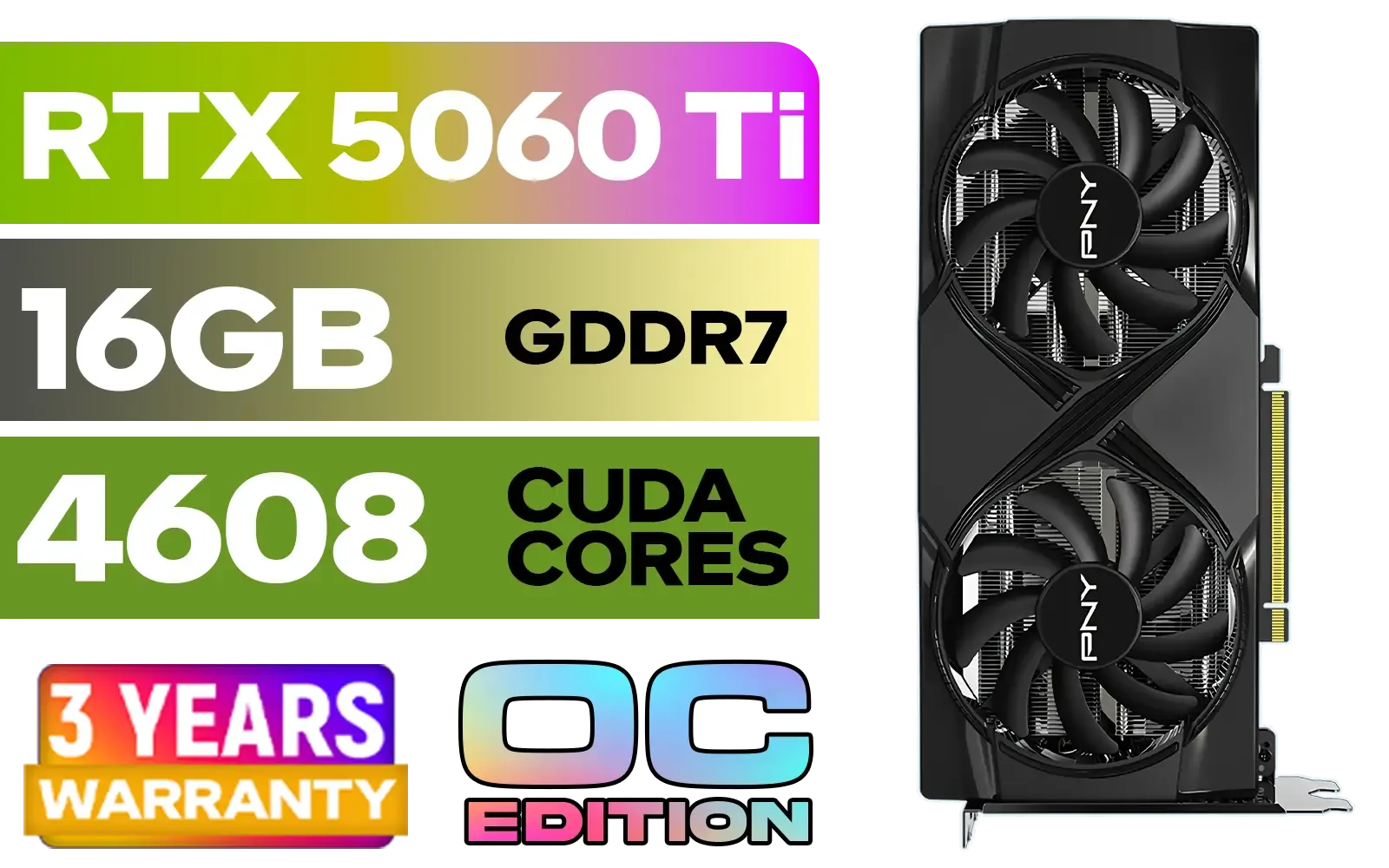
PNY GeForce RTX 5060 Ti 16GB OC Dual Fan Graphics Card / 16GB GDDR7 / 4608 CUDA Cores / 128-bit Memory Interface / Boost Clock: 2692 MHz / 28 Gbps Memory Speed / DisplayPort 2.1b (x3), HDMI® 2.1b / VCG5060T16DFXPB1-O
R10499.00In Stock

MSI Geforce RTX 5070 Ventus 2X 12G OC Graphics Card / 12GB GDDR7 / 6144 Cuda Cores / 192-bit Memory Interface / Boost Clock : 2542 MHz / NVIDIA Blackwell & DLSS 4 / 28Gbps Memory Speed / PCI Express® Gen 5 / 912-V532-009
R13999.00In Stock
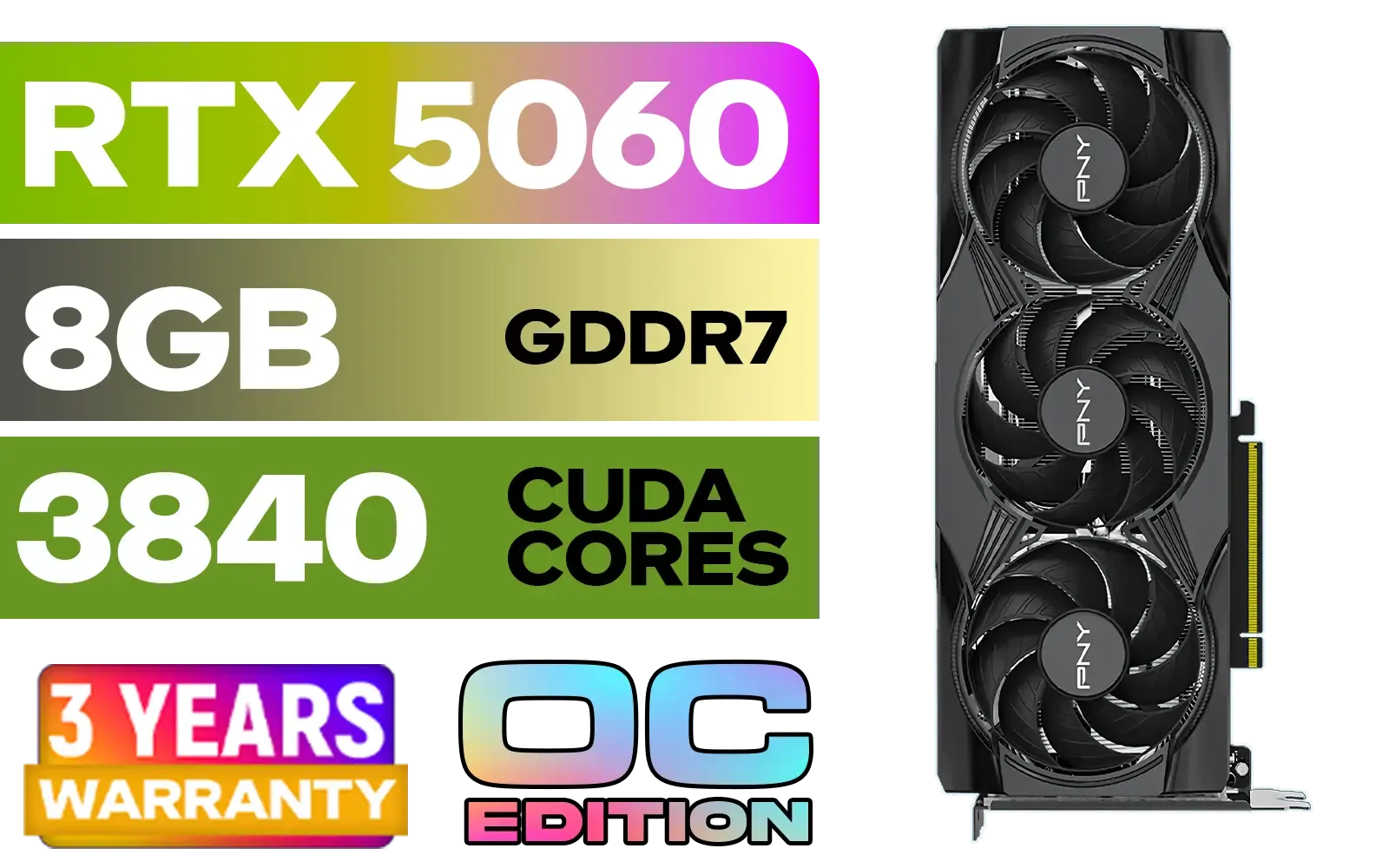
PNY GeForce RTX 5060 EPIC-X 8GB OC Graphics Card / 8GB GDDR7 / 3840 Cuda Cores / 128-bit Memory Interface / Boost Clock: 2580 MHz / 28 Gbps Memory Speed / DisplayPort 2.1b (x3), HDMI® 2.1b / PCI-Express 5.0 x8 / 9VCG50608TFXXPB1-O
R7499.00In Stock

Palit GeForce RTX 5080 GamingPro 16GB GDDR7 / 30Gbps Memory Speed / PCI Express® Gen 5 / NE75080019T2-GB2031A
R24199.00In Stock
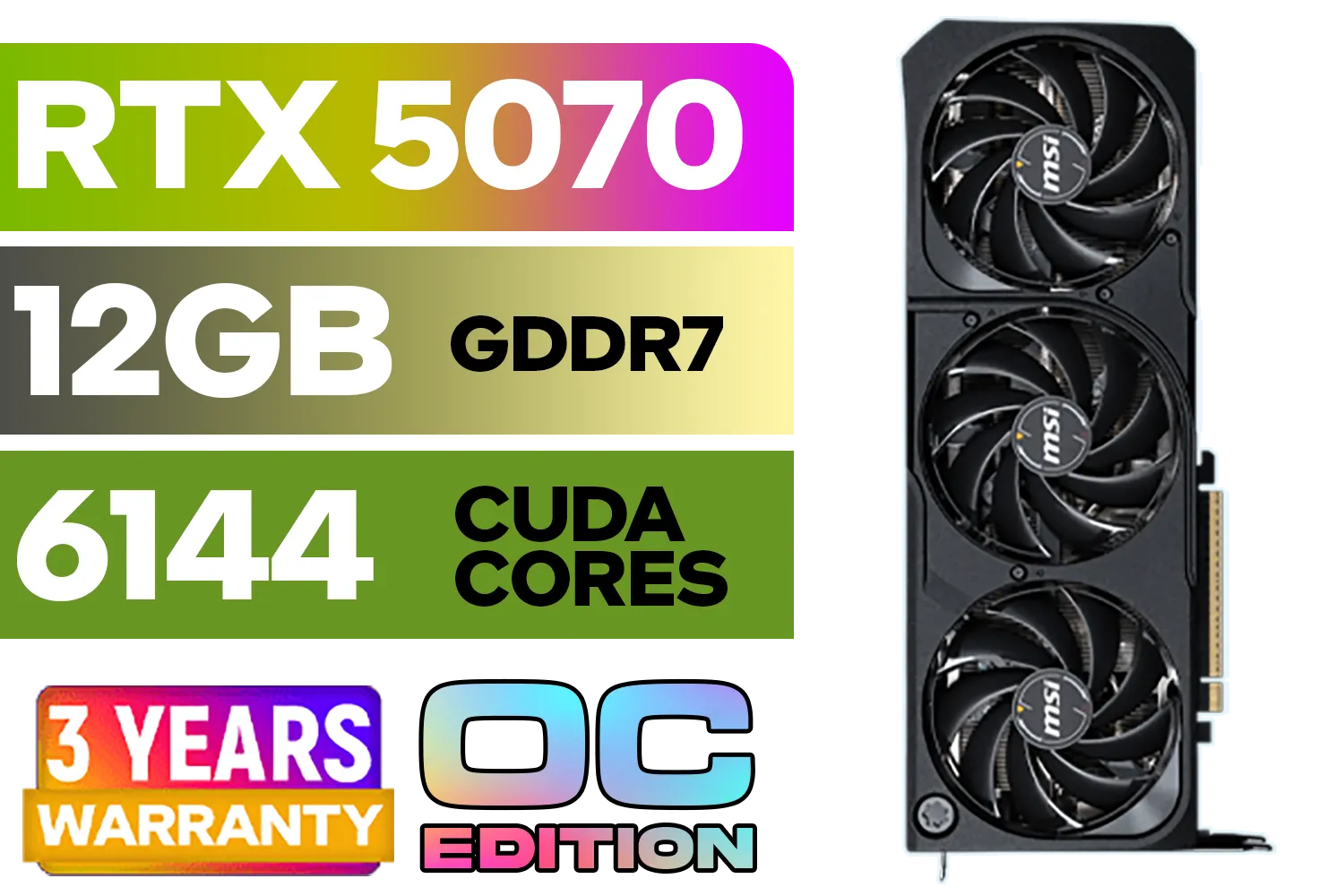
MSI GeForce RTX 5070 12GB SHADOW 3X OC / PCI Express Gen 5 / 6144 Cuda Cores / 12GB GDDR7 / DirectX 12 Ultimate / 912-V532-008
R13999.00In Stock
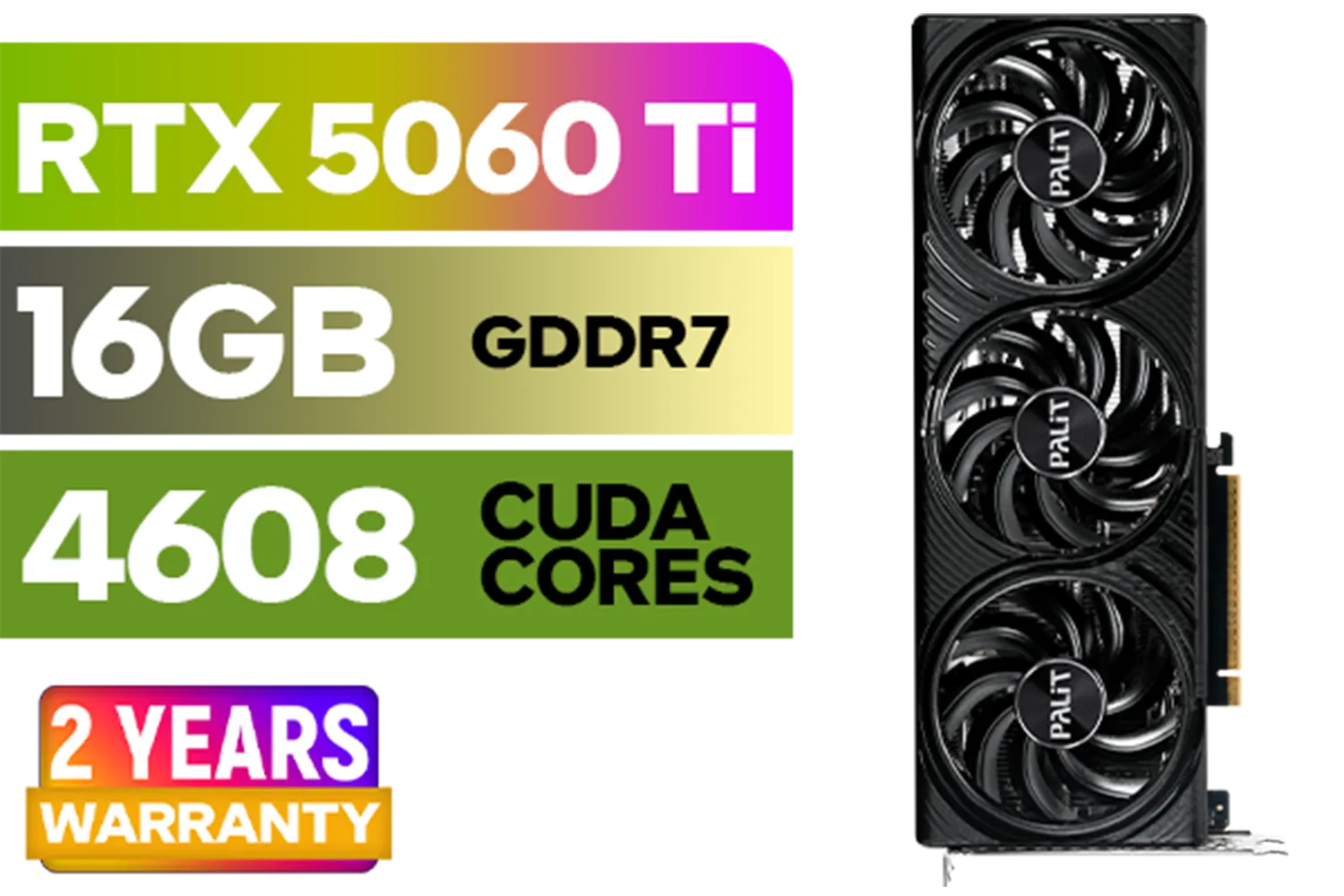
Palit GeForce RTX 5060 Ti Infinity 16GB Graphics Card / 16GB GDDR7 / 4608 Cuda Cores / 128-bit Memory Interface / Boost Clock : 2572 MHz / 28Gbps Memory Speed / PCI Express® Gen 5 / NE7506T019T1-GB2061S
R9799.00In Stock
Why Your GPU is the Cornerstone of BIM Performance
In architecture, your graphics card (GPU) does more than just display an image; it actively constructs and manipulates your digital world in real-time. A slow GPU means a choppy viewport, making precise element placement a nightmare. While your CPU handles the underlying calculations, the GPU is responsible for drawing the millions of polygons that make up your detailed models.
A common misconception is that any powerful gaming card will do. While partially true, the best graphics card for architecture often balances raw power with specialised drivers and features that accelerate professional applications. This is where the distinction between gaming and workstation cards becomes important.
Key Factors in Choosing a Graphics Card for Architecture
Before you add a GPU to your cart, you need to understand what actually matters for software like Revit, ArchiCAD, SketchUp, and Lumion. It’s not just about the highest number on the box.
Workstation vs. Gaming GPUs: The Driver Debate
The biggest difference lies in the software drivers. NVIDIA's RTX Ada Generation and other professional workstation graphics cards come with studio-certified drivers. These are rigorously tested for stability and performance in professional applications, minimising crashes and visual glitches.
On the other hand, NVIDIA's GeForce RTX lineup offers incredible performance-per-rand, often outperforming more expensive workstation cards in certain rendering tasks, especially with real-time engines like Enscape or Twinmotion. For many small firms and solo practitioners in South Africa, a high-end GeForce card is the smarter financial choice.
MSI GeForce RTX 5070 12GB SHADOW 3X OC / PCI Express Gen 5 / 6144 Cuda Cores / 12GB GDDR7 / DirectX 12 Ultimate / 912-V532-008
R13999.00In Stock

Palit GeForce RTX 5070 Ti GameRock 16G / 16GB GDDR7 / 28Gbps Memory Speed / PCI Express® Gen 5 / NE7507T019T2-GB2030G
R17999.00In Stock
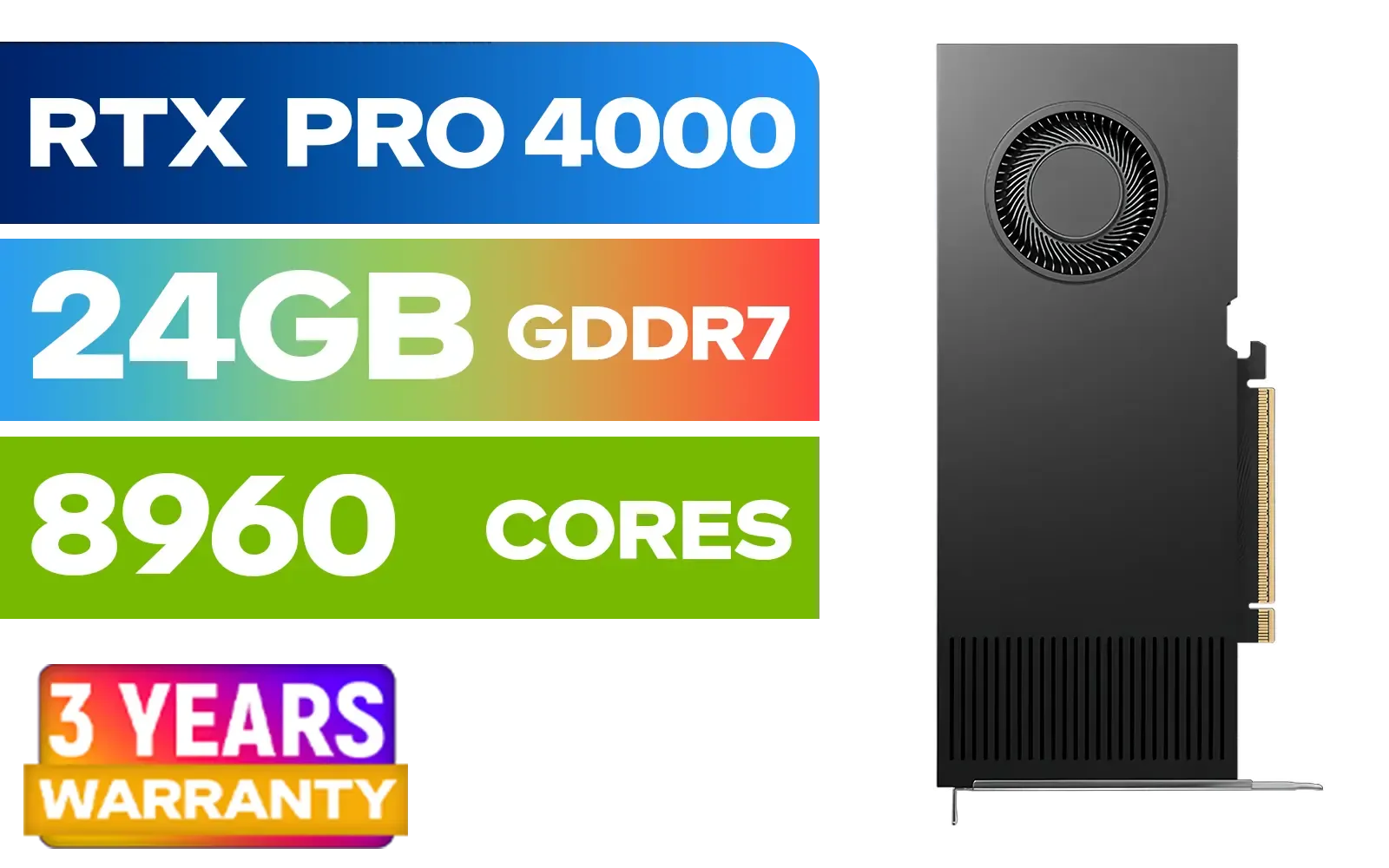
PNY RTX PRO 4000 Blackwell 24GB Graphics Card / 8960 CUDA CORES / 24GB GDDR7 with ECC / 192-bit Memory / VCNRTXPRO4000-PB
R31999.00In Stock
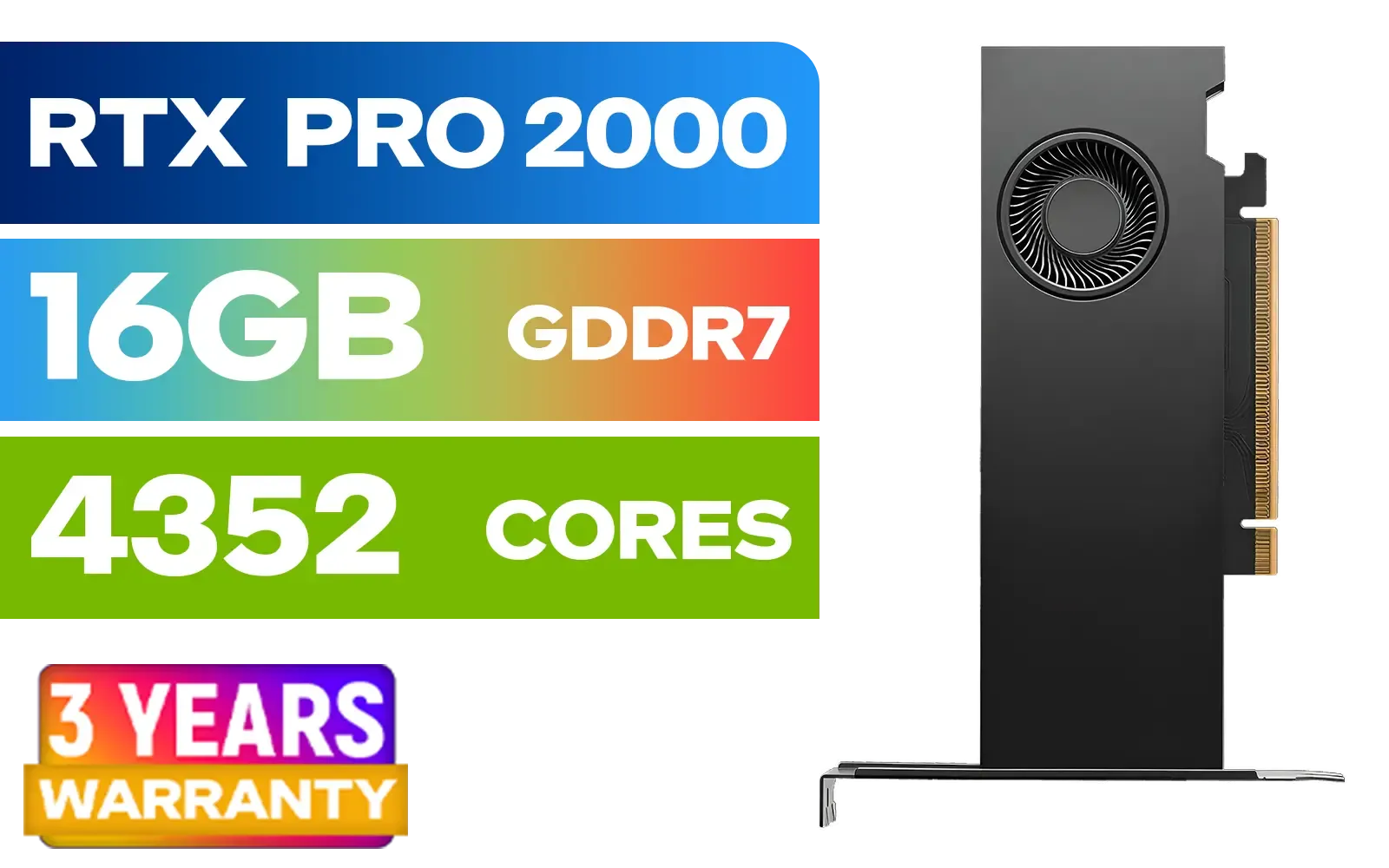
PNY RTX PRO 2000 Blackwell 16GB Graphics Card / 4352 CUDA CORES / 16GB GDDR7 with ECC / 128-bit Memory / NVIDIA Blackwell Architecture / VCNRTXPRO2000-PB
R15399.00In Stock

Palit GeForce RTX 5090 GameRock 32GB GDDR7 512-Bit PCIe 5.0 Desktop Graphics Card / NE75090019R5-GB2020G
R47999.00In Stock

MSI Geforce RTX 5060 Ventus 2X 8G OC Graphics Card - White / 8GB GDDR7 / 3840 Cuda Cores / 128-bit Memory Interface / Boost Clock : 2527 MHz / PCI Express® Gen 5 / 912-V537-018
R7999.00In Stock
VRAM: Your Model's Breathing Room
Video RAM (VRAM) is dedicated memory on your graphics card. Think of it as the GPU's personal workspace. The larger and more complex your BIM model—with high-resolution textures, detailed families, and linked files—the more VRAM you need. Running out of VRAM causes the system to use slower system RAM, resulting in that dreaded viewport lag. For serious architectural work in 2024, 8GB of VRAM is the absolute minimum, with 12GB or more being ideal. ✨
TIP FOR YOU
Revit Pro Tip ⚡
In Revit, you can improve viewport performance by enabling the "Simplify display of model elements" option under Hardware Acceleration. This reduces the detail of objects during navigation without affecting the final output, giving your GPU an easier time and making your workflow smoother.
Top GPU Recommendations for SA Architects
Finding the sweet spot between budget and performance is key. Here’s how the current market stacks up for architectural professionals.
The Value Champions: GeForce RTX Series
For the vast majority of users, the GeForce RTX series provides the best blend of power and price. They excel at real-time rendering and offer more than enough muscle for smooth viewport navigation.
- The Mid-Range Powerhouse: Cards in the performance bracket of the upcoming RTX 5060 series are often the perfect starting point, offering great 1440p performance and sufficient VRAM for most residential and small commercial projects.
- The Future-Proof Performer: Stepping up to powerful options like the upcoming RTX 5070 series gives you a significant VRAM and core count boost, ideal for handling large-scale urban models and complex rendering scenes without breaking a sweat.
When choosing a brand, you can't go wrong with top-tier MSI models known for their excellent cooling, or reliable Palit cards that deliver fantastic value.

MSI GeForce RTX 5080 16G VENTUS 3X OC / PCI Express Gen 5 / 10752 Cuda Cores / 16GB GDDR7 / DirectX 12 Ultimate / 912-V531-262
R26999.00In Stock

MSI GeForce RTX 5060 Ti 8G GAMING OC Graphics Card / 4608 Cuda Cores / 28Gbps Memory Speed / 8GB GDDR7 / 128-bit Memory Bus / 912-V536-026
R9499.00In Stock
PNY RTX PRO 2000 Blackwell 16GB Graphics Card / 4352 CUDA CORES / 16GB GDDR7 with ECC / 128-bit Memory / NVIDIA Blackwell Architecture / VCNRTXPRO2000-PB
R15399.00In Stock
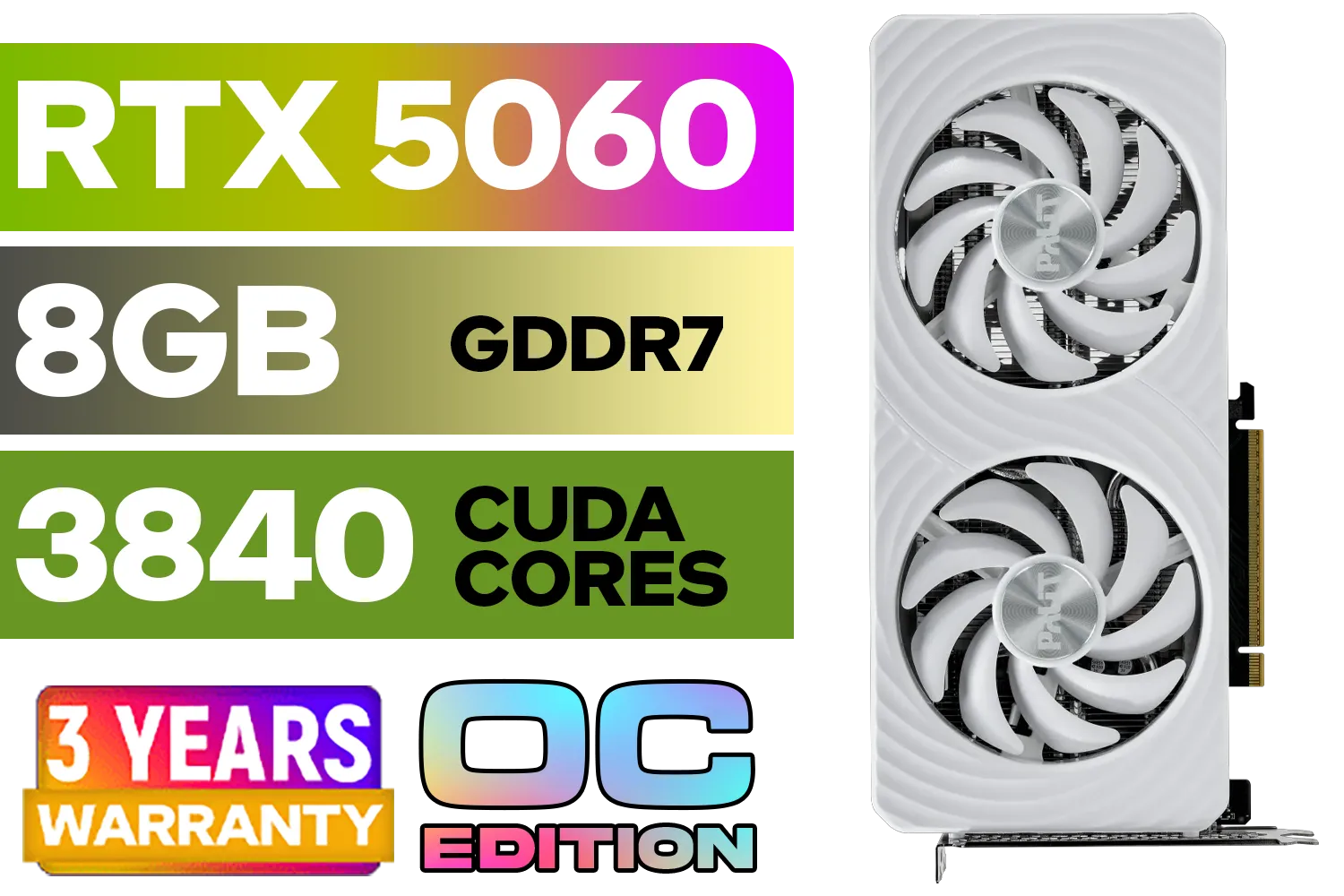
Palit GeForce RTX 5060 OC Graphics Card - White / 8GB GDDR7 / 3840 Cuda Cores / 128-bit Memory Interface / Boost Clock : 2497 MHz / PCI Express® Gen 5 / NE75060U19P1-GB2063M
R6999.00In Stock
MSI Geforce RTX 5060 Ventus 2X 8G OC Graphics Card - White / 8GB GDDR7 / 3840 Cuda Cores / 128-bit Memory Interface / Boost Clock : 2527 MHz / PCI Express® Gen 5 / 912-V537-018
R7999.00In Stock
Palit GeForce RTX 5080 GamingPro 16GB GDDR7 / 30Gbps Memory Speed / PCI Express® Gen 5 / NE75080019T2-GB2031A
R24199.00In Stock
The Final Blueprint: Making Your Choice
Ultimately, the best graphics card for architecture is the one that fits your specific workflow and budget. Don't overspend on a high-end workstation card if your work primarily involves 2D drafting and moderately complex 3D models. Conversely, don't hamstring your productivity with an underpowered card if you're deep in real-time visualisation. A powerful GeForce RTX card is often the most logical and cost-effective investment for South African architectural professionals. 🚀
Ready to Build Your Ultimate Workstation? A powerful GPU is the heart of a productive architectural PC. Stop waiting for viewports to load and start creating. Explore our wide range of workstation graphics cards and find the perfect component to bring your vision to life.
Related Products

MSI GeForce RTX 5070 Ti 16G Ventus 3X OC / 16GB GDDR7 / 28Gbps Memory Speed / PCI Express® Gen 5 / 912-V531-092
R19999.00In Stock
MSI GeForce RTX 5080 16G VENTUS 3X OC / PCI Express Gen 5 / 10752 Cuda Cores / 16GB GDDR7 / DirectX 12 Ultimate / 912-V531-262
R26999.00In Stock
MSI Geforce RTX 5060 Ventus 2X 8G OC Graphics Card - White / 8GB GDDR7 / 3840 Cuda Cores / 128-bit Memory Interface / Boost Clock : 2527 MHz / PCI Express® Gen 5 / 912-V537-018
R7999.00In Stock
PNY RTX PRO 2000 Blackwell 16GB Graphics Card / 4352 CUDA CORES / 16GB GDDR7 with ECC / 128-bit Memory / NVIDIA Blackwell Architecture / VCNRTXPRO2000-PB
R15399.00In Stock
PNY GeForce RTX 5060 Ti 16GB OC Dual Fan Graphics Card / 16GB GDDR7 / 4608 CUDA Cores / 128-bit Memory Interface / Boost Clock: 2692 MHz / 28 Gbps Memory Speed / DisplayPort 2.1b (x3), HDMI® 2.1b / VCG5060T16DFXPB1-O
R10499.00In Stock
MSI GeForce RTX 5060 Ti 8G GAMING OC Graphics Card / 4608 Cuda Cores / 28Gbps Memory Speed / 8GB GDDR7 / 128-bit Memory Bus / 912-V536-026
R9499.00In Stock
For Revit, the NVIDIA RTX A-series or high-end GeForce RTX cards (like the RTX 4070 Ti) are ideal, offering the stability and VRAM needed for complex BIM models.
While consumer GPUs work, a workstation GPU (like the RTX A4000) offers certified drivers for BIM software, ensuring better stability and precision in architectural work.
For handling complex BIM models and real-time rendering in Lumion or Enscape, aim for at least 12GB of VRAM. 16GB or more is recommended for future-proofing.
BIM software like Revit is CPU-single-thread dependent for modeling, but the GPU is critical for smooth viewport navigation and real-time 3D rendering tasks.
Yes, high-end gaming GPUs perform excellently in ArchiCAD's 3D navigation, often offering better price-to-performance ratios than entry-level pro cards.
You need a GPU with high CUDA core counts and ample VRAM (16GB+), paired with a fast processor and at least 32GB of RAM to handle data-heavy architectural visualization.











