



Best Monitor for PS5 and Xbox Series X: Unlock Next-Gen Power
Find the **best monitor for PS5 and Xbox Series X** to maximize your gameplay. 🎮 We explore HDMI 2.1, 4K 120Hz, and VRR tech to help you unlock the true potential of your console. 🚀
|
Loading tags...

You've finally got your hands on a PlayStation 5 or Xbox Series X... pure next-gen power. But are you plugging it into a screen that’s holding it back? Your old monitor might be the bottleneck robbing you of the smooth 120fps and crisp 4K visuals you paid for. It's a common problem for many South African gamers.
Let's fix that and find the best monitor for your PS5 or Xbox Series X to truly unleash its power. ✨

Samsung Odyssey G55T 34" Ultra WQHD (3440 x 1440) 165Hz Curved Gaming Monitor / AMD FreeSync Premium / 165Hz Refresh Rate / 1ms Response Time / 1000R Curved Display / Futuristic Design / LC34G55TWWRXEN
R9999.00In Stock
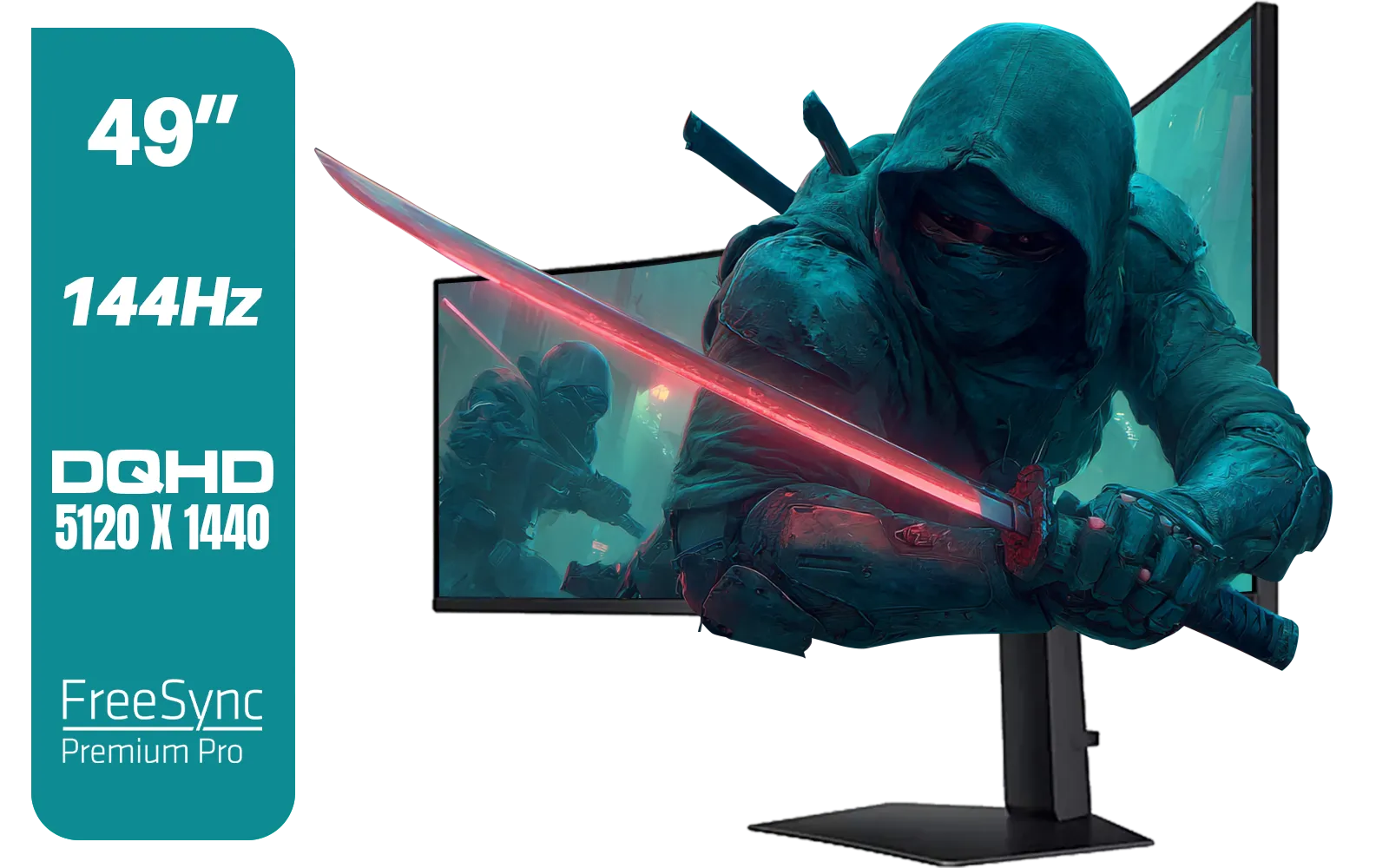
SAMSUNG Odyssey G9 Gaming 49" Monitor / DQHD (5120 x 1440) / 144Hz / GtG 1ms / FreeSync Premium Pro / LS49FG910EUXEN
R30899.00In Stock
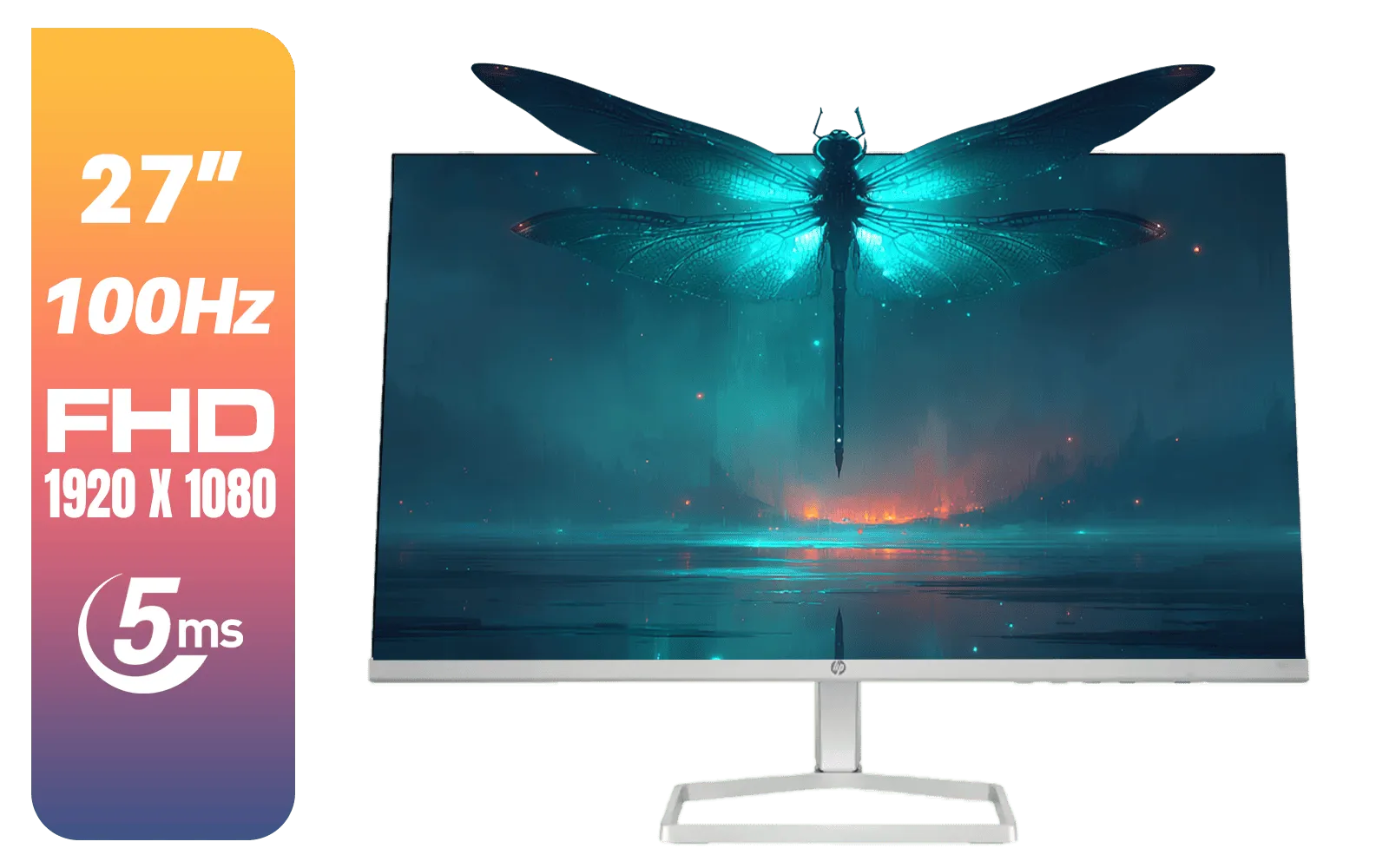
HP 527SF G5 FHD Gaming Monitor - Black/Silver / 27" FHD (1920 x 1080) / Anti-glare / 1x HDMI 1.4, 1x VGA / -5 to +25 degrees Adjustable Tilt / 94F44AS
R4499.00In Stock

ViewSonic TD1655 15.6" Full HD (1920 x 1080) Portable Touchscreen Monitor / Ultra-portable Design / Advanced in-cell Capacitive Touchscreen / 2-Way Power With USB Type-C / Frameless Design / Portrait and Landscape Modes / dual integrated speakers / TD1655
R5199.00In Stock

VIEWSONIC VA2708-4K-MHD 27" LCD Monitor – Black / 4K UHD (3840 × 2160) Resolution / SuperClear® IPS Panel / HDR10 Support / Dual HDMI & DisplayPort Inputs / Built-in Speakers / Eye ProTech Comfort Viewing / VA2708-4K-MHD
R4799.00In Stock
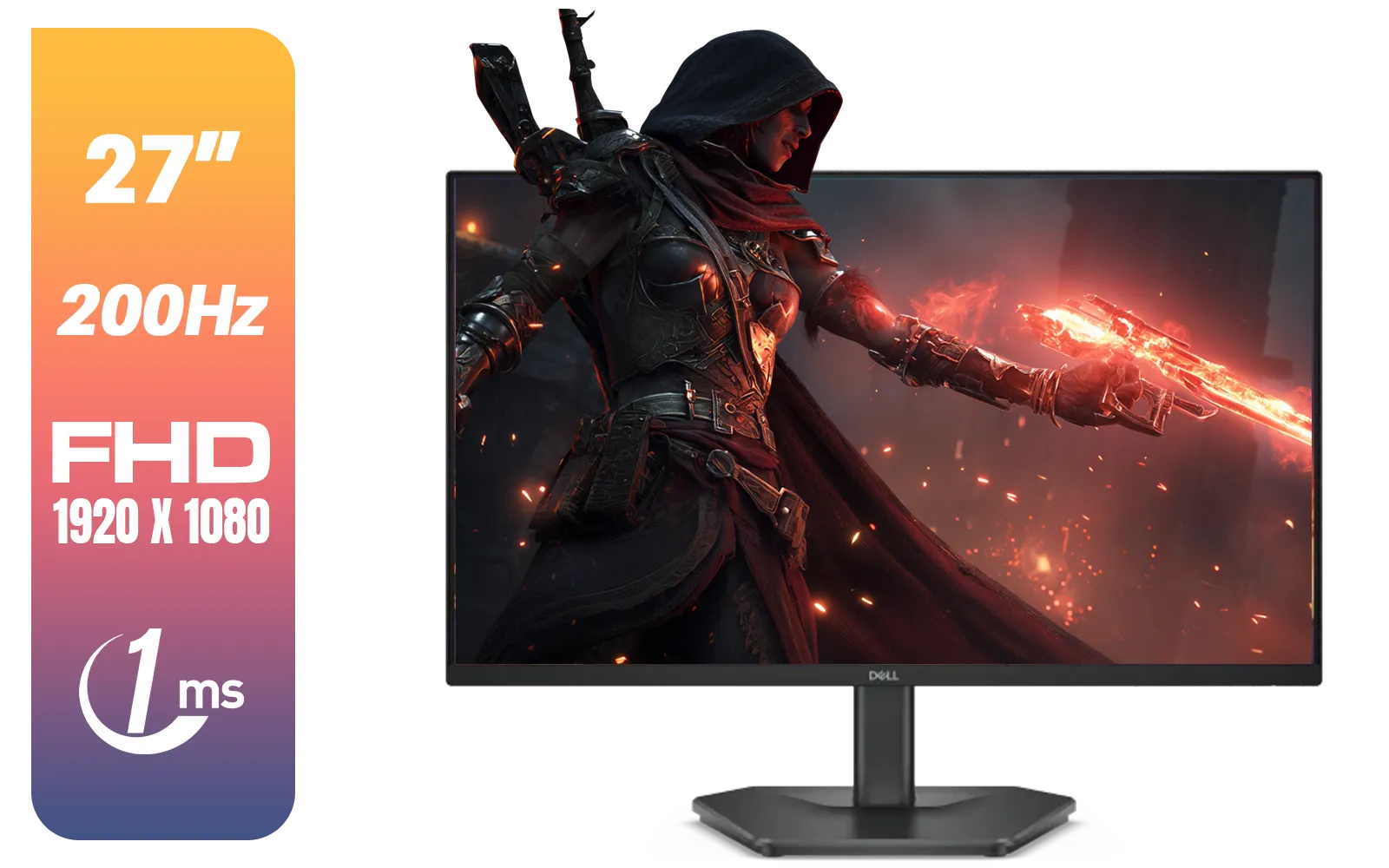
Dell SE2725HG 27" FHD IPS Gaming Monitor / FHD (1920 x 1080) Resolution / 200Hz Refresh Rate / 1ms Response Time / IPS level Display / 178° Horizontal and Vertical Viewing Angles / SE2725HG
R3199.00In Stock
Why Your Old Monitor Isn't Cutting It Anymore
That trusty 1080p screen that served you well with the last generation of consoles just doesn't have the tech to keep up. Next-gen consoles like the PS5 and Xbox Series X are designed for high-bandwidth video signals, pushing more data than older connections can handle.
The key difference is HDMI 2.1. This new standard is the gateway to features like 4K resolution at a buttery-smooth 120 frames per second (fps). Older monitors, typically using HDMI 1.4 or 2.0, are often capped at 4K/60Hz or 1080p/120Hz. You get one, but not both. To get the full, uncompromised experience, a modern display is essential. While you can use an older screen, you're leaving a massive amount of performance on the table.
Key Features for the Best Console Gaming Monitor
Navigating monitor specs can feel like learning a new language. Let's break down the most important features you need when looking for a great monitor for your PS5 or Xbox.
HDMI 2.1: The Golden Ticket
This is the most critical feature. HDMI 2.1 provides the necessary bandwidth (48Gbps) to transmit a 4K signal at 120Hz with HDR enabled. Without it, you simply cannot get the peak performance from your console. When browsing PC monitors, make sure "HDMI 2.1" is at the top of your checklist.
4K Resolution vs High Refresh Rate
This is the classic trade-off.
- 4K (3840x2160): Offers incredible detail and visual fidelity. Perfect for stunning single-player adventures like God of War Ragnarök or Starfield. If you want the sharpest, most cinematic picture, exploring a range of 5K and 4K monitors is the way to go.
- 1440p (2560x1440) with 120Hz+: This is the sweet spot for many competitive gamers. You still get a sharp image, but the focus is on achieving the highest possible frame rate for ultra-responsive gameplay in titles like Call of Duty or Apex Legends.

HP 524SH G5 FHD Gaming Monitor - Black/Silver / 24" FHD (1920 x 1080) / IPS Panel / 1x HDMI 1.4, 1x VGA / Eye Ease with Eyesafe Certification / 94C19AS
R4299.00In Stock
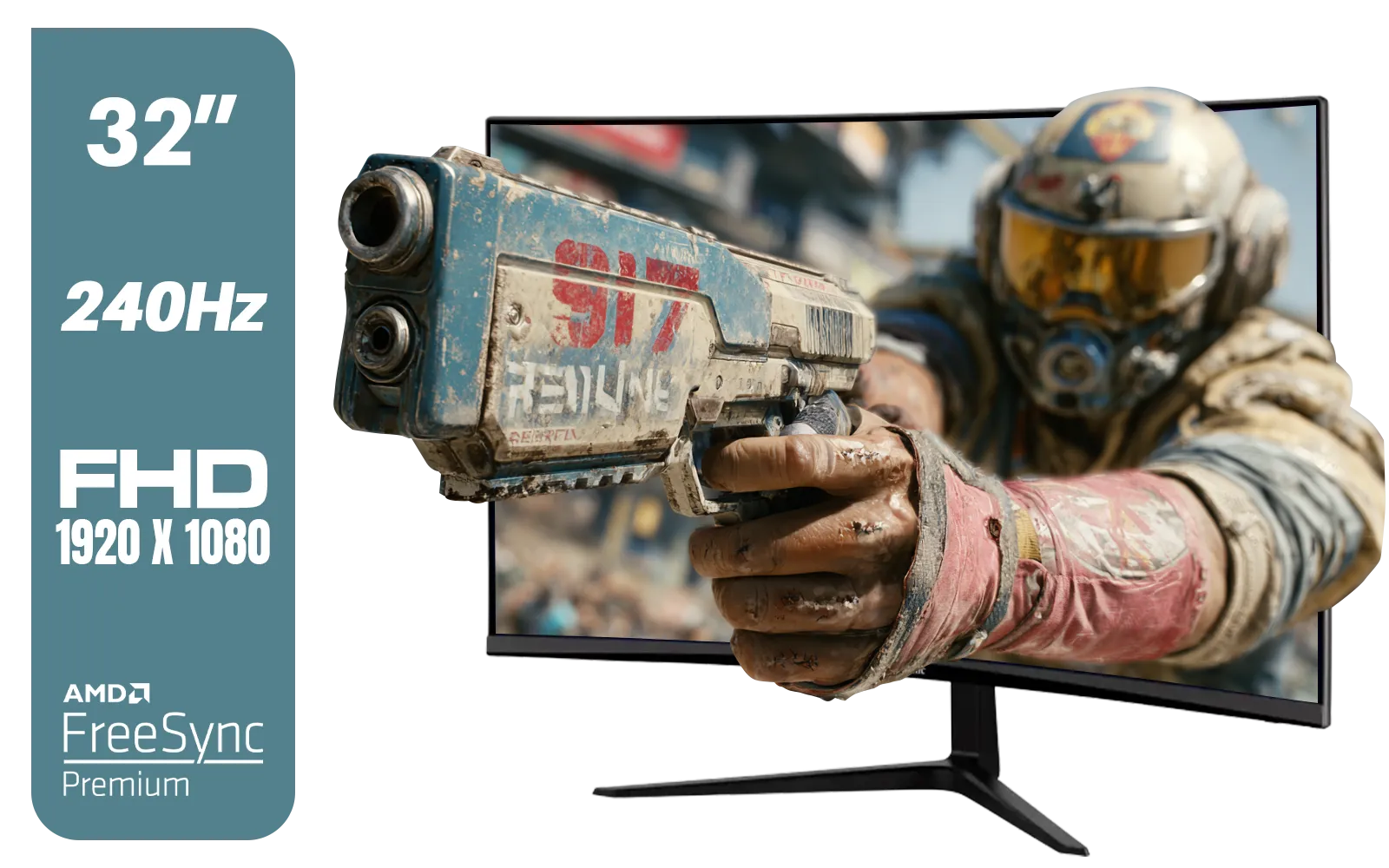
ViewSonic VX3219 32" Curved Gaming Monitor / Full HD (1920 x 1080) / 240Hz Refresh Rate / 1ms MPRT Response Time / Adaptive Sync Prevents Screen Tearing / 1500R Curve Ultimate Immersion / VX3219-PC-MHD-SN
R4899.00In Stock
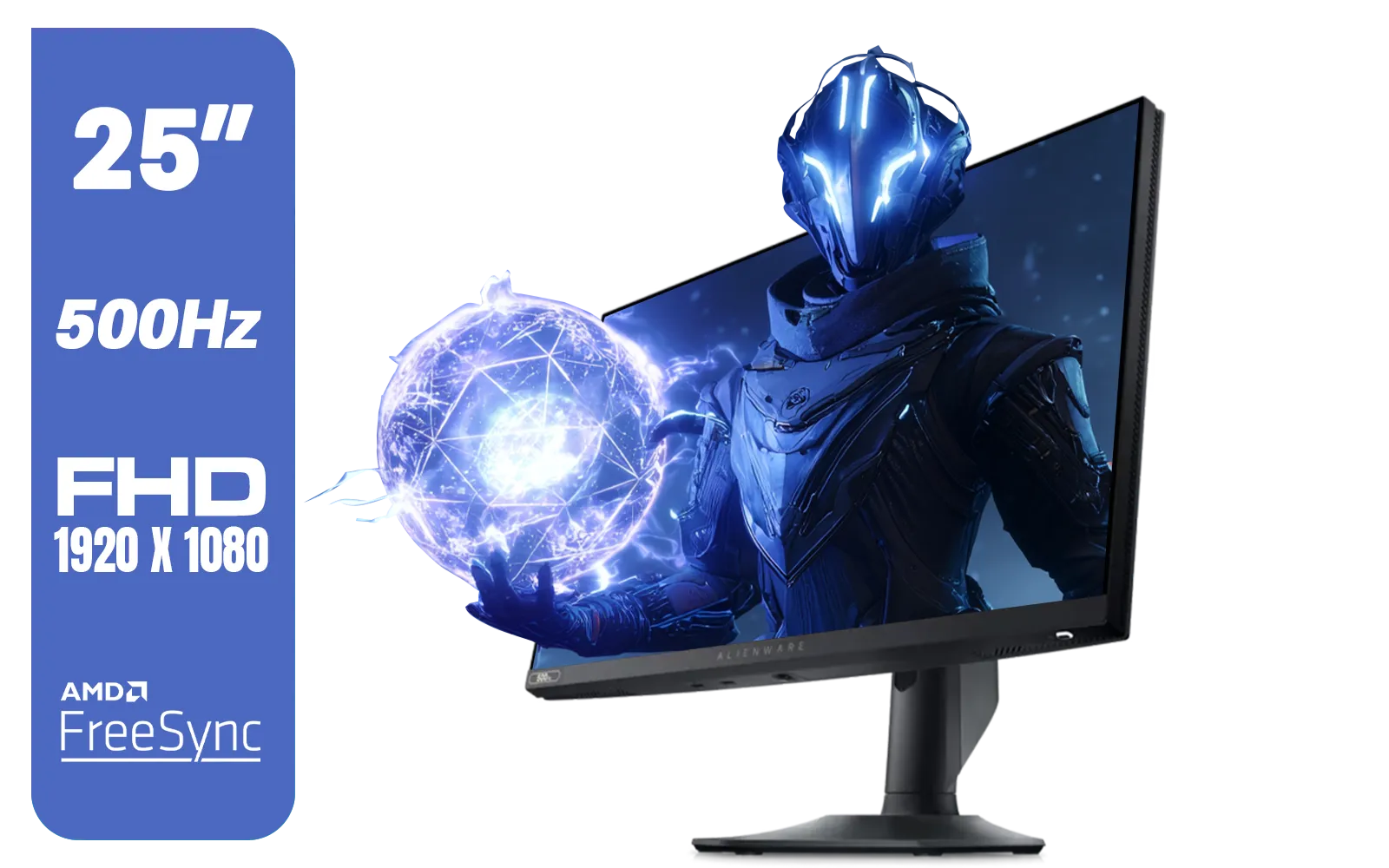
Alienware AW2524HF Gaming Monitor/ 25-inch / IPS Panel / Full HD (1920 x 1080)/ 500Hz refresh rate / 1 ms Response Time / VESA Adaptive-Sync, AMD FreeSync Premium / AW2524HF
R12999.00In Stock
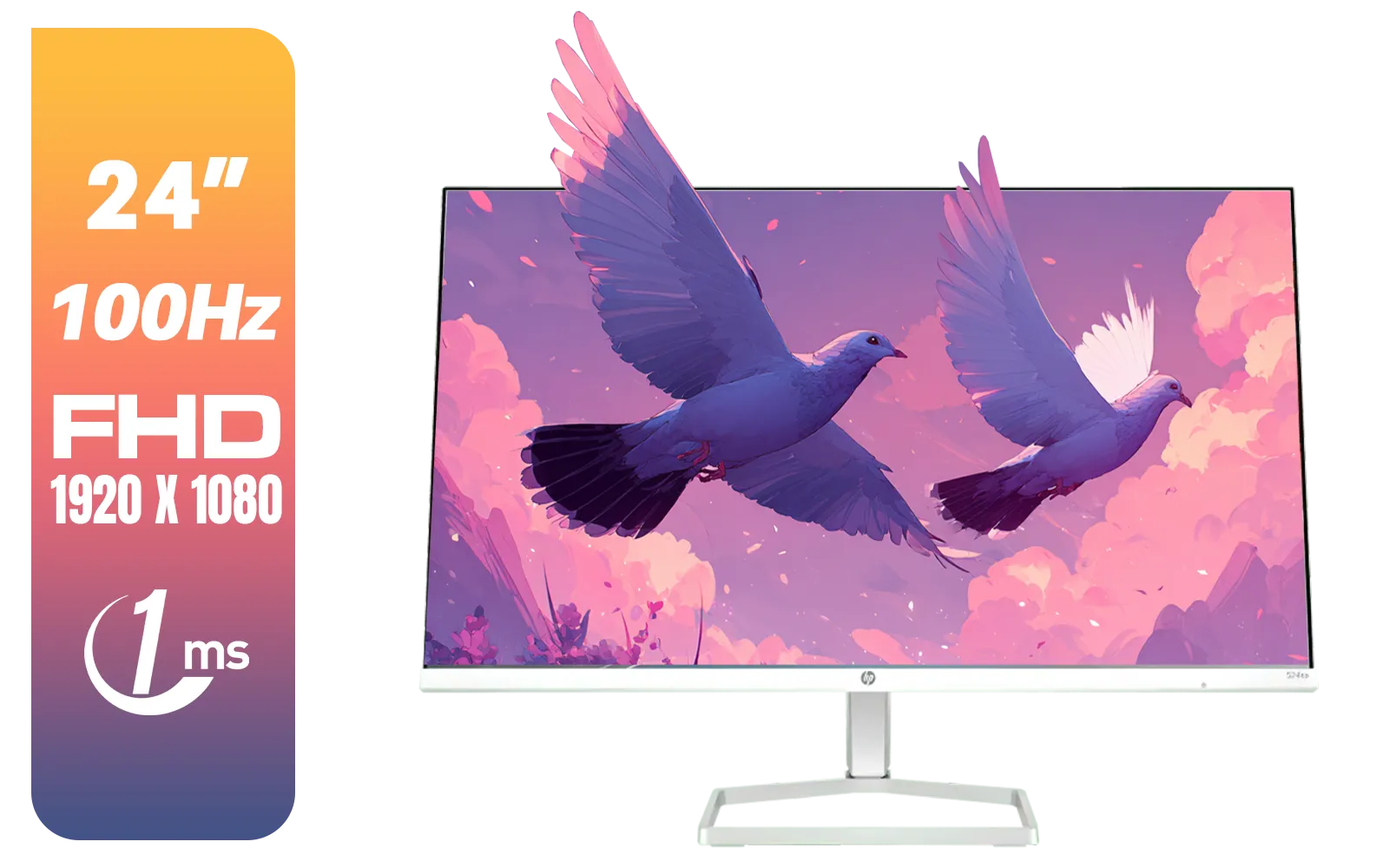
HP 527SA G5 FHD Gaming Monitor - White/Silver / 27" FHD (1920 x 1080) / IPS Panel / 1x HDMI 1.4, 1x VGA / Eye Ease with Eyesafe Certification / 94F48AS
R4999.00In Stock
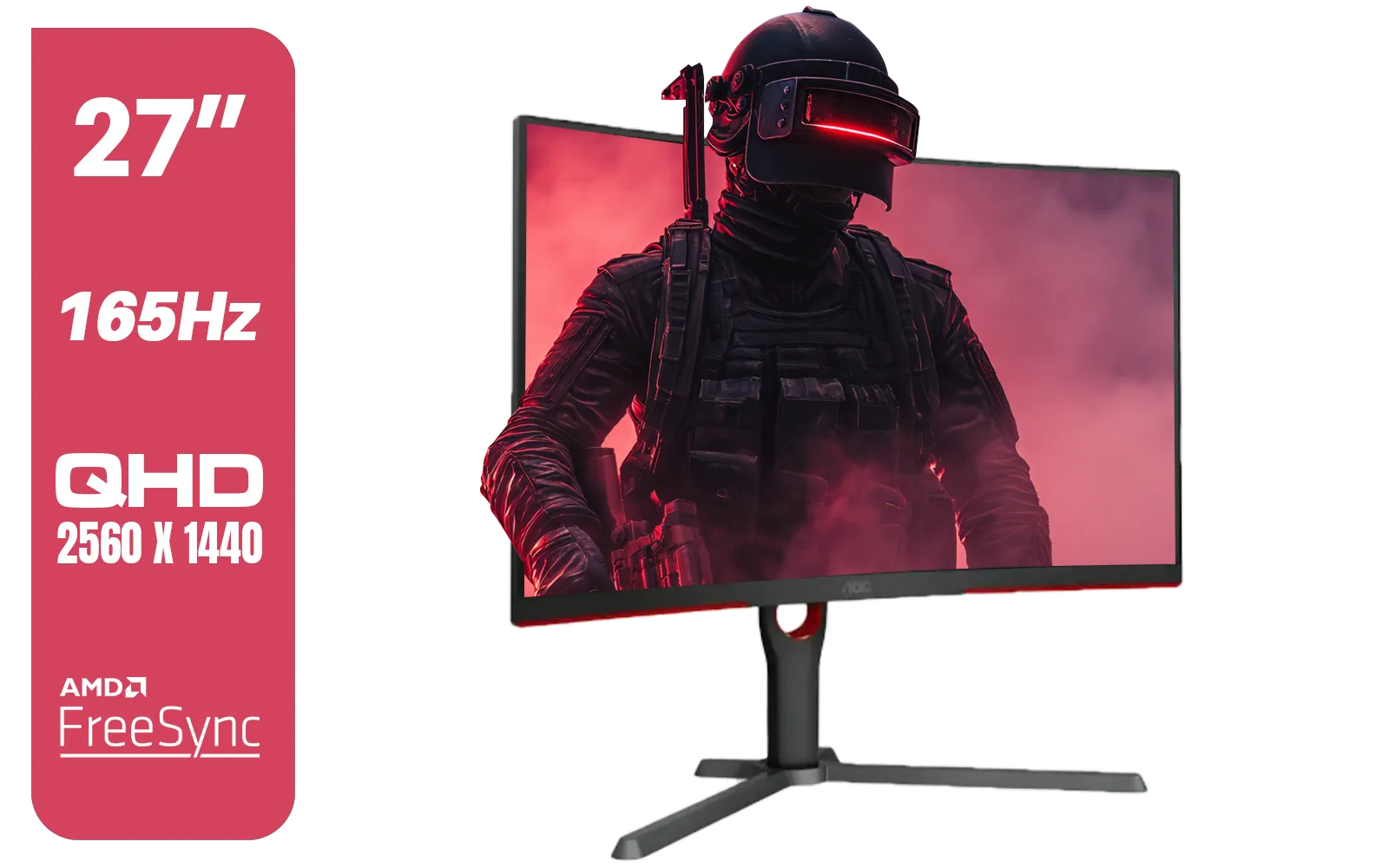
AOC CQ27G3S 27" QHD (2560x1440) 165Hz 1ms VA Curved FreeSync HDR Gaming Monitor / Superior High Quality Viewing / Ultra-smooth Tear-free Gaming / Enjoy top-tier Gaming Performance / Instant Response Times / Illuminate Your Visuals / Reducing Shortwave Blue Light / CQ27G3S
R6399.00In Stock
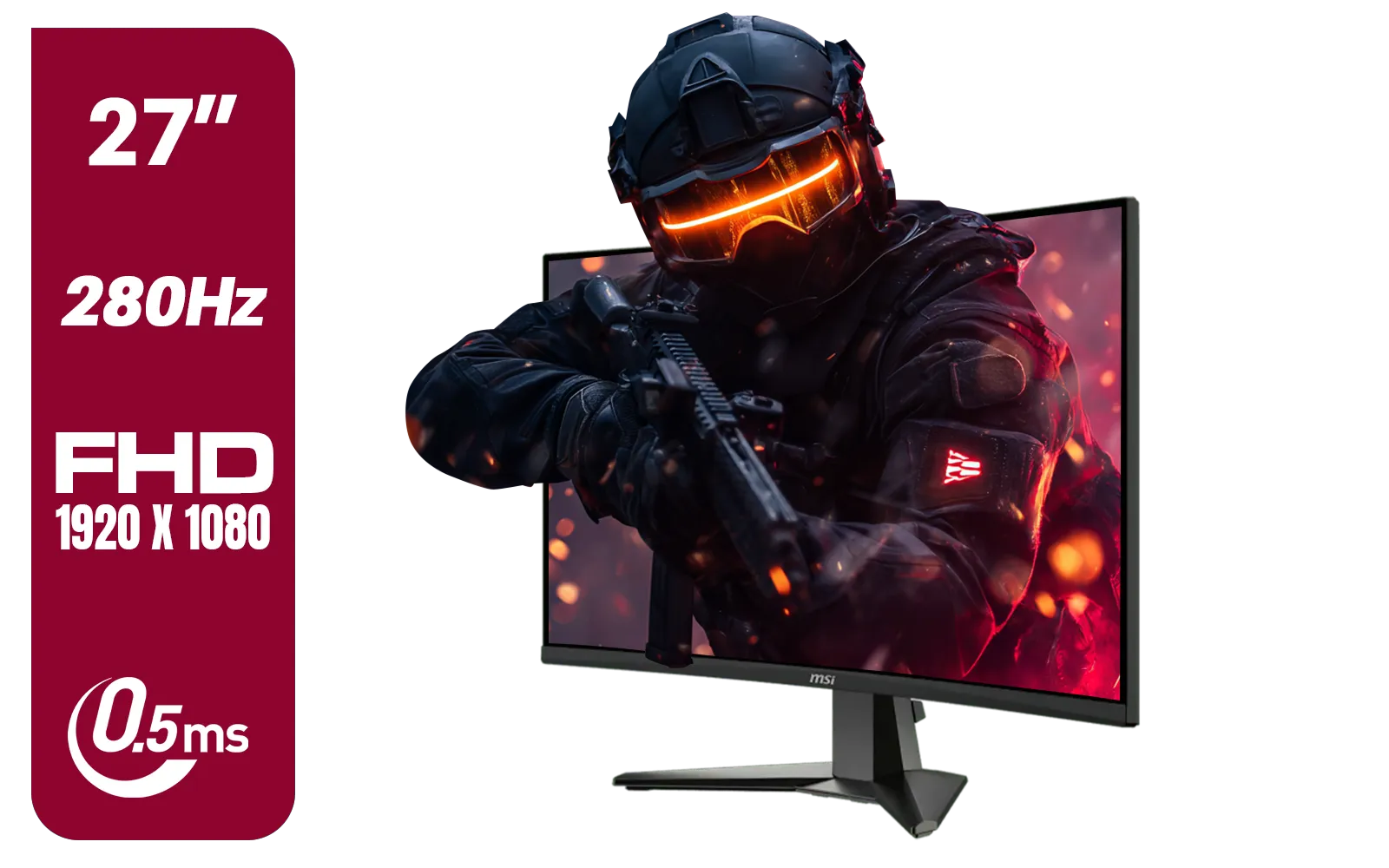
MSI MAG 276CXF 27-inch 1920 x 1080 (FHD) Curved Monitor, 280Hz, HDMI, DisplayPort, VGA Port, VESA Mountable, Tilt, Slim Bezel, 0.5ms, Black / 9S6-3CE01M-037
R4799.00In Stock
VRR (Variable Refresh Rate): Your Secret Weapon 🛡️
VRR is a fantastic technology supported by both next-gen consoles. It syncs your monitor's refresh rate to the console's frame rate in real-time. The result? It eliminates screen tearing and stuttering, especially when the frame rate dips slightly. This makes gameplay feel significantly smoother, even in demanding scenes.
TIP FOR YOU
Don't Forget to Enable It! 🔧
Once you've got your new monitor, dive into your console's settings! On PS5, go to Settings > Screen and Video > Video Output and turn on VRR. On Xbox, it's under Settings > General > TV & display options > Video modes. Your console won't always switch automatically, so this is a crucial step to unlock that silky-smooth performance.
Finding Your Perfect Screen Size and Shape
Once you've nailed down the core specs, it's time to think about the physical display. The ideal Xbox Series X monitor or PS5 display depends heavily on your setup and preferences.
For most desk setups, a monitor between 27 and 32 inches offers a great balance of immersion and clarity without forcing you to move your head constantly. This size is perfect for both 4K and 1440p resolutions. You can browse a huge variety of all gaming monitors to find the size that fits your space.
Some gamers swear by the immersion of a curved screen. These displays wrap slightly around your field of view, which can make the game world feel more expansive. If you play a lot of racing or flight simulators, checking out some curved monitors could be a fantastic upgrade for your rig.
What about a more unique setup? If you travel or have a secondary gaming spot, a portable monitor can be a surprisingly effective solution for getting your game on anywhere.
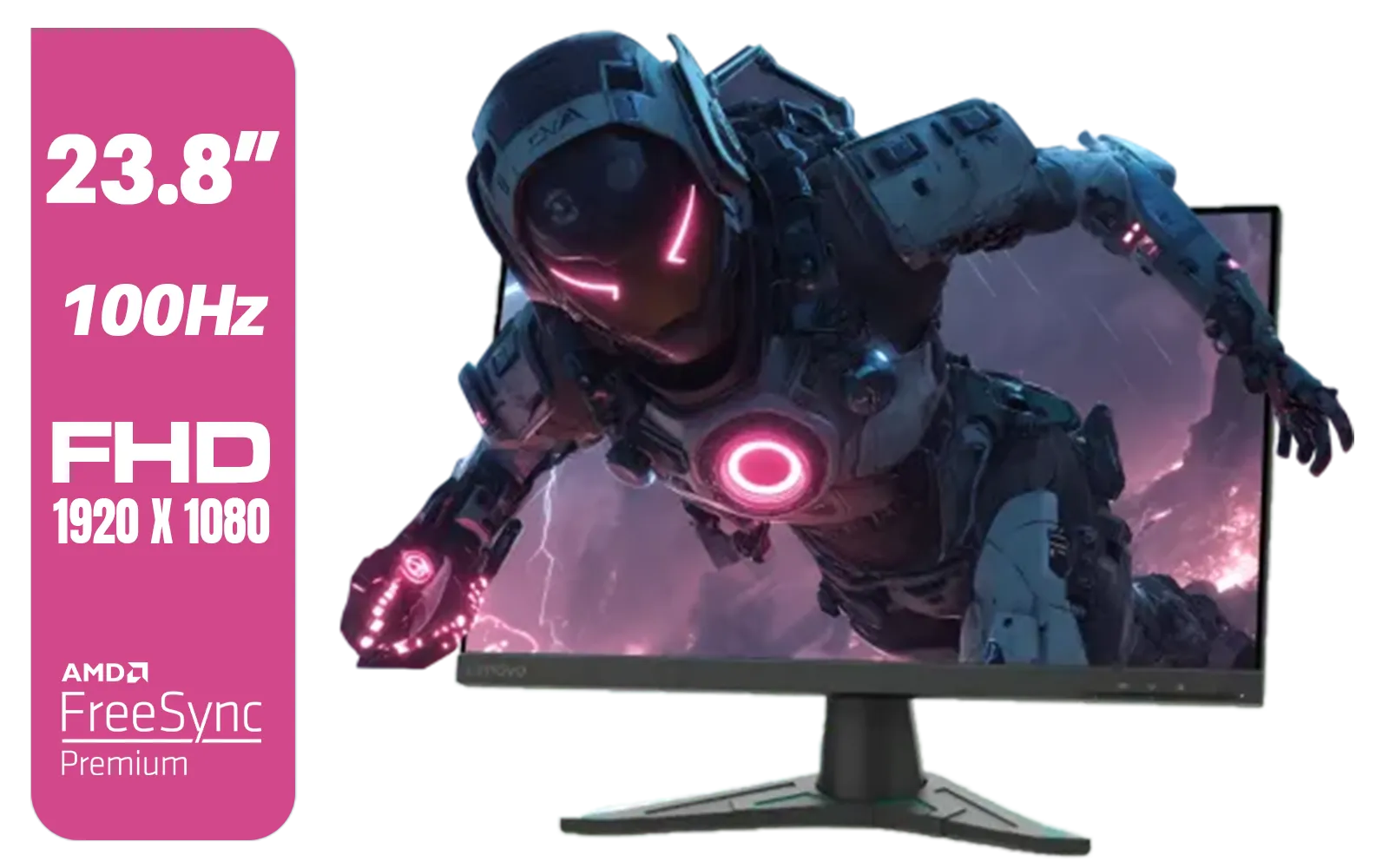
Lenovo G24e-20 23.8" 100Hz FHD WLED Gaming LCD Monitor - 16:9 - Black / 66D7GAR1SA
R1999.00In Stock
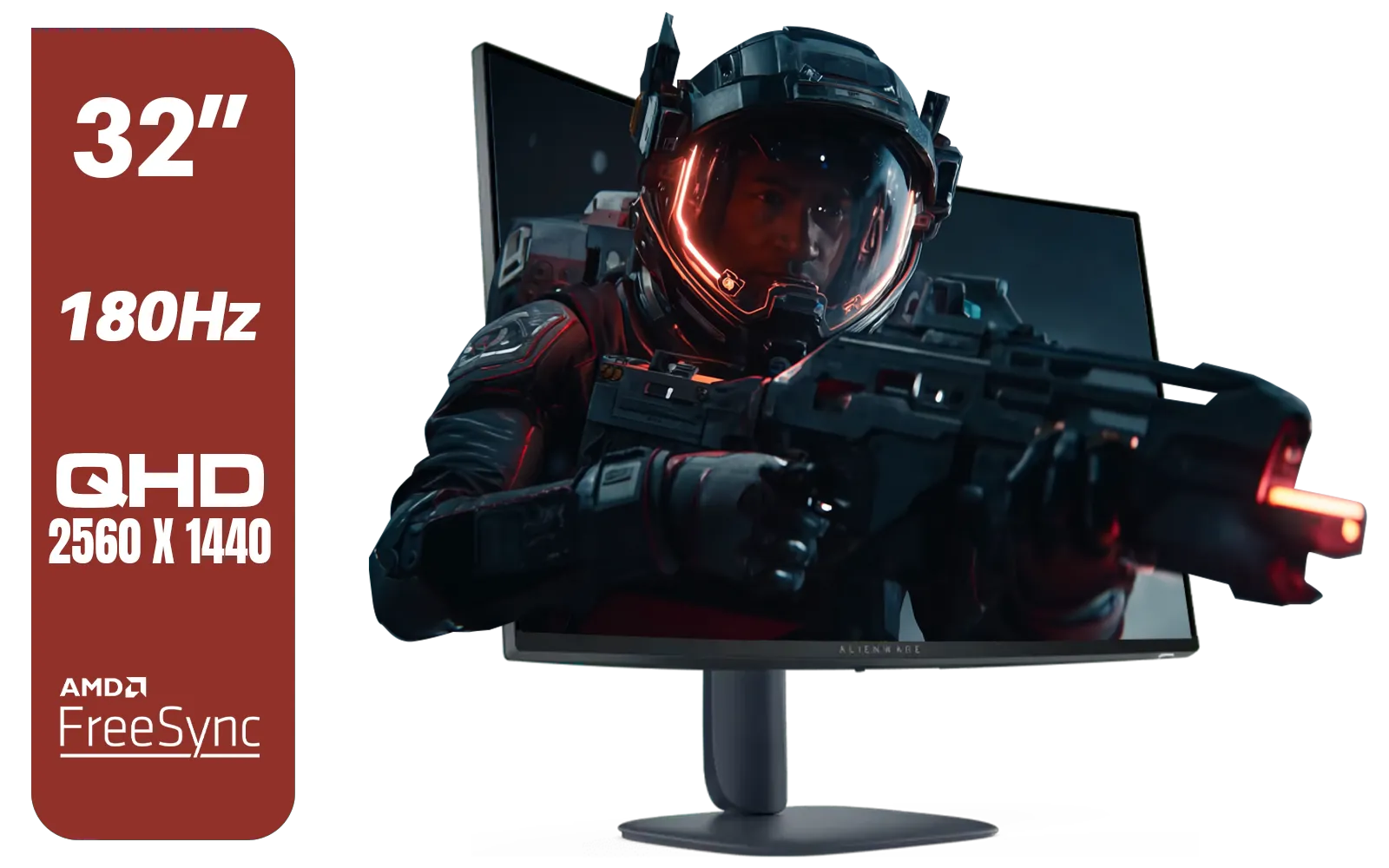
Alienware AW3225DM - 32" Curved Gaming Monitor / 180Hz Refresh Rate / QHD (2560x1440) / 1ms (GTG Extreme Mode) Response Time / AMD FreeSync / AW3225DM
R6499.00In Stock
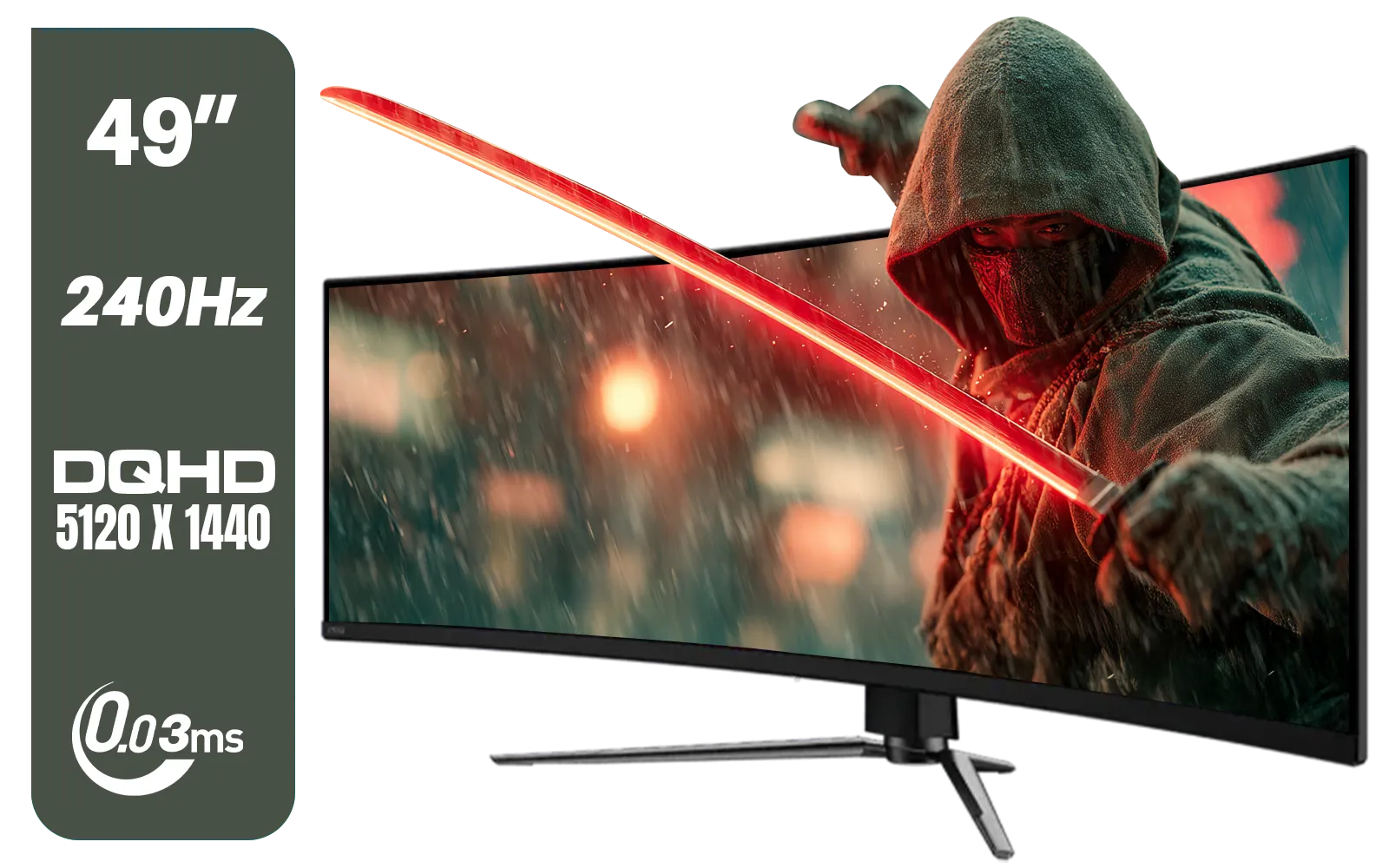
MSI MAG 491CQPX 49" DQHD (5120 x 1440) Curved Gaming Monitor / 0.03ms Response Time / 240Hz Refresh Rate / HDMI 2.1 Support / 9S6-3FA84T-040
R34999.00In Stock

HP 524SW G5 FHD Gaming Monitor - White/Silver / 24" FHD (1920 x 1080) / IPS Panel / 1x HDMI 1.4, 1x VGA / Eye Ease with Eyesafe Certification / 94C21AS
R4299.00In Stock

Dahua LM27-A200V 27" Monitor / FHD 1920 x 1080 / 100Hz Refresh Rate / 5ms Response Time / DHI-LM27-A200V
R2499.00In Stock
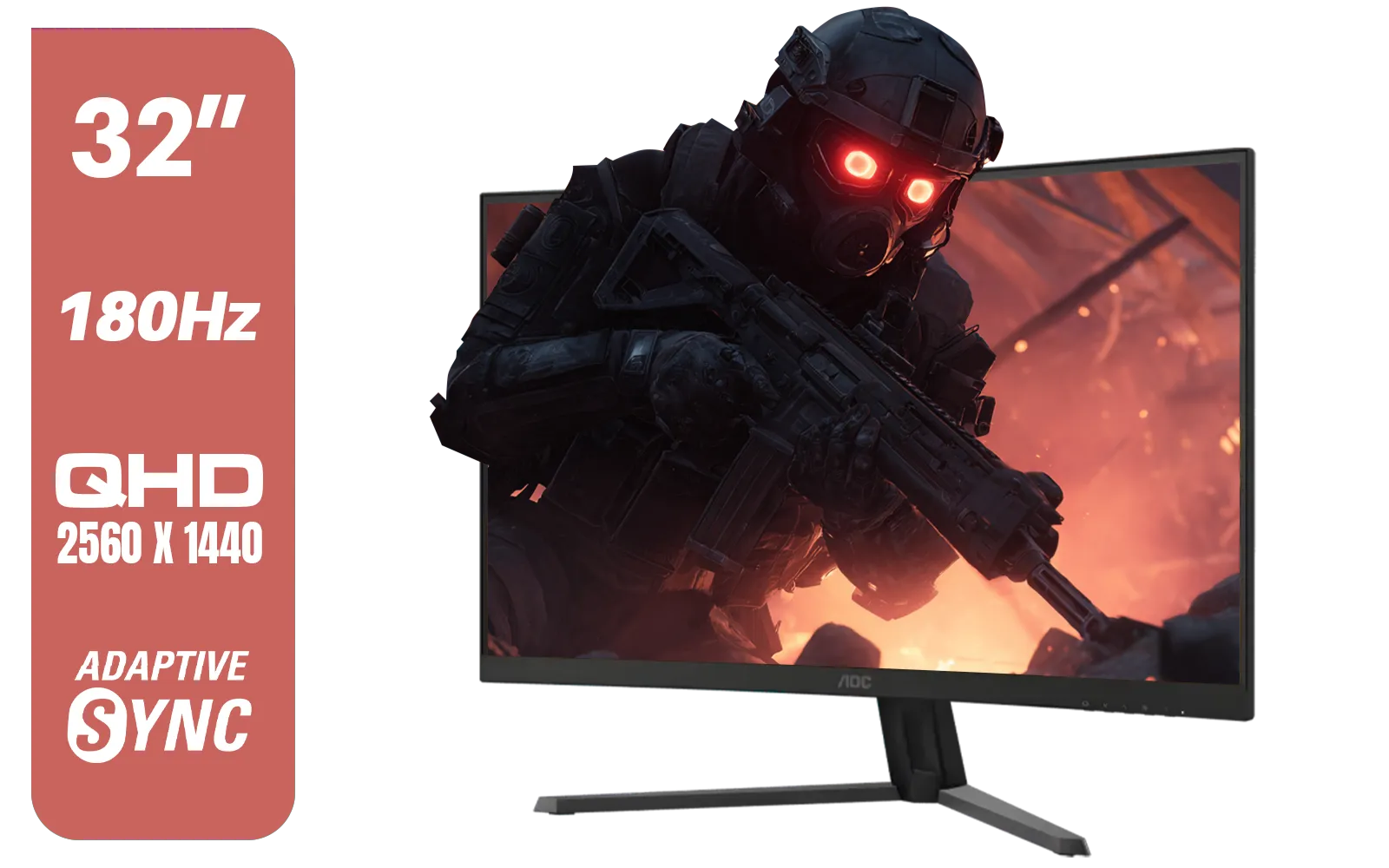
AOC CQ32G4E 32" Curved Gaming Monitor / QHD (2560x1440) / 180Hz Refresh Rate / 0.5ms Response Time (MPRT) / HDR10 / Adaptive Sync / CQ32G4E
R5999.00In Stock
Don't Forget the Final Touches
A few final details can make all the difference. Look for a monitor with a low response time (ideally under 5ms GtG) to minimise motion blur. Also, consider panel type: IPS panels offer the best colour accuracy and viewing angles, while VA panels typically provide deeper blacks and better contrast.
Finally, a good setup isn't complete without the right gear. A solid monitor arm can free up desk space and give you perfect ergonomic positioning, while proper cables ensure a stable connection. Investing in quality monitor accessories protects your new screen and improves your overall experience. 🚀
Ready to Unlock Next-Gen Power? Choosing the best monitor for your PS5 or Xbox Series X is the single biggest upgrade you can make to your console experience. Stop letting your old screen be a bottleneck. Explore our massive range of gaming monitors and find the perfect display to bring your games to life.
Related Products

VIEWSONIC XG2709A 27" LCD Gaming Monitor / 240Hz Refresh Rate / SuperClear® IPS Panel / 1ms MPRT Response Time / AMD FreeSync™ & G-Sync Compatible / HDR10 Support / HDMI & DisplayPort Inputs / XG2709A
R3499.00In Stock

VIEWSONIC TD1630-3 15.6" 10-Pont Touch Screen Monitor / HD 768p Resolution / Projected Capacitive Touch / HDMI & VGA Inputs / Dual Integrated Speakers / Durable Scratch-Resistant Screen / TD1630-3
R4499.00In Stock
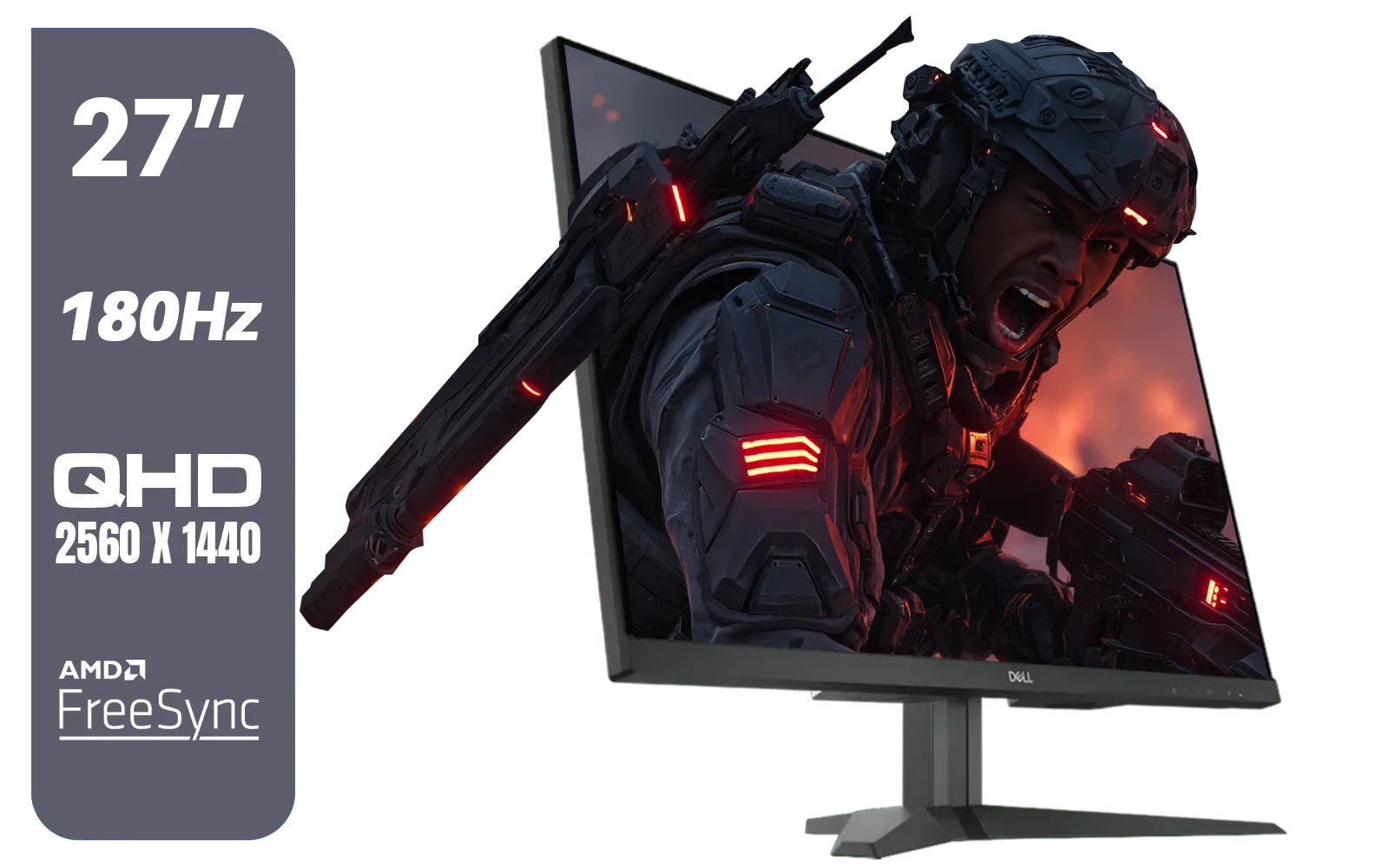
Dell G2725D 27" Gaming Monitor / QHD 2560 x 1440 / 180Hz Refresh Rate / AMD Freesync / 1ms Response Time / G2725D
R4299.00In Stock

HP 527SW G5 FHD Gaming Monitor - White/Silver / 27" FHD (1920 x 1080) / IPS Panel / 1x HDMI 1.4, 1x VGA / Eye Ease with Eyesafe Certification / 94F46AS
R4499.00In Stock

Dell SE2425HM Monitor 210-BQZT / FHD (1920 x 1080) Resolution / 5ms Response Time / IPS level Display / 178° Horizontal and Vertical Viewing Angles / SE2425HM
R1899.00In Stock

AOC 24B20JH2 IPS Panel Monitor, FHD 1920x1080, 100Hz, 106% sRGB, for Home and Office, HDMI x1, VGA ×1, Low Blue Mode, Black / AOC-24B20JH2
R2299.00In Stock
HDMI 2.1 provides the massive bandwidth needed to transmit 4K resolution at 120Hz, ensuring you get the sharpest visuals and smoothest motion from your console.
Yes, the Xbox Series X natively supports 1440p output, making a 1440p high refresh rate monitor a fantastic balance between performance and visual fidelity.
The PS5 caps at 120Hz, so a 144Hz or higher gaming monitor is ideal. It will run at 120Hz, providing a fluid experience for supported competitive titles.
While not strictly required, a 4K monitor is the best monitor for PS5 and Xbox Series X if you want to experience the highest graphical fidelity developers intended.
Variable Refresh Rate (VRR) syncs the monitor's refresh rate with the console's frame rate, eliminating screen tearing and reducing stutter for smoother gameplay.
Yes, a curved monitor can increase immersion, especially if you sit close to the desk, creating a more encompassing field of view for your next-gen console setup.











