


Dedicated Media Keys for Streamers: Improve Workflow Fast
Dedicated media keys give streamers one-touch control to mute, switch scenes, clip highlights, and adjust audio — cutting task time and boosting consistency 🎛️⚡
Read moreDiscover the best monitors with KVM switch features to streamline your workflow. Control two PCs with one keyboard and mouse easily! 🖥️ Say goodbye to cable clutter and boost productivity with our top 2025 picks. 🚀
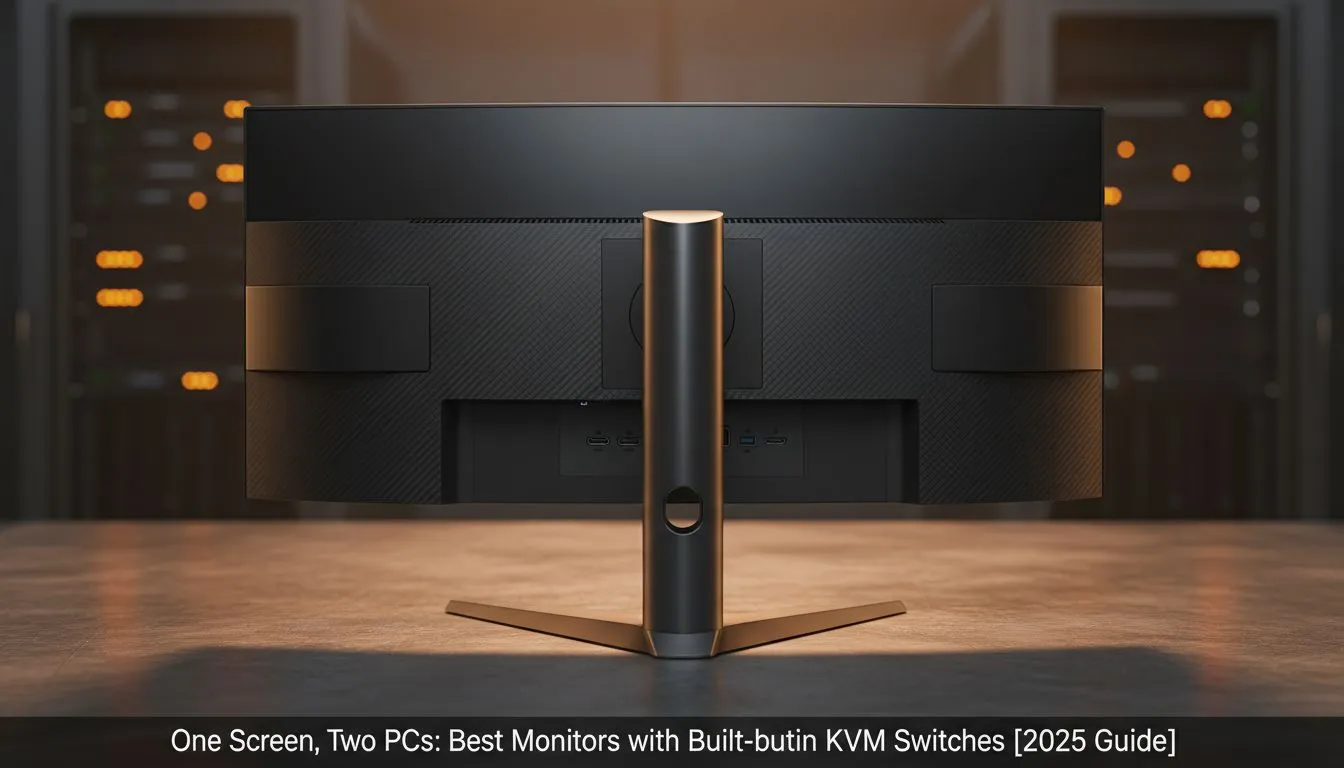
Juggling a work laptop and a gaming rig in South Africa often means one thing: cable chaos. Swapping your keyboard, mouse, and headset between two machines is a frustrating daily ritual. What if you could control both PCs with a single set of peripherals, on one beautiful screen, at the press of a button? That’s not science fiction… it’s the magic of a KVM monitor, and it’s here to seriously streamline your setup. ✨
Let's break it down. KVM stands for "Keyboard, Video, and Mouse." A monitor with a built-in KVM switch acts as a central hub for your devices. You plug your keyboard, mouse, webcam, and other USB peripherals directly into the monitor. Then, you connect your two computers (like a work laptop and a gaming desktop) to the monitor's video and USB inputs.
With a simple press of a button on the display, you can instantly switch control between the two source PCs. It’s the cleanest, most efficient way to run a two-computer setup, and it's becoming a must-have feature in Evetech's wide selection of PC monitors.
Still on the fence? Imagine switching from finalising a report on your work laptop to jumping into a Valorant match on your gaming PC in under two seconds, with zero cable swapping. That's the core benefit.
Choosing the best monitor with a KVM switch isn't just about the switch itself. You need to ensure the display specs meet your standards for both work and play. 🚀
This is the big one. Look for a KVM monitor with a USB-C port that supports Power Delivery (PD). This allows you to connect a compatible laptop with a single cable that handles video, data transfer for your peripherals, and charges your laptop simultaneously. It's the pinnacle of convenience.
Not all USB ports are created equal. For lightning-fast file transfers between your PC and an external SSD plugged into your monitor, look for USB 3.2 Gen 2 ports, which offer speeds up to 10Gbps. This makes moving large video files or game installs a breeze.
A KVM monitor doesn't mean you have to settle for a slow, boring office display. You can find incredible gaming monitors with this feature built-in. To ensure buttery-smooth gameplay without screen tearing, prioritise displays with variable refresh rate technology. You can find excellent AMD FreeSync models and high-performance NVIDIA G-Sync compatible screens that also include a KVM. Even general Adaptive Sync technology makes a huge difference in visual quality during fast-paced action.
The market for KVM switch monitors is growing fast. You'll find excellent options from established players and rising stars, with popular choices from AOC known for their gaming prowess, and innovative Dahua monitors offering fantastic features and value for the South African market. The best monitor with a KVM switch for you will depend on your specific needs—whether that's an ultrawide for productivity or a 240Hz beast for esports.
The verdict is clear: for any South African running a two-PC setup, a KVM monitor isn't a luxury... it's a logical, powerful upgrade that simplifies your life and clears your desk.
Ready to Unclutter Your Desk? A single, powerful screen for two PCs is the ultimate setup for productivity and play. Explore our massive range of PC monitors and find the perfect KVM-equipped display to conquer your workflow.
A built-in KVM switch allows you to control multiple computers using a single keyboard, video monitor, and mouse directly through the display hardware.
These monitors eliminate desk clutter and hardware costs by removing the need for external switch boxes, making switching between work and gaming PCs seamless.
Most modern gaming monitors with built-in KVM switches have negligible latency, ensuring a responsive experience even for competitive gaming.
It uses a single USB-C cable to transmit video, data, and power to a laptop while connecting peripherals to a desktop via upstream USB cables.
Yes, an ultrawide kvm monitor is ideal for multitasking, often featuring Picture-by-Picture modes to view two sources side-by-side simultaneously.
Generally, no. The switching is handled by the monitor's OSD or a physical button, though some brands offer software for easier hotkey switching.
Dedicated media keys give streamers one-touch control to mute, switch scenes, clip highlights, and adjust audio — cutting task time and boosting consistency 🎛️⚡
Read more
PBT vs ABS keycaps: Clear, local guide for South African gamers—compare feel, sound, durability and where to buy. Find the best material for your budget and playstyle 🎮🇿🇦
Read more
- Multi-Function Digital Dial: define benefits - Show gamer setups and macros - Offer buying and setup tips Multi-Function Digital Dial puts programmable control at your fingertips for faster actions and smoother streaming. 🎮⚙️
Read more
- Explain benefits; - Show the science; - Compare options; - Recommend picks. Magnetic wrist rest for gaming cuts wrist strain and boosts comfort during long sessions 🕹️✨
Read more
best gaming keyboard South Africa: Learn how to pick a low-latency mechanical keyboard, choose switches, layout and budget for competitive play 🎮⚡
Read more
Best wireless keyboard and mouse combo for small desks — curated, space-saving picks that boost comfort and productivity in tight setups. Find low-profile layouts, compact mice, and reliable range to fit your compact workstation. 🖱️⌨️
Read more
Discover webcams that automatically adjust light and color for crystal-clear video calls 🎥✨. Boost your streaming quality today!
Read more
Discover webcams that blend into your workflow 🎯 Capture moments while you work, stream, or create. Upgrade your setup with smart, multitasking tech!
Read more Dedicated media keys give streamers one-touch control to mute, switch scenes, clip highlights, and adjust audio — cutting task time and boosting consistency 🎛️⚡
Read more PBT vs ABS keycaps: Clear, local guide for South African gamers—compare feel, sound, durability and where to buy. Find the best material for your budget and playstyle 🎮🇿🇦
Read more - Multi-Function Digital Dial: define benefits - Show gamer setups and macros - Offer buying and setup tips Multi-Function Digital Dial puts programmable control at your fingertips for faster actions and smoother streaming. 🎮⚙️
Read more - Explain benefits; - Show the science; - Compare options; - Recommend picks. Magnetic wrist rest for gaming cuts wrist strain and boosts comfort during long sessions 🕹️✨
Read more