



Best PC for AutoCAD and Revit: The Ultimate 2024 Buyer's Guide
Looking for the best PC for AutoCAD and Revit? We break down the essential specs for smooth 3D modeling and rendering. Discover the perfect CPU, GPU, and RAM combo to boost your architectural workflow today! 🏗️🖥️
|
Loading tags...

Staring at a loading bar while your Revit model chugs is a special kind of frustration, right? In the world of South African architecture and engineering, time is money, and a slow PC is a costly bottleneck. If you're tired of lag, viewport stutter, and painfully slow renders, you’ve come to the right place. This guide breaks down exactly what you need to look for in the best PC for AutoCAD and Revit in 2024.

RYZEN 7 9700X 5.5GHz RTX 5070 12GB DDR5 Gaming PC
R34334.00In Stock
![[Pre Built] AMD RYZEN 7 5700 RTX 5060 Gaming PC](https://img.evetech.co.za/repository/ProductImages/ryzen-7-5700-rtx-5060-gaming-pc-pbs-main-1600px-v1.webp)
[Pre Built] AMD RYZEN 7 5700 RTX 5060 Gaming PC
R18794.00In Stock

AMD RYZEN 5 8400F 4.7GHz RTX 5060 8GB DDR5 Budget Gaming PC
R17534.00In Stock
![[Pre Built] Intel Core Ultra 9 285K RTX 5080 Gaming PC](https://img.evetech.co.za/repository/ProductImages/intel-core-ultra-9-285-k-rtx-5080-gaming-pc-48-gb-main-1600px-v1.webp)
[Pre Built] Intel Core Ultra 9 285K RTX 5080 Gaming PC
R76649.00In Stock

Intel Core Ultra 5 225F 4.9GHz GT 710 2GB DDR5 PC
R11864.00In Stock
![[Pre Built] HP OMEN 35L B1ZR4EA Intel Core Ultra 7 265K RTX 4080 SUPER Gaming PC](https://img.evetech.co.za/repository/ProductImages/intel-core-ultra-7-265-k-rtx-4080-super-gaming-pc-pbs-main-1600px-v1.webp)
[Pre Built] HP OMEN 35L B1ZR4EA Intel Core Ultra 7 265K RTX 4080 SUPER Gaming PC
R49349.00In Stock
Core Components: What Really Matters for CAD Software?
Building or buying the perfect workstation for architectural software isn't like picking a gaming rig. While there's some overlap, AutoCAD and Revit have unique demands. They punish systems with weak single-core CPU performance and insufficient RAM, especially when dealing with complex 2D drawings or massive 3D models. Understanding which parts do the heavy lifting is the key to a smooth, productive workflow.
The CPU: The Brains of Your Design Operation 🔧
The Central Processing Unit (CPU) is arguably the most critical component for your workstation. However, what makes the best CPU for AutoCAD is slightly different from what's best for Revit.
Single-Core Speed for AutoCAD
AutoCAD, for many of its core tasks like 2D drafting and model manipulation, is primarily a single-threaded application. This means it relies heavily on the speed of a single CPU core, not the total number of cores. A CPU with a high boost clock speed (measured in GHz) will deliver a snappier, more responsive experience. So, when comparing processors, prioritise higher clock speeds for a better AutoCAD PC.
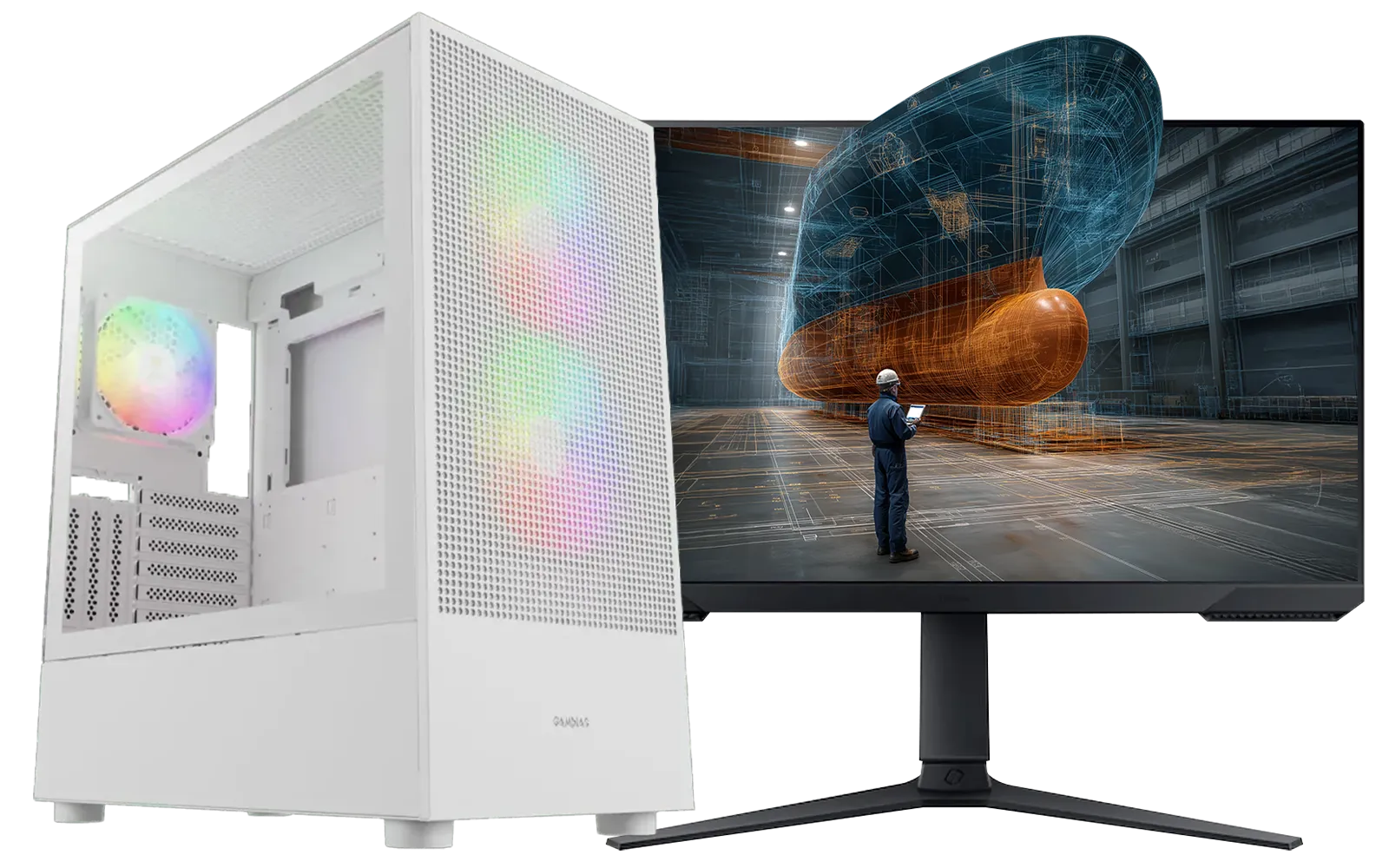
RYZEN 5 9600X 5.2GHz GT 710 2GB DDR5 PC
R14489.00In Stock

Intel 14th Gen Core i3 14100F 4.7GHz ARC A380 6GB Gaming PC
R12599.00In Stock
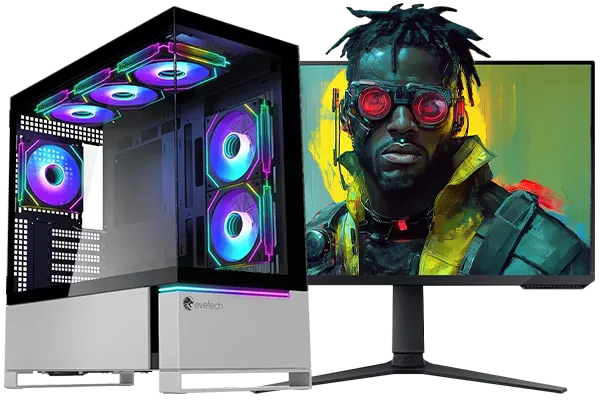
Intel Core Ultra 7 265K 5.5GHz RTX 5070 Ti 16GB DDR5 Gaming PC
R43049.00In Stock

Ryzen 7 9700X 5.5GHz RTX 5060 Ti 16GB DDR5 Gaming PC
R29399.00In Stock
AMD RYZEN 7 5700 RTX Pro 2000 Workstation PC
R26669.00In Stock
![[Pre Built] Intel Core Ultra 7 265KF RX 9070 XT Gaming PC](https://img.evetech.co.za/repository/ProductImages/intel-core-ultra-7-265-kf-rx-9070-xt-gaming-pc-pbs-main-1600px-v1.webp)
[Pre Built] Intel Core Ultra 7 265KF RX 9070 XT Gaming PC
R42209.00In Stock
Multi-Core Power for Revit & Rendering
Revit is more modern and can utilise multiple CPU cores for tasks like rendering, model regeneration, and certain simulations. If your workflow involves creating photorealistic renders or running complex analyses, having more cores will drastically cut down your waiting time. For professionals working on large-scale projects, investing in a CPU with a high core count is essential. You'll find CPUs that balance both needs in our range of powerful workstations over R20,000, built for demanding creative workloads.
The GPU: Visualising Your Masterpiece 🚀
The Graphics Processing Unit (GPU), or graphics card, is responsible for drawing everything you see on screen. From simple lines in AutoCAD to complex, textured 3D models in Revit, a capable GPU is vital for a smooth visual experience.
Why VRAM is Crucial for Revit
Video RAM (VRAM) is the dedicated memory on your graphics card. When you open a large Revit model, all the geometry, textures, and lighting information gets loaded into VRAM. If you run out, the system has to use your slower system RAM, causing significant stuttering and lag. For 4K displays or complex projects, aim for a GPU with at least 8GB of VRAM.

RYZEN 5 9600X 5.2GHz ARC B580 12GB DDR5 Gaming PC
R21419.00In Stock

AMD RYZEN 7 5700 4.6GHz RX 9070 16GB Gaming PC
R28349.00In Stock
Intel Core Ultra 7 265K 5.5GHz RTX 5070 Ti 16GB DDR5 Gaming PC
R43049.00In Stock

RYZEN 7 9700X 5.5GHz RX 9070 XT 16GB DDR5 Gaming PC
R37484.00In Stock
![[Pre Built] AMD RYZEN 7 9700X RTX 5070 Gaming PC](https://img.evetech.co.za/repository/ProductImages/ryzen-7-9700-x-rtx-5070-gaming-pc-pbs-main-1600px-v1.webp)
[Pre Built] AMD RYZEN 7 9700X RTX 5070 Gaming PC
R35699.00In Stock

RYZEN 7 7800X3D 5.0GHz RTX 5060 Ti 16GB DDR5 Gaming PC
R26774.00In Stock
Gaming vs. Workstation Cards
You'll see two main types of GPUs: NVIDIA's GeForce (gaming) and RTX Ada/Quadro (professional). While professional cards have certified drivers for stability, modern GeForce cards offer incredible performance for a fraction of the price. For many architects and designers in South Africa, a high-end gaming card represents the best value, delivering fantastic performance in both Revit and AutoCAD. You can often find a perfect balance of power and price in our best gaming PC deals.
TIP FOR YOU
Productivity Pro Tip ⚡
In Revit's settings, navigate to Options > Graphics. Ensure "Use hardware acceleration" is ticked. This forces Revit to use your powerful GPU for drawing and manipulating models in the viewport, dramatically improving performance over using the CPU for graphics processing.
RAM and Storage: The Unsung Heroes of Performance
Don't overlook your system memory (RAM) and storage drive. They play a massive role in how responsive your PC feels, especially when multitasking or loading large project files.
How Much RAM Do You Actually Need?
- 16GB: The absolute minimum for professional work. Suitable for smaller AutoCAD projects and basic Revit modelling.
- 32GB: The sweet spot for most users. This provides enough headroom to run Revit, AutoCAD, and other apps like Photoshop or your web browser without slowdowns.
- 64GB+: Recommended for professionals working on massive, complex BIM models, large urban planning projects, or extensive point-cloud data.
[Pre Built] Intel Core Ultra 7 265KF RX 9070 XT Gaming PC
R42209.00In Stock
![[Pre Built] AMD RYZEN 9 9900X RX 9070 XT Gaming PC](https://img.evetech.co.za/repository/ProductImages/ryzen-9-9900-x-rx-9070-xt-gaming-pc-pbs-main-1600px-v1.webp)
[Pre Built] AMD RYZEN 9 9900X RX 9070 XT Gaming PC
R42524.00In Stock
Intel Core Ultra 7 265K 5.5GHz RX 9070 XT 16GB DDR5 Gaming PC
R40109.00In Stock
![[Pre Built] AMD RYZEN 7 9700X RX 9070 XT Gaming PC](https://img.evetech.co.za/repository/ProductImages/ryzen-7-9700-x-rx-9070-xt-gaming-pc-pbs-main-1600px-v2.png)
[Pre Built] AMD RYZEN 7 9700X RX 9070 XT Gaming PC
R39794.00In Stock
![[Pre Built] AMD Ryzen 7 9800X3D RTX 5080 Gaming PC](https://img.evetech.co.za/repository/ProductImages/ryzen-7-9800-x-3-d-rtx-5080-gaming-pc-48-gb-main-1600px-v1.webp)
[Pre Built] AMD Ryzen 7 9800X3D RTX 5080 Gaming PC
R77699.00In Stock

RYZEN 5 8500G 5.0GHz with Vega Graphics DDR5 PC
R11024.00In Stock
Why an NVMe SSD is Non-Negotiable
If your PC still uses a traditional hard disk drive (HDD), upgrading to a Solid State Drive (SSD) is the single biggest performance boost you can make. An NVMe SSD is even faster, slashing project load times, application startup, and overall system responsiveness. A PC for AutoCAD and Revit in 2024 must have an NVMe SSD for the operating system and key applications. ✨
Finding Your Perfect Fit: Budget vs. Professional Builds
The best PC for AutoCAD and Revit is the one that fits your specific needs and budget.
For students or small firms just starting, you don't need to spend a fortune. A well-balanced system with a modern CPU and a capable mid-range GPU will handle most tasks beautifully. You can find excellent options under R20,000 that provide a fantastic starting point. Many of our budget-friendly gaming PCs also make for surprisingly powerful entry-level workstations.
For seasoned professionals, investing in a more powerful machine pays for itself in saved time and increased productivity. A PC that can render faster and handle any model you throw at it allows you to iterate more quickly and take on bigger jobs.
Ready to Build Your Creative Powerhouse? Choosing the right components can feel complex, but the performance boost is undeniable. Stop waiting and start creating. Explore our range of customisable pre-built PC deals and find the perfect machine to bring your designs to life.
Related Products

RYZEN 7 5700 4.6GHz RTX 5060 Ti 16GB Budget Gaming PC
R20264.00In Stock

AMD RYZEN 5 3600 RTX 3050 Budget Gaming PC
R11024.00In Stock
![[Pre Built] AMD RYZEN 9 9900X RTX 5070 Ti Gaming PC](https://img.evetech.co.za/repository/ProductImages/ryzen-9-9900-x-rtx-5070-ti-gaming-pc-pbs-main-1600px-v1.webp)
[Pre Built] AMD RYZEN 9 9900X RTX 5070 Ti Gaming PC
R44729.00In Stock
[Pre Built] AMD RYZEN 7 9700X RTX 5070 Gaming PC
R35699.00In Stock
RYZEN 5 9600X 5.2GHz ARC B580 12GB DDR5 Gaming PC
R21419.00In Stock

Intel 14th Gen Core i3 14100F 4.7GHz GT 710 2GB PC
R9869.00In Stock
High clock speeds matter most. Look for Intel Core i7 or i9 K-series, or AMD Ryzen 7 and 9 processors to handle single-threaded tasks efficiently.
For basic drafting, 16GB is sufficient. However, for complex 3D modeling in Revit, 32GB or 64GB is recommended to prevent lag during large project loads.
Not necessarily. While professional cards offer certified stability, modern NVIDIA GeForce RTX cards offer incredible value and performance for Revit rendering.
Yes, a high-end gaming PC often meets AutoCAD system requirements because it prioritizes strong GPUs and fast processors essential for 3D visualization.
An NVMe SSD is crucial. It drastically reduces load times for large project files and libraries compared to standard SATA SSDs or mechanical HDDs.
Revit is primarily single-threaded for modeling, but rendering tasks utilize multi-core performance, making a CPU with high IPC and decent core counts vital.











