



Budget Graphics Card Performance: The Science Behind the Speed
Curious about budget graphics card performance? We decode the science behind the specs. Learn what VRAM, core clocks, and architecture *really* mean for your gaming experience, so you can choose the smartest, most powerful card for your money. 🎮💡 Stop guessing and start understanding!
|
Loading tags...
Chasing 144Hz in Apex Legends but your wallet's feeling the pinch? You're not alone. In South Africa, top-tier GPUs can cost more than a second-hand car. But what if the secret to solid gaming isn't just raw price, but smart science? Understanding budget graphics card performance is your key to unlocking incredible value. Let's break down the tech that separates a bargain from a bottleneck, helping you find that sweet spot for your rig. 🚀

XFX Quicksilver AMD Radeon RX 9070 XT Graphics Card / 4096 Stream Processors / 256-bit Memory Interface / Boost Clock : 2970 MHz / AMD RDNA™ 4 Architecture / RX-97TQICKB9
R14999.00In Stock

XFX Swift AMD Radeon RX 9070 OC Graphics Card - White / 3584 Stream Processors / 256-bit Memory Interface / Boost Clock :2700 MHz / AMD RDNA™ 4 Architecture / RX-97SWFB3W9
R13499.00In Stock
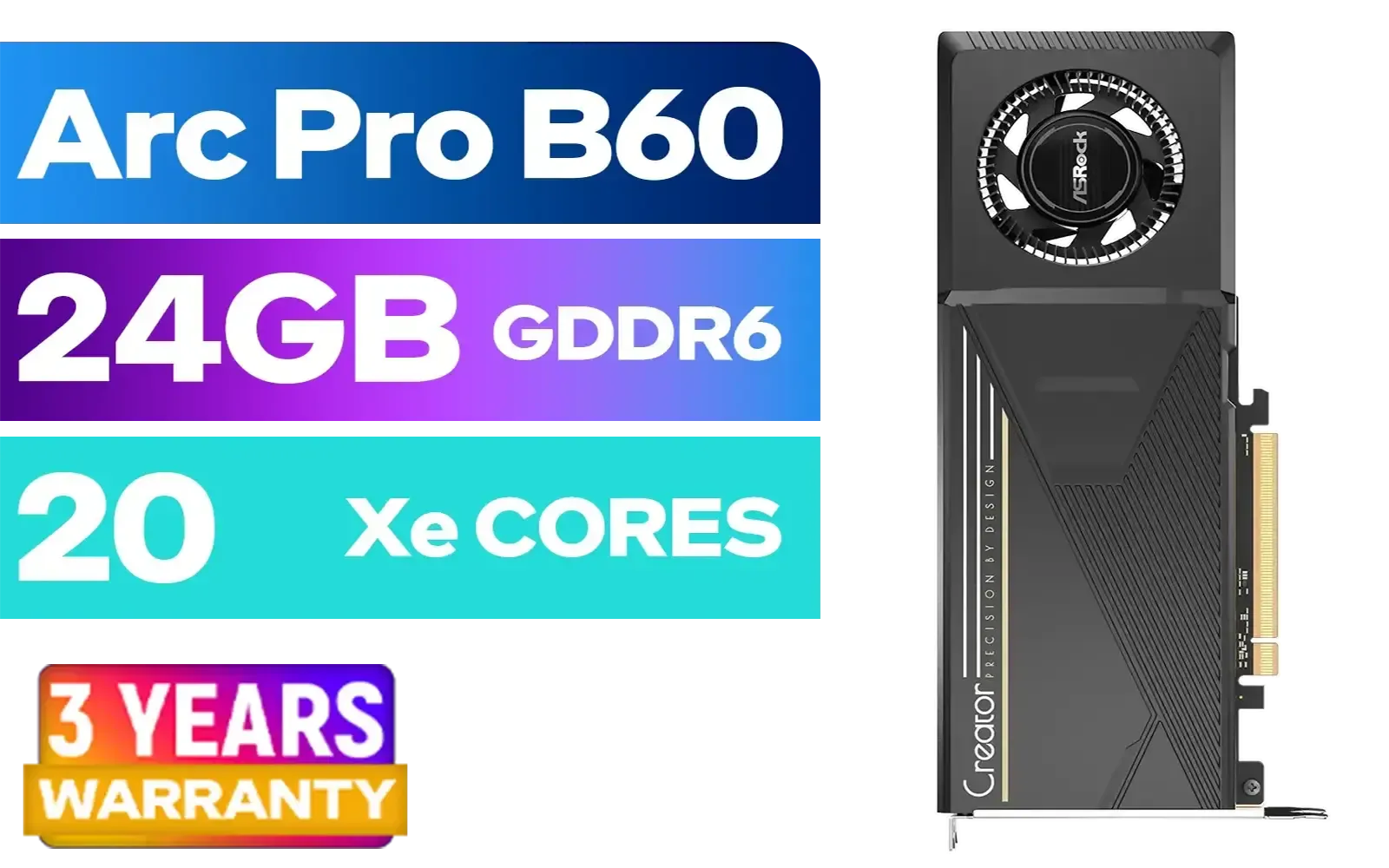
ASRock Intel Pro B60 Creator 24GB Graphics Card / 24GB 192-bit GDDR6 / GPU Clock: 2400 MHz / Microsoft® DirectX® 12 Ultimate / 160 Intel® XMX Engines / Intel® Xe2-HPG Architecture / 90-GA60ZZ-00UBNF
R12499.00In Stock
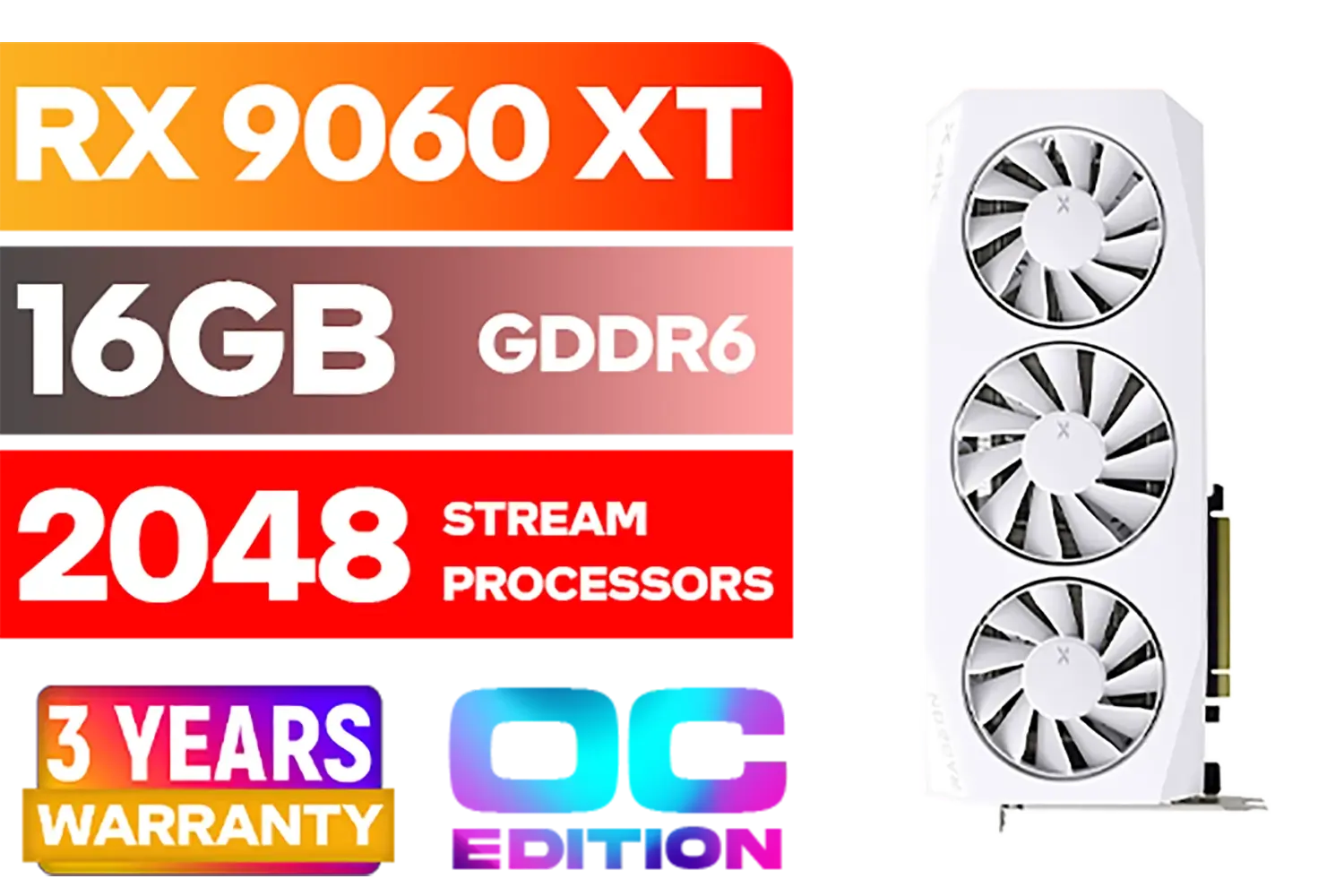
XFX Mercury AMD Radeon RX 9060XT OC White Gaming Edition with 16GB GDDR6 HDMI 2xDP, AMD RDNA 4 / RX-96TMERCW9
R9199.00In Stock
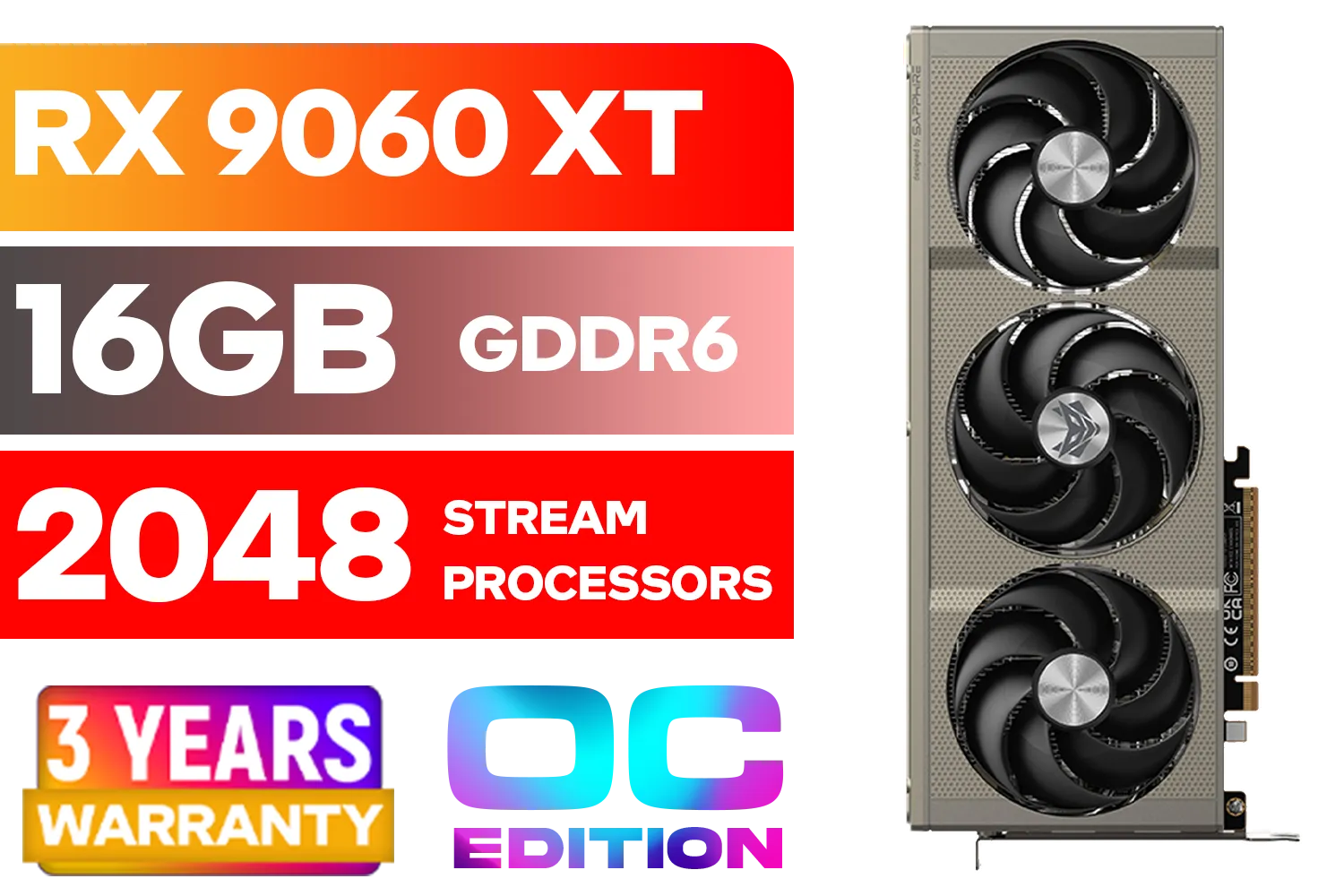
SAPPHIRE NITRO+ RX 9060 XT OC 16GB Graphics Card / 16GB GDDR6 Memory / 2048 Stream Processors / 128-bit Memory Interface / Boost Clock : 3320 MHz / AMD RDNA™ 4 Architecture / 32 Ray Accelerators / 11350-01-20G
R8899.00In Stock

MSI Geforce RTX 5060 Ventus 2X 8G OC Graphics Card / 8GB GDDR7 / 3840 Cuda Cores / 128-bit Memory Interface / Boost Clock : 2527 MHz / PCI Express® Gen 5 / 912-V537-017
R7699.00In Stock
Unpacking Budget Graphics Card Performance: What to Look For
When you're scrolling through specs, it's easy to get lost in a sea of numbers and acronyms. But for solid budget graphics card performance, only a few key metrics truly matter. Think of it like this:
- VRAM (Video RAM): This is your GPU's dedicated workspace. More VRAM (like 8GB vs 6GB) allows it to handle higher-resolution textures without stuttering. It's crucial for modern games at 1080p and above.
- Clock Speed (MHz/GHz): This is how fast the processor on the card works. A higher clock speed generally means faster processing of frames.
- Cores (CUDA/Stream Processors): These are the individual workers on the GPU. More cores mean more tasks can be handled at once, leading to smoother performance.
Finding the right balance between these three is the secret. A card with tons of VRAM but slow cores won't perform well, and vice-versa. It's about finding the combination that delivers the best results for your money across all the latest graphics cards.
The Magic of Software: DLSS, FSR, and XeSS
Here's where the real "science" comes into play and where budget cards get a massive boost. Modern GPUs use AI upscaling to render a game at a lower resolution (e.g., 720p) and then intelligently scale it up to your monitor's resolution (e.g., 1080p) with minimal quality loss. This gives you a huge frame rate increase. ✨
- NVIDIA DLSS (Deep Learning Super Sampling): Uses AI and dedicated hardware on RTX cards for incredible results.
- AMD FSR (FidelityFX Super Resolution): An open-source solution that works on a huge range of GPUs, including many AMD Radeon graphics cards.
- Intel XeSS (Xe Super Sampling): Intel's own AI-powered tech, which shines on Intel's growing range of Arc GPUs but also works on competitor cards.
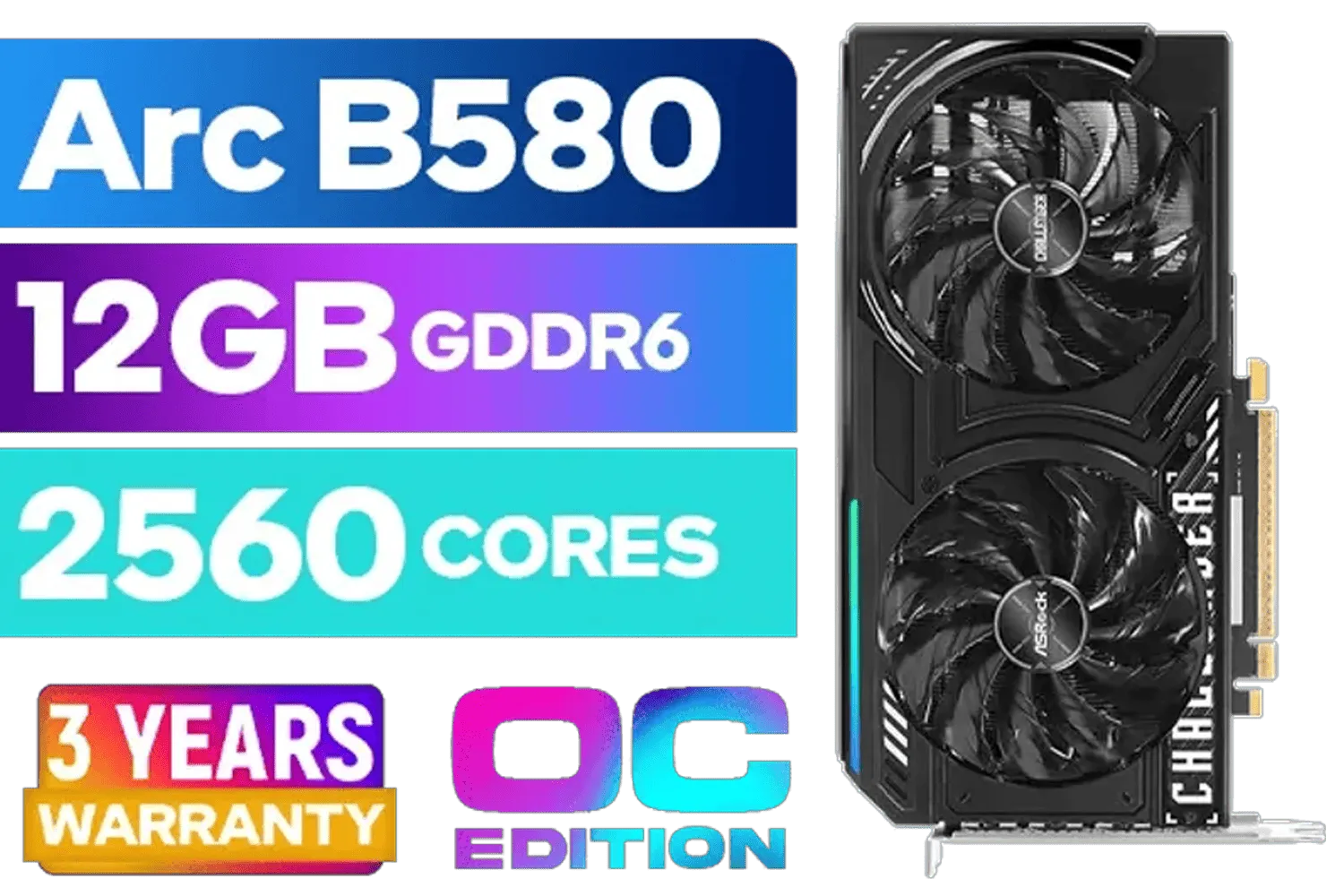
ASRock Intel ARC B580 Challenger OC Graphics Card / 12Gb 192-bit GDDR6 / DirectX 12 Ultimate / 2560 Cores / 2740MHz Engine Clock / 90-GA5LZZ-00UANF
R6499.00In Stock
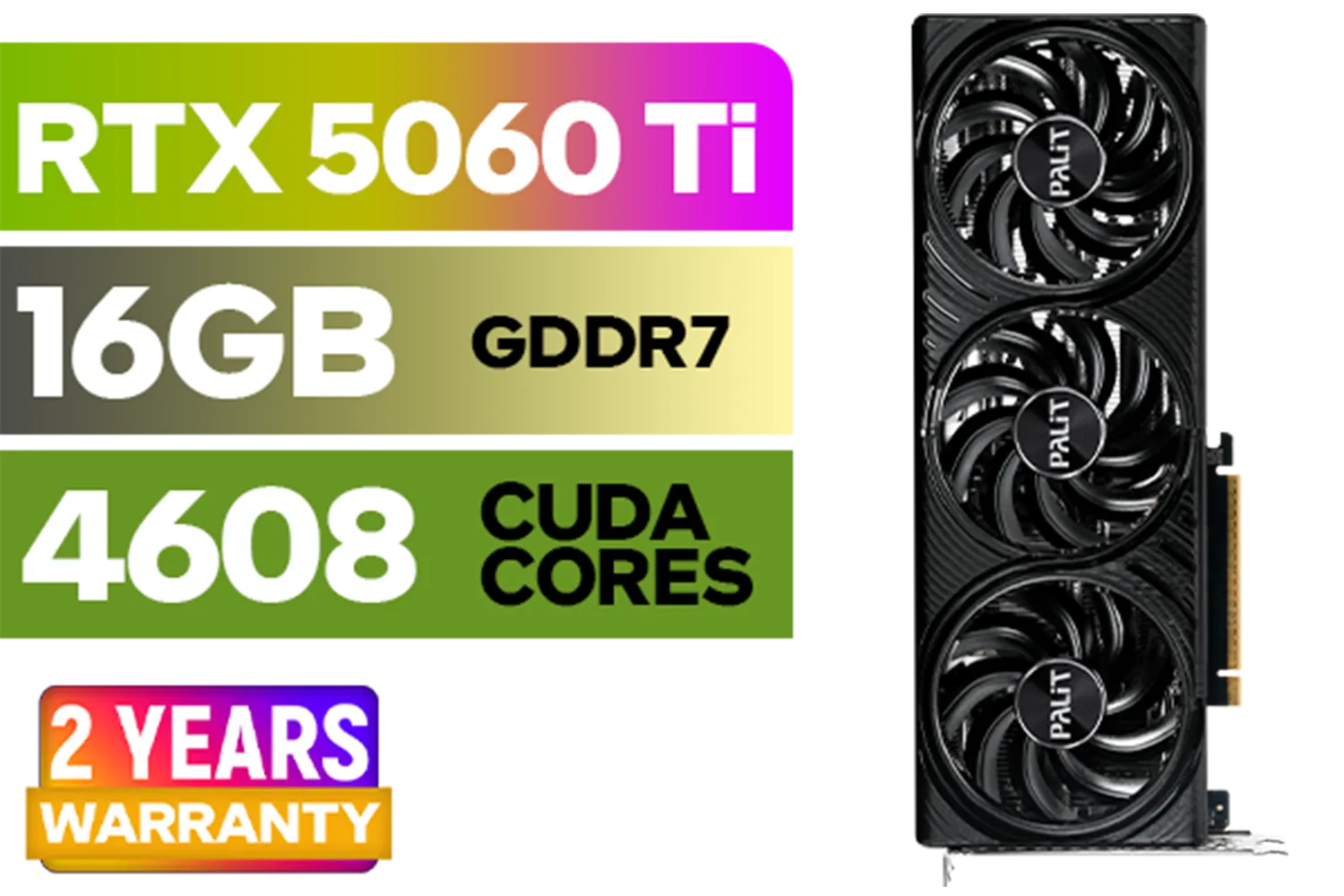
Palit GeForce RTX 5060 Ti Infinity 16GB Graphics Card / 16GB GDDR7 / 4608 Cuda Cores / 128-bit Memory Interface / Boost Clock : 2572 MHz / 28Gbps Memory Speed / PCI Express® Gen 5 / NE7506T019T1-GB2061S
R9799.00In Stock
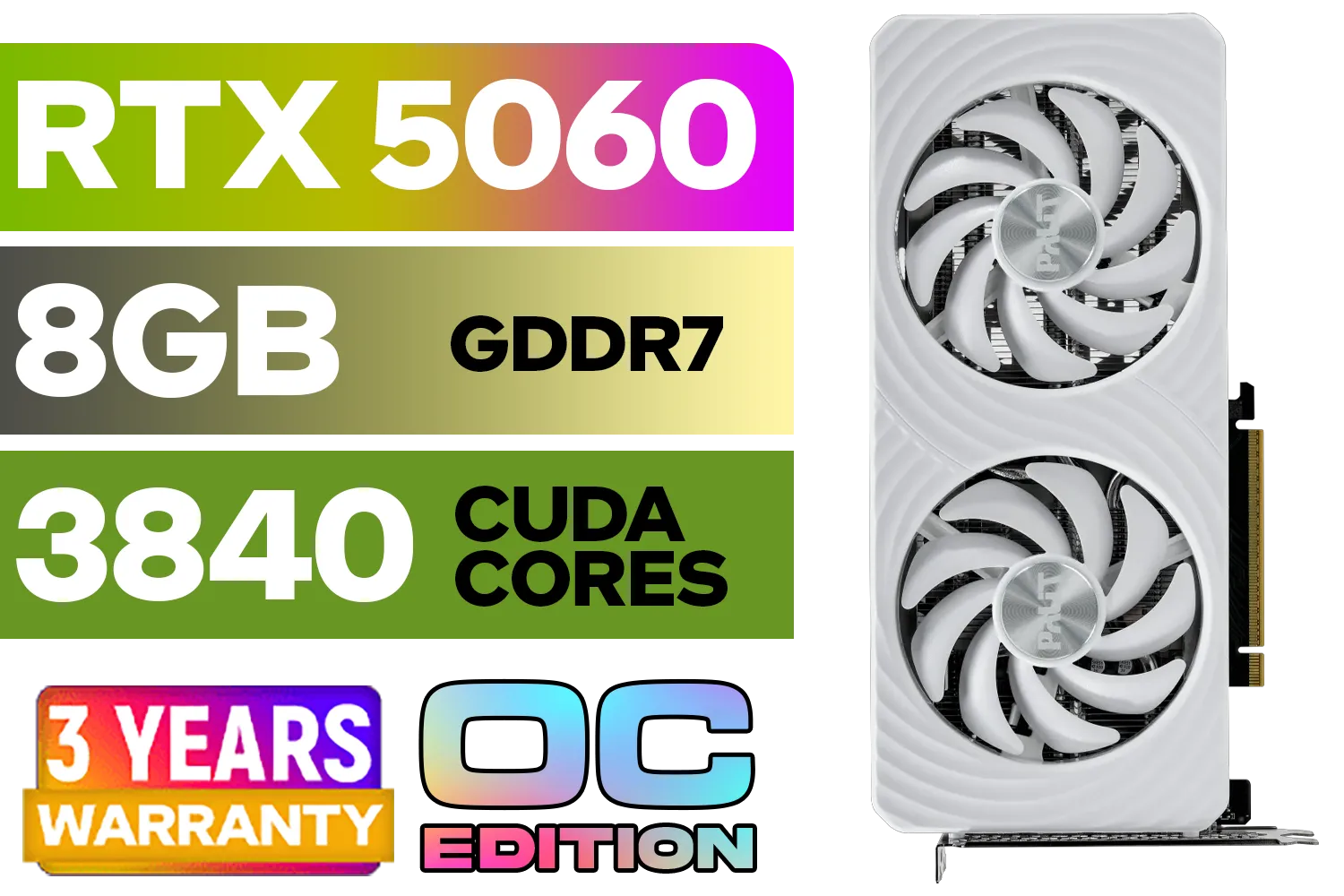
Palit GeForce RTX 5060 OC Graphics Card - White / 8GB GDDR7 / 3840 Cuda Cores / 128-bit Memory Interface / Boost Clock : 2497 MHz / PCI Express® Gen 5 / NE75060U19P1-GB2063M
R6999.00In Stock

Leadtek NVIDIA RTX A1000 8GB GDDR6 Workstation Graphics Card / 2304 Nvidia CUDA Cores / 192GB/s Memory Bandwidth / Nvidia Ampere Architecture / 126W8000100
R10999.00In Stock
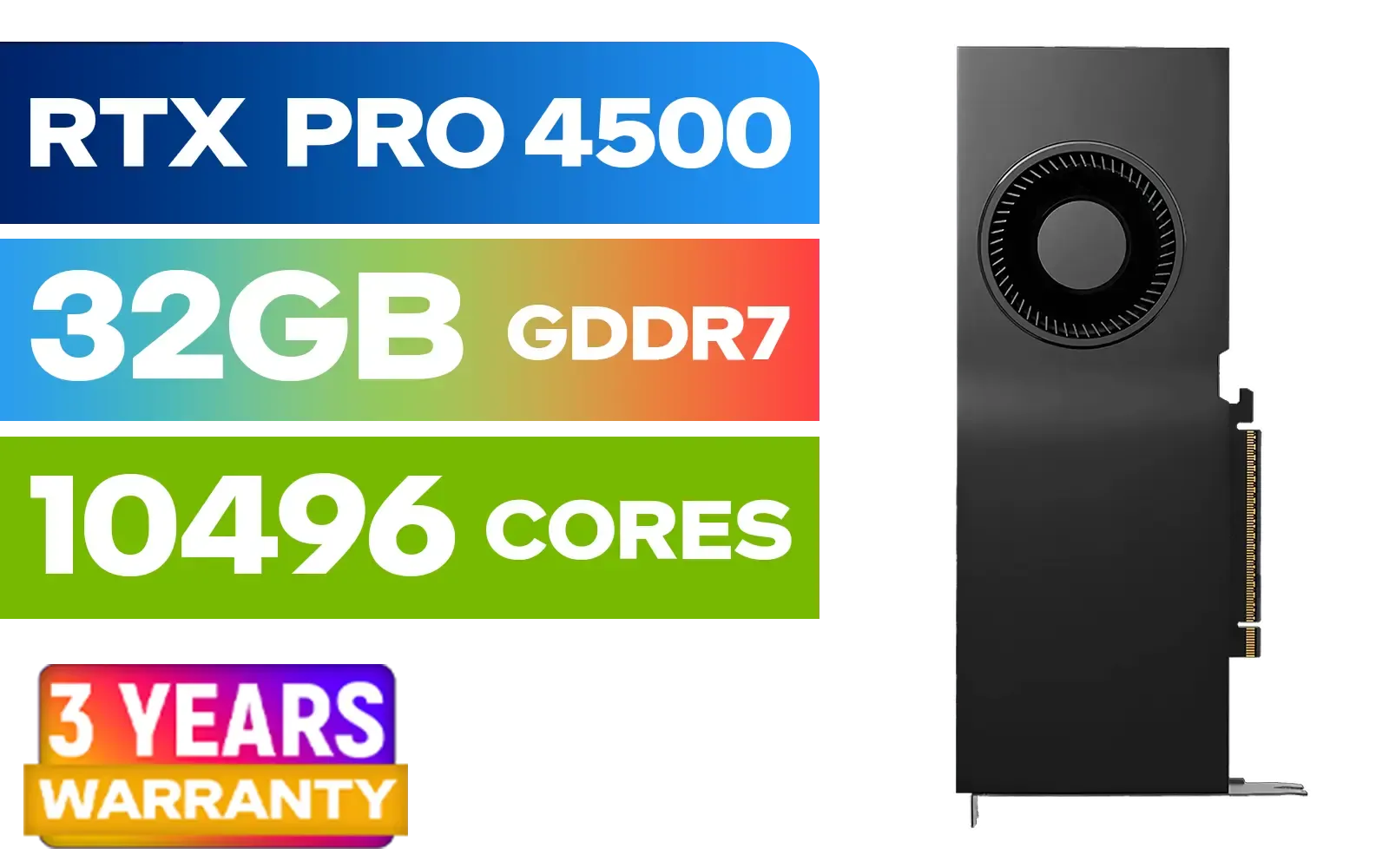
PNY NVIDIA RTX PRO 4500 32GB Blackwell Workstation Graphics Card / 10,496 CUDA Cores / 32GB GDDR7 with ECC / 4x Display Ports / VCNRTXPRO4500-PB
R54499.00In Stock
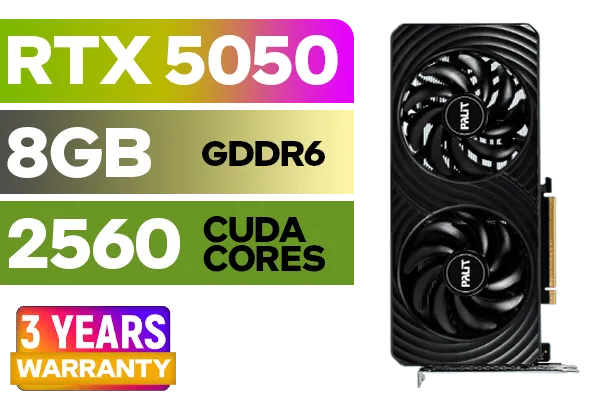
Palit GeForce RTX™ 5050 DUAL Graphics Card / 8GB GDDR6 / 2560 Cuda Cores / 128-bit Memory Interface / Boost Clock : 2572 MHz / PCI Express® Gen 5 / NE65050019P1-GB2070D
R5699.00In Stock
Activating one of these features can be the difference between a choppy 40 FPS and a smooth 60+ FPS, making excellent budget graphics card performance more achievable than ever.
TIP FOR YOU
Check Before You Buy! 💡
Before settling on a GPU, check if your favourite games support its upscaling tech (DLSS, FSR, or XeSS). A game with FSR 3, for example, can see a massive performance boost on a compatible AMD card, often making a budget card feel like a mid-range champion. A quick YouTube search for "[Your Game] + [GPU Model] FSR DLSS" will show you real-world results.
Finding the Sweet Spot: Resolution and Use Case
Ultimately, the best budget GPU for you depends entirely on what you're doing.
Gaming at 1080p
This is the sweet spot for budget builds. Cards like the RTX 3050 or RX 6600 deliver fantastic 1080p performance, often hitting high refresh rates in popular esports titles like Valorant and Fortnite. Many value-packed MSI models are specifically optimised for this resolution, offering a great balance of price and power.
ASRock Intel Pro B60 Creator 24GB Graphics Card / 24GB 192-bit GDDR6 / GPU Clock: 2400 MHz / Microsoft® DirectX® 12 Ultimate / 160 Intel® XMX Engines / Intel® Xe2-HPG Architecture / 90-GA60ZZ-00UBNF
R12499.00In Stock
XFX Mercury AMD Radeon RX 9060XT OC White Gaming Edition with 16GB GDDR6 HDMI 2xDP, AMD RDNA 4 / RX-96TMERCW9
R9199.00In Stock
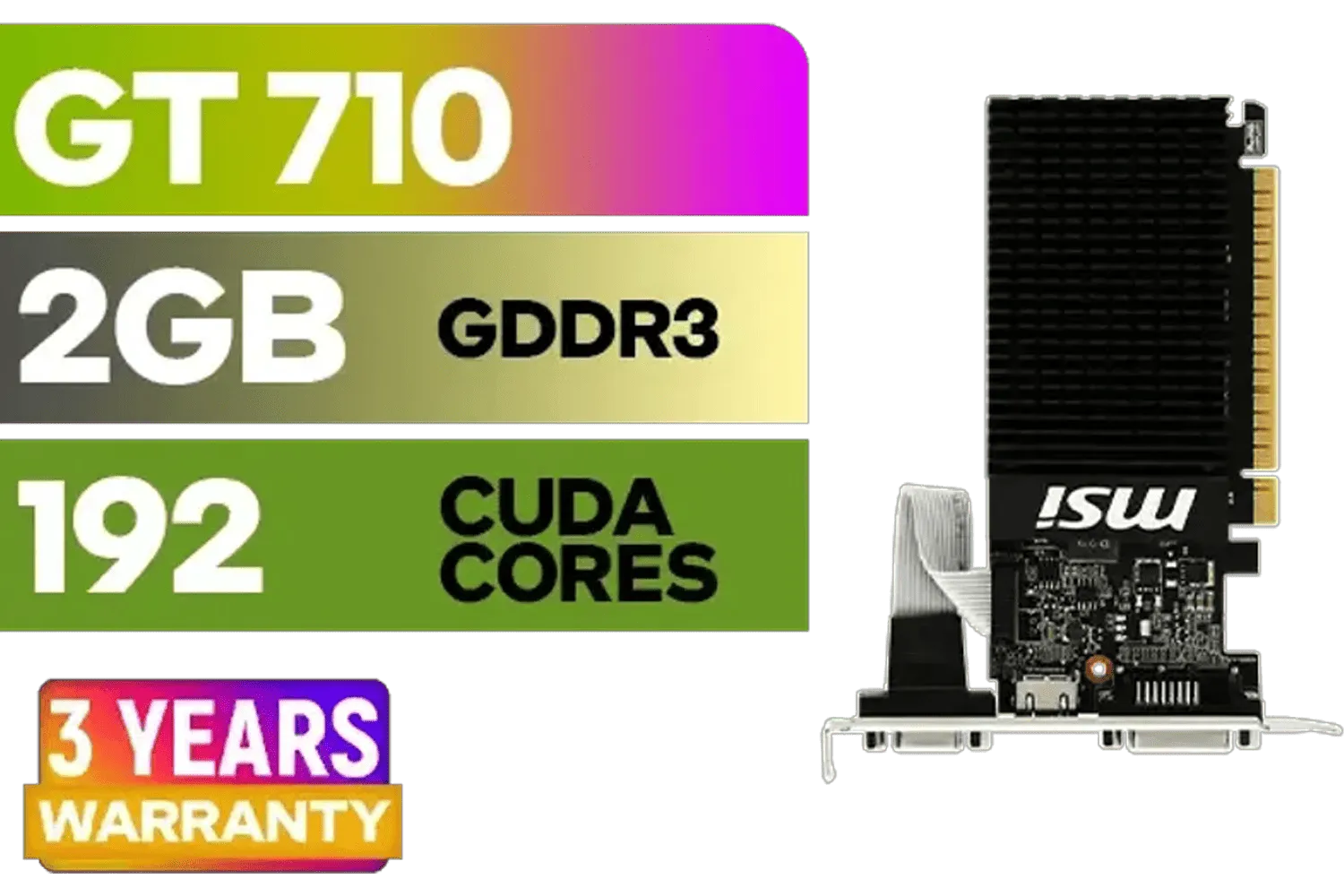
MSI GeForce GT 710 2GD3H LP 2GB DDR3 Graphics Card / 192 CUDA CORES / 64-bit Memory / 1x HDMI / 1x Dual-link DVI-D / 1x D-Sub / 912-V809-4217
R1099.00In Stock

MSI GeForce RTX 5080 16G VENTUS 3X OC Plus Graphics Card / PCI Express Gen 5 / 10752 Cuda Cores / 16GB GDDR7 / Nickel-plated Copper Baseplate / 912-V531-293
R27999.00In Stock
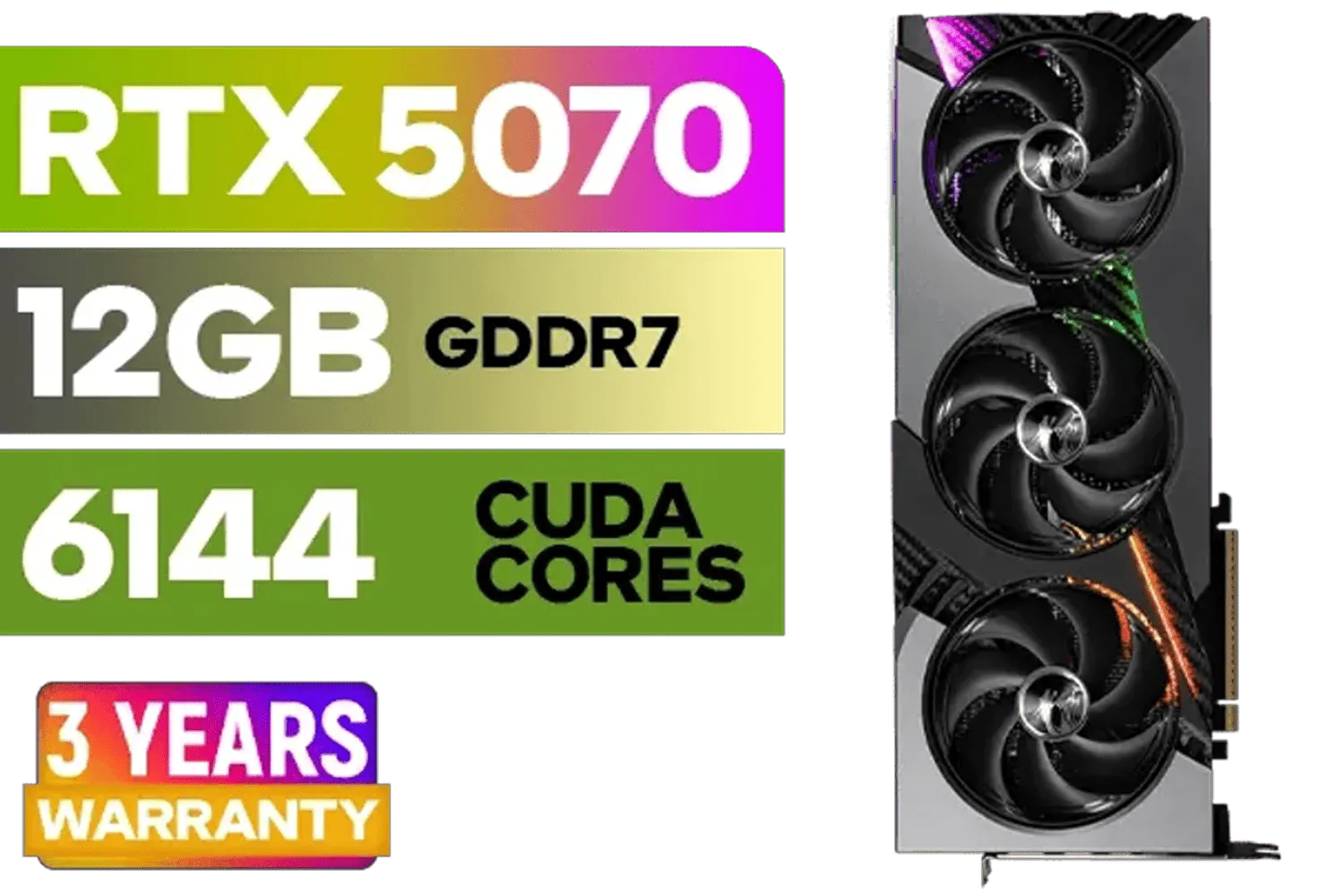
MSI GeForce RTX 5070 12GB VANGUARD SOC Launch Edition / 12GB GDDR7 / 6144 Cuda Cores / Boost: 2640 MHz / 28Gbps Memory Speed / PCI Express® Gen 5 / 912-V532-050
R15299.00In Stock

MSI Geforce RTX 5070 Ventus 2X 12G OC Graphics Card / 12GB GDDR7 / 6144 Cuda Cores / 192-bit Memory Interface / Boost Clock : 2542 MHz / NVIDIA Blackwell & DLSS 4 / 28Gbps Memory Speed / PCI Express® Gen 5 / 912-V532-009
R13999.00In Stock
Stepping Up to 1440p
Pushing more pixels requires more power. While some budget cards can handle 1440p in less demanding games (especially with FSR or DLSS on "Performance" mode), this is typically where mid-range cards begin to pull ahead. If 1440p is your goal, you may need to stretch your budget slightly for a smooth experience.
Beyond Gaming 🔧
Are you a video editor or 3D artist? While a gaming GPU can work, your workflow might benefit from the specialised drivers and hardware found in specialised workstation graphics cards. These are built for stability and precision, not just raw frame rates.
Ready to Find Your Performance Sweet Spot? Understanding budget graphics card performance means you don't have to break the bank for a great gaming experience. It's about matching the right science to your screen and your games. Explore our massive range of graphics cards and find the perfect GPU to power up your rig today.
Related Products
MSI GeForce RTX 5070 12GB VANGUARD SOC Launch Edition / 12GB GDDR7 / 6144 Cuda Cores / Boost: 2640 MHz / 28Gbps Memory Speed / PCI Express® Gen 5 / 912-V532-050
R15299.00In Stock
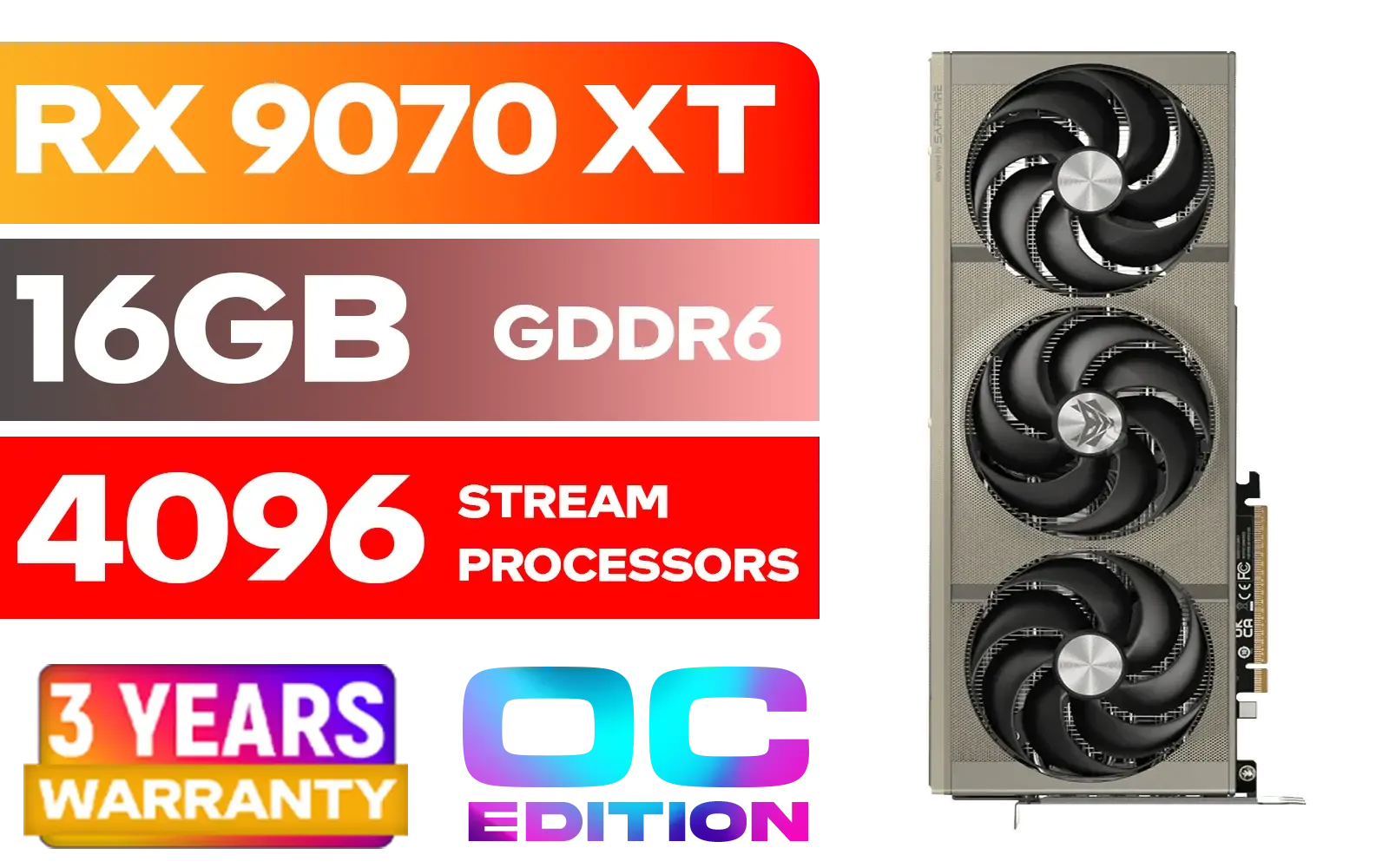
SAPPHIRE NITRO+ RX 9070 XT Gaming OC 16GB Graphics Card / 16GB GDDR6 Memory / 4096 Stream Processors / 256-bit Memory Interface / Boost Clock : 3060 MHz / AMD RDNA™ 4 Architecture / 64 Ray Accelerators / 11348-01-20G
R14999.00In Stock

Leadtek NVIDIA RTX 5000 ADA 32GB GDDR6 Workstation Graphics Card / 12800 Nvidia CUDA Cores / 576GB/s Memory Bandwidth / Ada Lovelace GPU architecture / 126V5000100
R96999.00In Stock
XFX Quicksilver AMD Radeon RX 9070 XT Graphics Card / 4096 Stream Processors / 256-bit Memory Interface / Boost Clock : 2970 MHz / AMD RDNA™ 4 Architecture / RX-97TQICKB9
R14999.00In Stock

MSI Geforce RTX 5060 Ventus 2X 8G OC Graphics Card - White / 8GB GDDR7 / 3840 Cuda Cores / 128-bit Memory Interface / Boost Clock : 2527 MHz / PCI Express® Gen 5 / 912-V537-018
R7999.00In Stock

MSI GeForce RTX 5060 8G Gaming Trio OC Graphics Card / 8GB GDDR7 / 3840 Cuda Cores / 128-bit Memory Interface / Boost Clock : 2625 MHz / PCI Express® Gen 5 / 912-V537-021
R8499.00In Stock
For budget GPUs, a balance is key. VRAM is crucial for modern game textures at 1080p, but core clock speed and architecture determine how fast frames are rendered.
Not necessarily. 6-8GB of VRAM is a sweet spot for 1080p gaming. A card with more VRAM but a slow processing core won't perform well. It's about overall balance.
Focus on key metrics: VRAM (amount and speed), core clock (boost speed), and architecture generation. Newer architectures are often more efficient and powerful.
Some entry-level cards from NVIDIA and AMD now include RT cores, but their performance in demanding ray-traced games may be limited. They are best for light RT effects.
Both are vital. High memory bandwidth ensures the GPU core isn't starved for data, while a high core clock determines how quickly it processes that data. One without the other creates a bottleneck.
Look beyond raw specs. Check independent benchmarks for the specific games you play. Real-world performance data is more valuable than theoretical numbers like TFLOPs.











