



Contrast Ratio for Gaming: Why It's a Game-Changer
Understanding contrast ratio for gaming is crucial for immersive visuals. It defines the difference between the deepest blacks and brightest whites, making scenes pop and details emerge from the shadows. 🎮 Dive deep into why a high contrast ratio can give you a competitive edge and make your virtual worlds more vibrant than ever before! ✨
|
Loading tags...
Ever been taken out by an enemy hiding in a shadowy corner you couldn't even see? Frustrating, right? Before you blame your skills or your "ancient" GPU, look at your screen. That murky, washed-out darkness is often the fault of a low contrast ratio. For South African gamers, understanding the contrast ratio for gaming isn't just tech talk... it's the difference between seeing the threat and staring at a respawn screen. It’s about visual clarity.
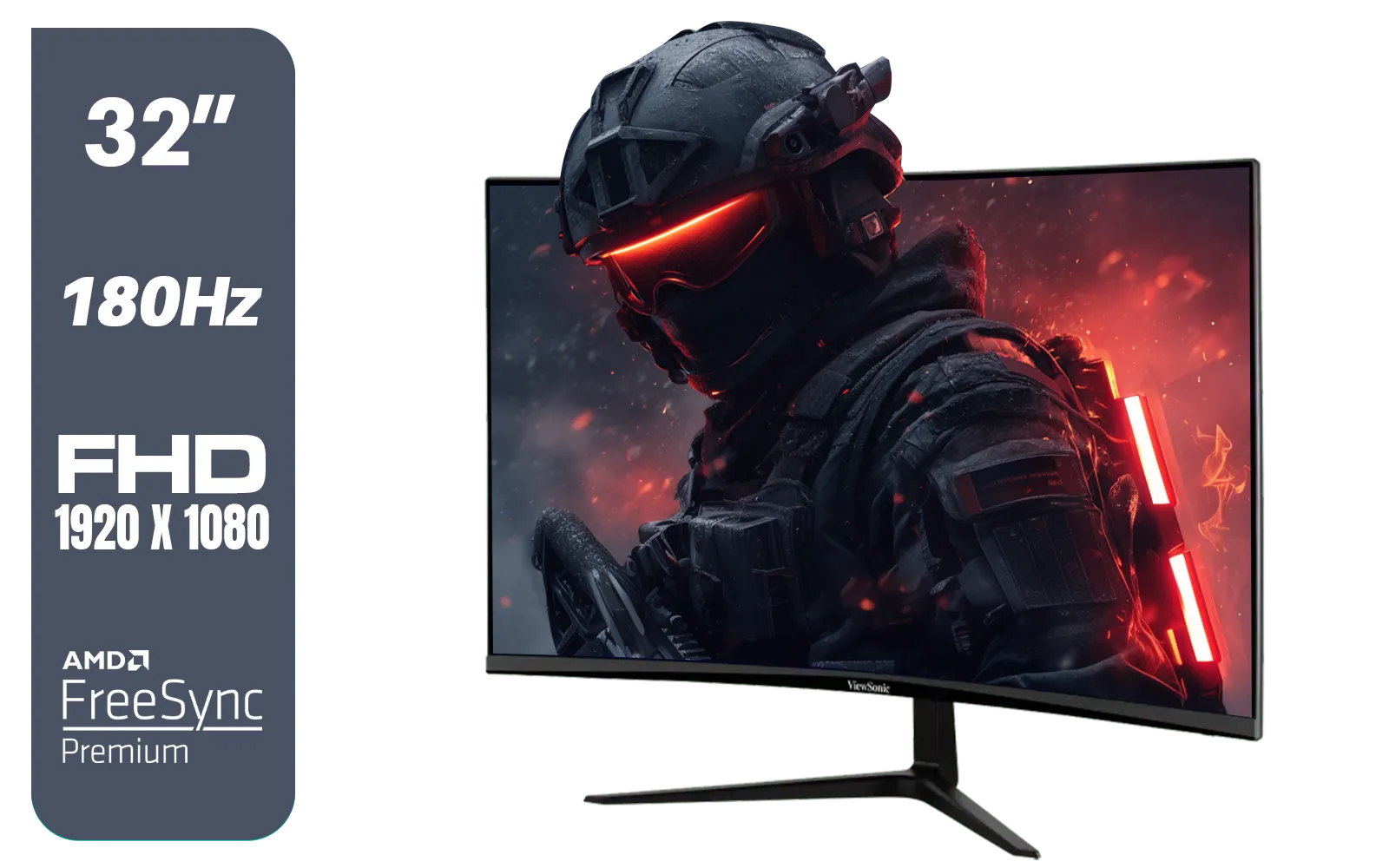
ViewSonic VX3218-PC-MHD 32" Full HD (1920 x 1080) 180Hz Curved Gaming Monitor / 180Hz Refresh Rate / 1ms MPRT Response Time / AMD Adaptive Sync Prevents Screen Tearing / 1500R Curve Ultimate Immersion / VX3218PCMHD
R3499.00In Stock
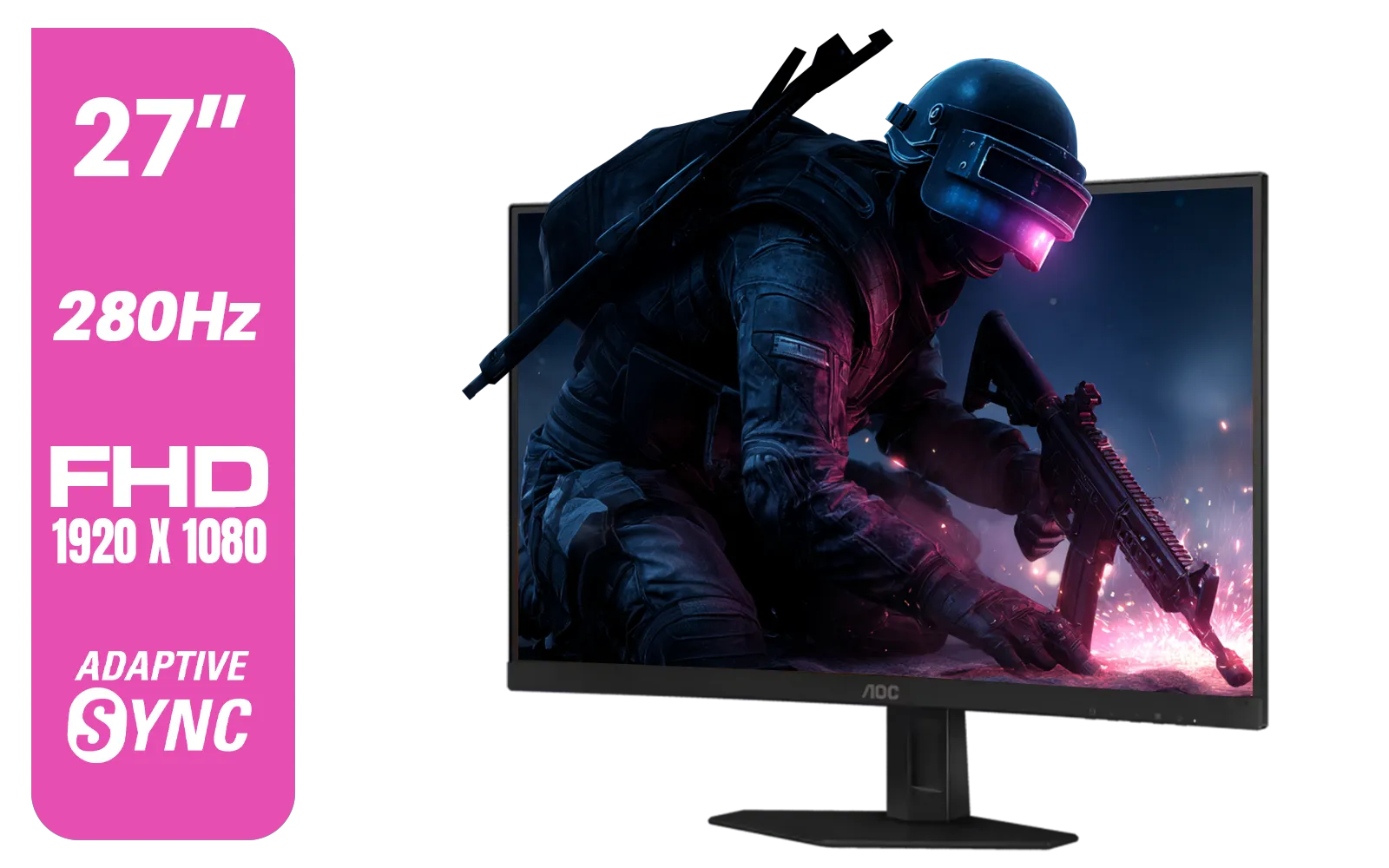
AOC C27G4ZE 27" 280Hz Curved Ultra-Fast Gaming Monitor, 1920 × 1080 (FHD), 0.3ms, Fast VA, 1500R, Adaptive Sync, Three-sided frameless design, Black / C27G4ZE
R4999.00In Stock
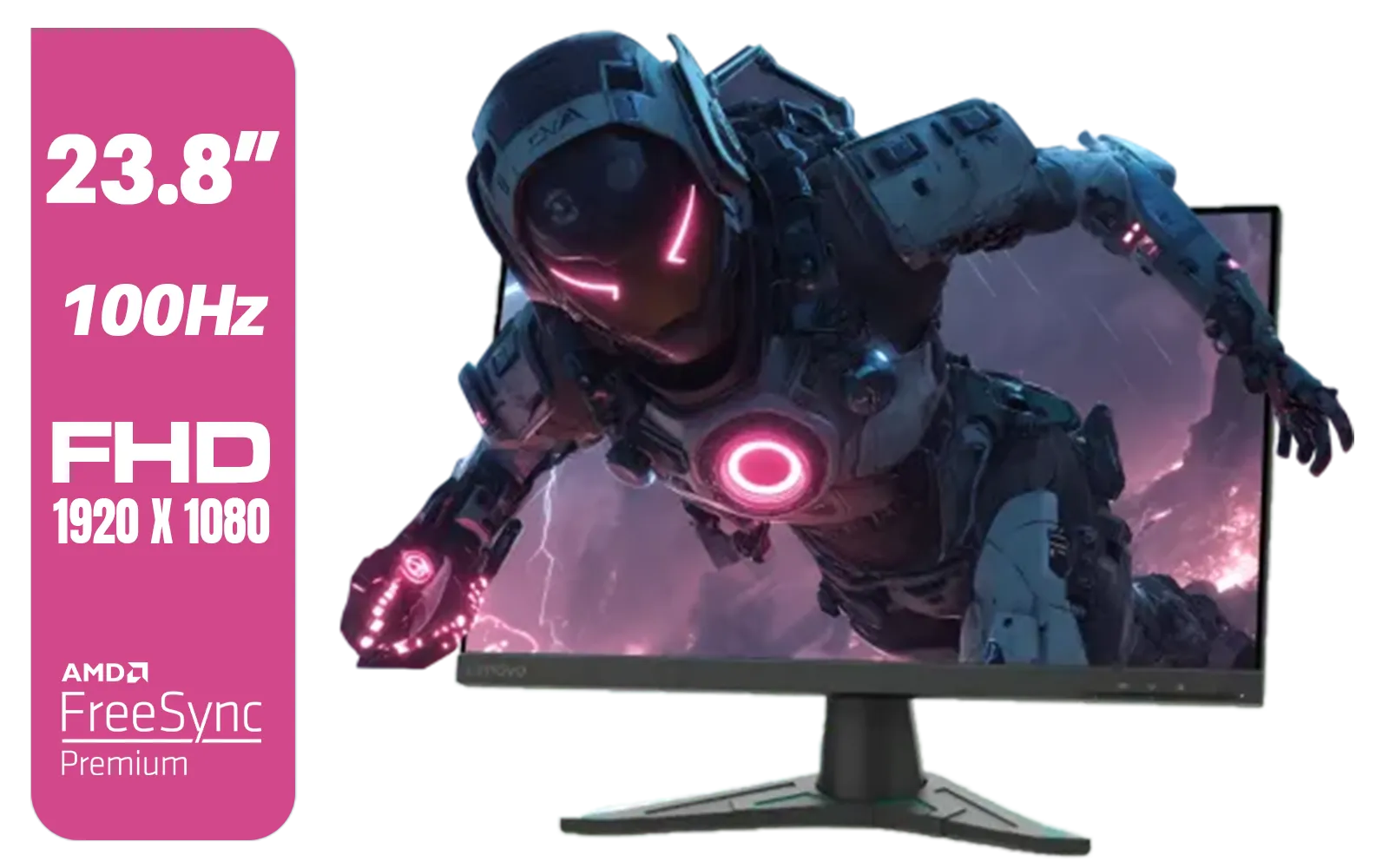
Lenovo G24e-20 23.8" 100Hz FHD WLED Gaming LCD Monitor - 16:9 - Black / 66D7GAR1SA
R1999.00In Stock

ViewSonic TD1655 15.6" Full HD (1920 x 1080) Portable Touchscreen Monitor / Ultra-portable Design / Advanced in-cell Capacitive Touchscreen / 2-Way Power With USB Type-C / Frameless Design / Portrait and Landscape Modes / dual integrated speakers / TD1655
R5199.00In Stock
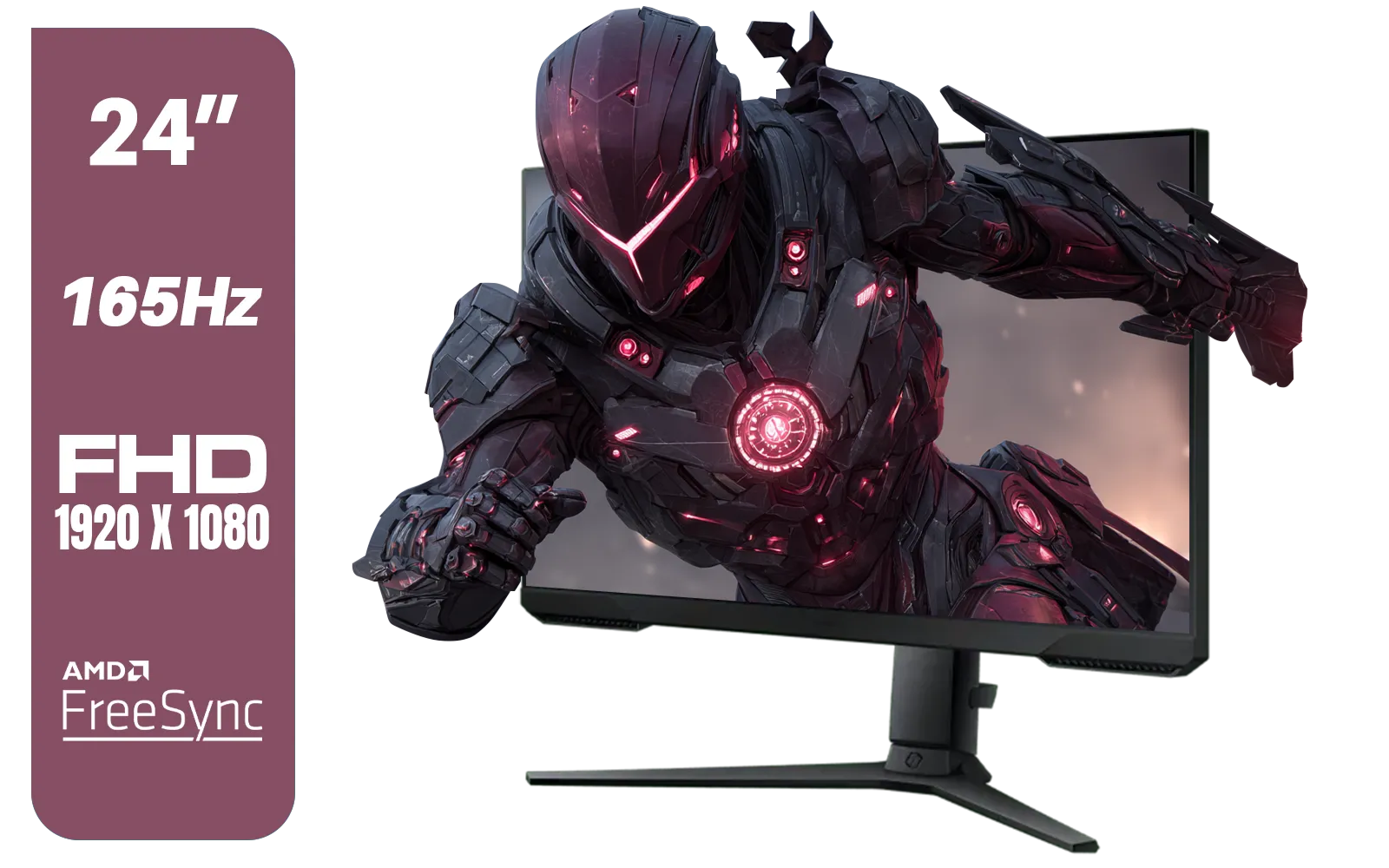
SAMSUNG 24" Odyssey G32A FHD 1ms 165Hz Gaming Monitor with Eye Saver Mode, Free-Sync Premium, Height Adjustable Screen for Gamer Comfort, VESA Mount Capability / LS24AG320NAXXA
R3199.00In Stock

Targus 24-inch USB-C Docking Computer Monitor w/ 100W PD, Adjustable Height Mac PC Monitor 360 Degree Rotating 24 inch Monitor Gaming Monitor w/Dock, Dual Monitor Compatible / DM4240PUSZ
R1699.00In Stock
What Exactly Is Contrast Ratio?
Simply put, contrast ratio is the difference between the brightest white and the darkest black a monitor can produce. A higher ratio means deeper blacks, brighter whites, and a more vibrant, detailed picture. Think of it as the dynamic range of your display.
You'll often see two numbers:
- Static Contrast: This is the important one. It measures the brightness difference in a single, static image. A typical rating is 1000:1 for IPS panels and 3000:1 or higher for VA panels.
- Dynamic Contrast: This is a marketing number that measures the difference between a fully black screen and a fully white screen, often by adjusting the backlight. Ignore it; static contrast is the true measure of a monitor's performance.
A superior contrast ratio for gaming ensures that dark scenes in games like Alan Wake 2 or the shadowy corridors of a battle royale map are rich with detail, not just a blob of grey. This is a critical factor when browsing for new PC monitors.
How a High Contrast Ratio Improves Your Gaming
So, why does this one spec matter so much? It boils down to two key areas: competitive edge and pure immersion. 🚀
Gaining a Competitive Advantage
In fast-paced shooters like Valorant or Apex Legends, spotting an opponent a split-second earlier is everything. A monitor with a poor contrast ratio will "crush" blacks, meaning subtle details in dark areas are lost completely. An enemy hiding in a poorly lit corner might be invisible on your screen, but perfectly clear to an opponent with a better display. A high-contrast display renders those shadows with clarity, giving you the visual information you need to win the fight. When you're looking through all gaming monitors, keep an eye on that static contrast spec.
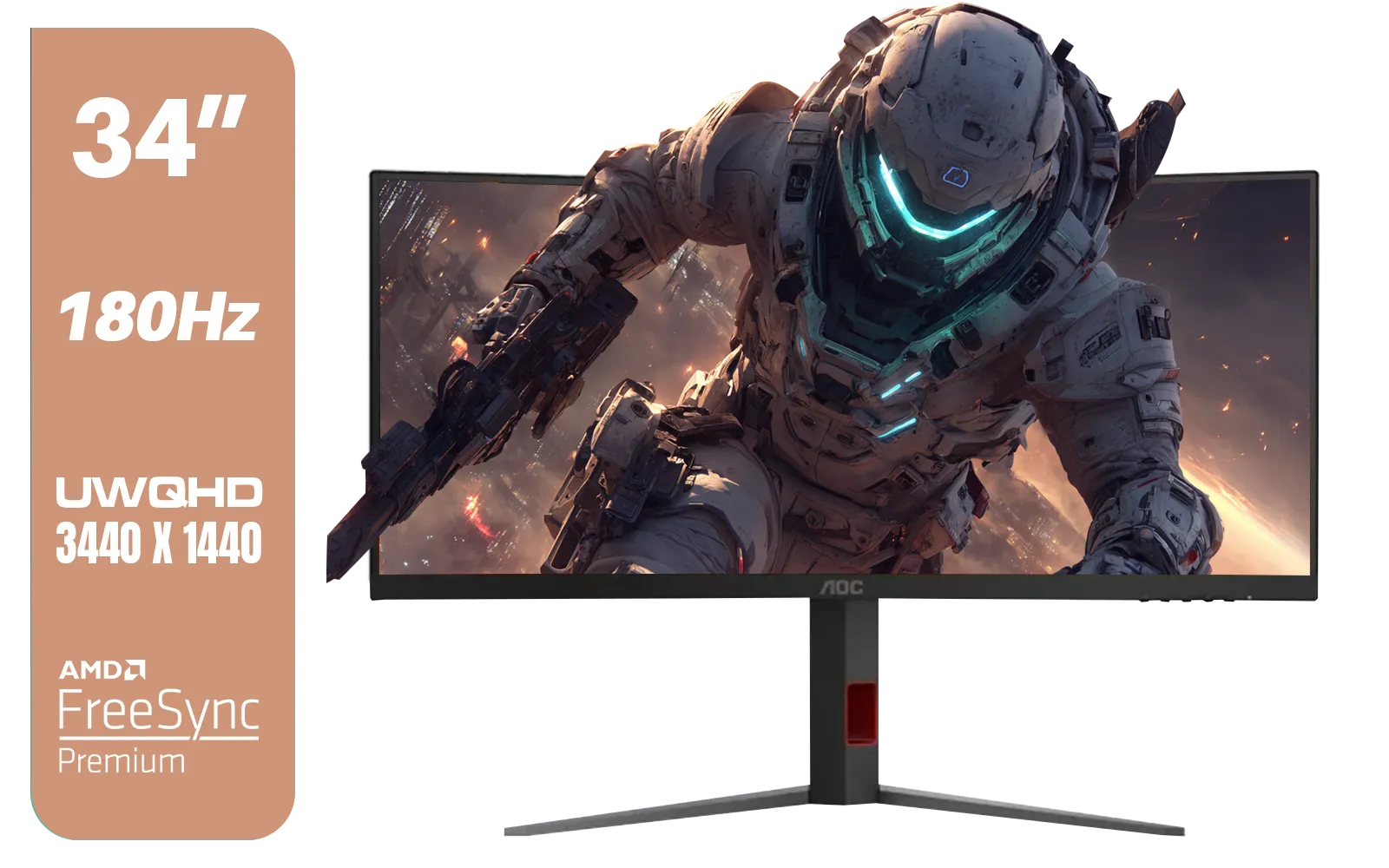
AOC CU34G4 34" Curved Gaming Monitor / UWQHD (3440x1440) / 180Hz Refresh Rate / 1ms Response Time (MPRT) / HDR10 / Adaptive Sync / CU34G4
R6999.00In Stock
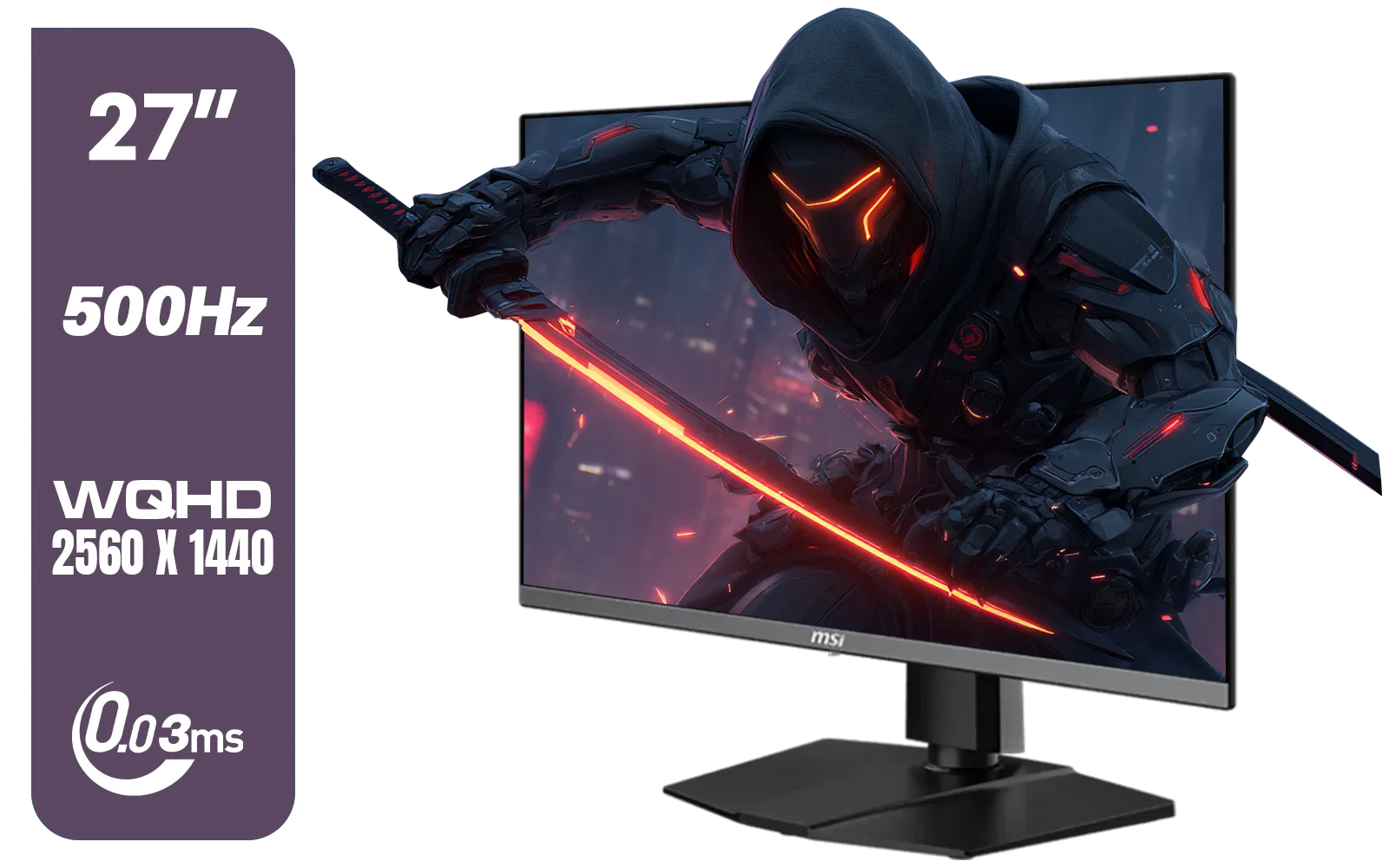
MSI MAG 272QP 27" 2560 x 1440 (WQHD) QD-OLED Monitor / 0.03ms GtG Response Time / 500Hz Refresh Rate / VESA DisplayHDR True Black 500 / Optimized for PS5 & Xbox / 9S6-3CD79A-071
R18999.00In Stock

VIEWSONIC 24" FHD Led Backlit Display / 120Hz Refresh Rate / Windows Hello–Certified 5MP Webcam With privacy cover / Dual Mics & Stereo Speakers / USB-C for Audio, Video & Data / USB 3.2 Hub with HDMI & DisplayPort / Ergonomic Adjustable Stand / VG2441V
R3699.00In Stock
ViewSonic VX3218-PC-MHD 32" Full HD (1920 x 1080) 180Hz Curved Gaming Monitor / 180Hz Refresh Rate / 1ms MPRT Response Time / AMD Adaptive Sync Prevents Screen Tearing / 1500R Curve Ultimate Immersion / VX3218PCMHD
R3499.00In Stock
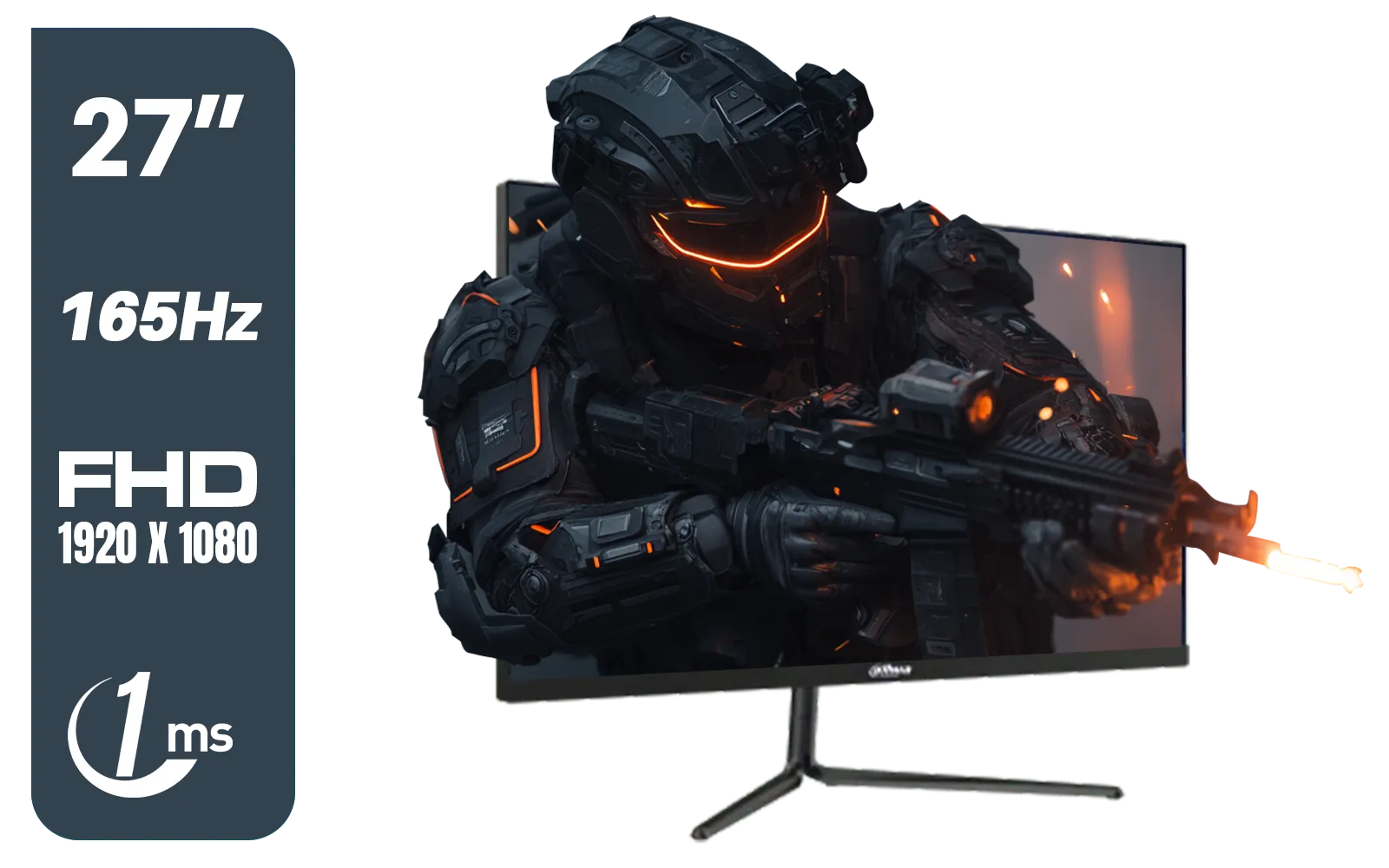
Dahua LM27-E231 27inch Gaming Monitor, 165Hz, 1ms, Adjustable stand, 100% sRGB, FPS/RTS Gaming Modes / DHI-LM27-E231
R3199.00In Stock
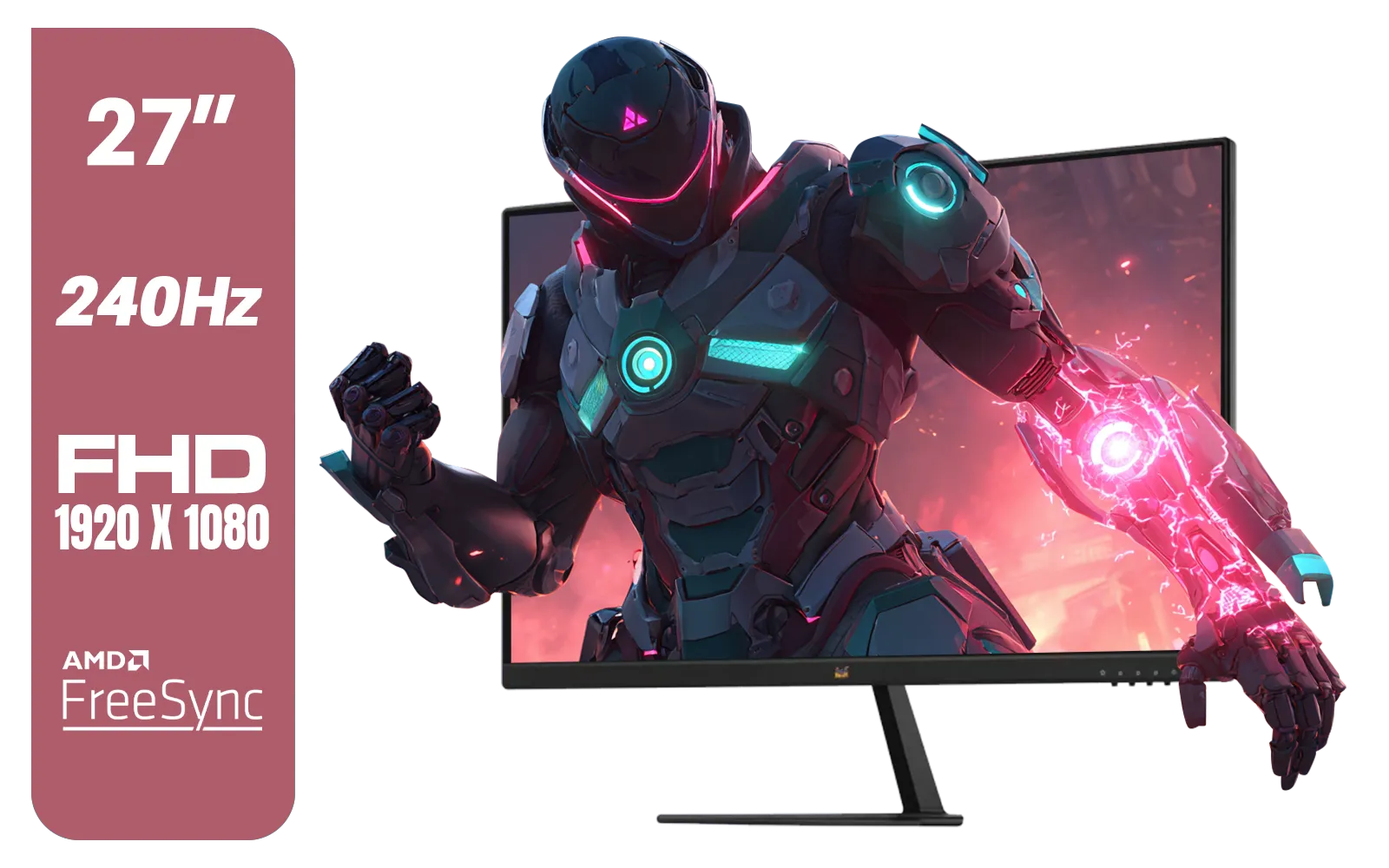
ViewSonic VX2779A-HD-PRO 27" Gaming Monitor / IPS-Level Display / 240Hz Refresh Rate / 1ms MPRT / AMD FreeSync / HDR10 / VX2779A-HD-PRO
R4099.00In Stock
Boosting Immersion
For single-player adventures and cinematic titles, a high contrast ratio is what makes the world come alive. Imagine exploring the vibrant landscapes of Horizon Forbidden West. A high-contrast panel delivers inky, deep blacks for night skies and caves, while making colours pop with incredible vibrancy. This depth creates a more realistic and engaging experience. This is especially true for curved monitors, which often use VA panels known for their excellent contrast, pulling you deeper into the game world.
TIP FOR YOU
Quick Calibration Tip 🔧
Most games have brightness and gamma sliders in their video settings. Use them! Find a dark area in-game and adjust the sliders until you can just barely make out the details in the shadows without making the black areas look grey or washed out. This simple tweak can significantly improve your visual experience.
It’s Not Just About Contrast
While a high contrast ratio for gaming is vital, it’s part of a bigger picture. For the ultimate visual feast, you need to pair it with other key features.

HP 524SW G5 FHD Gaming Monitor - White/Silver / 24" FHD (1920 x 1080) / IPS Panel / 1x HDMI 1.4, 1x VGA / Eye Ease with Eyesafe Certification / 94C21AS
R4299.00In Stock

Philips 49B2U5900CH 49" Dual QHD Curved Business Monitor / Dual QHD (5120 x 1440) / 4ms Response Time / Flicker-Free / LowBlue Mode / 49B2U5900CH/89
R23499.00In Stock
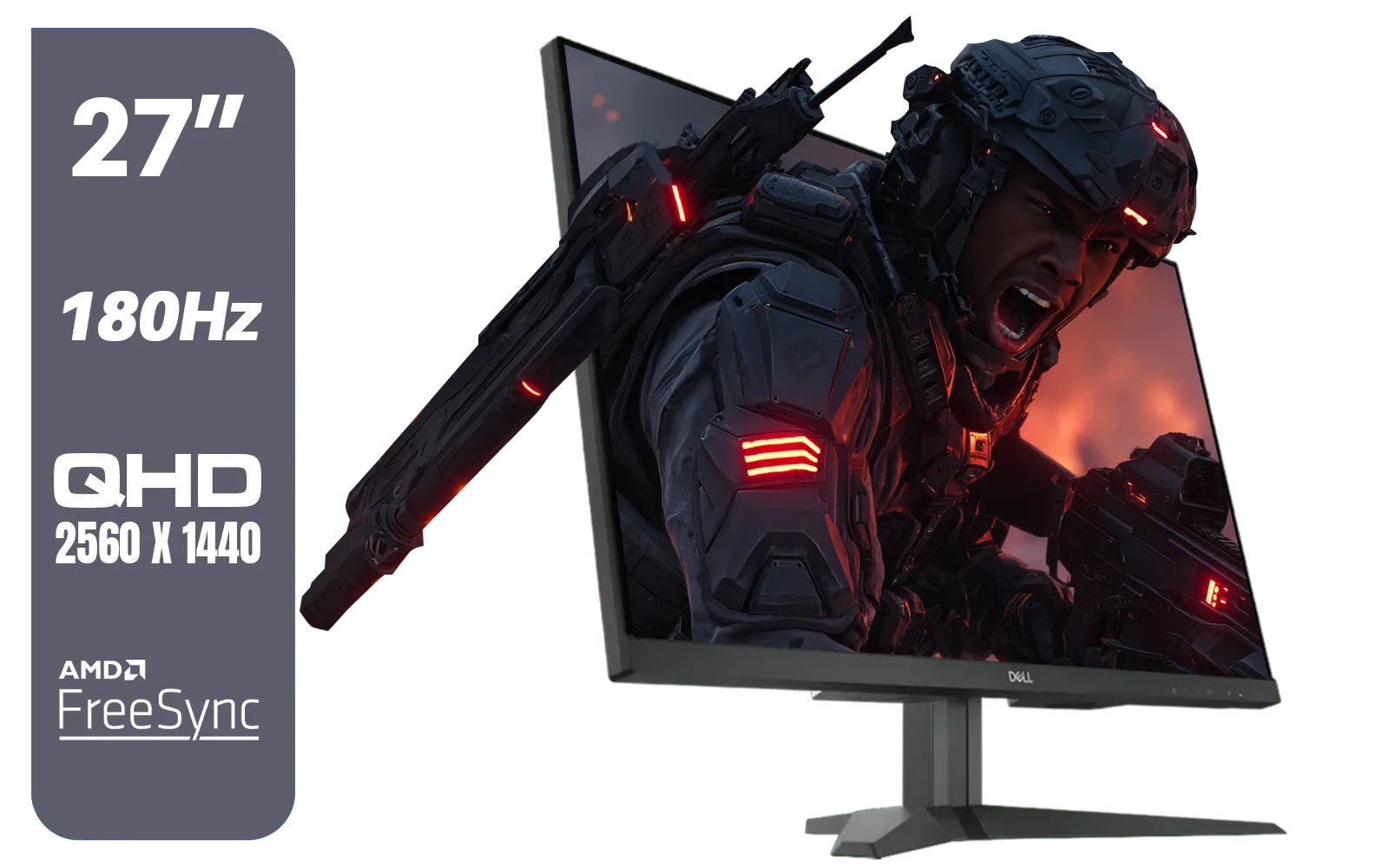
Dell G2725D 27" Gaming Monitor / QHD 2560 x 1440 / 180Hz Refresh Rate / AMD Freesync / 1ms Response Time / G2725D
R4299.00In Stock
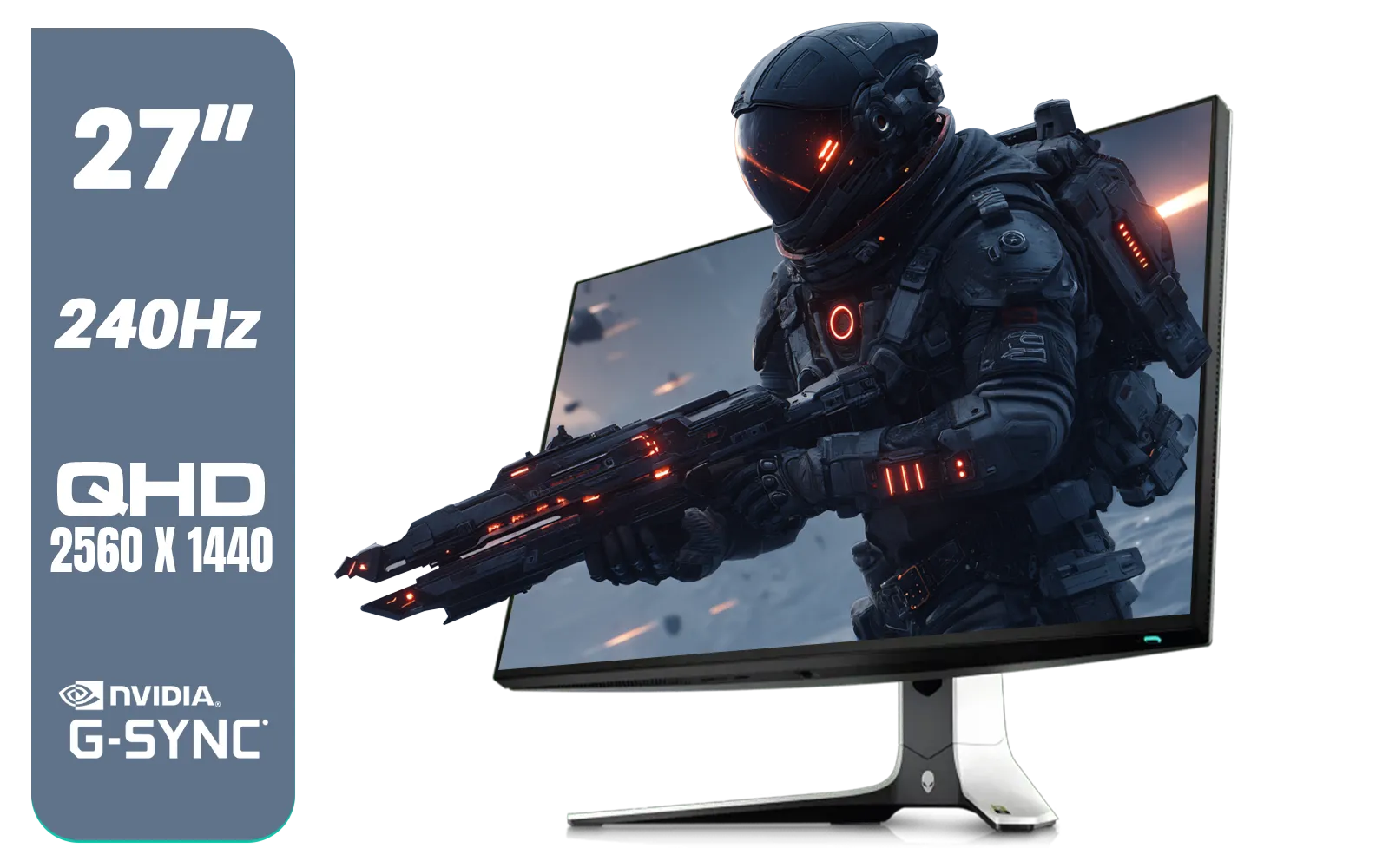
Alienware AW2723DF Gaming Monitor - 27-inch (2560 x 1440) 240Hz Display (DP 1.4), 1ms Response Time, NVIDIA G-Sync, Preset OSD Modes, Height/Tilt/Swivel/Pivot Adjustability - Lunar Light / AW2723DF
R8699.00In Stock
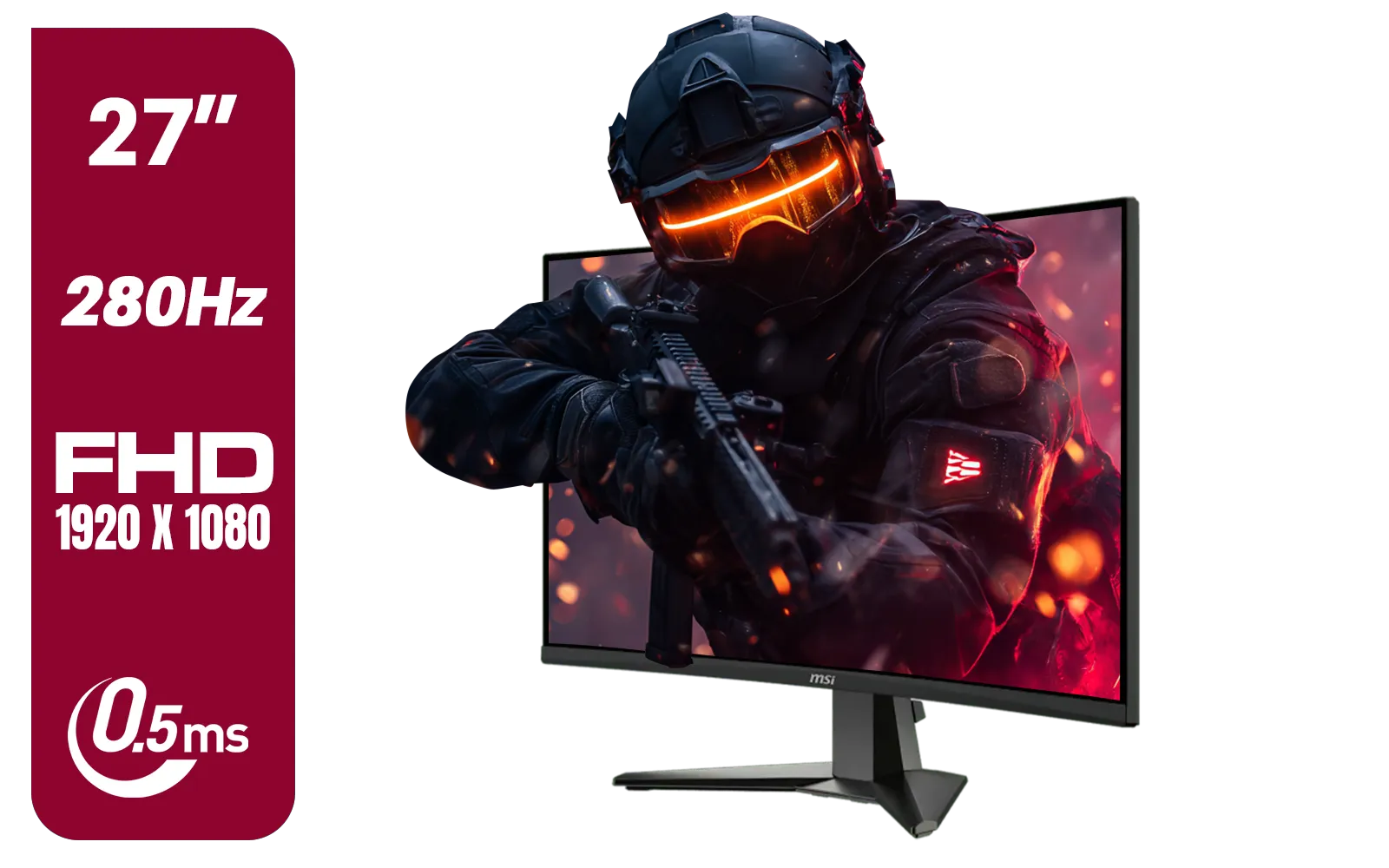
MSI MAG 276CXF 27-inch 1920 x 1080 (FHD) Curved Monitor, 280Hz, HDMI, DisplayPort, VGA Port, VESA Mountable, Tilt, Slim Bezel, 0.5ms, Black / 9S6-3CE01M-037
R4799.00In Stock
Lenovo G24e-20 23.8" 100Hz FHD WLED Gaming LCD Monitor - 16:9 - Black / 66D7GAR1SA
R1999.00In Stock
A high resolution, for instance, provides the sharpness and detail. The difference between 1080p and one of the latest 4K monitors is staggering, especially when combined with great contrast. Even when gaming on the go, a quality panel on portable monitors can make a huge difference. Finally, don’t forget to properly set up your new screen. Using the right cables and perhaps a monitor arm for perfect positioning can elevate your entire setup. Investing in good monitor accessories ensures you get the most out of your display. ✨
Ultimately, don't underestimate the power of a great display. It’s the window to your virtual worlds, and a high contrast ratio ensures that window is crystal clear.
Ready to See the Difference? A high contrast ratio isn't just a number... it's a competitive advantage. From inky blacks to brilliant highlights, the right display transforms your experience. Explore our huge range of gaming monitors and find the perfect screen to level up your game.
Related Products
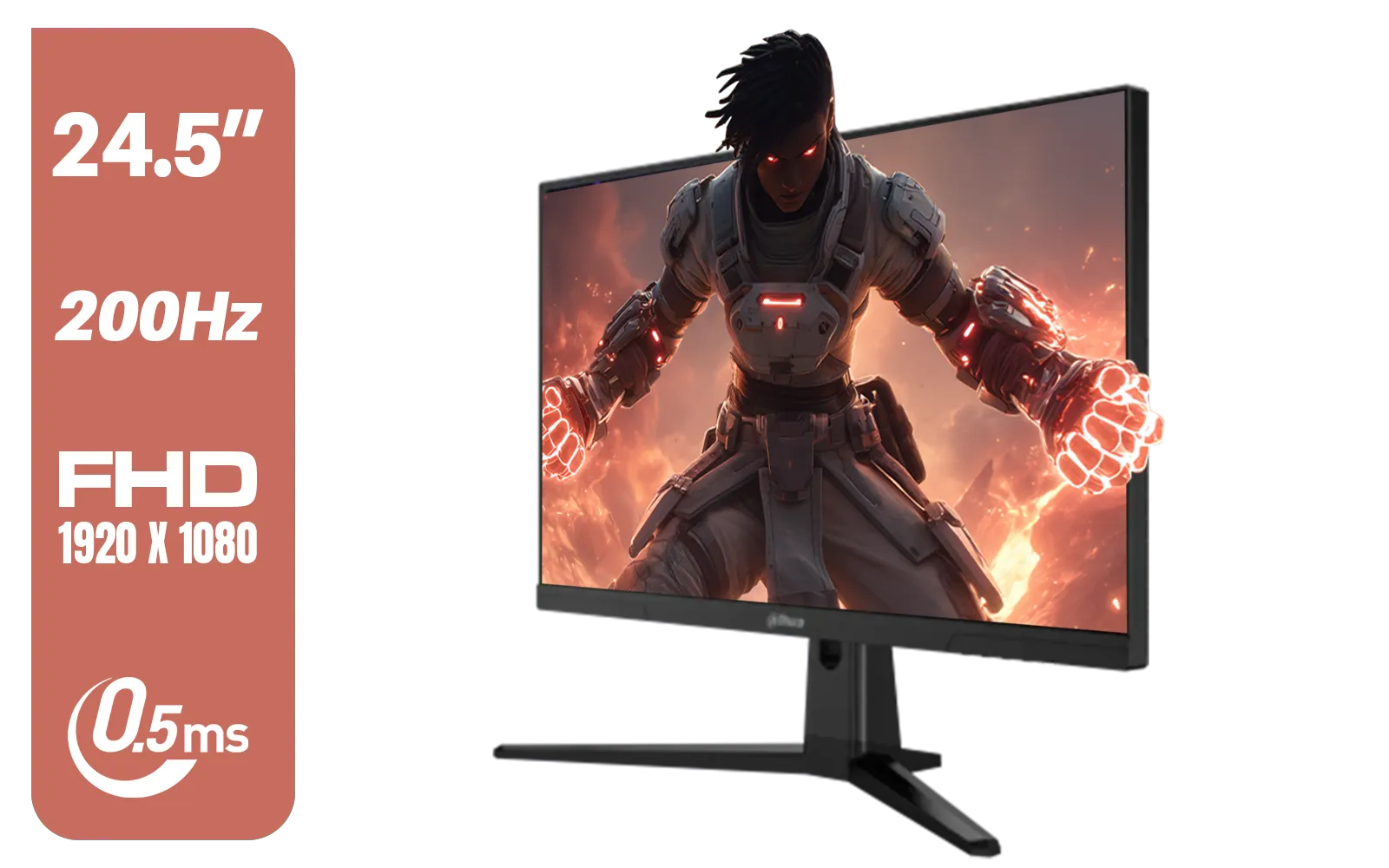
Dahua LM25-E231BN 24.5" Monitor / FHD 1920 x 1080 / 200Hz Refresh Rate / 0.5ms Response Time / DHI-LM25-E231BN
R2199.00In Stock

ViewSonic VA240A-H 24" Monitor / FHD (1920 x 1080) Display resolution / 1ms Response Time / HDMI and VGA inputs / 120Hz Variable refresh rate / VA240A-H - UK Adapter Included
R1949.00In Stock

VIEWSONIC TD1630-3 15.6" 10-Pont Touch Screen Monitor / HD 768p Resolution / Projected Capacitive Touch / HDMI & VGA Inputs / Dual Integrated Speakers / Durable Scratch-Resistant Screen / TD1630-3
R4499.00In Stock
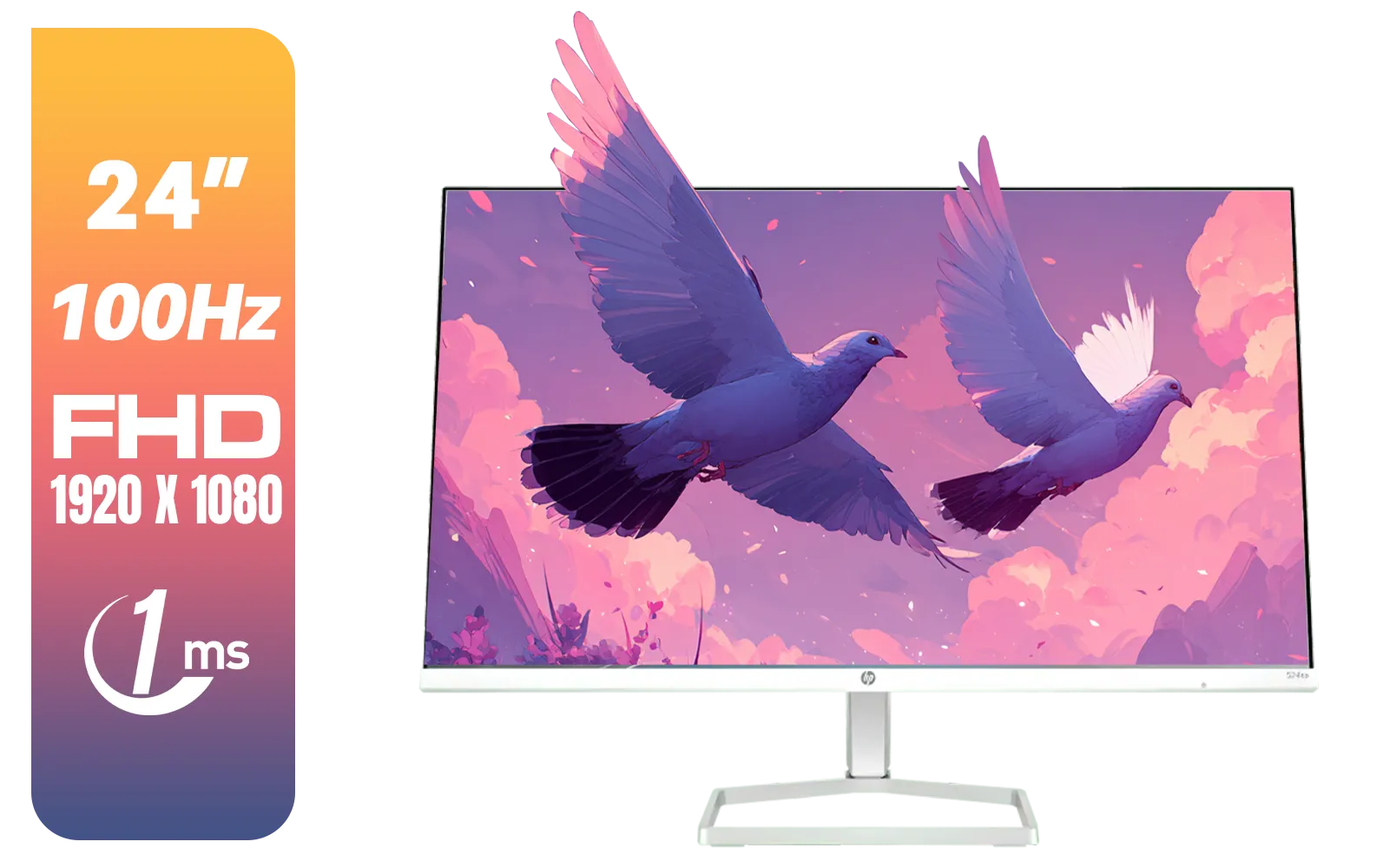
HP 527SA G5 FHD Gaming Monitor - White/Silver / 27" FHD (1920 x 1080) / IPS Panel / 1x HDMI 1.4, 1x VGA / Eye Ease with Eyesafe Certification / 94F48AS
R4999.00In Stock

HP OMEN 32q QHD 165Hz Gaming Monitor - Black / 1ms / 32" QHD (2560 x 1440) / AMD Freesync™ Premium / 780K0AS
R9999.00In Stock

VIEWSONIC XG2709A 27" LCD Gaming Monitor / 240Hz Refresh Rate / SuperClear® IPS Panel / 1ms MPRT Response Time / AMD FreeSync™ & G-Sync Compatible / HDR10 Support / HDMI & DisplayPort Inputs / XG2709A
R3499.00In Stock
For a gaming monitor, a native contrast ratio of 1000:1 is good for IPS panels, while VA panels offer a superior 3000:1 or higher for deeper blacks and more immersion.
Yes, it matters significantly. A higher contrast ratio enhances visual depth, making it easier to see details in dark scenes, giving you a competitive advantage in many games.
A 1000:1 contrast ratio is the standard for most IPS monitors and is perfectly acceptable for a great gaming experience, offering vibrant colors and good performance.
It's generally recommended to turn off dynamic contrast ratio for gaming. While it can make movies look punchier, it often causes distracting brightness shifts during gameplay.
VA panels typically have a much higher native contrast ratio (3000:1+) than IPS panels (1000:1), resulting in deeper blacks. IPS panels often have better viewing angles.
A high native contrast ratio is fundamental for effective HDR. It allows a monitor to display extreme differences between light and dark areas simultaneously for a stunning impact.











