



DDR5 CAS latency: What it means and why it matters
-Define CAS latency -Show performance impact -Explain tuning tips -Guide buying decisions DDR5 CAS latency explained: learn how timings affect real-world speed, gaming, and productivity. ⚡️🔍
|
Loading tags...

You’ve seen it while shopping for a new PC build. A shiny new DDR5 RAM kit boasts a blazing-fast speed like 6000MT/s, but right next to it is a cryptic number: CL36, CL32, or CL40. What is that? And why do some kits with slower speeds have lower numbers? It’s a common point of confusion, but understanding DDR5 CAS latency is your secret weapon to unlocking maximum performance for your rig.

XPG DDR5 RAM Memory 16GB 6000MT/s Lancer Blade RGB White / AX5U6000C3016G-SLABRWH
R3499.00In Stock
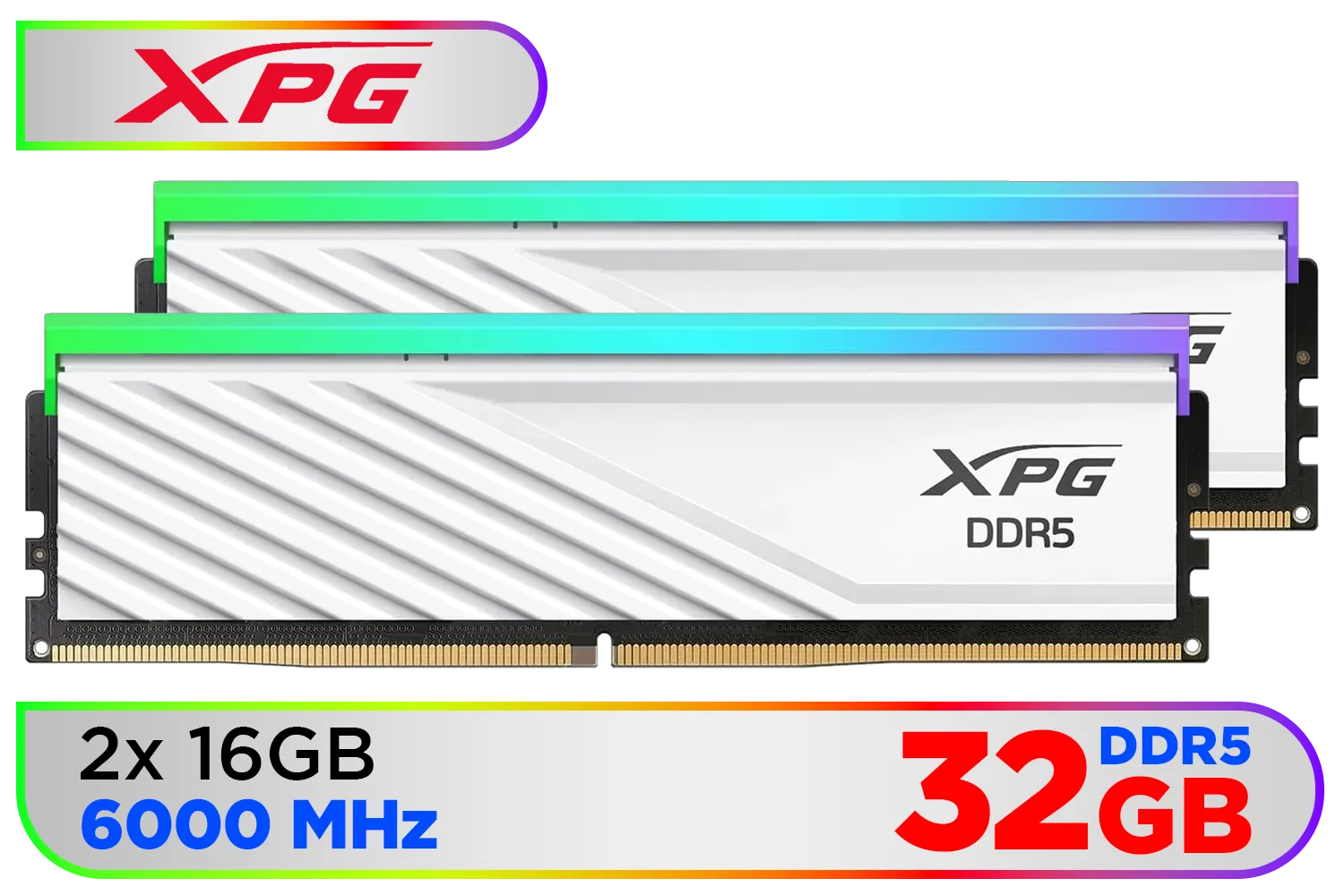
XPG Lancer Blade RBG DDR5 6000MHz CL30 32GB (2x16GB) PC5-48000 RAM 288-Pins UDIMM Desktop Memory Kit White Heatsink / AX5U6000C3016G-DTLABRWH
R5999.00In Stock

Teamgroup T-Force XTREEM 48GB DDR5 Desktop Memory - Black / 48GB (2x24GB) / 8000MHz / CL38 / FFXD548G8000HC38EDC01
R9999.00In Stock
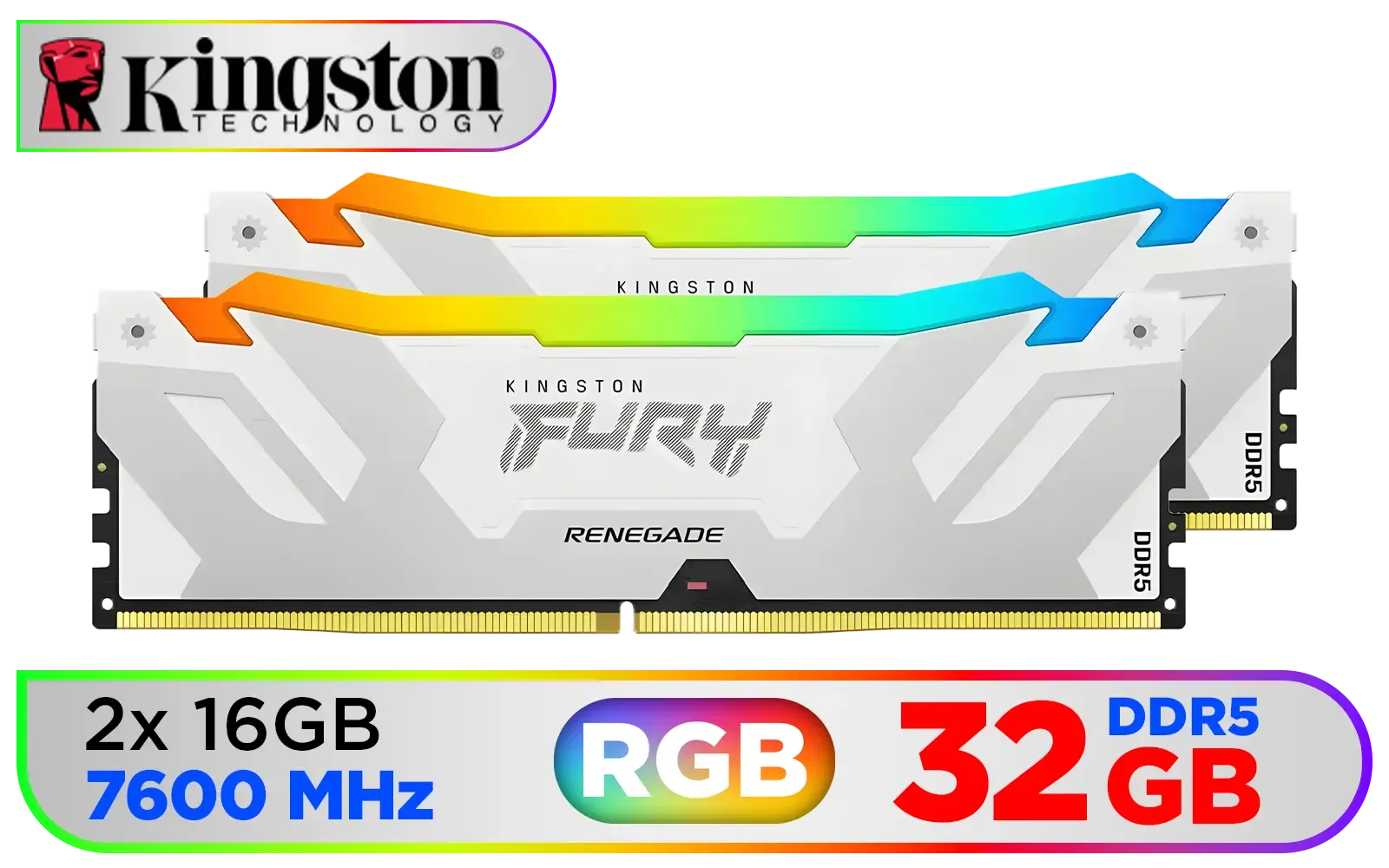
Kingston Fury Renegade RGB 32GB (2x16GB) 7600Mhz DDR5 Desktop Memory - White / Kit of 2 / 18 Customisable RGB Effects / Infrared Sync Technology / KF576C38RWAK2-32
R6999.00In Stock

Corsair Vengeance 32GB (1 x 32GB) 5600MHz DDR5 C40 Memory - Black / Dynamic Multi-Zone / Speed Rating PC5-44800 / Voltage 1.1V / Aluminum Heat Spreader / CMK32GX5M1B5600C40
R5199.00In Stock
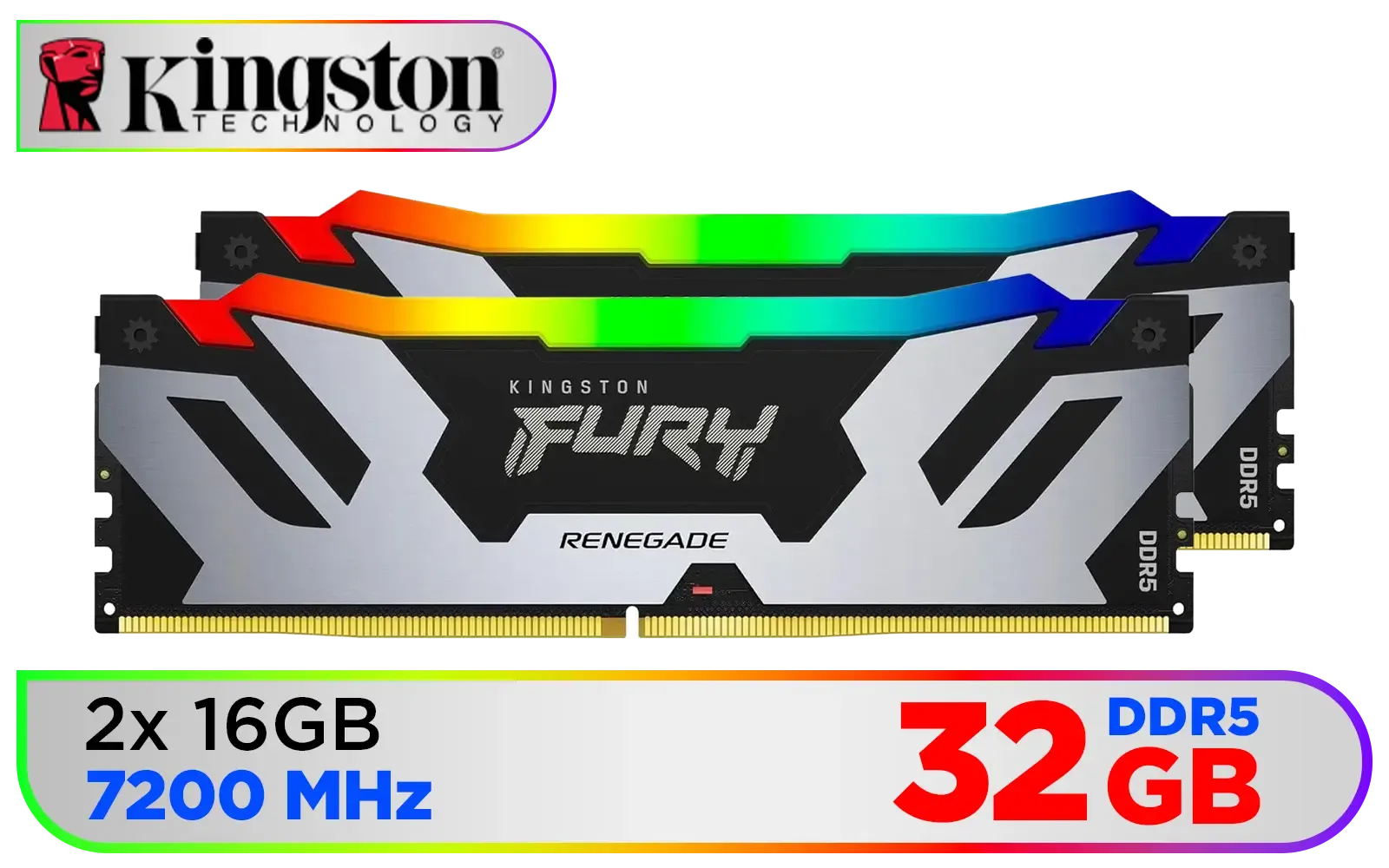
Kingston Fury Renegade RGB 32GB (16GB x 2) 7200Mhz DDR5 Desktop Memory - Black / Kit of 2 / 18 Customisable RGB Effects / Infrared Sync Technology / Intel XMP 3.0 certified / KF572C38RSAK2-32
R6299.00In Stock
Demystifying CAS Latency: Your RAM's Reaction Time 🔧
Think of your RAM as a massive, organised library and your CPU as someone who needs a book... fast. CAS Latency, which stands for Column Address Strobe Latency, is simply the time it takes for the RAM to respond to a request. It’s the delay between the CPU asking for a piece of data and the RAM actually starting to send it.
This delay is measured in clock cycles. So, a CL36 rating means it takes 36 RAM clock cycles to access the data. A lower number means a faster response. This core concept isn't new; it's been a key performance metric through generations of memory, from the days of older DDR3 RAM to today's cutting-edge kits.
Is Lower CAS Latency Always Better?
Here’s where it gets interesting. A lower CL number is great, but it’s only half the story. You have to consider it alongside the RAM's speed (measured in Megatransfers per second, or MT/s). The real performance indicator is the true latency, which is measured in nanoseconds (ns).
You can calculate it with a simple formula: (CL Number x 2000) / RAM Speed = True Latency in nanoseconds
Let's compare two kits:
- Kit A: DDR5-5600 CL40 -> (40 * 2000) / 5600 = 14.28 ns
- Kit B: DDR5-6000 CL36 -> (36 * 2000) / 6000 = 12.00 ns
Even though Kit A's CL number isn't drastically higher, Kit B is significantly quicker in real-world terms because of its higher speed. This balancing act has always been crucial, whether you're looking at the popular DDR4 memory kits or modern DDR5. For years, trusted brands like Teamgroup have been optimising these specs to deliver the best performance.

KLEVV CRAS V RGB 48GB Kit (24GB x2) 7200MHz Gaming Memory DDR5 RAM XMP 3.0/AMD EXPO High Performance Overclocking / KD5KGUD80-72B340G
R7499.00In Stock

Teamgroup T-Force DELTA RGB 32GB DDR5 Desktop Memory - Black / 32GB (2x16GB) / 7200MHz / CL34 / FF3D532G7200HC34ADC01
R6199.00In Stock

KLEVV BOLT X 16GB (16GB x 1) 3600MHz DDR4 Desktop Gaming Memory / 288-Pin / Performance Enhancing / Best-in-class Memory Chips / Aluminum Heat Spreader / Ecosystem Compatibility / KD4AGU880-36A180T
R2199.00In Stock

Kingston Fury Renegade RGB 32GB (16GB x 2) 6400Mhz DDR5 Desktop Memory - White / Kit of 2 / 18 Customisable RGB Effects / Infrared Sync Technology / KF564C32RWAK2-32
R6499.00In Stock
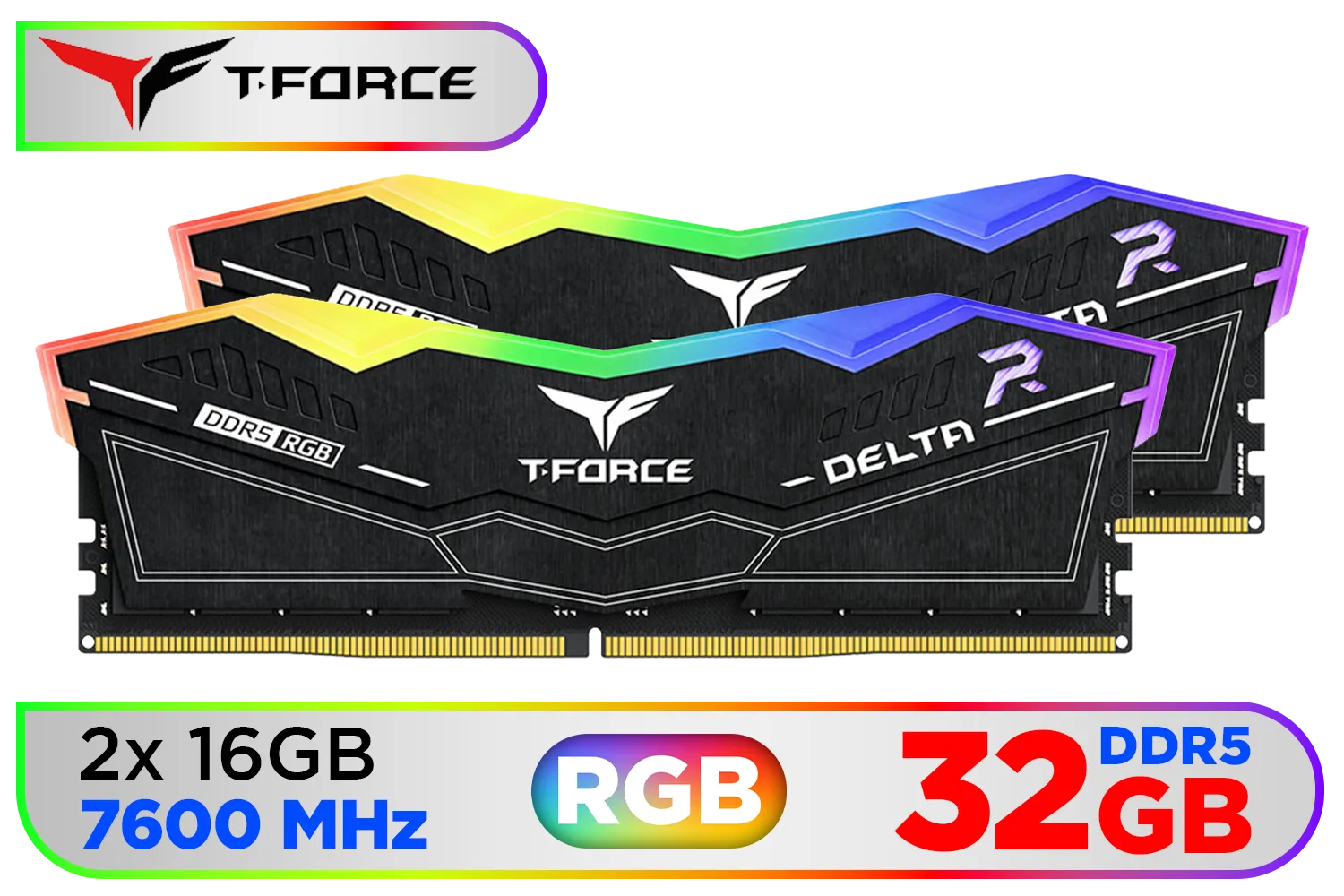
Teamgroup T-Force DELTA RGB 32GB DDR5 Desktop Memory - Black / 32GB (2x16GB) / 7600MHz / CL36 / FF3D532G7600HC36DDC01
R6999.00In Stock

Teamgroup T-Force XTREEM 32GB DDR5 Desktop Memory - Black / 32GB (2x16GB) / 7600MHz / CL36 / FFXD532G7600HC36FDC01
R5699.00In Stock
How DDR5 CAS Latency Impacts Your Gaming Experience 🚀
So, does a few nanoseconds really make a difference? For gaming, yes... it can.
A lower true latency means your CPU isn't waiting as long for data from the RAM. This can lead to smoother gameplay, especially in CPU-intensive titles. You might see an improvement in your 1% low framerates, which reduces stuttering and makes the entire experience feel more responsive. In fast-paced competitive shooters like Valorant or Apex Legends, that split-second advantage can be the difference between winning and losing a firefight.
While capacity is also vital—and even older platforms saw massive 32GB DDR3 kits—for modern gaming, the interplay of speed and latency is where performance is won.
TIP FOR YOU
Pro Tip: Don't Forget to Enable XMP/EXPO! ⚡
Your new RAM kit will run at a slower, standard speed out of the box. To get the advertised speeds and timings (like DDR5-6000 CL36), you must enter your PC's BIOS and enable its memory profile. This is usually called XMP (Extreme Memory Profile) for Intel systems or EXPO (Extended Profiles for Overclocking) for AMD systems. It's a one-click setting that ensures you're not leaving performance on the table!
The Sweet Spot: Balancing Performance and Price (ZAR)
For South African gamers building a new rig today, the sweet spot for DDR5 often lies around the 6000MT/s mark with a CAS latency between CL30 and CL36. This combination currently offers a fantastic blend of high speed and low true latency without the premium price tag of the absolute fastest kits on the market.
Teamgroup T-Force XTREEM 32GB DDR5 Desktop Memory - Black / 32GB (2x16GB) / 7600MHz / CL36 / FFXD532G7600HC36FDC01
R5699.00In Stock

Corsair Vengeance RGB DDR5 64GB (4x16GB) 6000MHz C36 Intel Optimized Desktop Memory (Dynamic Ten-Zone RGB Lighting, Onboard Voltage Regulation, Custom XMP 3.0 Profiles, Tight Response Times) Black / CMH32GX5M2E6000C36x2
R11299.00In Stock

Kingston Fury Beast RGB 32GB (2x16GB) 6000MT/s DDR5 CL36 Desktop Memory - White / AMD Expo/Intel XMP / Plug N Play / Kit of 2 / KF560C36BWE2AK2-32
R6199.00In Stock
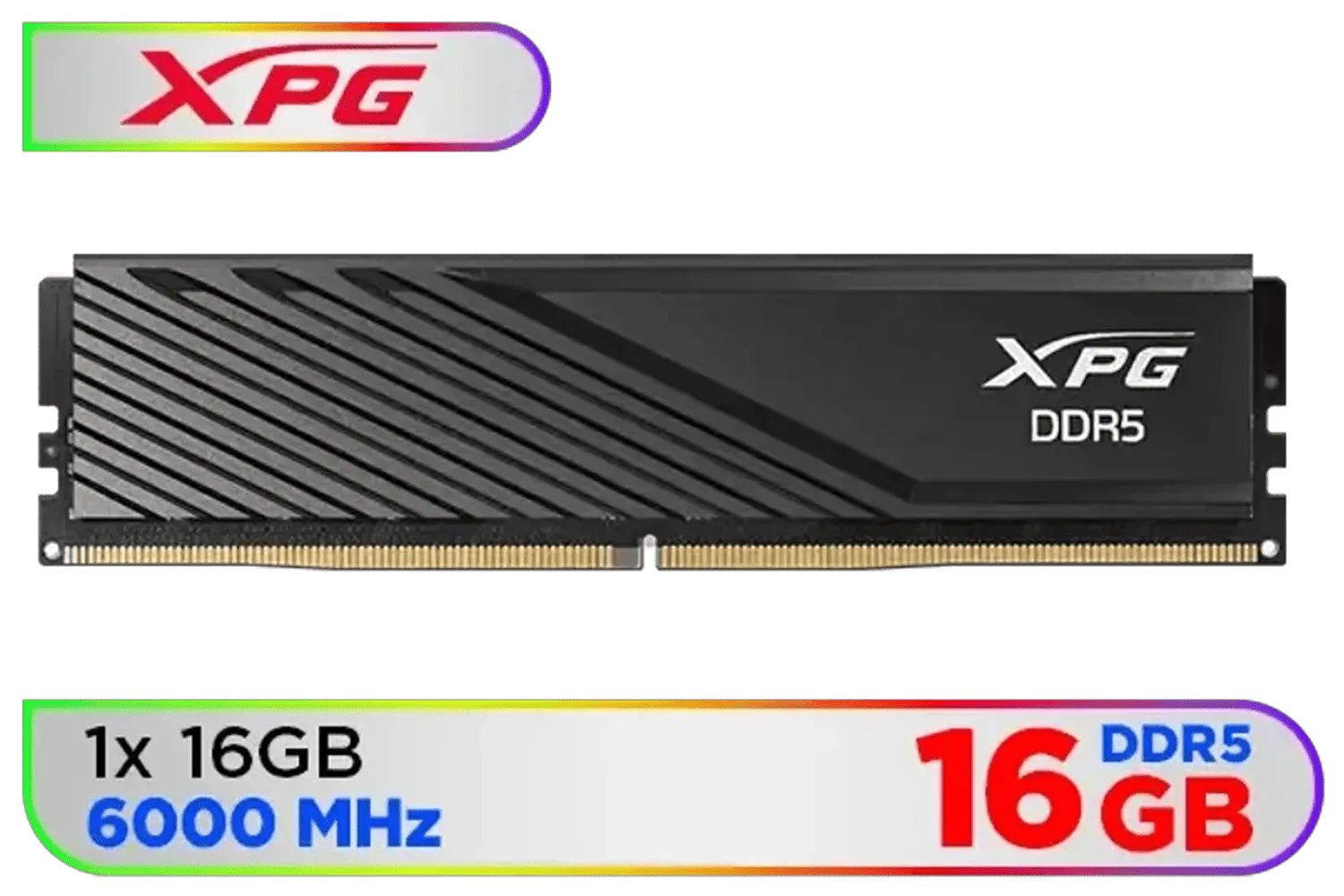
ADATA XPG Lancer Blade DDR5 6000MHz CL38 16GB PC5-44800 RAM 288-Pins UDIMM Desktop Memory Black Heatsink / AX5U6000C3616G-SLABBK
R2999.00In Stock
Kingston Fury Renegade RGB 32GB (16GB x 2) 7200Mhz DDR5 Desktop Memory - Black / Kit of 2 / 18 Customisable RGB Effects / Infrared Sync Technology / Intel XMP 3.0 certified / KF572C38RSAK2-32
R6299.00In Stock

Kingston Fury Beast RGB 64GB (2x32GB) 6400MT/s DDR5 CL32 Desktop Memory / AMD Expo/Intel XMP / Plug N Play / Kit of 2 / KF564C32BBEAK2-64
R12499.00In Stock
Ultimately, understanding DDR5 CAS latency empowers you to look past the marketing hype and choose a memory kit that delivers real-world performance. It’s about finding that perfect balance of speed, responsiveness, and value for your budget. ✨
Ready to Boost Your Rig's Responsiveness? Now that you know what CAS latency means, you can make a smarter choice for your next upgrade or build. The perfect RAM kit is waiting to unlock your PC's true potential. Explore our huge range of the latest DDR5 memory and find the perfect match for your gaming needs.
Related Products
ADATA Premier 32GB (32GB x 1) 5600MHz DDR5 Desktop Memory / Higher Capacities / Improved Stability / Energy-Efficient / AD5U560032G-B
R4999.00In Stock
KLEVV BOLT X 16GB (16GB x 1) 3600MHz DDR4 Desktop Gaming Memory / 288-Pin / Performance Enhancing / Best-in-class Memory Chips / Aluminum Heat Spreader / Ecosystem Compatibility / KD4AGU880-36A180T
R2199.00In Stock
ADATA XPG Lancer Blade DDR5 6000MHz CL38 16GB PC5-44800 RAM 288-Pins UDIMM Desktop Memory Black Heatsink / AX5U6000C3616G-SLABBK
R2999.00In Stock
Corsair Vengeance 32GB (1 x 32GB) 5600MHz DDR5 C40 Memory - Black / Dynamic Multi-Zone / Speed Rating PC5-44800 / Voltage 1.1V / Aluminum Heat Spreader / CMK32GX5M1B5600C40
R5199.00In Stock
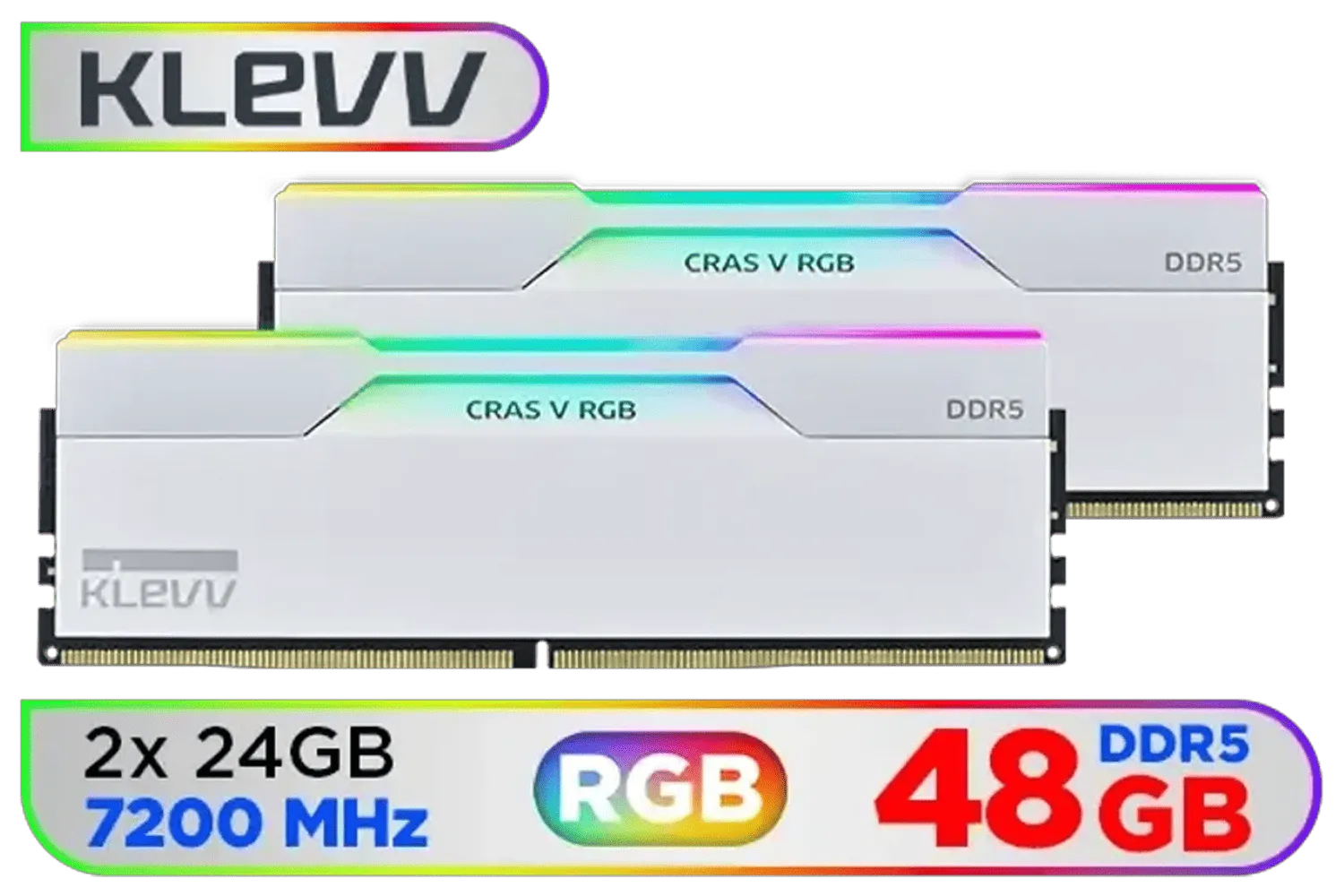
KLEVV CRAS V RGB DDR5 48GB (2x24GB) 7200MHz CL34 Gaming Desktop RAM - White / SK Hynix Chip / XMP 3.0 / AMD Expo Ready / KD5KGUD80-72B340J
R7499.00In Stock

XPG Lancer Blade RGB DDR5 6000MHz CL30 32GB (2x16GB) PC5-48000 RAM 288-Pins UDIMM Desktop Memory Kit Black Heatsink / AX5U6000C3016G-DTLABRBK
R5999.00In Stock
CAS latency is the delay in clock cycles between a memory read command and data availability. For DDR5 CAS latency helps define memory responsiveness.
Lower CAS latency reduces access delay, but DDR5 frequency and bandwidth also matter. Compare CAS latency vs frequency DDR5 for real-world speed.
CAS latency can change frame pacing and minimum FPS. Lower CL often helps CPU-limited titles; check DDR5 CL benchmarks to see typical gains.
Balance CAS latency with higher DDR5 MHz and price. For gaming aim for low CL with strong frequency; review optimal DDR5 CAS settings and benchmarks.
Yes. You can adjust CAS and other timings in BIOS/UEFI. Tuning DDR5 CAS latency requires stability testing and occasional voltage tweaks.
Convert CL to nanoseconds using frequency: ns ≈ (CAS / frequency) × 2000. See DDR5 timings explained for exact calculations.
Not directly. DDR5 often runs higher MHz, so compare CL alongside frequency using DDR5 latency vs bandwidth metrics and benchmarks.











