



Energy Efficient Gaming Monitor Tips During Loadshedding
Energy Efficient Gaming Monitor tips to cut power use, extend uptime and save costs during South African loadshedding. ⚡🖥️ Quick settings, UPS advice and hardware swaps to keep gaming longer.
|
Loading tags...

Loadshedding strikes again. You’re in the final circle, victory is moments away… and then, darkness. Your UPS kicks in, but for how long? Your beastly PC is sipping power, but did you know your gaming monitor might be the thirstiest component of all? Choosing an energy efficient gaming monitor isn't just about saving a few bucks on your electricity bill; it's about buying you precious minutes when the grid goes down. Let's dive in.

MSI PRO MP275 E2 27-inch IPS 1920 x 1080 (FHD) Gaming Office Monitor, 120Hz, Free-Synch, HDMI, DisplayPort, VGA Port, VESA Mountable, Tilt, Speaker, 4-Side Slim Bezel 1ms, Black / 9S6-3PD3CM-029
R2599.00In Stock
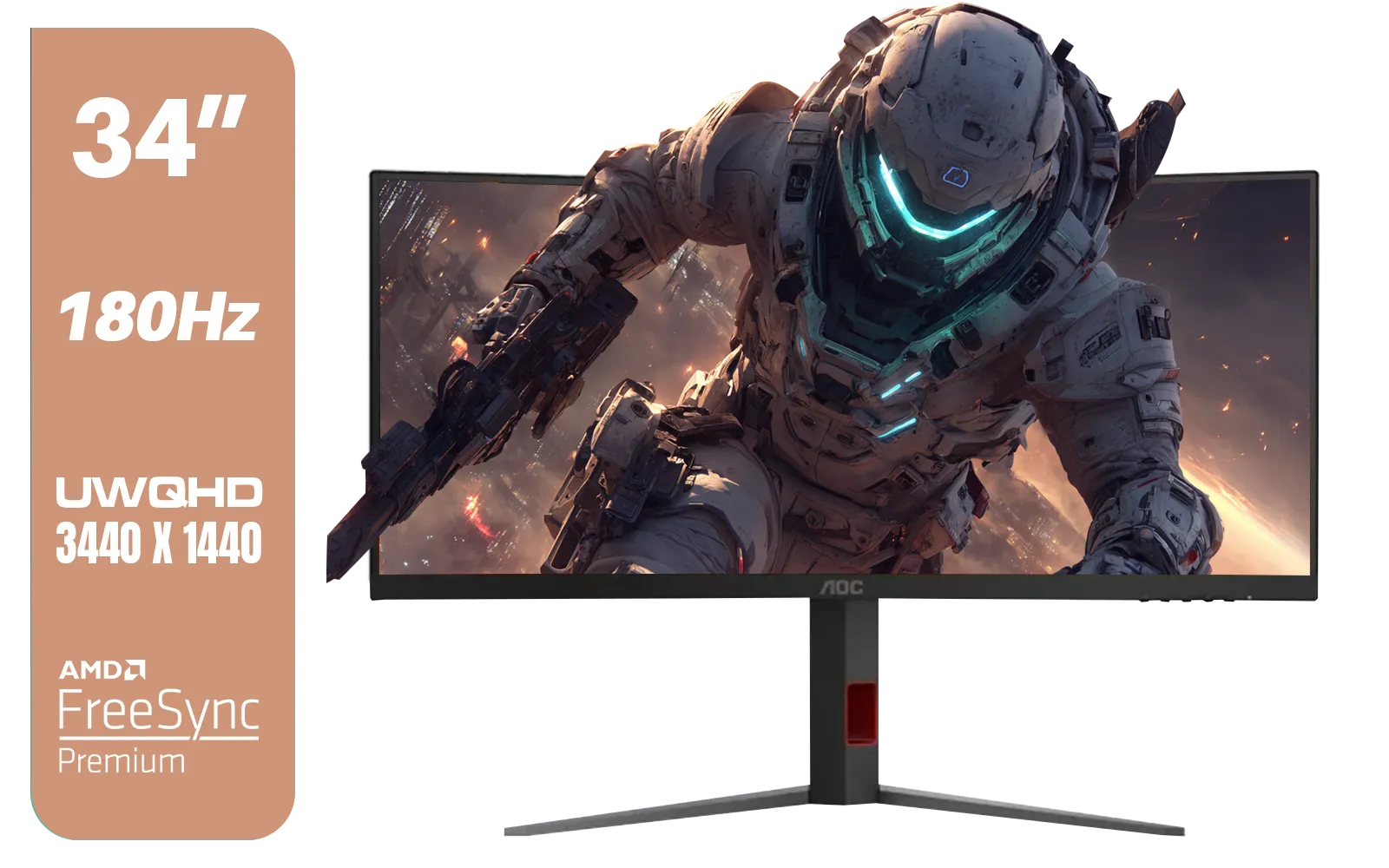
AOC CU34G4 34" Curved Gaming Monitor / UWQHD (3440x1440) / 180Hz Refresh Rate / 1ms Response Time (MPRT) / HDR10 / Adaptive Sync / CU34G4
R6999.00In Stock

VIEWSONIC 24" FHD Led Backlit Display / 120Hz Refresh Rate / Windows Hello–Certified 5MP Webcam With privacy cover / Dual Mics & Stereo Speakers / USB-C for Audio, Video & Data / USB 3.2 Hub with HDMI & DisplayPort / Ergonomic Adjustable Stand / VG2441V
R3699.00In Stock

Philips 49B2U5900CH 49" Dual QHD Curved Business Monitor / Dual QHD (5120 x 1440) / 4ms Response Time / Flicker-Free / LowBlue Mode / 49B2U5900CH/89
R23499.00In Stock
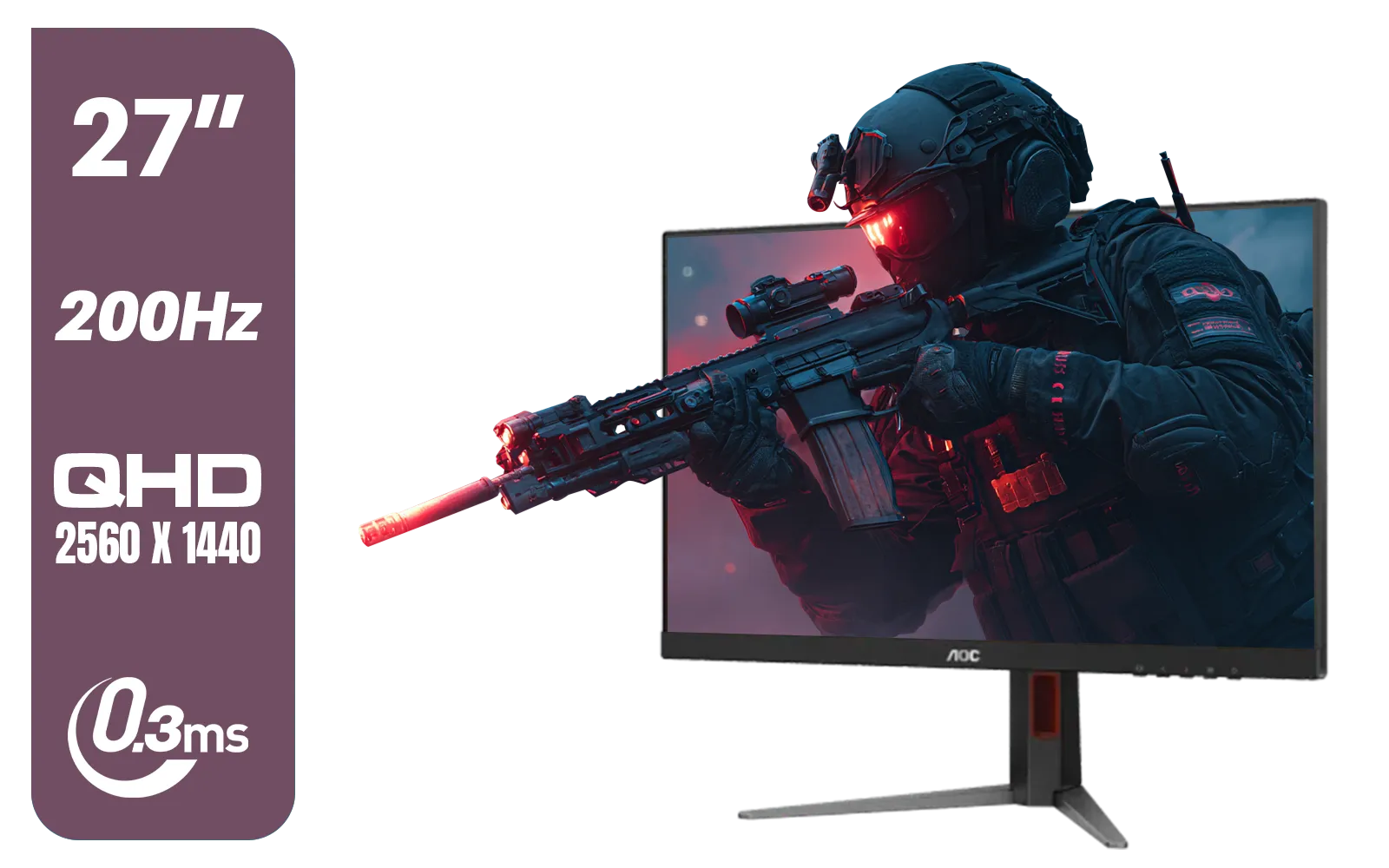
AOC Q27G4/D 27" Gaming Monitor / QHD (2560 × 1440) / 200Hz Refresh Rate / 0.3ms Response Time / IPS-Level Display / Certified HDR400 / Support Adaptive Sync / Q27G4/D
R3899.00In Stock

MSI G321Q 31.5" WQHD IPS 2K Flat Monitor, 170Hz Refresh Rate, 1ms MPRT Response Time, 1.07B Display Colors, 16:9 Aspect Ratio, 1200:1 Contrast Ratio, G-Sync / AMD Freesync, HDR, Black / 9S6-3DB91A-041
R6999.00In Stock
Why Monitor Power Consumption is a Big Deal
When Eskom flips the switch, every single watt counts. Your Uninterruptible Power Supply (UPS) has a limited battery, and a power-hungry monitor can drain it surprisingly fast. A standard gaming display can draw anywhere from 30W to over 100W, depending on its size, technology, and brightness. That difference could be an entire extra round of Valorant or the time needed to safely save and quit a single-player epic.
Think of it this way: shaving 20-30W off your total power draw can extend your UPS runtime by 15-20%. That’s a massive advantage. Before you start browsing for a new screen, it's worth looking at the specs on various PC monitors to see just how much power ratings can vary.
Quick Fixes: Optimise Your Current Monitor ⚡
Before you spend a Rand, you can make your current setup more loadshedding-proof with a few simple tweaks. These tips apply to almost all modern gaming monitors and can make a noticeable difference.
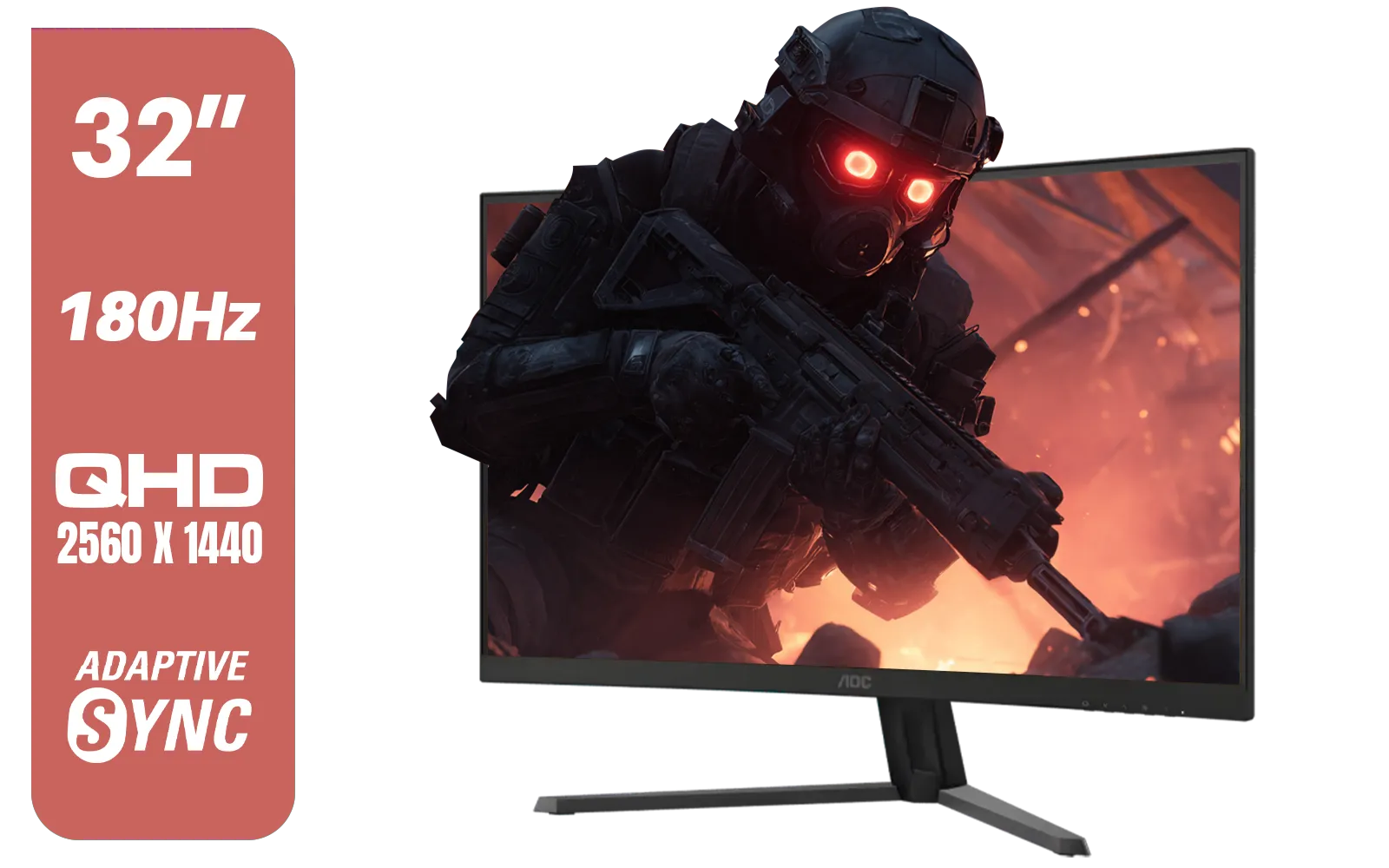
AOC CQ32G4E 32" Curved Gaming Monitor / QHD (2560x1440) / 180Hz Refresh Rate / 0.5ms Response Time (MPRT) / HDR10 / Adaptive Sync / CQ32G4E
R5999.00In Stock
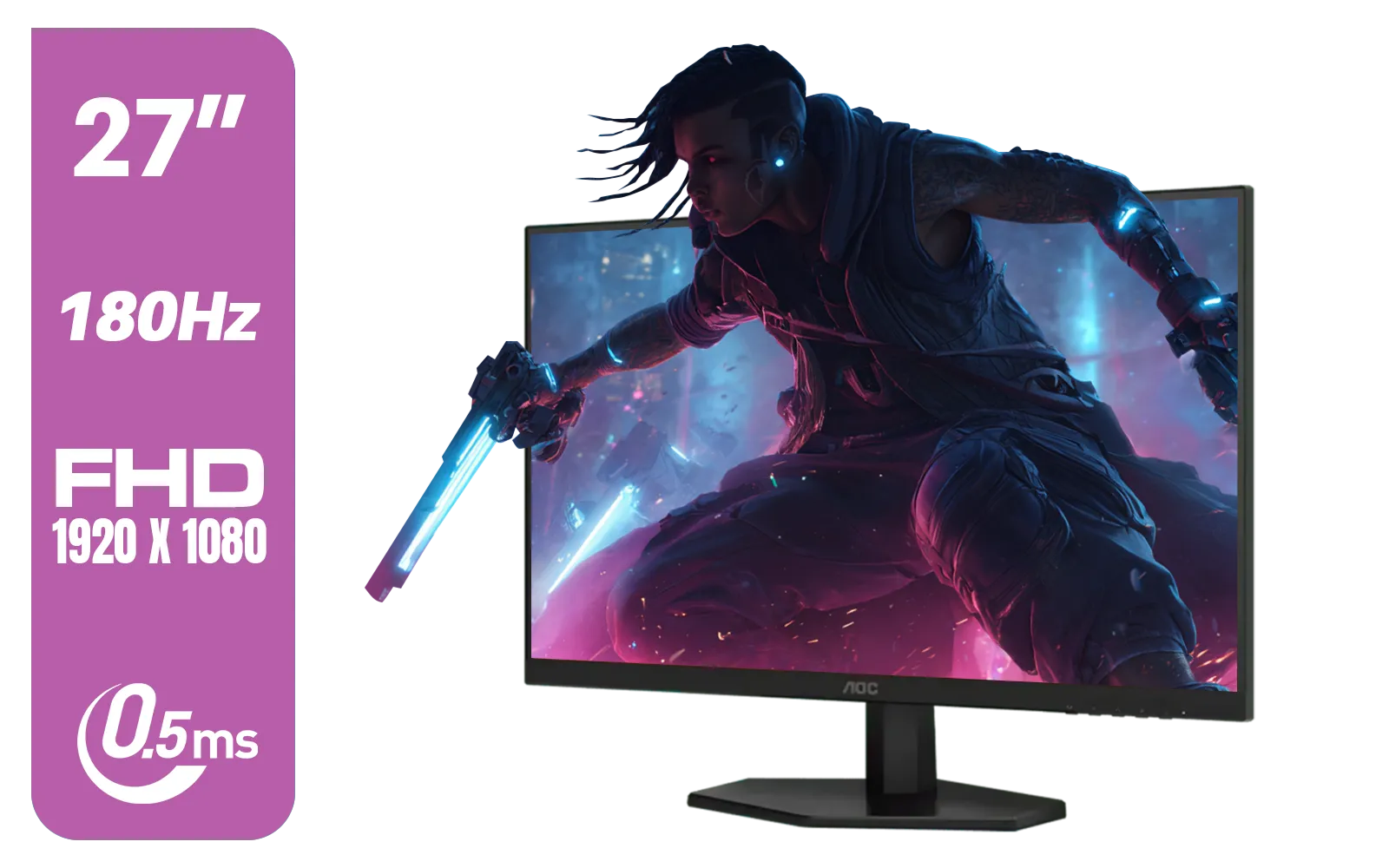
AOC 27G42E 27" 180Hz Ultra-Fast Gaming Monitor, 1920 × 1080 (FHD), 0.5ms, Fast IPS, Adaptive Sync, 3-Sided Frameless Design, Black / 27G42E
R3199.00In Stock
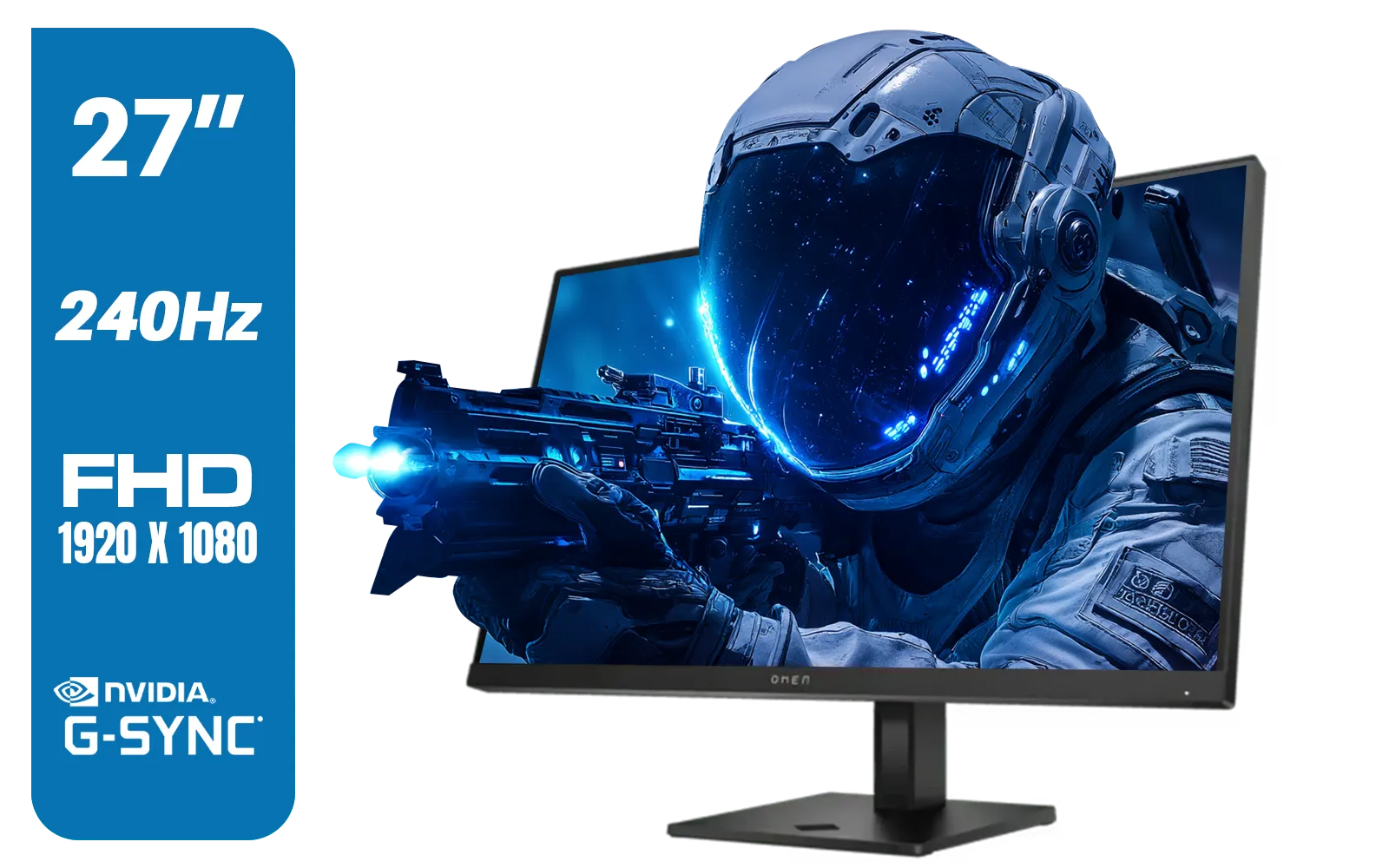
HP OMEN 27s FHD 240Hz Gaming Monitor - Black / VESA DisplayHDR 400 / NVIDIA® G-SYNC® Compatible / Integrated Dual 3W speakers / Customize aRGB lighting through OMEN Light Studio / 780G5AS
R8999.00In Stock

HP 527SH G5 FHD Gaming Monitor - Black/Silver / 27" FHD (1920 x 1080) / IPS Panel / 1x HDMI 1.4, 1x VGA / Eye Ease with Eyesafe Certification / 94C50AS
R4799.00In Stock
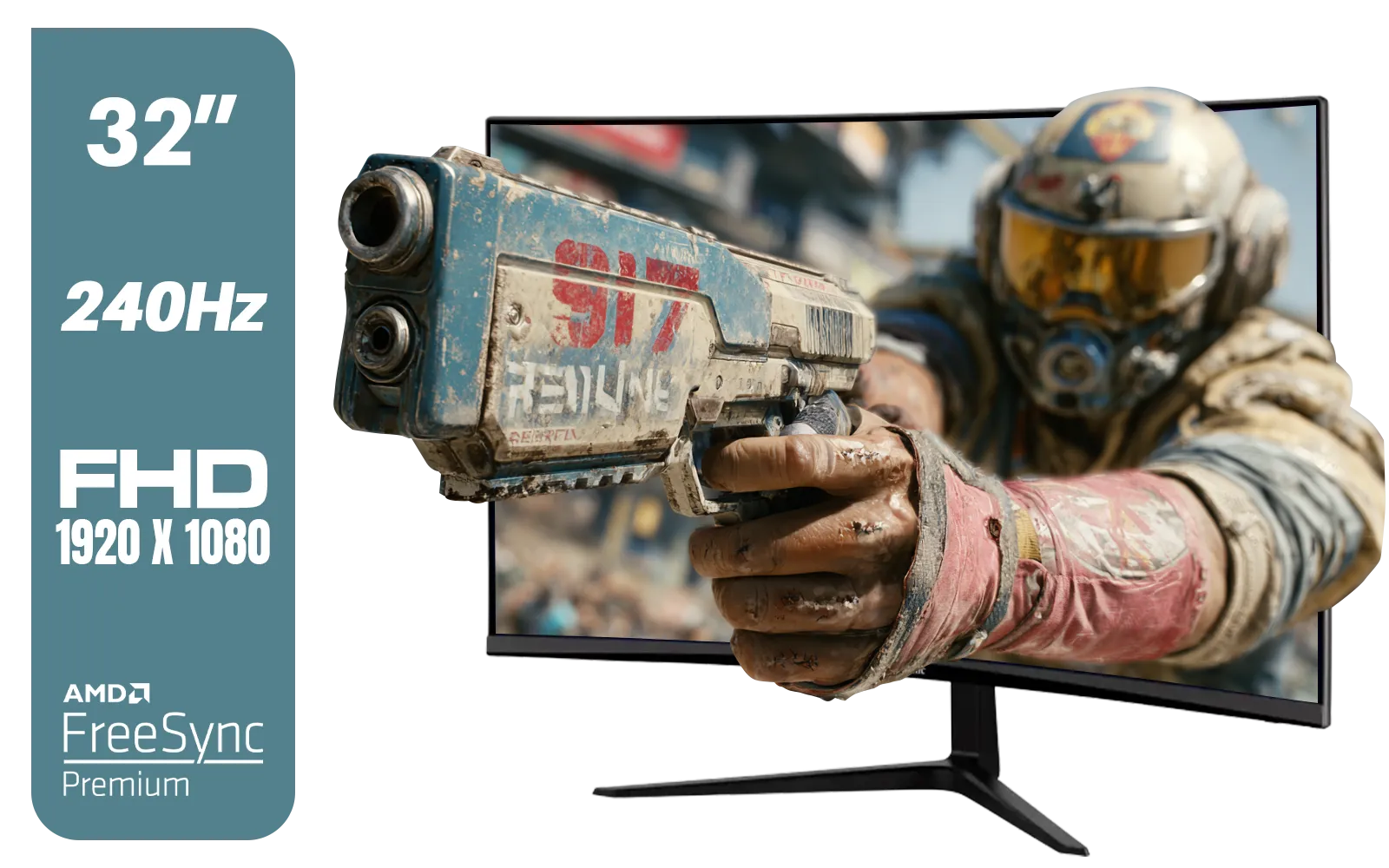
ViewSonic VX3219 32" Curved Gaming Monitor / Full HD (1920 x 1080) / 240Hz Refresh Rate / 1ms MPRT Response Time / Adaptive Sync Prevents Screen Tearing / 1500R Curve Ultimate Immersion / VX3219-PC-MHD-SN
R4899.00In Stock

HP OMEN 32q QHD 165Hz Gaming Monitor - Black / 1ms / 32" QHD (2560 x 1440) / AMD Freesync™ Premium / 780K0AS
R9999.00In Stock
Lower Your Brightness
This is the single most effective tip. Your monitor's backlight is its biggest power consumer. Dropping the brightness from 100% to around 50-60% can slash its power usage by nearly half without making the screen unviewable. It might take a moment to adjust, but your UPS battery will thank you.
Enable Eco-Mode
Dig into your monitor's on-screen display (OSD) menu. Most have a built-in "Eco" or "Power Saving" mode. This feature intelligently adjusts brightness and contrast to reduce consumption. It's a one-click solution to instantly make your monitor more efficient.
Temporarily Drop the Refresh Rate
This might hurt a little, but it works. Switching your display from 144Hz or 240Hz down to 60Hz in your Windows or Nvidia/AMD settings reduces the workload on the monitor's internal processor, saving a few crucial watts. It's a trade-off for sure, but it's better than a black screen.
Choosing a Truly Energy Efficient Gaming Monitor
If you're ready to upgrade, keeping power consumption in mind from the start is a smart move. Here’s what to look for to find a genuinely low power gaming monitor.
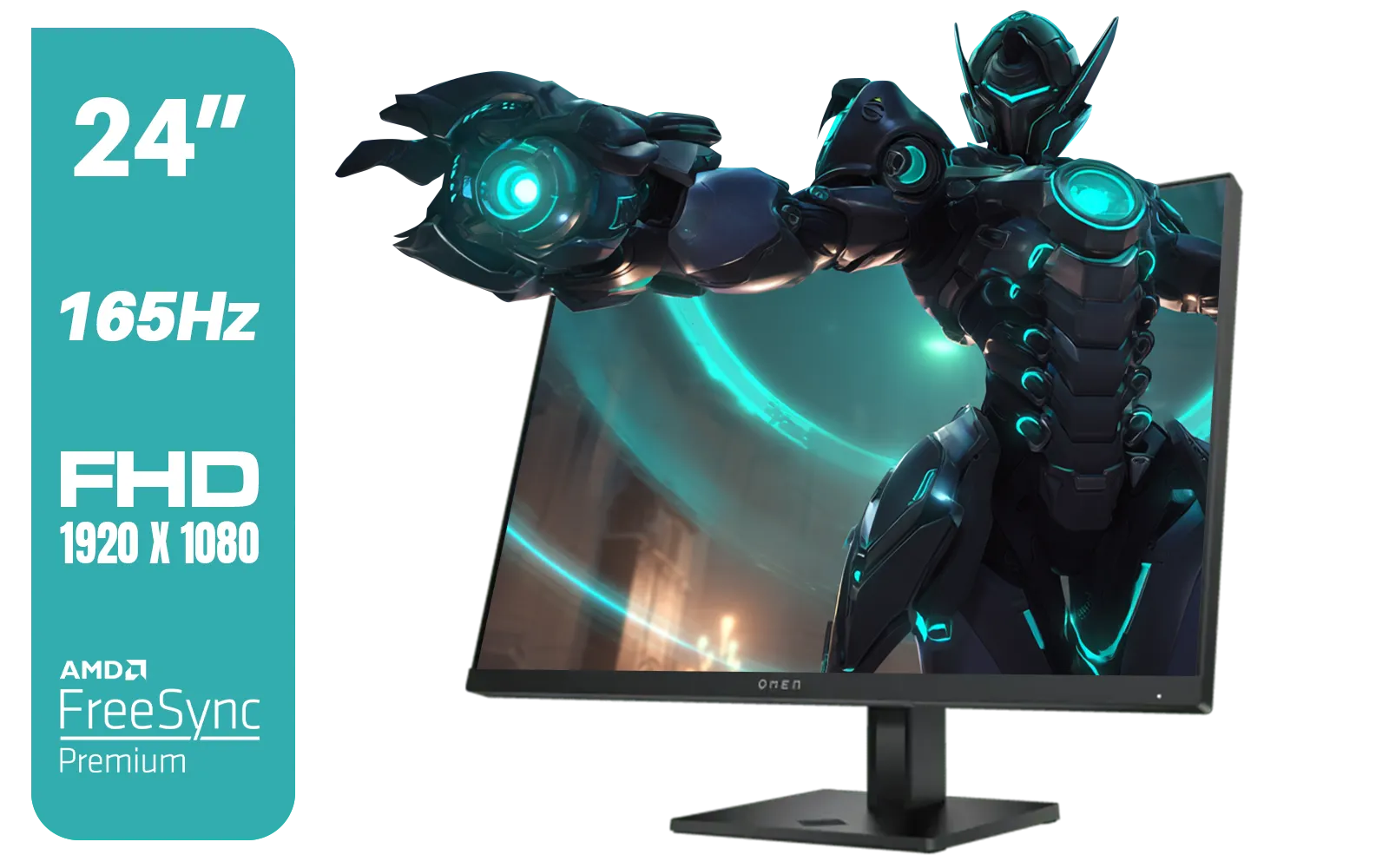
HP OMEN 24 FHD 165Hz Gaming Monitor - Black / 24" FHD (1920 x 1080) Anti-glare Display / AMD FreeSync Premium / Pivot Rotation and Height Adjustable / 780D9AS
R5199.00In Stock
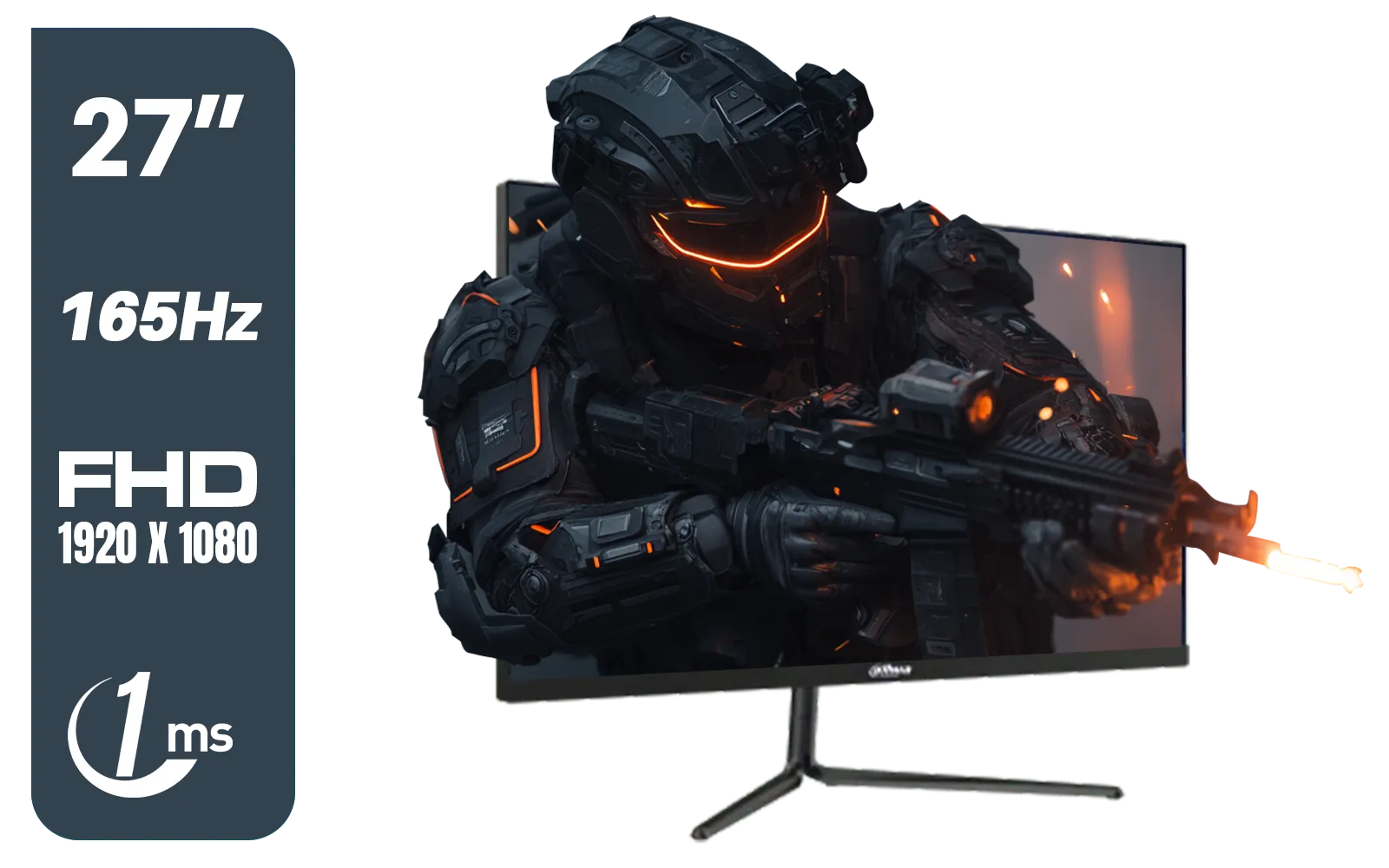
Dahua LM27-E231 27inch Gaming Monitor, 165Hz, 1ms, Adjustable stand, 100% sRGB, FPS/RTS Gaming Modes / DHI-LM27-E231
R3199.00In Stock

DELL 27 MONITOR SE2725HM VGA HDMI 210-BQZW / (1920 x 1080) Display resolution / IPS level Display / 5ms Response Time / 178° Verticaland Horizontal Viewing Angle / SE2725HM
R2299.00In Stock
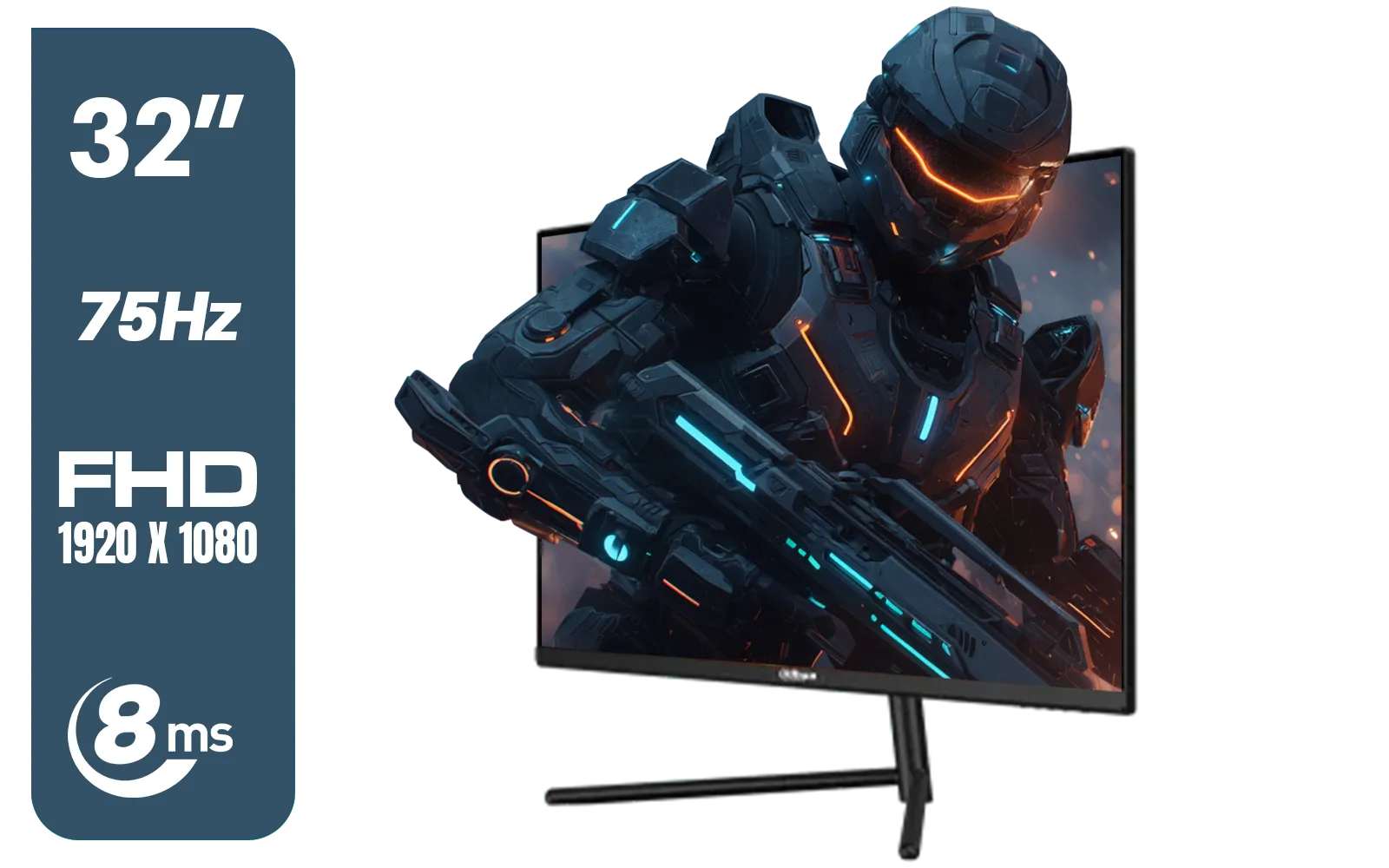
DAHUA DHI-LM32-A200X 32" LED MONITOR / Bezel-less Design / IPS Level-Display / 8ms Response Time / FHD 1920x1080 / 75Hz Refresh Rate / Low Blue Light / DHI-LM32-A200X
R3399.00In Stock
AOC CQ32G4E 32" Curved Gaming Monitor / QHD (2560x1440) / 180Hz Refresh Rate / 0.5ms Response Time (MPRT) / HDR10 / Adaptive Sync / CQ32G4E
R5999.00In Stock
HP OMEN 32q QHD 165Hz Gaming Monitor - Black / 1ms / 32" QHD (2560 x 1440) / AMD Freesync™ Premium / 780K0AS
R9999.00In Stock
Panel Technology: OLED is the Efficiency King
LED/LCD monitors use a backlight that is always on, even when displaying a black image. OLED (Organic Light Emitting Diode) panels are different. Each pixel is its own light source, meaning a black pixel is literally turned off, using zero power. This makes OLEDs significantly more energy-efficient, especially in dark games or movies.
Be Mindful of Size and Resolution
It's simple physics: a bigger screen with more pixels needs more power. While glorious, the latest ultra-wide 5K and 4K monitors are naturally thirstier than their 24-inch 1080p counterparts. The same goes for large, immersive curved monitors which often pack a larger surface area. Finding the right balance between performance and power draw is key.
TIP FOR YOU
Loadshedding Pro Tip ✨
a USB-C portable monitor as a secondary screen. These displays draw very little power, often directly from a laptop or even a power bank. During loadshedding, you can switch your main display off and use one of these ultra-efficient [portable monitors](https: www.evetech.co.za buy-portable-monitors x 1590.aspx) for browsing or less demanding tasks to save your UPS for what matters most: the game.
Don't Forget the Supporting Gear 🔧
Your quest for an energy-efficient setup doesn't end with the screen. A high-quality power cable and a well-ventilated space for your monitor can also contribute to optimal performance. Ensuring your entire rig, from PC to peripherals, is running efficiently gives you the best chance of outlasting any outage. You can find everything you need to complete your setup in our monitor accessories section.
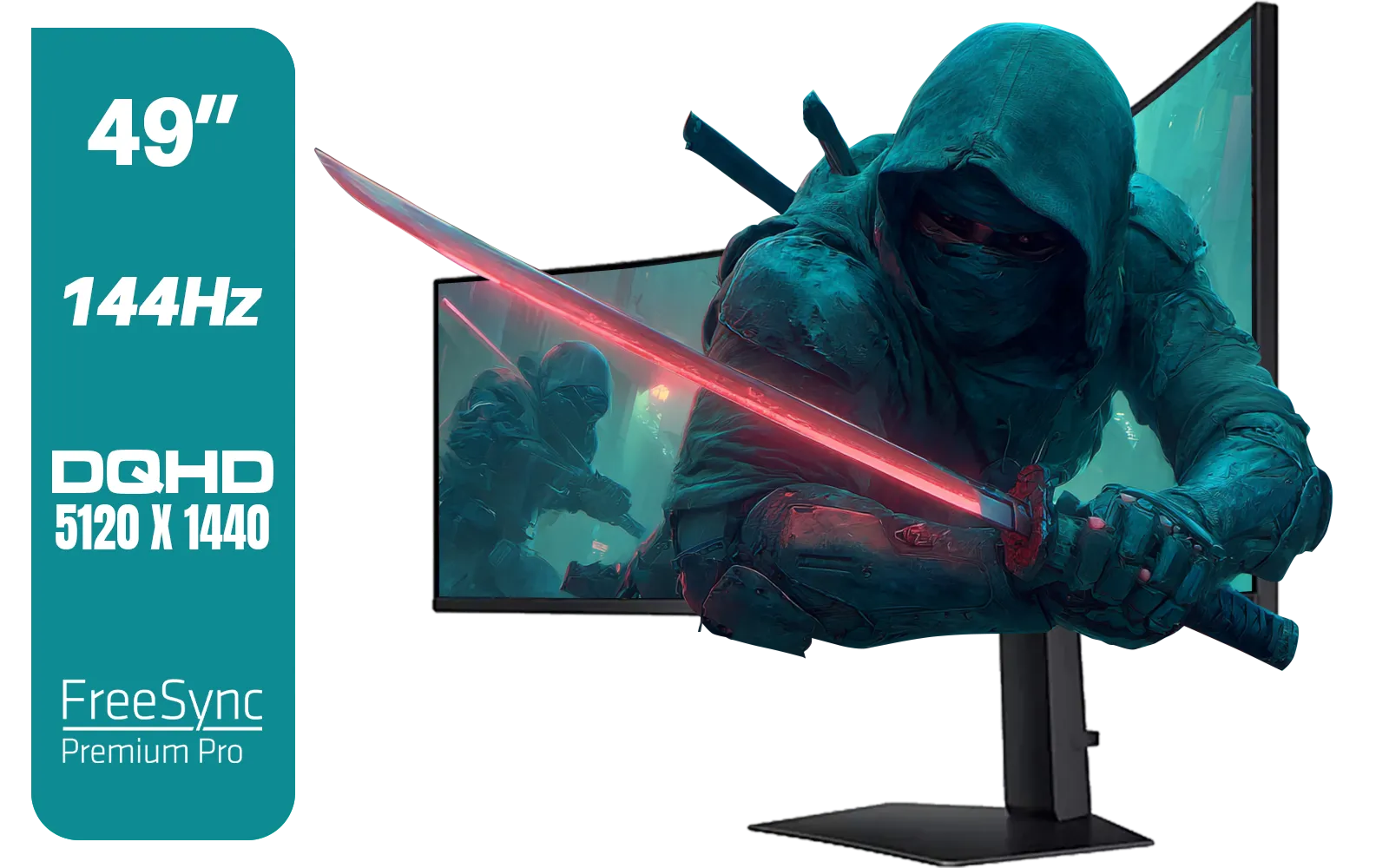
SAMSUNG Odyssey G9 Gaming 49" Monitor / DQHD (5120 x 1440) / 144Hz / GtG 1ms / FreeSync Premium Pro / LS49FG910EUXEN
R30899.00In Stock
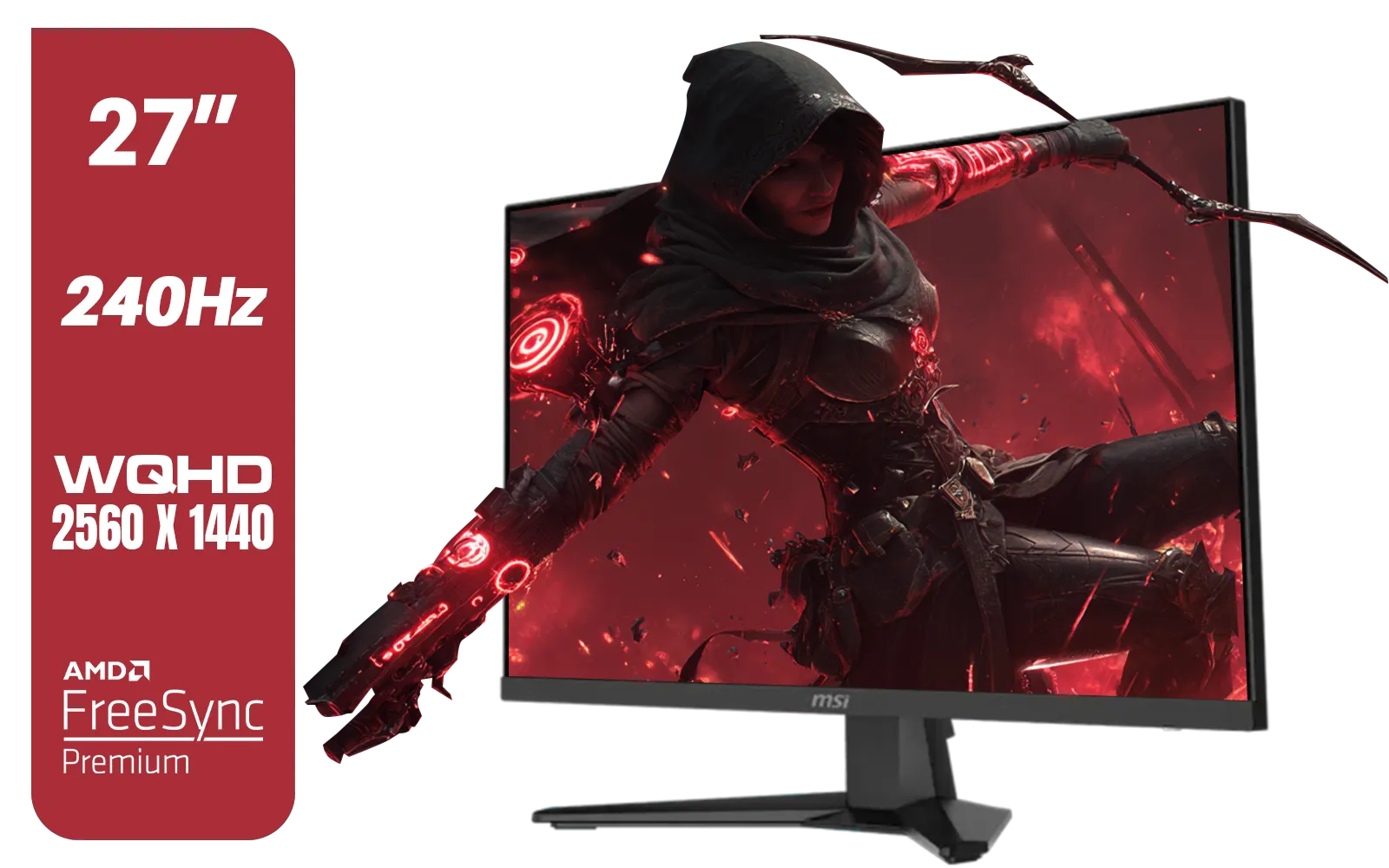
MSI MAG 274QF X24 27" 2560 x 1440 (WQHD) Gaming Monitor / 240Hz Refresh Rate / 0.5ms Response Time / Rapid IPS Panel / AMD FreeSync™ Premium / HDR Ready / 9S6-3CE41H-063
R5999.00In Stock
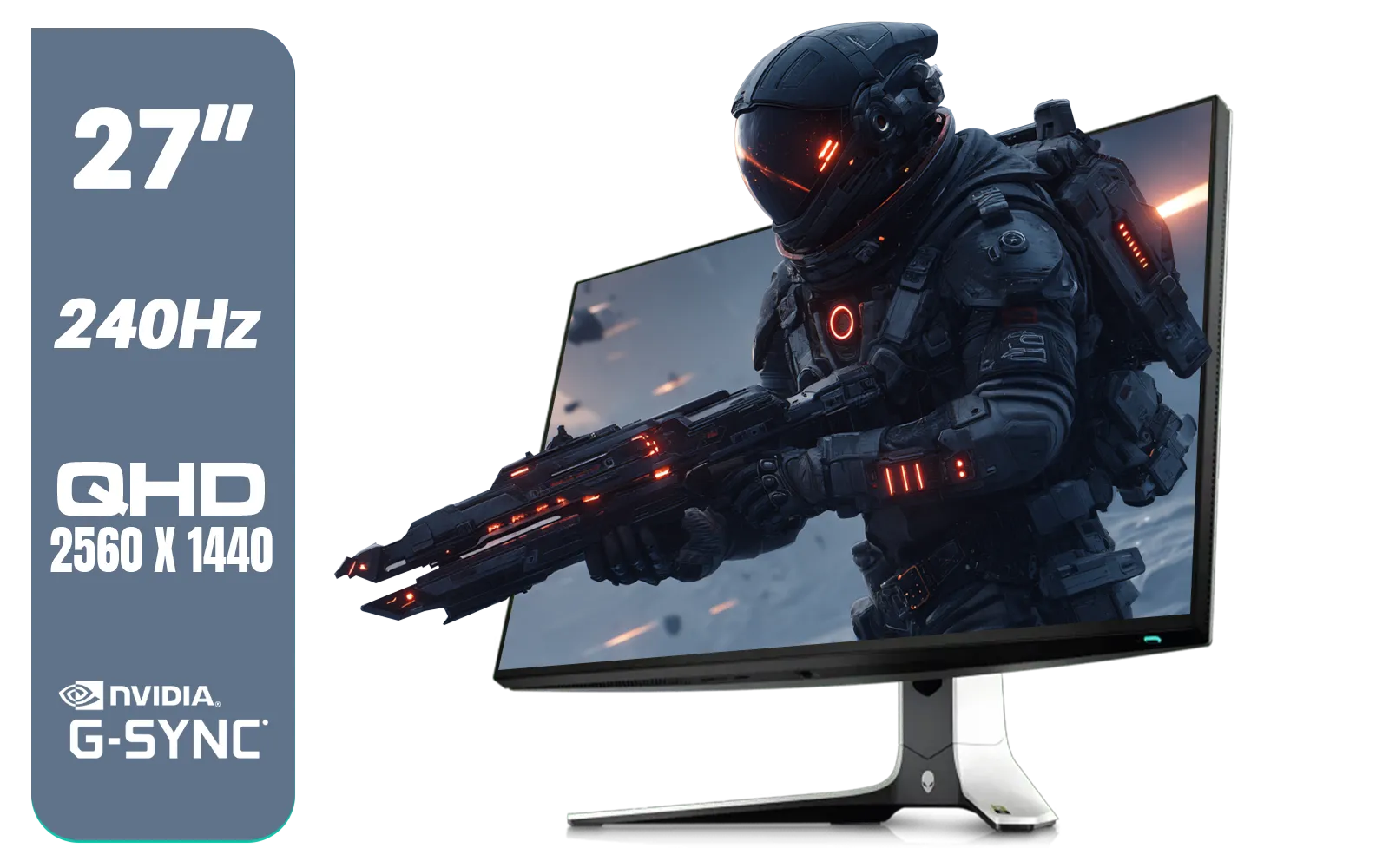
Alienware AW2723DF Gaming Monitor - 27-inch (2560 x 1440) 240Hz Display (DP 1.4), 1ms Response Time, NVIDIA G-Sync, Preset OSD Modes, Height/Tilt/Swivel/Pivot Adjustability - Lunar Light / AW2723DF
R8699.00In Stock

LG UltraGear Gaming Monitor 27GS75Q, 27 inch, 1440p, 200Hz, 1ms GtG, IPS Display, HDR 10, NVIDIA G-Sync & AMD FreeSync compatible / 27GS75Q
R5999.00In Stock
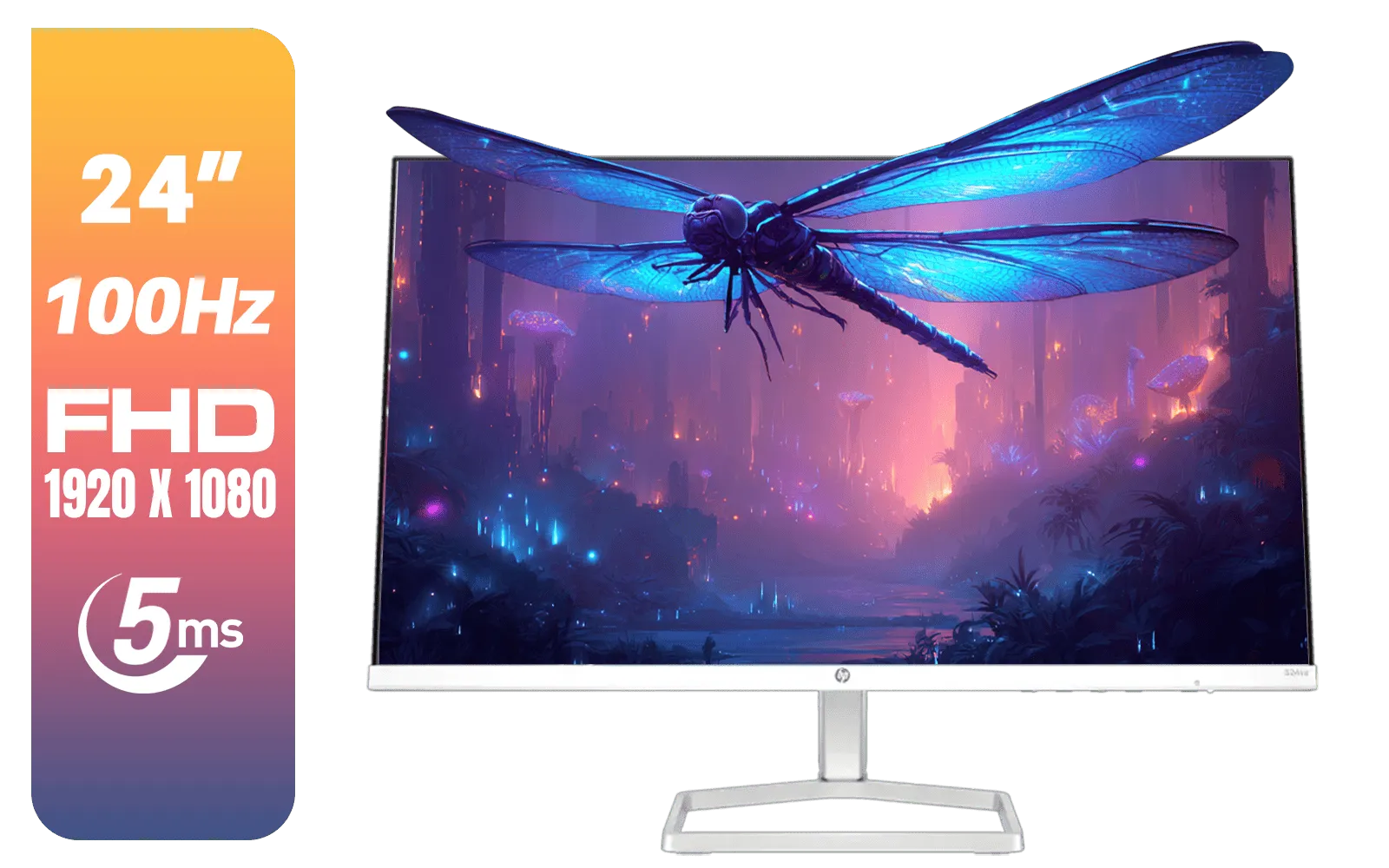
HP 524SA G5 FHD Gaming Monitor - White/Silver / 24" FHD (1920 x 1080) / IPS Panel / 1x HDMI 1.4, 1x VGA / Eye Ease with Eyesafe Certification / 94C36AS
R4199.00In Stock

VIEWSONIC VX2758A-2K-PRO-3 27" 2K Gaming Monitor / 240Hz Refresh Rate / 1ms MPRT Response Time / AMD FreeSync™ Premium & NVIDIA G-Sync Compatible / Dual HDMI & DisplayPort Inputs / VX2758A-2K-PRO-3
R5499.00In Stock
Surviving loadshedding as a gamer is about smart strategy, not just a big battery. By optimising your current display and making an informed choice for your next upgrade, you can turn a session-ending frustration into a minor inconvenience. An energy efficient gaming monitor is your best ally in the fight to keep gaming, no matter what the schedule says.
Ready to Outlast the Outage? A power-sipping monitor is a strategic advantage. It keeps you in the game longer when the lights go out. Explore our huge range of gaming monitors and find the perfect, energy-efficient display to conquer loadshedding.
Related Products
Alienware AW2723DF Gaming Monitor - 27-inch (2560 x 1440) 240Hz Display (DP 1.4), 1ms Response Time, NVIDIA G-Sync, Preset OSD Modes, Height/Tilt/Swivel/Pivot Adjustability - Lunar Light / AW2723DF
R8699.00In Stock
DELL 27 MONITOR SE2725HM VGA HDMI 210-BQZW / (1920 x 1080) Display resolution / IPS level Display / 5ms Response Time / 178° Verticaland Horizontal Viewing Angle / SE2725HM
R2299.00In Stock
HP OMEN 24 FHD 165Hz Gaming Monitor - Black / 24" FHD (1920 x 1080) Anti-glare Display / AMD FreeSync Premium / Pivot Rotation and Height Adjustable / 780D9AS
R5199.00In Stock
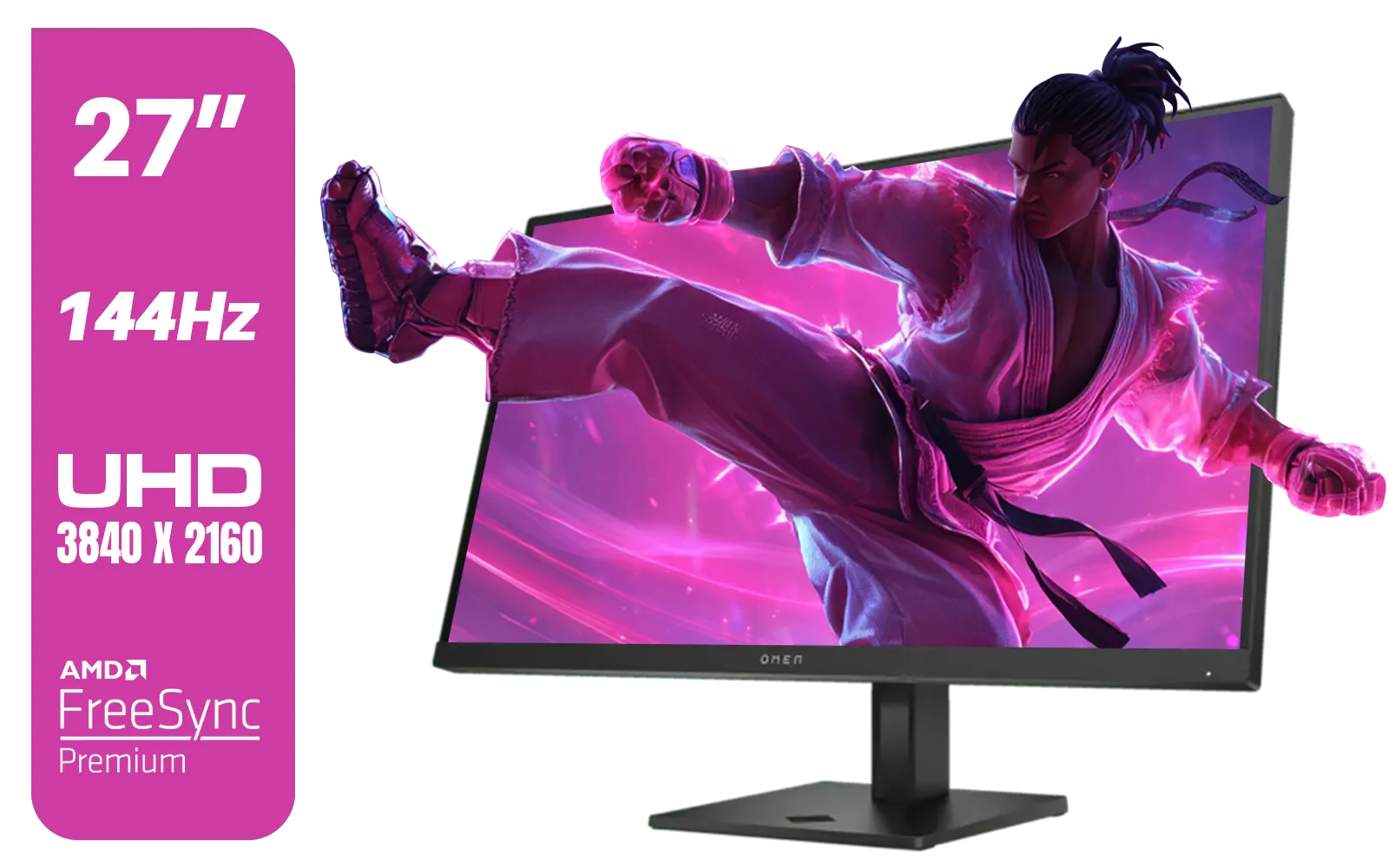
HP OMEN 27k UHD 144Hz Gaming Monitor - Black / 1ms / 27" 4K UHD (3840 x 2160) Anti-glare Display / AMD Freesync™ Premium / Integrated Speakers / Pivot Rotation and Height Adjustable / 780G8AS
R16499.00In Stock
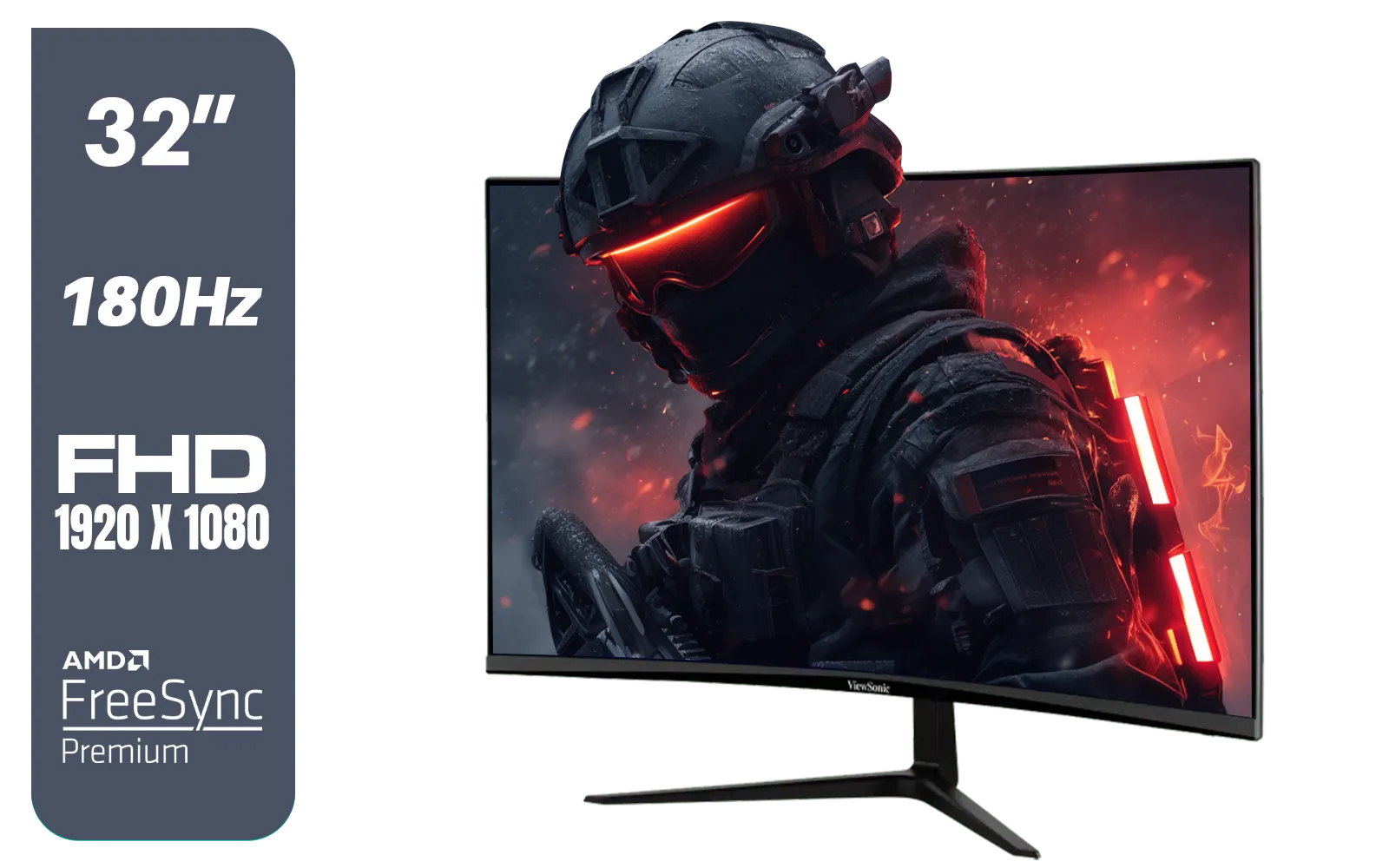
ViewSonic VX3218-PC-MHD 32" Full HD (1920 x 1080) 180Hz Curved Gaming Monitor / 180Hz Refresh Rate / 1ms MPRT Response Time / AMD Adaptive Sync Prevents Screen Tearing / 1500R Curve Ultimate Immersion / VX3218PCMHD
R3499.00In Stock
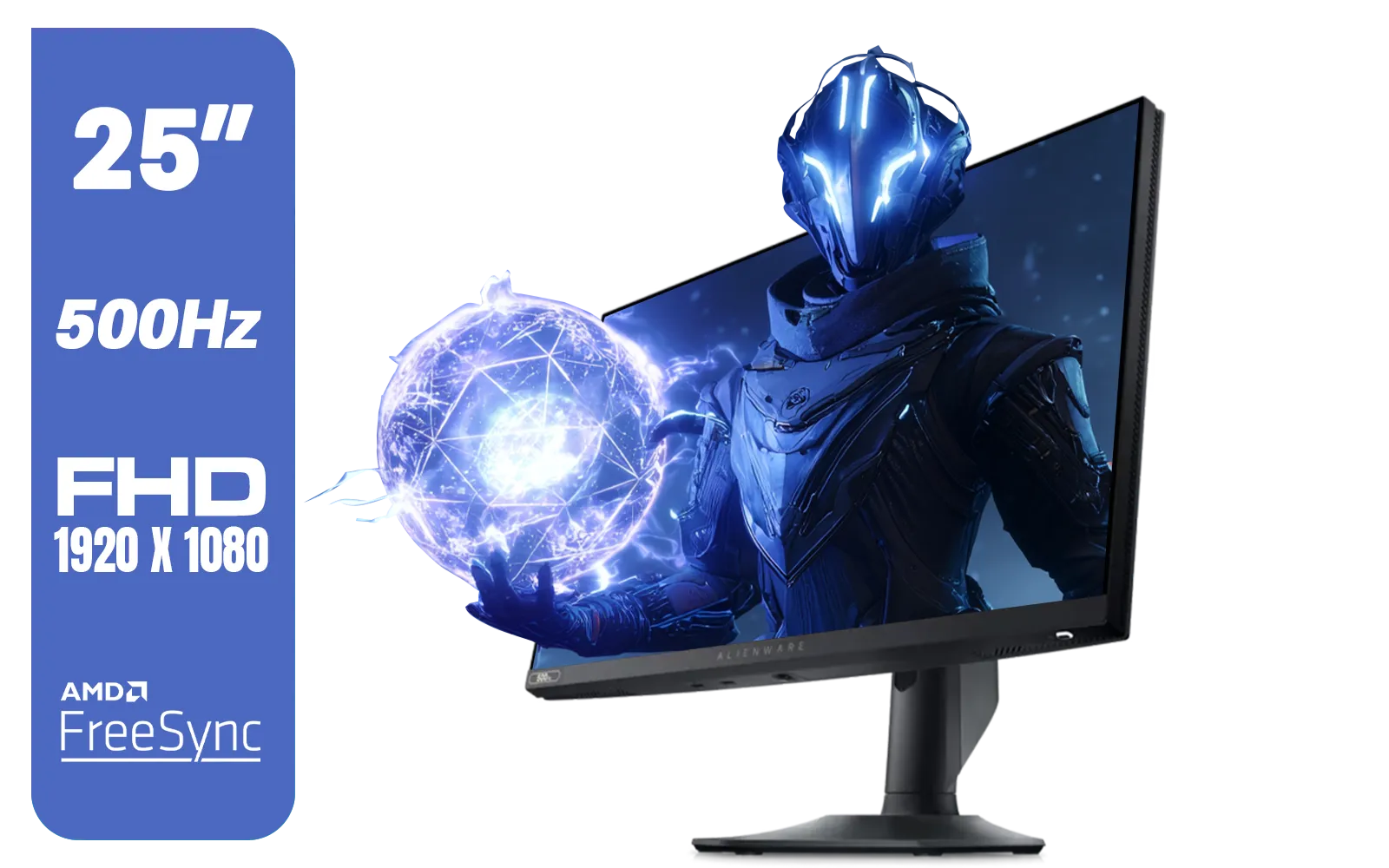
Alienware AW2524HF Gaming Monitor/ 25-inch / IPS Panel / Full HD (1920 x 1080)/ 500Hz refresh rate / 1 ms Response Time / VESA Adaptive-Sync, AMD FreeSync Premium / AW2524HF
R12999.00In Stock
Lower brightness, enable eco/power saving mode, set a short sleep timer, and disable RGB to reduce monitor power consumption during loadshedding.
Reduce brightness, lower refresh rate when not gaming, enable static contrast and eco mode—these gaming monitor energy saving settings cut noticeable watts.
Yes. Disable USB-powered lights, external speakers and RGB peripherals to reduce total power draw and extend uptime during outages.
A small UPS preserves uptime and prevents damage. Look for UPS options listed under uninterruptible power supply for gaming monitor loadshedding.
Generally, VA and IPS panels vary; look for low-power panels and models marketed as energy efficient or low power gaming monitor models south africa.
You can often cut 20–50% of monitor power by lowering brightness, enabling eco mode and disabling extra features—real savings for loadshedding.
If you won’t use it for extended outages, unplug to prevent phantom draw. For short outages, rely on UPS and power saving settings.











