



Fast NVMe Storage: The Key to High-Performance PC Builds
Upgrade your setup with fast NVMe storage for instant boot times. 🚀 This guide covers integrating top-tier M.2 SSDs into your high-performance PC. Say goodbye to loading screens and hello to seamless gaming and multitasking power. ⚡
|
Loading tags...

Stuck on a loading screen in Starfield again? Watching that progress bar crawl while your mates are already looting the next outpost? We’ve all been there. Your powerful GPU and CPU get all the glory, but often the real bottleneck holding back your high-performance PC is your storage. It’s time we talked about the single most impactful upgrade you can make for speed: fast NVMe storage. 🚀

Kingston XS1000 1TB SSD | Pocket-Sized | USB 3.2 Gen 2 | External Solid State Drive | Up to 1050MB/s | SXS1000/1000G
R1799.00In Stock

Kingston IronKey Vault Privacy 80 960GB External SSD | FIPS 197 | XTS-AES 256GB Encrypted | Touch Screen PIN | Secure Data Protection | IKVP80ES/960G
R5599.00In Stock
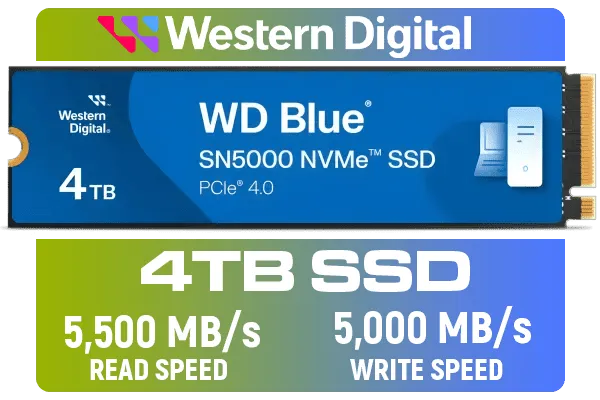
Western Digital 4TB WD Blue SN5000 NVMe Internal Solid State Drive SSD - PCIe Gen 4.0, M.2 2280, Up to 5,500 MB/s / WDS400T4B0E
R6249.00In Stock
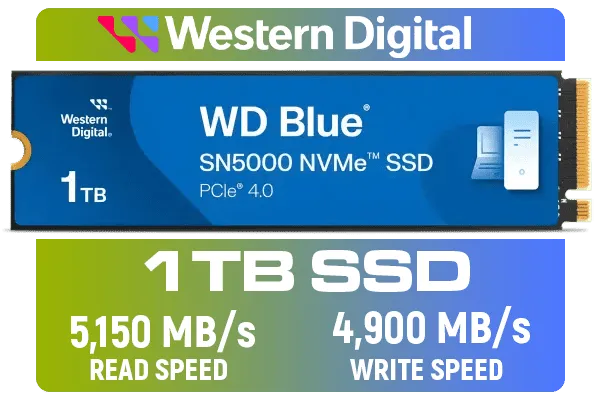
Western Digital 1TB WD Blue SN5000 NVMe Internal Solid State Drive SSD - PCIe Gen 4.0, M.2 2280, Up to 5,150 MB/s / WDS100T4B0E
R1999.00In Stock
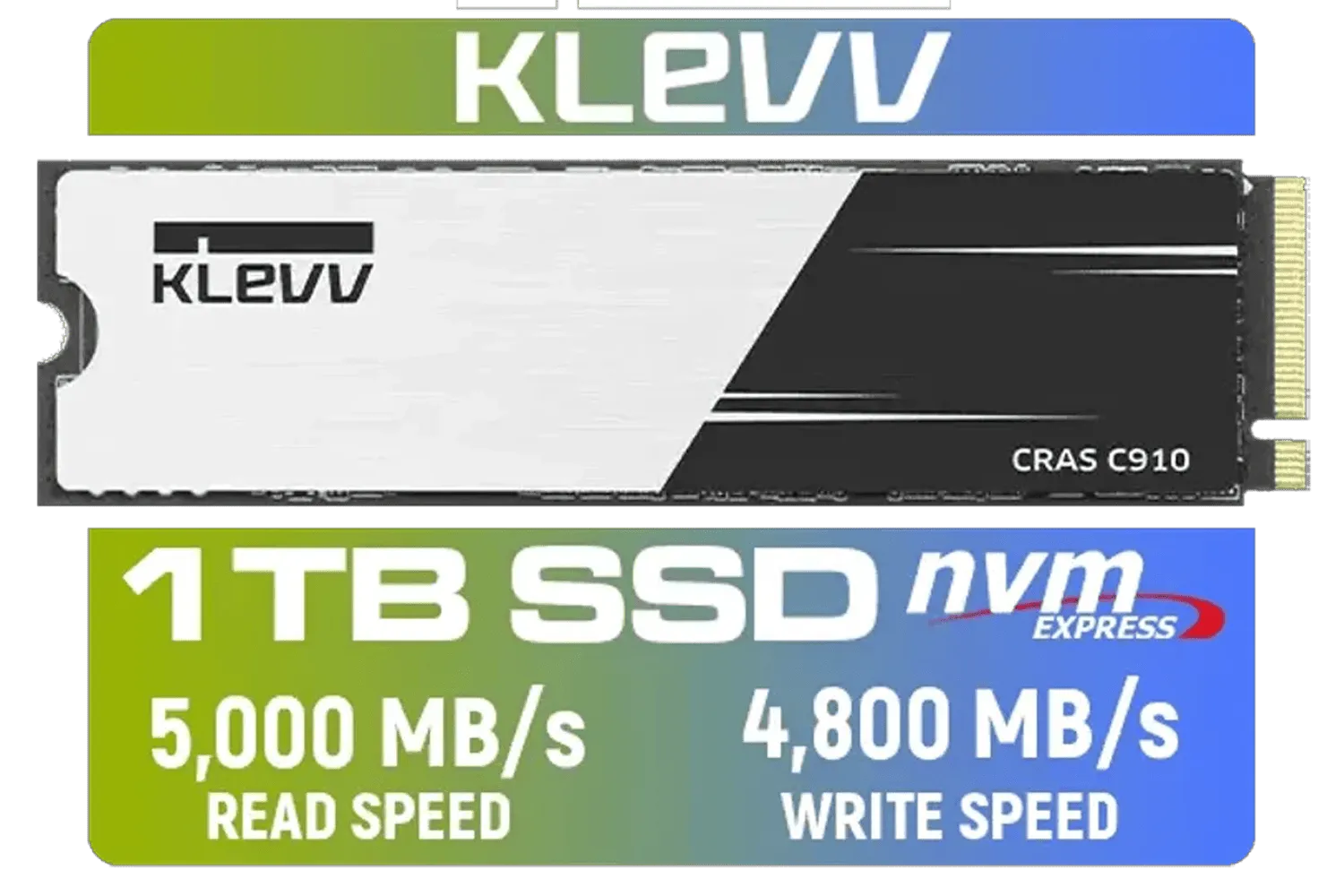
KLEVV CRAS C910 1TB M.2 NVMe PCIe Gen4x4 Internal SSD with Heatsink, up to 5000MB/s (K01TBM2SP0-C91)
R1799.00In Stock

Kingston XS1000 2TB SSD / Pocket-Sized / USB 3.2 Gen 2 / External Solid State Drive / Up to 1050MB/s / SXS1000/2000G
R2899.00In Stock
Why Fast NVMe Storage is Essential
For years, the leap from a clunky old hard disk drive (HDD) to a SATA SSD was massive. But technology moves fast. Today, the new standard for high-performance PC builds is the NVMe (Non-Volatile Memory Express) SSD.
Unlike older drives that use cables and slower protocols, an NVMe SSD plugs directly into your motherboard's M.2 slot. This creates a super-fast, direct lane to your CPU. Think of it as the difference between taking back roads versus a dedicated F1 track... the data transfer speeds are in a completely different league. This isn't just about loading games faster; it's about smoother texture streaming in open-world titles and eliminating frustrating in-game stutter.
More Than Just Gaming ⚡
The benefits of fast NVMe storage extend far beyond the battlefield of your favourite FPS. A high-performance PC build feels snappier in every single task:
- Lightning-Fast Boot Times: Your PC goes from off to fully operational in seconds.
- Instant Application Launches: Creative apps like Adobe Photoshop or Premiere Pro open almost instantly.
- Effortless File Transfers: Moving large video files or project folders takes a fraction of the time.
This upgrade transforms your entire user experience, making your PC feel more responsive and powerful, whether you're working, creating, or gaming.
Kingston XS1000 1TB SSD | Pocket-Sized | USB 3.2 Gen 2 | External Solid State Drive | Up to 1050MB/s | SXS1000/1000G
R1799.00In Stock
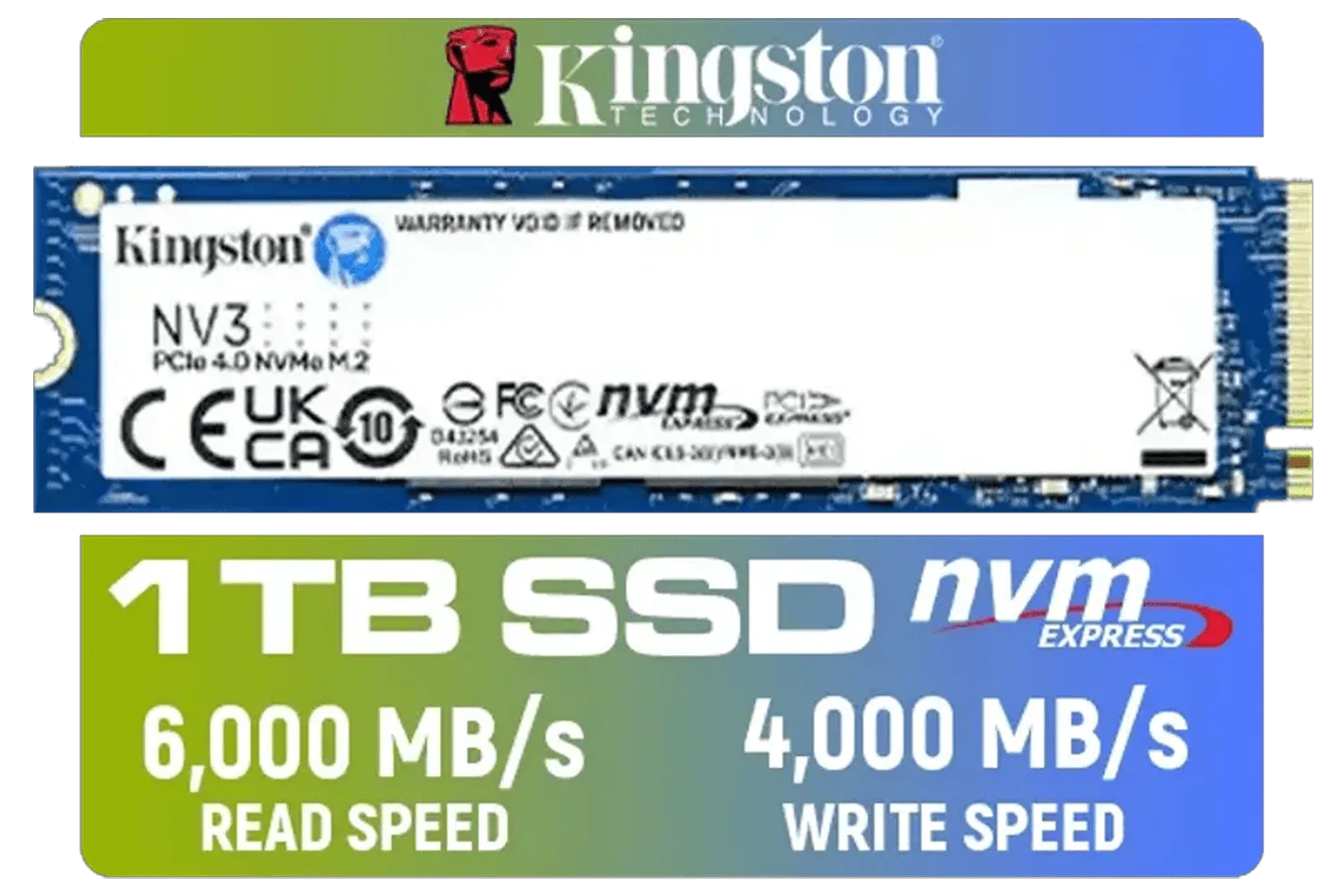
Kingston 1000G NV3 NVMe SSD / Up to 6,000MB/s Read / Up to 4,000MB/s Write / PCIe 4.0 x4 NVMe / M.2 2280 Form Factor / SNV3S/1000G
R1999.00In Stock

Teamgroup T-Force VULCAN Z 1TB SSD / Up to 550MB/s Sequential Read Speed / Up to 500 MB/s Sequential Write Speed / Shock + Vibration-Resistant, and Reduced Noise Interference / T253TZ001T0C101
R1899.00In Stock

KLEVV CRAS C930 2TB M.2 NVMe PCIe Gen4x4 Internal Gaming SSD with Heatsink, Compatible with PS5, up to 7400MB/s with DRAM Cash / K02TBM2SP0-C93
R3999.00In Stock

Teamgroup T-Force G70 PRO 2TB NVMe Internal Solid State Drive / Up to 7,400 Read Speed / Up to 6,800 Write Speed / Multiple Caching Systems Available / Patented Graphene Heatsink Technology / TM8FFH002T0C129
R3799.00In Stock
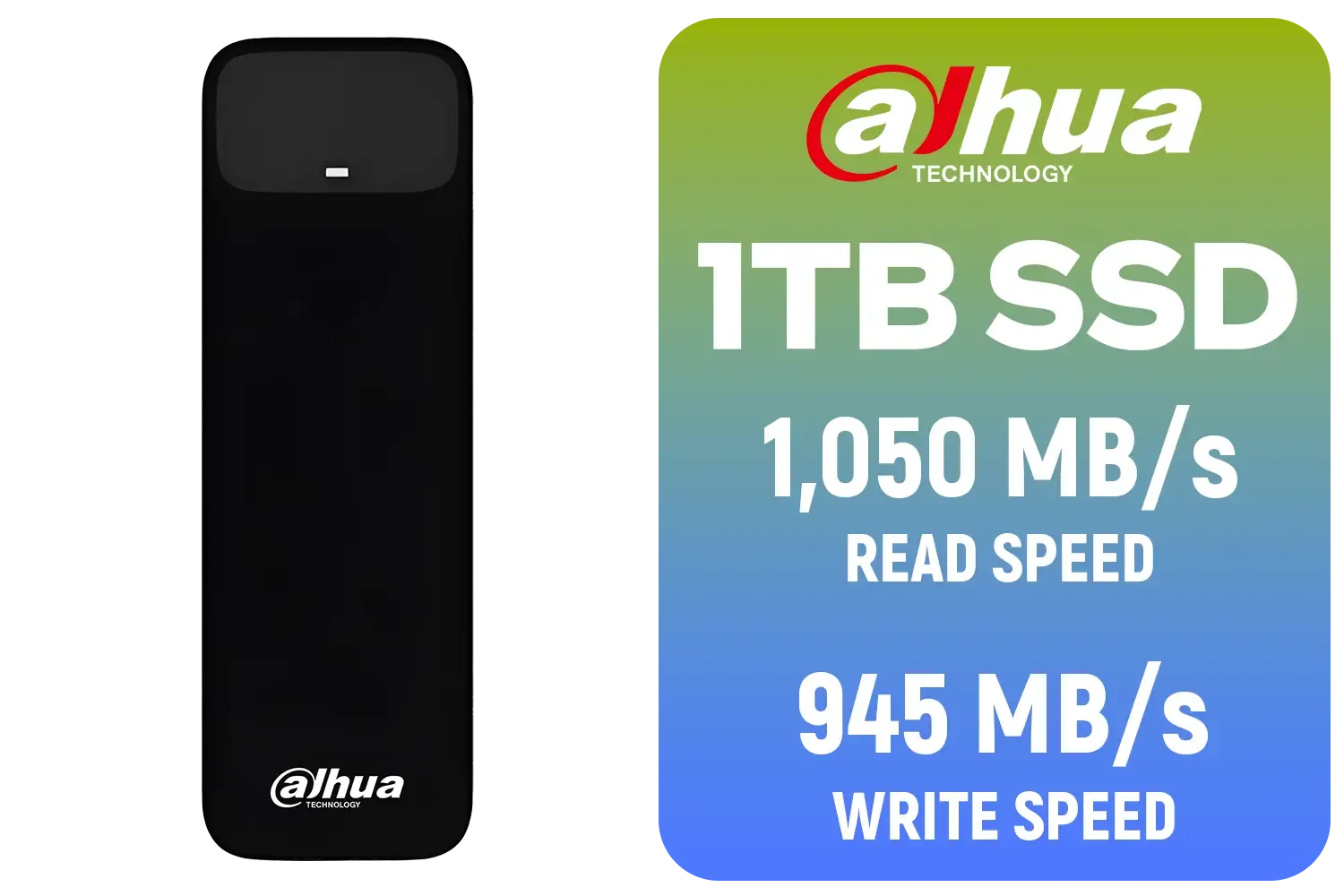
Dahua L7 M.2 1TB NVMe SSD / Read: Up to 1,050 MB/s Write: Up to 945 MB/s / Shock-resistant and drop-resistant design / Aluminum body with heat dissipation / Dual Type-C/Type-A cable included / DHI-PSSD-L7-1TB
R1499.00In Stock
Choosing the Right NVMe for Your Build
Navigating the world of NVMe can seem tricky with terms like "Gen3" and "Gen4," but it's simpler than you think. PCIe Generation refers to the speed of the connection. While Gen3 is still a huge upgrade over SATA, Gen4 drives offer nearly double the potential speed, making them the go-to choice for new, high-performance PC builds.
When choosing a drive, reliability and performance are key. It's smart to stick with trusted brands that deliver consistent results. In South Africa, brands like Klevv have become incredibly popular for their excellent price-to-performance ratio. For example, a drive like the Klevv CRAS C925G 1TB offers incredible Gen4 speeds that are perfect for modern gaming and content creation, all at a competitive ZAR price point.
TIP FOR YOU
Builder's Check 🔧
Before you buy, quickly check your motherboard's specifications online! Look for "M.2 slots" and confirm which PCIe generation they support (e.g., PCIe 4.0 x4). This ensures you get an NVMe drive that runs at its maximum advertised speed. Most modern boards have at least one fast slot.
Of course, the perfect drive depends on your specific budget and needs. It's always a good idea to explore the full range of SSDs available to find the one that fits your build perfectly.
Kingston XS1000 1TB SSD | Pocket-Sized | USB 3.2 Gen 2 | External Solid State Drive | Up to 1050MB/s | SXS1000/1000G
R1799.00In Stock

Kingston KC3000 PCIe 4.0 NVMe M.2 512GB SSD - High-Performance Storage for Desktop and Laptop PCs / 7,000MB/s Read, 3,900MB/s Write / Includes Acronis cloning software / SKC3000S/512G
R1399.00In Stock
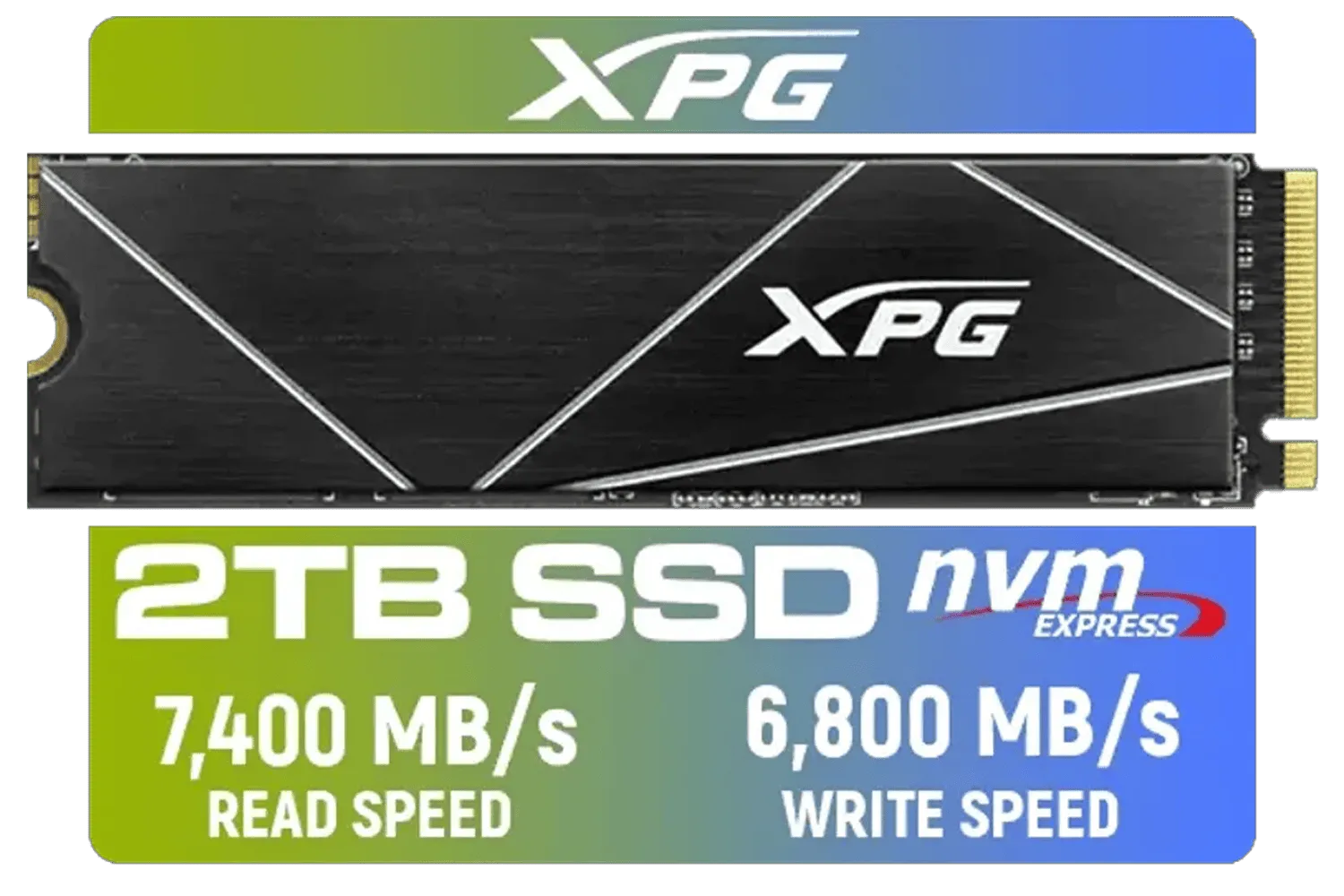
XPG 2TB GAMMIX S70 Blade - Works with Playstation 5, PCIe Gen4 M.2 2280 Internal Gaming SSD Up to 7,400 MB/s (AGAMMIXS70B-2T-CS)
R3699.00In Stock
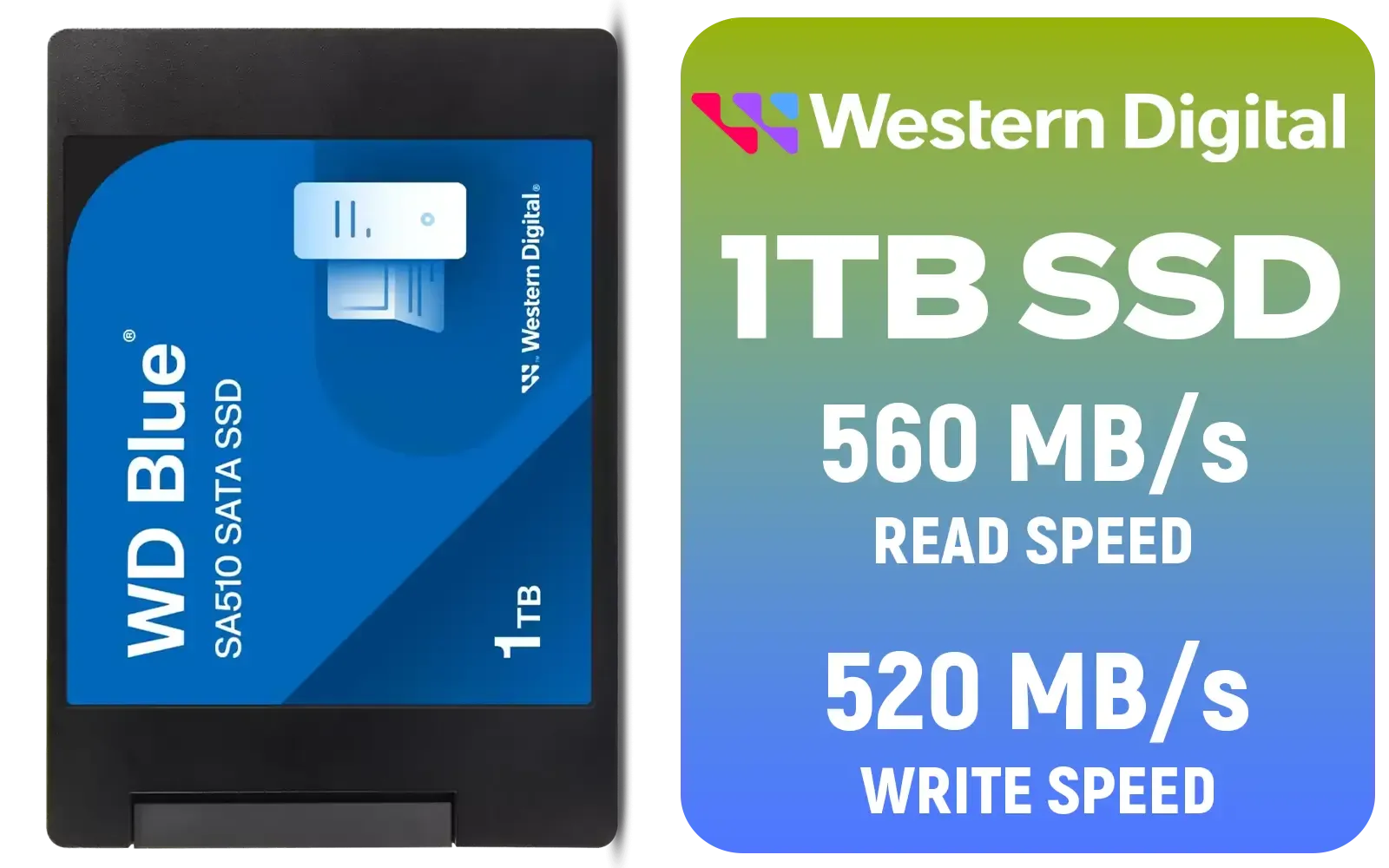
Western Digital Blue SA510 1TB 2.5" Solid State Drive (SSD) / Superior Performance / Multitasking / WD F.I.T. Lab Certified / WDS100T3B0A
R1499.00In Stock

ADATA XPG GAMMIX S55 1TB NVMe PCIe Gen4 x 4 M.2, R/W Speed up to 5,000/3,700MB/s, Internal Solid State Drive Great for Steam Deck, Microsoft Surface and Gaming Consoles / SGAMMIXS55-1T-C
R2499.00In Stock

Corsair MP600 PRO NH 4TB PCIe Gen4 x4 NVMe M.2 SSD – High-Density TLC NAND – M.2 2280 – DirectStorage Compatible - Up to 7,000MB/sec - No Heatsink - Black / CSSD-F4000GBMP600PNH
R7499.00In Stock
The Verdict: A Foundational Upgrade
So, is upgrading to fast NVMe storage worth it? Absolutely. It’s one of the few upgrades that you will feel in every single moment you use your PC. It makes your entire system feel more modern, powerful, and responsive. For any serious high-performance PC build in 2024 and beyond, it's not just a luxury... it's the key. ✨
Ready to Unleash Your PC's True Speed? A slow drive holds back even the most powerful components. An NVMe SSD is the foundational upgrade that unlocks your PC's full potential. Explore our massive range of high-speed SSDs and find the perfect drive to supercharge your build today.
Related Products
Corsair MP600 PRO NH 4TB PCIe Gen4 x4 NVMe M.2 SSD – High-Density TLC NAND – M.2 2280 – DirectStorage Compatible - Up to 7,000MB/sec - No Heatsink - Black / CSSD-F4000GBMP600PNH
R7499.00In Stock
Kingston KC3000 PCIe 4.0 NVMe M.2 512GB SSD - High-Performance Storage for Desktop and Laptop PCs / 7,000MB/s Read, 3,900MB/s Write / Includes Acronis cloning software / SKC3000S/512G
R1399.00In Stock
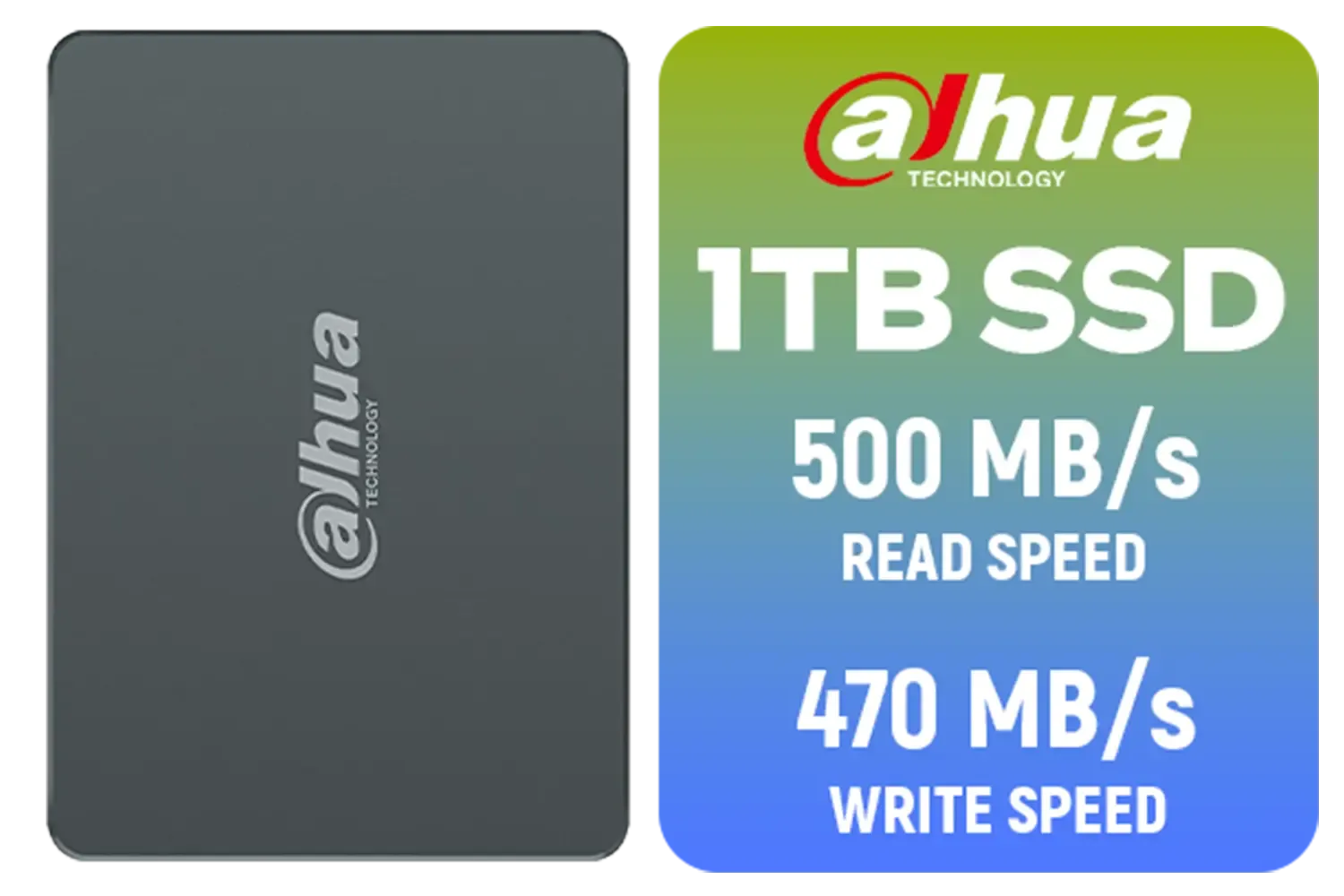
Dahua C800A 1TB 2.5" SATA 3.0 6 Gb/s 3D NAND Solid State Drive (SSD) / Read Speed Up to 500 MB/s / Write Speed Up to 470 MB/s / DHI-SSD-C800AS1TB
R1299.00In Stock

Corsair MP600 PRO NH 8TB PCIe Gen4 x4 NVMe M.2 SSD – High-Density TLC NAND – M.2 2280 – DirectStorage Compatible - Up to 7,000MB/sec - No Heatsink - Black / CSSD-F8000GBMP600PNH
R22999.00In Stock

Orico X7000 4TB NVMe Internal Solid State Drive SSD / Versatile storage for multiple platforms / PCIe Gen 4.0, M.2 2280 / Up to 7100MB/s Read Speed / Up to 6500MB/s Write Speed / ORICO-X7000-4TB-RD-BP
R6199.00In Stock
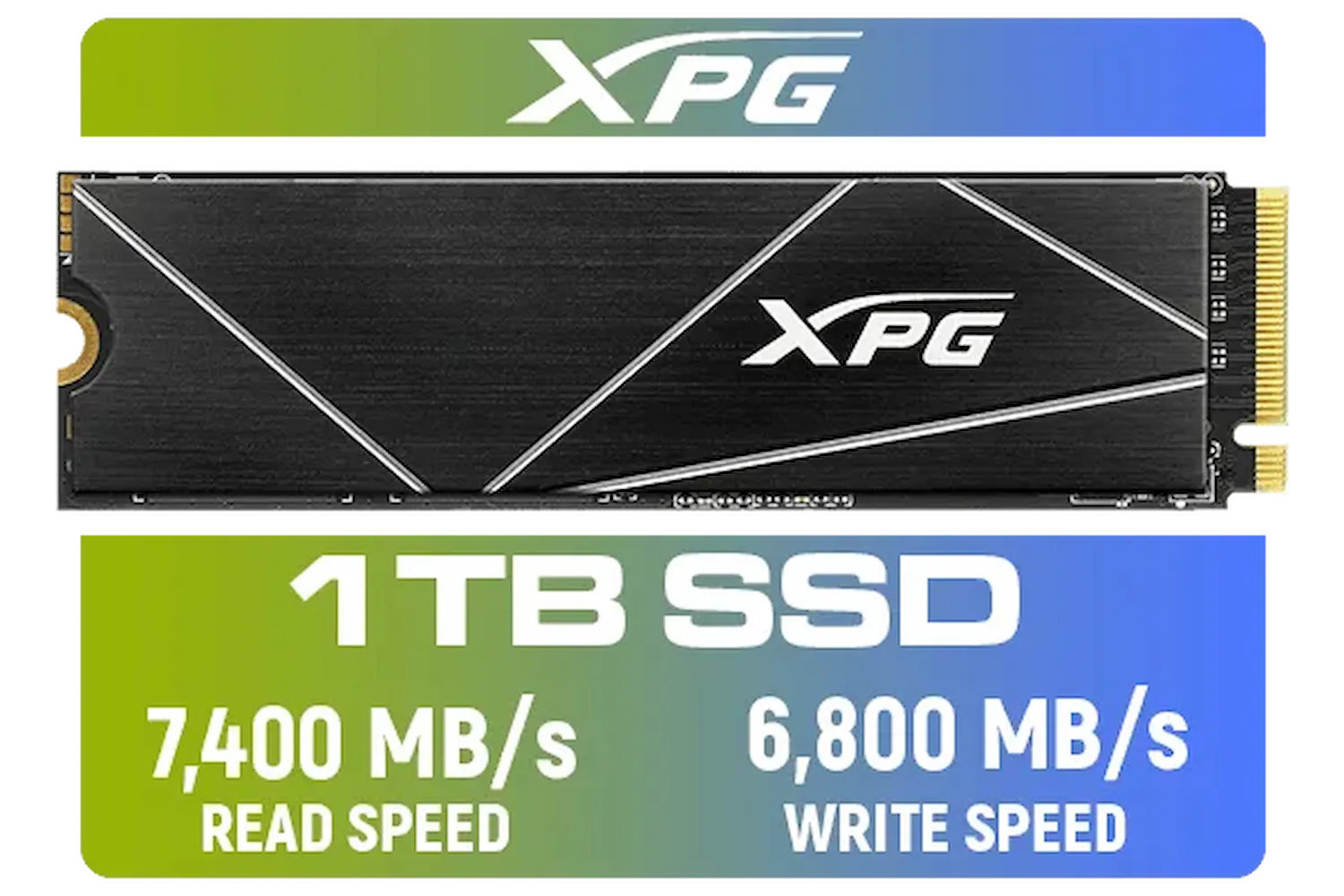
ADATA XPG 1TB GAMMIX S70 Blade - Works with Playstation 5, PCIe Gen4 M.2 2280 Internal Gaming SSD Up to 7,400 MB/s / AGAMMIXS70B-1T-CS
R2599.00In Stock
Fast NVMe storage utilizes the PCIe bus to deliver massive bandwidth, drastically reducing load times and texture pop-in for a smoother high-performance PC experience.
Locate the M.2 slot on your motherboard, insert the drive at a 30-degree angle, and secure it with the standoff screw or tool-less latch provided with your board.
Yes, high-speed Gen 4 and Gen 5 drives generate heat. A heatsink prevents thermal throttling, ensuring your fast NVMe storage maintains peak performance under load.
PCIe Gen 5 doubles the bandwidth of Gen 4, offering theoretical read speeds up to 14,000 MB/s, making it the ultimate choice for future-proofing a new build.
You can if the board has an M.2 slot supporting the NVMe protocol. Otherwise, a PCIe adapter card is required, though booting from it may depend on BIOS support.
For most users, 1TB is the sweet spot, holding the OS and several AAA titles. However, 2TB is recommended for a high-performance PC to avoid frequent uninstalling.











