



Fighting Game PC Build: Low-Latency Competitive Guide
Fighting Game PC Build — learn how to assemble a low-latency, high-FPS rig for Tekken, Street Fighter and more. Parts, settings and budget options explained ⚡🎮
|
Loading tags...
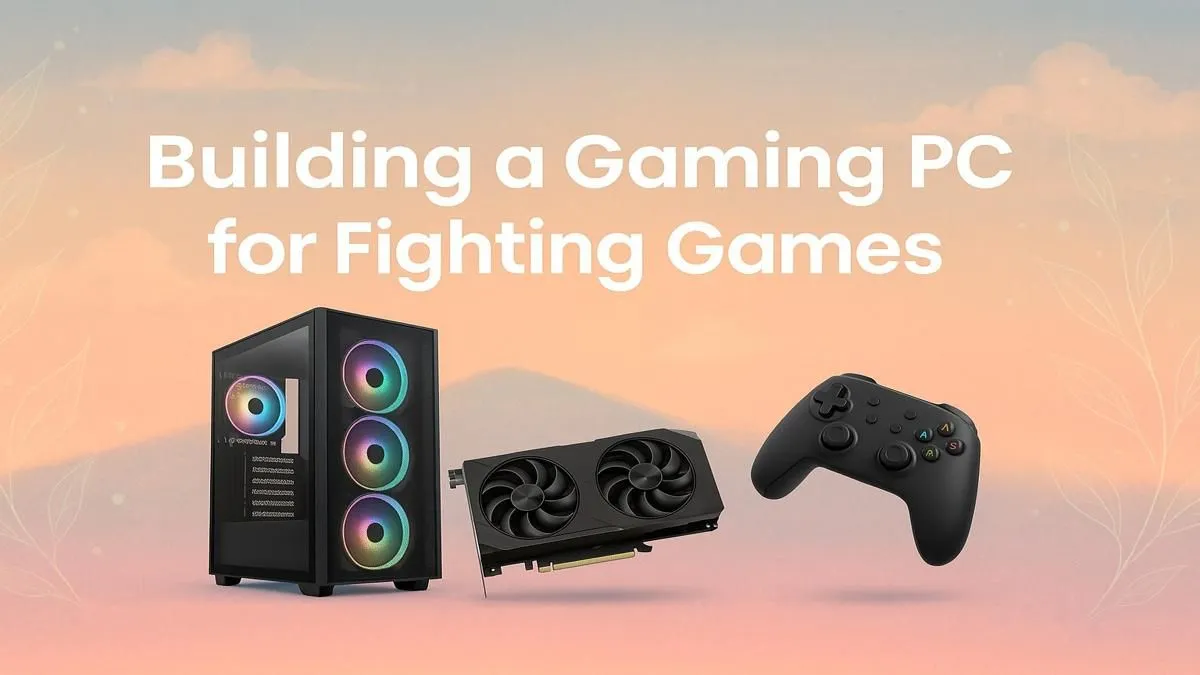
Ever dropped a crucial combo in Street Fighter 6 because of a micro-stutter? Or felt like your inputs in Tekken 8 came out a frame too late? You’re not alone. In the world of competitive fighting games, victory is measured in milliseconds. That's why a dedicated fighting game PC build isn't about flashy RGB or 4K graphics… it's about creating a machine with the lowest possible input latency, ensuring every button press is registered instantly. ⚡

Intel Core Ultra 5 225F ARC A380 6GB Gaming PC
R14174.00In Stock

Intel Core Ultra 5 245K 5.2GHz RTX 5060 8GB DDR5 Gaming PC
R30659.00In Stock

RYZEN 5 8400F 4.7GHz GT 710 2GB DDR5 Workstation PC
R10079.00In Stock
![[Pre Built] AMD RYZEN 7 9700X RX 9070 XT Gaming PC](https://img.evetech.co.za/repository/ProductImages/ryzen-7-9700-x-rx-9070-xt-gaming-pc-pbs-main-1600px-v2.png)
[Pre Built] AMD RYZEN 7 9700X RX 9070 XT Gaming PC
R39794.00In Stock

AMD RYZEN 5 3600 RTX 3050 Budget Gaming PC
R11024.00In Stock
![[Pre Built] Intel Core Ultra 7 265KF RX 9070 XT Gaming PC](https://img.evetech.co.za/repository/ProductImages/intel-core-ultra-7-265-kf-rx-9070-xt-gaming-pc-pbs-main-1600px-v1.webp)
[Pre Built] Intel Core Ultra 7 265KF RX 9070 XT Gaming PC
R42209.00In Stock
Why Your Fighting Game PC Build is Different
Unlike graphically intense AAA titles that push your GPU to its limits, fighting games have a different priority: a flawless, locked 60 frames per second (FPS). The entire game logic, from attack frames to combos, is tied to this number. A single dropped frame can mean a dropped combo and a lost round.
The goal for your fighting game PC build is to eliminate bottlenecks between your brain, your controller, and the screen. This means focusing on components that deliver consistent performance and minimise processing delays, rather than just raw graphical horsepower. For many players, a well-optimised machine from our selection of powerful options under R20k is more than enough to dominate the competition.
Core Components for a Low-Latency Build 🔧
When assembling the perfect rig, some parts matter more than others for achieving that instant response feel. Here’s where to focus your budget for a competitive fighting game PC build.
CPU: The Brains of the Operation
Fighting games rely heavily on the CPU to process game logic and player inputs instantly. You don't need a 16-core monster, but a processor with strong single-core performance is crucial. A modern Intel Core i5 or AMD Ryzen 5 is the sweet spot, providing more than enough power to ensure the game engine never chokes, even during the most intense moments.
![[Pre Built] AMD RYZEN 9 9900X RX 9070 XT Gaming PC](https://img.evetech.co.za/repository/ProductImages/ryzen-9-9900-x-rx-9070-xt-gaming-pc-pbs-main-1600px-v1.webp)
[Pre Built] AMD RYZEN 9 9900X RX 9070 XT Gaming PC
R42524.00In Stock
Intel Core Ultra 9 285K 5.7GHz RTX 5000 Ada 32GB DDR5 Workstation PC
R133349.00In Stock
RYZEN 5 9600X 5.2GHz GT 710 2GB DDR5 PC
R14489.00In Stock

Intel 14th Gen Core i3 14100F 4.7GHz GT 710 2GB PC
R9869.00In Stock

RYZEN 9 9900X 5.6GHz RTX 5070 Ti 16GB DDR5 Gaming PC
R41369.00In Stock

RYZEN 7 9800X3D 5.2GHz RTX 5080 16GB DDR5 Gaming PC
R51869.00In Stock
GPU: Consistent Frames Trump Peak Power
Here’s the secret: you don’t need a top-of-the-line graphics card. A mid-range GPU like an NVIDIA GeForce RTX 4060 or an AMD Radeon RX 7600 is perfect. Its job is to hold a rock-solid 60 FPS at your desired resolution (usually 1080p for competitive play) without ever breaking a sweat. This consistency is far more important than hitting 200 FPS in a shooter. You can find excellent, well-balanced systems in our range of affordable budget gaming PCs.
TIP FOR YOU
Enable Low-Latency Mode! 🚀
Both NVIDIA and AMD have features to slash input lag. In the NVIDIA Control Panel, set "Low Latency Mode" to "Ultra". For AMD cards, enable "Radeon Anti-Lag" in the Adrenalin software. This forces the CPU to prepare frames just before the GPU needs them, dramatically reducing the render queue and making your inputs feel incredibly responsive.
The Real MVP: Your Monitor
You can have the most powerful PC in the world, but it means nothing if your screen is slow. For any serious fighting game PC build, a high-refresh-rate gaming monitor is non-negotiable.
Even though the game runs at 60 FPS, a 144Hz (or higher) monitor displays a new image more frequently, meaning you see the result of your input sooner. Combine this with a 1ms response time to eliminate motion blur and ghosting, and you have a massive competitive edge. If you're looking to build a future-proof setup, exploring premium rigs above R20k often means getting a PC powerful enough to drive these high-performance displays for years to come.

RYZEN 7 9700X RTX Pro 2000 DDR5 Workstation PC
R35699.00In Stock

Intel Core Ultra 7 265K 5.3GHz RTX 5070 12GB DDR5 Gaming PC
R30344.00In Stock

AMD RYZEN 7 5700 4.6GHz RX 9070 16GB Gaming PC
R28349.00In Stock
Intel Core Ultra 5 225F ARC A380 6GB Gaming PC
R14174.00In Stock
[Pre Built] AMD RYZEN 7 9700X RX 9070 XT Gaming PC
R39794.00In Stock
AMD RYZEN 7 5700 4.6GHz A1000 8GB Workstation PC
R20159.00In Stock
Finding Your Perfect Match in South Africa ✨
Whether you're a seasoned pro heading to a local tournament or just want to climb the online ranks, having the right hardware is key. A well-configured PC removes the variable of lag, so the only thing left is your skill.
While building your own rig is rewarding, a professionally assembled machine guarantees that all components work together flawlessly. At Evetech, we have some of the best gaming PC deals in the country, optimised for performance right out of the box. From budget-friendly starters to high-end powerhouses, our great pre-built PC deals take the guesswork out of getting a competitive edge.
Ready to Land Every Combo? A low-latency PC is your ticket to the top of the leaderboards. Stop blaming lag and start winning rounds. Explore our massive range of gaming PCs and find the perfect machine to perfect your game.
Related Products
[Pre Built] Intel Core Ultra 7 265KF RX 9070 XT Gaming PC
R42209.00In Stock
![[Pre Built] AMD Ryzen 7 9800X3D RX 9070 XT Gaming PC](https://img.evetech.co.za/repository/ProductImages/ryzen-7-9800-x-3-d-rx-9070-xt-gaming-pc-48-gb-2-tb-nvme-main-1600px-v1.webp)
[Pre Built] AMD Ryzen 7 9800X3D RX 9070 XT Gaming PC
R69299.00In Stock

Intel 14th Gen Core i3 14100F 4.7GHz ARC A380 6GB Gaming PC
R12599.00In Stock

Ryzen 5 9600X 5.4GHz RTX 5060 8GB DDR5 Budget Gaming PC
R21524.00In Stock
Intel 14th Gen Core i3 14100F 4.7GHz GT 710 2GB PC
R9869.00In Stock
Intel Core Ultra 7 265K 5.3GHz RTX 5060 8GB DDR5 Gaming PC
R29399.00In Stock
Prioritize a high single-thread CPU, a mid-range GPU for stable FPS, 16GB RAM, and a 144Hz+ low-latency monitor for responsive inputs.
Not usually. Fighting games value CPU and frame stability. A mid-range GPU with a strong CPU can reach 144Hz at 1080p reliably.
Pick a CPU with strong single-core clocks like recent Ryzen 5/7 or Intel i5/i7 models. Higher clock speeds improve input responsiveness.
Very. Aim for 144Hz or 240Hz with low response times to reduce input lag. Fast refresh and low latency improve timing and reactions.
Yes — focus budget on CPU and monitor, choose a cost-effective GPU, 8–16GB RAM, and optimize settings for stable high FPS.
Use full-screen exclusive, disable V-Sync, enable low latency modes in GPU drivers, set performance power plan and cap frame pacing.
Both work. Fight sticks suit arcade-style play; controllers can offer lower latency and versatility. Choose by comfort and tournament rules.











