Gaming PC Optimization Software: The Ultimate Guide to Boost FPS
Discover the best gaming PC optimization software to maximize your rig's potential. This guide details essential tools and techniques, from GPU driver tuning and OS tweaks to game boosters, that will help you achieve higher FPS and flawlessly smooth gameplay. 🚀 Ready to transform your gaming experience?
|
Loading tags...
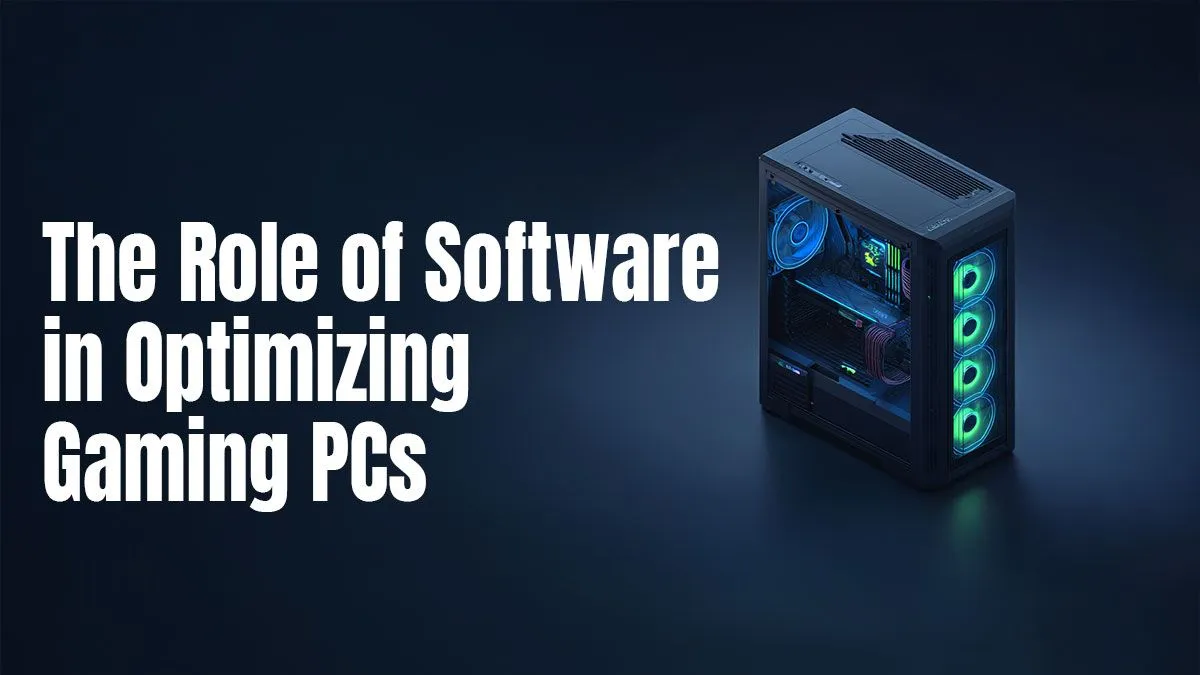
Stuck in a lag-fest when you should be landing headshots? We’ve all been there. That frustrating stutter in the middle of a clutch play can ruin a whole gaming session. Before you start eyeing a pricey new graphics card, what if you could unlock hidden performance from your current rig? This ultimate guide to gaming PC optimization software will show you exactly how to squeeze out more frames per second (FPS) and achieve smoother gameplay. Let's get your machine running at its peak. 🚀
What Does Gaming PC Optimization Software Actually Do?
At its core, gaming PC optimization software is designed to streamline your computer's resources, dedicating more power to what matters most… your game. Think of it as a digital pit crew for your rig. These tools work by performing several key tasks:
- Cleaning Junk Files: They hunt down and delete temporary files, old cache data, and other digital clutter that slows down your system.
- Managing Startup Processes: Many apps launch in the background when you boot up Windows, eating up valuable RAM. Optimizers help you disable non-essential ones.
- Tweaking System Settings: They can automatically adjust obscure Windows settings for lower latency and better resource allocation.
- Prioritising Game Processes: Some advanced tools can temporarily shut down background services while you're gaming, ensuring your CPU and RAM are fully focused on the action.
While these tools can be incredibly effective, especially on older systems, they work best when paired with the right hardware. For many gamers, a well-chosen upgrade can be the most significant step up, and our range of budget gaming PCs offers a fantastic starting point.
The Best Types of Software to Boost FPS
Not all performance-enhancing tools are created equal. They generally fall into a few categories, each tackling performance from a different angle.
All-in-One System Cleaners
These are the jack-of-all-trades. Tools like CCleaner or BleachBit excel at general system hygiene. Regularly running a cleaner can free up disk space and prevent system slowdown over time. While not strictly a "game booster," a clean and responsive operating system is the foundation for a good gaming experience.
Dedicated Game Boosters
Software like Razer Cortex or WTFast is built specifically for gamers. They often feature a "boost" mode that, with one click, temporarily shuts down unnecessary background processes and services, freeing up maximum resources for your game. They revert everything back to normal once you're done playing.
TIP FOR YOU
Monitor Your Real-Time Performance 🔧
Both NVIDIA GeForce Experience and AMD Radeon Software have built-in performance overlays. You can enable them with a simple key combination (Alt+R is common) to see your FPS, GPU temperature, and usage in real-time. This is the best way to see if the gaming PC optimization software you're using is actually making a difference.
Driver Updaters & GPU Control Panels
This is arguably the most crucial software for any gamer. Keeping your graphics card drivers updated is non-negotiable for performance. Beyond that, diving into the NVIDIA Control Panel or AMD Radeon Software allows for powerful, game-specific tweaks to textures, anti-aliasing, and power settings that can significantly boost FPS. For those running more powerful hardware, like one of our powerful gaming PCs under R20k, fine-tuning these settings is key to unlocking your rig's full potential.
The Reality Check: When Software Isn't Enough
Here’s the honest truth: gaming PC optimization software can work wonders, but it can't perform miracles. ✨ If your hardware is the fundamental bottleneck—an old CPU, insufficient RAM, or an underpowered graphics card—software will only get you so far. Think of it as tuning a car engine; you can make a 1.6-litre engine run beautifully, but it will never have the power of a V8.
If you've cleaned your system, updated your drivers, and are still not hitting your target frame rates, it might be time to consider an upgrade. Even high-end builds, like our premium gaming rigs over R20k, can benefit from the latest components to stay ahead of demanding new titles. Sometimes, the most effective optimization is a strategic hardware refresh.
For gamers who want a system that's already professionally built and balanced for performance, exploring some well-configured pre-built PCs can save you the headache of component matching and a fresh install.
Ultimately, the goal is to find the perfect balance between smart software tweaks and capable hardware. Using the right tools can breathe new life into your current machine, but knowing when to upgrade is what separates a good gaming experience from a great one.
Ready to Stop Lagging and Start Winning? Software can take you far, but nothing beats the raw power of perfectly matched hardware. Whether you're on a budget or building a monster rig, we've got you covered. Explore the best gaming PC deals in South Africa and find the machine that will crush your favourite titles.
To increase FPS, use GPU suites like NVIDIA GeForce Experience, overclocking tools like MSI Afterburner, and game boosters that manage system resources while you play.
Yes, reputable optimization software from trusted developers like NVIDIA, AMD, or Intel is safe. Always download directly from official websites to avoid malware.
Optimize Windows 11 for gaming by enabling Game Mode, setting your power plan to High Performance, disabling unnecessary startup apps, and turning on Hardware-accelerated GPU Scheduling.
Game boosters can offer a modest performance boost by temporarily closing non-essential background processes, freeing up valuable RAM and CPU cycles for your game.
The most crucial software for any gaming PC are the latest graphics card drivers from NVIDIA or AMD, as they provide critical performance optimizations for new and existing games.
Yes, using a script or app to debloat Windows for gaming can improve performance by removing pre-installed applications that consume system resources in the background.
For gaming, set Power Management to 'Prefer maximum performance,' enable 'Low Latency Mode' to Ultra, and set Texture Filtering to 'High performance' in the NVIDIA Control Panel.
Update your graphics drivers whenever a new 'Game Ready' driver is released for a title you plan to play, or at least every few months to ensure optimal performance and stability.
Related Articles