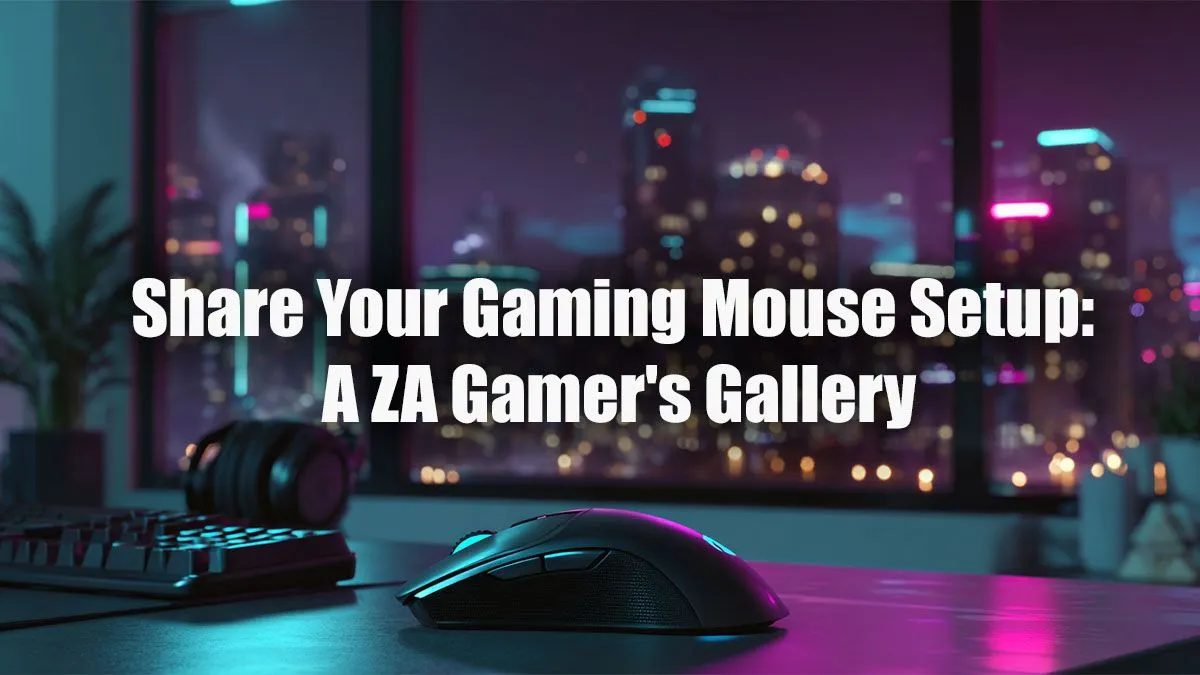
Your gaming mouse is more than just a pointer; it’s your digital scalpel, your wand, your trigger. But how you pair it with a mousepad, position it on your desk, and tune its settings is what separates a good setup from a great one. We’ve peeked into the battle stations of South African gamers to bring you a gaming mouse setup gallery filled with inspiration to help you perfect your own command centre. 🖱️
The Core of a Killer Gaming Mouse Setup
Before we dive into the gallery, let's talk basics. A truly optimised gaming mouse setup isn't just about owning the most expensive gear. It's about synergy between three key components:
- The Mouse: Is it light for FPS flicks or heavy with buttons for MMOs?
- The Surface: A massive cloth pad for low-DPI aiming or a hard surface for pure speed?
- The Ergonomics: How it all fits with your grip style (palm, claw, or fingertip) and desk space.
Getting this foundation right is the first step towards building a setup that feels like an extension of your own hand.
ZA Gaming Mouse Setups on Display
Every gamer is different, and their setup reflects their playstyle. Here are a few common archetypes we see across the South African gaming scene, from Cape Town to Polokwane.
The FPS Purist's Rig
This setup is all about precision and speed. Think of a competitive Valorant or CS2 player. The desk is clean, dominated by a massive mousepad that allows for huge, sweeping arm movements. The mouse itself is often an ultra-lightweight model, where every gram is shaved off for faster reaction times.
For these gamers, cable drag is the enemy, which is why many still swear by a reliable wired mouse with a flexible, paracord-like cable in a bungee. You don't need to break the bank for this performance; many top-tier esports-grade mice are surprisingly affordable, with some of the best gaming mice under R1000 offering flawless sensors.
The MMO/MOBA Command Centre
Here, it's all about control and customisation. An FFXIV raider or Dota 2 veteran needs more than just two buttons and a scroll wheel. Their gaming mouse setup is built around a mouse with a grid of programmable side buttons. Each button is meticulously mapped to an ability, item, or macro, turning their thumb into a formidable weapon.
These setups often feature mice with a comfortable, ergonomic shape for long sessions. While they might not be the lightest, the sheer utility they offer is unmatched. You can find incredible performance mice under R2000 that provide the perfect balance of features and comfort for marathon gaming nights.
Grip Style Matters 💡
Your grip determines the ideal mouse shape for you. Palm Grip (your whole palm rests on the mouse) suits larger, ergonomic mice. Claw Grip (palm on the back, fingers arched) works well with ambidextrous, medium-sized mice. Fingertip Grip (only fingertips touch) is perfect for small, lightweight mice that allow for micro-adjustments.
The Wireless & Clean Battlestation
This is for the gamer who values a tidy desk as much as a high K/D ratio. The aesthetic is minimalist and modern, with zero visible cables cluttering the space. The star of this gaming mouse setup is, of course, a high-performance wireless mouse. Modern wireless tech has come so far that latency is a non-issue, offering the same responsiveness as wired counterparts.
Pairing it with a wireless keyboard creates the ultimate clean look. To maintain that freedom, many gamers with this setup invest in cutting-edge wireless options with long battery life and convenient charging docks. For those wanting the absolute best without compromise, the premium mice over R2000 often feature the latest sensor and wireless technology. ✨
Build Your Ultimate Setup
Feeling inspired? The best gaming mouse setup is the one that's built for you. Whether you’re a minimalist who craves a clean desk or a macro-master who needs all the buttons, there’s a perfect combination out there. Take these ideas, experiment with your own layout, and check out the full range of gaming mice to find the centrepiece for your rig.
Ready to Find Your Perfect Match?
Your mouse is the most critical part of your setup. Taking inspiration from this gaming mouse setup gallery can help you find what works for you. Explore our massive range of gaming mouse deals and find the perfect pointer to conquer your world.