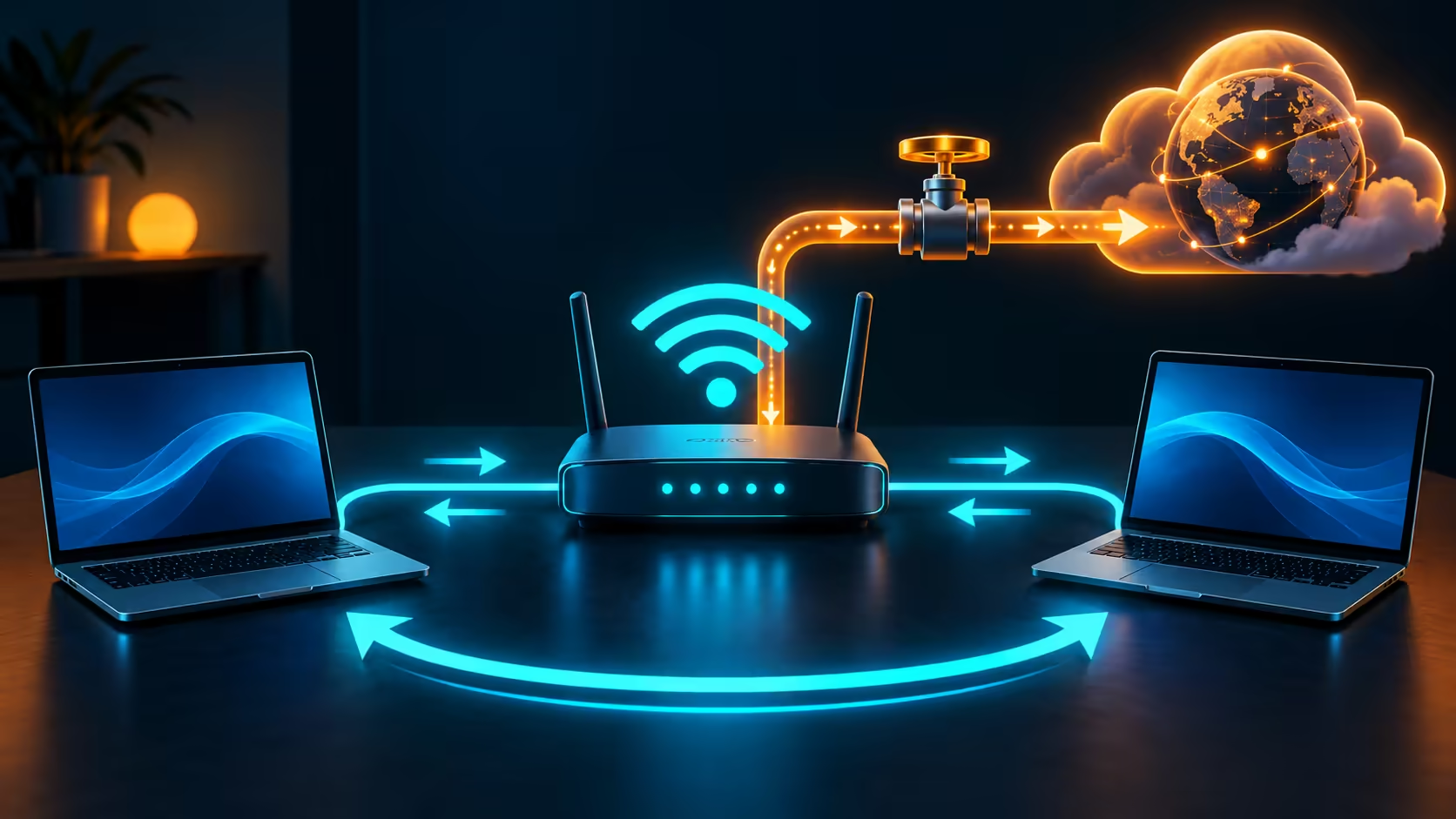
An update transfer can compete with a call even when the router is working correctly. Windows Delivery Optimisation has controls for where update files come from, whether the PC shares them and how that delivery uses bandwidth. These are separate choices, so start with the traffic you can actually observe.
Quick Answer
Open Settings, Windows Update, Advanced options and Delivery Optimisation. Review Activity monitor, choose the allowed peer-sharing scope and adjust the available bandwidth controls. Turning peer sharing off does not turn Windows Update off. Check this before spending on a router: the Cudy WR1500 WiFi 6 model was R789 in the catalogue on 13 October 2026, and replacing it would not change Windows' sharing selection.
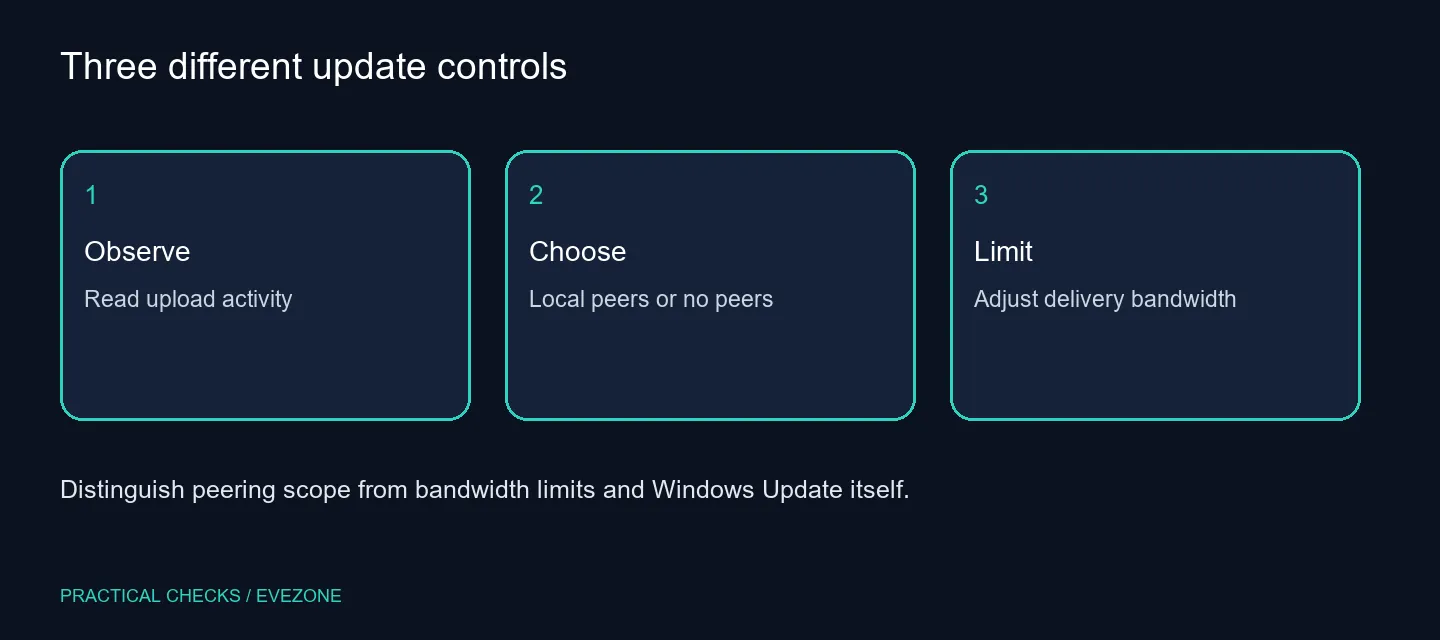
📊 Read the activity before moving a slider
Activity monitor separates update download sources and upload statistics for the period it displays. Note that window before drawing a conclusion from a total. A month's cumulative upload is not proof of the amount being sent at the exact moment a call becomes unstable.
Compare the timing with the symptom. If the connection slows during a known update transfer, there is a useful test to perform. If it slows when no relevant traffic is present, broaden the investigation. Keeping one observation tied to one change avoids turning a normal background process into an explanation for every network fault.
🏠 Choose where sharing is allowed
Windows offers local-network sharing and a broader option involving devices on the internet. Read the selected option carefully. Households with several PCs may want the local sharing path; someone who does not want peer sharing can switch it off and still receive updates from Microsoft.
There is no single best setting for every South African connection. The useful choice depends on the devices in the home and the constraints of the service. A local-only option and a bandwidth limit answer different questions: one selects peers, while the other manages how much capacity delivery can use.
🎚️ Limit the delivery workload you identified
Use the available Delivery Optimisation bandwidth controls for the traffic they actually govern. These are not a universal speed cap for the PC. A game launcher, browser or other transfer can continue to consume capacity even after update-delivery limits have been adjusted.
Change one relevant control, repeat the call or download test and record the result. Avoid setting every value to an extreme without measuring the consequence. A limit that reduces contention can also make updates take longer; leave enough time for the machine to finish its normal maintenance.
🛜 Distinguish settings from network equipment
Compare wireless routers when a hardware coverage or connectivity problem has been established. Use fibre routers when assessing the router for a fibre service. The dated R789 Cudy reference gives a local equipment price, but it is not the cost of changing this Windows feature.
On a managed computer, ask the administrator which delivery policy applies. Controls may be restricted or restored by policy, and a household fix should not be imposed on an organisation's device. Preserve the activity screenshot and test result so the discussion is about actual traffic rather than a suspicion that updates are always responsible.
Frequently Asked Questions
Does turning off peer sharing stop updates?
No. Windows can obtain updates directly from Microsoft. Peer sharing and the Windows Update service are different controls.
Where can I see upload activity?
Open Delivery Optimisation from Windows Update and review Activity monitor for the displayed period and upload statistics.
Can I share only within the house?
The documented options include devices on the local network. Check the selected scope rather than assume all sharing stays local.
Do these limits control every app download?
No. Delivery Optimisation controls its update-delivery traffic, not all traffic from games, browsers or other applications.
Will a new router fix this setting?
Not automatically. The Cudy WR1500 was R789 on 13 October, but investigate update traffic before replacing network hardware.
Are managed PCs different?
An administrator can configure delivery policies. Ask about the effective policy if the controls are restricted or change back.
Control the traffic you can identify.
Review sharing scope and upload activity before changing bandwidth limits or replacing a router.