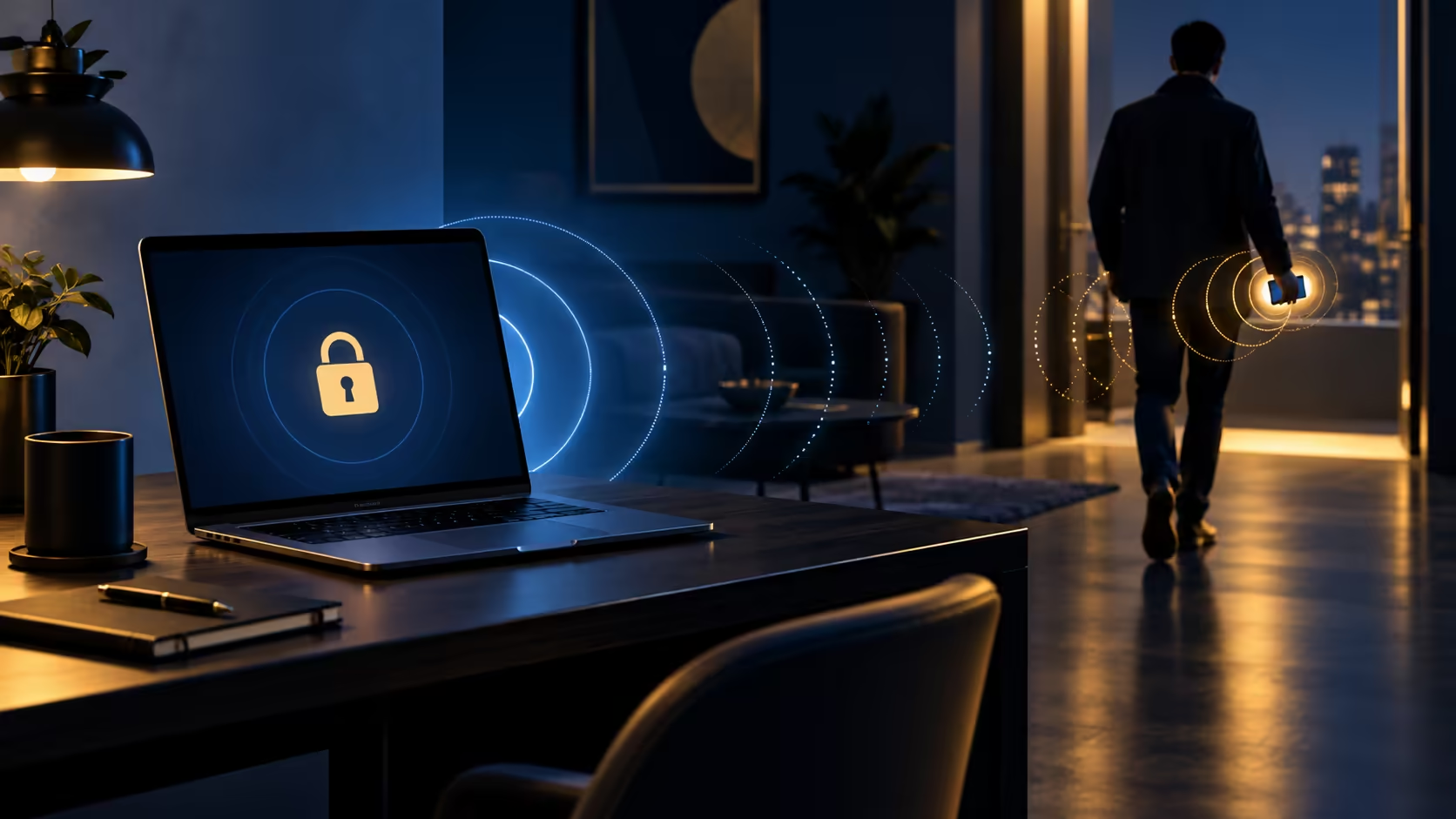
A phone left charging beside the laptop cannot tell Windows that you have walked away. Windows Dynamic lock depends on the paired phone leaving Bluetooth range. That makes a short practical test more useful than simply enabling the switch and assuming the desk is protected.
Quick Answer
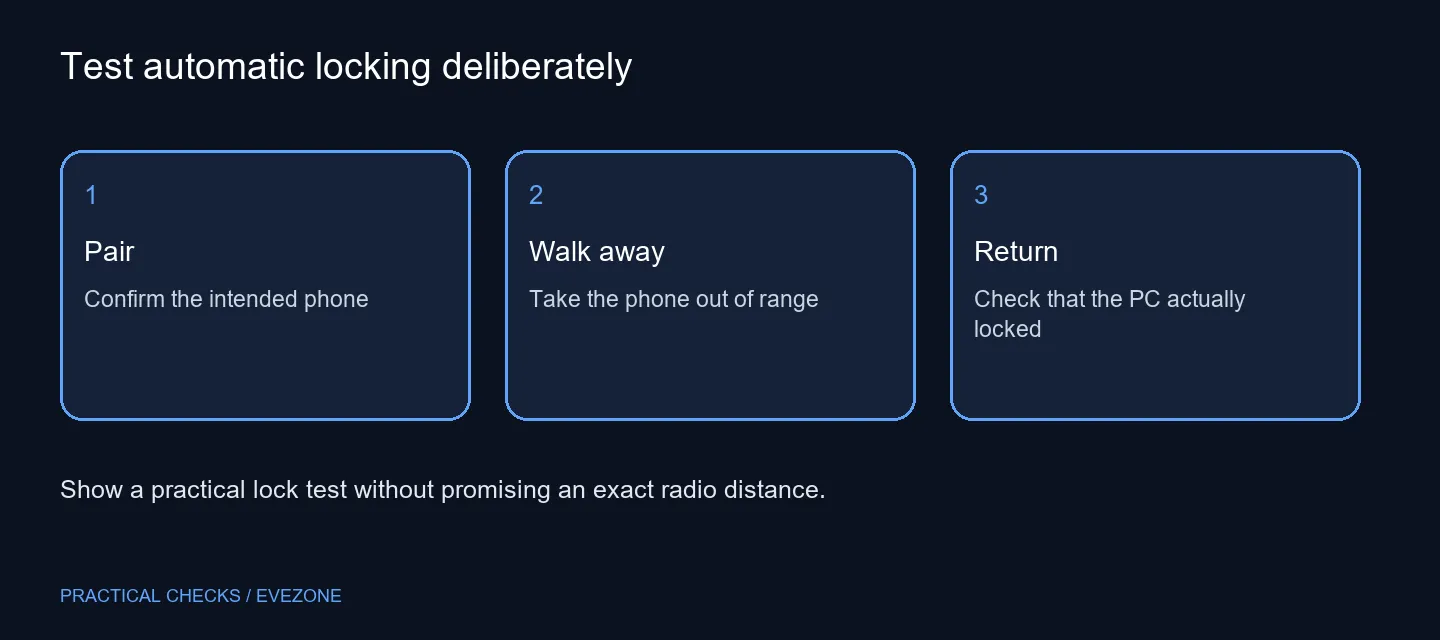
Pair the intended phone, enable Dynamic lock in Accounts and Sign-in options, then take the phone away and check that the PC locks. Windows describes locking within a minute after the phone leaves Bluetooth range. Press Windows+L for an immediate manual lock. There is no need to replace a keyboard for this setting; a Logitech K120 listed at R129 on 13 October 2026 is a separate hardware purchase.
📱 Confirm the right paired device
Start by checking Bluetooth pairing on the PC and phone. Make sure you recognise the device name, especially if several family phones have connected to the computer. A remembered entry is not the same as proof that the intended phone is present and usable for this test.
Open Settings, Accounts and Sign-in options, then locate Dynamic lock. If the computer belongs to an organisation, its settings can be controlled by policy. Ask the administrator when the option is unavailable. Changing unrelated account settings adds uncertainty without establishing that the Bluetooth condition is working.
🚶 Test departure with the phone
Save current work and run the test at a time when a locked screen will not interrupt a call. Take the phone with you and move beyond the connection's normal range. Return and inspect the PC. The result you need is an actual locked session, not just a disconnected phone icon.
Repeat this in the places where you normally leave the desk. Radio range varies with the room and equipment, so do not describe the feature as a fixed number of metres. If the phone stays near the computer, automatic departure detection cannot represent your own movement. That is particularly relevant when it remains on a desk charger.
🔐 Keep the manual habit
Windows+L provides an immediate deliberate action. Use it before leaving a shared desk or a screen containing private work. Dynamic lock is useful as an additional automatic behaviour, but its detection delay makes it a poor substitute for that habit when the lock needs to happen now.
The feature also does not provide automatic sign-in when you return. Choose an appropriate supported sign-in method separately. Avoid interpreting a successful lock test as evidence that every account or security setting is configured correctly; it establishes only the departure behaviour being tested.
🧰 Spend only on a confirmed hardware gap
If Bluetooth itself is missing or unreliable, identify that problem before browsing keyboards on special. A R129 keyboard cannot supply the phone-pairing function. Keep the accessory budget separate from the diagnosis so a security setting does not become an unnecessary replacement.
For a new desktop build, all intel motherboards can be compared for the connectivity actually required, including the exact wireless provision. Check the complete product specification rather than infer Bluetooth from a familiar chipset name. On an existing PC, record the pairing result and lock test first; that evidence gives support a specific failure to investigate.
Frequently Asked Questions
Does Dynamic lock work without a phone?
The documented feature relies on a Bluetooth-paired phone. Set up the intended device before testing departure.
Will it lock the moment I stand up?
Not necessarily. Bluetooth range and detection take time. Test the behaviour in your own room rather than assuming a fixed distance.
Does it unlock when I return?
Dynamic lock is an automatic locking feature. Returning with the phone is not an automatic sign-in method.
What is the immediate manual lock shortcut?
Press Windows+L when leaving the desk. Use it when an immediate lock matters, even if Dynamic lock is enabled.
Must I buy a new keyboard?
No. Dynamic lock depends on pairing and settings. A Logitech K120 was R129 on 13 October, but buying it does not fix a Bluetooth issue.
What if the option is managed at work?
Ask the device administrator about the policy. Do not work around an organisation's sign-in controls.
Prove the lock before relying on it.
Pair the intended phone, test departure and keep Windows+L as your immediate desk-leaving habit.