Securing Your Flight Yoke Setup with Clamp Mounting
Setting up a virtual cockpit in your South African home office often starts with a single question... how do I stop my gear from sliding? A proper flight yoke setup involves more than just plugging in a USB cable. It requires a solid foundation to ensure your landings at OR Tambo are as smooth as silk. Let’s look at how to master your clamp mounting, seating, and overall comfort. 🚀
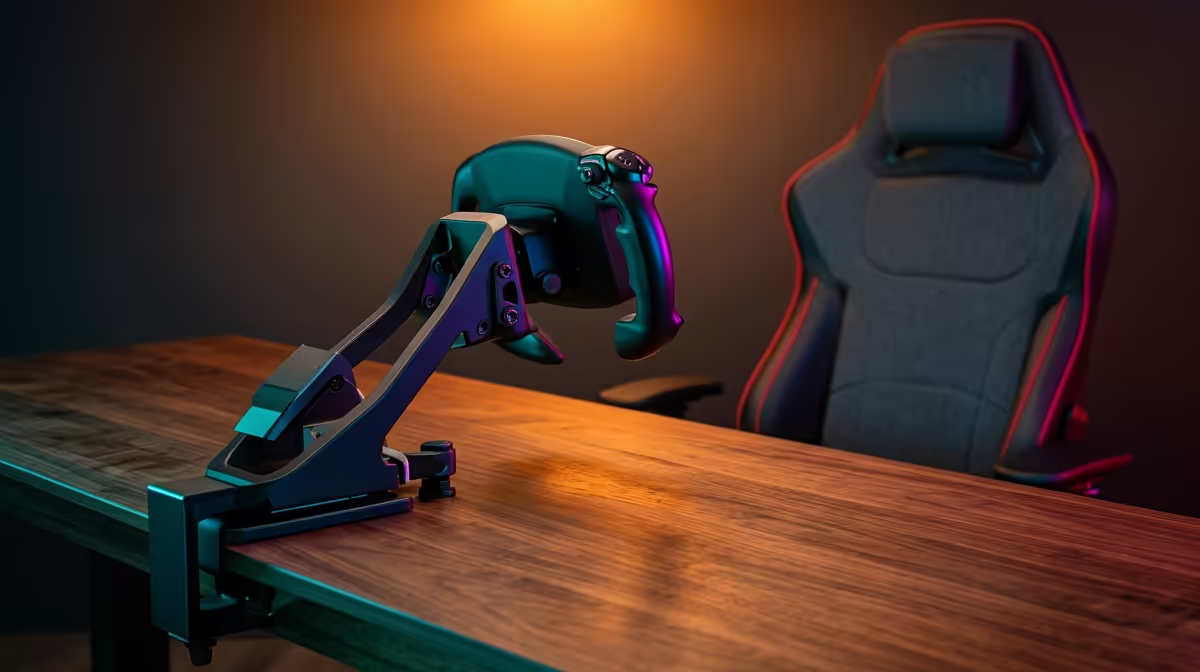
Most pilots start with desk-mounted controls because it is the most cost-effective way to jump into the cockpit. When looking for the best flight simulator gear, check the thickness of your desk. Most clamps are designed for standard 20mm to 40mm surfaces. If your desk is too thin... use a small wooden block to bridge the gap. This prevents the yoke from wobbling during high-G manoeuvres or sudden corrections on a windy afternoon in the Cape.
Mounting Pro Tip 🔧
Before tightening your clamps, place a small piece of rubber shelf liner between the clamp and the desk. This protects your furniture from scratches and provides extra grip so your yoke stays perfectly still during heavy turbulence.
Optimising Seating for Long-Haul Comfort
You might spend hours in the air, especially if you are recreating long-haul international routes. Proper seating is non-negotiable for any serious flight yoke setup: clamp mounting, seating & comfort plan. While many use standard office chairs, many local enthusiasts find that sim racing seats provide the lateral support and rigidity needed for a more immersive feel.
Your knees should ideally be at a 90-degree angle... and your feet should rest flat on your rudder pedals without stretching. This prevents lower back pain during those long flights from Johannesburg to London. If your chair has wheels, consider getting "bell glides" or a heavy rug to stop yourself from rolling backward every time you apply the brakes. ⚡
Building the Ultimate Simulation Environment
Beyond the yoke, you need to consider where your throttle quadrant and trim wheels sit. Adding specific simulation gear and accessories can transform a standard desk into a professional flight deck. Ensure your primary monitor is at eye level to avoid neck strain. If you are using a multi-monitor setup... try to align the bezels so they do not break your line of sight during a difficult instrument approach.
A clean flight yoke setup also means managing your cables. Use velcro ties to keep wires away from your legs and moving parts. There is nothing worse than tangling a foot in a USB cable while trying to maintain a steady glide slope. By focusing on these ergonomic details, you ensure that your focus stays on the horizon... not on your aching back or a loose clamp. ✨
Ready to Take to the Skies? Achieving the perfect flight yoke setup is the first step toward true immersion. For the best deals on flight controls and cockpit hardware in South Africa, we have you covered. Explore our flight simulator gear range and start building your dream cockpit today.