


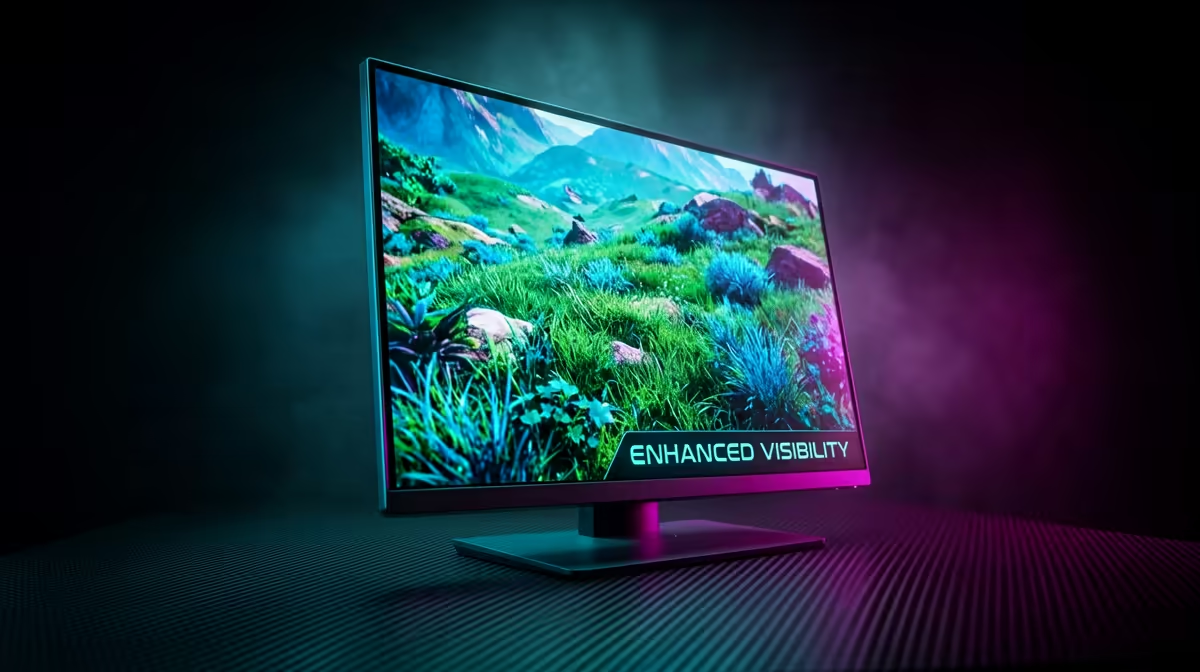
Getting sniped by a bush-wookie in the final circle is enough to make any South African gamer tilt. Whether you are playing Apex Legends or Battlefield, finding the best visibility settings for grass can mean the difference between a win and a trip back to the lobby. You want your game to look decent, but you cannot let lush greenery hide your enemies. 🔧
Why Foliage Settings Matter in Competitive Play
Most modern titles are designed to look as realistic as possible... but realism is the enemy of visibility. When you crank your settings to "Ultra", the game engine renders thousands of extra grass blades, flowers, and shadows. While this looks stunning, it creates visual clutter that masks movement.
To maintain a competitive edge, you need a GPU that can handle high frame rates while you dial down the fluff. If you are looking to upgrade, Evetech offers a massive range of NVIDIA and AMD graphics cards to suit any budget. For those who value thermal performance during our hot Gauteng summers, the premium MSI graphics cards are a top-tier choice for consistent performance. ⚡
Optimising Your Settings to Spot Enemies Faster
The goal is to strip away the "noise" without making the game look like a potato. Here is how you should approach your in-game menu:
Foliage Density and Quality
This is the most important setting. Always set this to "Low" or "Medium". Lowering foliage density reduces the number of grass tufts rendered at a distance. This often prevents enemies from hiding in "ghost" grass... grass that appears on their screen but not yours.
Ambient Occlusion and Shadows
Shadows add depth, but they also make it easier for players in dark skins to blend into the weeds. Lowering Ambient Occlusion makes the lighting flatter, which actually makes the 3D model of an enemy "pop" against the green background. If you are using the latest AMD Radeon graphics cards, you can also use Radeon Image Sharpening to further define those edges. 🚀
Visibility Pro Tip ⚡
Turn off Motion Blur and Depth of Field immediately. These settings simulate camera effects that look "cinematic" but actively blur your vision when you are flicking your mouse to catch a flanker. Keeping your image sharp is the first step to mastering the best visibility settings for grass.
Choosing the Right Hardware for the Job
While settings do the heavy lifting, your hardware determines how smoothly those frames transition. Even entry-level options like Intel Arc graphics cards now offer solid performance in popular eSports titles. While some might consider specialised workstation graphics cards for rendering, a dedicated gaming GPU is what you need for the high refresh rates required to track moving targets in the brush. ✨
In South Africa, where competitive gaming is growing, every millisecond of visibility counts. Pricing for a decent mid-range card usually starts around R5,000 to R8,000 ZAR... a small price to pay for finally seeing that camper before they see you.
Ready to Spot Every Enemy? Don't let poor visibility hold you back from the top of the leaderboard. Explore our latest graphics card deals and upgrade your rig to ensure you never miss a detail again.









