



GPU extension cable safety during loadshedding
GPU extension cable safety matters during loadshedding — learn risks, safe practices, and how to prevent damage, surges, or data loss with clear checks and tips. ⚡🔧
|
Loading tags...

Loadshedding hits. The power cuts out, and your heart skips a beat. It's not the darkness you fear... it's the surge when the power returns. For PC gamers in South Africa, this is a constant worry. Your multi-thousand-rand graphics card is the powerhouse of your rig, but is it properly protected? Ensuring your GPU extension cable safety is more than just tidy cable management; it’s a critical defence for your most valuable component. ⚡
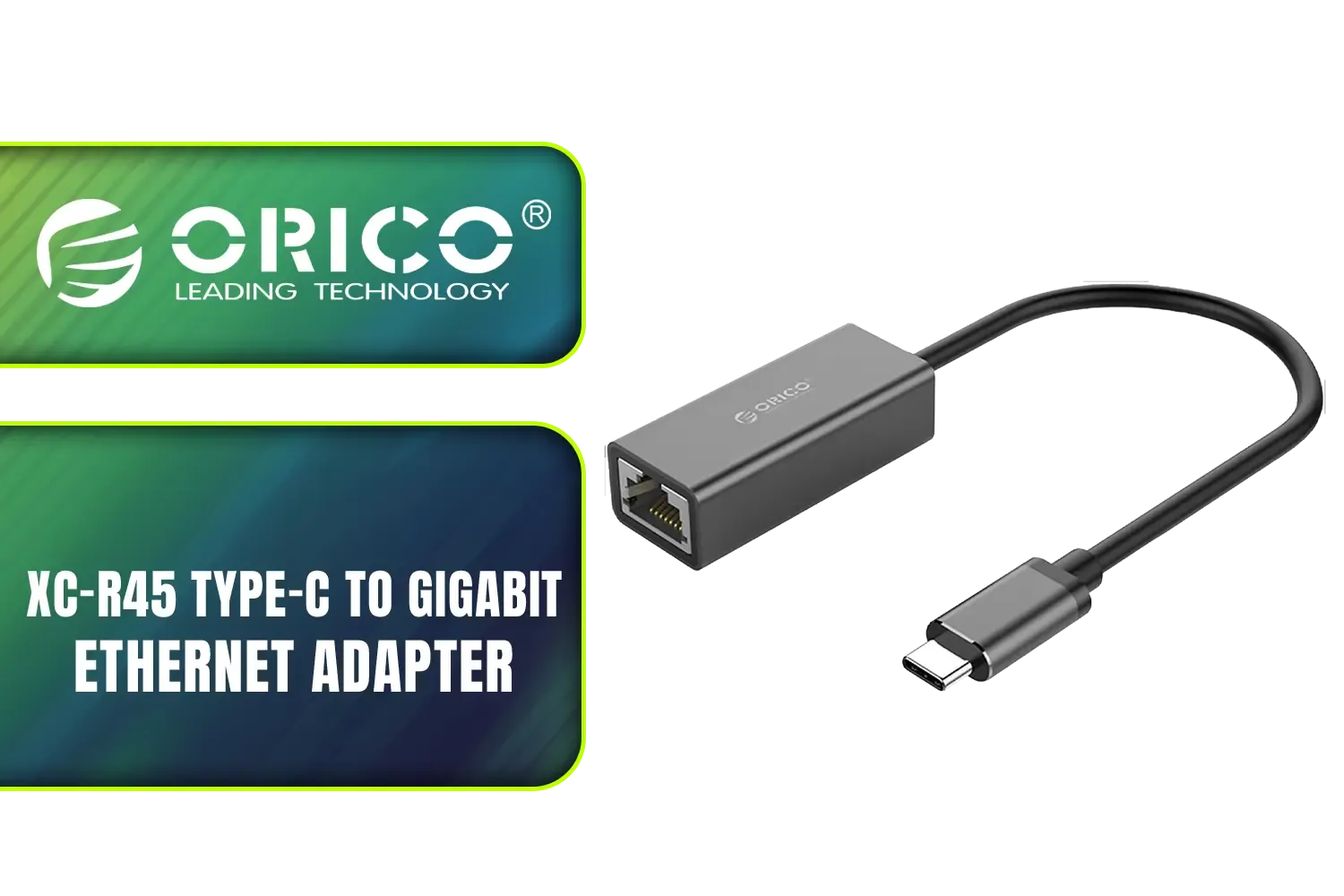
Orico XC-R45 Type-C to Gigabit Ethernet Adapter / 1000 Gbps Transfer Speed / Driver-Free on Windows 8/10 Systems / Compatible with MacBook / ORICO-XC-R45-V1-BK-BP
R299.00In Stock

Promate 8k CrystalClarity™ UCB-C to HDMI Cable / 8K UHD Resolution @ 60Hz / Aluminum Shell / 48Gbps Max Link Bandwidth / 1.8m Cable / MEDIACORD-8K
R499.00In Stock

Mad Catz F.R.E.Q. DAC-L Digital-to-Analog Audio Converter - USB Type-C to 3.5 mm - AF00W3INBL001-0
R299.00In Stock
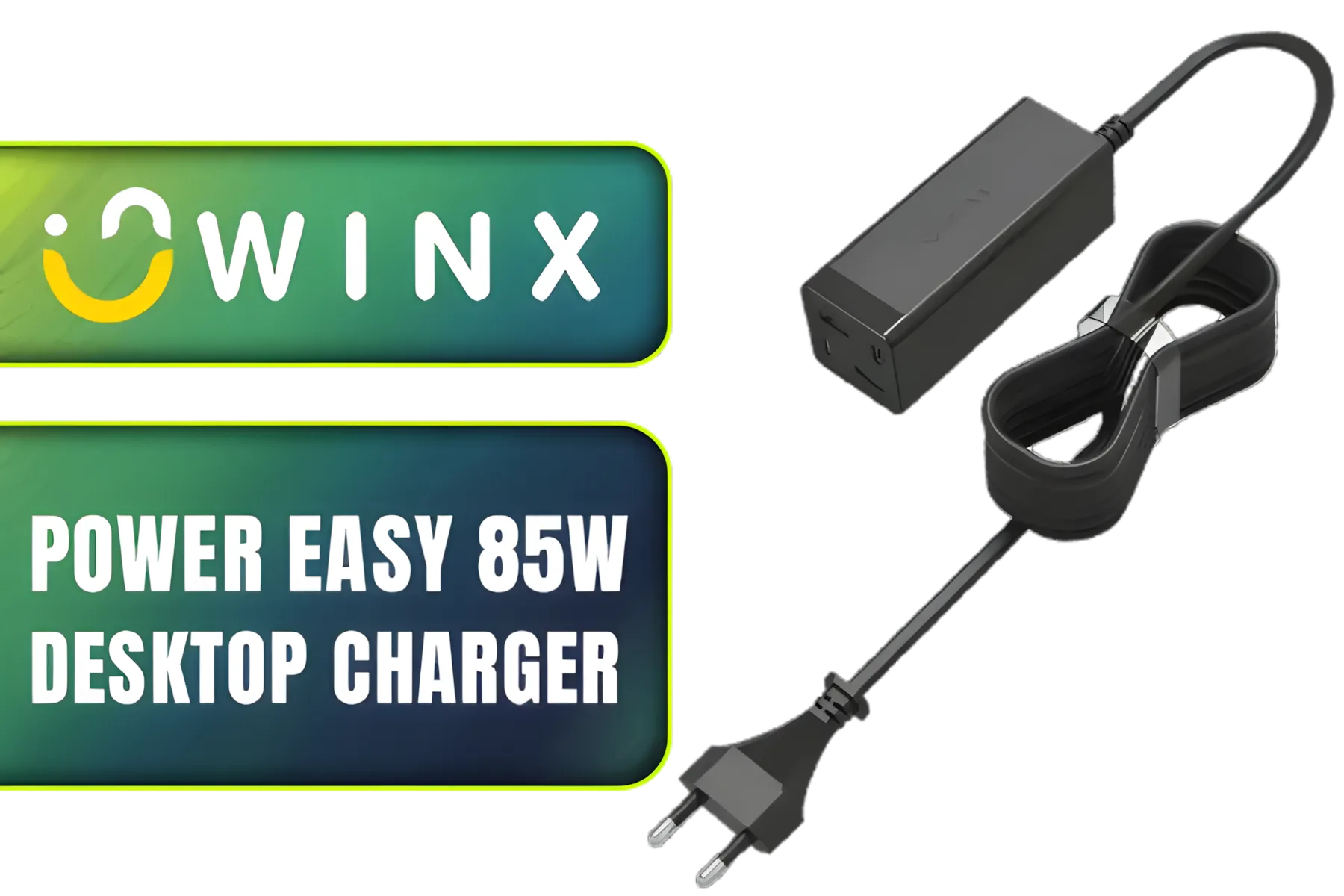
Winx Power Easy 85W Desktop Charger / Ultra-compact, space-saving design / Charge your notebooks, tablets, mobile phones, & handheld gaming devices / WX-DC101
R599.00In Stock
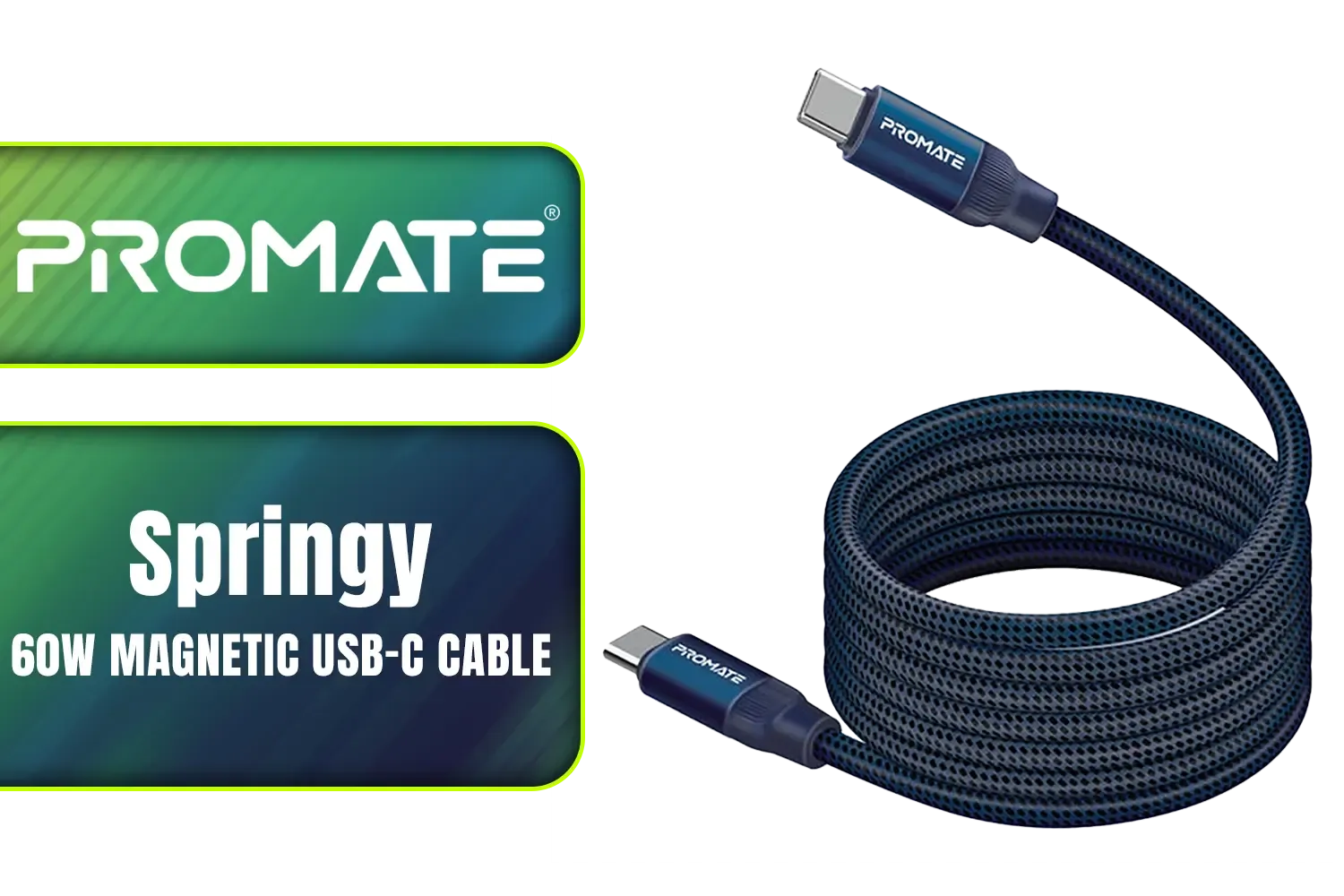
Promate Springy 60W Self-Organizing Magnetic USB-C Cable - Blue / Durable nylon braided thick copper core /480Mbps Data sync and charge / Springy.Blue
R199.00In Stock
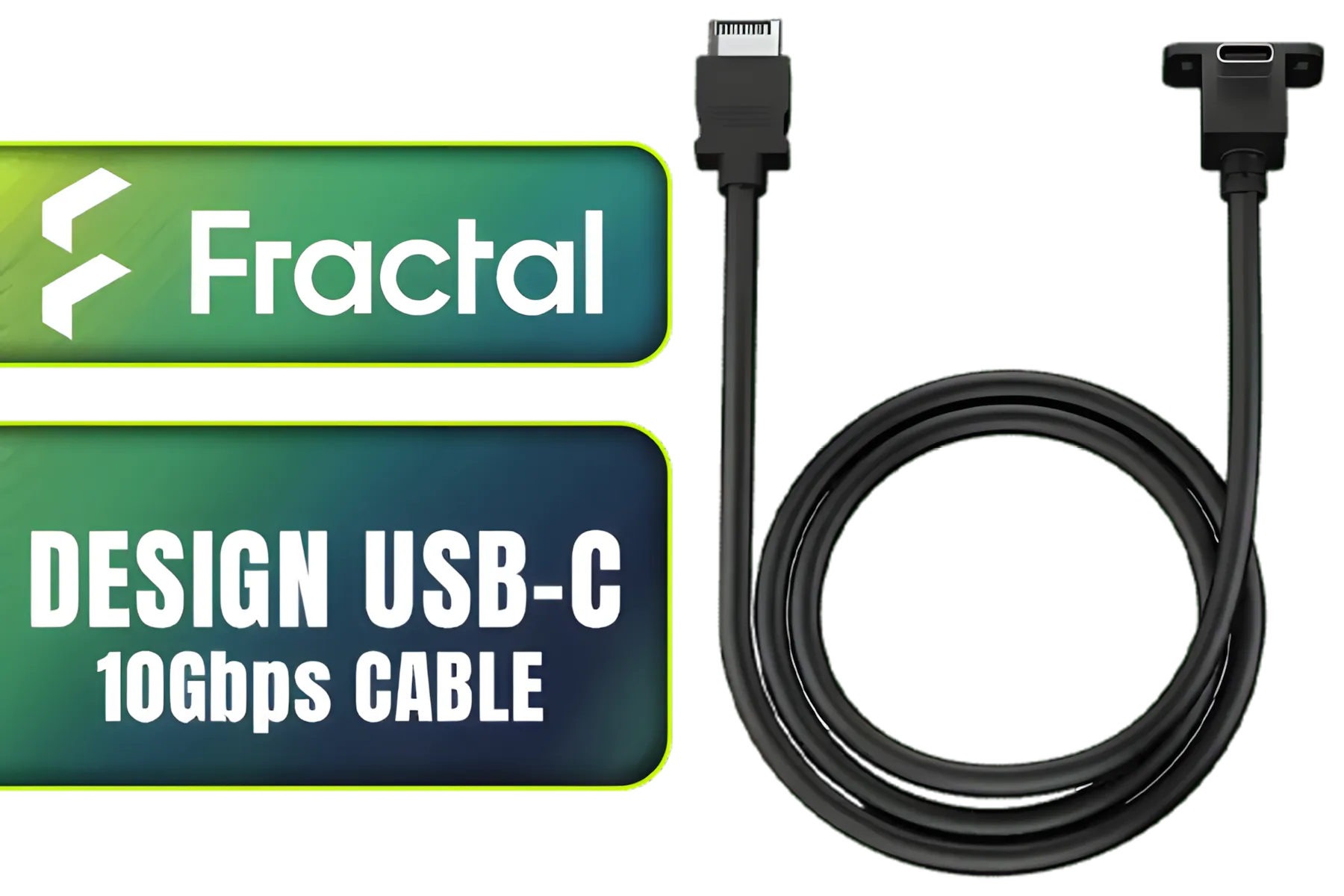
Fractal Design USB-C 10Gbps Cable – Model E / FD-A-USBC-002
R289.00In Stock
Why Loadshedding Makes GPU Cable Safety a Priority
Sudden power cuts and the subsequent surges put immense stress on your PC's components. While a good Power Supply Unit (PSU) and a surge protector are your first line of defence, the cables delivering that power are the final, crucial link. A cheap, poorly made GPU extension cable can become a serious bottleneck and a fire hazard.
During a power surge, a low-quality cable might not handle the sudden spike in current. This can lead to overheating, melting connectors, and in the worst-case scenario, permanent damage to your GPU's power delivery system. When you've invested heavily in a top-tier card, skimping on the cable that feeds it is a risk not worth taking. Prioritising GPU extension cable safety means choosing quality over quick savings.
Choosing Cables to Protect Your GPU Investment
Not all cables are created equal. When safeguarding your rig, especially against our unpredictable grid, there are two key things to look for: wire gauge and connector quality.
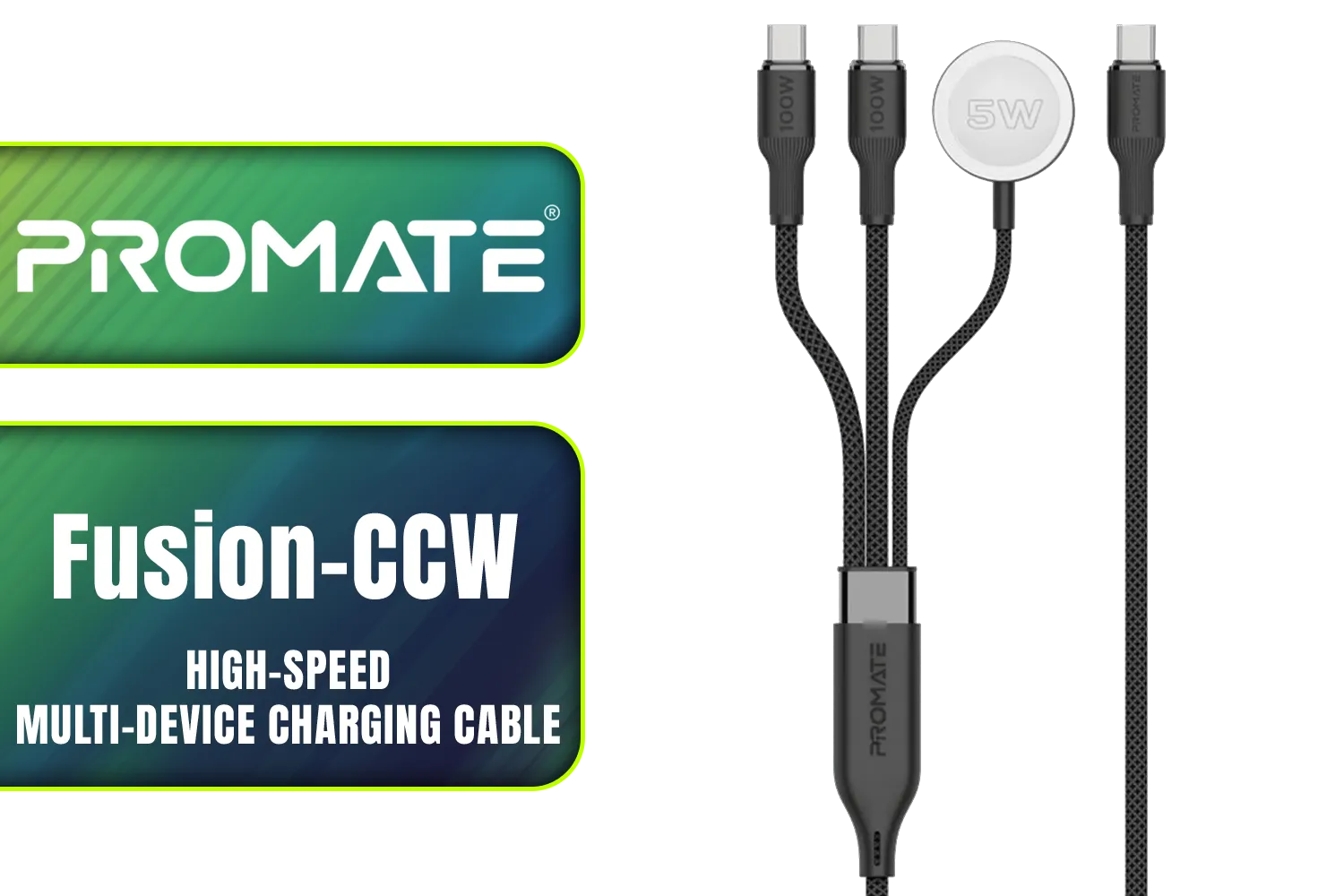
Promate Fusion-CCW High-Speed Nylon Braided Multi-Device Charging Cable - Black / Rapid 100W Multi-Device Charging / Apple Watch Charger / 480Mbps Data Transfer / Reinforced Nylon-Braided Durable Design / Fusion-CCW.Black
R399.00In Stock
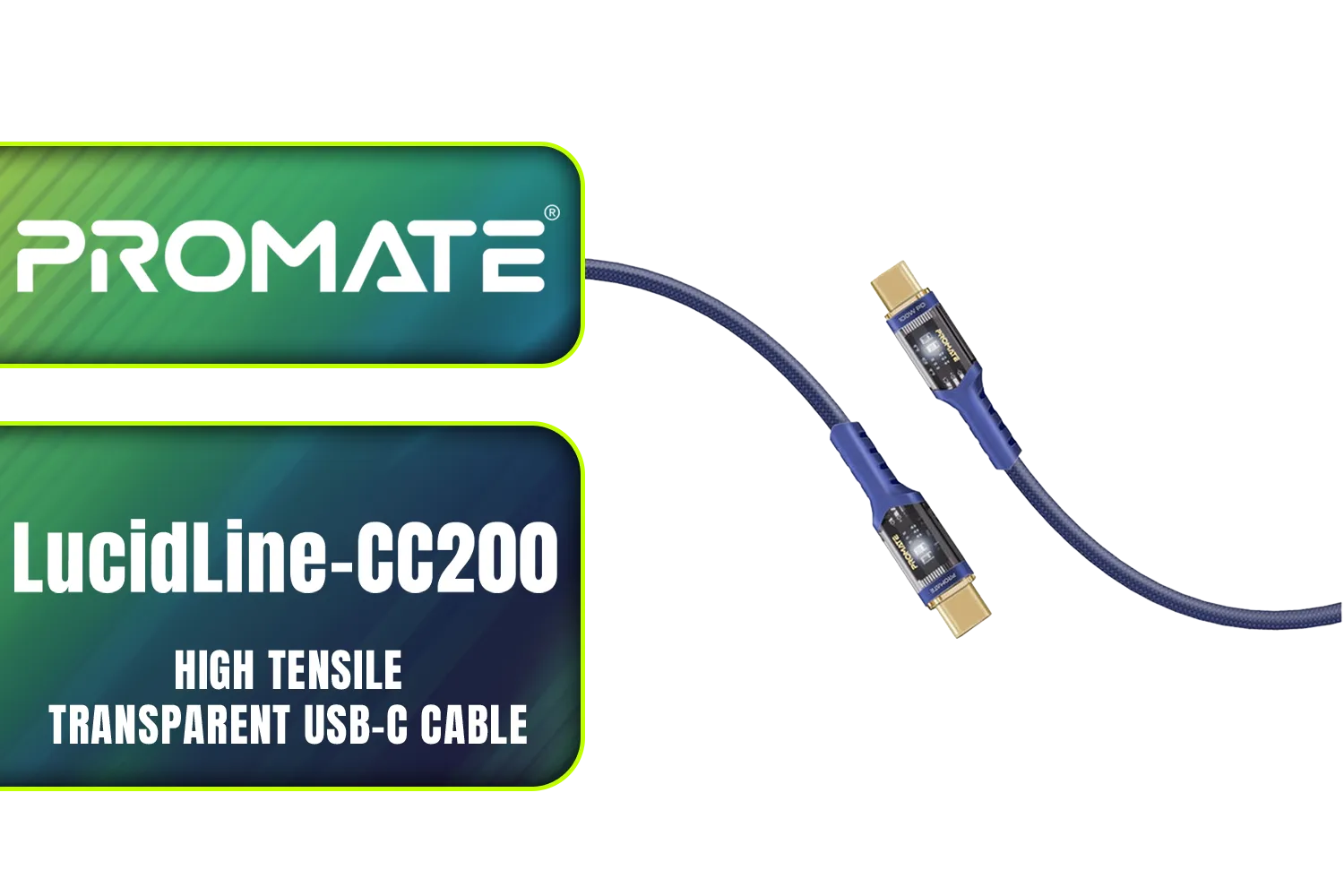
Promate LucidLine-CC200 High Tensile Transparent USB-C Cable with LED Light - Navy / Lightning-fast 100W Charging / Nylon Braided Exterior / LED lights / Speedy Data Transfers at 480Mbps / LucidLine-CC200.Navy
R199.00In Stock
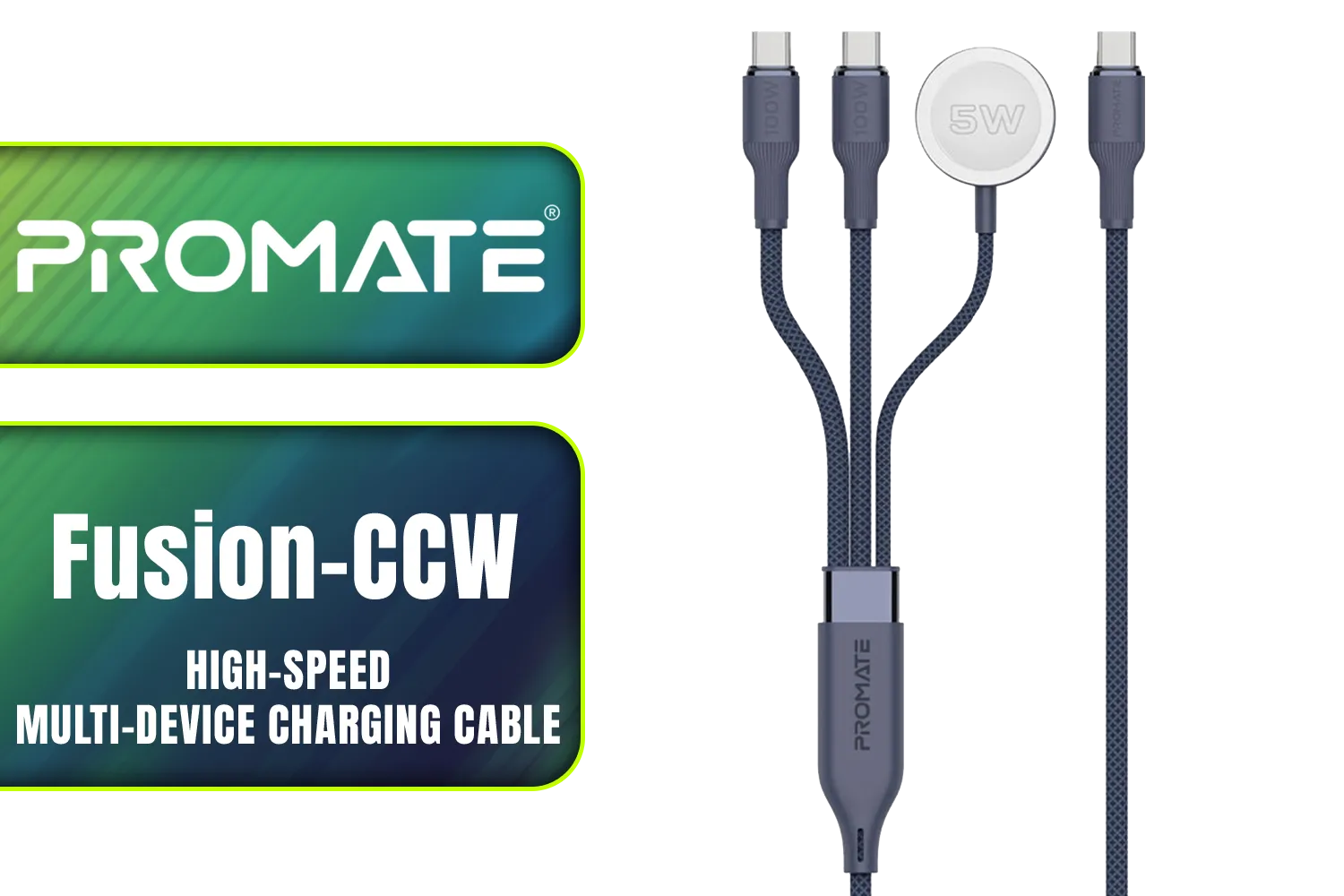
Promate Fusion-CCW High-Speed Nylon Braided Multi-Device Charging Cable - Blue / Rapid 100W Multi-Device Charging / Apple Watch Charger / 480Mbps Data Transfer / Reinforced Nylon-Braided Durable Design / Fusion-CCW.Blue
R449.00In Stock
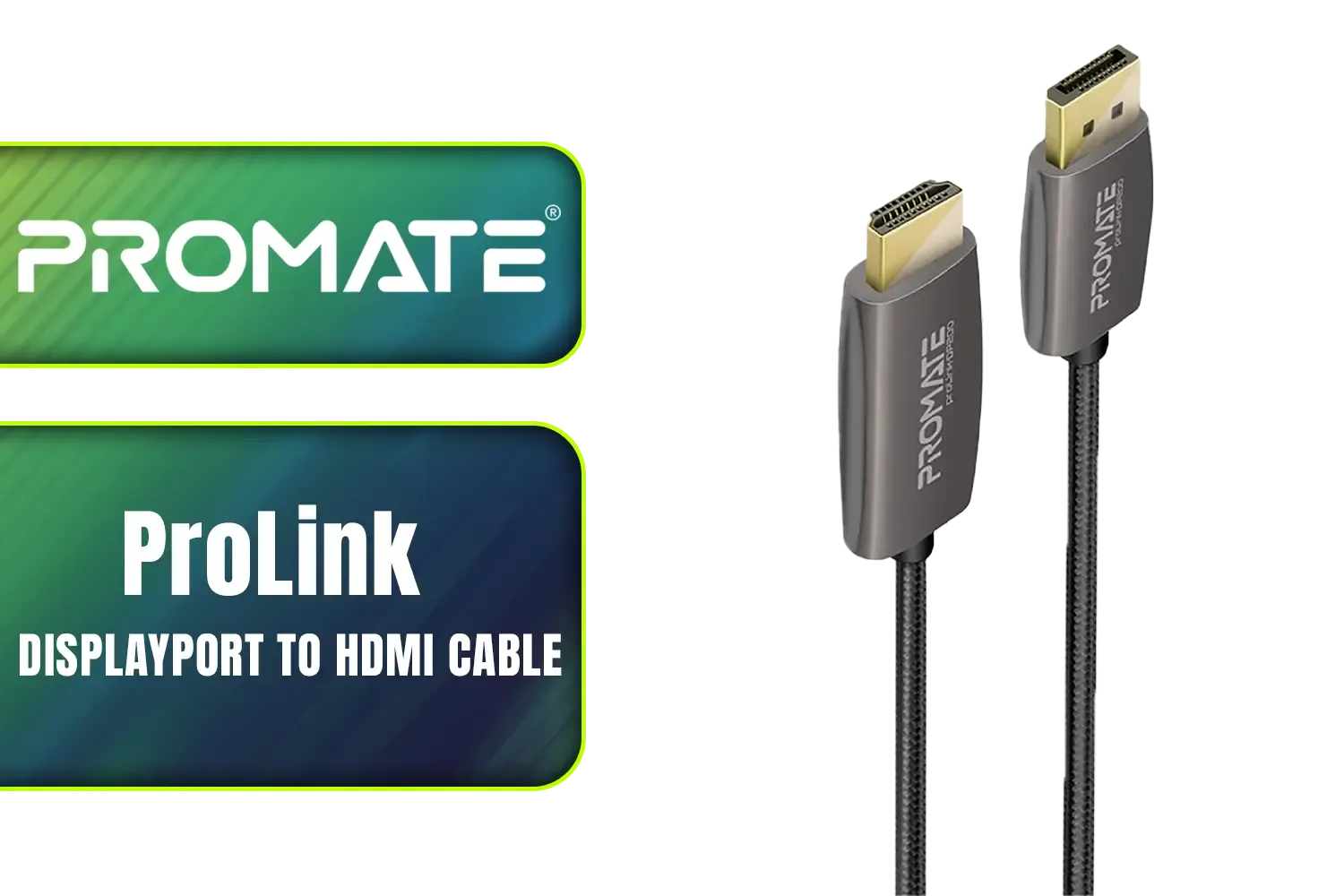
Promate ProLink 2 Meter DisplayPort to HDMI® Cable / 4K UHD Output at 60Hz / Stable Signal with Advanced IC Chip / Durable, Corrosion-Resistant Construction / ProLink-DP200
R399.00In Stock
Promate Springy 60W Self-Organizing Magnetic USB-C Cable - Blue / Durable nylon braided thick copper core /480Mbps Data sync and charge / Springy.Blue
R199.00In Stock
Mad Catz F.R.E.Q. DAC-L Digital-to-Analog Audio Converter - USB Type-C to 3.5 mm - AF00W3INBL001-0
R299.00In Stock
Wire Gauge and Build Quality
The thickness of the wire inside the cable, measured in American Wire Gauge (AWG), is vital. A lower AWG number means a thicker wire, which can carry more current safely with less resistance and heat build-up. For modern, power-hungry GPUs, using cables with at least a 16 AWG rating is recommended. Investing in a set of high-quality sleeved PSU cables not only improves airflow and aesthetics but also gives you peace of mind that your connections are robust. 🔧
TIP FOR YOU
Check Your Connections! ✨
Every few months, power down and unplug your PC. Open the case and gently check that all power connectors, especially the main 24-pin and the GPU power cables, are fully and securely seated. Vibrations from fans or moving your PC can sometimes cause them to work loose over time, creating a poor connection that can lead to overheating.
The 12VHPWR Connector Challenge
NVIDIA's RTX 40-series cards introduced the new 12VHPWR connector, a compact plug that can deliver over 600W of power. While powerful, it's notoriously sensitive to being bent too sharply near the connector or not being fully plugged in. An improper connection here is a well-documented cause of melting plugs.
Promate Fusion-CCW High-Speed Nylon Braided Multi-Device Charging Cable - Black / Rapid 100W Multi-Device Charging / Apple Watch Charger / 480Mbps Data Transfer / Reinforced Nylon-Braided Durable Design / Fusion-CCW.Black
R399.00In Stock

Romoss USB A to Lightning & Micro USB 1.5m cable Space Grey Nylon Braided Cable / CB209-71-233
R189.00In Stock

HP USB C to RJ45 Adapter - Cable Interface/Gender Adapter (USB-C, RJ45, Male Connector/Female Connector, Black) / DHC-CT208
R499.00In Stock
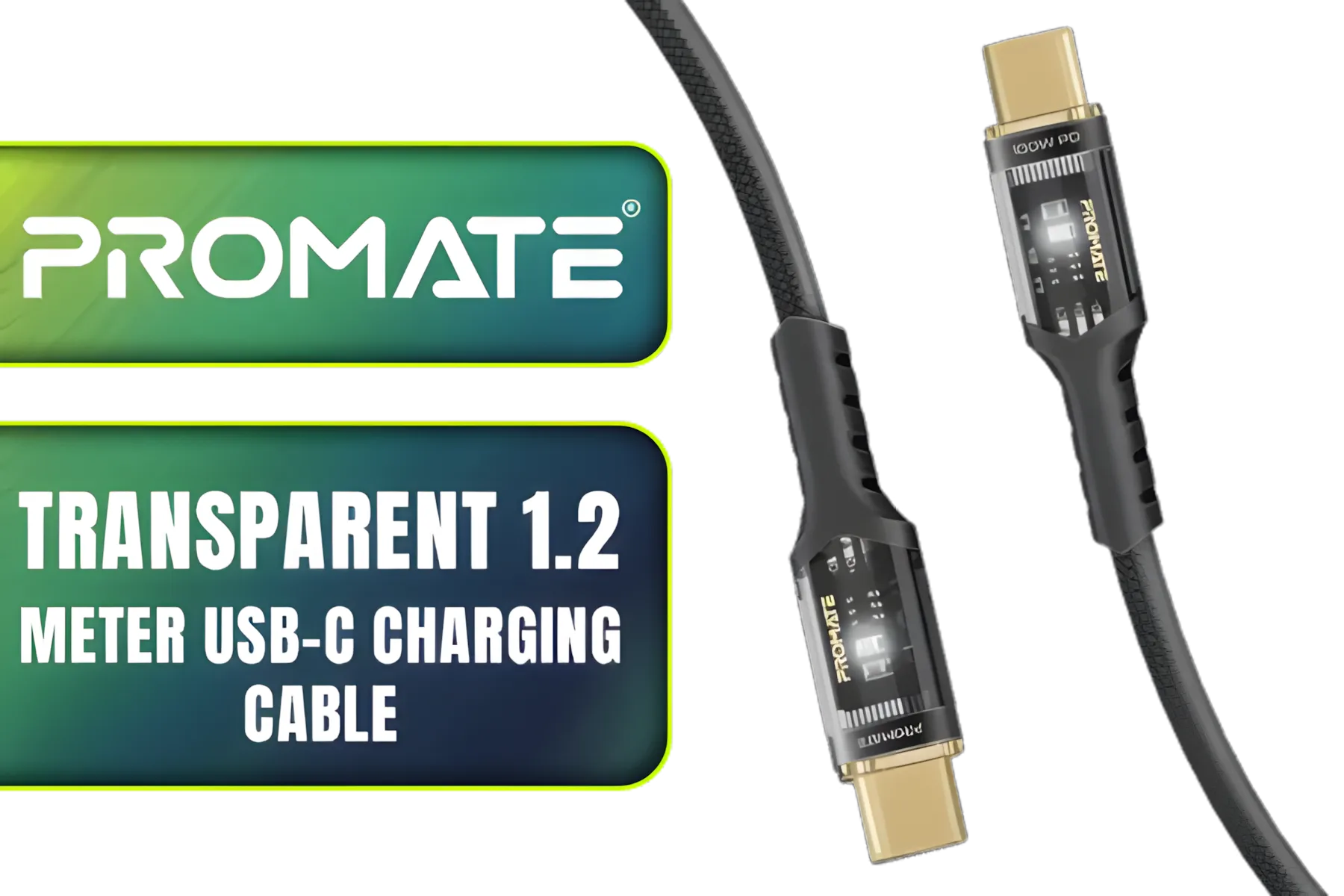
Promate Transparent 1.2 Meter Charging Cable with LED Light - Black / Rapid 100W Laptop & Phone Charging / Transparent LED Connectors / 480Mbps Data Transfer & Charging / Reinforced Nylon-Braided Durable Design / LUCIDLINE-CC120.BLACK
R129.00In Stock

Gizzu 4K DisplayPort to HDMI 1.5m Cable / Gold-Plated Connectors / Supports 4K@60Hz Resolution / GCPDPH15
R199.00In Stock
Fractal Design USB-C 10Gbps Cable – Model E / FD-A-USBC-002
R289.00In Stock
Using a quality third-party extension can solve this. A well-made adapter like a reliable 12VHPWR ARGB extension often provides better flexibility than stock adapters, allowing for a safer, less-strained bend radius inside your case. This simple upgrade is a smart move for ensuring long-term GPU extension cable safety for your high-end graphics card.
Ready to Protect Your Rig? Loadshedding isn't going away, but you can fortify your gaming PC against it. Don't let a low-quality cable be the weak link that destroys your prized GPU. Explore our wide range of premium PC cables and give your components the stable, clean power they deserve.
Related Products
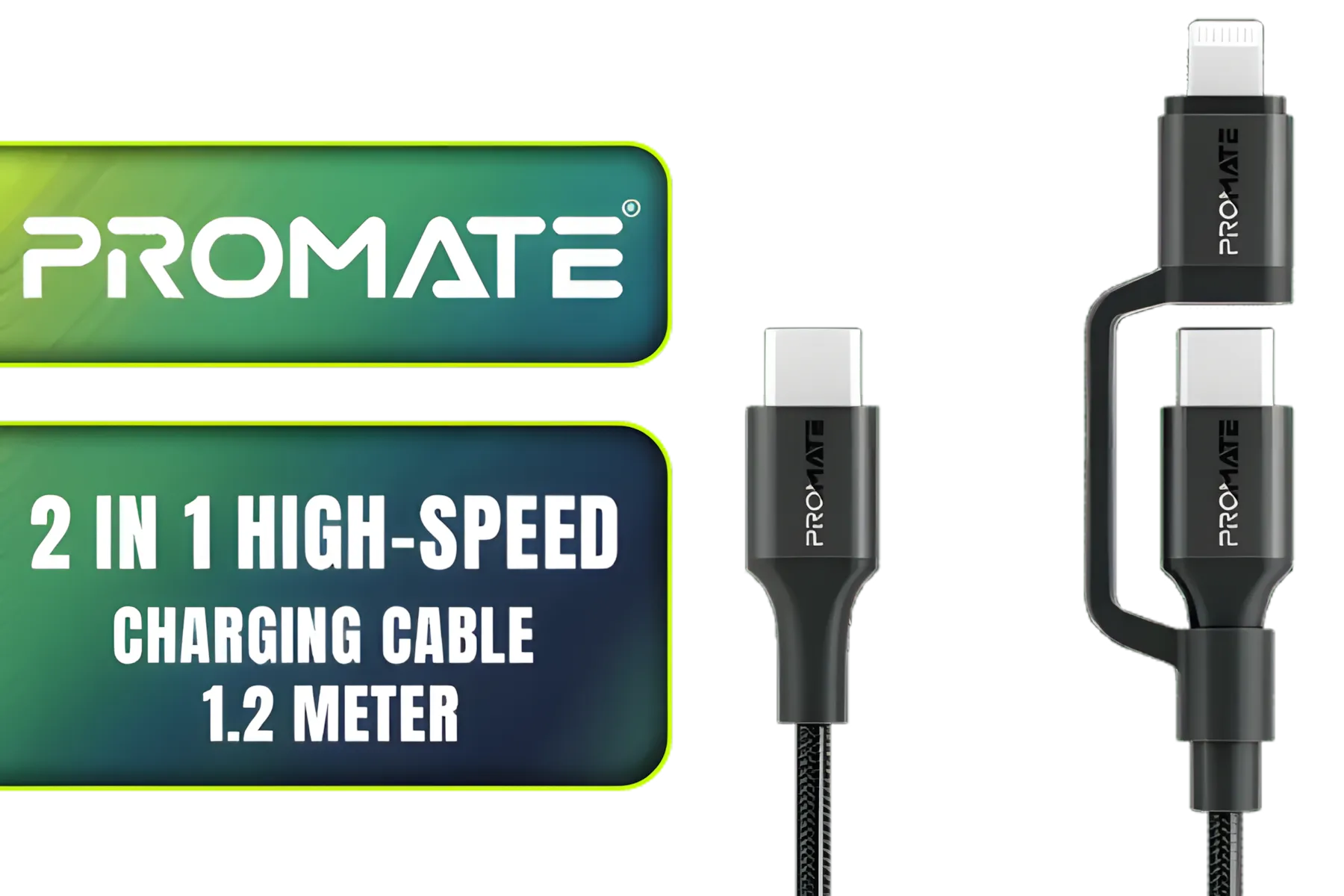
Promate 2 in 1 High-Speed Charging Cable - 1.2 Meter / 60W Power Delivery / High Tensile Strength Cable / MFi Certified / Data and Charge / 1.2 Meter Cable Length / 25000+ Bend Tested / PowerLink-CCi.Black
R249.00In Stock
Promate LucidLine-CC200 High Tensile Transparent USB-C Cable with LED Light - Navy / Lightning-fast 100W Charging / Nylon Braided Exterior / LED lights / Speedy Data Transfers at 480Mbps / LucidLine-CC200.Navy
R199.00In Stock
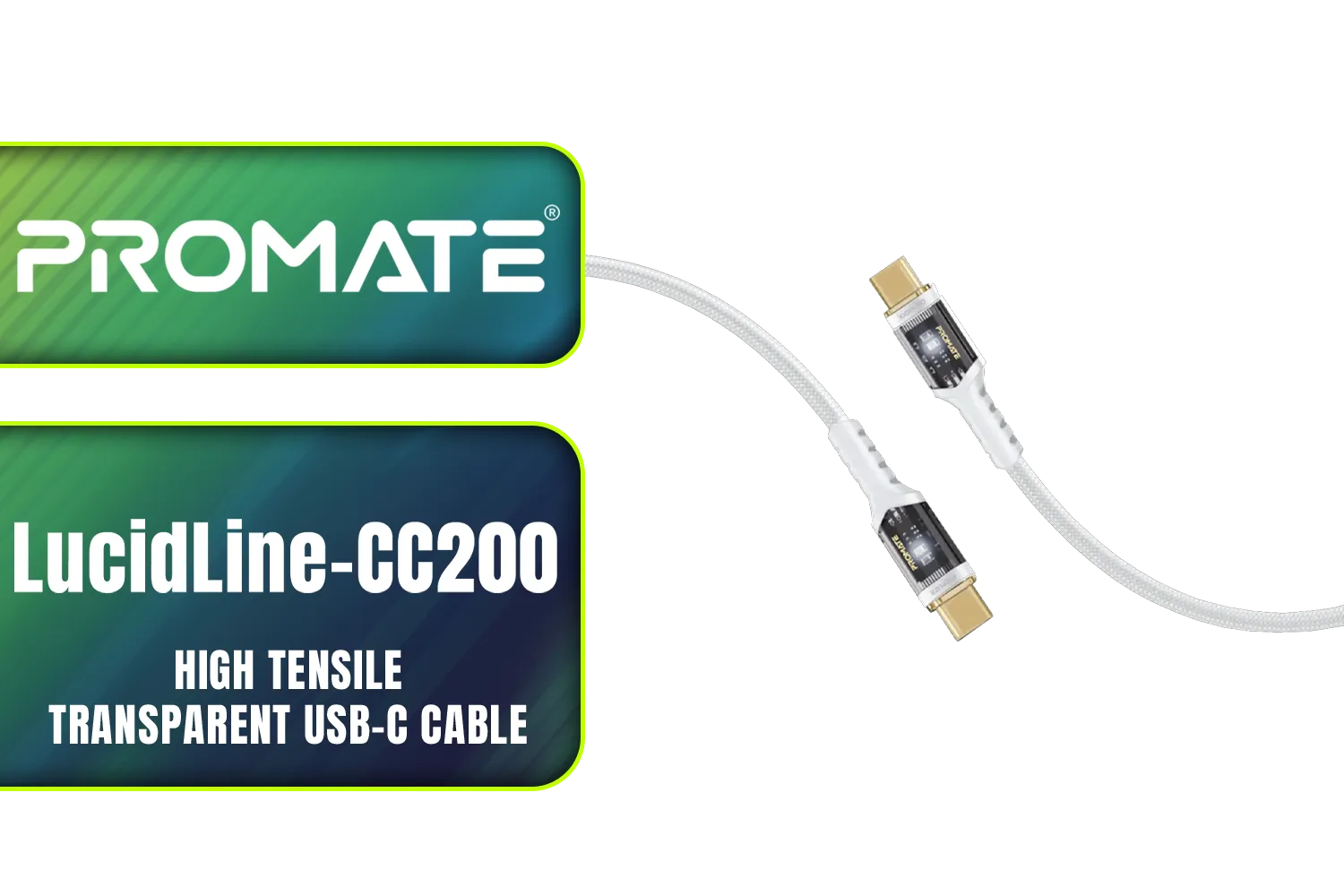
Promate LucidLine-CC200 High Tensile Transparent USB-C Cable with LED Light - White / Lightning-fast 100W Charging / Nylon Braided Exterior / LED lights / Speedy Data Transfers at 480Mbps / LucidLine-CC200.White
R199.00In Stock
ORICO Lightning ChargSync Cable Black 1M / N201-10-BK-PRO
R99.00In Stock
Gizzu 4K HDMI 2.0 Cable 5m Poly / Supports 4K at 60Hz Resolution / Up to 18Gbps Bandwidth / 3D and HDR for Vivid Colors / GCPHH5
R199.00In Stock
Promate High Definition Display Port 2.0 Cable / 16K @ 60Hz / 2M Cable / 80Gbps Transfer Rate / DPLINK-16K
R299.00In Stock
Yes if you use certified, high-quality PCIe extension cables, avoid damaged connectors, and shut down cleanly to prevent surges or voltage issues.
Poor-quality or undersized cables can cause voltage drop, heat, or connector failure that may harm the GPU; choose well-built PCIe extenders.
If power is unstable, shut down and unplug the PSU. Hot-plugging via extension cables during outages increases risk of surges and damage.
Pick short, well-shielded extenders with 18AWG+ conductors, solid contacts, and good reviews; verify specs and safety certifications before buying.
Sleeving helps abrasion and routing but doesn't fix electrical quality—prioritize gauge and connector integrity for safety during loadshedding.
Yes—undersized wires or poor contacts can heat. Use correct gauge, avoid tight coils, and monitor temps to prevent overheating.
Inspect connectors, check gauge, measure voltage drop with a multimeter, and test the cable under low load before extended use.











