



Handheld Gaming Parental Controls: The Ultimate Setup Guide
Master handheld gaming parental controls to keep your children safe. 🛡️ Learn to set limits on Steam Deck, ROG Ally, and Switch easily. 🎮 Create a secure, managed gaming environment for your family today!
|
Loading tags...
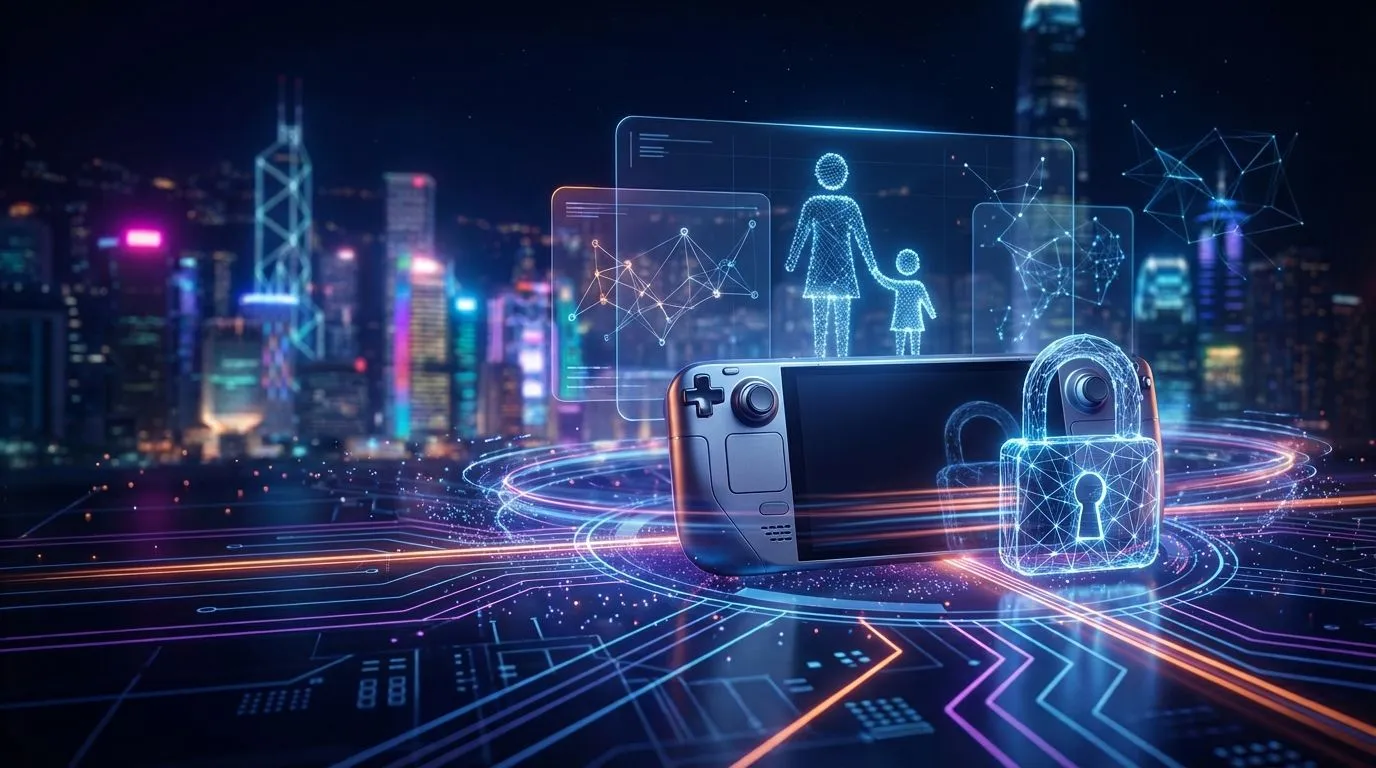
So, you’ve handed your kid a Nintendo Switch, a Steam Deck, or even just your phone. The joy on their face is awesome... but so is that little knot in your stomach. How much time are they spending? What are they playing? And who is paying for all those V-Bucks? Don’t stress. Setting up effective handheld gaming parental controls is easier than you think, giving you peace of mind and keeping the fun safe for everyone. 🎮
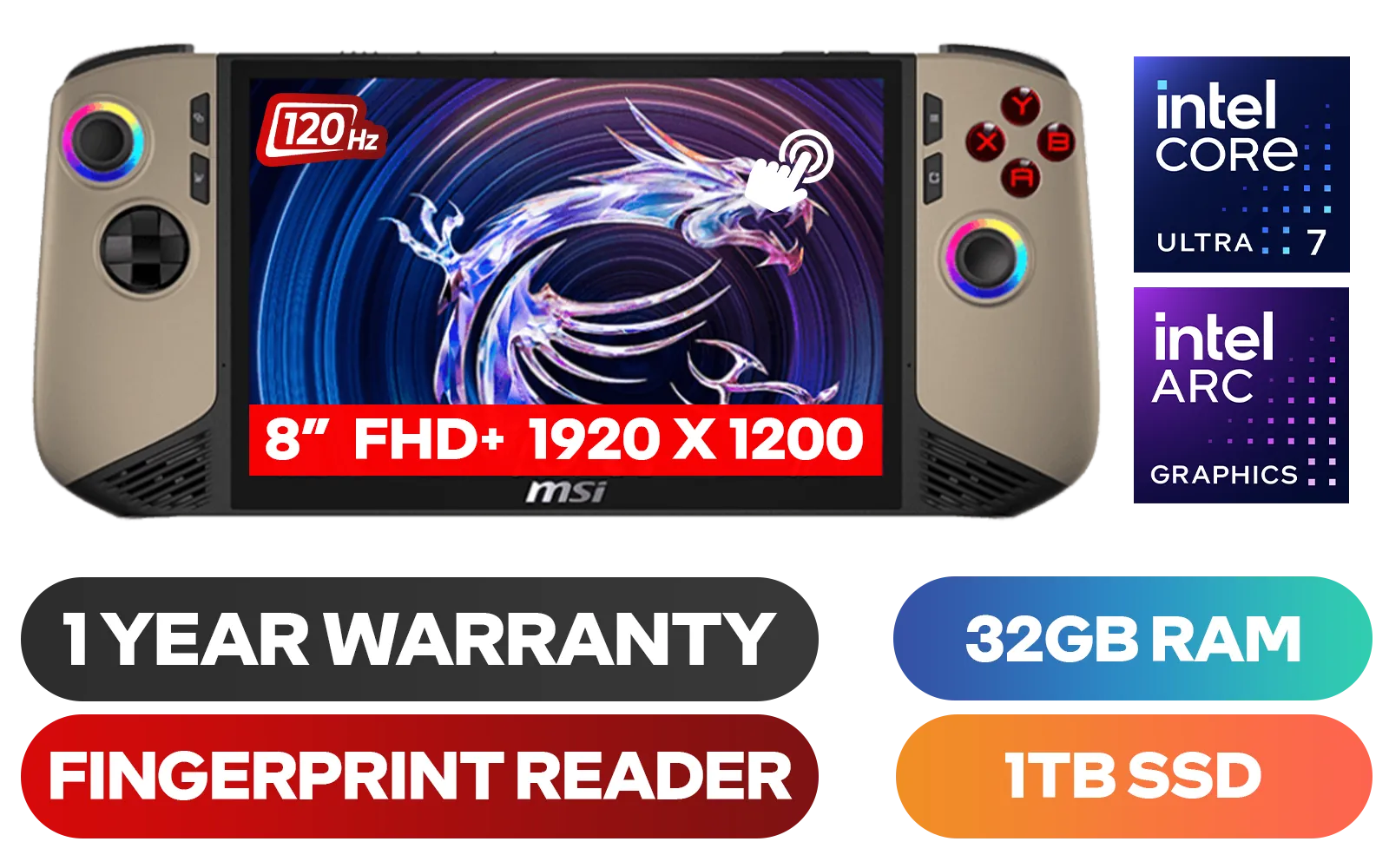
MSI Claw 8 AI+ A2VM Handheld Touchscreen Gaming Console / Intel Core Ultra 7 258V / 32GB LPDDR5X RAM / 1TB NVMe SSD / 8" FHD+ (1920 x 1200), 120 Hz, Touchscreen Display / Intel® Arc 140V Graphics / 2 x USB Type-C (Supports Thunderbolt 4 / DisplayPort / Power Delivery 3.0) / 1 x Micro SD Card Reader / 1 x Headphone and Microphone combo jack / 1x Fingerprint Reader / Intel® Killer Wi-Fi 7 BE1750 Wireless LAN / Bluetooth 5.4 / Windows 11 Home (64bit) / 2 × 2W Speakers, Hi-Res Audio ready / 6-Cell, 80Whr Battery / 1 Year Warranty / CLAW-8-AI-A2VM-067ZA
R18999.00In Stock
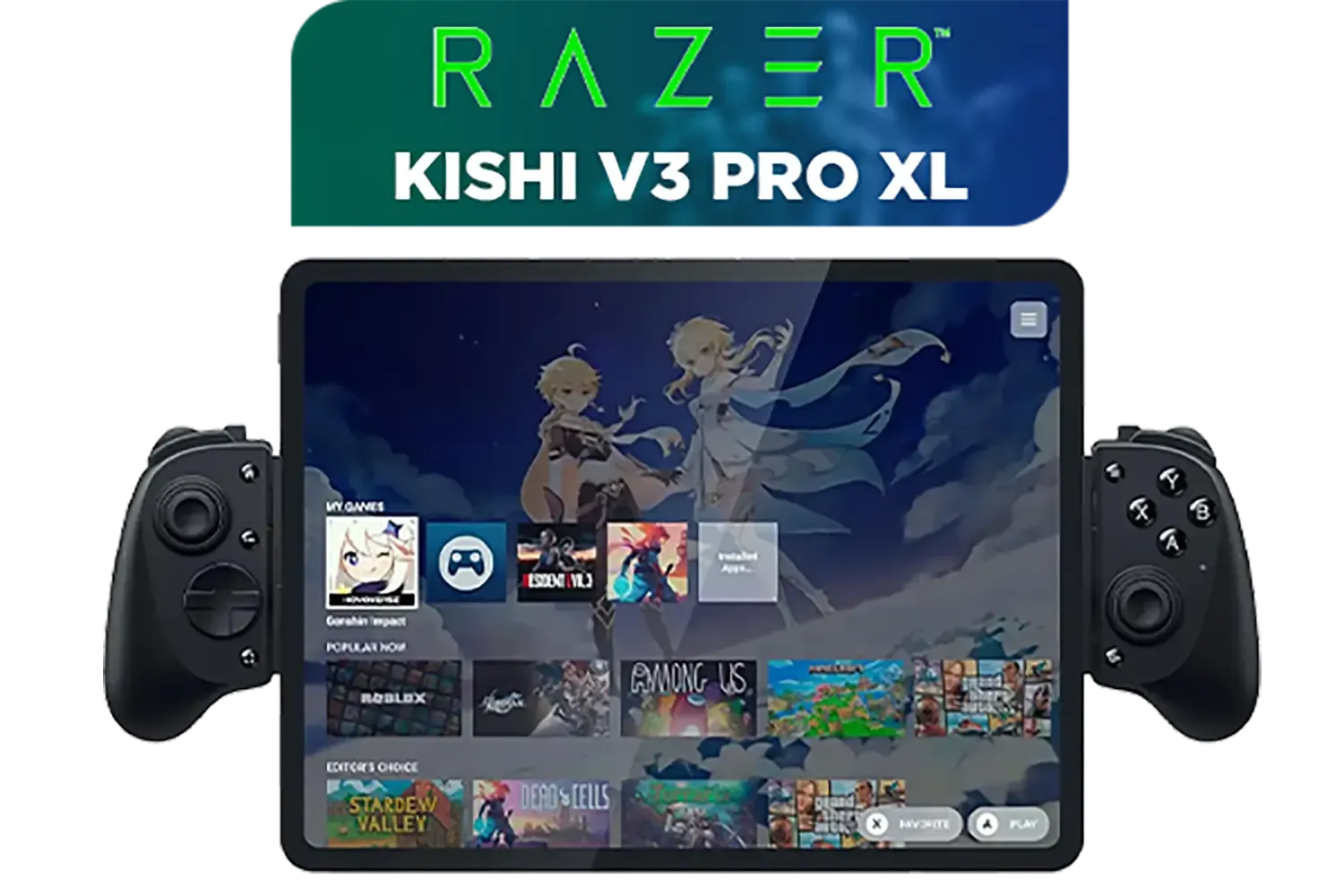
Razer Kishi V3 Pro XL iPad & Android Tablet Gaming Controller / Full-Sized Console-Style Controller / Fits Phones and Tablets up to 10” / Razer Sensa HD Immersive Haptics / RZ06-05470100-R3M1
R5199.00In Stock

Turtle Beach Atom Mobile Game Controller with Bluetooth for Cloud Gaming on Android Mobile Devices with Compact Shape, Console Style Controls, Low Latency Bluetooth - Red / TBS-0766-05
R2499.00In Stock
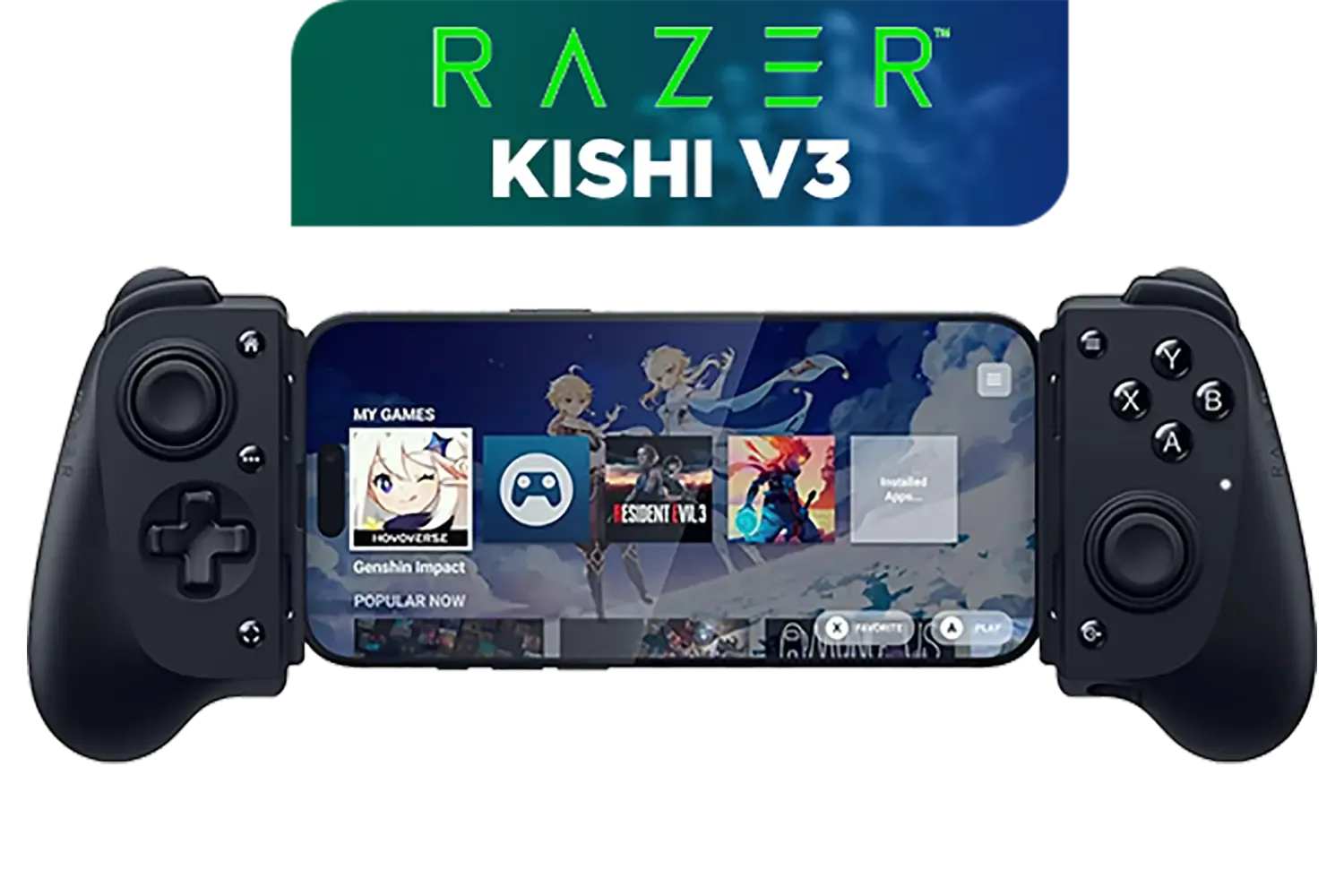
Razer Kishi V3 Gaming Controller / Supports Android and iPhone / Full-Sized Console-Style Controller / Dual mouse-click back buttons / Razer Sensa HD Immersive Haptics / RZ06-03550100-R3M1
R2999.00In Stock
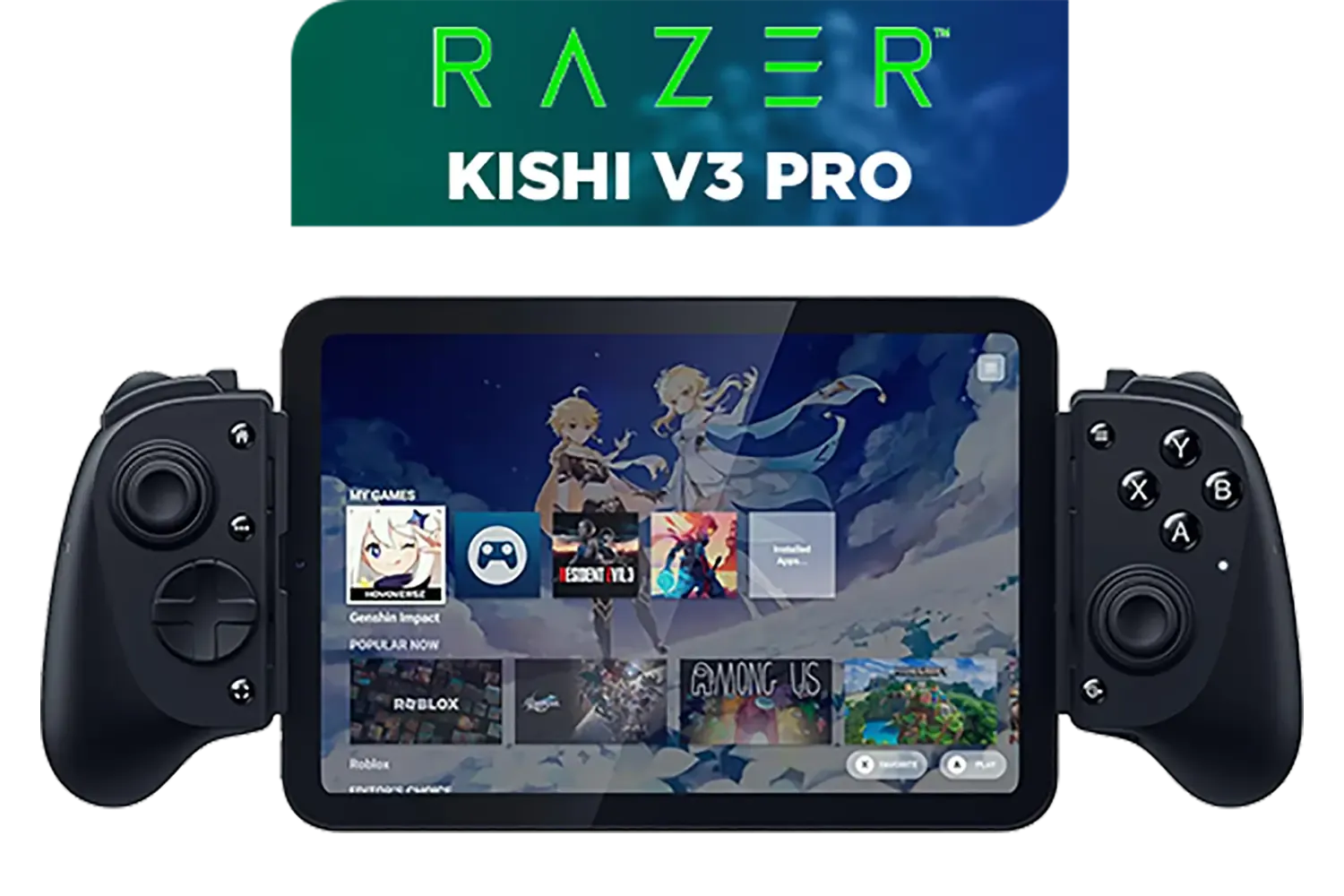
Razer Kishi V3 Pro Gaming Controller / Supports Android, iPhone & iPad Mini / Full-Sized Console-Style Controller / Fits Phones and Tablets up to 8” / Razer Sensa HD Immersive Haptics / RZ06-05460100-R3M1
R4199.00In Stock
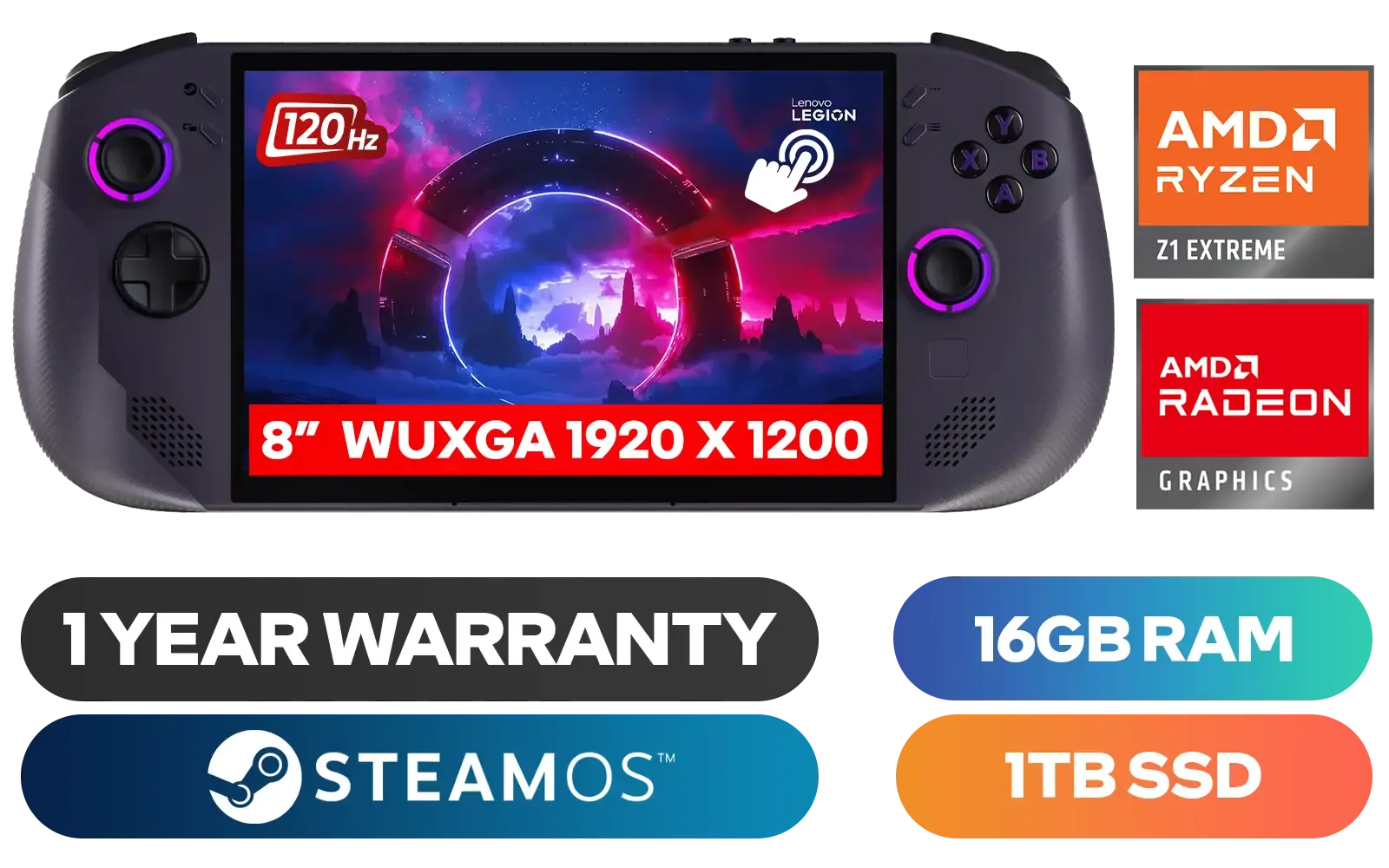
Lenovo Legion Go S 8APU1 Handheld Touchscreen Gaming Console - Black / AMD Ryzen™ Z1 Extreme / 16GB LPDDR5X RAM / 1TB NVMe SSD / 8.8" WUXGA (1920 x 1200), Touch Screen, 100% sRGB(Typical), 500nits(Typical), IPS-Level Display/ Integrated AMD Radeon™ Graphics / 2x USB Type-C support (DisplayPort™ 1.4 / Power Delivery 3.0) / 1 x Card Reader / 1 x Headphone and Microphone combo jack / AMD Wi-Fi® 6E RZ616 Wireless / Bluetooth 5.3 / SteamOS / 2 Stereo Speakers / 4-Cell, Li-ion, 55.5Whr Battery / 1 Year Warranty / 83N6002ESA
R17499.00In Stock
Why Handheld Gaming Parental Controls Are Essential
Before we dive into the "how," let's quickly cover the "why." Properly configured parental controls aren't about being restrictive; they're about creating a safe digital playground. They empower you to:
- Manage Screen Time: Set daily time limits to encourage a healthy balance between gaming and other activities.
- Block Inappropriate Content: Filter games based on South Africa's FPB age ratings, ensuring your kids only see age-appropriate titles.
- Prevent Unauthorised Spending: Lock down the eShop or app store to avoid surprise bills on your credit card.
- Control Online Interactions: Limit who your child can talk to or play with online, protecting them from strangers.
Think of it as the digital equivalent of teaching them to look both ways before crossing the street. It’s a fundamental safety tool for modern fun.
Your Step-by-Step Guide to Setting Up Parental Controls 🔧
Each platform has its own system, but they all share the same goal. Here’s how to lock down the most popular handheld gaming devices.
For the Nintendo Switch
Nintendo has made this incredibly simple with their free "Nintendo Switch Parental Controls" app for your smartphone (iOS/Android).
- Download & Link: Get the app and link it to your Nintendo Account. A code will appear on your Switch to finalise the connection.
- Set Time Limits: You can set a daily play-time limit (e.g., 1 hour on weekdays, 2 on weekends). The console can either notify the child or automatically suspend the game when time is up.
- Choose a Restriction Level: Use pre-set profiles (Young Child, Child, Teen) or create a custom one to restrict games by age rating, block online communication, and limit screenshot sharing.
- Manage Spending: This is controlled via your Nintendo Account settings on a web browser, not the app. Simply navigate to the eShop settings and restrict password-free purchases.
MSI Claw 8 AI+ A2VM Handheld Touchscreen Gaming Console / Intel Core Ultra 7 258V / 32GB LPDDR5X RAM / 1TB NVMe SSD / 8" FHD+ (1920 x 1200), 120 Hz, Touchscreen Display / Intel® Arc 140V Graphics / 2 x USB Type-C (Supports Thunderbolt 4 / DisplayPort / Power Delivery 3.0) / 1 x Micro SD Card Reader / 1 x Headphone and Microphone combo jack / 1x Fingerprint Reader / Intel® Killer Wi-Fi 7 BE1750 Wireless LAN / Bluetooth 5.4 / Windows 11 Home (64bit) / 2 × 2W Speakers, Hi-Res Audio ready / 6-Cell, 80Whr Battery / 1 Year Warranty / CLAW-8-AI-A2VM-067ZA
R18999.00In Stock
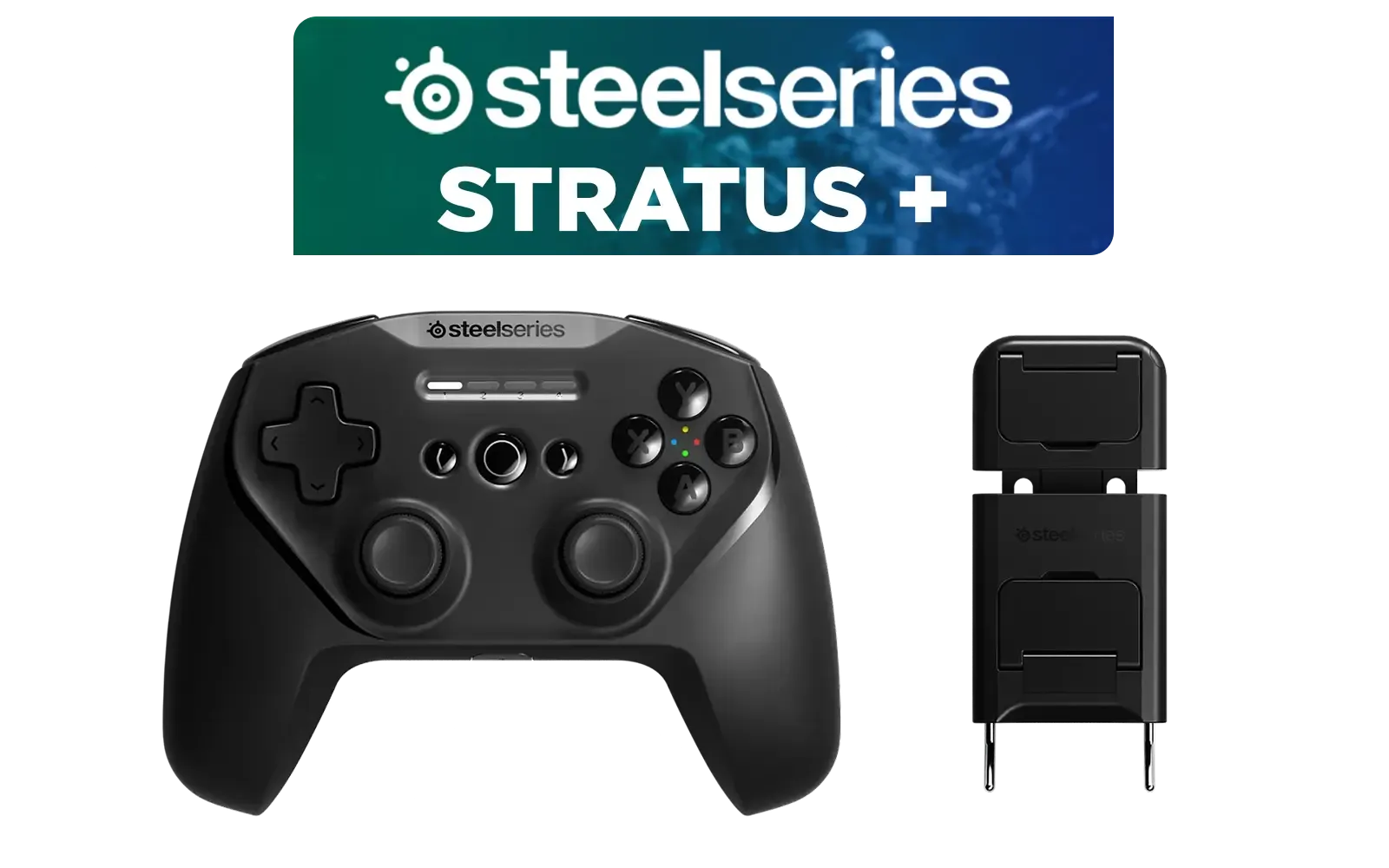
SteelSeries Stratus + Wireless Anroid Controller / Android & Chromebook Wireless Gaming Controller / Bluetooth LE + USB-C PC Support / Adjustable Slim Phone Mount Included / 90-Hour Battery Life with Fast Charge (15 min = 12 hrs) / ALPS Thumbsticks with L3/R3 / Hall Effect Magnetic Triggers for Lifetime Precision / 69076
R999.00In Stock
Razer Kishi V3 Pro Gaming Controller / Supports Android, iPhone & iPad Mini / Full-Sized Console-Style Controller / Fits Phones and Tablets up to 8” / Razer Sensa HD Immersive Haptics / RZ06-05460100-R3M1
R4199.00In Stock
Razer Kishi V3 Gaming Controller / Supports Android and iPhone / Full-Sized Console-Style Controller / Dual mouse-click back buttons / Razer Sensa HD Immersive Haptics / RZ06-03550100-R3M1
R2999.00In Stock
Razer Kishi V3 Pro XL iPad & Android Tablet Gaming Controller / Full-Sized Console-Style Controller / Fits Phones and Tablets up to 10” / Razer Sensa HD Immersive Haptics / RZ06-05470100-R3M1
R5199.00In Stock
Turtle Beach Atom Mobile Game Controller with Bluetooth for Cloud Gaming on Android Mobile Devices with Compact Shape, Console Style Controls, Low Latency Bluetooth - Red / TBS-0766-05
R2499.00In Stock
For the Steam Deck & PC Handhelds
Since the Steam Deck is basically a powerful portable PC, its controls are managed through Steam's "Family View." This feature is perfect for shared family libraries.
- Enable Family View: In the Steam client, go to
Settings > Familyand click "Manage Family View." - Select Content: Choose which games from your library the account can access. You can also restrict access to the Steam Store, community content, and friends lists.
- Set a Recovery PIN: You'll set a secret PIN that is required to exit Family View and access the restricted features. Don't forget it!
The beauty of the Steam Deck is its PC-level flexibility. This is why many families also consider one of the best gaming laptop deals for a larger screen experience with the same game library.
TIP FOR YOU
Pro Tip for PC Gaming Families 💡
On any Windows-based PC or handheld, create a separate, non-administrator Windows user account for your child. This prevents them from installing unauthorised software or changing core system settings. You can then manage their screen time and app access directly through Windows' built-in Family Safety settings.
For Mobile Gaming (iOS & Android)
Your smartphone is a powerful handheld gaming device. Use the built-in operating system tools to manage it.
- iOS/iPadOS: Use Screen Time in the Settings app. You can set Downtime, App Limits for game categories, and Content & Privacy Restrictions to block in-app purchases and filter content.
- Android: Use Google's Family Link app. It lets you approve or block app downloads, monitor activity, set screen time limits, and even lock the device remotely.
Turtle Beach Atom Mobile Game Controller with Bluetooth for Cloud Gaming on Android Mobile Devices with Compact Shape, Console Style Controls, Low Latency Bluetooth - Red / TBS-0766-05
R2499.00In Stock
Razer Kishi V3 Pro XL iPad & Android Tablet Gaming Controller / Full-Sized Console-Style Controller / Fits Phones and Tablets up to 10” / Razer Sensa HD Immersive Haptics / RZ06-05470100-R3M1
R5199.00In Stock
Razer Kishi V3 Pro Gaming Controller / Supports Android, iPhone & iPad Mini / Full-Sized Console-Style Controller / Fits Phones and Tablets up to 8” / Razer Sensa HD Immersive Haptics / RZ06-05460100-R3M1
R4199.00In Stock
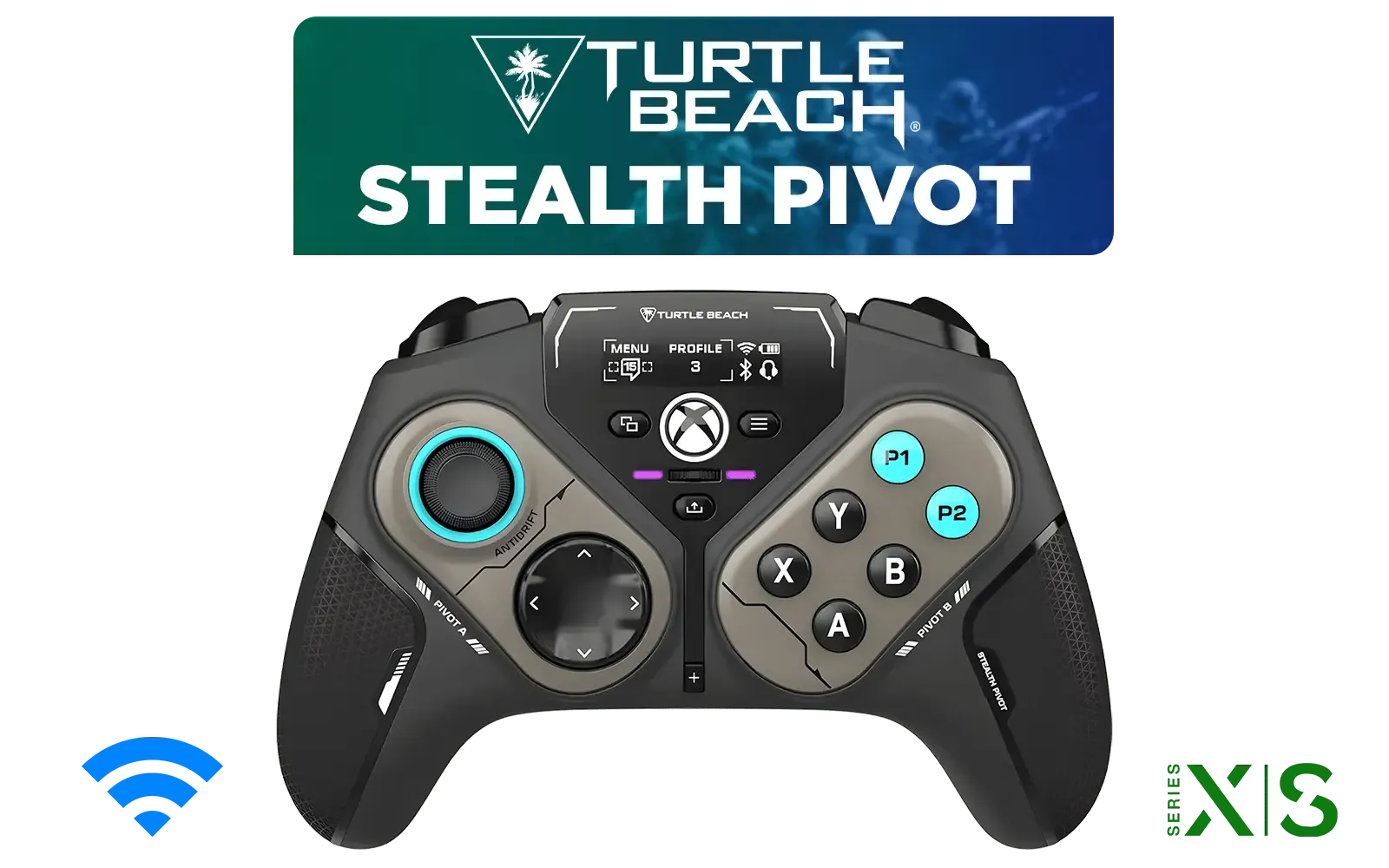
Turtle Beach Stealth Pivot Wireless Smart Game Controller for Windows PC, Wired for Xbox Series X|S & Xbox One – Rotating Modules, Display Dashboard, Hall-Effect Sticks, Remappable Buttons, Bluetooth / TBS-0120-05
R3199.00In Stock
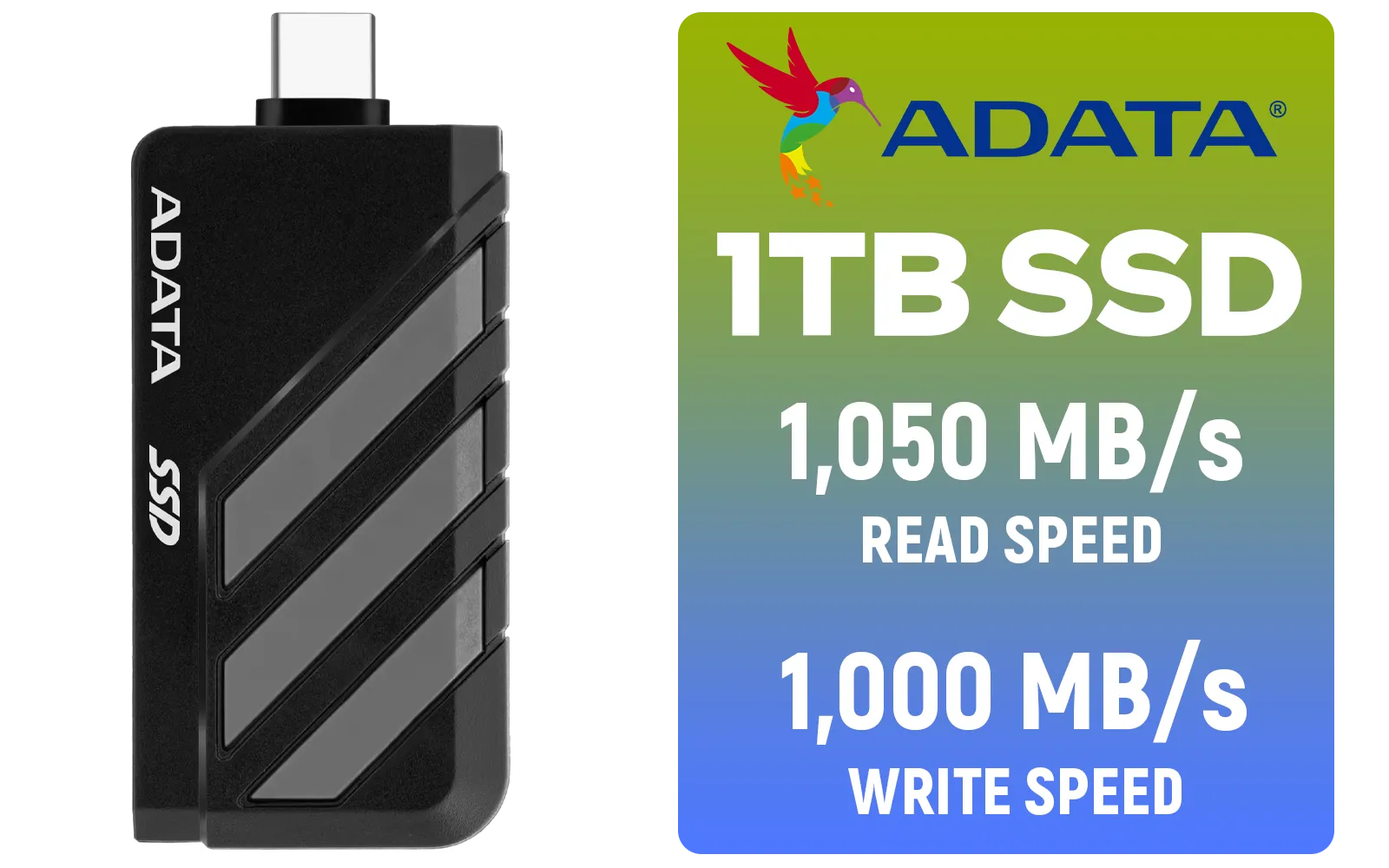
Adata SC735 1TB High-Performance External SSD with USB-C / 1,050MB/s Read & 1,000MB/s Write Speeds / Cable-Free Mobile Phone Compatibility / Gaming Handheld Compatible / Supports Latest Game Consoles / Multi-OS Support / SC735-1000G-CCBK/GY
R2199.00In Stock
MSI Claw 8 AI+ A2VM Handheld Touchscreen Gaming Console / Intel Core Ultra 7 258V / 32GB LPDDR5X RAM / 1TB NVMe SSD / 8" FHD+ (1920 x 1200), 120 Hz, Touchscreen Display / Intel® Arc 140V Graphics / 2 x USB Type-C (Supports Thunderbolt 4 / DisplayPort / Power Delivery 3.0) / 1 x Micro SD Card Reader / 1 x Headphone and Microphone combo jack / 1x Fingerprint Reader / Intel® Killer Wi-Fi 7 BE1750 Wireless LAN / Bluetooth 5.4 / Windows 11 Home (64bit) / 2 × 2W Speakers, Hi-Res Audio ready / 6-Cell, 80Whr Battery / 1 Year Warranty / CLAW-8-AI-A2VM-067ZA
R18999.00In Stock
Beyond the Basics: Creating a Healthy Gaming Balance
Technology is just one part of the solution. The most effective handheld gaming parental controls are supported by open communication. Talk to your kids about why these rules exist. Play a game with them to understand what they enjoy about it.
Think of it as building a tech ecosystem for your family. A handheld is great for the younger ones, but as they grow, a versatile machine for homework and more demanding games becomes a necessity. You'll find great options whether you're looking at the latest Intel laptops on special for balanced performance or the raw multithreading power found in our current AMD laptops on special for future-proofing their setup.
Creating a safe and balanced gaming environment is the perfect foundation. When you're ready to explore hardware for the whole family, from first-time gamers to seasoned pros, browsing through all our laptop specials for sale in South Africa is the best place to start. ✅
Ready to Build Your Family's Perfect Gaming Setup? With parental controls sorted, you can focus on the fun. From powerful handhelds to versatile gaming laptops, Evetech has the hardware to support every gamer's journey. Explore our massive range of laptop specials and find the perfect machine for your family.
Related Products
MSI Claw 8 AI+ A2VM Handheld Touchscreen Gaming Console / Intel Core Ultra 7 258V / 32GB LPDDR5X RAM / 1TB NVMe SSD / 8" FHD+ (1920 x 1200), 120 Hz, Touchscreen Display / Intel® Arc 140V Graphics / 2 x USB Type-C (Supports Thunderbolt 4 / DisplayPort / Power Delivery 3.0) / 1 x Micro SD Card Reader / 1 x Headphone and Microphone combo jack / 1x Fingerprint Reader / Intel® Killer Wi-Fi 7 BE1750 Wireless LAN / Bluetooth 5.4 / Windows 11 Home (64bit) / 2 × 2W Speakers, Hi-Res Audio ready / 6-Cell, 80Whr Battery / 1 Year Warranty / CLAW-8-AI-A2VM-067ZA
R18999.00In Stock
Turtle Beach Atom Mobile Game Controller with Bluetooth for Cloud Gaming on Android Mobile Devices with Compact Shape, Console Style Controls, Low Latency Bluetooth - Red / TBS-0766-05
R2499.00In Stock
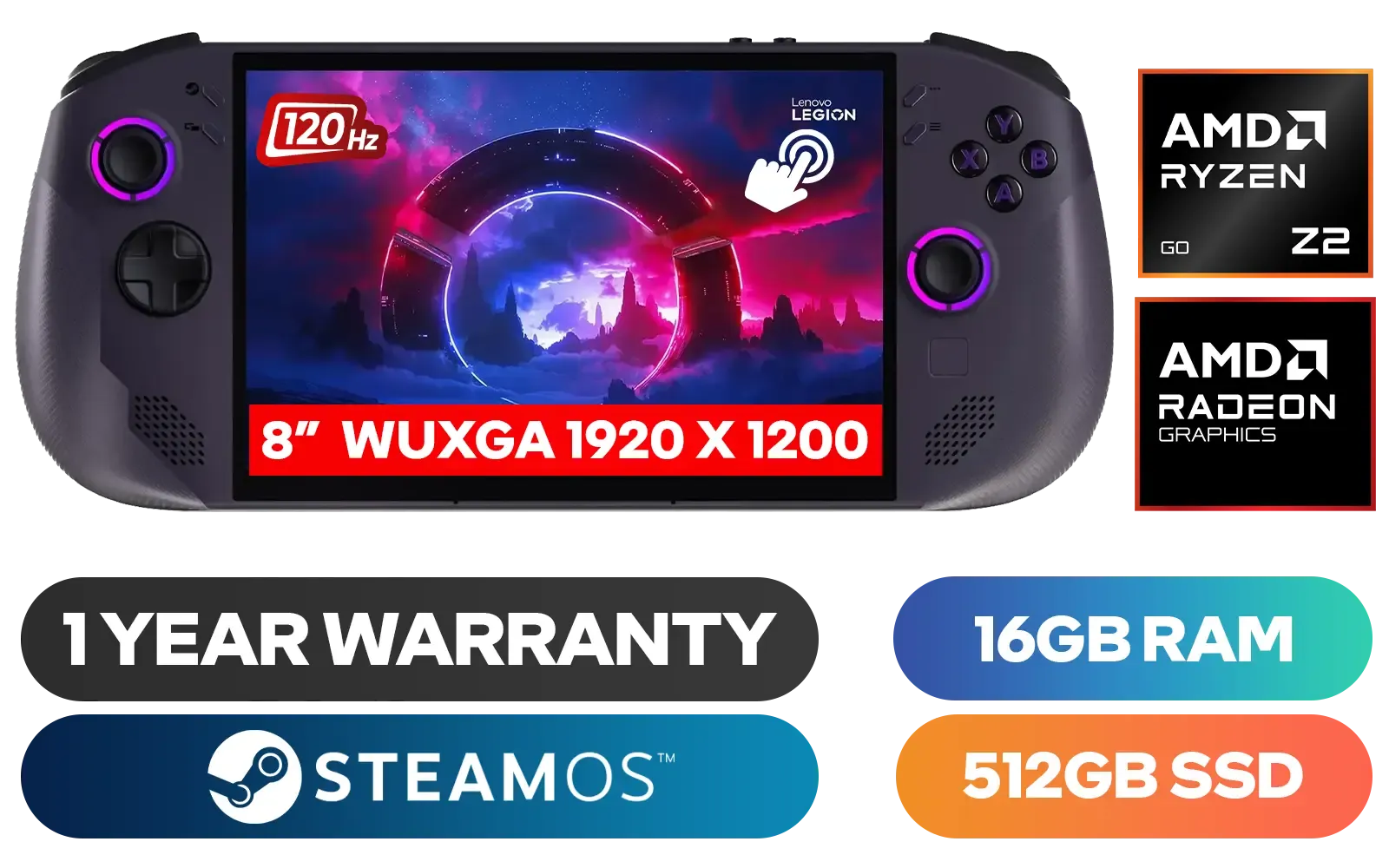
Lenovo Legion Go S 8ARP1 Handheld Touchscreen Gaming Console - Black / AMD Ryzen™ Z2 Go / 16GB LPDDR5X RAM / 512B NVMe SSD / 8.8" WUXGA (1920 x 1200), Touch Screen, 100% sRGB(Typical), 500nits(Typical), IPS-Level Display/ Integrated AMD Radeon™ Graphics / 2x USB Type-C support (DisplayPort™ 1.4 / Power Delivery 3.0) / 1 x Card Reader / 1 x Headphone and Microphone combo jack / AMD Wi-Fi® 6E RZ616 Wireless / Bluetooth 5.3 / SteamOS / 2 Stereo Speakers / 4-Cell, Li-ion, 55.5Whr Battery / 1 Year Warranty / 83L3004VSA
R13499.00In Stock
Razer Kishi V3 Pro XL iPad & Android Tablet Gaming Controller / Full-Sized Console-Style Controller / Fits Phones and Tablets up to 10” / Razer Sensa HD Immersive Haptics / RZ06-05470100-R3M1
R5199.00In Stock
SteelSeries Stratus + Wireless Anroid Controller / Android & Chromebook Wireless Gaming Controller / Bluetooth LE + USB-C PC Support / Adjustable Slim Phone Mount Included / 90-Hour Battery Life with Fast Charge (15 min = 12 hrs) / ALPS Thumbsticks with L3/R3 / Hall Effect Magnetic Triggers for Lifetime Precision / 69076
R999.00In Stock
Razer Kishi V3 Pro Gaming Controller / Supports Android, iPhone & iPad Mini / Full-Sized Console-Style Controller / Fits Phones and Tablets up to 8” / Razer Sensa HD Immersive Haptics / RZ06-05460100-R3M1
R4199.00In Stock
Yes, enable Family View in settings to restrict store access and specific games using a PIN, a core feature of handheld gaming parental controls.
Download the Nintendo Switch Parental Controls app to your smartphone to set daily playtime limits, bedtimes, and monitor activity remotely.
Since it runs Windows 11, you can utilize Microsoft Family Safety features to manage screen time, app usage, and content filtering effectively.
Yes, most devices allow you to restrict browser usage or Wi-Fi access through their specific safety settings or operating system controls.
Use Windows Family Safety to set age restrictions and monitor gaming activity, ensuring robust handheld gaming parental controls are in place.
Yes, all major handhelds require a PIN, password, or a linked parent account authentication to bypass restrictions or modify safety settings.











