



Intelligent Temperature Control for Overclocked Systems
- Explain benefits and risks - Compare smart cooling methods - Recommend hardware and settings - Share tuning tips for stability Intelligent temperature control improves overclocked system stability, performance and lifespan using adaptive cooling, sensors and AI fan management. 🔧❄️
|
Loading tags...

You’ve pushed your CPU to its limits, chasing those extra frames in Warzone or faster render times. It’s a rush, right? But with great power comes great heat. 🔥 That’s where the game truly changes. For South African gamers, mastering intelligent temperature control for overclocked systems isn't just a luxury; it's the key to unlocking consistent, stable performance without your rig sounding like a jet engine taking off from OR Tambo.

EK 280mm AIO D-RGB All-in-One CPU Liquid Cooler / Water Cooling Computer Parts / 140mm Fan / EK-Vardar High-Performance PMW Fans / Outstanding Thermal Conductivity / Support - Intel 115X/1200/2066, AMD AM4 / EK-AIO-280-D-RGB
R2699.00In Stock
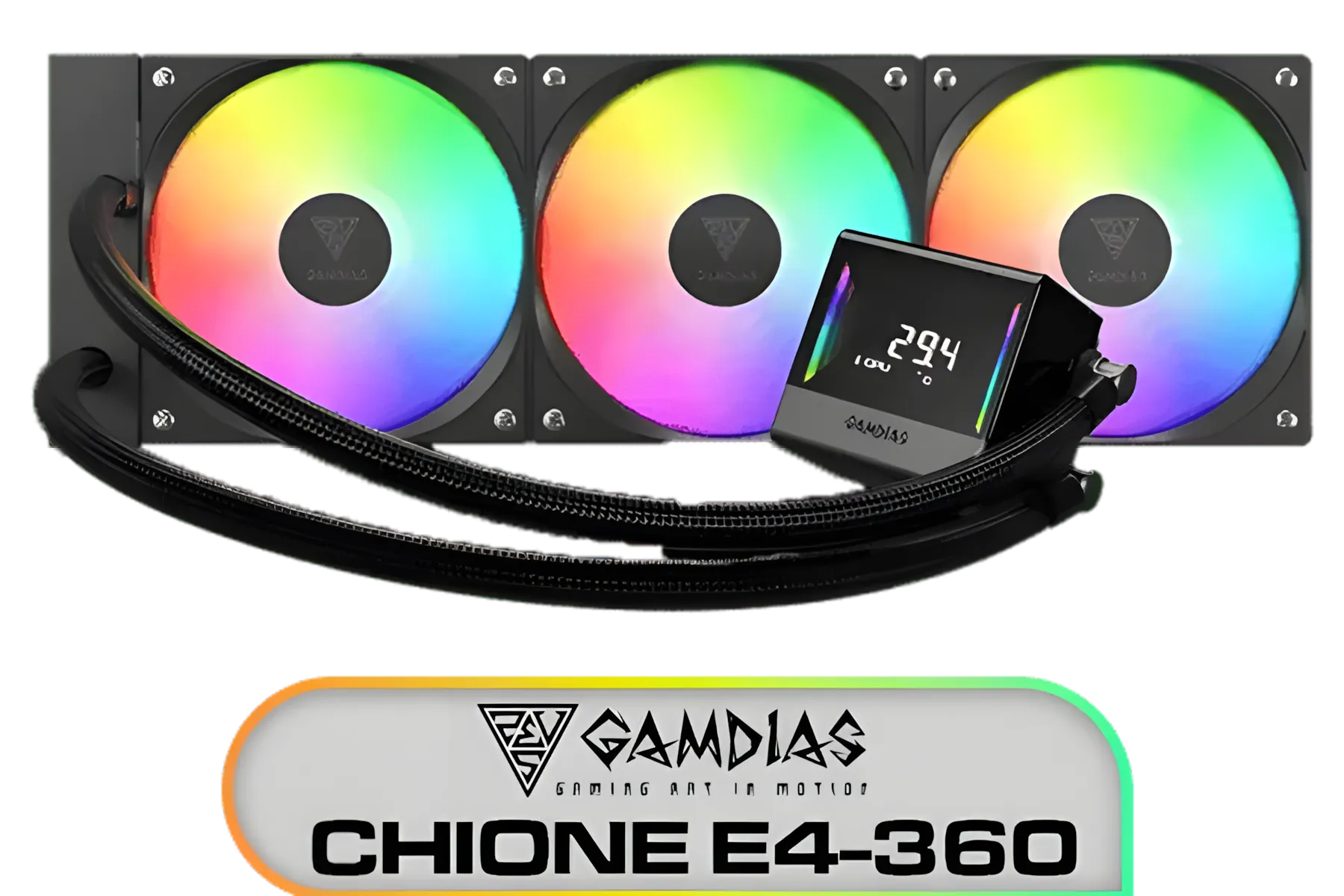
Gamdias Chione E4-360 Liquid Cooler / Hydraulic PWM Fans / Dual Infinite Mirror / Real-time Digital Display / Patented PWM Pump / Motherboard Sync ARGB / CHIONE-E4-360
R1899.00In Stock

Fractal Design Celsius+ S24 Prisma PWM ARGB 240mm Silent Performance Slim Radiator AIO CPU Liquid/Water Cooler / FD-W-2-S2402
R2299.00In Stock
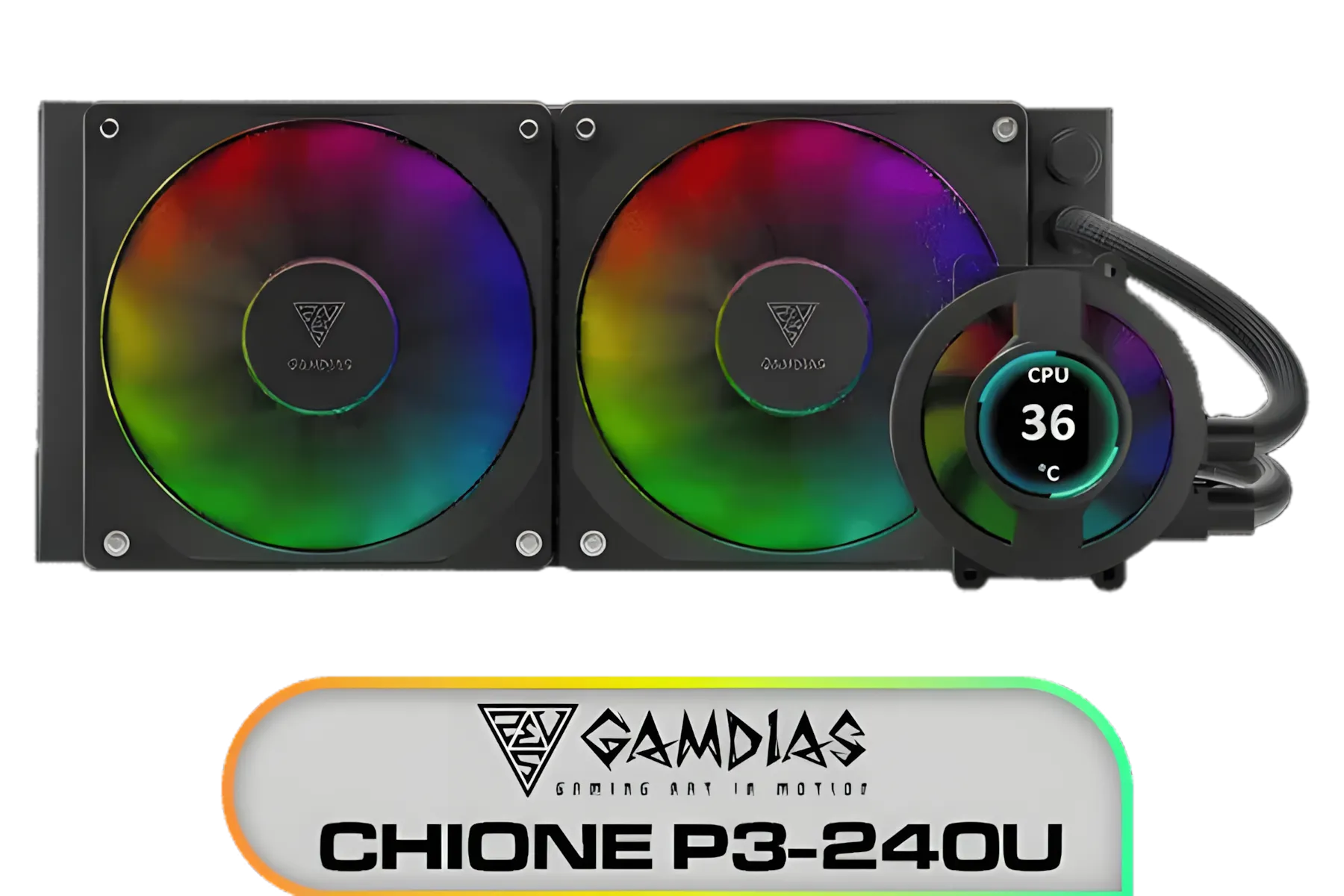
Gamdias CHIONE P3-240U All-in-One CPU Liquid Cooler / Personalized Lcd Display / Superior Radiator / Superior Airflow Performance / Premium Hydraulic Bearing / CHIONE-P3-240U
R2399.00In Stock
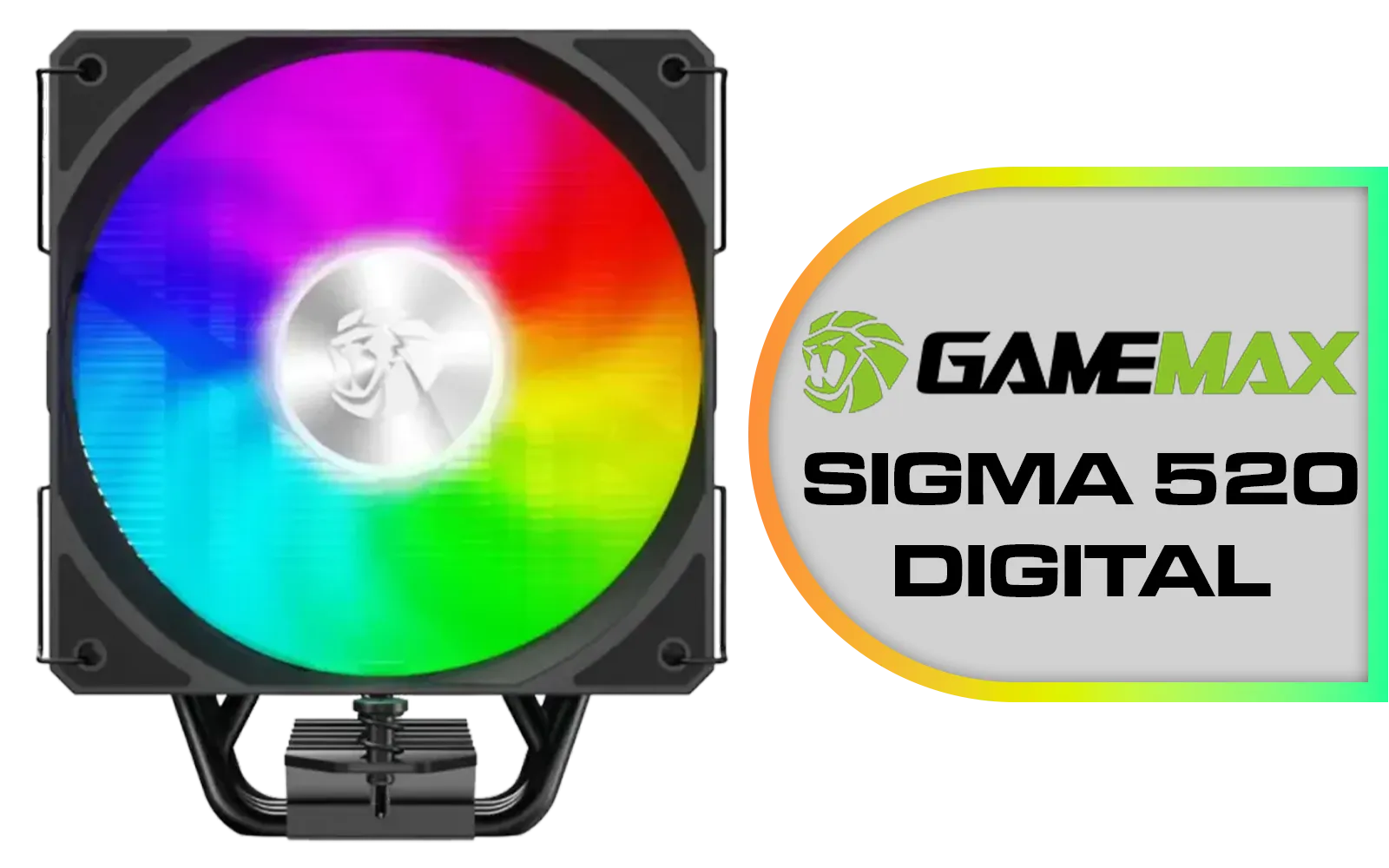
Gamemax Sigma 520 Digital Air Cooler - Black / 220W Maximum Thermal Power / 74.8CFM High Airflow / Supports Intel Gen12, Gen13 & AMD CPUs / PWM Intelligent Temperature Control Fan / Sigm-520-Digital-BK
R599.00In Stock

CORSAIR iCUE Link H100i RGB Liquid CPU Cooler - Black / 240mm AIO / QX120 RGB Fans / Fits Intel® LGA 1700, AMD® AM5 / iCUE Link System Hub Included / CW-9061001-WW
R3599.00In Stock
Why Your Stock Cooler is Holding You Back
That cooler that came in the box with your CPU? It’s designed for stock speeds. The moment you start overclocking, you’re generating far more heat than it can handle. This leads to thermal throttling, where your CPU intentionally slows itself down to avoid damage. Suddenly, all your hard work tweaking those clock speeds is wasted.
This is precisely why a proper cooling solution is non-negotiable for any serious enthusiast. Effective temperature control for overclocking requires more than just a bigger heatsink; it needs a smart approach. By upgrading your CPU cooler, you’re not just buying lower temps; you’re investing in performance you can actually use.

Corsair iCUE LINK TITAN 240 RX LCD Liquid CPU Cooler – 240mm AIO – Low-Noise – FlowDrive Cooling Engine – Intel LGA 1851/1700, AMD AM5/AM4 – 2x RX120 RGB Fans – iCUE LINK System Hub Included – Black / CW-9061022-WW
R4299.00In Stock

Corsair iCUE LINK TITAN 240 RX LCD Liquid CPU Cooler – 240mm AIO – Low-Noise – FlowDrive Cooling Engine – Intel LGA 1851/1700, AMD AM5/AM4 – 2x RX120 RGB Fans – iCUE LINK System Hub Included – White / CW-9061025-WW
R4499.00In Stock
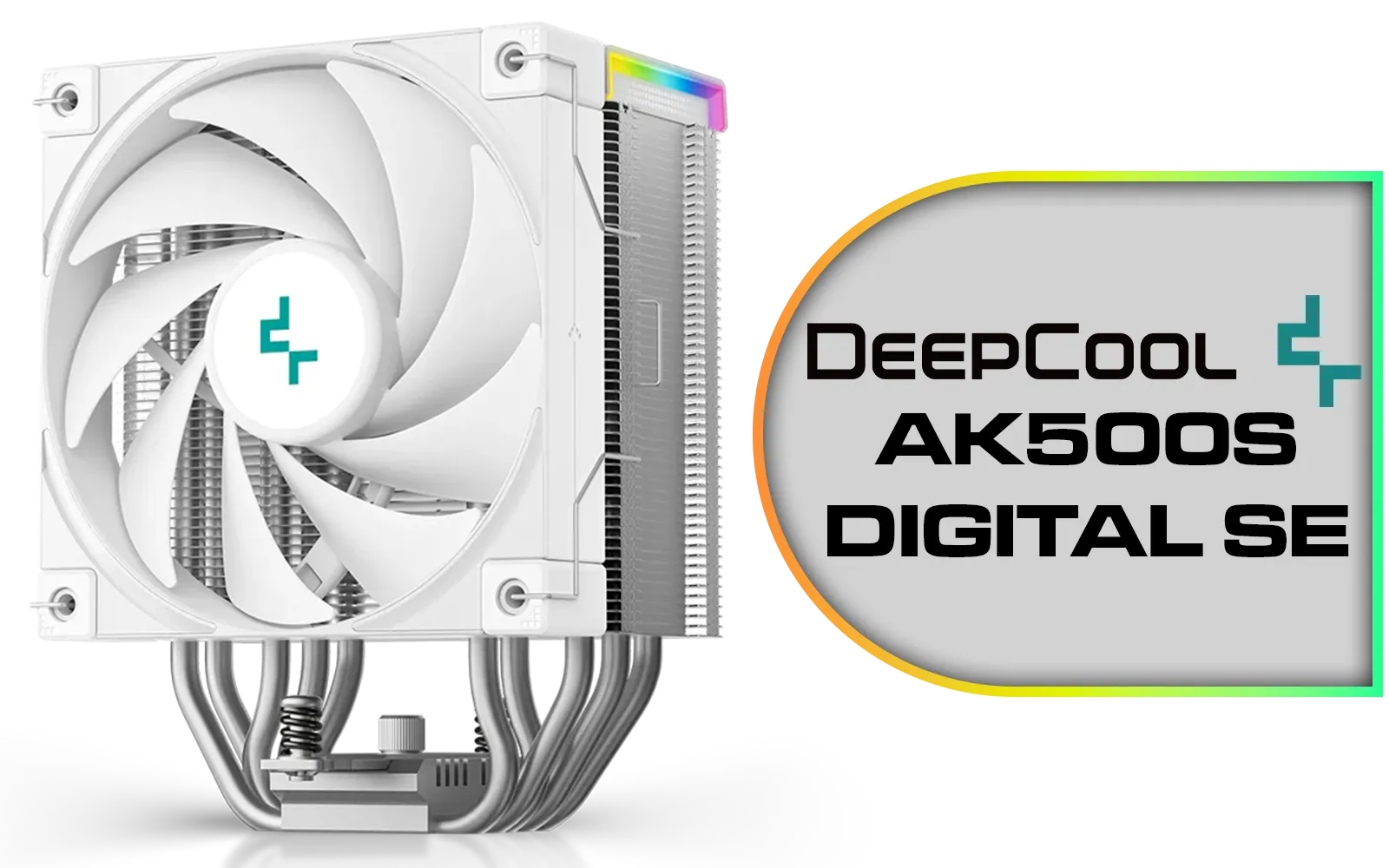
Deepcool AK500S DIGITAL SE WH CPU Cooler - White / Digital Air Cooler / Low-Profile Status Display / Slimmer Fin Stack Design / Addressable RGB LED / AK500S-DIGITAL-SE-WH
R899.00In Stock
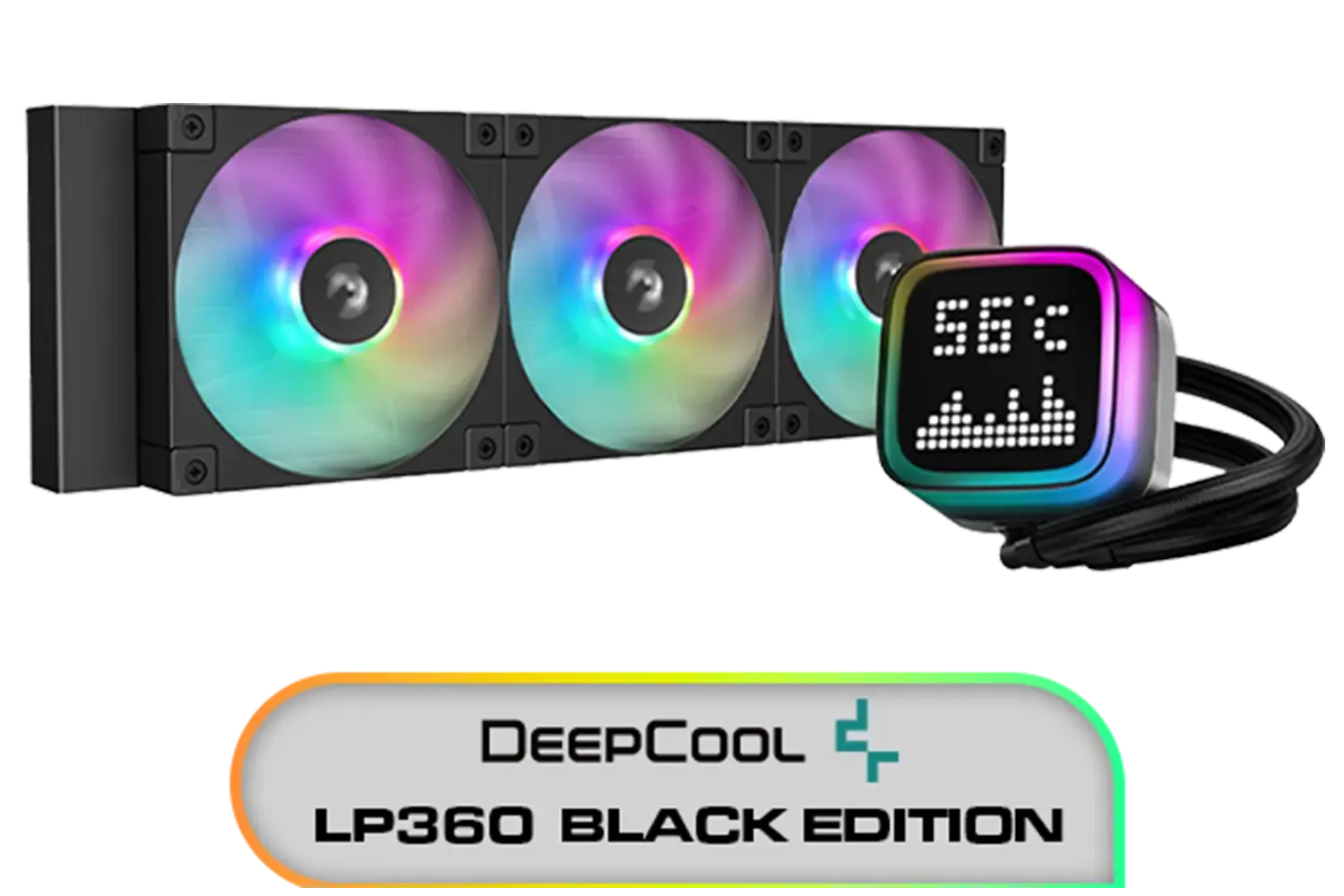
DeepCool LP360 Liquid Cooler - Black / 360mm Radiator / LED Digital Display / 3x ARGB Fans Included / Compatible with AMD & Intel / LP360
R2299.00In Stock
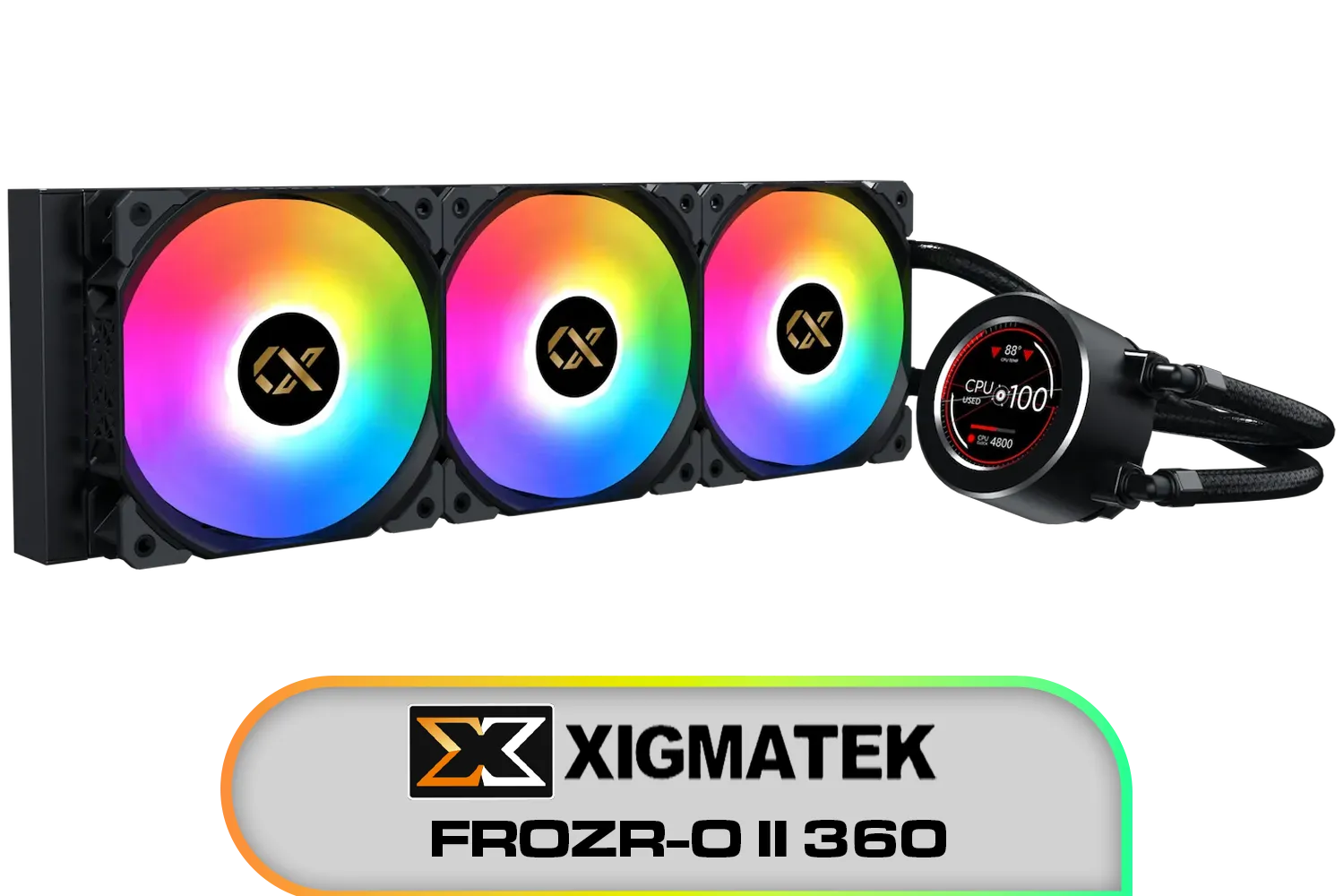
Xigmatek FROZR-O II 360 AIO Liquid Cooler - Black / Digital LCD Pump Head / Support Latest Specifications AMD/Intel / Low Noise PWM Fan / ARGB Controller / 7 Different Modes / EN40443
R2199.00In Stock

Cooler Master MasterLiquid 360 Ion ARGB Close-Loop AIO Liquid Cooler / Customize Pump / 2.1-Inch Customizable LCD Screen / 360mm Radiator / AMD Ryzen AM5/AM4 / Intel LGA1851/1700/1200 / MLY-D36M-A24PZ-R1
R5699.00In Stock
The Brains Behind the Brawn: How Smart Cooling Works 🧠
So, what makes a cooling system "intelligent"? It's a combination of hardware and software working in perfect harmony. Modern coolers use Pulse Width Modulation (PWM) fans, which allow for precise speed control. These fans connect to your motherboard or a dedicated controller, which reads temperature data directly from your CPU.
This data is then fed into a software utility. Advanced suites like Corsair's iCUE let you create custom "fan curves." Instead of your fans running at a constant, noisy speed, they can spin quietly at idle and ramp up smoothly and automatically only when you launch a demanding game or application. This dynamic response is the core of intelligent temperature control for overclocked systems.
TIP FOR YOU
Pro Tip: Custom Fan Curves 🔧
Don't just rely on the "Silent" or "Performance" presets. Create a custom fan curve in your cooler's software. Set the fans to stay below 30% speed until the CPU hits 50°C for near-silent desktop use. Then, create a gradual ramp up to 70-80% speed as temperatures approach 75°C. This gives you the perfect balance of quiet operation and powerful cooling when it matters most.
Choosing Your Weapon: Air vs. Liquid (AIO)
When it comes to high-performance cooling, the debate often comes down to high-end air coolers versus All-In-One (AIO) liquid coolers. While premium air coolers are fantastic, AIOs often have an edge in dissipating large amounts of heat quickly from a concentrated source... like an overclocked CPU.
They work by transferring heat via liquid to a radiator, where it’s exhausted from the case with the help of fans. This efficiency makes them a popular choice for enthusiasts. Many top-tier brands like GAMDIAS offer a fantastic selection of both, but their range of AIO liquid coolers is particularly compelling for those serious about pushing their silicon.

Fractal Design Lumen S36 RGB Aspect 12 RGB x3 AIO CPU Liquid/Water Cooler / FD-W-L1-S3612
R2499.00In Stock

DeepCool LD240 Liquid Cooler - Black / 240mm Radiator / LED Digital Display / 2x ARGB Fans Included / Compatible with AMD & Intel / LD240
R1799.00In Stock
EK 280mm AIO D-RGB All-in-One CPU Liquid Cooler / Water Cooling Computer Parts / 140mm Fan / EK-Vardar High-Performance PMW Fans / Outstanding Thermal Conductivity / Support - Intel 115X/1200/2066, AMD AM4 / EK-AIO-280-D-RGB
R2699.00In Stock

DeepCool LS520S Zero Dark All In One Liquid CPU Cooler, 240mm Radiator, 2 x 120mm Deepcool Fans, Intel/AMD / LS520S-Zero-Dark
R1599.00In Stock

Corsair iCUE H100i Elite CAPELLIX XT Liquid CPU Cooler - Two AF120 RGB Elite Fans - 240mm Radiator - Intel® LGA 1700, 1200, 115X, 2066, AMD® AM5, AM4 - Included iCUE Commander CORE - White / CW-9060072-WW
R2799.00In Stock

Cooler Master MasterLiquid 240 Atmos ARGB Close-Loop AIO Liquid Cooler, Customize Pump, Sickleflow Edge PWM Fans, 360mm Radiator, CryoFuze, AMD Ryzen AM5/AM4, Intel LGA1700/1200 - MLX-D24M-A25PZ-R1
R2699.00In Stock
Getting the Right Fit for Your Rig 🚀
Before you buy, make sure your chosen cooler fits your case! For AIOs, the most important factor is radiator size. A 120mm radiator is a good start, but for a heavily overclocked system, you should be looking at 240mm or 360mm options for optimal heat dissipation.
Check your case specifications to see what radiator sizes it supports and where they can be mounted (top, front, or rear). A popular 240mm AIO is often the sweet spot, offering a great balance of cooling performance and compatibility with most modern mid-tower cases. Ensuring you have a smart cooling solution is the final step in building a truly optimised overclocked PC.
Ready to Tame the Heat? Don't let thermal throttling steal your performance. An intelligent cooling solution is the key to unlocking your overclocked system's true potential. Explore our massive range of CPU coolers and find the perfect hardware to keep your rig cool, quiet, and lightning-fast.
Related Products

Corsair iCUE H100i Elite LCD XT Liquid CPU Cooler - IPS LCD Screen - Two AF120 RGB Elite Fans - 240mm Radiator - Fits Intel® LGA 1700, AMD® AM5, and More - Included iCUE Commander CORE - Black / CW-9060074-WW
R5299.00In Stock
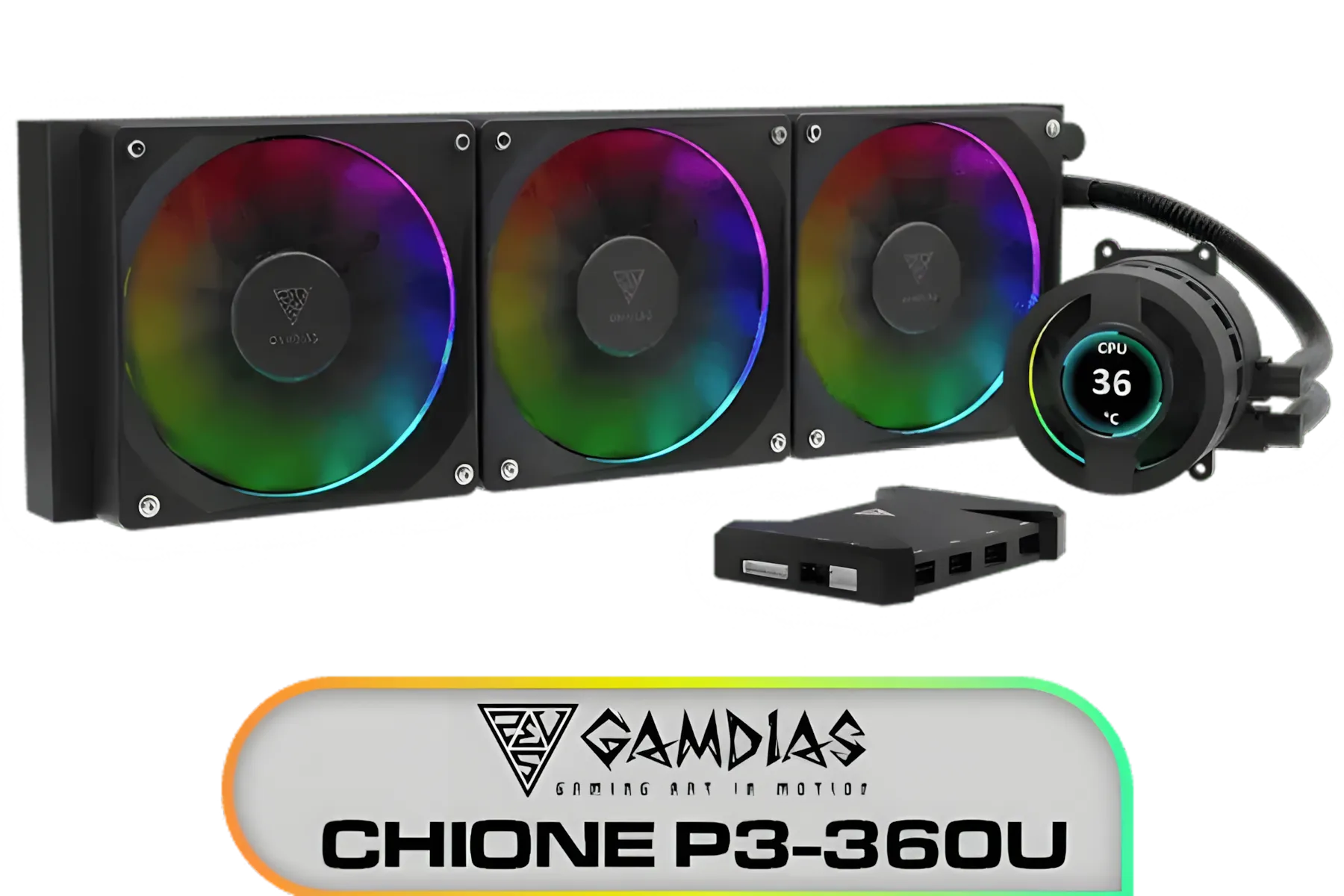
Gamdias CHIONE P3-360U All-in-One CPU Liquid Cooler / Personalized Lcd Display / Superior Radiator / Superior Airflow Performance / Premium Hydraulic Bearing / CHIONE-P3-360U
R999.00In Stock

DeepCool Mystique 360 ARGB Liquid CPU Cooler, 2.83" TFT LCD Display, 360mm Radiator, 120mm Fan Size, 2400 RPM Fan Speed, 72.04 CFM Airflow, Hydro Bearing Type, Black / MYSTIQUE-360-ARGB
R2799.00In Stock
DeepCool LD240 Liquid Cooler - Black / 240mm Radiator / LED Digital Display / 2x ARGB Fans Included / Compatible with AMD & Intel / LD240
R1799.00In Stock

Cooler Master Hyper 212 Pro CPU Air Cooler / SickleFlow Edge 120 PWM Fan / Optimized Cooling for R9 | U7 | i7 / RR-212S-25PZ-R1
R799.00In Stock
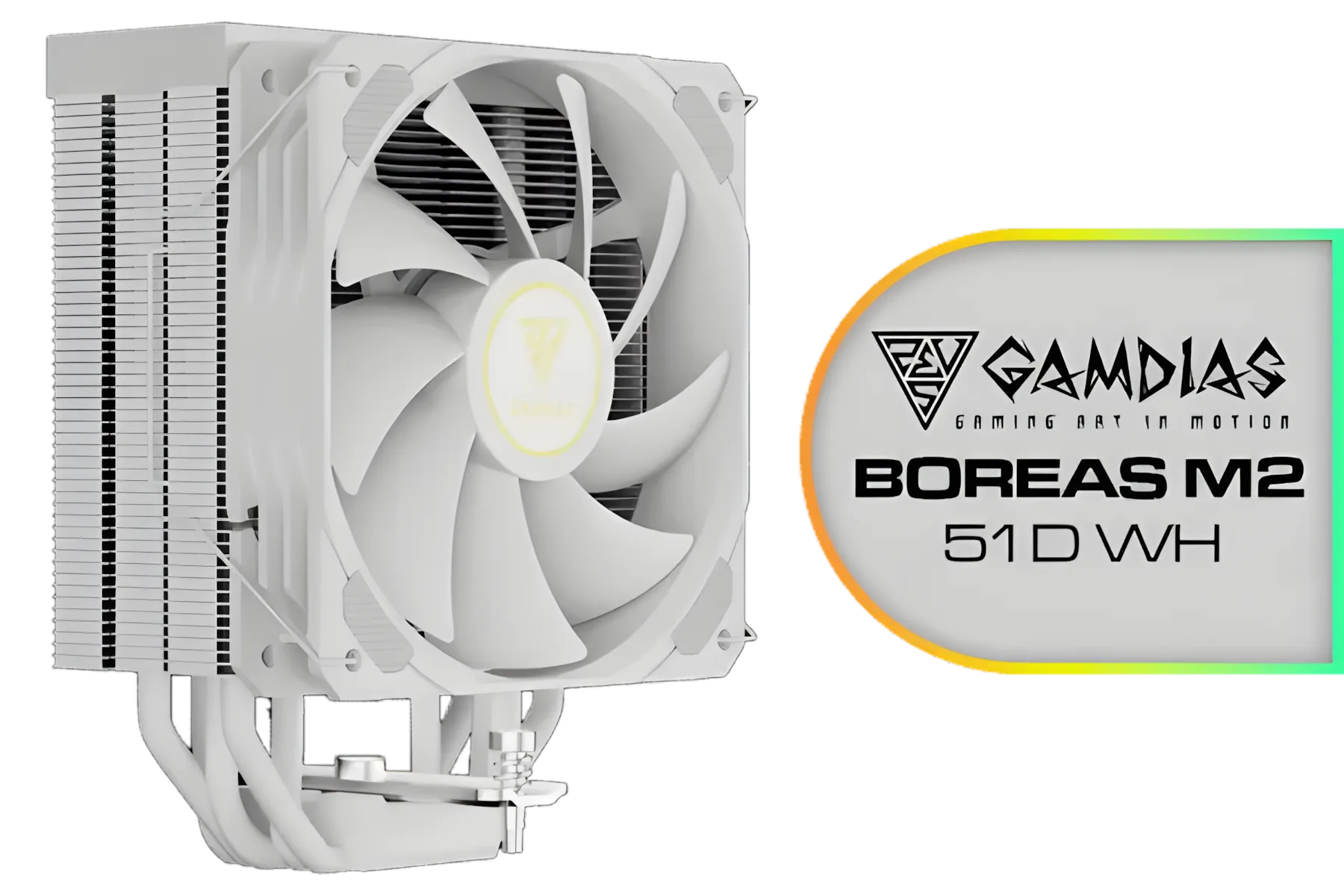
Gamdias BOREAS M2-51D WH CPU Cooler White / 5 Copper Heat Pipes with Direct Contact Technology / 5 Copper Heat Pipes with Direct Contact Technology / BOREAS-M2-51D WH
R799.00In Stock
Intelligent temperature control uses sensors, adaptive fan curves and algorithms to keep temps stable during overclocking, improving performance and longevity.
By applying adaptive thermal management that reacts to load spikes, it prevents thermal throttling and preserves stable clock speeds for longer.
Yes. AI temperature control PC systems optimize cooling cycles to avoid overheating and rapid thermal cycles that accelerate wear.
Yes. Precision thermal control for gaming rigs keeps GPUs and CPUs at optimal clocks, reducing throttling and improving frame stability.
Absolutely. Smart water cooling overclock setups benefit from flow and temp feedback to tune pump and fan speeds dynamically.
CPU, GPU, motherboard and coolant temps plus VRM sensors provide the input needed for accurate GPU overclock temperature regulation.
Not usually. Most motherboards and software offer guided profiles for dynamic cooling for overclocking; manual tuning refines results.











