



Lenovo vs HP Gaming Laptop Upgradeability: Which is Better?
Considering Lenovo vs HP gaming laptop upgradeability for your next rig? We dive deep into which brand offers better future-proofing for RAM, SSDs, and more in South Africa. Make a smart investment that grows with your gaming needs! 🚀💻
|
Loading tags...

So, you’ve finally got the cash for a new gaming rig. The big question hits: Lenovo or HP? But there’s a deeper one... which machine will still be a beast in a few years? We’re diving deep into the Lenovo vs HP gaming laptop upgradeability debate to see which brand gives your investment the longest legs in South Africa. Because buying a laptop shouldn’t be a short-term fling; it’s a long-term relationship. 🚀
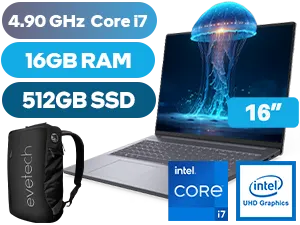
Lenovo IdeaPad Slim 3 16GB/512GB i7
R12,999In Stock
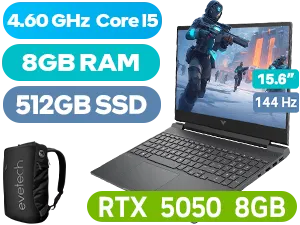
HP Victus 15-fa2013ni 8GB/512GB
R21,499In Stock
Dell Pro 13 Plus 16GB/512GB Core Ultra 7
R30,999In Stock
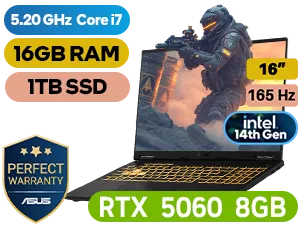
ASUS TUF Gaming F16 16GB/1TB i7
R26,999In Stock
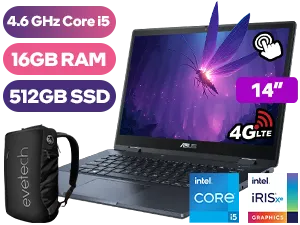
ASUS ExpertBook B3 Flip 16GB/512GB Core i5
R23,999In Stock
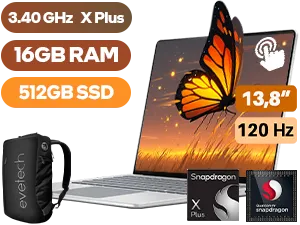
Microsoft Surface 7 16GB/512GB Snapdragon X Plus
R28,999In Stock
Understanding Gaming Laptop Upgrades in SA
Before we pit the two giants against each other, let's get one thing straight. Unlike a desktop PC, you can't swap every part of a gaming laptop. The two most critical components—the CPU (processor) and GPU (graphics card)—are soldered to the motherboard. This means the performance you buy on day one is the performance you're stuck with.
That’s why it’s vital to choose a machine with the best core specs you can afford, like one of these powerful GeForce RTX gaming laptops on special.
So, what can you upgrade?
- RAM (Memory): Crucial for multitasking and smoother gameplay.
- Storage (SSD/HDD): For faster load times and more space for your ever-growing game library.
The real question of Lenovo vs HP gaming laptop upgradeability comes down to how easily you can access and swap these parts.
Lenovo's Upgrade Path: The Legion & LOQ Series
Lenovo has earned a stellar reputation among tech enthusiasts, and for good reason. Their Legion and more budget-friendly LOQ gaming laptops are often designed with the user in mind. 🔧
Key Advantages for Lenovo
- Easy Access: Typically, removing a single bottom panel with a handful of standard screws grants you full access to the RAM slots and M.2 SSD bays.
- Dual Storage Bays: Most modern Lenovo gaming laptops come with two M.2 SSD slots. This is a massive plus, allowing you to easily add a second drive for more games without having to replace your main OS drive.
- Clear Layout: Internals are usually well-labelled and logically laid out, making the process less intimidating for first-time upgraders.
Whether you're looking at their top-tier models or their more affordable Intel gaming laptops, Lenovo generally makes future-proofing a straightforward affair.
HP's Upgrade Path: The OMEN & Victus Approach
HP is a dominant force in the gaming space with its sleek OMEN and accessible Victus lines. While historically some of their models were a bit tricky to get into, their modern designs have become much more DIY-friendly.
Dell Pro 16 Plus 16GB/512GB Core Ultra 5
R26,999In Stock
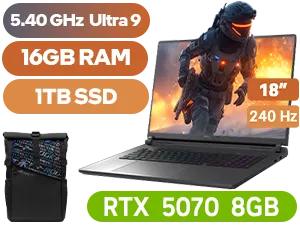
ASUS ROG STRIX 18 16GB/1TB RTX5070
R57,999In Stock
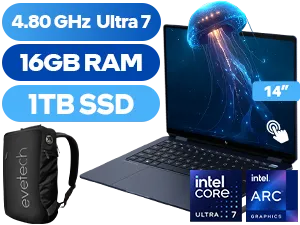
HP OmniBook Ultra Flip 16GB/1TB Ultra 7
R36,999In Stock
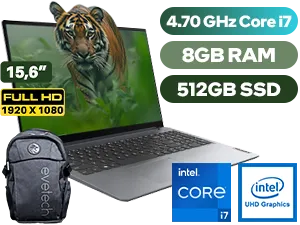
Lenovo IdeaPad 1 8GB/512GB Core i7
R10,999In Stock
HP Victus 15-fa2013ni 8GB/512GB
R21,499In Stock
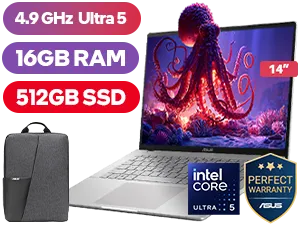
ASUS Vivobook S14 S3407CA 16GB/512GB
R15,999In Stock
Key Advantages for HP
- Competitive Options: Like Lenovo, most modern HP gaming laptops offer two RAM slots and at least one, often two, M.2 slots for storage expansion.
- Strong Performance: HP consistently delivers fantastic performance for the price, especially with their popular AMD Ryzen gaming laptops that offer a brilliant balance of power and efficiency.
- Improving Designs: Newer OMEN and Victus models have simplified the process of opening the chassis, though some may still have hidden clips or screws under rubber feet that require a bit more care.
TIP FOR YOU
Before You Buy, YouTube It! ✨
Always search for a teardown video of the exact laptop model you're considering (e.g., 'HP OMEN 16 teardown'). This 10-minute check shows you exactly how easy it is to access the RAM and SSD slots. It’s the best way to confirm the real-world upgradeability before spending your hard-earned Rands.
Head-to-Head: Which is Truly Better for Upgrades?
So, who wins the HP vs Lenovo upgradeability showdown?
Honestly, it's incredibly close and often comes down to the specific model. However, if we have to generalise, Lenovo often has a slight edge in user-friendliness. Their designs frequently feel like they were built with the expectation that the owner might want to peek inside. The panels come off cleaner and the components are just a bit more accessible.
HP is not far behind, but you might need to be a little more patient with their chassis. The difference is minor, but for a nervous first-timer, it can matter. Your best bet is to find a machine with a solid baseline, like one of these Intel Core i7 gaming laptops, and then confirm its specific layout. Ultimately, both brands offer some of the best gaming laptop deals you can find.
Beyond Upgradeability: What Else Matters?
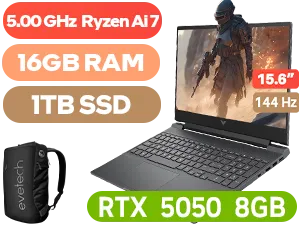
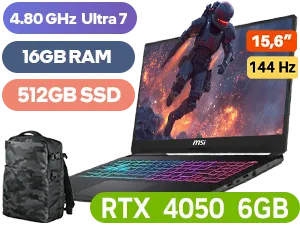
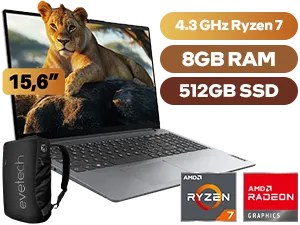
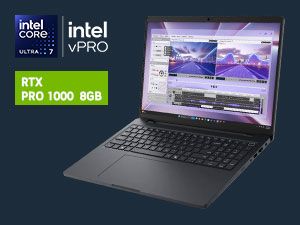
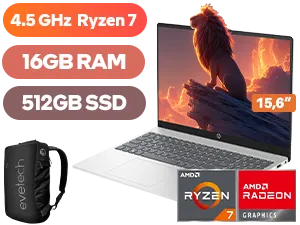
While a clear upgrade path is important for longevity, don't let it be your only deciding factor. Remember to consider:
- Cooling System: Can the laptop handle the heat during those long sessions of Apex Legends or Warzone?
- Screen Quality: Look at refresh rate, colour accuracy, and brightness.
- Keyboard & Trackpad: You'll be using these every day. Make sure they feel right.
- Price: Your budget is king. Whether you're looking at gaming laptops under R20k or have the cash for the high-end gaming laptops above R20k, value is what counts.
The verdict? Both brands are fantastic choices. Lenovo makes upgrading slightly easier for beginners, but a modern HP OMEN or Victus is still a perfectly viable and powerful option for future-proofing.
Ready to Choose Your Upgrade Path? The Lenovo vs HP gaming laptop upgradeability debate shows both brands offer incredible power and future potential. The best strategy? Get the best core specs you can afford today. Explore our massive range of gaming laptop deals and find the perfect machine to dominate for years to come.
Related Products
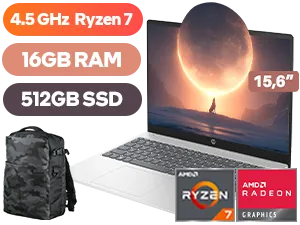
HP 15-fc0000ni 16GB/512GB Ryzen 7
R12,999In Stock
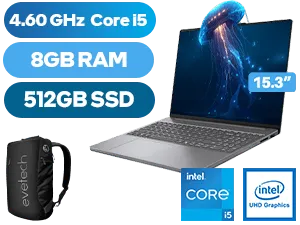
Lenovo IdeaPad Slim 3 8GB/512GB i5
R13,999In Stock
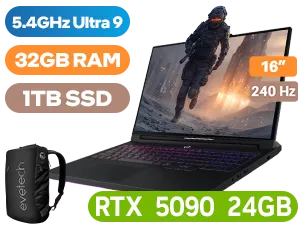
Lenovo Legion Pro 7 32GB/1TB RTX 5090
R79,999In Stock
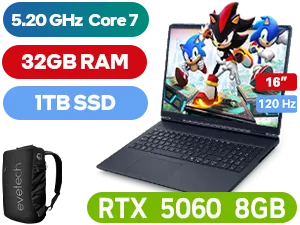
Alienware 16 Aurora AC16250 32GB/1TB
R44,999In Stock
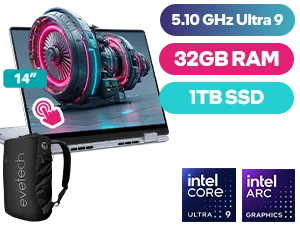
Dell 14 Plus 32GB/1TB Core Ultra 9
R37,999In Stock
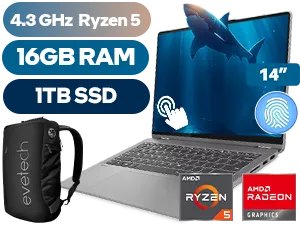
Lenovo IdeaPad Flex 5 16GB/1TB Ryzen 5
R17,999In Stock
Both brands offer accessible models, but Lenovo's Legion series is often praised by enthusiasts for its straightforward layout and easier access to RAM and SSD slots.
No, in nearly all modern gaming laptops from HP and Lenovo, the GPU is soldered to the motherboard and cannot be upgraded. Focus on RAM and storage for future-proofing.
The most common HP Omen upgrade options are increasing RAM capacity (up to 32GB or more) and adding or replacing NVMe SSDs for faster and larger storage.
Generally, upgrading user-serviceable parts like RAM and SSDs does not void the warranty, provided you don't damage other components. Always check your specific model's terms.
Absolutely. Choosing a laptop with good upgrade paths for RAM and storage allows you to extend its lifespan and maintain optimal performance for new games without buying a new machine.
A gaming laptop RAM upgrade in SA can range from R800 to R3000+, depending on the capacity (e.g., 16GB vs 32GB) and speed (DDR4 vs DDR5) you choose for your system.











